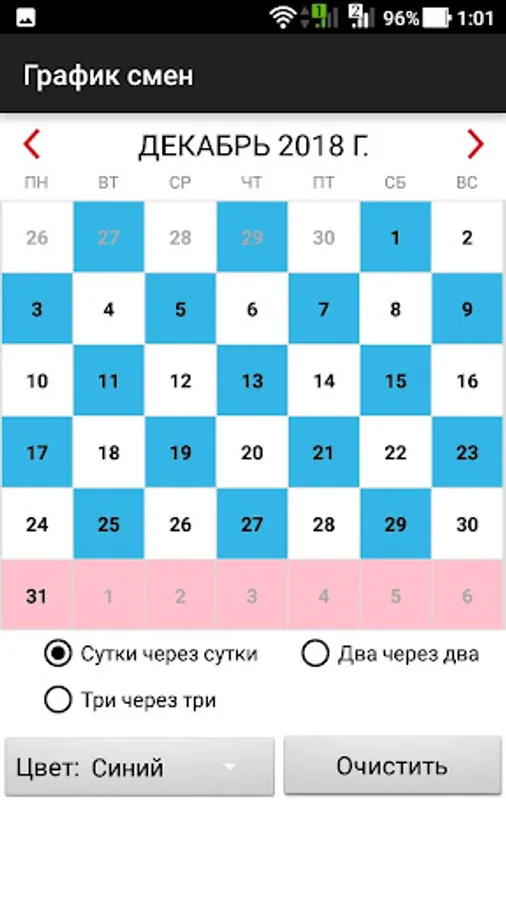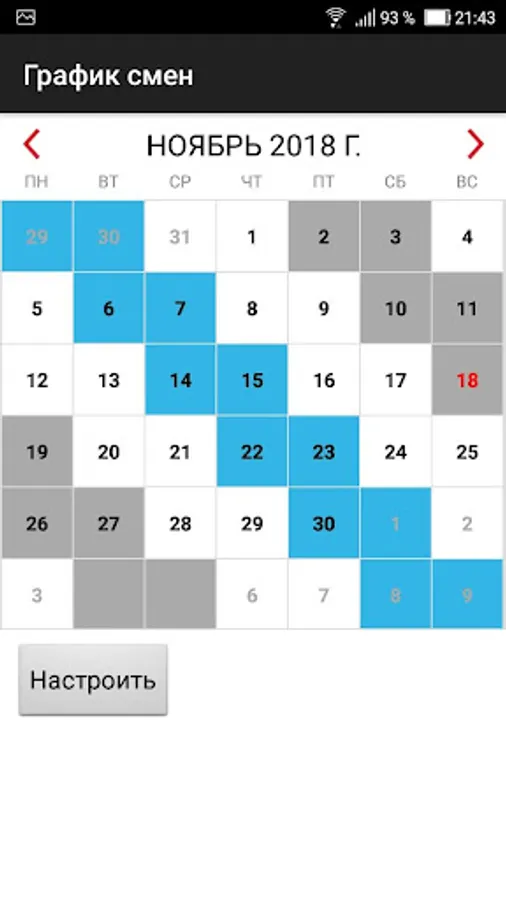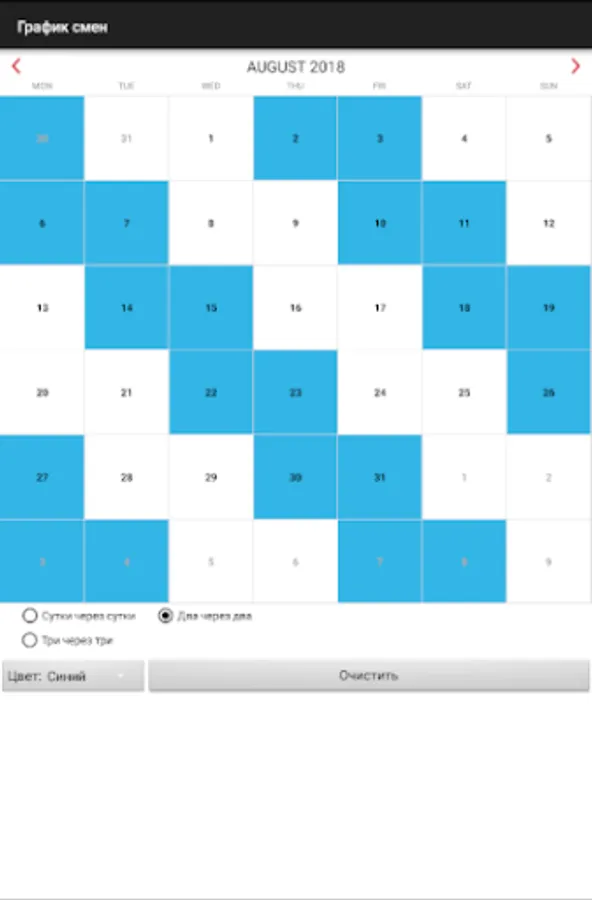
With this calendar app, you can select work shifts, mark work dates, and view scheduled days in color. Includes customization for different shift patterns and options for day/night shifts.
AppRecs review analysis
AppRecs rating 5.0. Trustworthiness 85 out of 100. Review manipulation risk 27 out of 100. Based on a review sample analyzed.
★★★★★
5.0
AppRecs Rating
Ratings breakdown
5 star
100%
4 star
0%
3 star
0%
2 star
0%
1 star
0%
What to know
✓
Low review manipulation risk
27% review manipulation risk
✓
Credible reviews
85% trustworthiness score from analyzed reviews
✓
High user satisfaction
100% of sampled ratings are 5 stars
About Shift work calendar
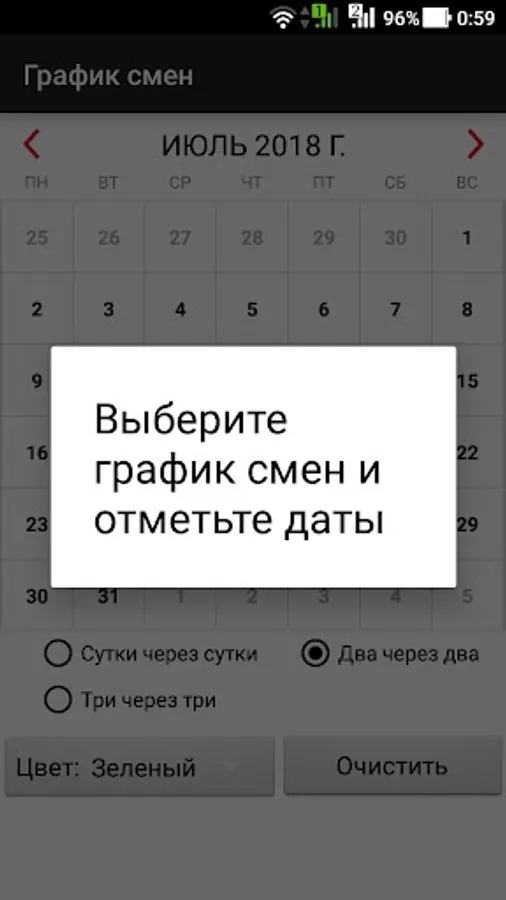
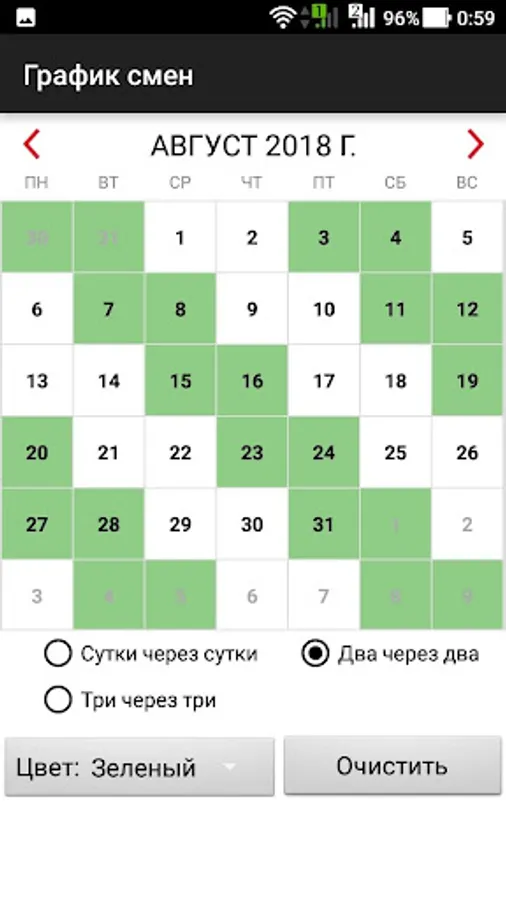
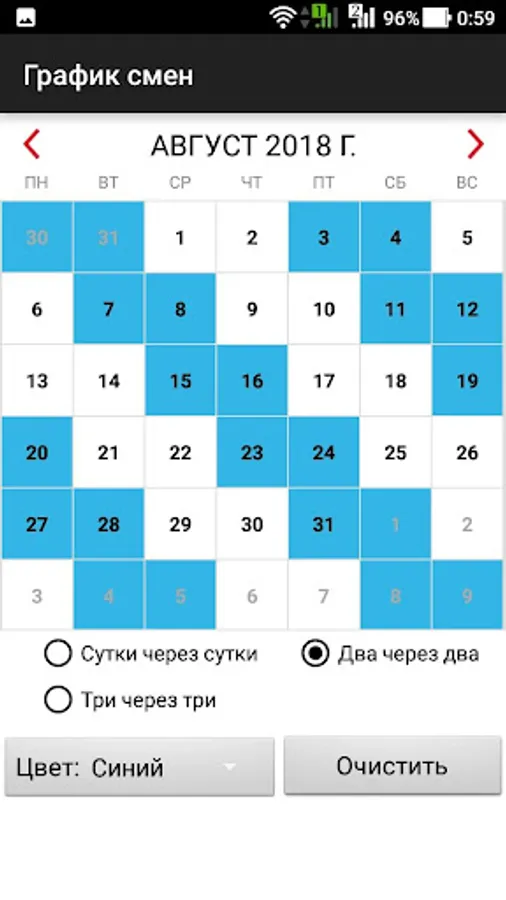
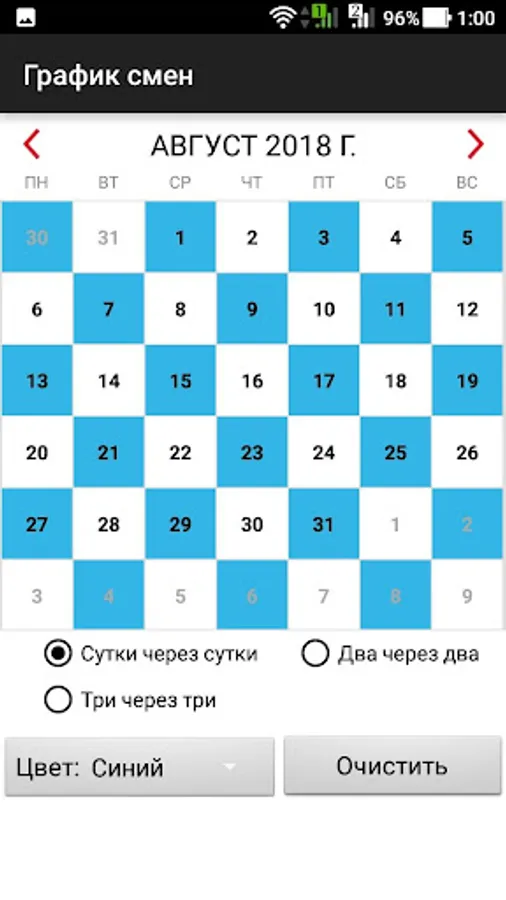
The app is easy to use. You need to choose a work shift and mark the dates when you work. The application will show the working days in color. Work shifts are available: one work day-one day off, one work day - two days off, one day work - three days off, two days work - two days off, three days work - three days off, four days work - four days off, two days work - four days off, 5WD - 2HD, 3WD - 2HD, 2WD - 1HD, 3WD - 1HD, etc.
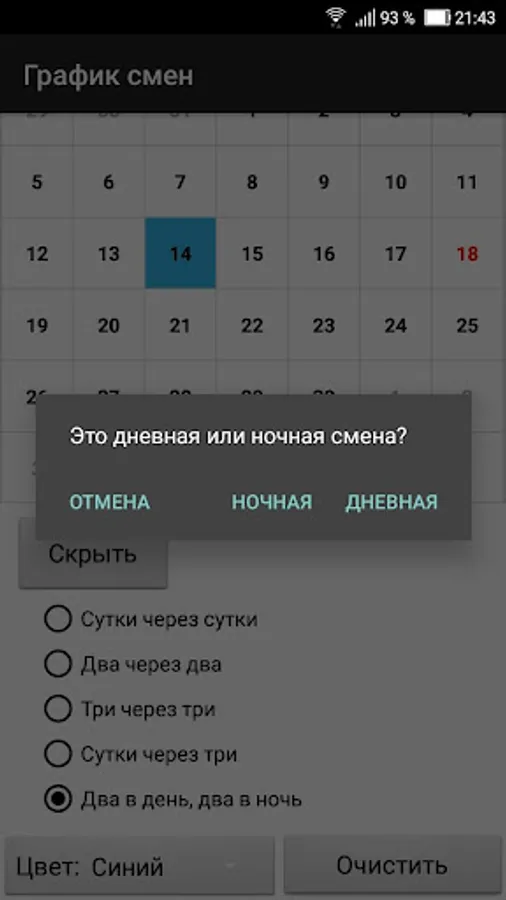
For day / night shifts, you need to select the "day / night shifts" checkbox.
You can change the shift yourself. Press and hold on the date and select "Add" or "Delete" in the dialog menu.
You can store multiple work shifts.
For day / night shifts, you need to select the "day / night shifts" checkbox.
You can change the shift yourself. Press and hold on the date and select "Add" or "Delete" in the dialog menu.
You can store multiple work shifts.