
Parental Control CALMEAN KIDS
Protect and track what matters most with CALMEAN
2.1 ★
229 ratings
10,000+
downloads
Free
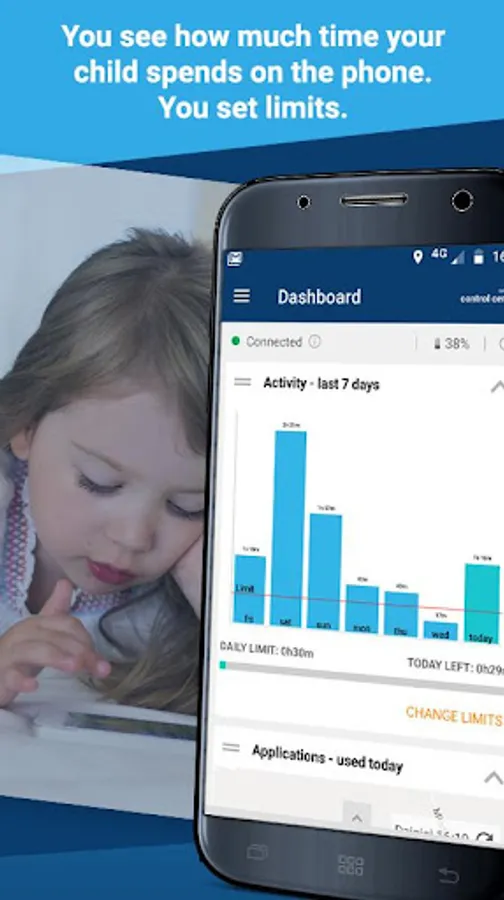
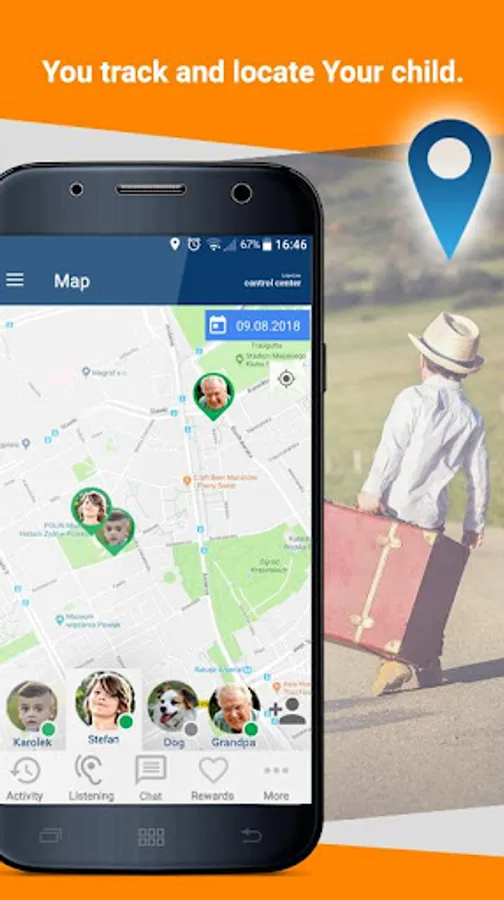
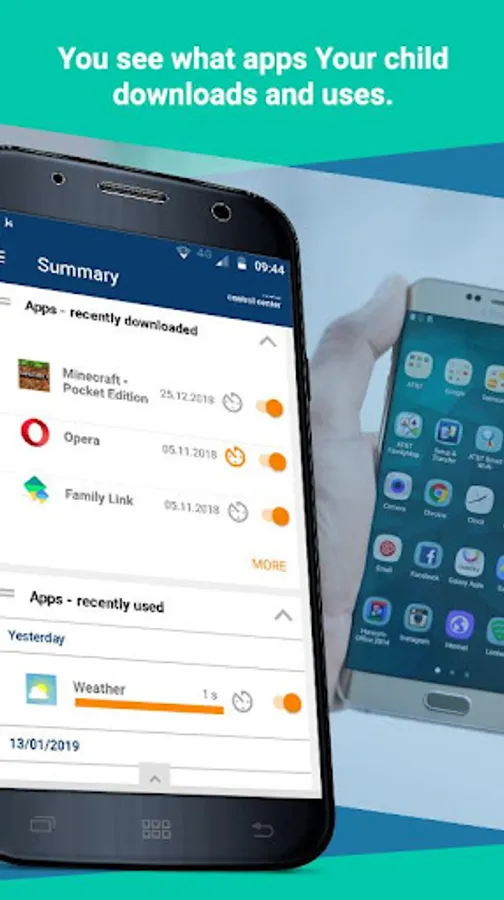
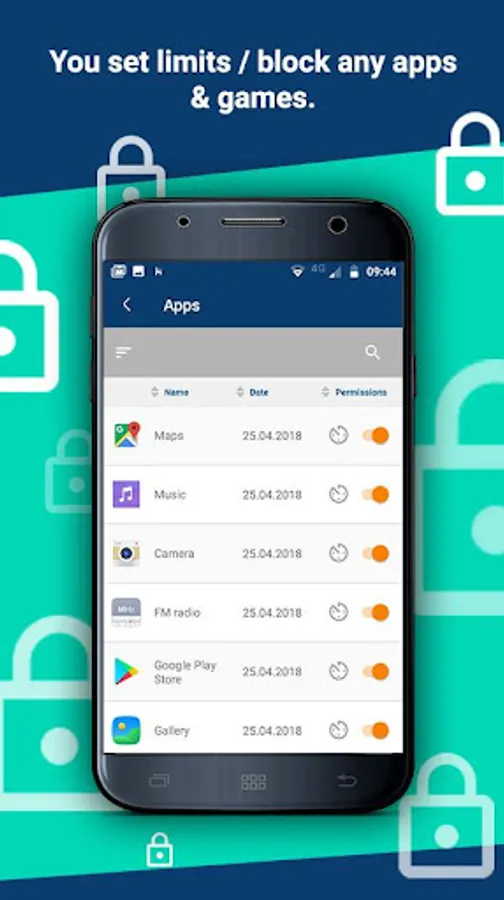
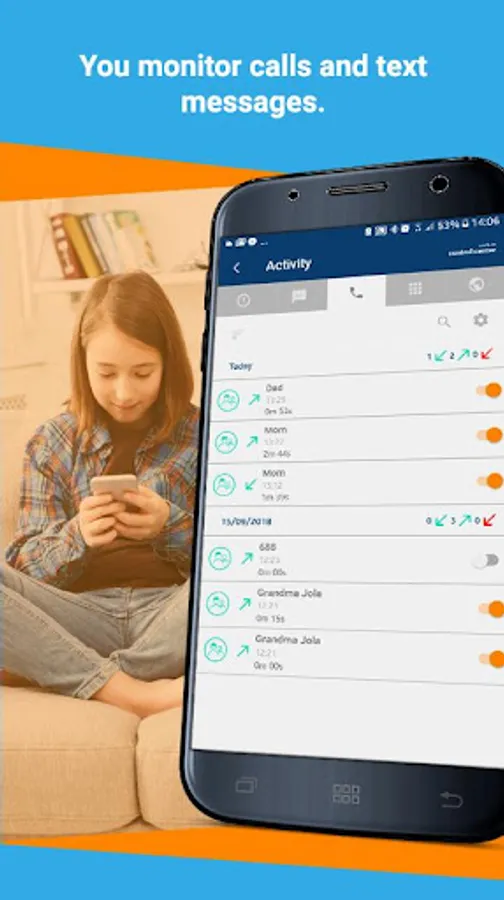
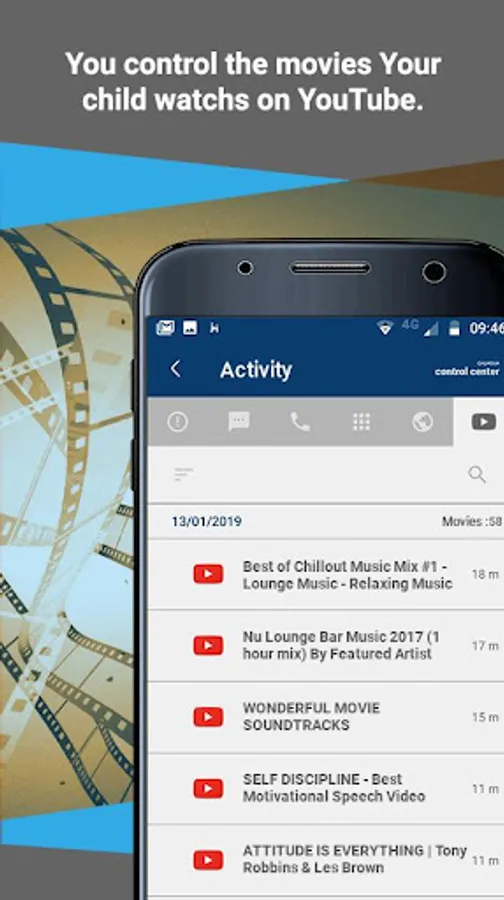
With this parental control app, you can monitor your child's phone usage, set app time limits, and receive location alerts. Includes app management, location tracking, zone monitoring, and notification features.
AppRecs review analysis
AppRecs rating 2.1. Trustworthiness 60 out of 100. Review manipulation risk 30 out of 100. Based on a review sample analyzed.
★★☆☆☆
2.1
AppRecs Rating
Ratings breakdown
5 star
9%
4 star
9%
3 star
9%
2 star
0%
1 star
73%
What to know
✓
Authentic reviews
Natural distribution, no red flags
⚠
Mixed user feedback
Average 2.1★ rating suggests room for improvement
⚠
High negative review ratio
73% of sampled ratings are 1–2 stars
About Parental Control CALMEAN KIDS
The Parental Control app is designed for parents who want to have control over their children's phones.
To manage your child’s phone, first install the Calmean Control Center on your phone. If you do not have it, download it here: https://play.google.com/store/apps/details?id=com.calmean.control&hl=en
Once you install and configure both apps (Calmean Control Center - on the Parent’s phone and Parental Control - on the Child’s phone), you will be able to fully manage your child’s phone:
1. Determine how long your child uses apps (games) and protect them from downloading apps that are not for them (with violence, pornography, etc). This gives you the ability to block or accept any applications your child downloads to their phone.
2. Thanks to the location feature (accuracy up to 1 meter) you can know your child’s exact current location as well as their history of movement to know exactly where they have been.
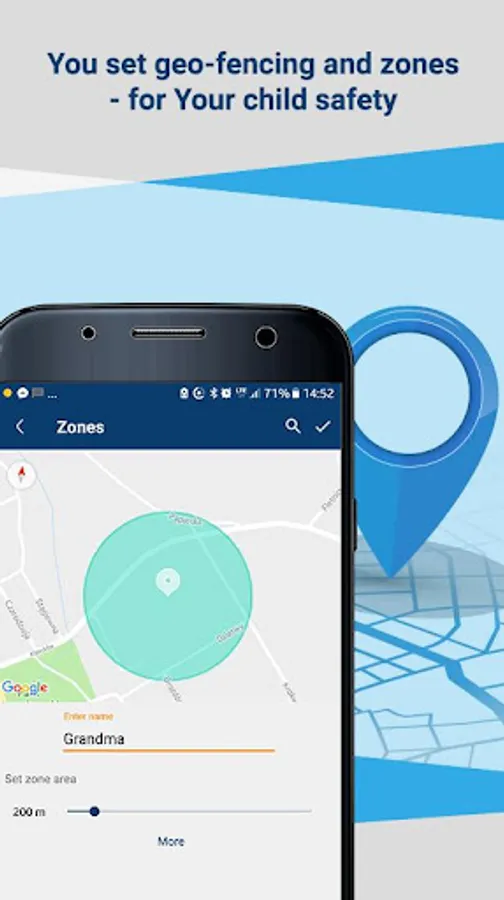
3. Know when your child is not where they should be (e.g. left school during classes) - by setting zones where the child should be at a specific time (e.g. according to their schedule). If your child leaves the permissible zone or does not appear in it on time, you will receive an alert.
4. You will receive a notification if the battery level is low on your child's phone
... and many other features for parents, who are concerned about their child’s location, safe and secure use of their own mobile phone.
The application is also available for tablets!
Important: The application requires access to your child's phone administration rights to prevent the child from uninstalling the application.
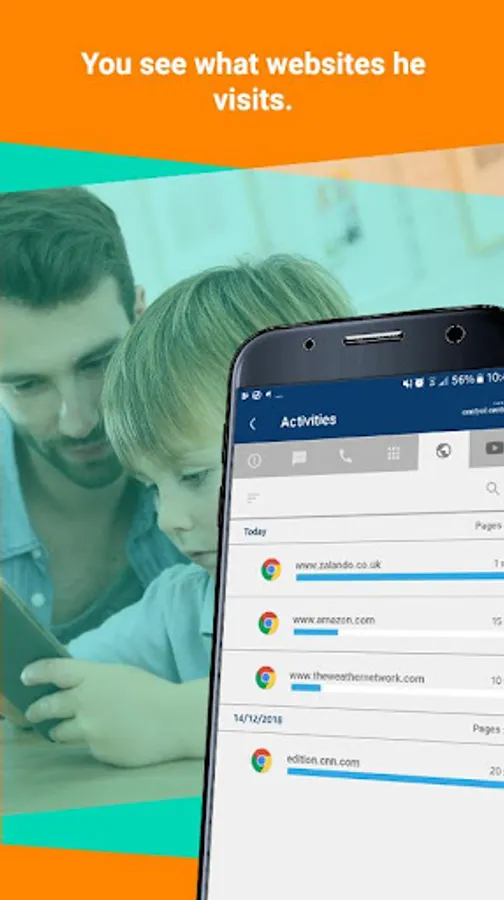
This app uses Accessibility services. We use this permission to limit access to apps and websites. It is also used to avoid Parental Control app uninstall.
This application uses a VPN service to protect the child from dangerous content on websites.
To manage your child’s phone, first install the Calmean Control Center on your phone. If you do not have it, download it here: https://play.google.com/store/apps/details?id=com.calmean.control&hl=en
Once you install and configure both apps (Calmean Control Center - on the Parent’s phone and Parental Control - on the Child’s phone), you will be able to fully manage your child’s phone:
1. Determine how long your child uses apps (games) and protect them from downloading apps that are not for them (with violence, pornography, etc). This gives you the ability to block or accept any applications your child downloads to their phone.
2. Thanks to the location feature (accuracy up to 1 meter) you can know your child’s exact current location as well as their history of movement to know exactly where they have been.
3. Know when your child is not where they should be (e.g. left school during classes) - by setting zones where the child should be at a specific time (e.g. according to their schedule). If your child leaves the permissible zone or does not appear in it on time, you will receive an alert.
4. You will receive a notification if the battery level is low on your child's phone
... and many other features for parents, who are concerned about their child’s location, safe and secure use of their own mobile phone.
The application is also available for tablets!
Important: The application requires access to your child's phone administration rights to prevent the child from uninstalling the application.
This app uses Accessibility services. We use this permission to limit access to apps and websites. It is also used to avoid Parental Control app uninstall.
This application uses a VPN service to protect the child from dangerous content on websites.
Parental Control CALMEAN KIDS Screenshots
Tap to Rate:
Reviews for Parental Control CALMEAN KIDS
Mariusz Nowak
3/7/2021
Cant uninstall
Bashir Wuroarɗo
9/30/2020
Very effective