3D Scanner
Tasmanic Editions
4.0 ★
2K ratings
100,000+
downloads
Free
+ in-app
In this 3D scanner app, you can capture the environment with your phone camera and generate detailed 3D models. Includes photogrammetry technology, measurement tools, and multiple export formats.
AppRecs review analysis
AppRecs rating 3.9. Trustworthiness 82 out of 100. Review manipulation risk 28 out of 100. Based on a review sample analyzed.
★★★☆☆
3.9
AppRecs Rating
Ratings breakdown
5 star
64%
4 star
9%
3 star
6%
2 star
3%
1 star
18%
What to know
✓
Low review manipulation risk
28% review manipulation risk
✓
Credible reviews
82% trustworthiness score from analyzed reviews
⚠
Pricing complaints
Many low ratings mention paywalls or pricing
About 3D Scanner
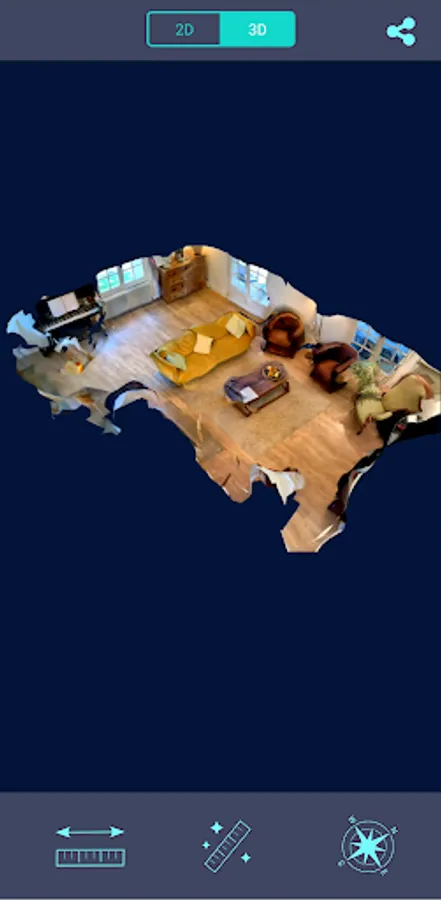
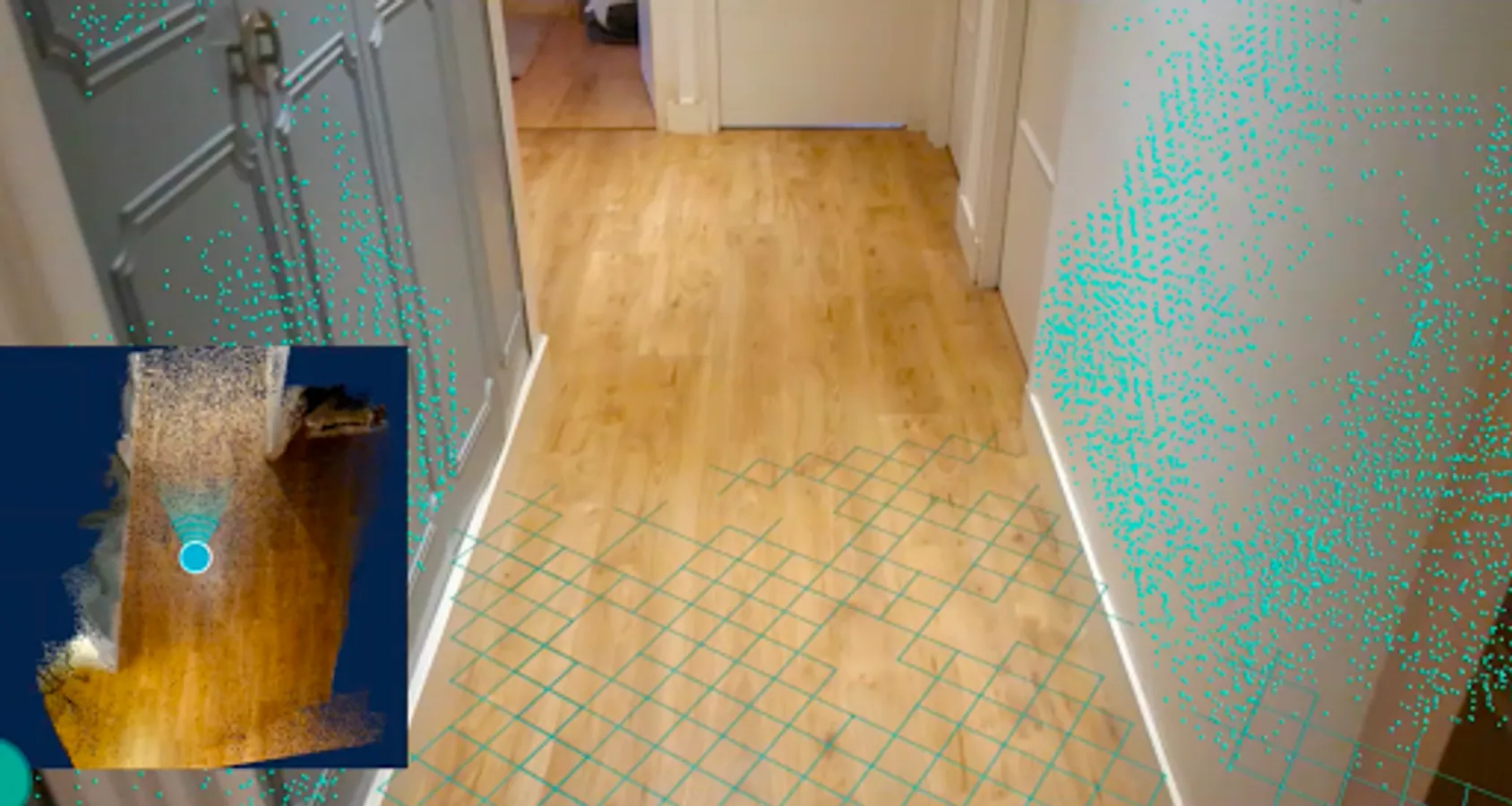
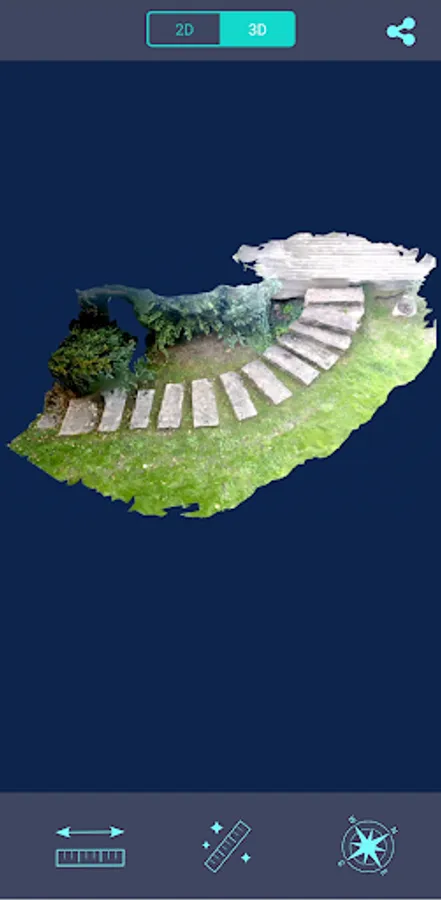
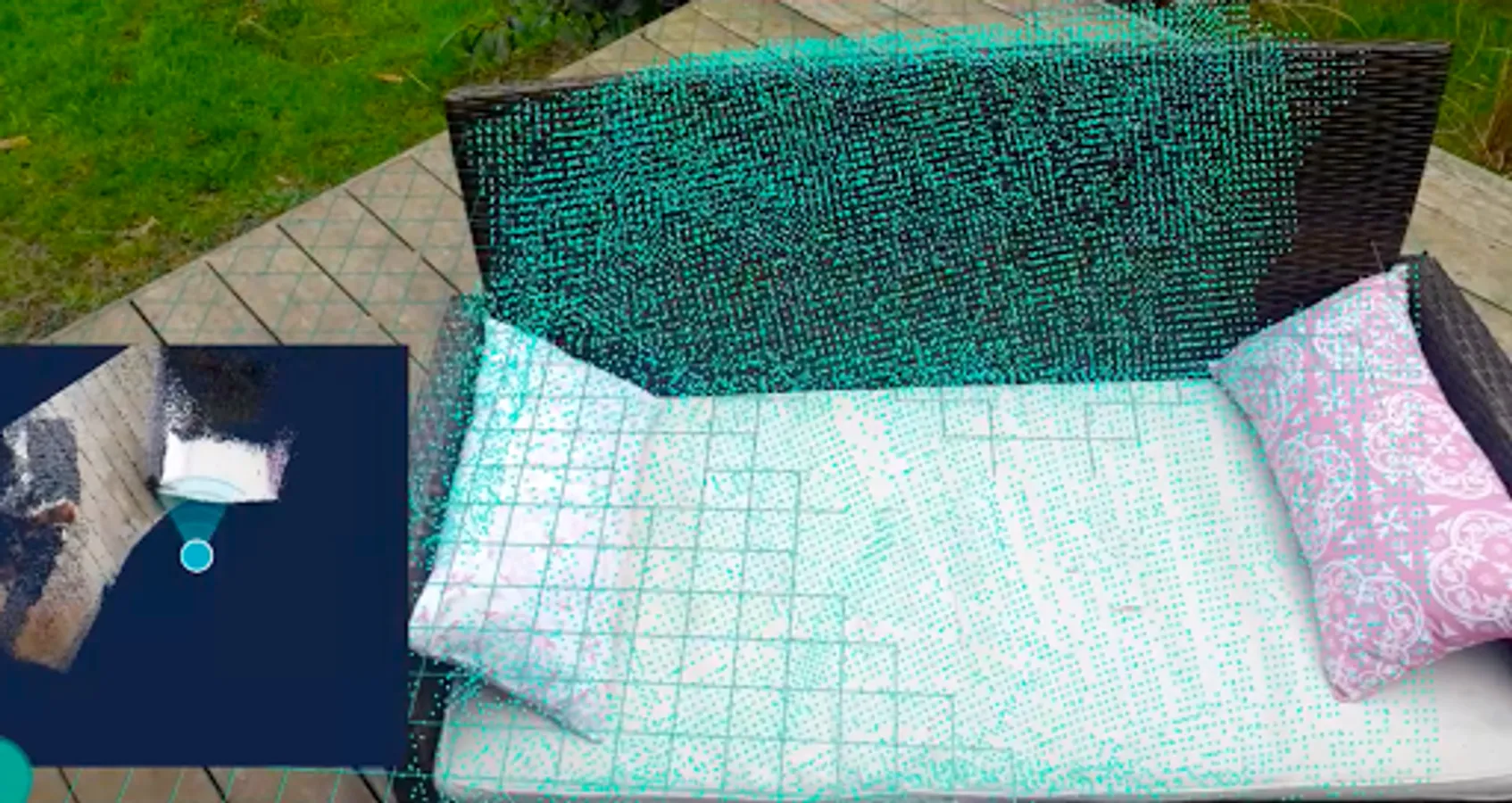
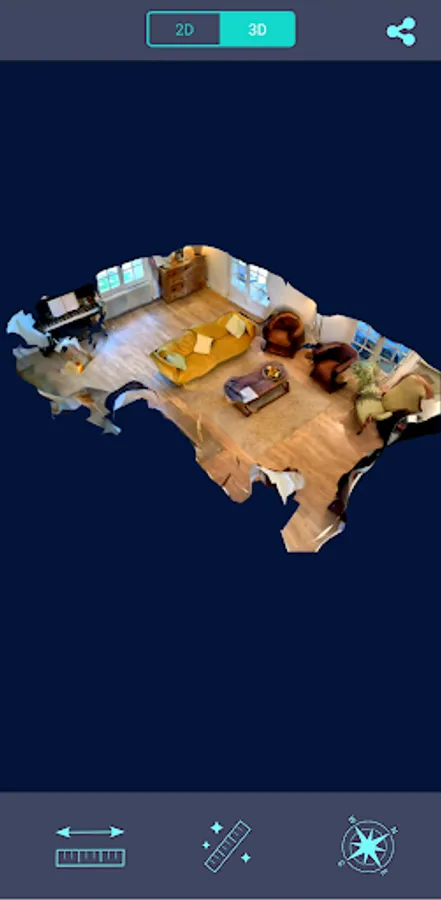
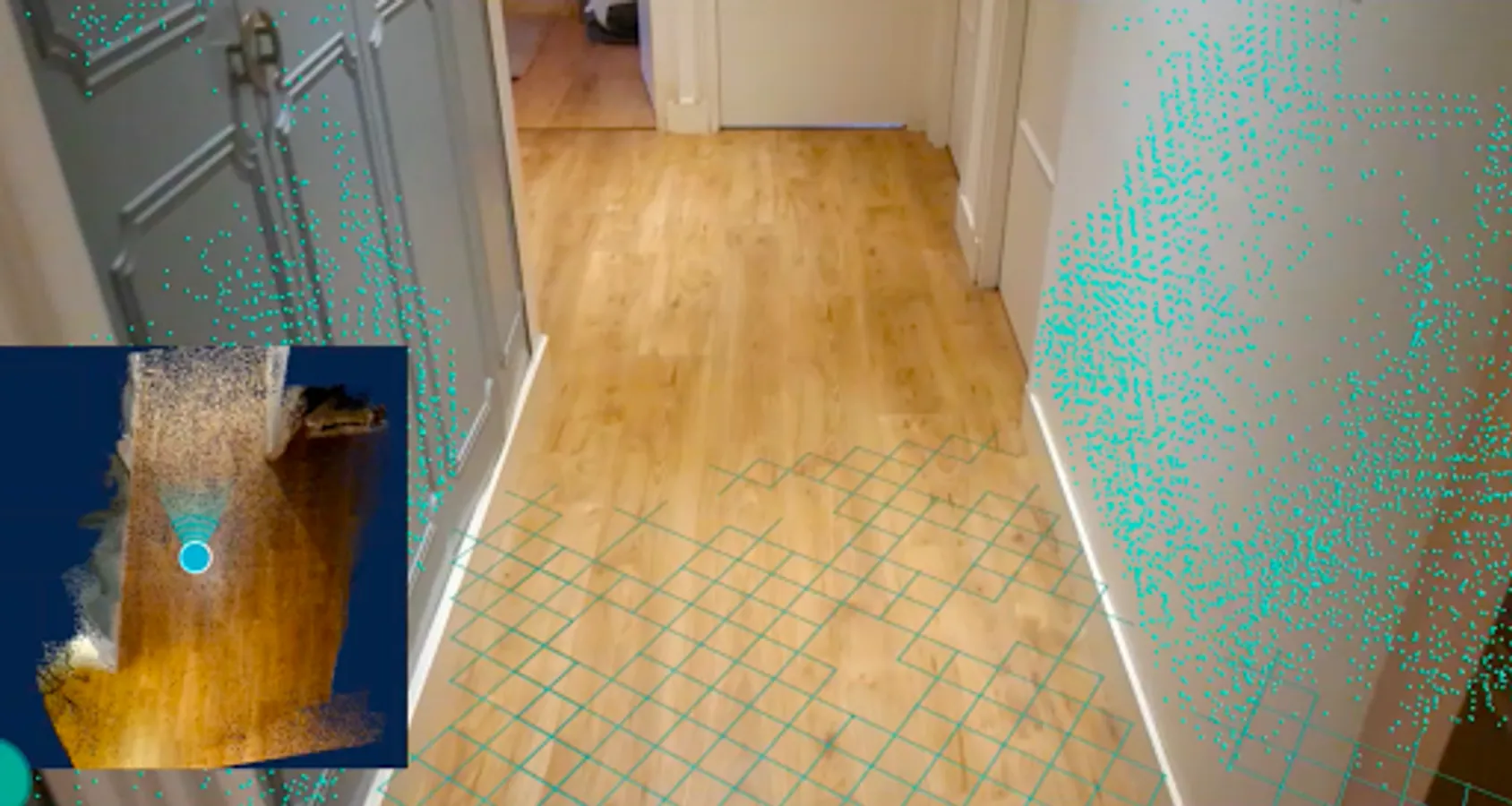
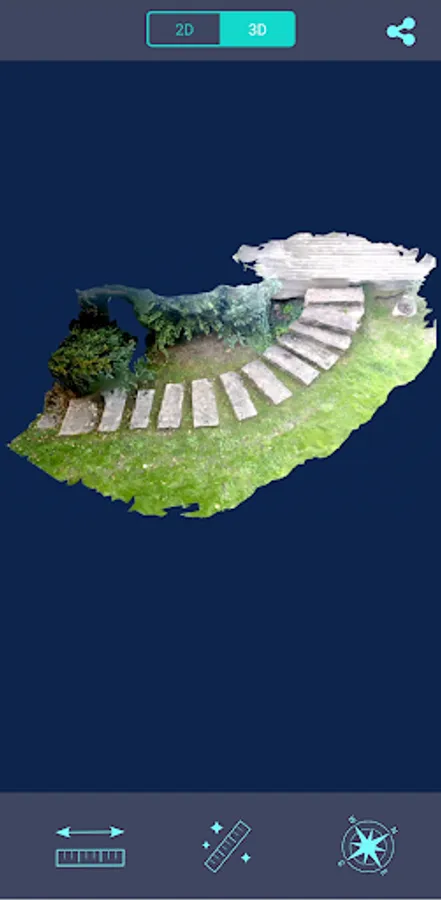
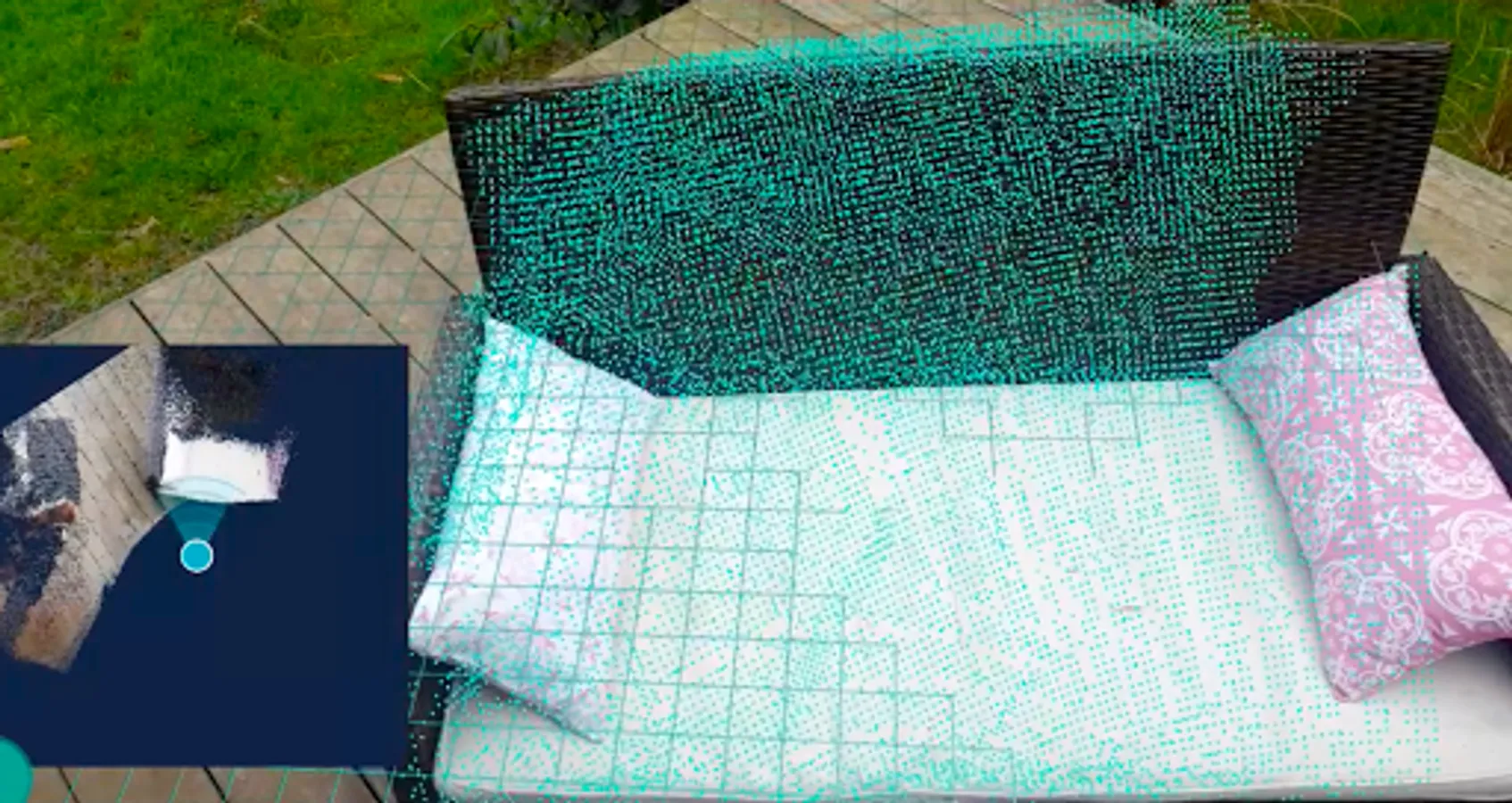
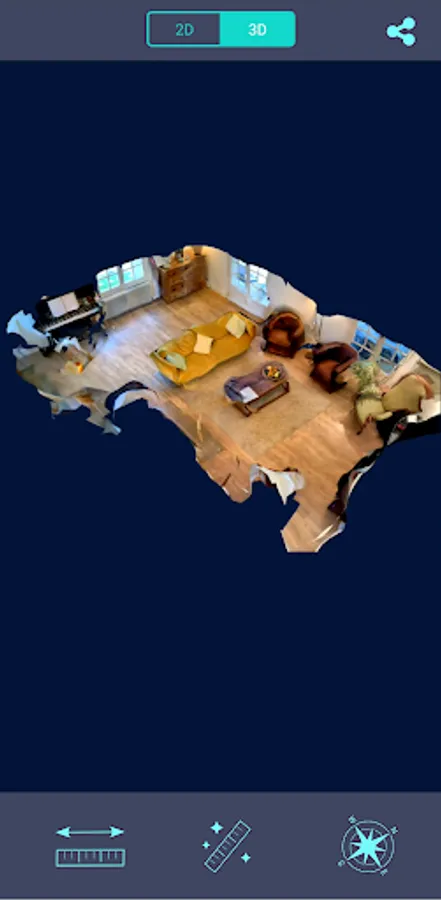
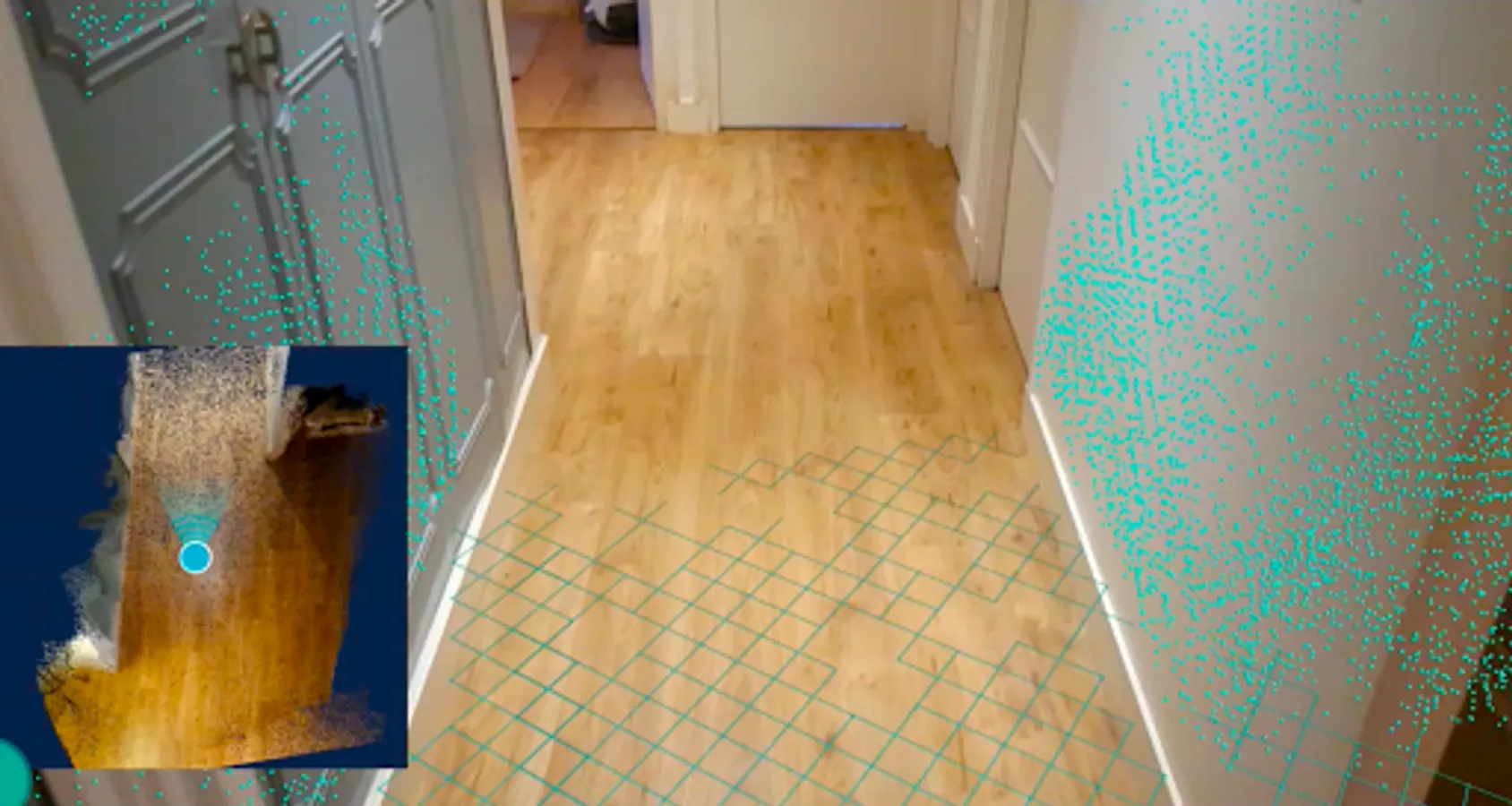
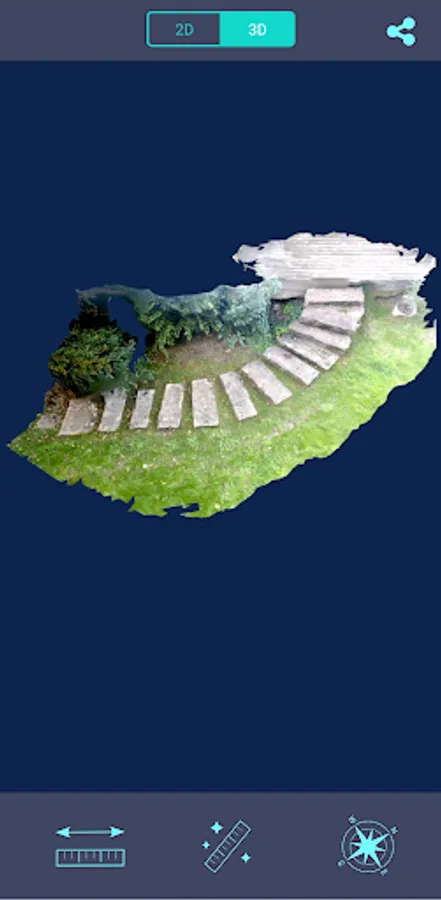
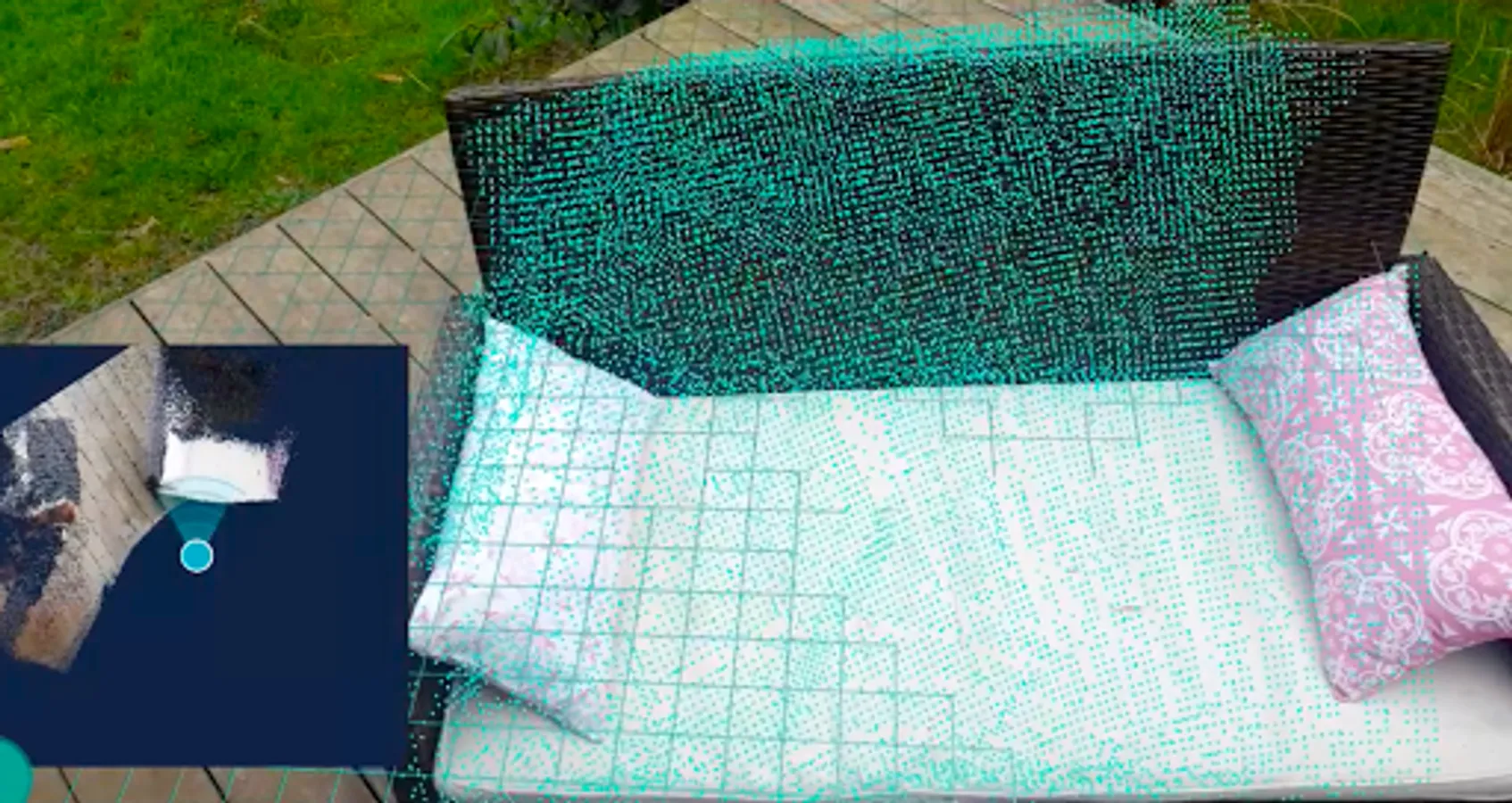
This 3D scanner application uses your phone camera to scan the world around and make a 3D model. The most advanced 3D scanning technology is combined with augmented / virtual reality. The 3D scanner uses many photos of the surroundings to generate a 3D model. Each photo / picture used for the 3D reconstruction is issued from the live video of the AR / VR session. This 3D scanner app uses photogrammetry for the modeling. Once the 3D model created by the scanner, you can view your scan in a 3D viewer on your smartphone. You can also upload your model to our online viewer.
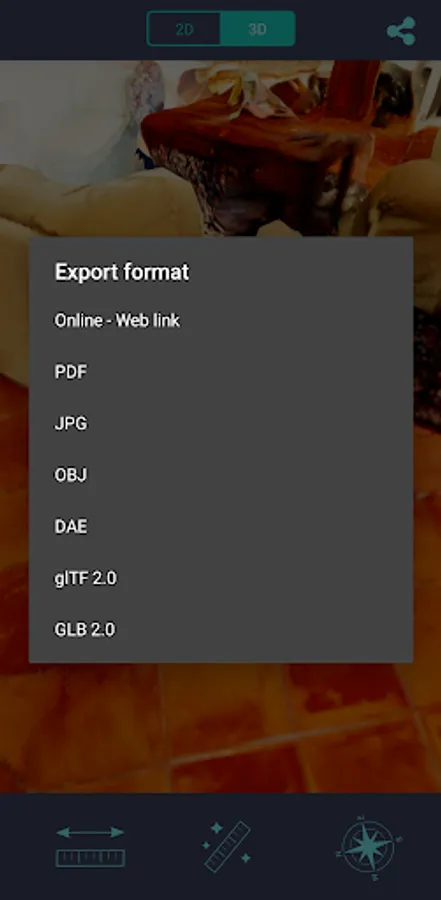
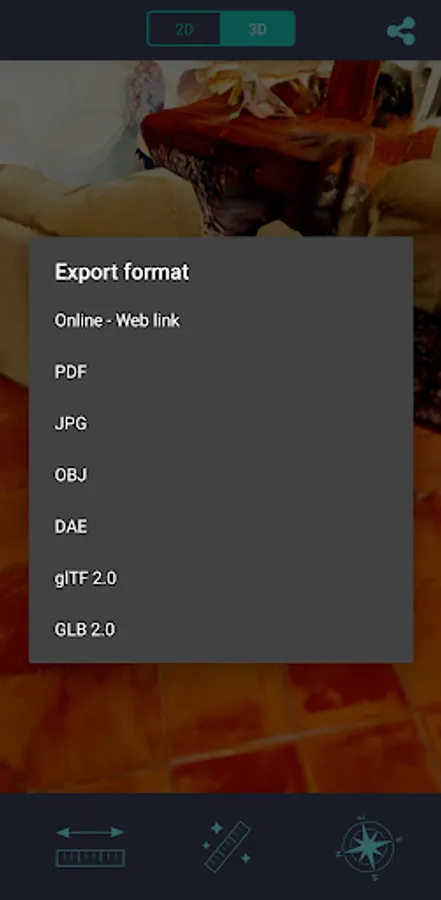
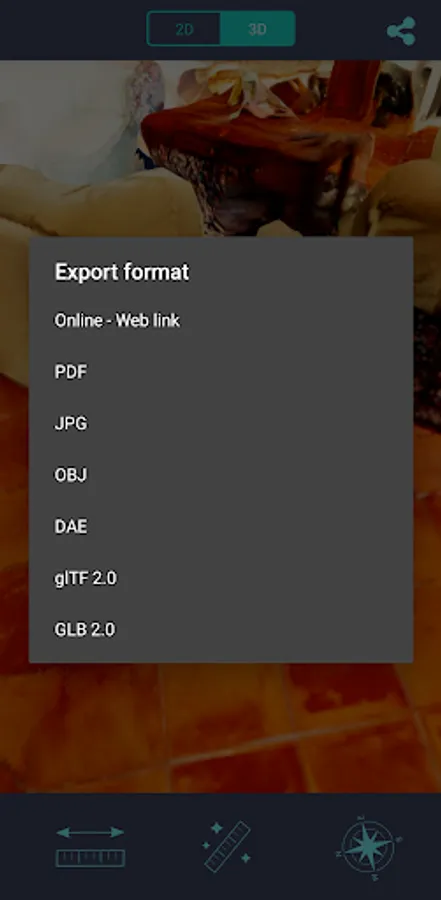
This 3D scanner app generates a color mesh modelling the reality. Use your model as you wish: in a CAD software, a game or in the metaverse. Many 2D and 3D export formats are available in this scanner app : pdf, jpg image, obj, dae, gltf, glb. Print your models with a 3D printer.
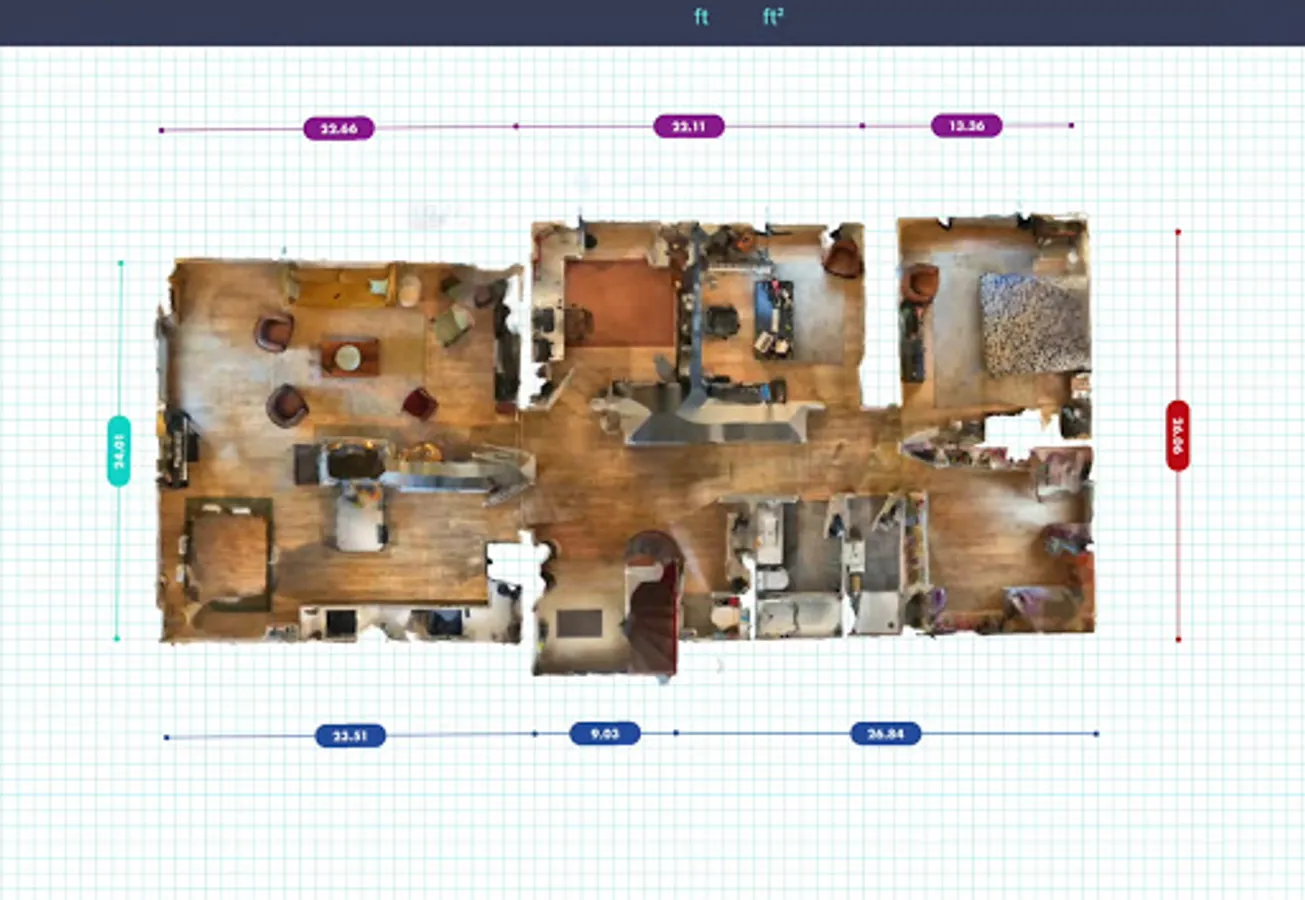
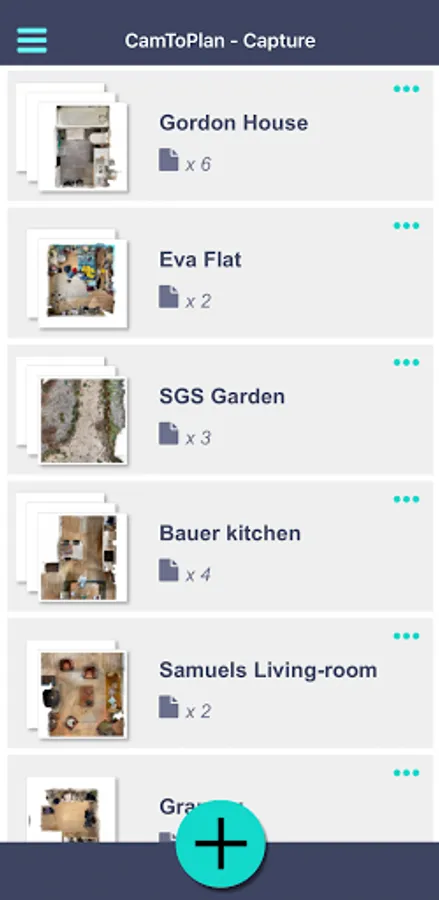
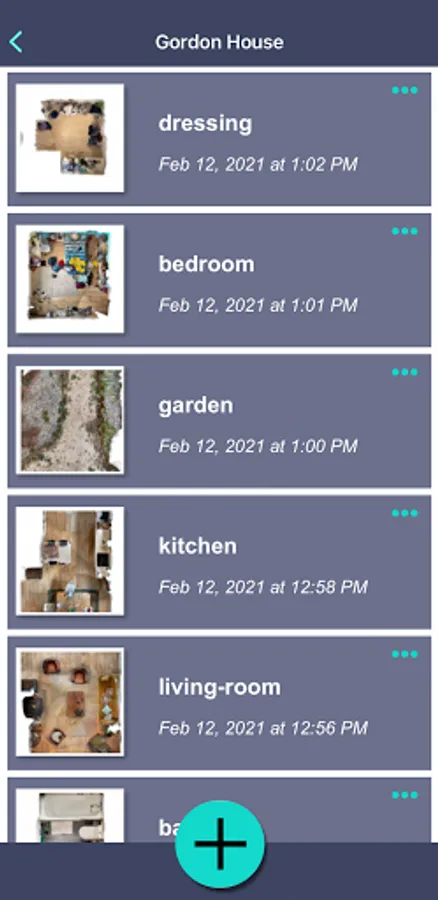
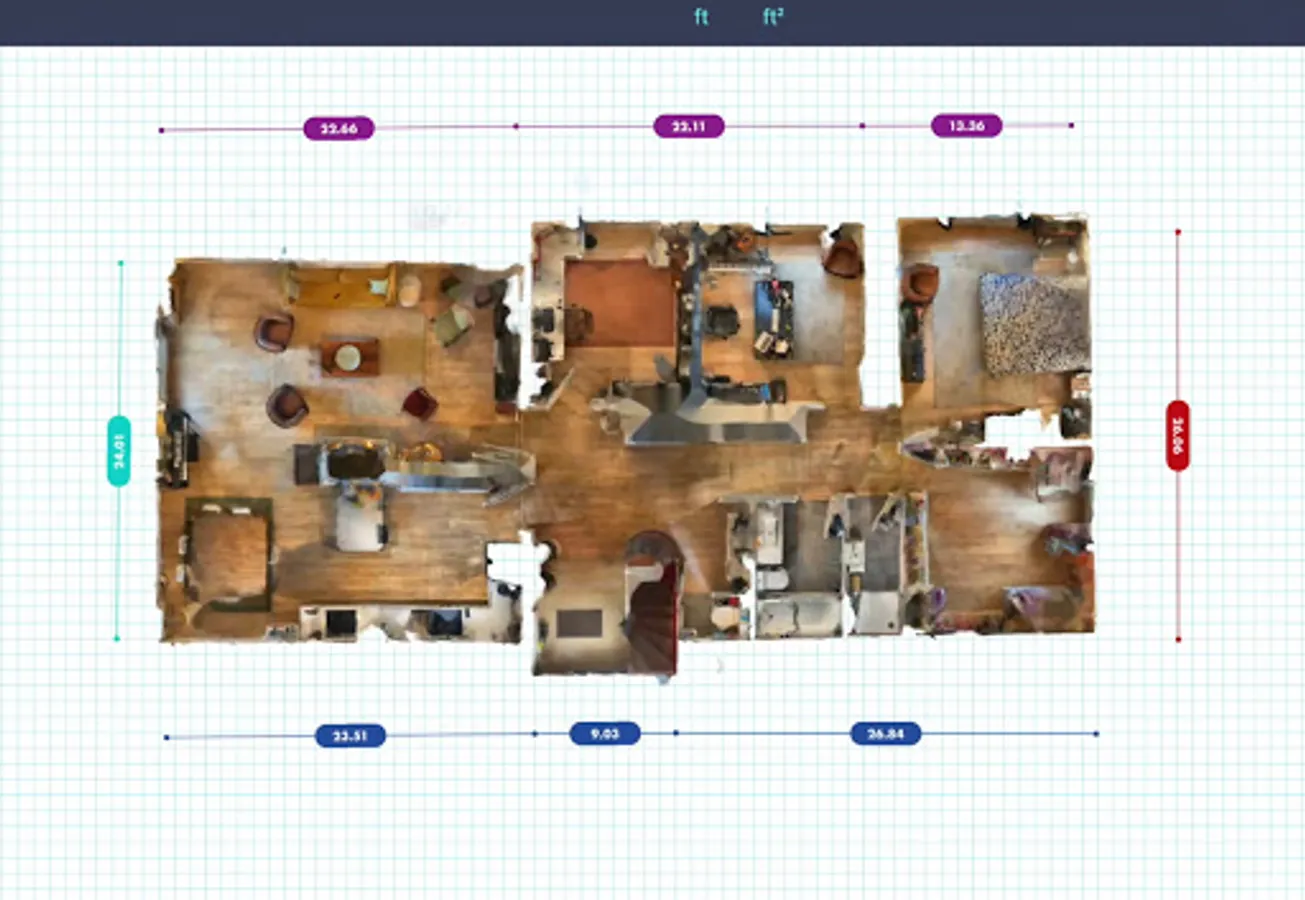
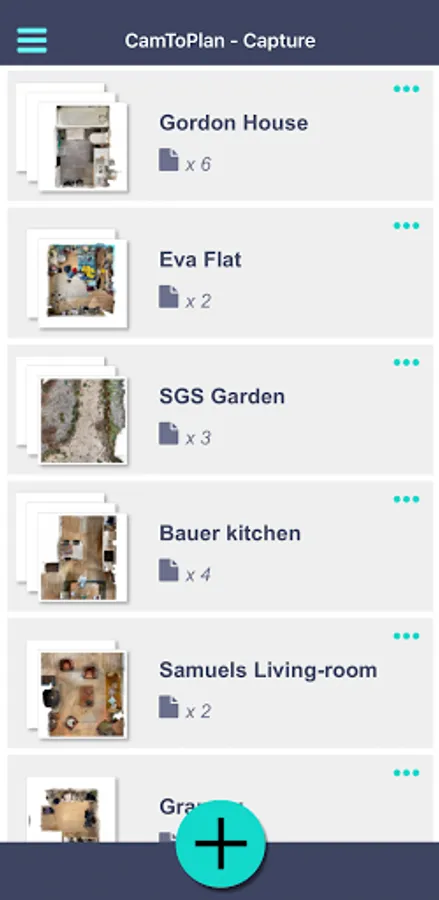
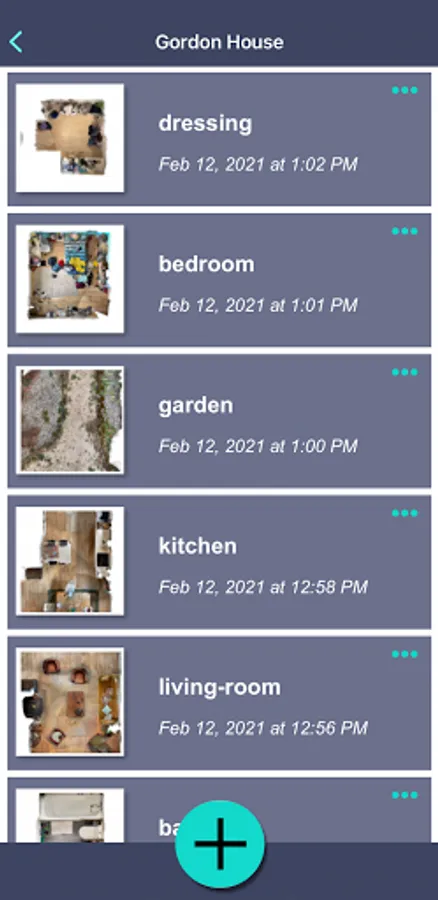
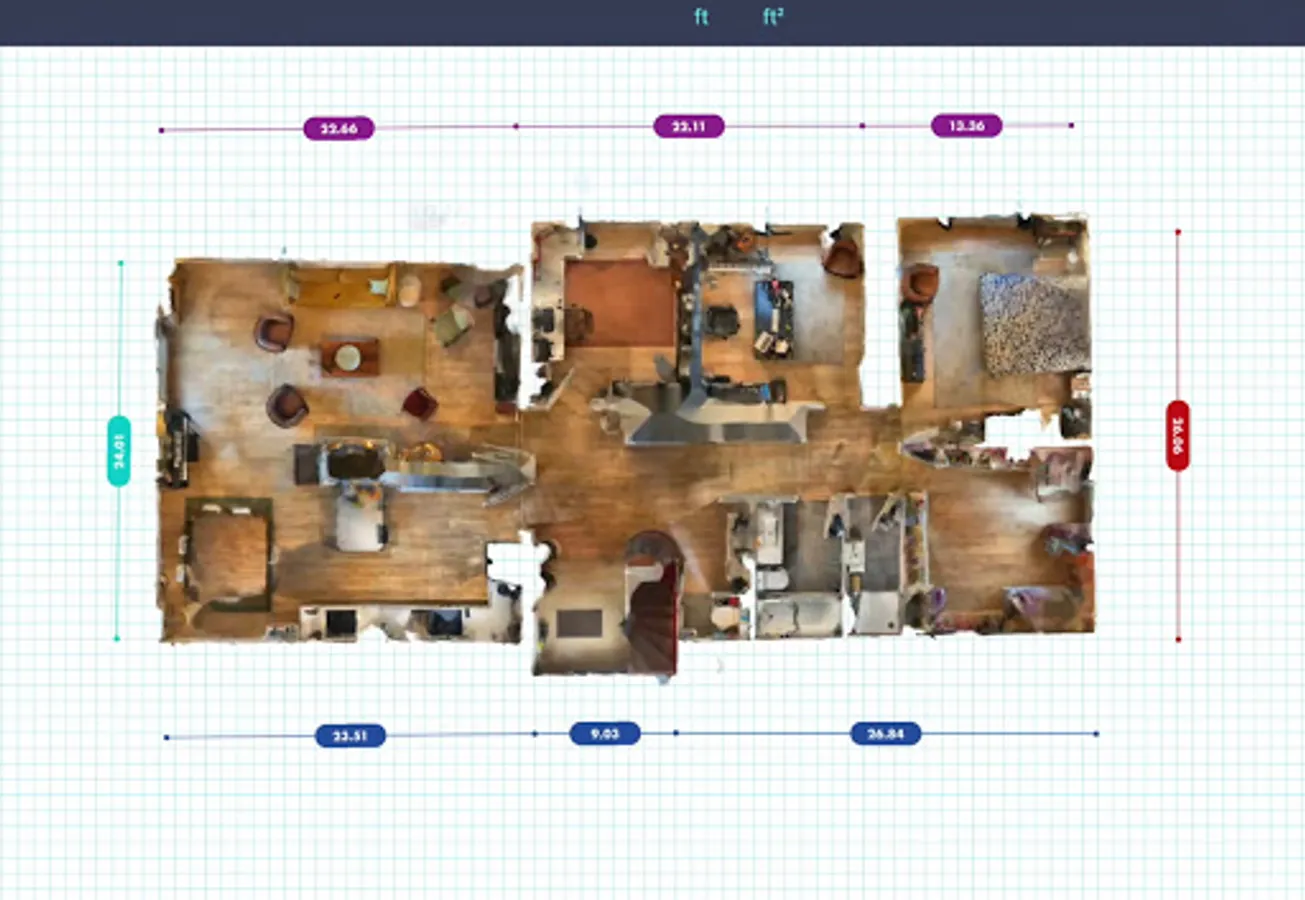
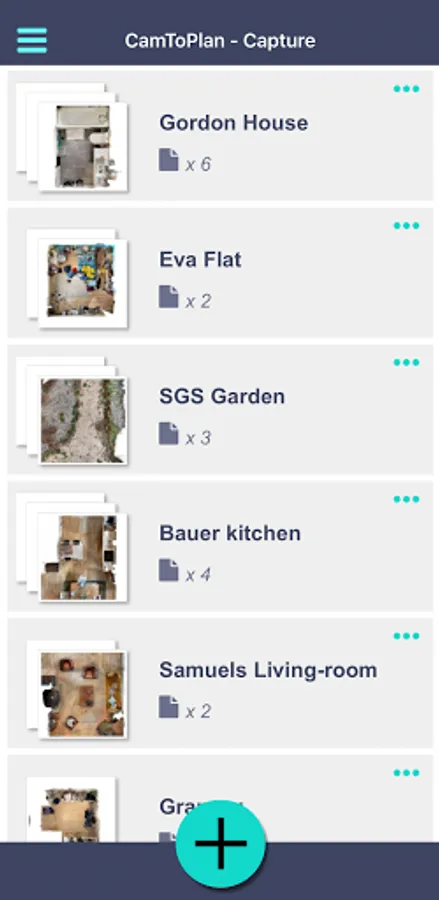
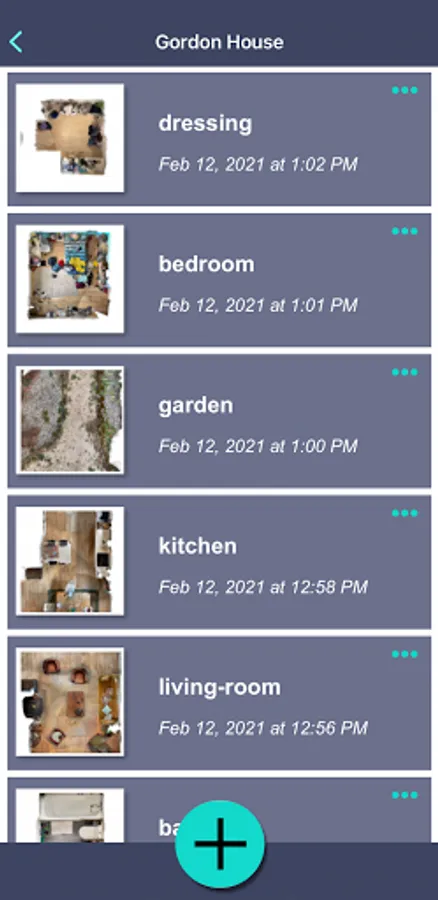
The 3D scanner is very quick to digitalize a room or modelize your home (large flat or house) and make a floorplan. This 3D scanner may use the LiDAR or ToF sensor for scanning, if present on your mobile.
Once the scanning done, simply add measuring points on any object of your scanned model to measure a distance, length, surface or area. With this 3D scanner, you no longer need a tape measure, telemeter, rangefinder or laser meter to measure something and sketch a plan. Make measurements directly on the 3D model like with a ruler.
Your scan can be used to measure in metric (meter, centimeter, square meter...) or any unit (yard, feet, square feet, inch...).
This 3D scanner app uses Google ARCore for Android.
This 3D scanner app generates a color mesh modelling the reality. Use your model as you wish: in a CAD software, a game or in the metaverse. Many 2D and 3D export formats are available in this scanner app : pdf, jpg image, obj, dae, gltf, glb. Print your models with a 3D printer.
The 3D scanner is very quick to digitalize a room or modelize your home (large flat or house) and make a floorplan. This 3D scanner may use the LiDAR or ToF sensor for scanning, if present on your mobile.
Once the scanning done, simply add measuring points on any object of your scanned model to measure a distance, length, surface or area. With this 3D scanner, you no longer need a tape measure, telemeter, rangefinder or laser meter to measure something and sketch a plan. Make measurements directly on the 3D model like with a ruler.
Your scan can be used to measure in metric (meter, centimeter, square meter...) or any unit (yard, feet, square feet, inch...).
This 3D scanner app uses Google ARCore for Android.
3D Scanner Screenshots
Tap to Rate:
Reviews for 3D Scanner
Chris D
6/10/2025
mesh is way too small for details no way to change it, then after you scan there is no way to get the file or point could unless you pay
LOVE LIVE
4/28/2025
please update the api used for it with more accurate scanning, i want it to more accurate for samsung s21 to s24 ultra series.