EverGen Setup App
Sunna Design
Free
1,000+
downloads
About EverGen Setup App
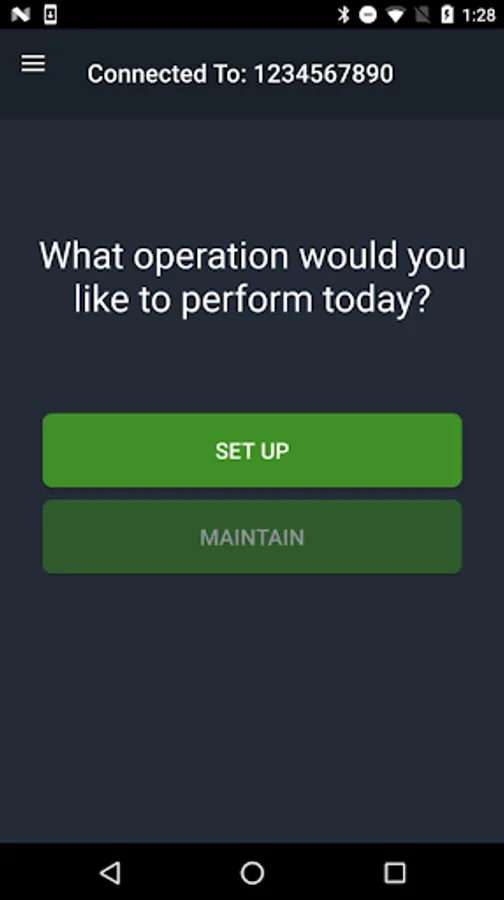
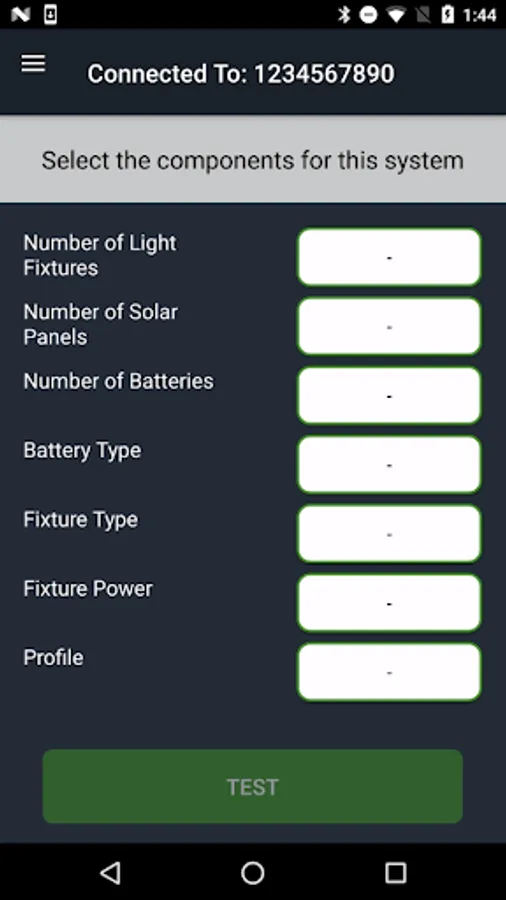
The EverGen setup app helps you turn on your Sol EverGen lighting system. Each EverGen must be activated after assembly and installation using this app.* Otherwise, the light will not turn on and an additional site visit will be required.
Why use an app to set up the EverGen?
• Fast, easy setup
• Clean interface and easy-to-follow instructions
• No detailed technical knowledge needed
• Lights are running the same day they are installed
• No additional site visit required
How does it work?
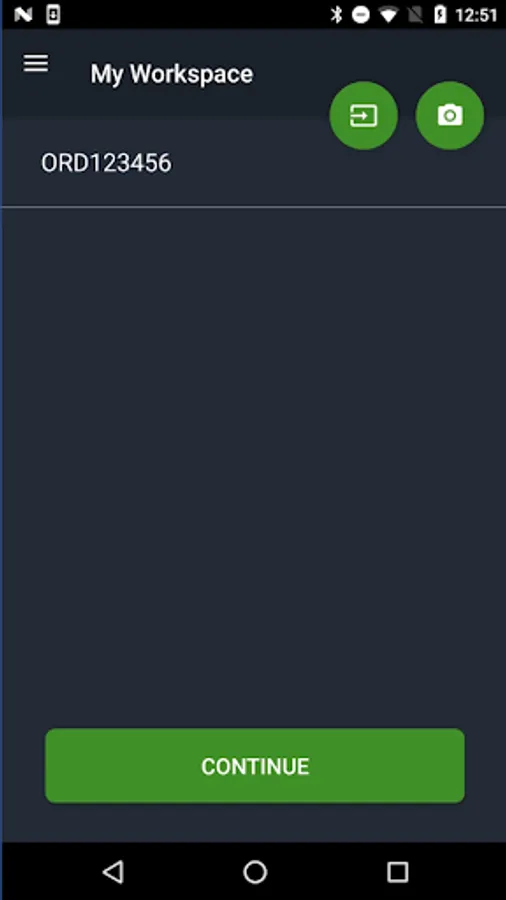
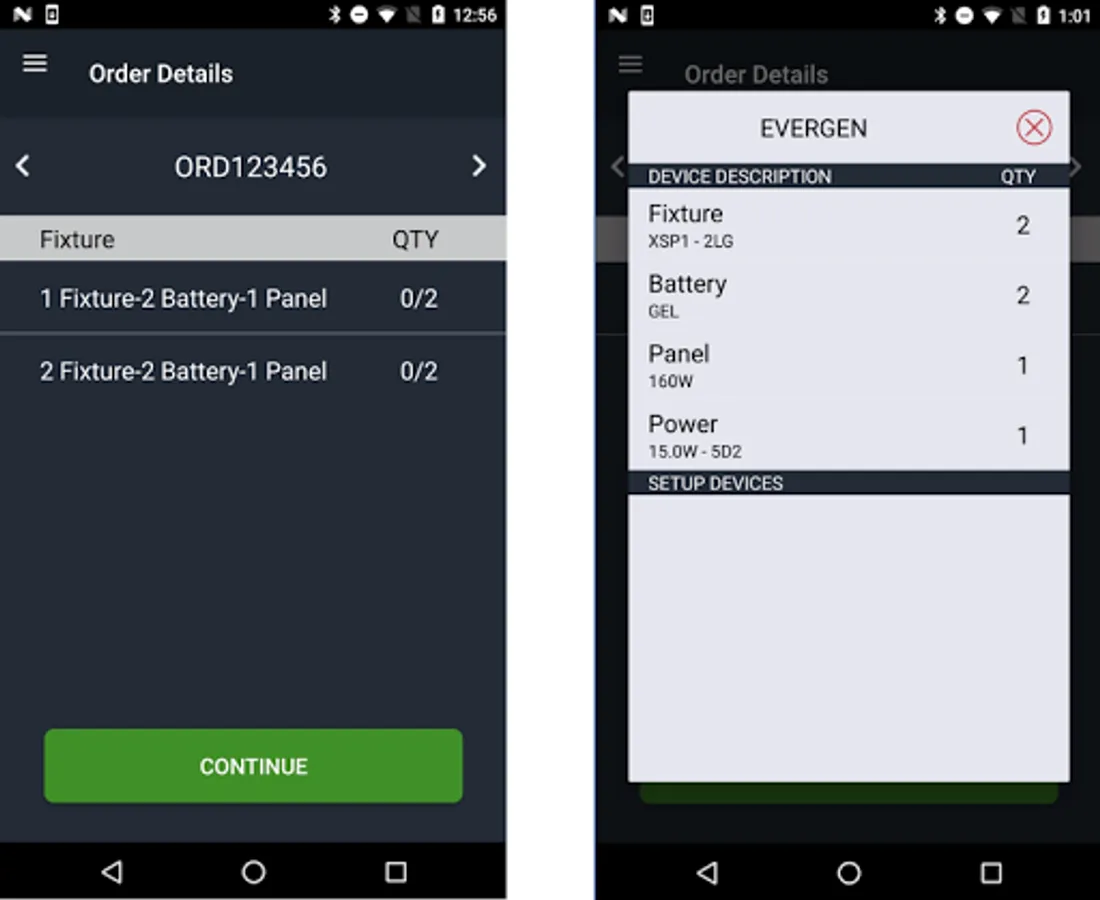
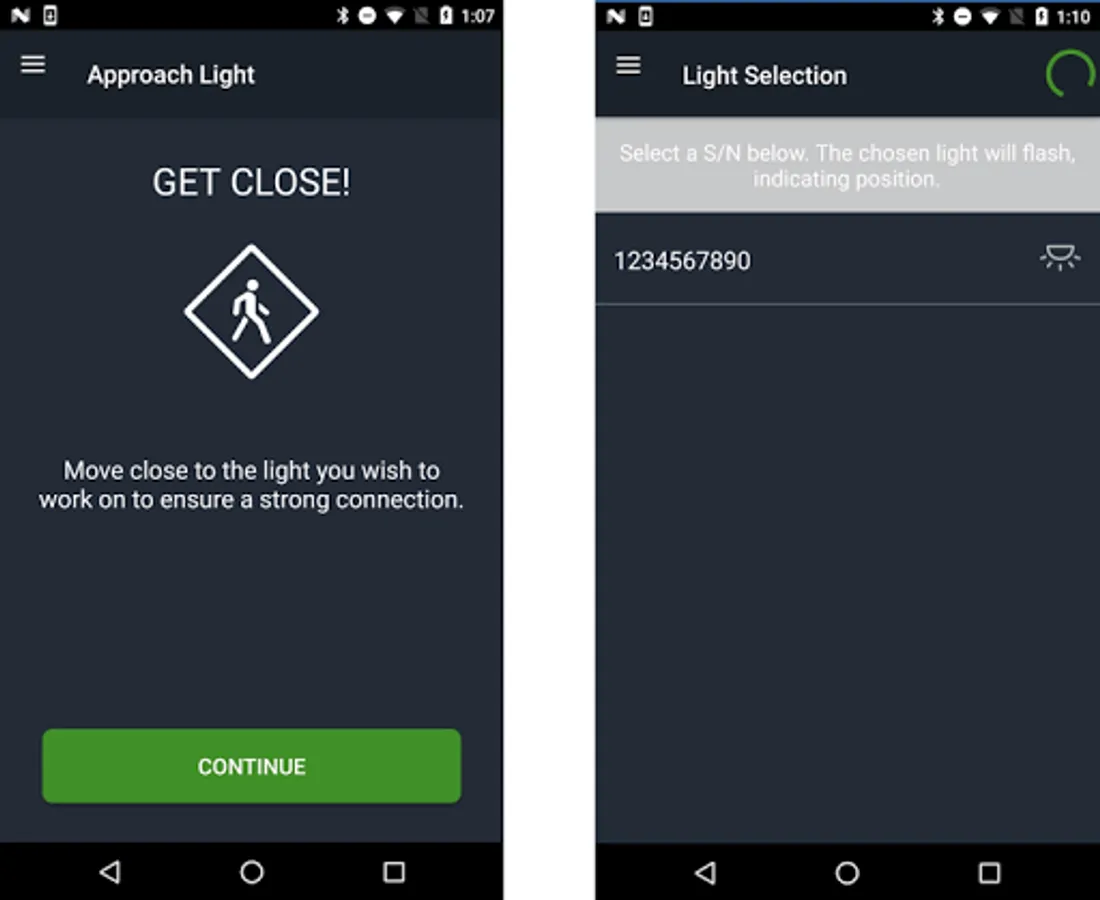
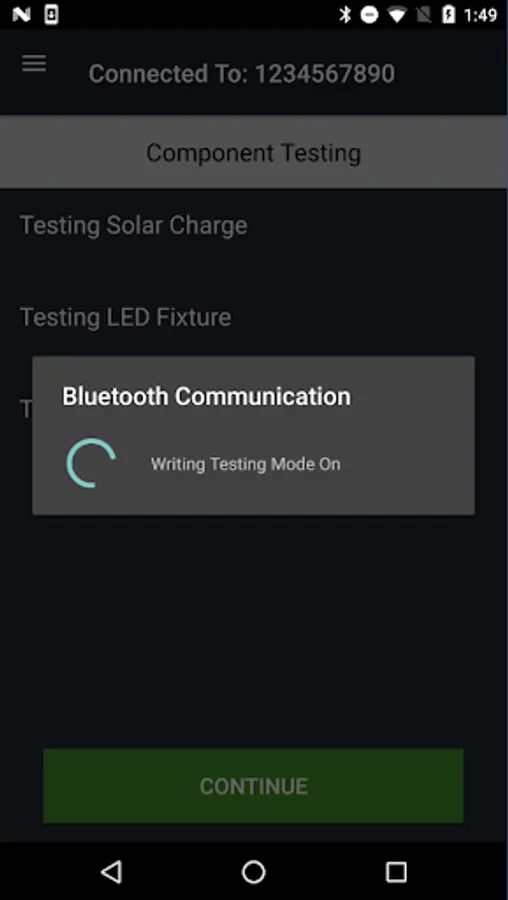
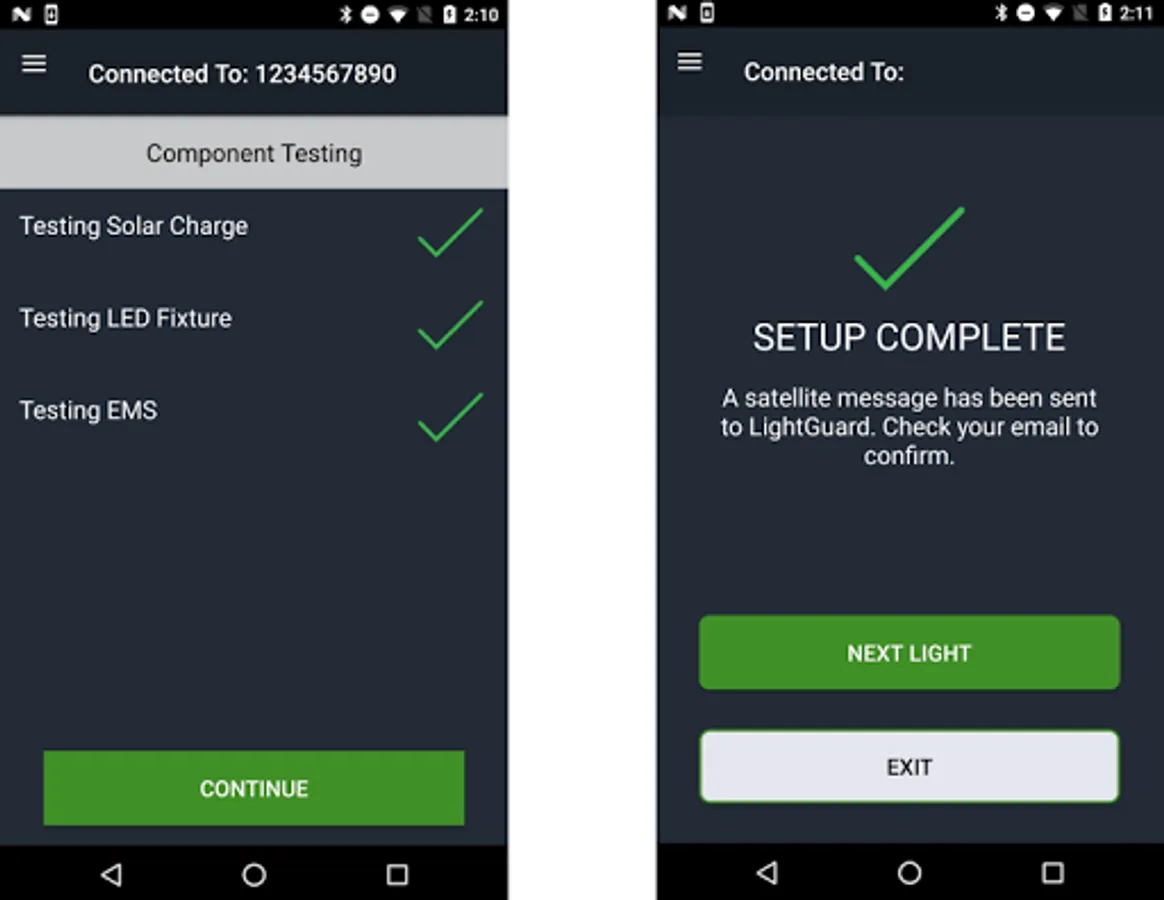
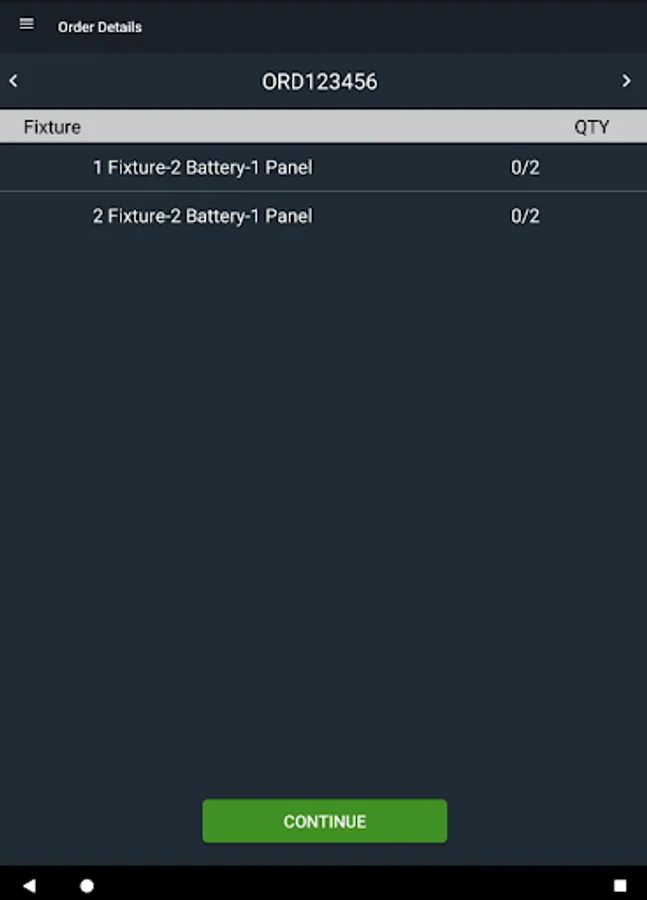
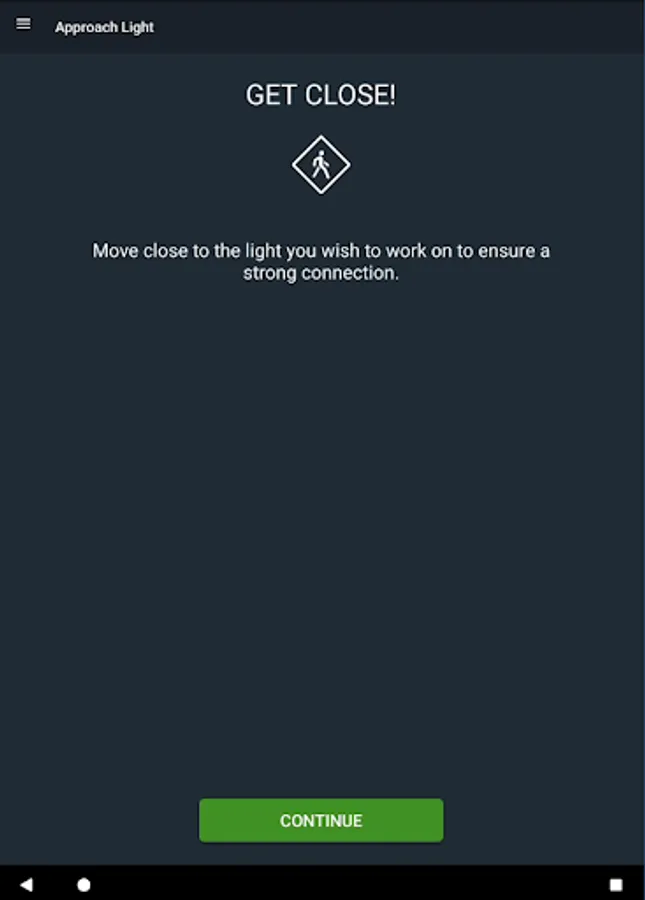
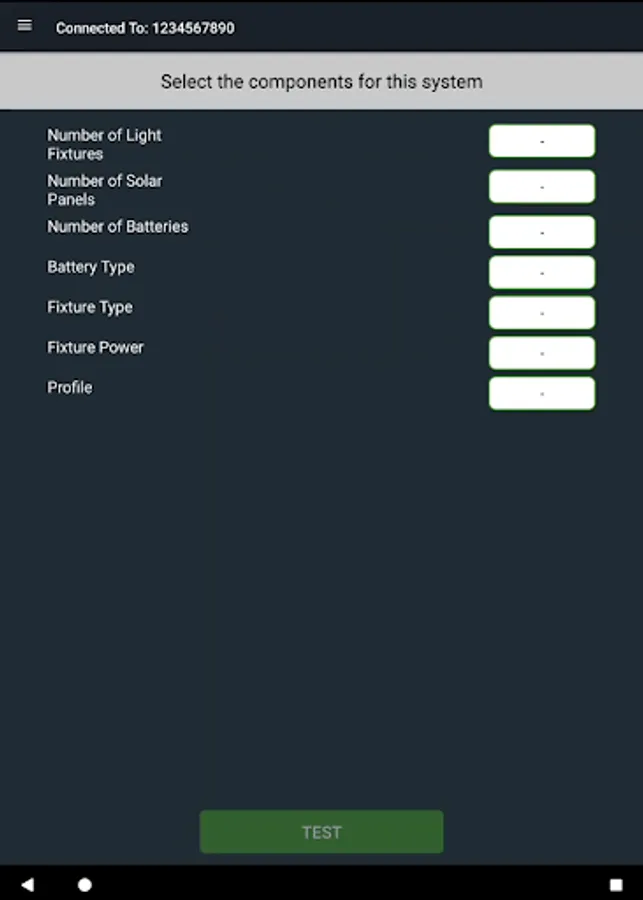
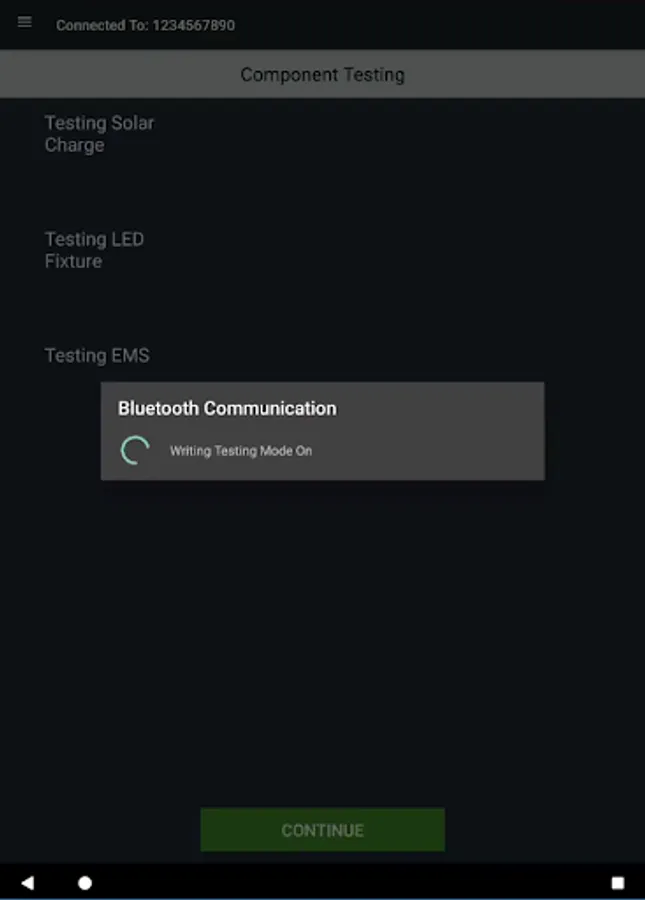
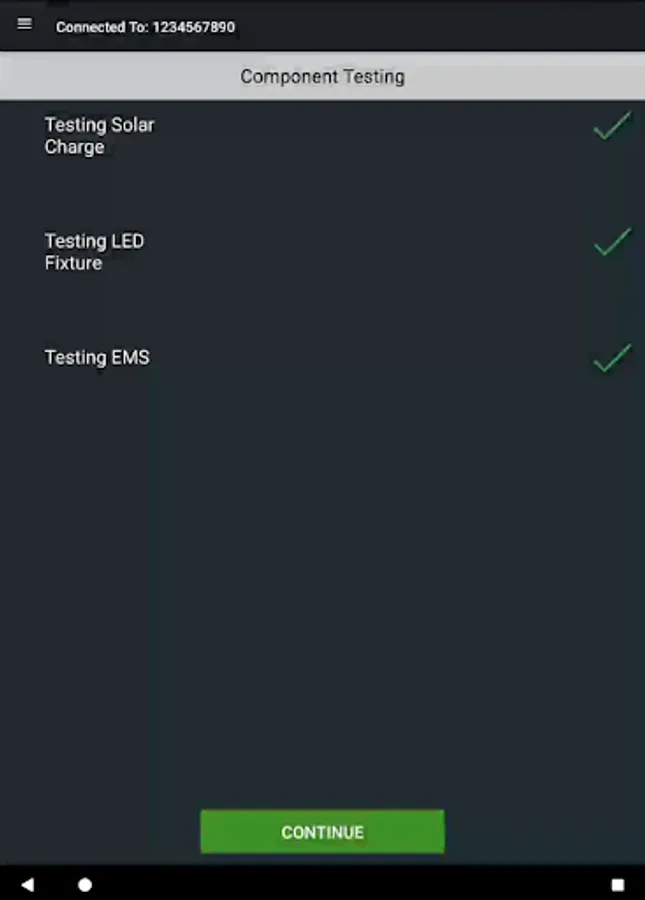
The app uses Bluetooth® wireless technology to test and commission each light in your project or multiple projects. Just stand close to a light and follow the onscreen instructions to complete setup in minutes. Keep your product order information handy in case you need it during setup.
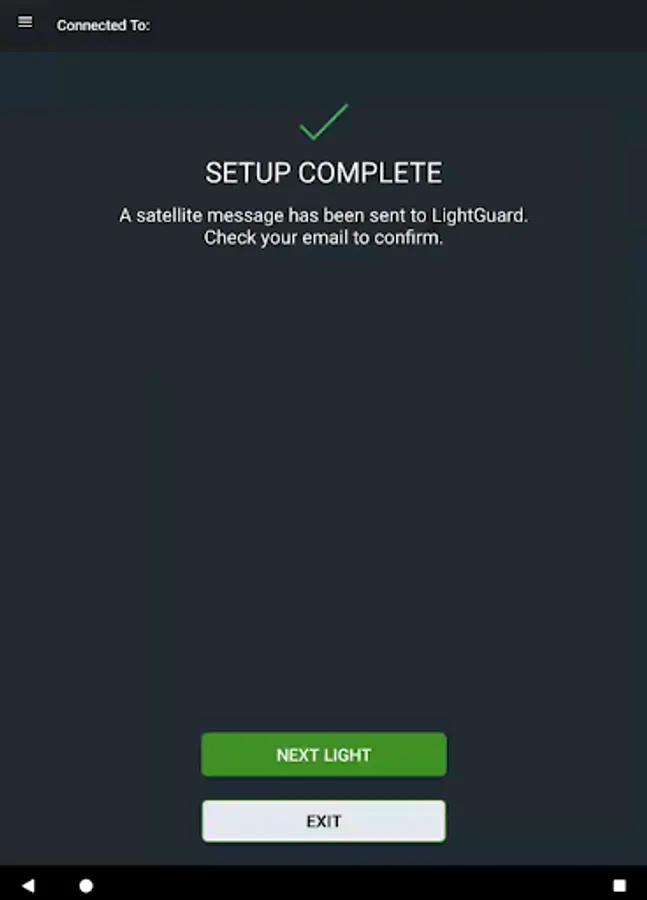
You'll also automatically connect your light to our satellite network to active your LightGuard remote monitoring. LightGuard reports system health in a timely manner so that crews can take preventative or corrective action and help extend the service life of the system.
What if I don’t have a WiFi or satellite signal at my project location?
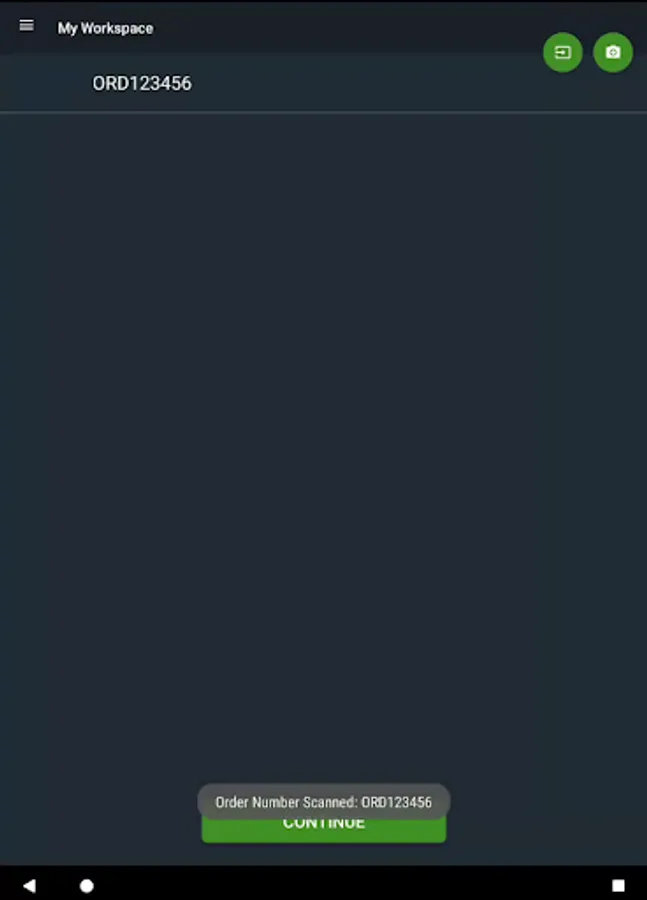
If you don’t have wireless internet access onsite, use the app to scan the product order number while within wireless internet range to allow the app to download product information. Activation can then take place onsite without a wireless signal.
Learn more about the EverGen at solarlighting.com.
*Operator data charges may apply. Use a WiFi connection or unlimited data plan if possible to avoid charges.
Why use an app to set up the EverGen?
• Fast, easy setup
• Clean interface and easy-to-follow instructions
• No detailed technical knowledge needed
• Lights are running the same day they are installed
• No additional site visit required
How does it work?
The app uses Bluetooth® wireless technology to test and commission each light in your project or multiple projects. Just stand close to a light and follow the onscreen instructions to complete setup in minutes. Keep your product order information handy in case you need it during setup.
You'll also automatically connect your light to our satellite network to active your LightGuard remote monitoring. LightGuard reports system health in a timely manner so that crews can take preventative or corrective action and help extend the service life of the system.
What if I don’t have a WiFi or satellite signal at my project location?
If you don’t have wireless internet access onsite, use the app to scan the product order number while within wireless internet range to allow the app to download product information. Activation can then take place onsite without a wireless signal.
Learn more about the EverGen at solarlighting.com.
*Operator data charges may apply. Use a WiFi connection or unlimited data plan if possible to avoid charges.