Word to PDF Converter
Castle-apps
4.4 ★
562 ratings
10,000+
downloads
Free
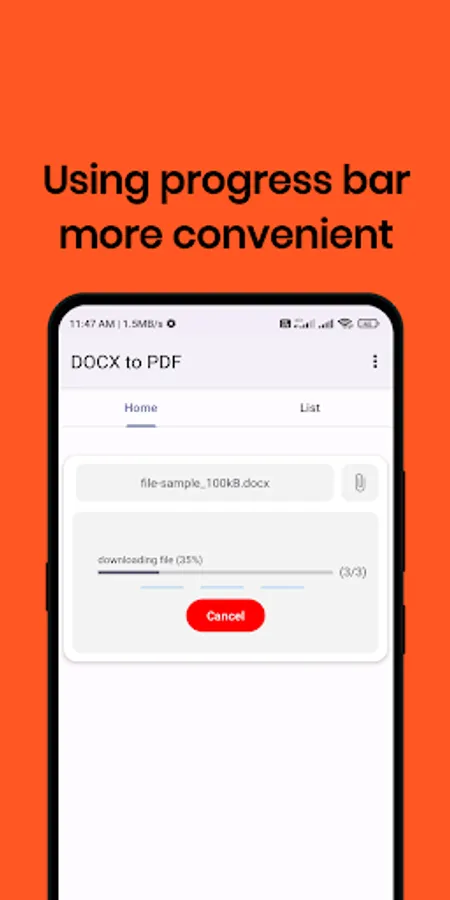
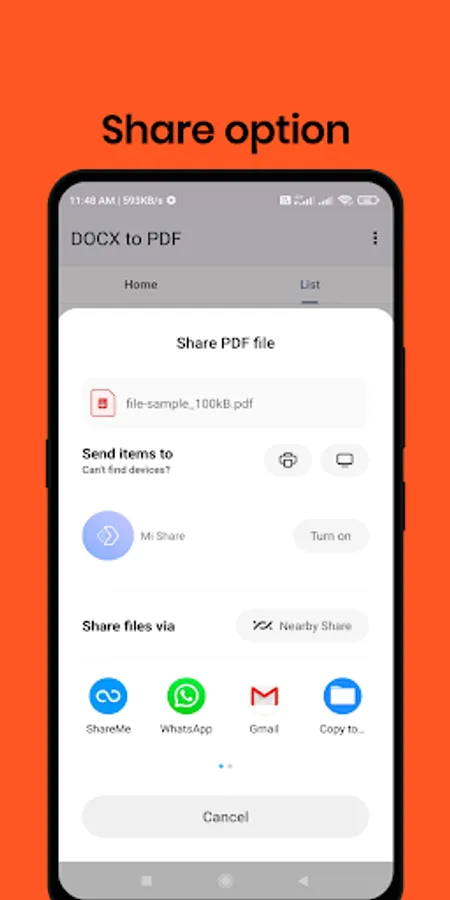
In this app, you can convert Word documents to PDF by selecting a file and tapping the convert button. Includes support for DOC, DOCX, and ODT formats, along with sharing options.
AppRecs review analysis
AppRecs rating 4.5. Trustworthiness 73 out of 100. Review manipulation risk 36 out of 100. Based on a review sample analyzed.
★★★★☆
4.5
AppRecs Rating
Ratings breakdown
5 star
69%
4 star
19%
3 star
6%
2 star
0%
1 star
6%
What to know
✓
Credible reviews
73% trustworthiness score from analyzed reviews
✓
High user satisfaction
88% of sampled ratings are 4+ stars (4.4★ average)
✓
Authentic reviews
Natural distribution, no red flags
About Word to PDF Converter
📄 Word to PDF Converter – DOC, DOCX to PDF App 📄
✨ Steps to Convert Word to PDF ✨
This app makes it super easy to convert Word documents (DOC, DOCX) into PDF in just 3 steps:
1️⃣ Choose your Word document (DOC, DOCX)
2️⃣ Tap the Convert button
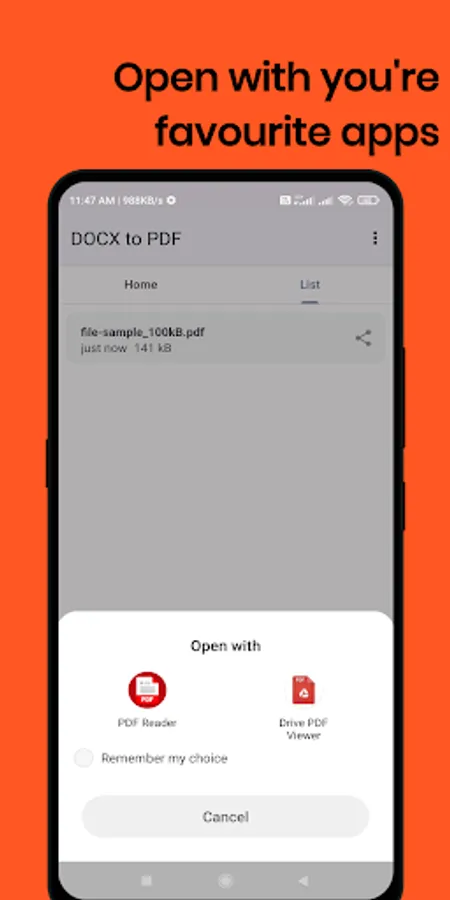
3️⃣ Open your file manager or PDF viewer to access the converted file
📥 Your Word file will be instantly converted to a PDF and saved on your phone.
✅ Key Features:
📝 Converts all types of Word files – DOC, DOCX, and ODT – into PDF
🔒 Easy and safe to use with a clean interface
📤 Share your converted PDFs directly from the app
⚡ Quick and hassle-free tool to convert Word to PDF
📦 Lightweight app – under 3 MB!
By converting Word documents (DOC, DOCX) to PDF, you ensure the formatting of text, images, tables, and layouts remains intact.
This app also supports the ODT format (OpenOffice documents) for conversion.
🔁 Fast. Simple. Secure.
We hope this app helps simplify your daily document conversion tasks!
✨ Steps to Convert Word to PDF ✨
This app makes it super easy to convert Word documents (DOC, DOCX) into PDF in just 3 steps:
1️⃣ Choose your Word document (DOC, DOCX)
2️⃣ Tap the Convert button
3️⃣ Open your file manager or PDF viewer to access the converted file
📥 Your Word file will be instantly converted to a PDF and saved on your phone.
✅ Key Features:
📝 Converts all types of Word files – DOC, DOCX, and ODT – into PDF
🔒 Easy and safe to use with a clean interface
📤 Share your converted PDFs directly from the app
⚡ Quick and hassle-free tool to convert Word to PDF
📦 Lightweight app – under 3 MB!
By converting Word documents (DOC, DOCX) to PDF, you ensure the formatting of text, images, tables, and layouts remains intact.
This app also supports the ODT format (OpenOffice documents) for conversion.
🔁 Fast. Simple. Secure.
We hope this app helps simplify your daily document conversion tasks!
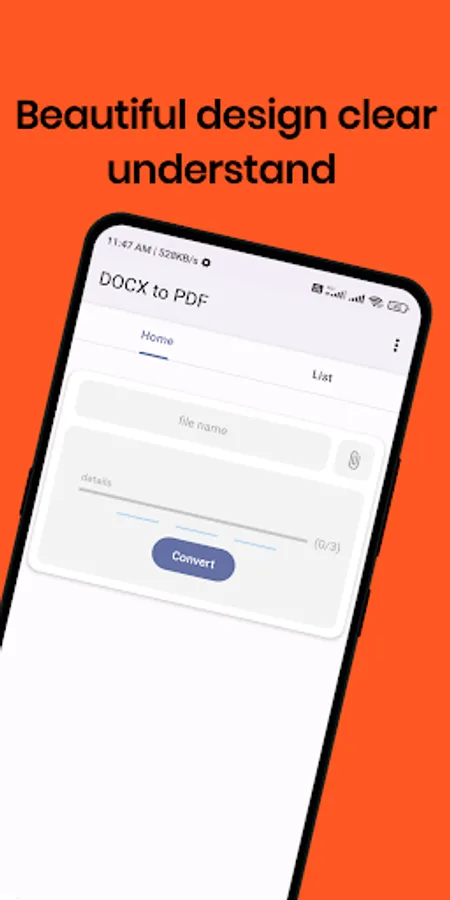
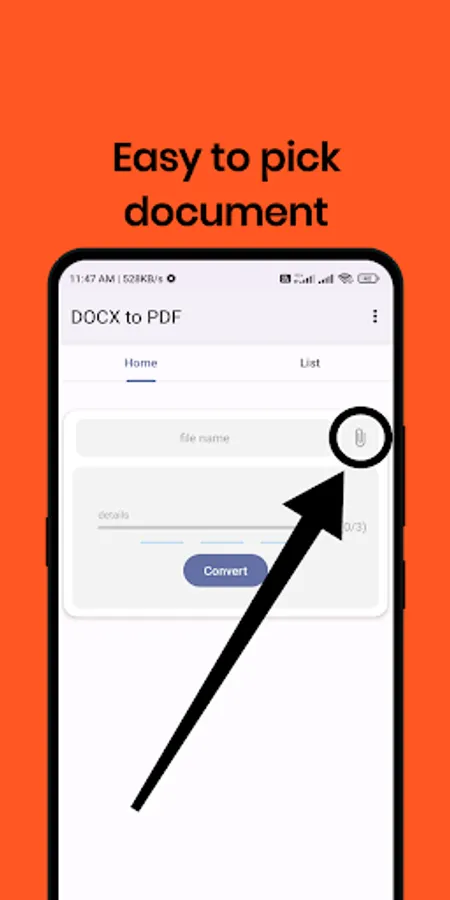
Word to PDF Converter Screenshots
Tap to Rate:
Reviews for Word to PDF Converter
Zabihullah Ahmadzai
11/17/2025
very profetional app
Mansi Ghildiyal
10/9/2025
nice