Quick Sticker Maker
AppAspect Technologies Pvt. Ltd.
2.0 ★
423 ratings
100,000+
downloads
Free
In this sticker creation app, you can cut out image parts, add emojis or text, and share stickers on WhatsApp. Includes tools for photo editing, sticker sizing, and pack management.
AppRecs review analysis
AppRecs rating 2.1. Trustworthiness 73 out of 100. Review manipulation risk 22 out of 100. Based on a review sample analyzed.
★★☆☆☆
2.1
AppRecs Rating
Ratings breakdown
5 star
20%
4 star
0%
3 star
0%
2 star
20%
1 star
60%
What to know
✓
Low review manipulation risk
22% review manipulation risk
⚠
Mixed user feedback
Average 2.0★ rating suggests room for improvement
⚠
High negative review ratio
80% of sampled ratings are 1–2 stars
About Quick Sticker Maker
Quick Sticker Maker is the best app to create personal WhatsApp stickers. Easily cut out the part of an image you would like make a sticker of and share them with your friends and family.
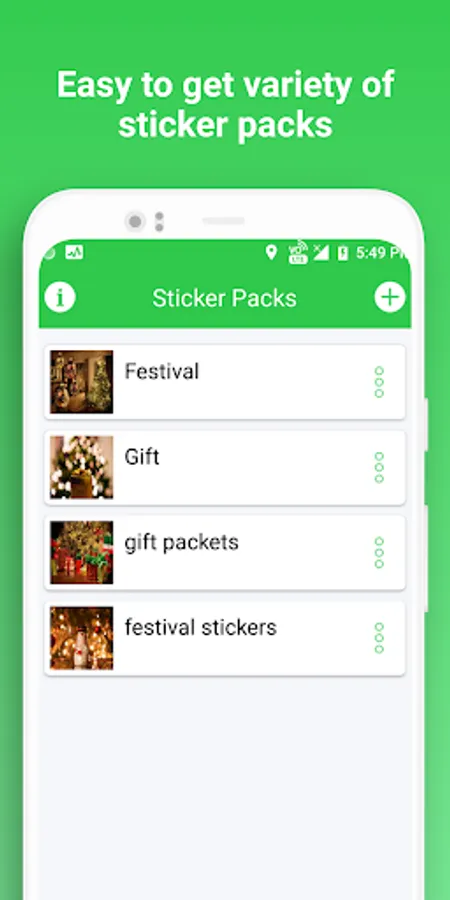
Make Sticker packs for your favourite moments, your friends,, your girlfriend, your family or your pet in following easy steps.
1. Create new pack with the name of your new sticker pack.
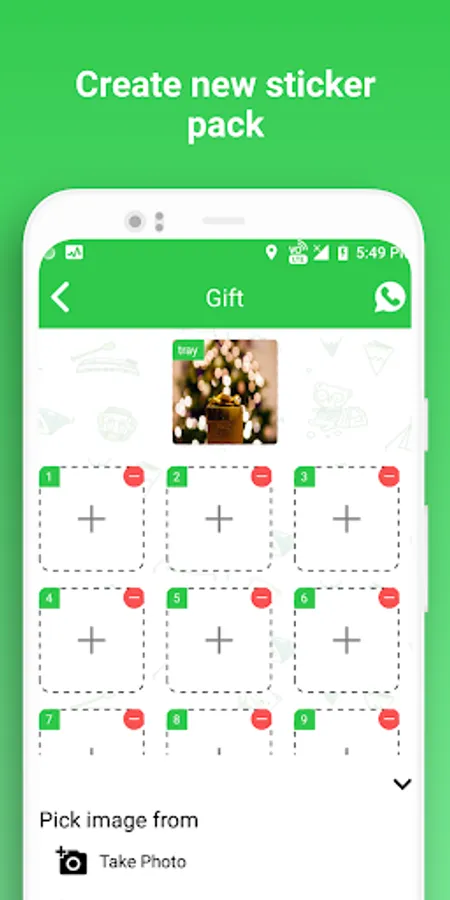
2. Easy step to add the stickers to the pack by picking photo from photo gallery or camera.
3. Design it, by adding emojis, background or text.
4. Edit and cut them with your finger instantly and see in live preview before adding to the pack.
5. Publish the Sticker pack.
6. Feel free and relax and enjoy your stickers on WhatsApp.
MAIN FEATURES:
- Create unlimited packs with a maximum of 30 stickers per pack
- Use your camera to capture photos or select from your photo library
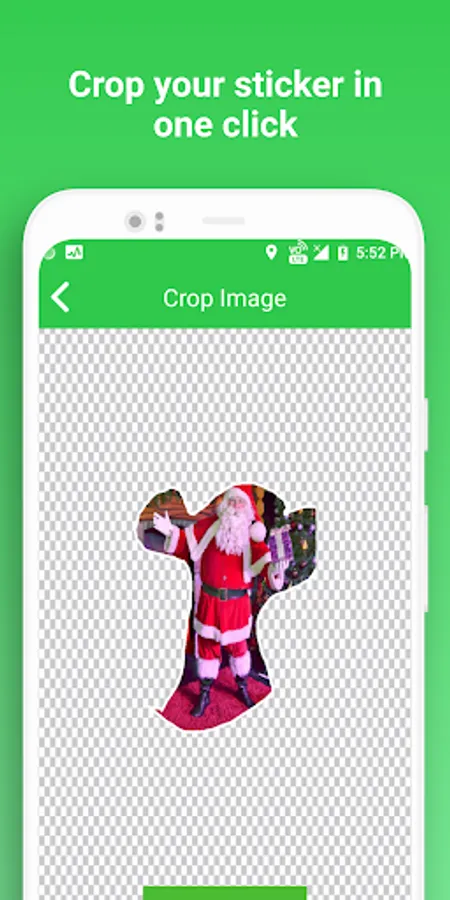
- Cut the sticker by drawing the outline of the sticker with your finger
- Add text and drawings to your stickers
- Scale stickers to the perfect size
- Add stickers to WhatsApp
USAGES:
- Personal Sticker Maker
- Create Own Stickers
- Photo Sticker Maker
- Sticker Pack Creator for Android
- Image to Sticker Maker
Make Sticker packs for your favourite moments, your friends,, your girlfriend, your family or your pet in following easy steps.
1. Create new pack with the name of your new sticker pack.
2. Easy step to add the stickers to the pack by picking photo from photo gallery or camera.
3. Design it, by adding emojis, background or text.
4. Edit and cut them with your finger instantly and see in live preview before adding to the pack.
5. Publish the Sticker pack.
6. Feel free and relax and enjoy your stickers on WhatsApp.
MAIN FEATURES:
- Create unlimited packs with a maximum of 30 stickers per pack
- Use your camera to capture photos or select from your photo library
- Cut the sticker by drawing the outline of the sticker with your finger
- Add text and drawings to your stickers
- Scale stickers to the perfect size
- Add stickers to WhatsApp
USAGES:
- Personal Sticker Maker
- Create Own Stickers
- Photo Sticker Maker
- Sticker Pack Creator for Android
- Image to Sticker Maker