File Manager HD
AppAspect Technologies Pvt. Ltd.
3.1 ★
405 ratings
100,000+
downloads
Free
+ in-app
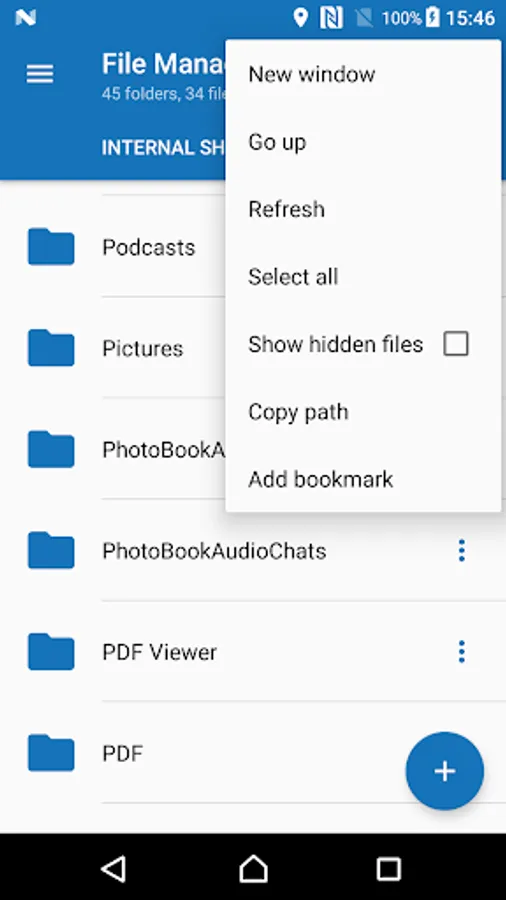
With this file management app, you can organize files and folders efficiently, create folders, and perform copy, move, or delete operations. Includes folder creation, file details, bookmarks, and sorting options.
AppRecs review analysis
AppRecs rating 3.2. Trustworthiness 54 out of 100. Review manipulation risk 42 out of 100. Based on a review sample analyzed.
★★★☆☆
3.2
AppRecs Rating
Ratings breakdown
5 star
55%
4 star
0%
3 star
0%
2 star
0%
1 star
45%
What to know
⚠
Ad complaints
Many low ratings mention excessive ads
⚠
Questionable review patterns
42% review manipulation risk - some review patterns appear unusual
⚠
Review quality concerns
81% of sampled 5-star reviews are very short
About File Manager HD
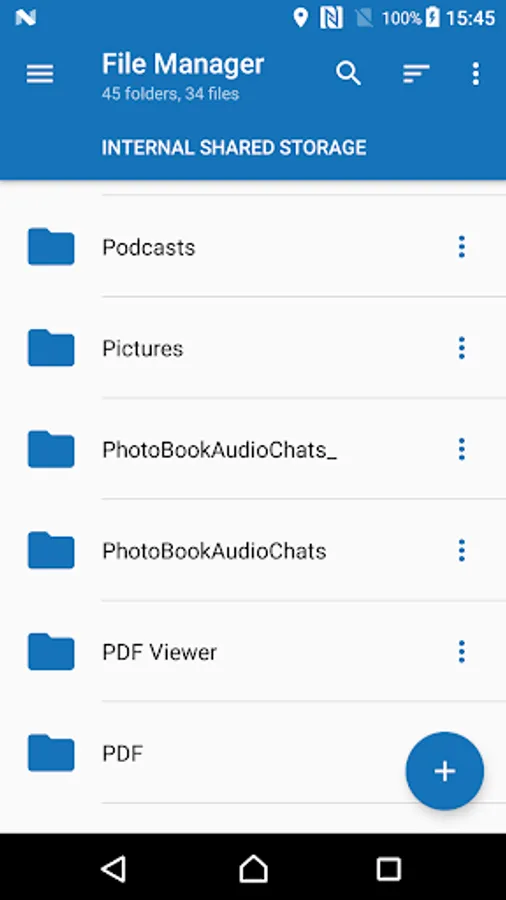
File Manager is the easiest and fastest tool by which you can manage your files and folders in efficient and fastest manner.
Features:
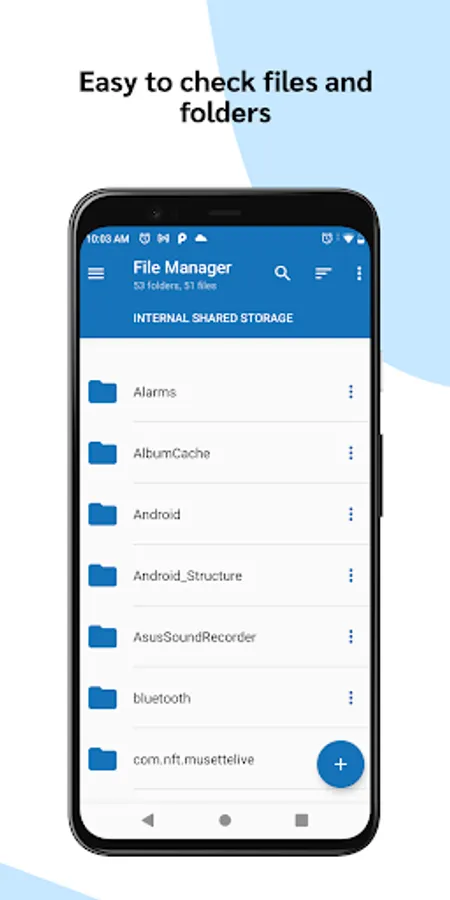
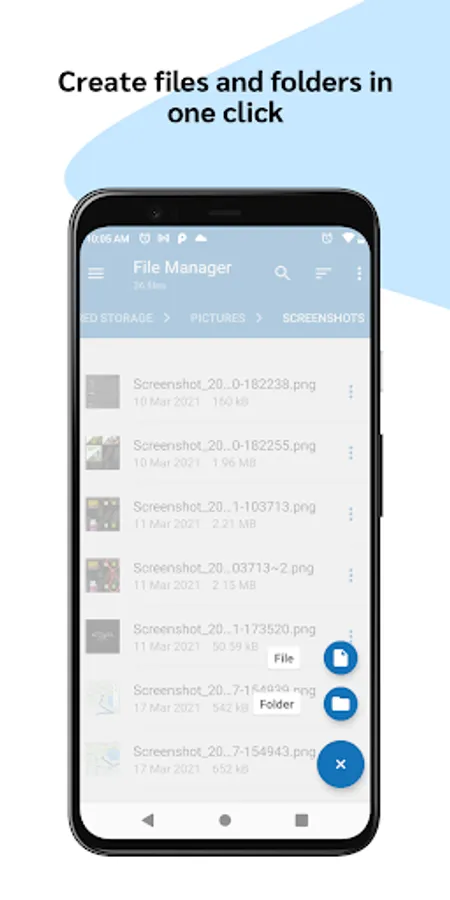
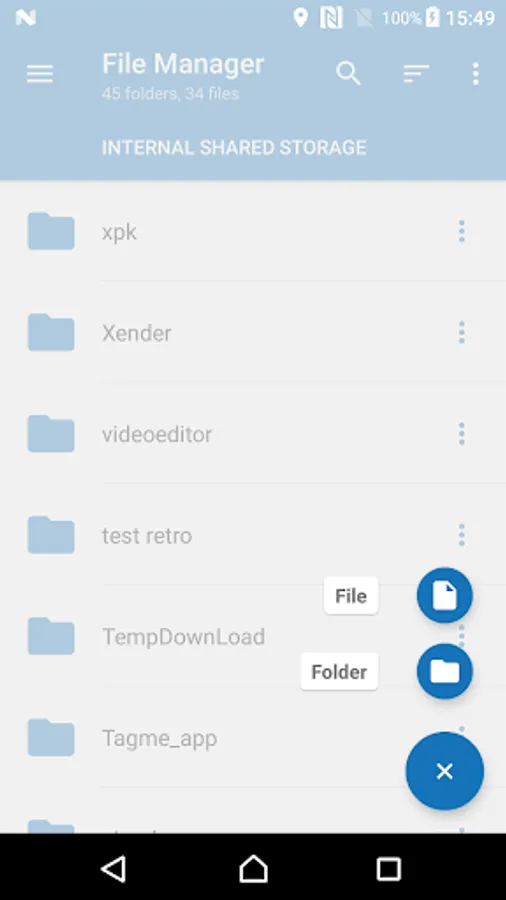
- Create folder support
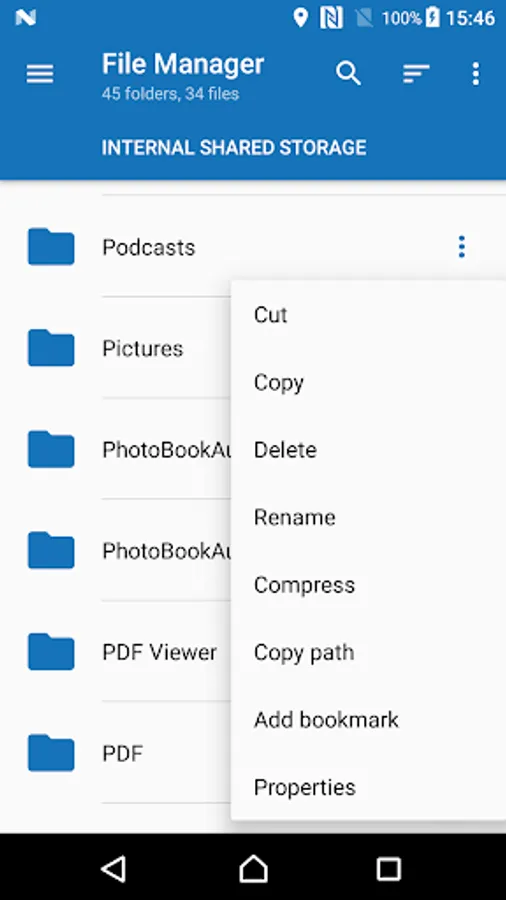
- Show details of selected file
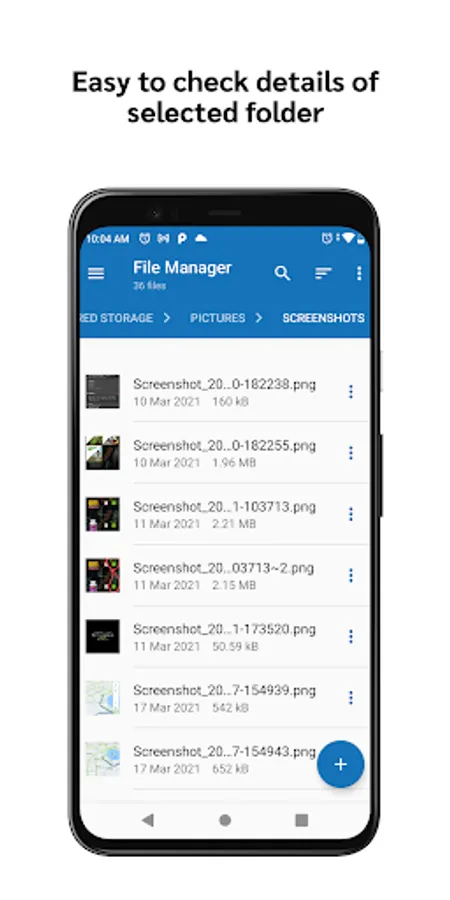
- Show details of selected folder
- Cut, Copy and Paste Files easily
- Copy, Move, Delete operation on Multiple Files & Folders
- Compress and Decompress support
- Bookmark or set - to your file/folder
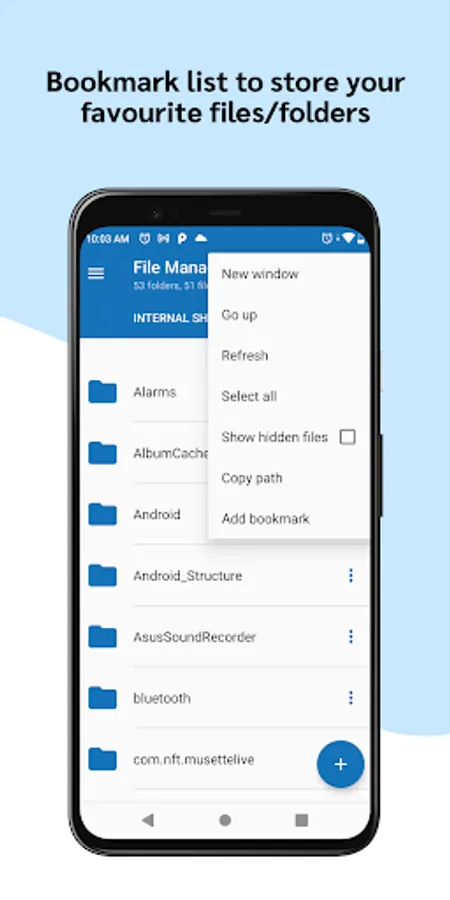
- Bookmark list to store your favourite files/folders
- Can edit or delete the favourite items from Bookmark list
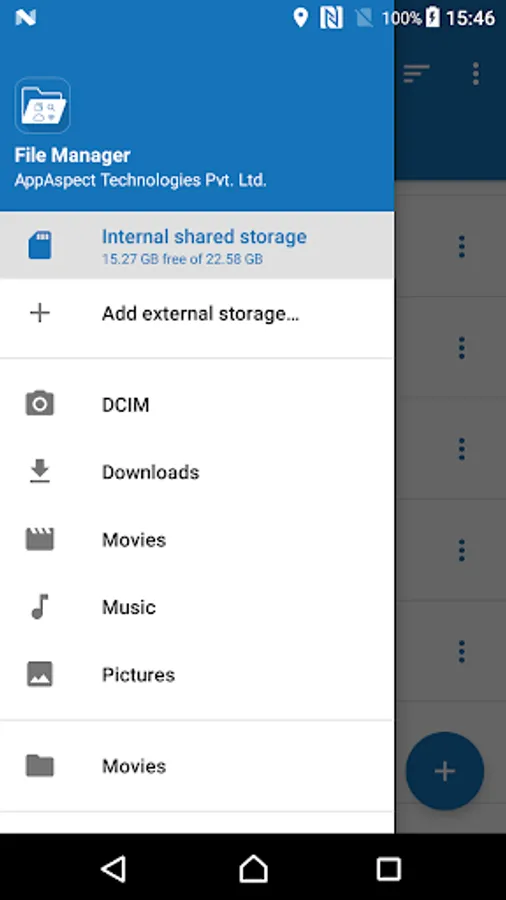
- Go back to Home directory from any sub directories
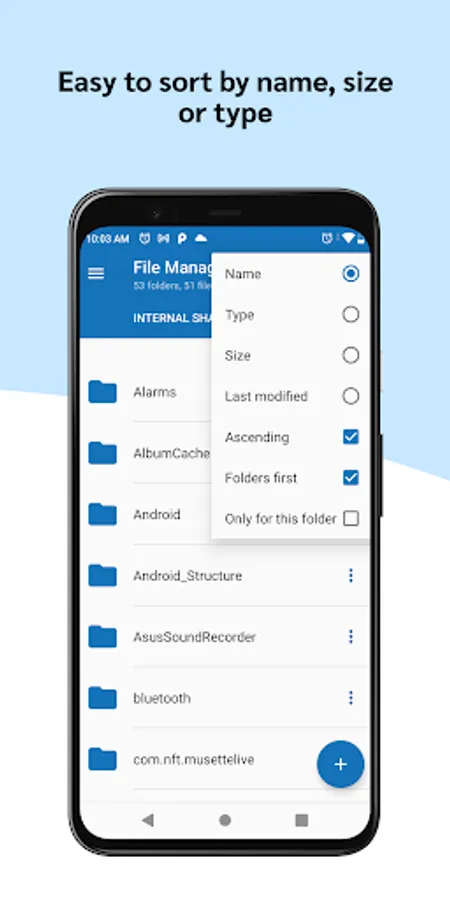
- Various Sorting Options are available to sort out the files and folder: Sort by name, size or type
- Fast refreshing file list option
- Free to use
Usage:
- File Manager
- File Explorer
- Zip Manager
- Smart File Browser
Features:
- Create folder support
- Show details of selected file
- Show details of selected folder
- Cut, Copy and Paste Files easily
- Copy, Move, Delete operation on Multiple Files & Folders
- Compress and Decompress support
- Bookmark or set - to your file/folder
- Bookmark list to store your favourite files/folders
- Can edit or delete the favourite items from Bookmark list
- Go back to Home directory from any sub directories
- Various Sorting Options are available to sort out the files and folder: Sort by name, size or type
- Fast refreshing file list option
- Free to use
Usage:
- File Manager
- File Explorer
- Zip Manager
- Smart File Browser