
Chinese Keyboard - Pinyin
Desh Global
4.5 ★
12K ratings
1,000,000+
downloads
Free
+ in-app
In this Chinese keyboard app, you can type phonetically in English to convert to Simplified Chinese and browse stickers. Includes customizable themes, emoji support, and app search features.
AppRecs review analysis
AppRecs rating 4.5. Trustworthiness 68 out of 100. Review manipulation risk 39 out of 100. Based on a review sample analyzed.
★★★★☆
4.5
AppRecs Rating
Ratings breakdown
5 star
78%
4 star
7%
3 star
5%
2 star
4%
1 star
6%
What to know
✓
High user satisfaction
85% of sampled ratings are 4+ stars (4.5★ average)
✓
Authentic reviews
Natural distribution, no red flags
About Chinese Keyboard - Pinyin
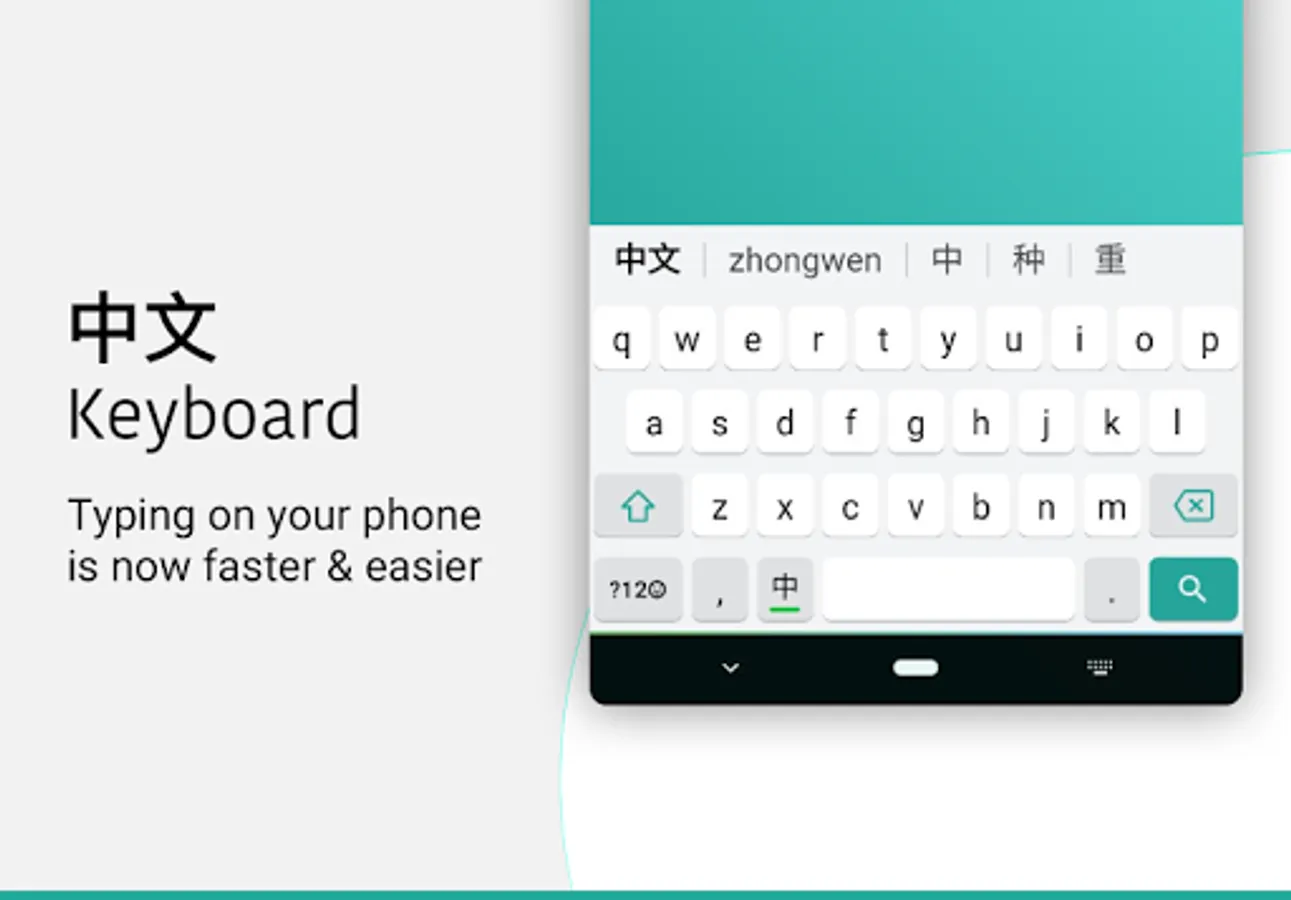
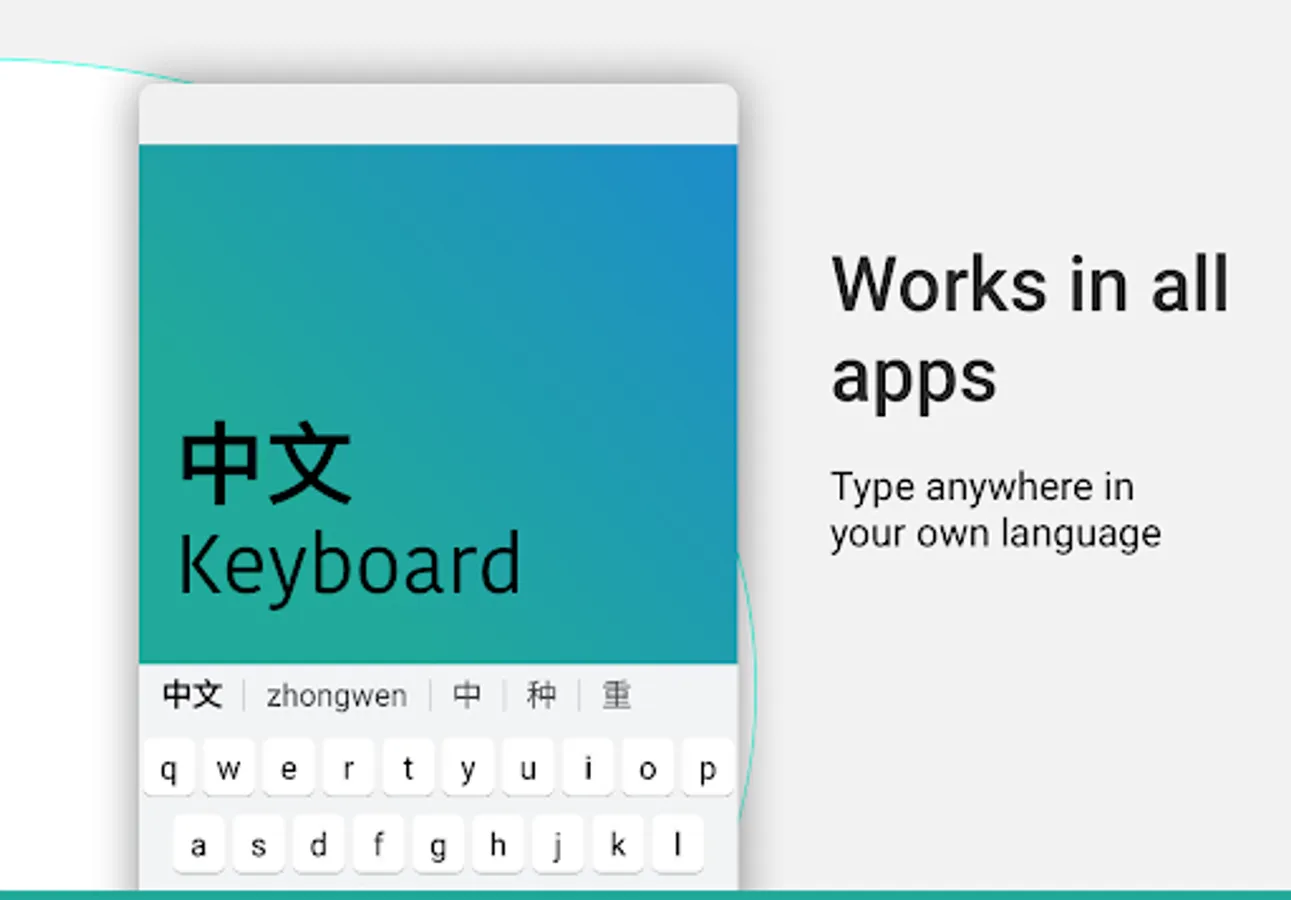
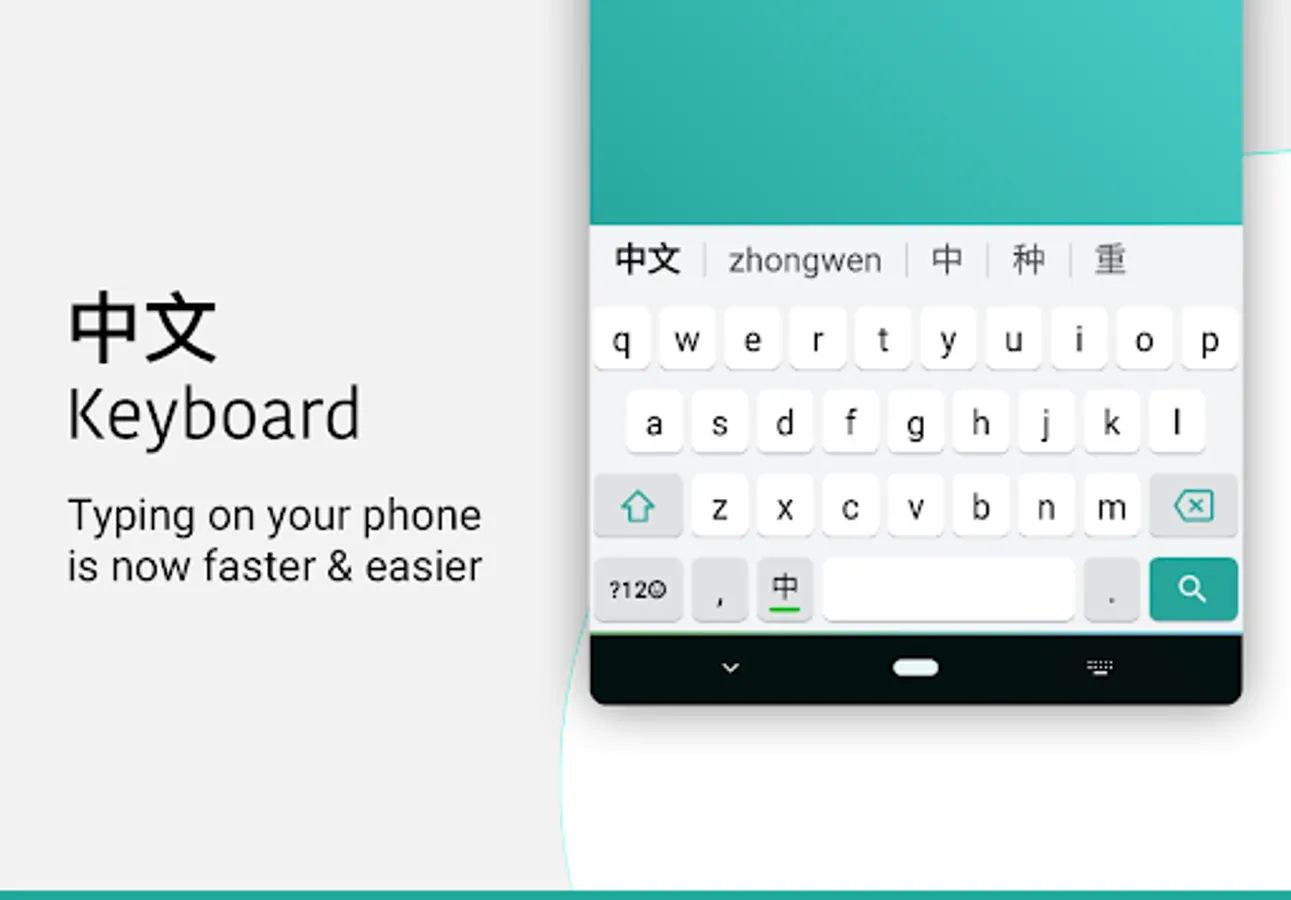
Desh Chinese Keyboard lets you type in English characters which gets instantly converted to Simplified Chinese using phonetics.
- English to Chinese typing: write phonetically in English to get Chinese
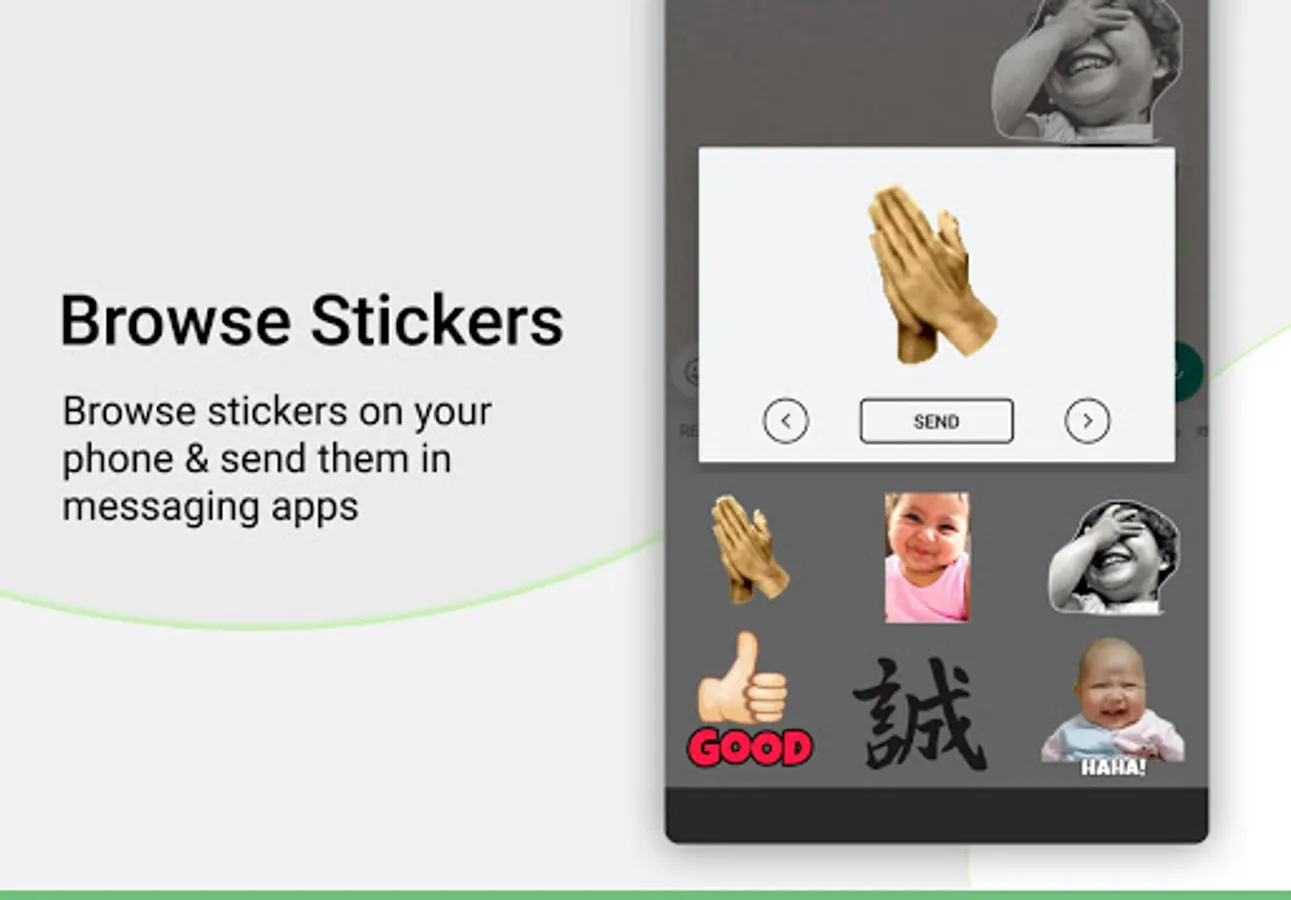
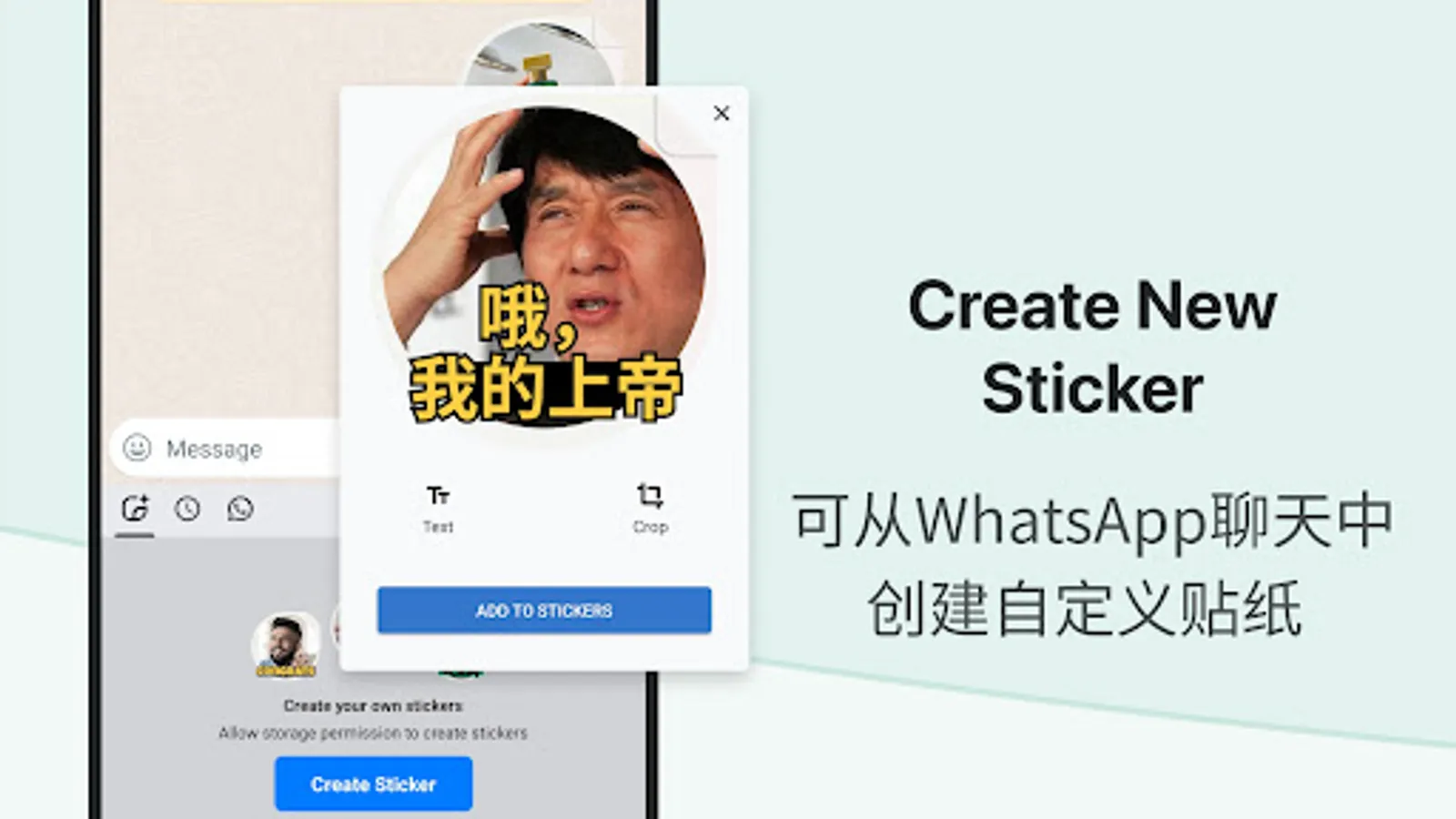
- Browse stickers from your phone and send them directly inside messaging apps
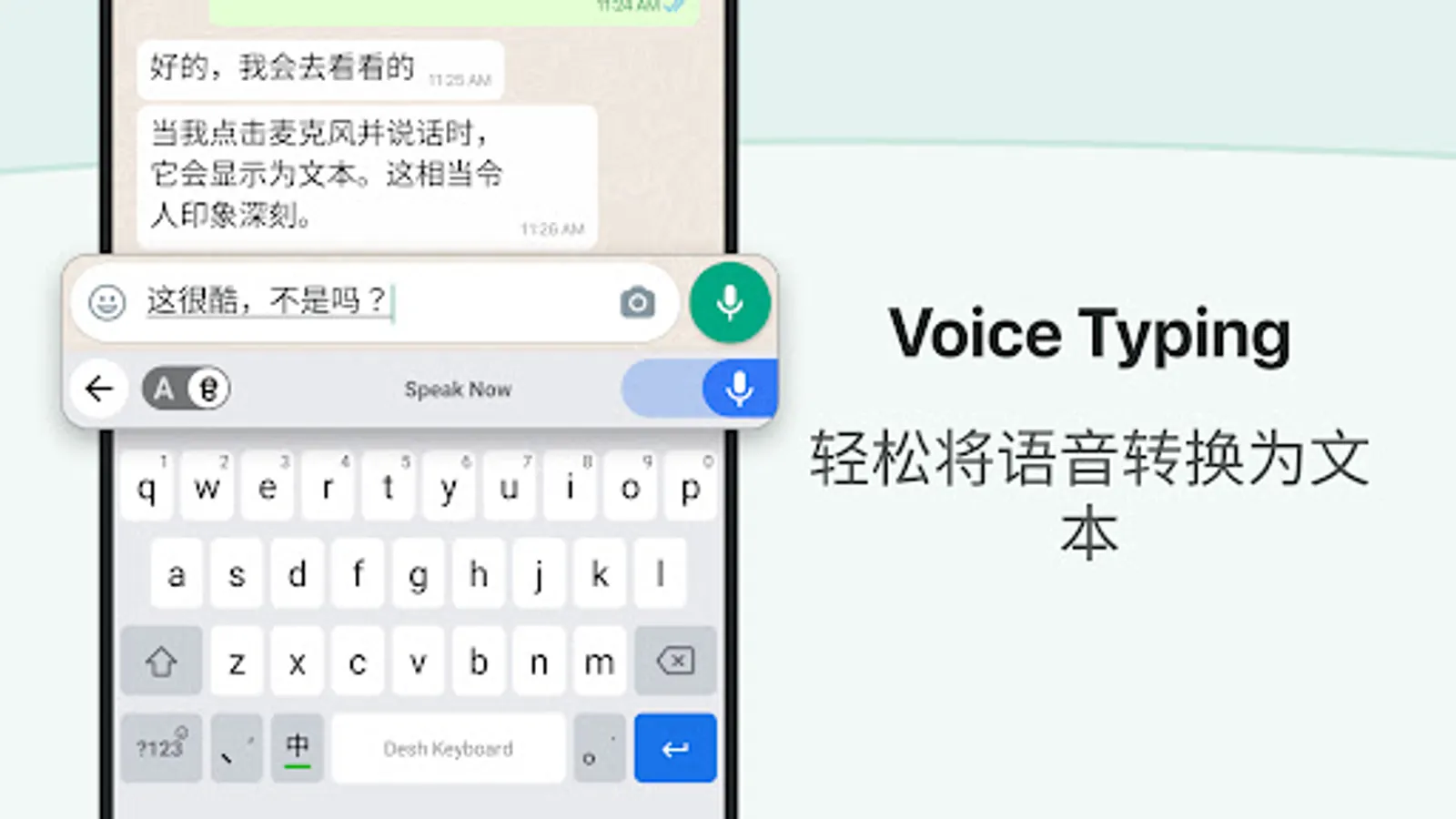
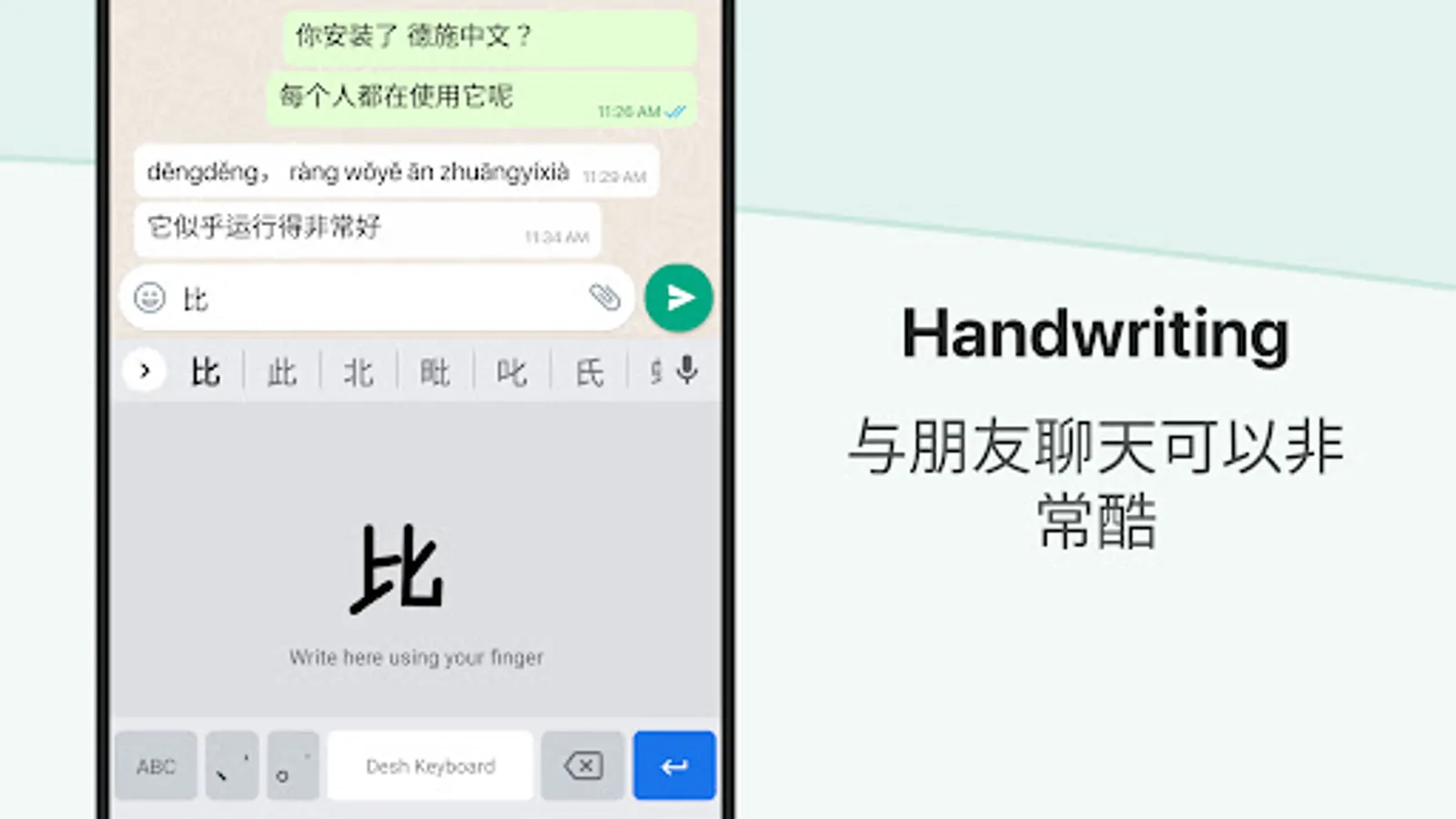
- Works inside all apps - a Chinese typing keyboard app for social media and messaging apps
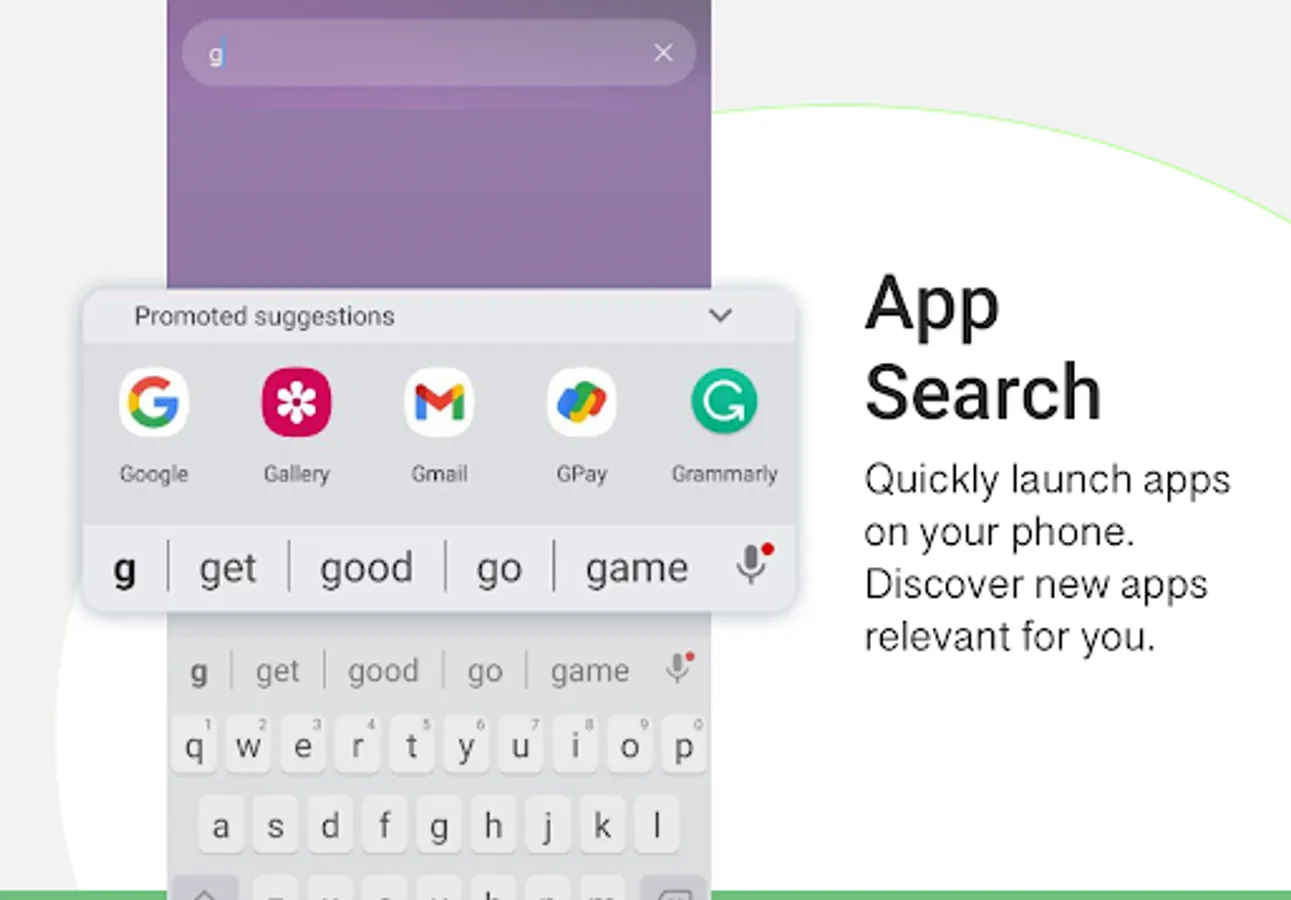
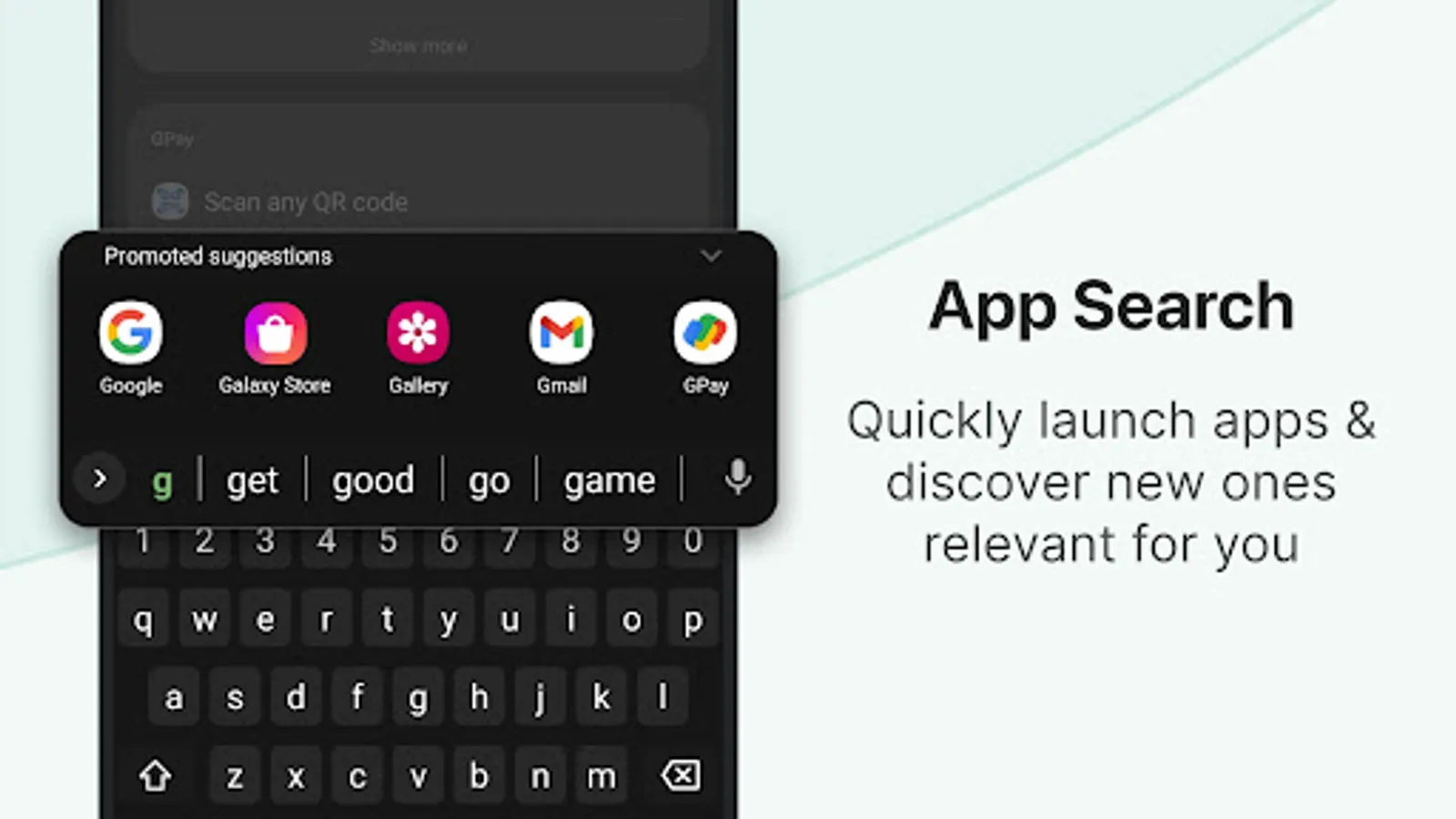
- Easily search and open apps installed on your phone and discover new apps relevant to you with our App Search feature.
Installation and set up is easy.
- Open the app to enable and choose the keyboard. A standard warning may be shown when you enable any downloaded keyboard app
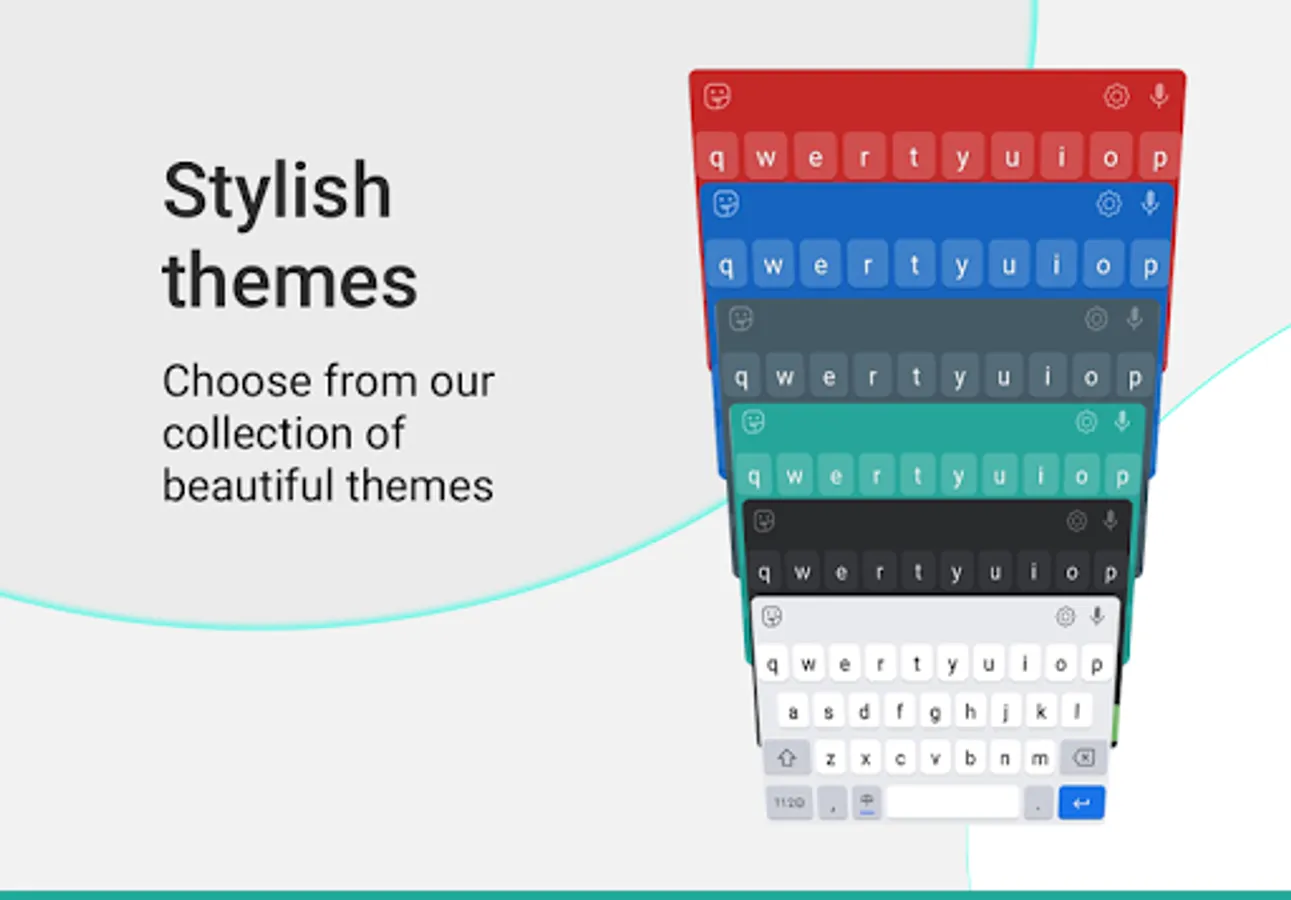
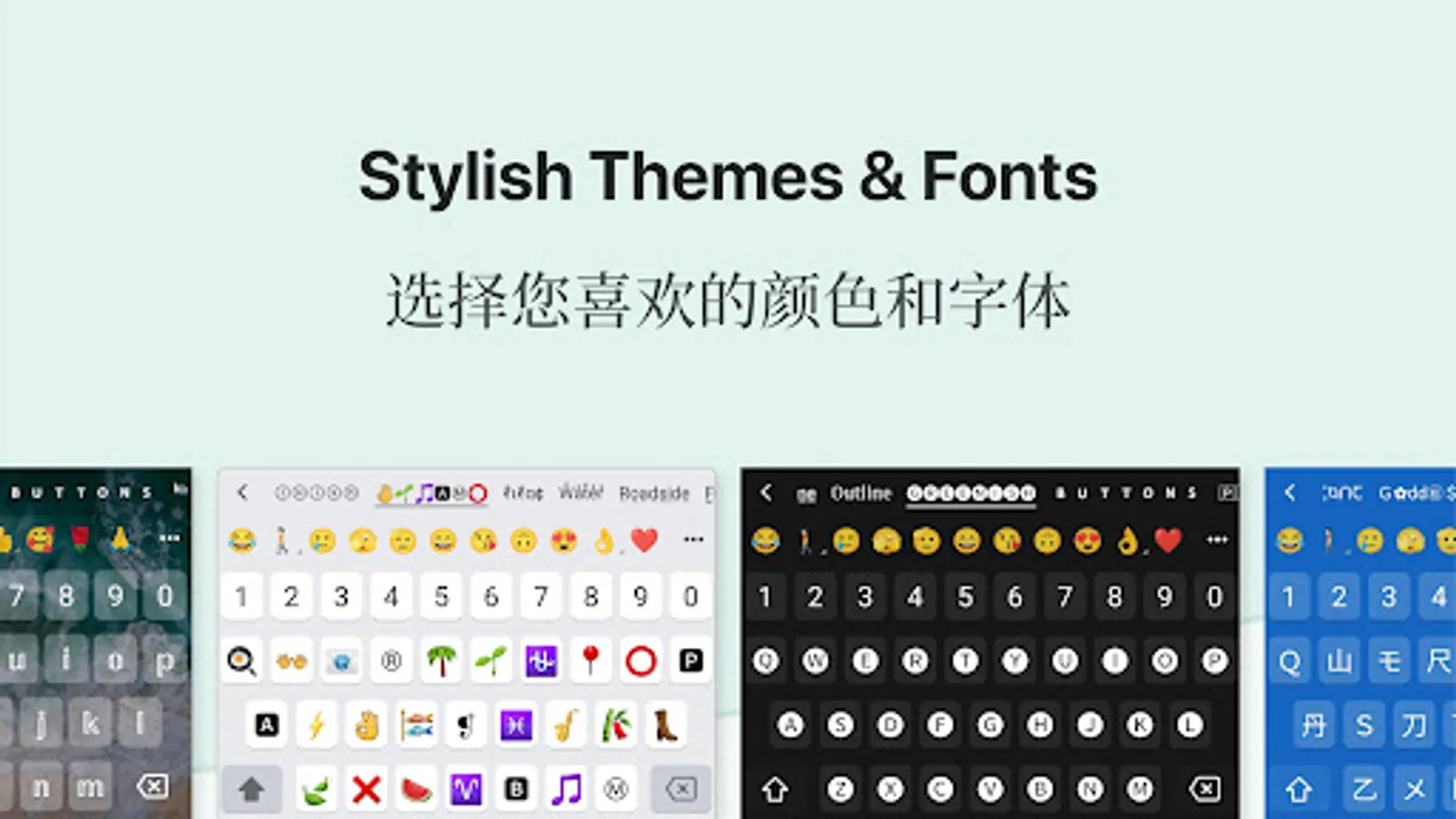
- Choose a keyboard theme or create your own photo to the keyboard
- You can now type Chinese everywhere!
- To change the keyboard, press and hold the Space key
Amazing features. Simple and easy.
- Type in Chinese faster: start typing in English and choose Chinese word suggestions for what you're typing. This is the easiest method for English to Chinese typing
- Browse stickers: Choose and send any sticker on your phone inside messaging apps. Storage permission is required to enable this feature.
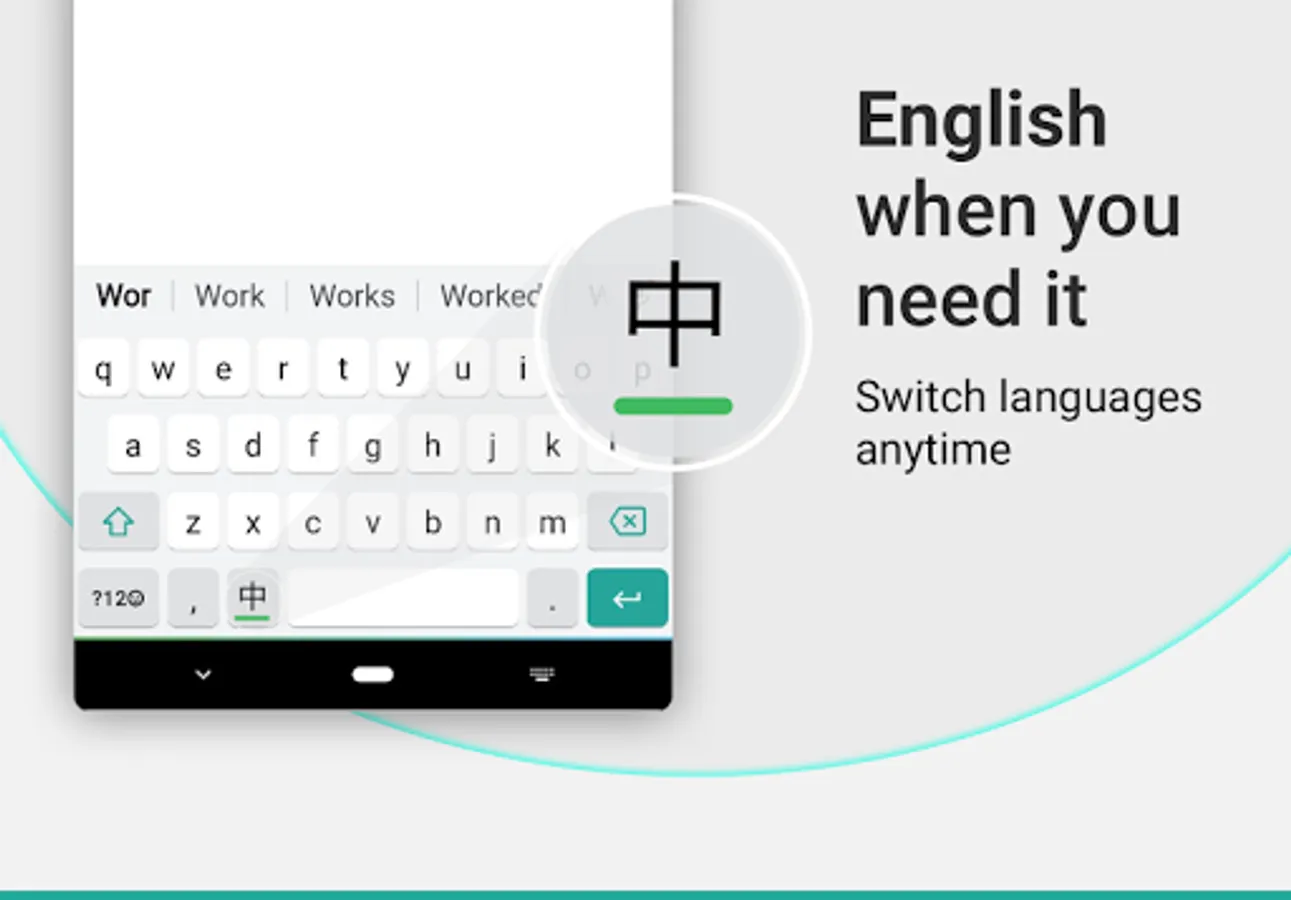
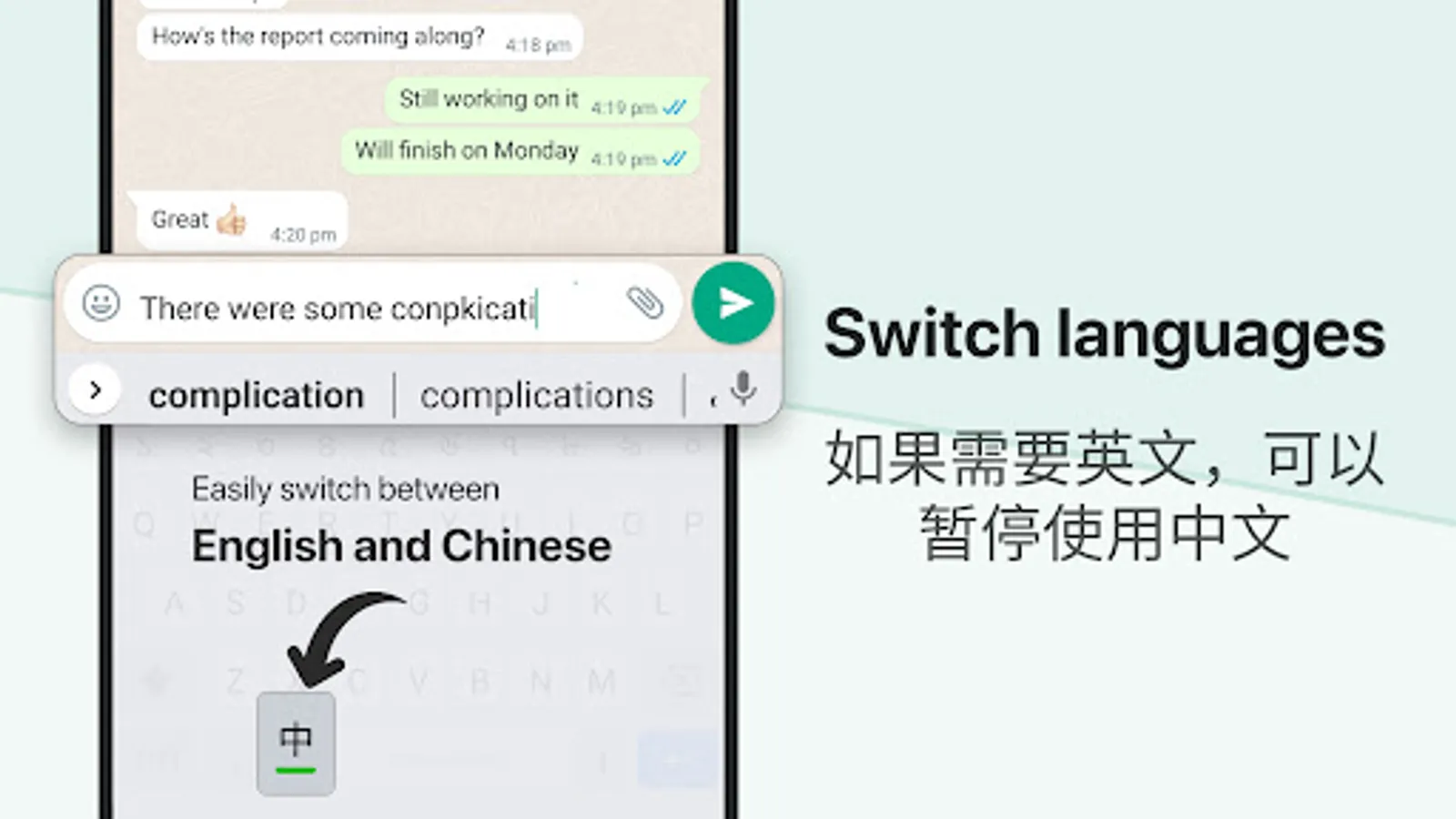
- Use the language button to switch between English and Chinese. English words suggestions are also available.
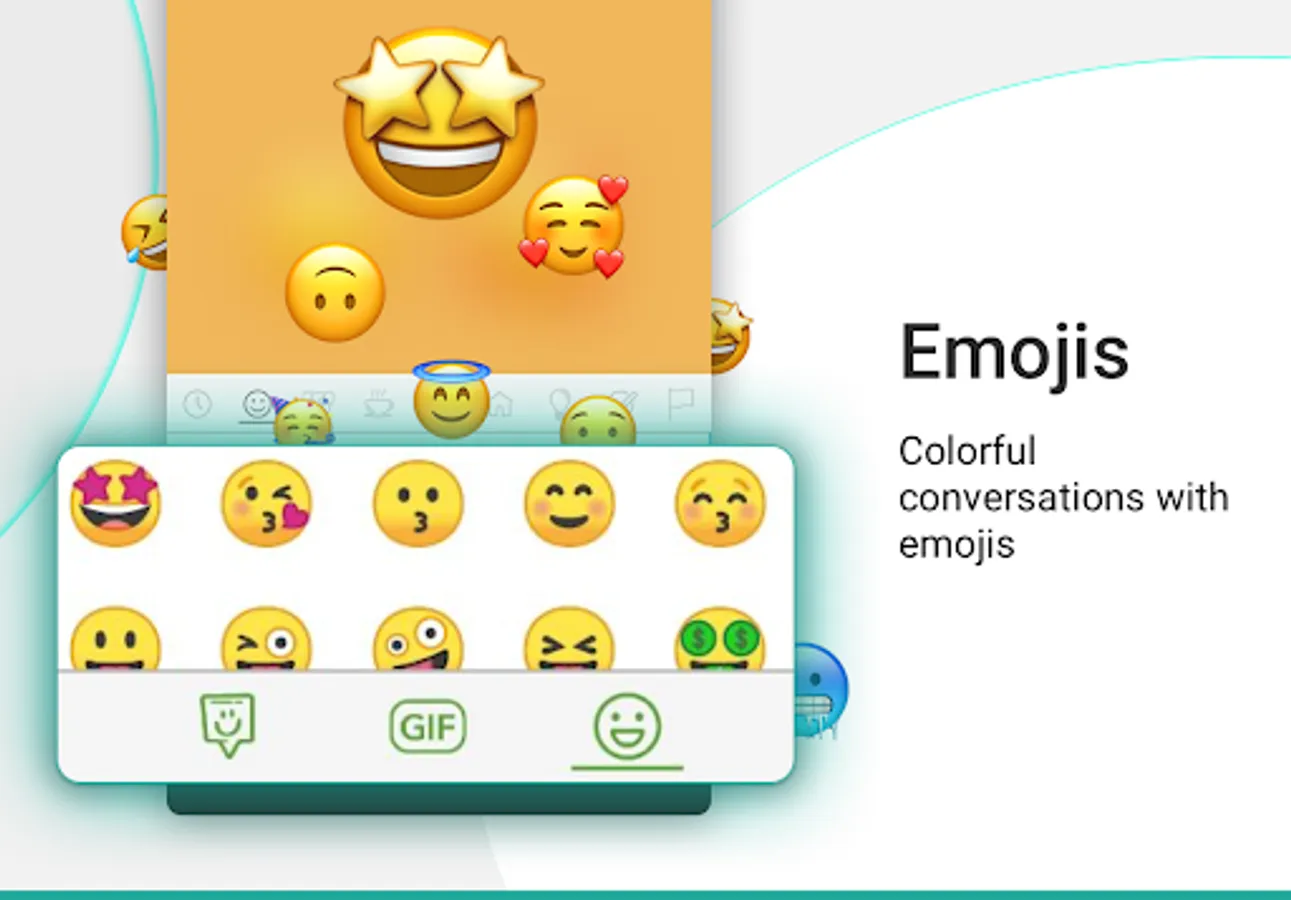
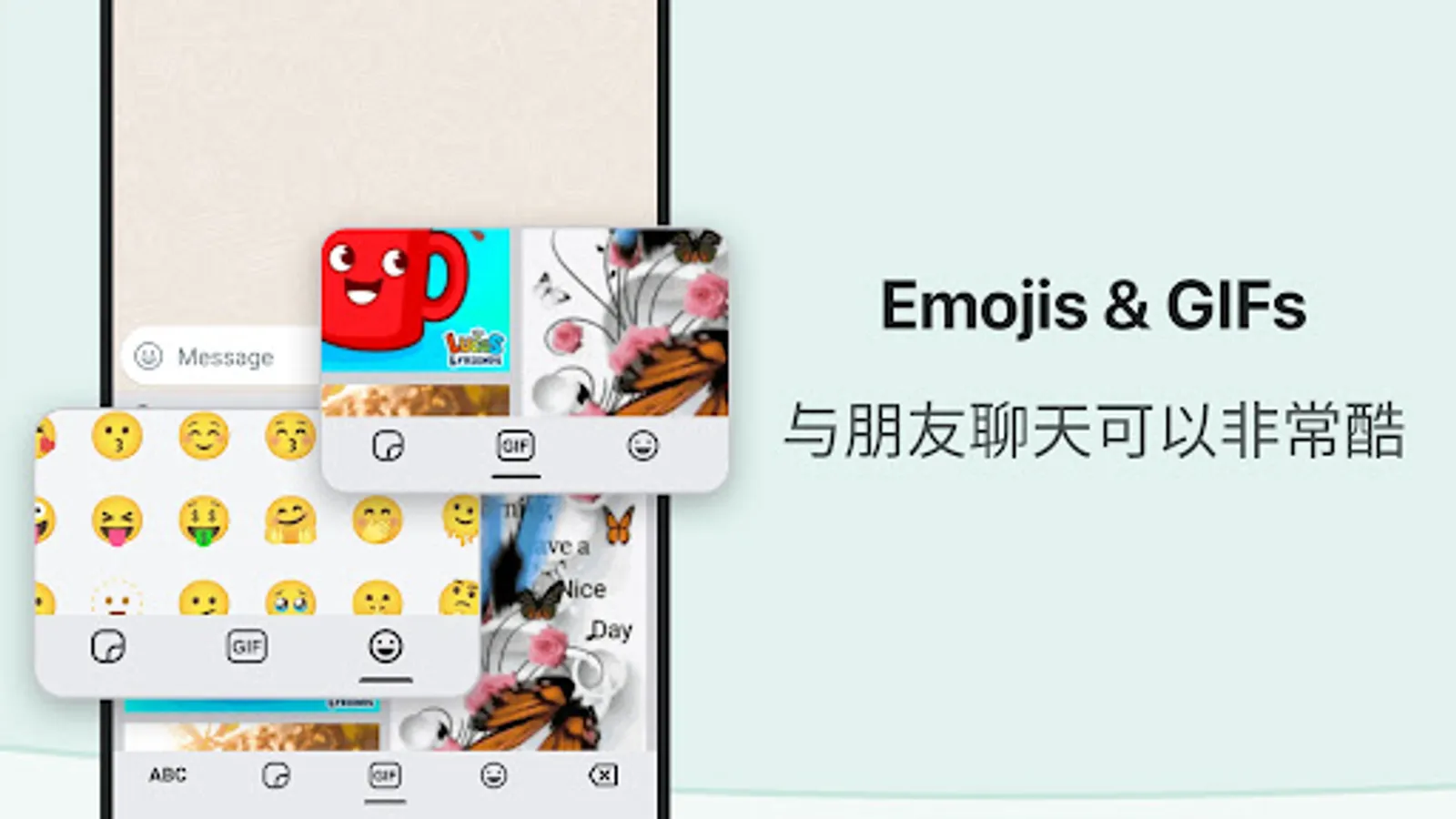
- An emoji bar is included to select emojis faster. Click on the emojis button to view all emojis. Press and hold emojis to change skin tones.
- The keyboard theme can be changed from settings. You can also create your own photo theme.
- No more typing with slow manual keyboards - choose this Android Chinese Transliteration Keyboard that is free, fast, effortless and easy to use.
Love it? Choose Premium.
- Suggest new features and help make the app better
- Get a fully ad free experience
Safe & secure. We respect your privacy.
- No personal information or credit card details are collected. A standard warning is shown by Android for all keyboards that you download.
- Anonymous statistics may be collected to improve your experience.
Share your suggestions by emailing us at apps@clusterdev.com
Please leave great feedback - it helps us keep going!
- English to Chinese typing: write phonetically in English to get Chinese
- Browse stickers from your phone and send them directly inside messaging apps
- Works inside all apps - a Chinese typing keyboard app for social media and messaging apps
- Easily search and open apps installed on your phone and discover new apps relevant to you with our App Search feature.
Installation and set up is easy.
- Open the app to enable and choose the keyboard. A standard warning may be shown when you enable any downloaded keyboard app
- Choose a keyboard theme or create your own photo to the keyboard
- You can now type Chinese everywhere!
- To change the keyboard, press and hold the Space key
Amazing features. Simple and easy.
- Type in Chinese faster: start typing in English and choose Chinese word suggestions for what you're typing. This is the easiest method for English to Chinese typing
- Browse stickers: Choose and send any sticker on your phone inside messaging apps. Storage permission is required to enable this feature.
- Use the language button to switch between English and Chinese. English words suggestions are also available.
- An emoji bar is included to select emojis faster. Click on the emojis button to view all emojis. Press and hold emojis to change skin tones.
- The keyboard theme can be changed from settings. You can also create your own photo theme.
- No more typing with slow manual keyboards - choose this Android Chinese Transliteration Keyboard that is free, fast, effortless and easy to use.
Love it? Choose Premium.
- Suggest new features and help make the app better
- Get a fully ad free experience
Safe & secure. We respect your privacy.
- No personal information or credit card details are collected. A standard warning is shown by Android for all keyboards that you download.
- Anonymous statistics may be collected to improve your experience.
Share your suggestions by emailing us at apps@clusterdev.com
Please leave great feedback - it helps us keep going!
Chinese Keyboard - Pinyin Screenshots
Tap to Rate:
Reviews for Chinese Keyboard - Pinyin
Dackson Molesi
3/6/2026
it gives options of suggested words i really like it
Puteri Damea
3/4/2026
I REALLYY LIKE ITT