In this app, you can locate your parked car using GPS and manage Bluetooth connections for your vehicle. Includes Find My Car feature and a fast FM radio tuner for audio streaming.
AppRecs review analysis
AppRecs rating 4.2. Trustworthiness 0 out of 100. Review manipulation risk 0 out of 100. Based on a review sample analyzed.
★★★★☆
4.2
AppRecs Rating
Ratings breakdown
5 star
65%
4 star
15%
3 star
6%
2 star
2%
1 star
12%
What to know
✓
High user satisfaction
80% of sampled ratings are 4+ stars (4.2★ average)
✓
Authentic reviews
Natural distribution, no red flags
About Roav Charger
Easy-To-Use Features:
- Find My Car
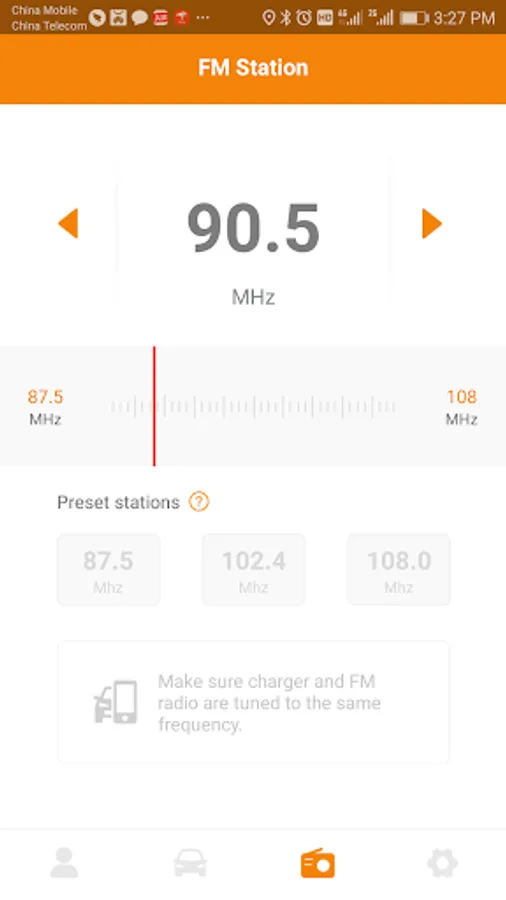
- Fast FM Radio Frequency Tuner
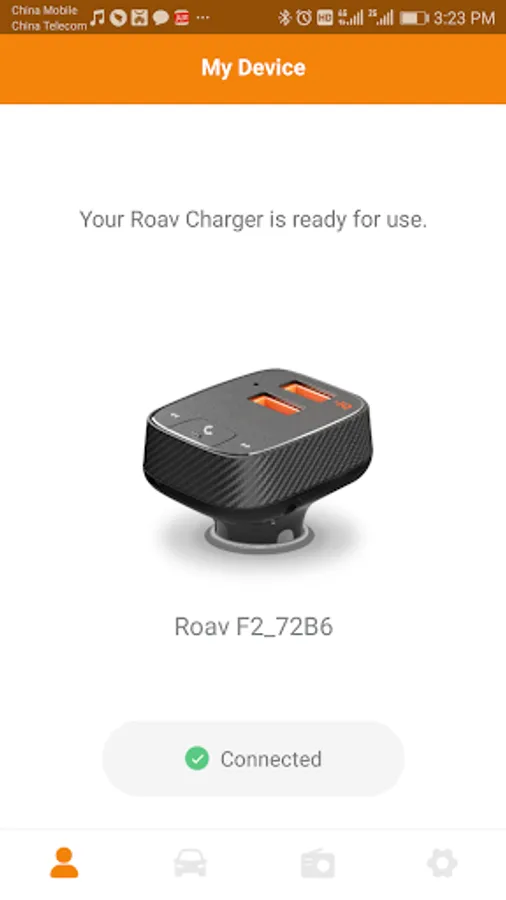
- Instantly Pair with Smart Car Charger F2
What is Roav Smart Car Charger F2?
F2 is a Bluetooth FM transmitter with built-in charging capabilities. F2 pairs with your smartphone to broadcast calls, music, and navigation directions to your car's FM radio so you can hear everything using your car's speakers.
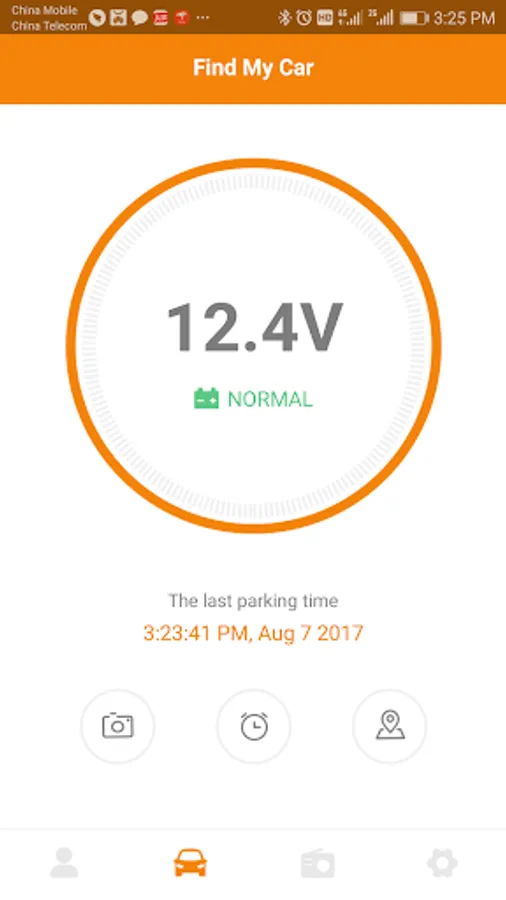
How the Find My Car feature works
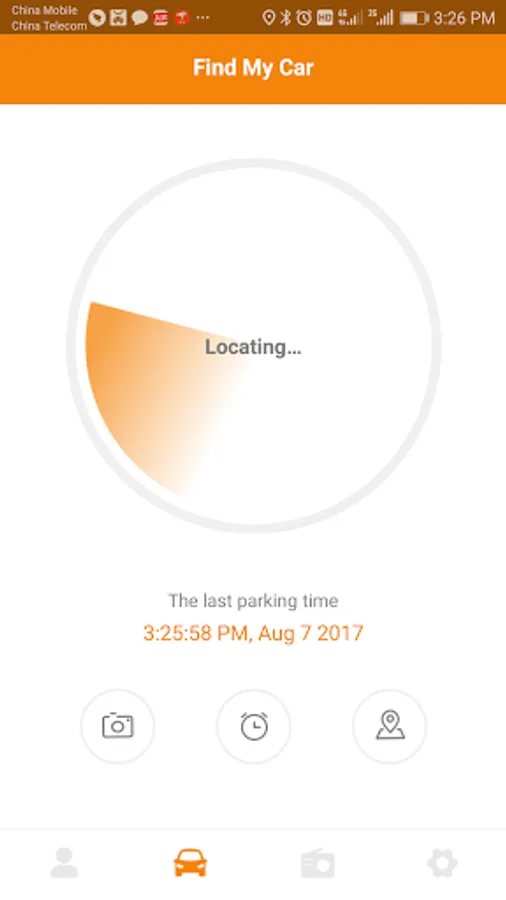
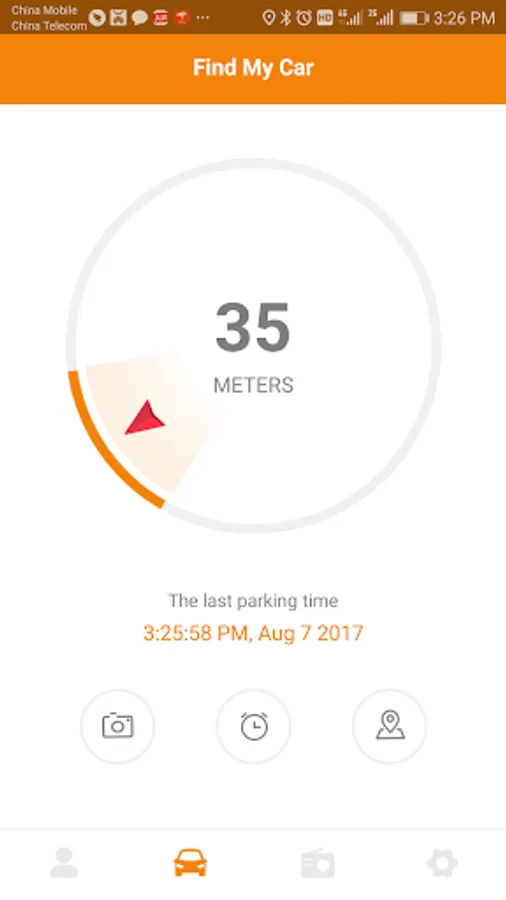
1. After you have paired F2 with the Roav app, when you stop your engine, the Roav app will lock onto your F2's GPS location automatically.
2. When you can't remember where you parked, use this app to find your way back to your car.
3. Walk in the direction the arrow points.
4. When you are close to your car, the Roav app will display "Nearby".
If you have any questions regarding the Roav app, please contact us at support@goroav.com.
- Find My Car
- Fast FM Radio Frequency Tuner
- Instantly Pair with Smart Car Charger F2
What is Roav Smart Car Charger F2?
F2 is a Bluetooth FM transmitter with built-in charging capabilities. F2 pairs with your smartphone to broadcast calls, music, and navigation directions to your car's FM radio so you can hear everything using your car's speakers.
How the Find My Car feature works
1. After you have paired F2 with the Roav app, when you stop your engine, the Roav app will lock onto your F2's GPS location automatically.
2. When you can't remember where you parked, use this app to find your way back to your car.
3. Walk in the direction the arrow points.
4. When you are close to your car, the Roav app will display "Nearby".
If you have any questions regarding the Roav app, please contact us at support@goroav.com.
Roav Charger Screenshots
Tap to Rate: