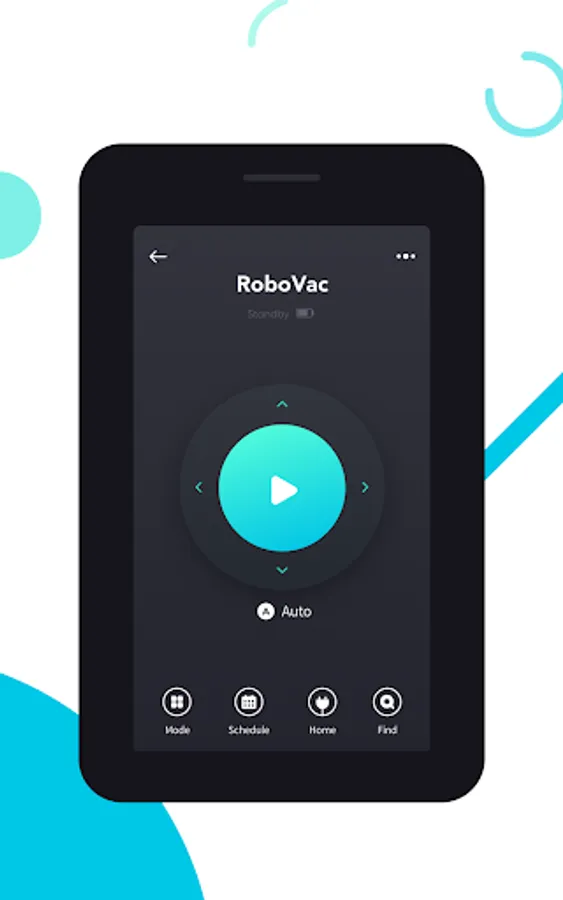
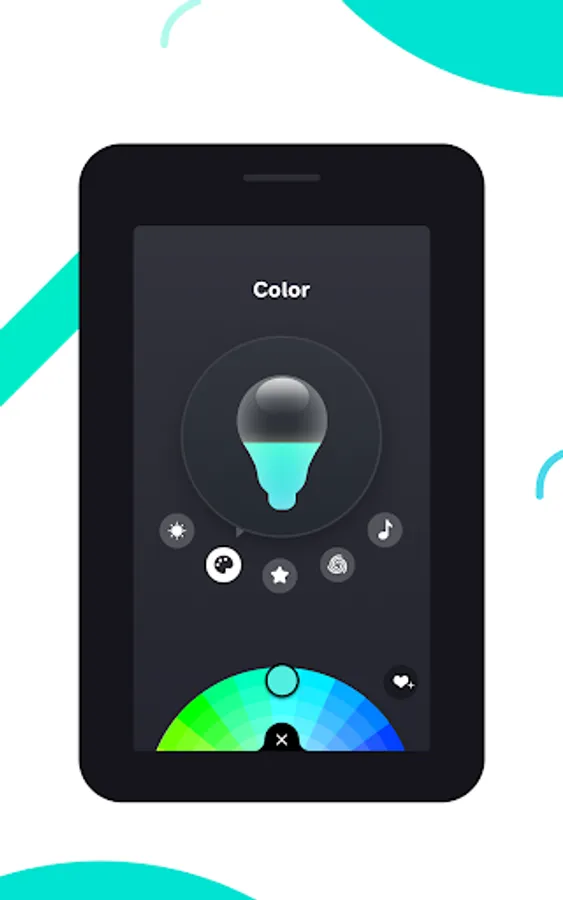
With this app, you can control and manage Eufy smart home devices remotely and share access with family members. Includes device setup, control, and account management features.
AppRecs review analysis
AppRecs rating 4.4. Trustworthiness 84 out of 100. Review manipulation risk 17 out of 100. Based on a review sample analyzed.
★★★★☆
4.4
AppRecs Rating
Ratings breakdown
5 star
73%
4 star
15%
3 star
3%
2 star
2%
1 star
6%
What to know
✓
Low review manipulation risk
17% review manipulation risk
✓
Credible reviews
84% trustworthiness score from analyzed reviews
✓
High user satisfaction
88% of sampled ratings are 4+ stars (4.5★ average)
About eufy Clean(EufyHome)
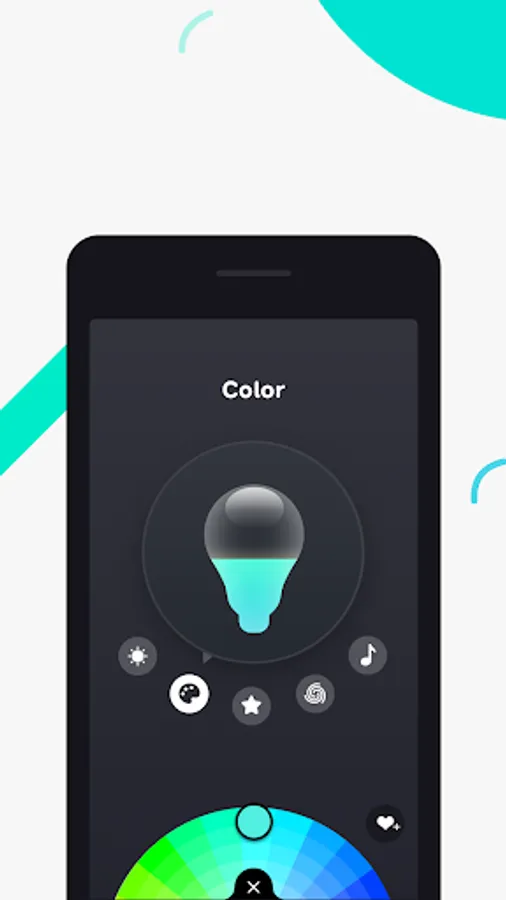
eufy Clean - Live Well. Live Smart. Control your Eufy smart home devices from anywhere.
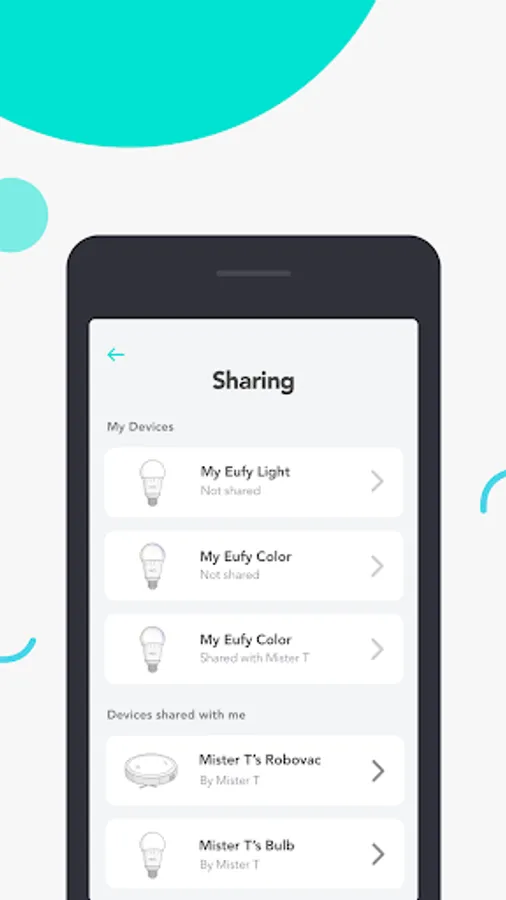
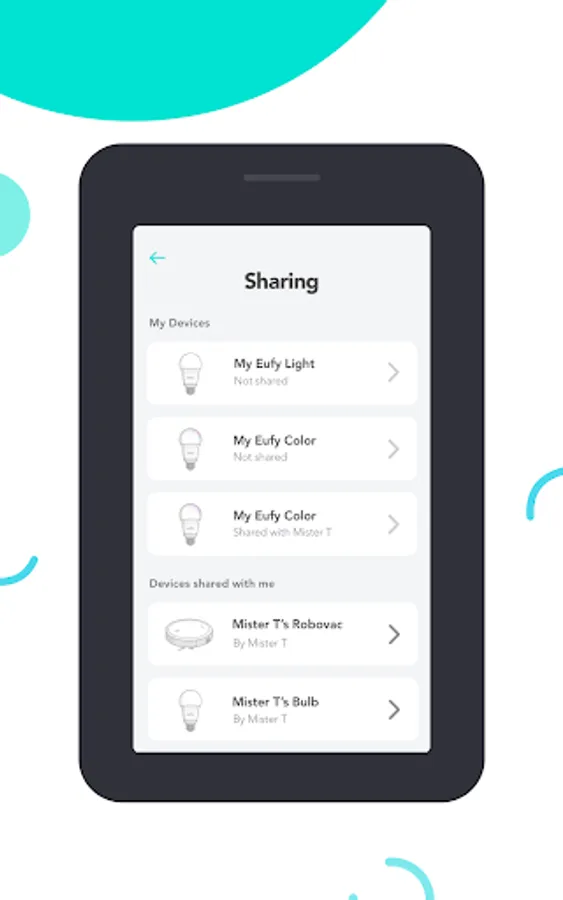
You can also share Eufy smart home devices with family members, so everyone can set their own personal preferences for each device.
How to use eufy Clean:
- Registering your account: After downloading the app, create and register an account with your Email address. (Or directly log in with your EufyLife account)
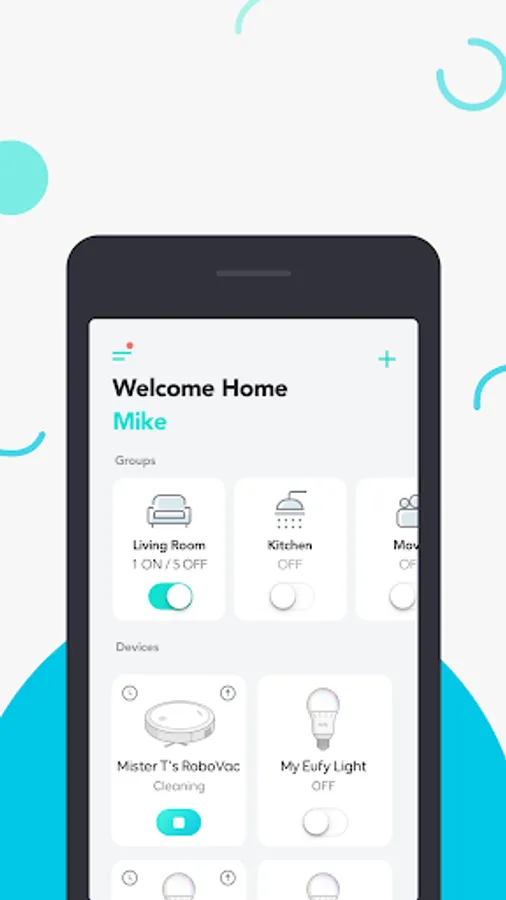
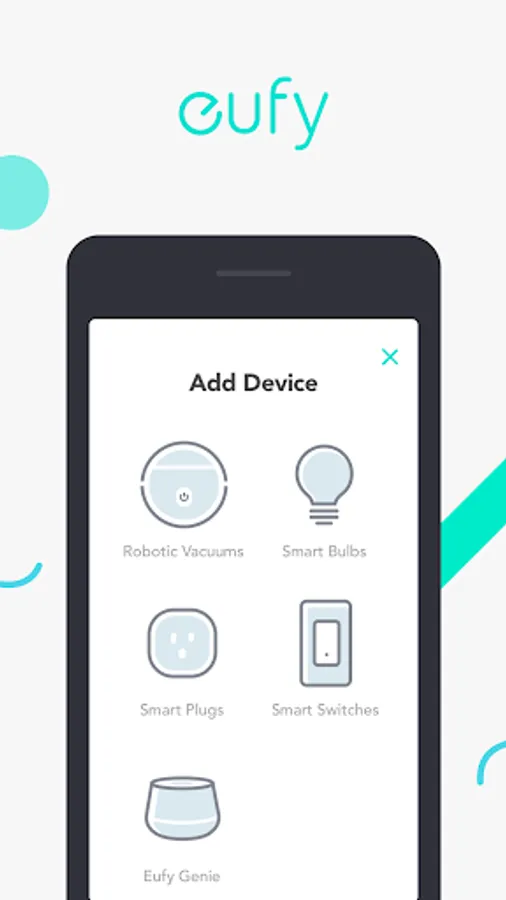
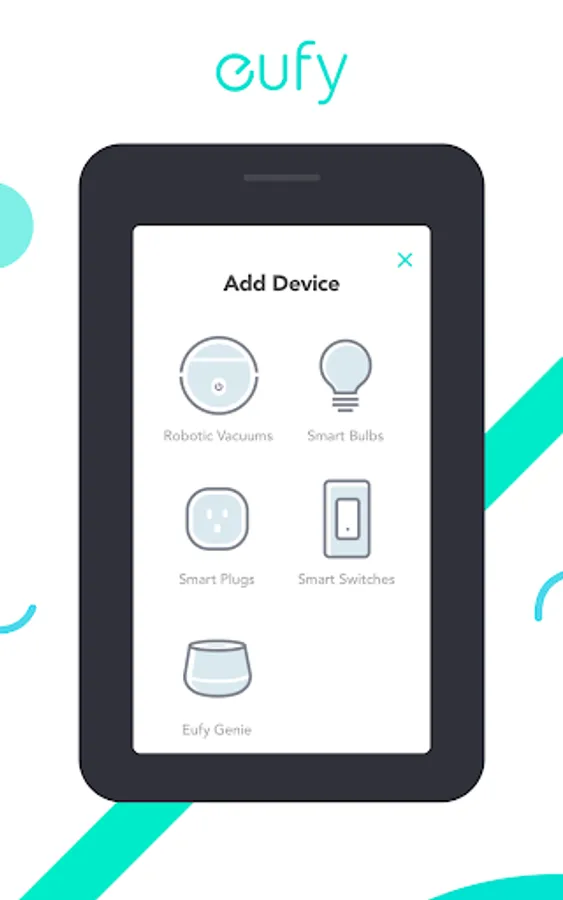
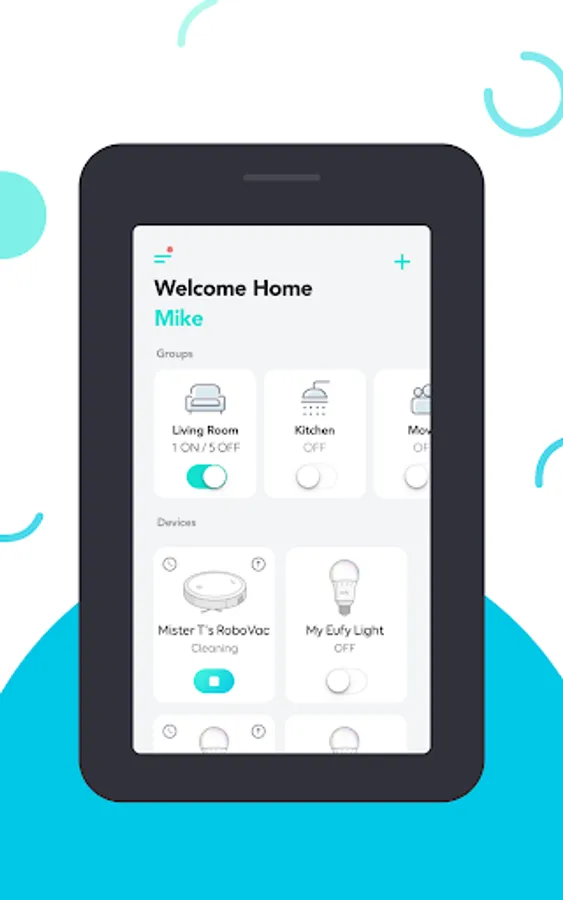
- Adding devices: Open the eufy Clean app and follow the intuitive setup procedure to pair new devices with your smartphone. If a device has already been setup by another family member, you can request control access to operate that device from that family member.
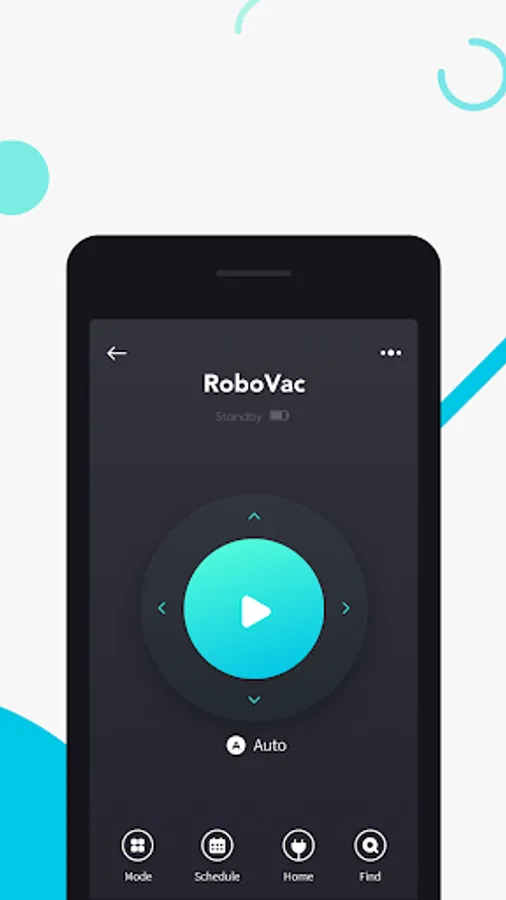
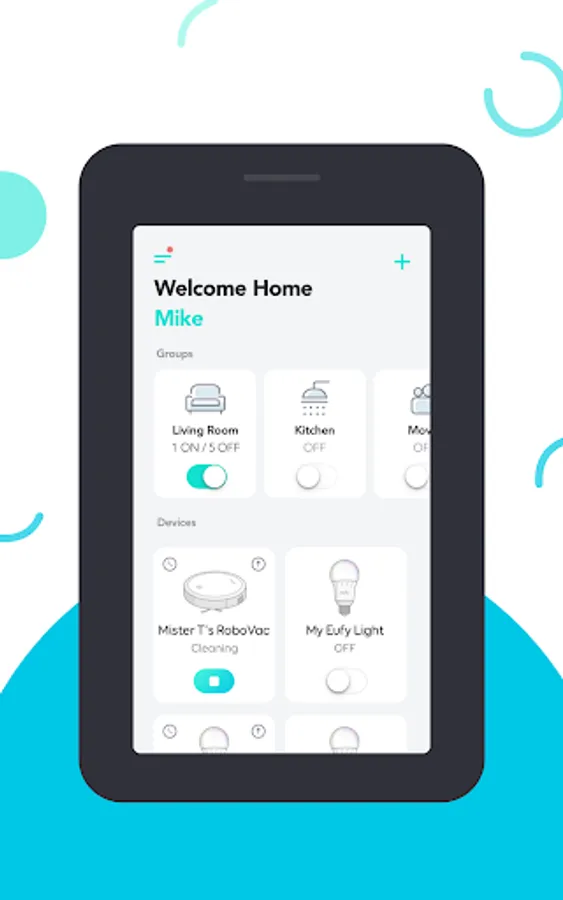
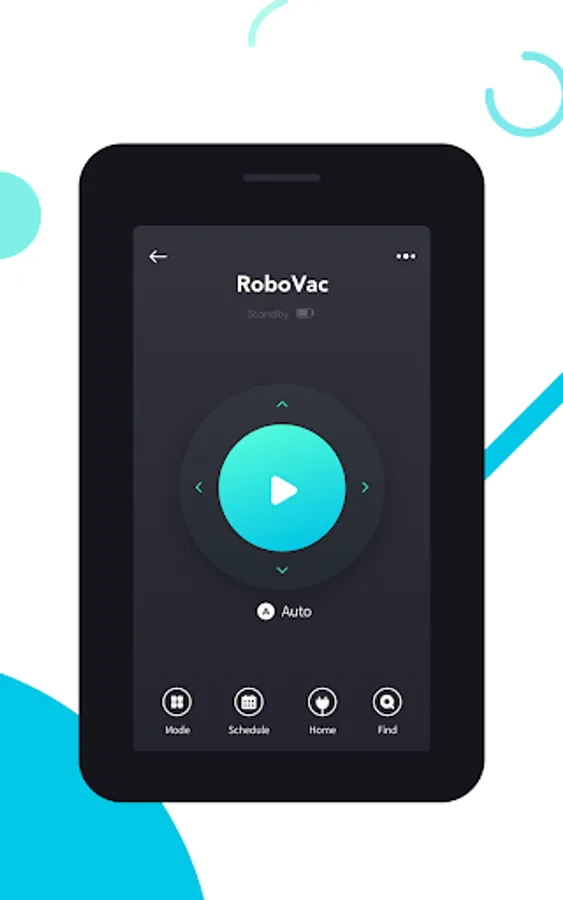
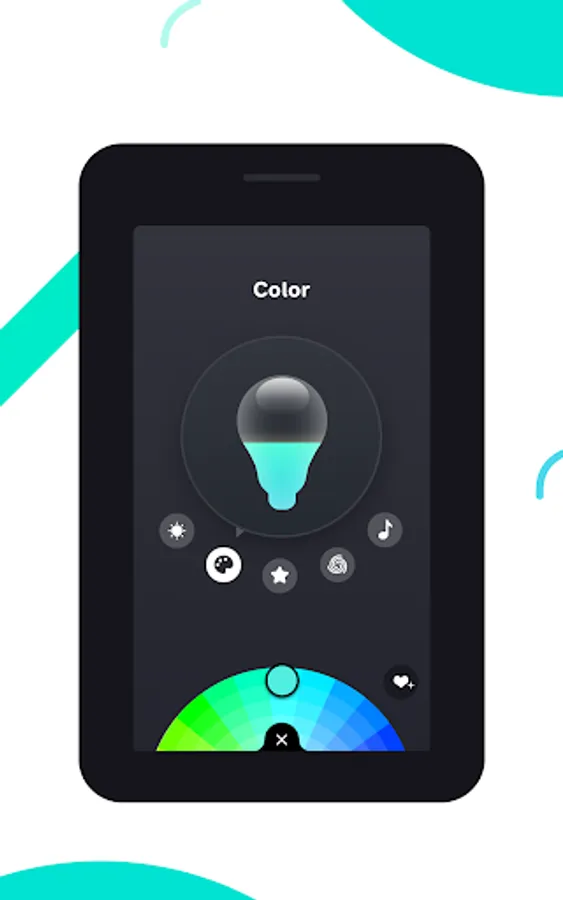
- Using devices: After successfully pairing the new device, it will show up in the device list. Simply tap the icon you wish to use and start enjoying the Eufy smart home experience.
Contact Us:
• Email: support@eufylife.com
• Website: eufylife.com
• Facebook: @EufyOfficial
You can also share Eufy smart home devices with family members, so everyone can set their own personal preferences for each device.
How to use eufy Clean:
- Registering your account: After downloading the app, create and register an account with your Email address. (Or directly log in with your EufyLife account)
- Adding devices: Open the eufy Clean app and follow the intuitive setup procedure to pair new devices with your smartphone. If a device has already been setup by another family member, you can request control access to operate that device from that family member.
- Using devices: After successfully pairing the new device, it will show up in the device list. Simply tap the icon you wish to use and start enjoying the Eufy smart home experience.
Contact Us:
• Email: support@eufylife.com
• Website: eufylife.com
• Facebook: @EufyOfficial
eufy Clean(EufyHome) Screenshots
Tap to Rate:
Reviews for eufy Clean(EufyHome)
Farizad Gopee
12/28/2025
v good
Jordan Toulson
12/28/2025
was great until latest update (Dec '25). now doesn't stay logged in, making control of hoover very difficult. please fix!!