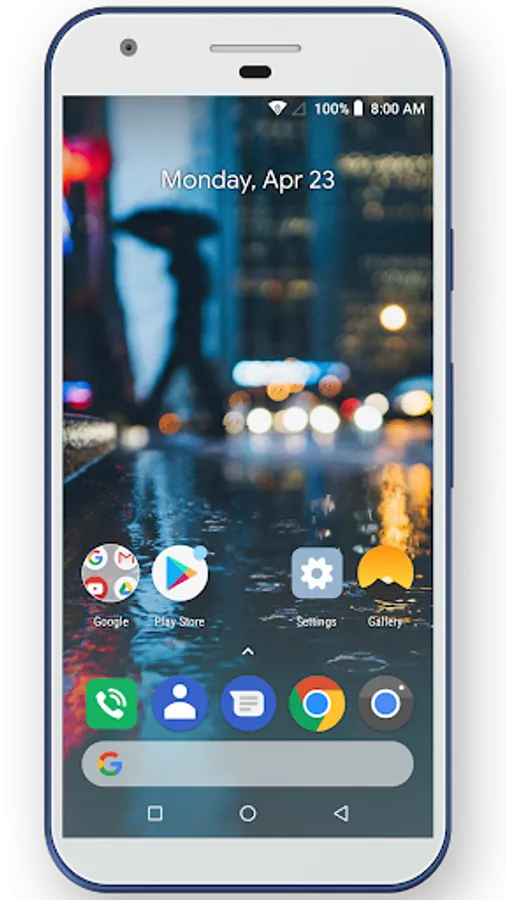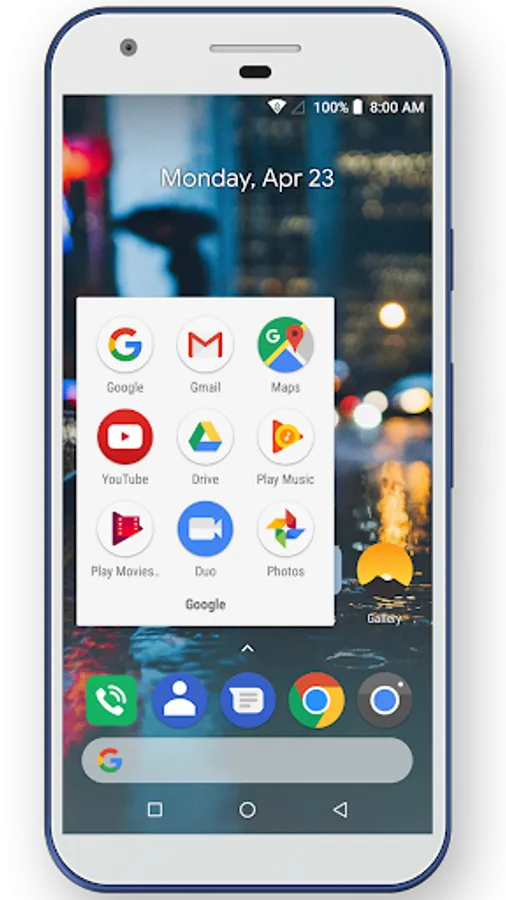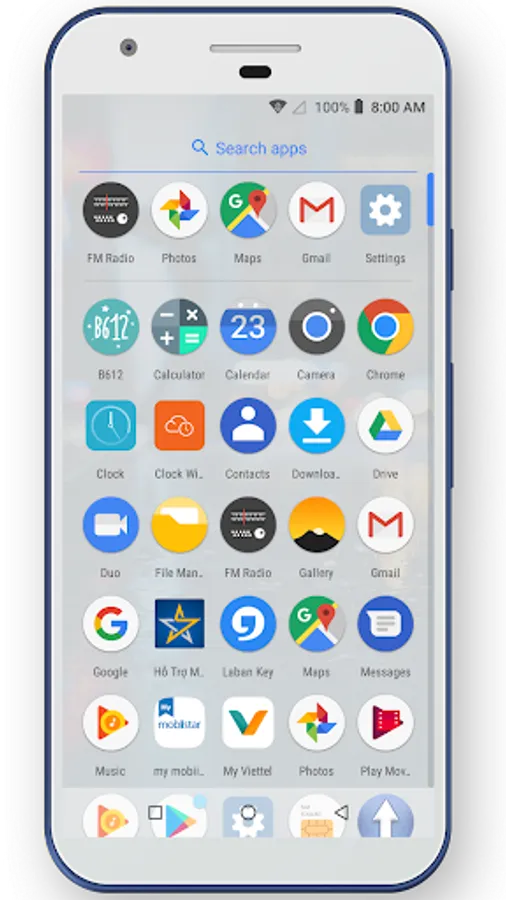
With Pie Launcher, you can customize your home screen with themes, icon packs, and wallpapers, and access apps quickly using gestures and search features. Includes app hiding, locking options, animations, and various UI customization settings.
AppRecs review analysis
AppRecs rating 3.6. Trustworthiness 0 out of 100. Review manipulation risk 0 out of 100. Based on a review sample analyzed.
★★★☆☆
3.6
AppRecs Rating
Ratings breakdown
5 star
52%
4 star
18%
3 star
0%
2 star
0%
1 star
30%
What to know
✓
Good user ratings
70% positive sampled reviews
✓
Authentic reviews
Natural distribution, no red flags
About Pie Launcher
Pie Launcher with many useful features.
With Pie Launcher users can have latest Android™ P(Android™ 9.0) launcher features.
Pie Launcher features:
1. Launcher features:
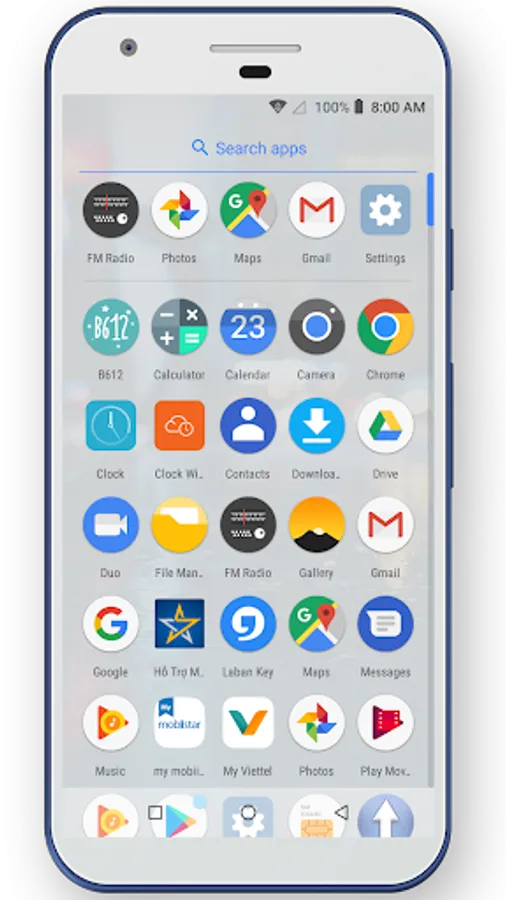
- Swipe up to access all apps
- Vertical drawer with recent apps.
- A-Z fast scroll bar.
- Android P style animation; round icon support like Pixel style.
2. Support many themes, icon packs, and wallpapers
3. Hide apps and lock apps
4. Gestures support
5. Double tap to lock phone
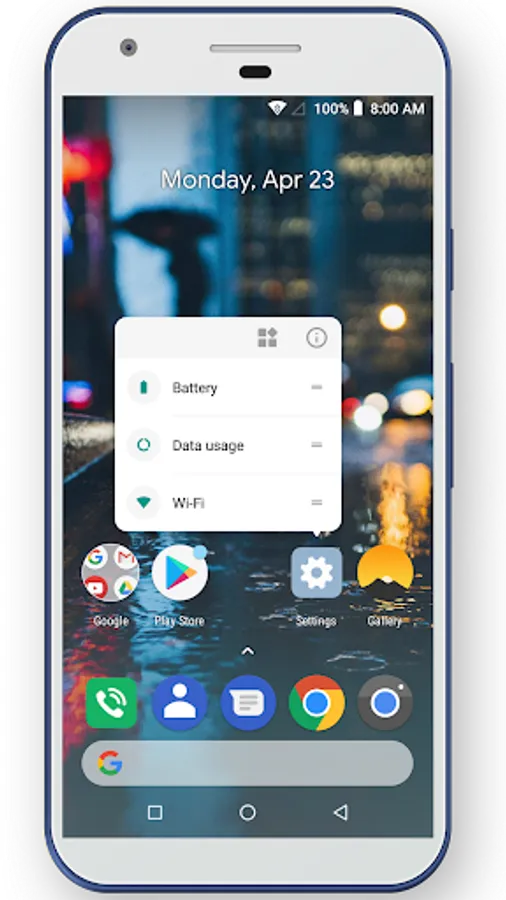
6. Quick action popup menu when long press icon in launcher desktop
7. Support lock desktop
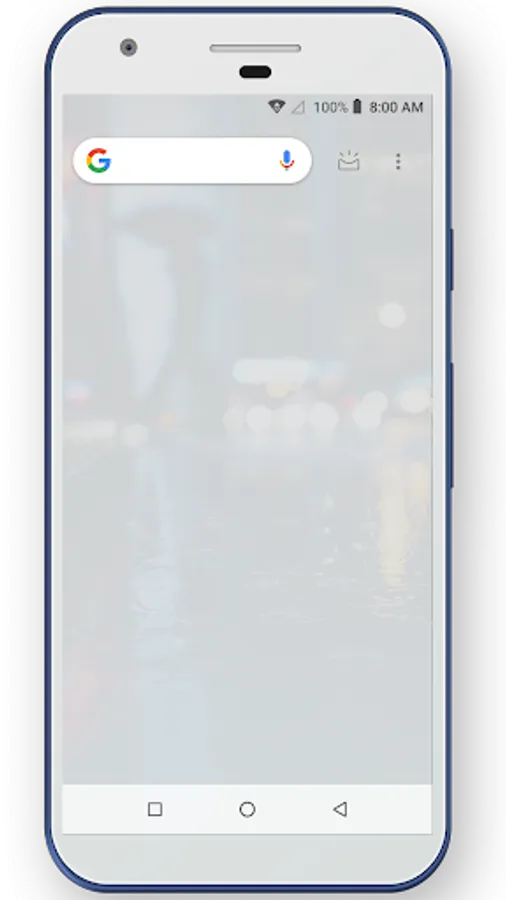
8. Search apps or web right away from launcher
9. Various search style: pixel launcher style, native style, enhanced style
10. Build-in circle/round icon pack
11. Many options to make launcher as you like, such as:
- Grid size, icon size selection
- Show/hide search bar, dock, status bar
- Ability to edit icon and icon name individually
- Fixed/float wallpaper
This app uses the Device Administrator permission
force-lock is used to screen off the device when double tap on the home screen.
Note:
- Android is a registered trademark of Google, LLC.
With Pie Launcher users can have latest Android™ P(Android™ 9.0) launcher features.
Pie Launcher features:
1. Launcher features:
- Swipe up to access all apps
- Vertical drawer with recent apps.
- A-Z fast scroll bar.
- Android P style animation; round icon support like Pixel style.
2. Support many themes, icon packs, and wallpapers
3. Hide apps and lock apps
4. Gestures support
5. Double tap to lock phone
6. Quick action popup menu when long press icon in launcher desktop
7. Support lock desktop
8. Search apps or web right away from launcher
9. Various search style: pixel launcher style, native style, enhanced style
10. Build-in circle/round icon pack
11. Many options to make launcher as you like, such as:
- Grid size, icon size selection
- Show/hide search bar, dock, status bar
- Ability to edit icon and icon name individually
- Fixed/float wallpaper
This app uses the Device Administrator permission
force-lock is used to screen off the device when double tap on the home screen.
Note:
- Android is a registered trademark of Google, LLC.