Desh Tamil Keyboard
Desh Keyboard
4.8 ★
183K ratings
10,000,000+
downloads
Free
+ in-app
AppRecs review analysis
AppRecs rating 4.8. Trustworthiness 41 out of 100. Review manipulation risk 41 out of 100. Based on a review sample analyzed.
★★★★☆
4.8
AppRecs Rating
Ratings breakdown
5 star
84%
4 star
12%
3 star
2%
2 star
0%
1 star
2%
What to know
⚠
Questionable review patterns
41% review manipulation risk - some review patterns appear unusual
⚠
Rating authenticity concerns
High rating concentration (84% 5-star) in sampled ratings
⚠
Review quality concerns
65% of sampled 5-star reviews are very short
About Desh Tamil Keyboard
Desh Tamil Keyboard is the most popular app to type both Tamil and English.
Different ways to type
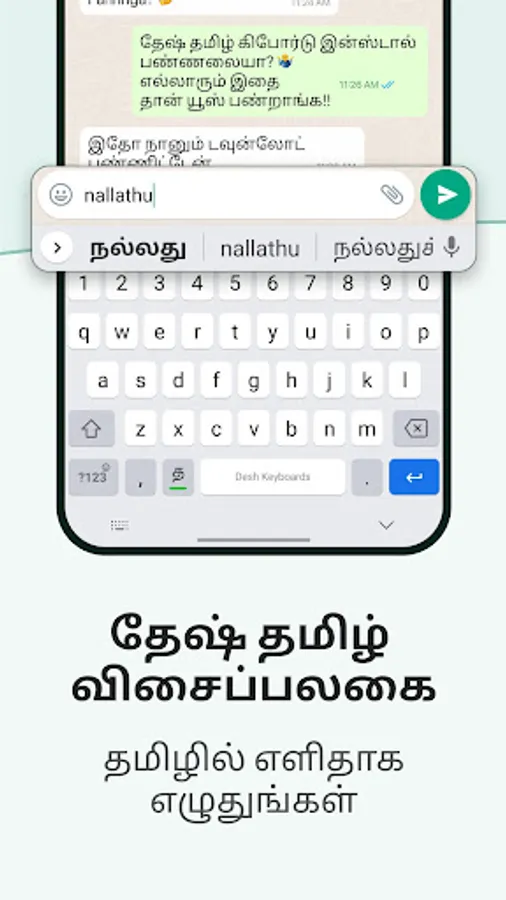
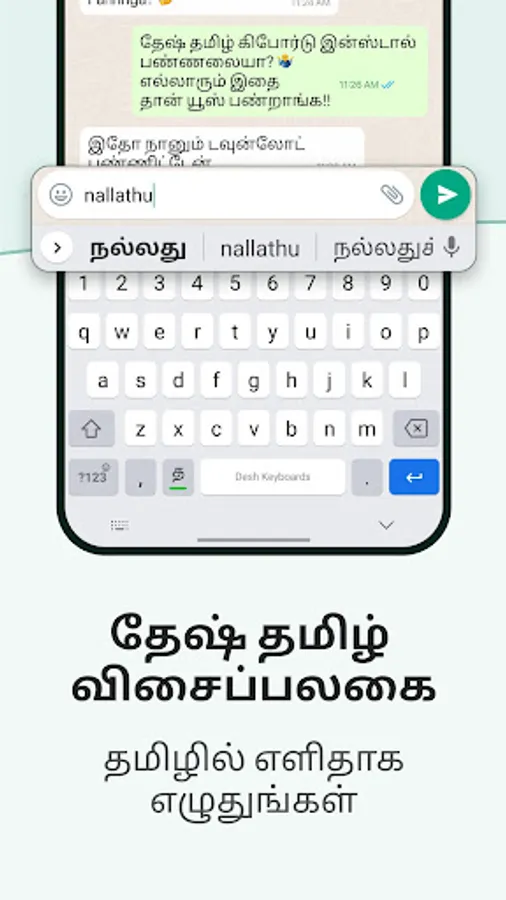
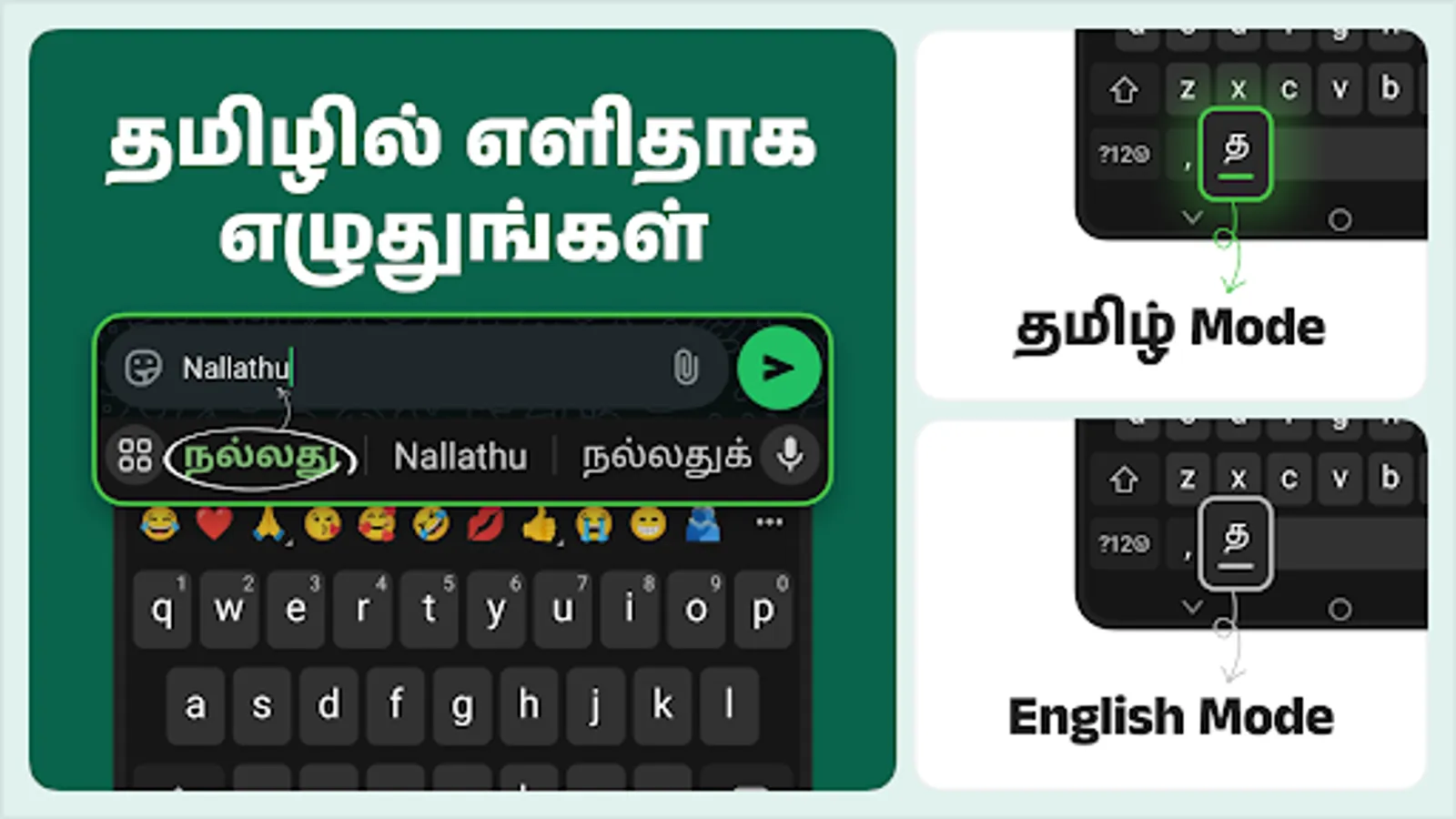
- Tanglish: Type in English and get Tamil words
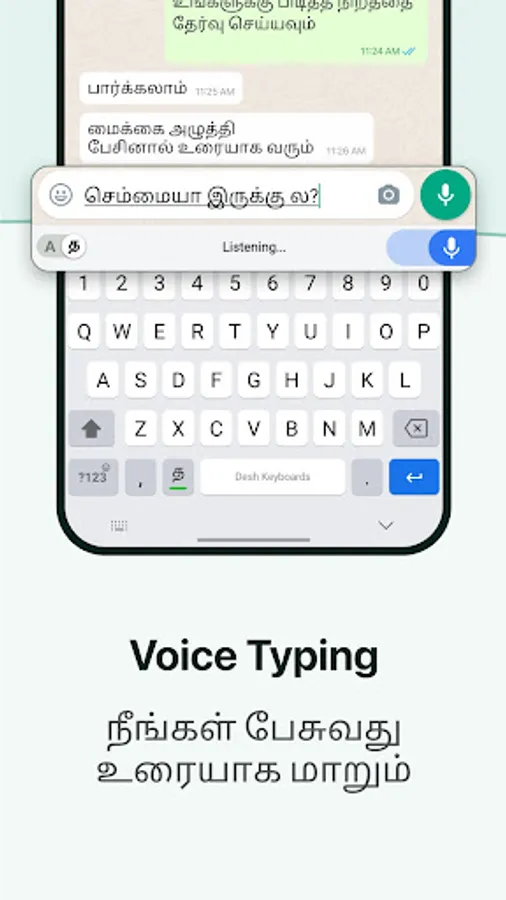
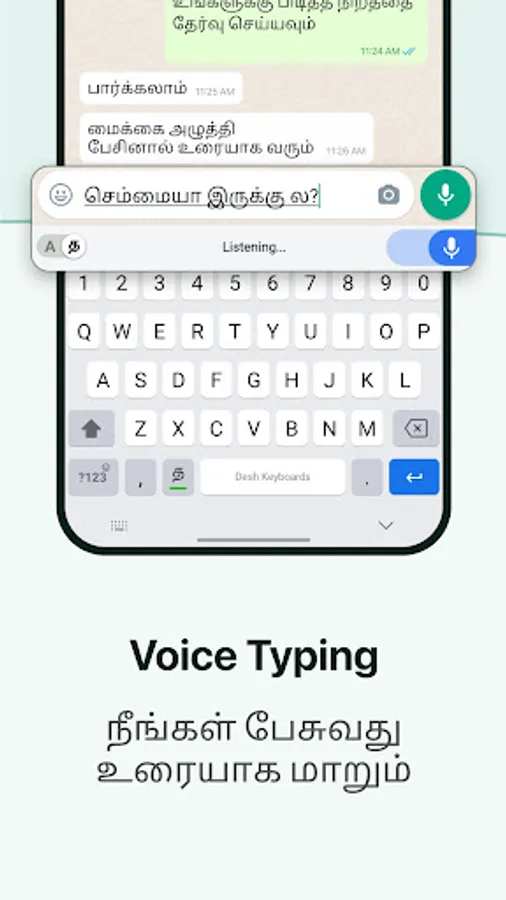
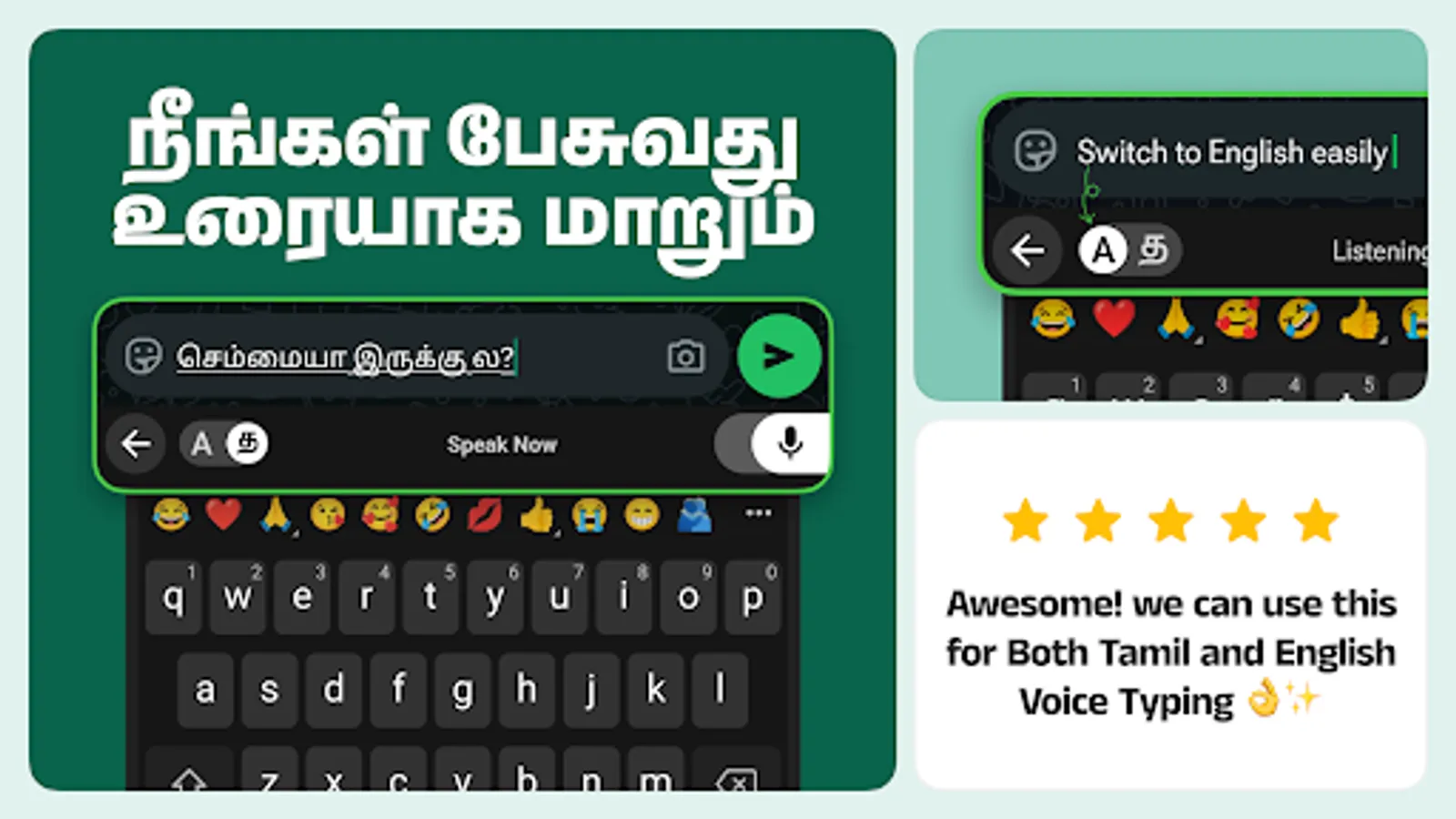
- Voice: Speak and get Tamil with voice typing
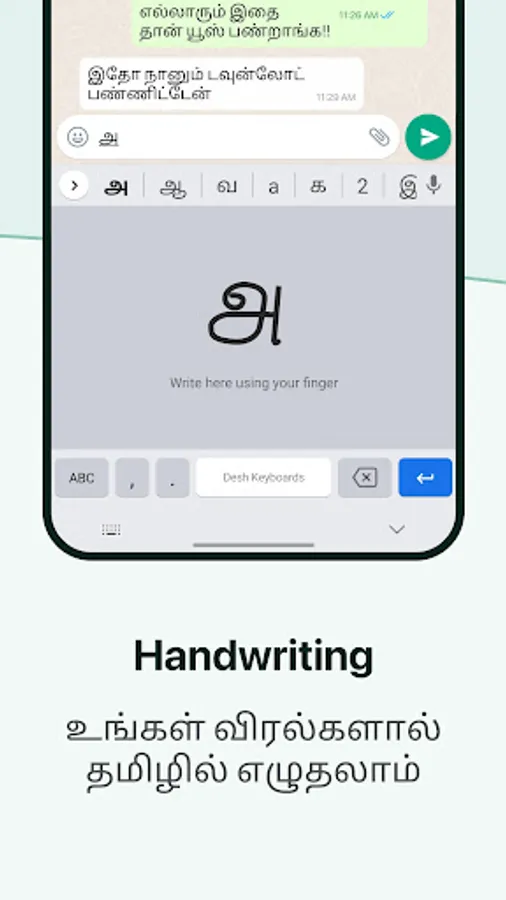
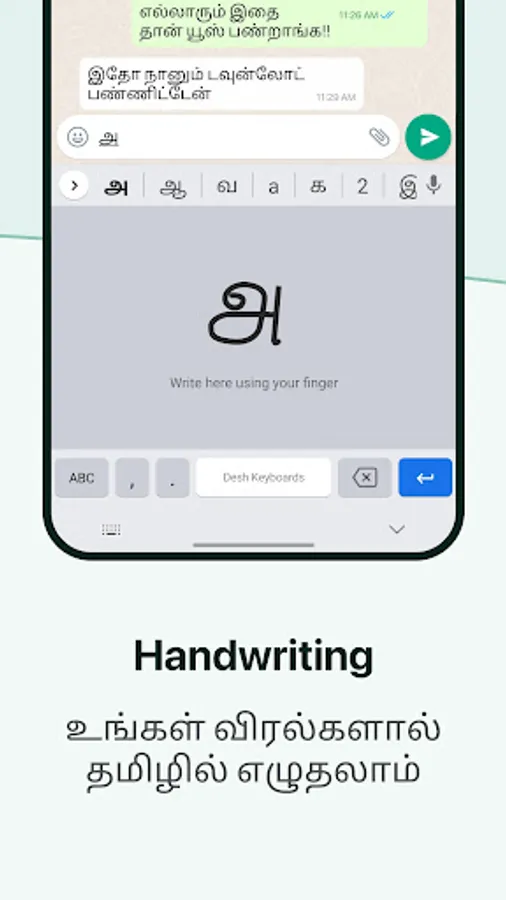
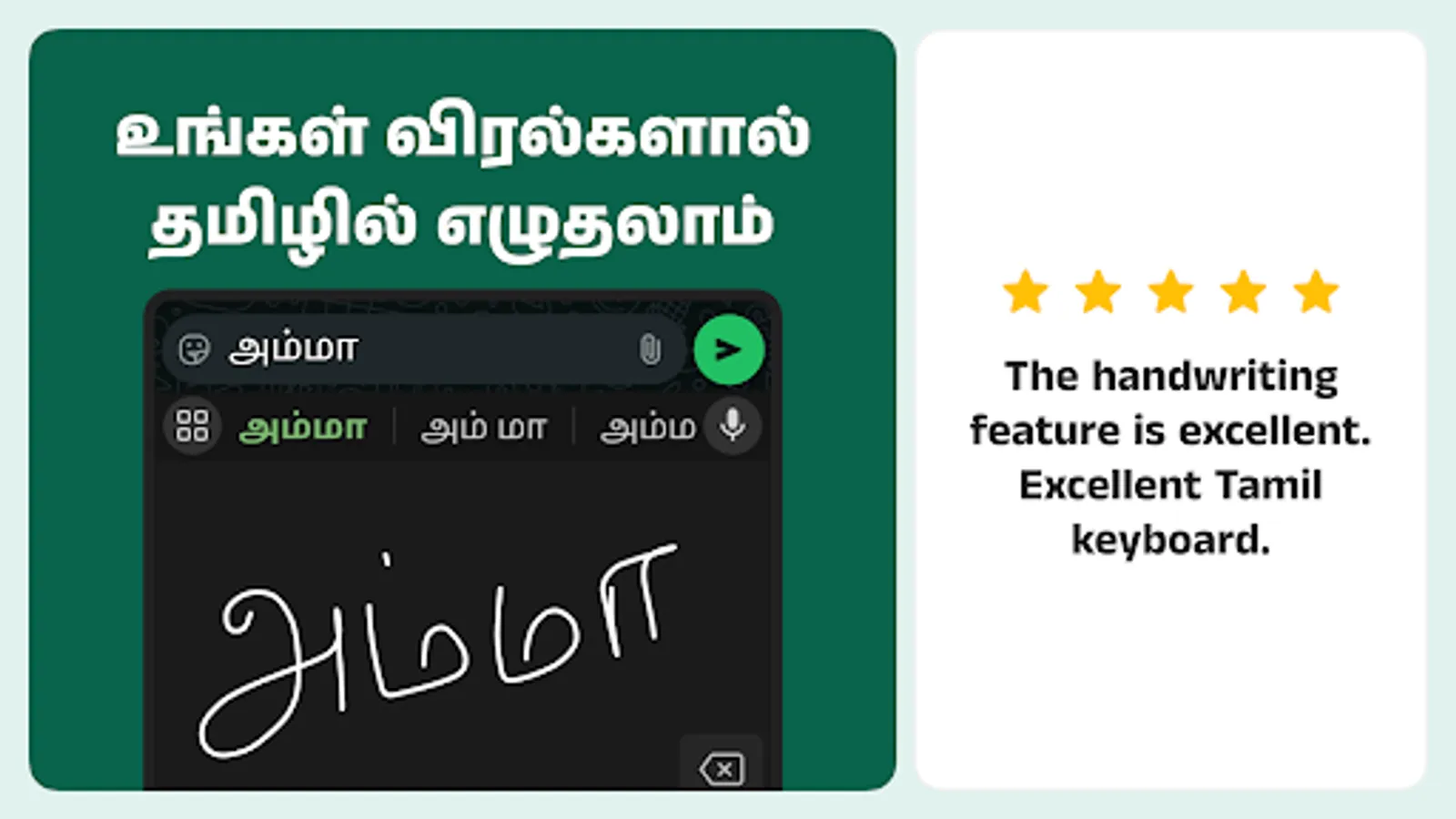
- Handwriting: Draw and write Tamil letters with handwriting
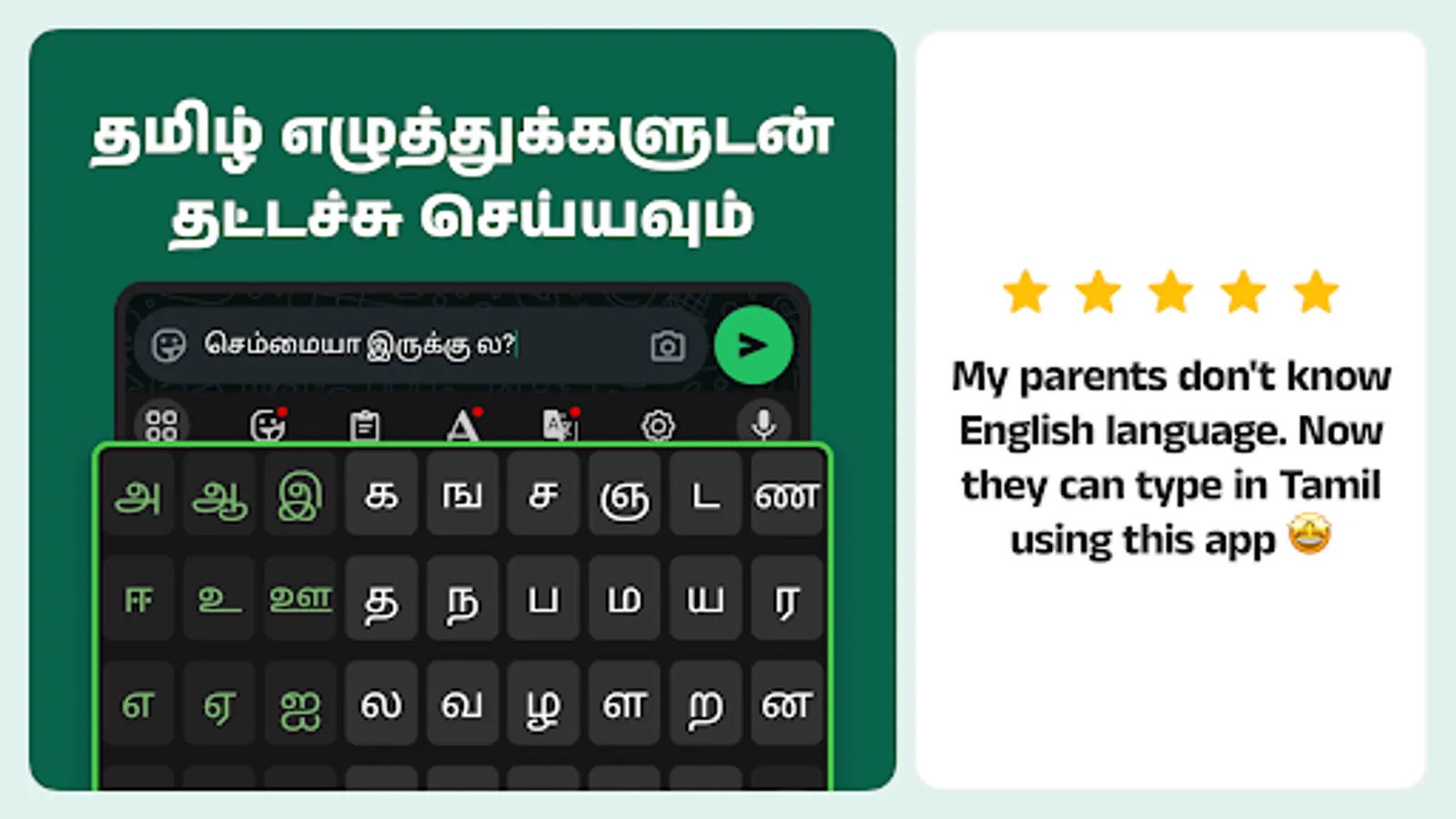
- Alphabets: Type by choosing each Tamil character
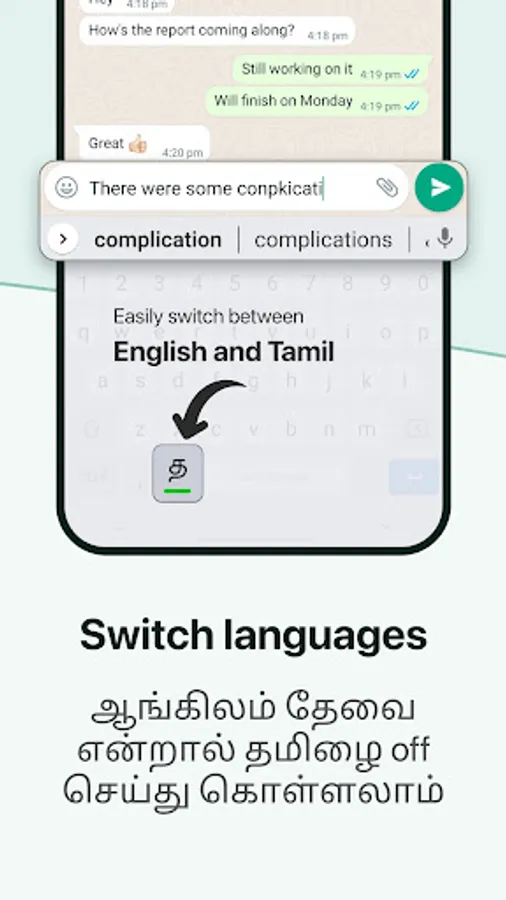
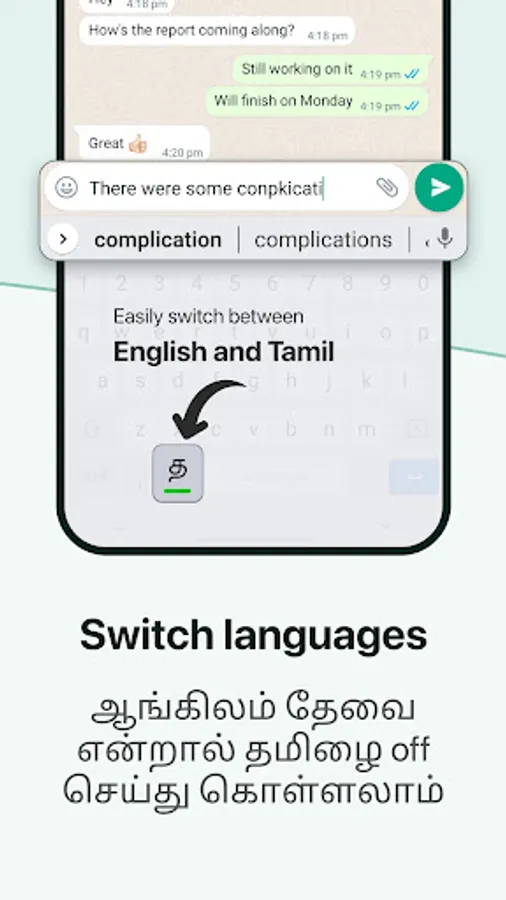
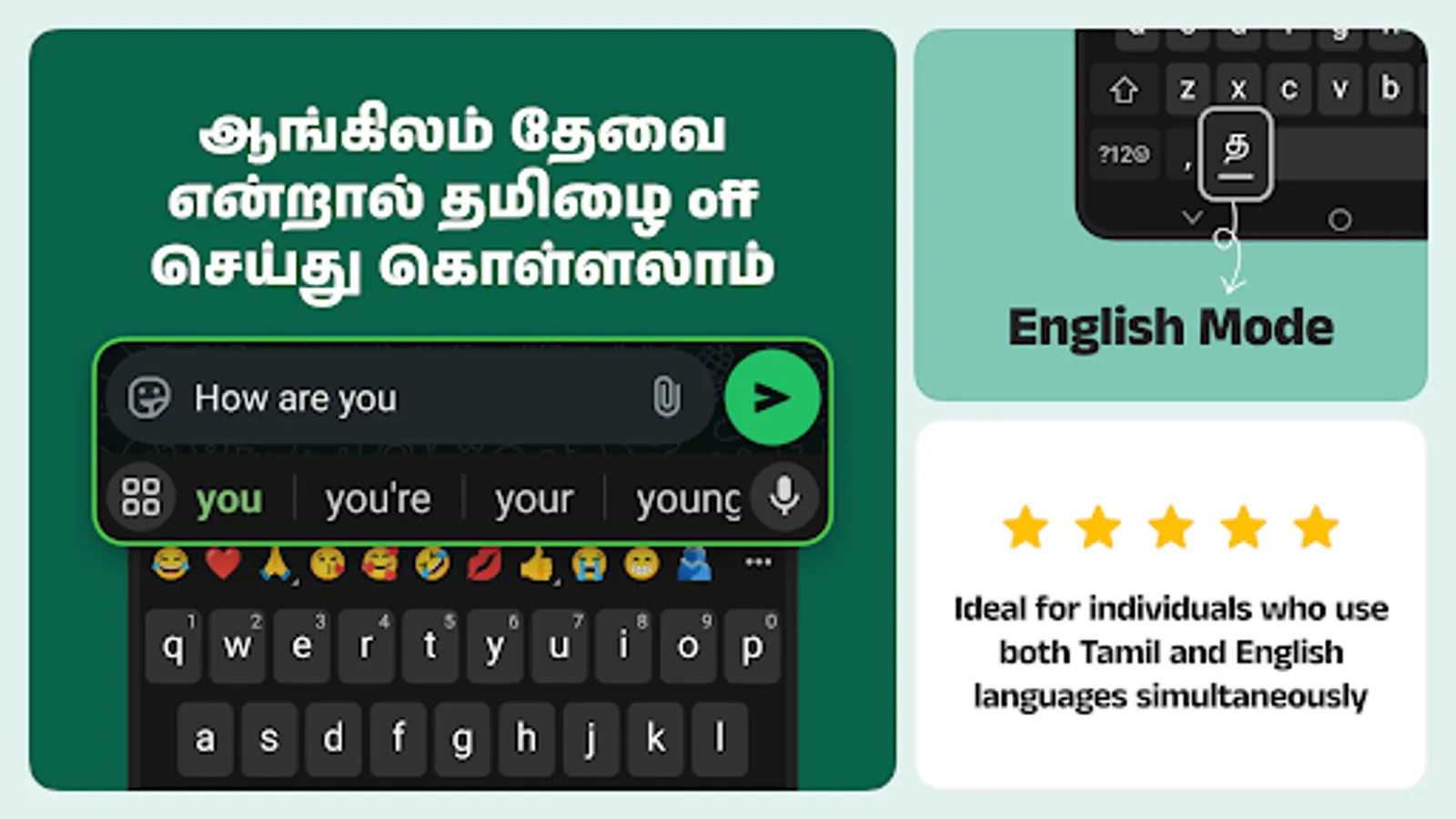
- English: Easily turn off Tamil and type in English
Language key
The key on the left side of the space bar lets you toggle Tamil on/off.
- Keep it turned on to get English to Tamil suggestions
- Turn it off when you're typing English
- Long-press on this key to choose between English/Alphabets/Handwriting modes
Powerful features to make your chats more fun
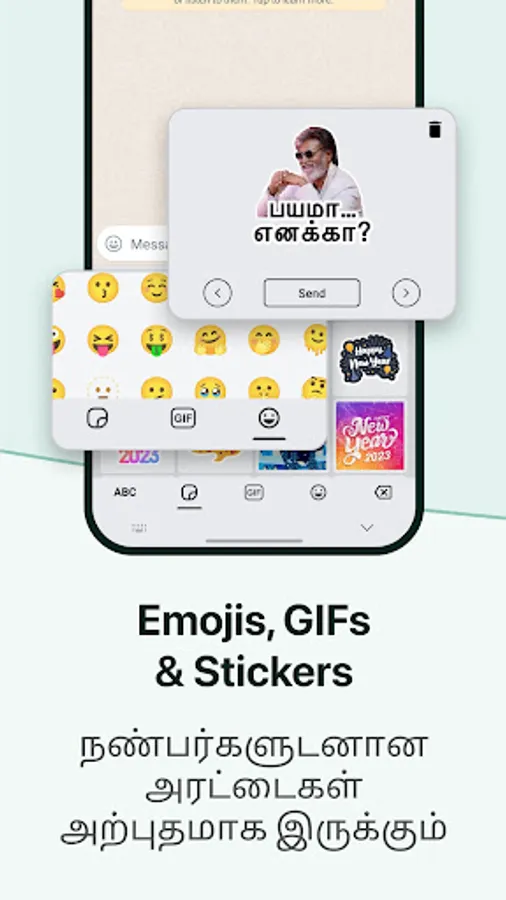
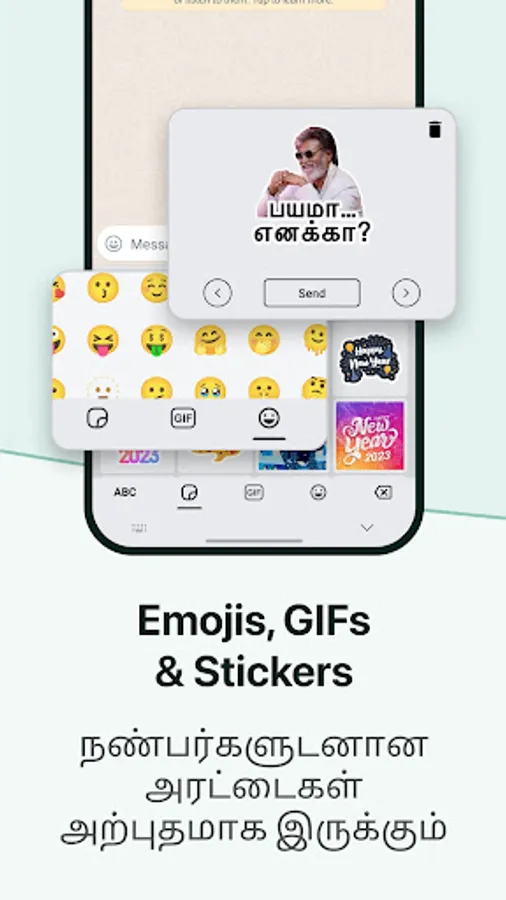
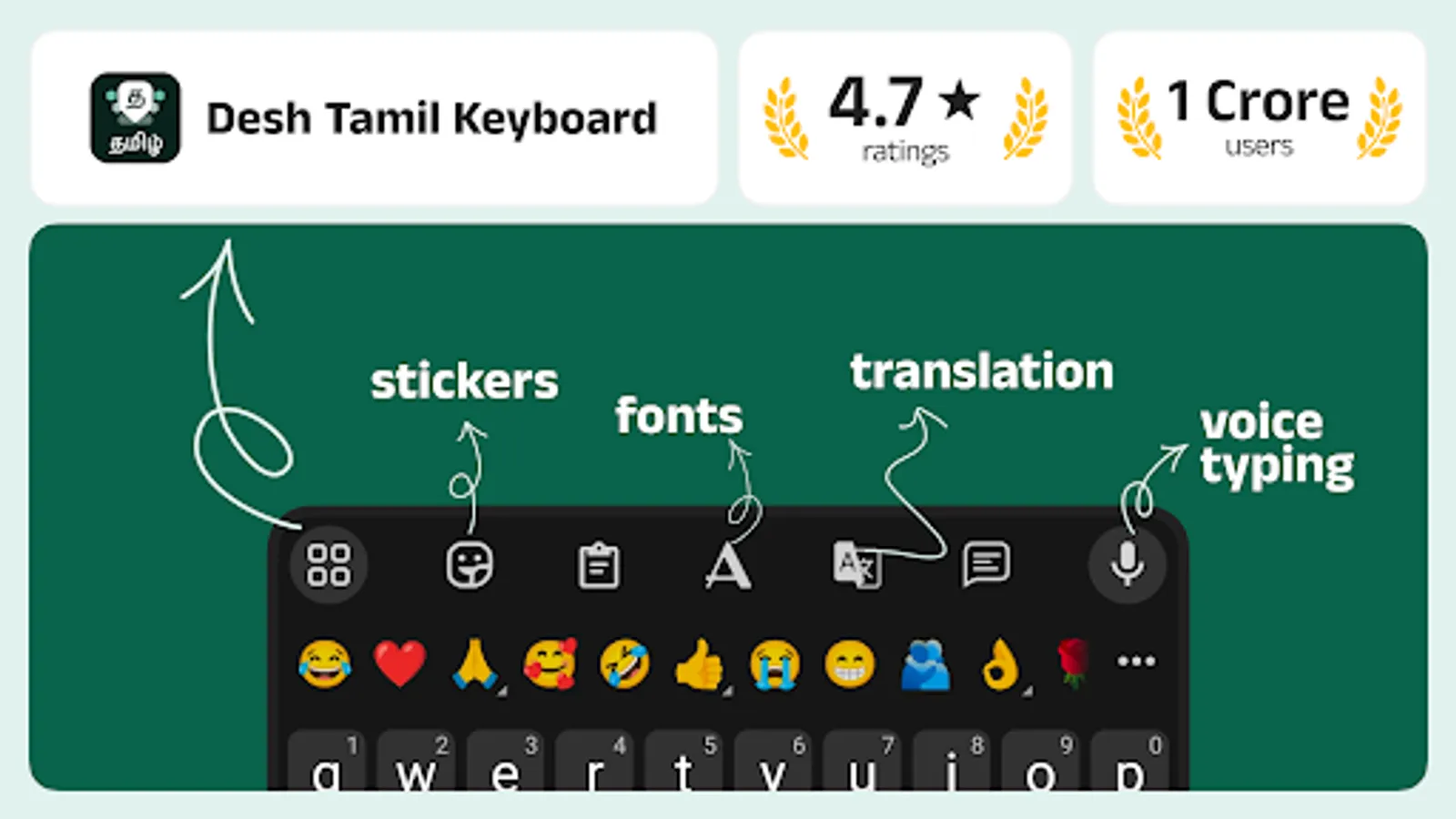
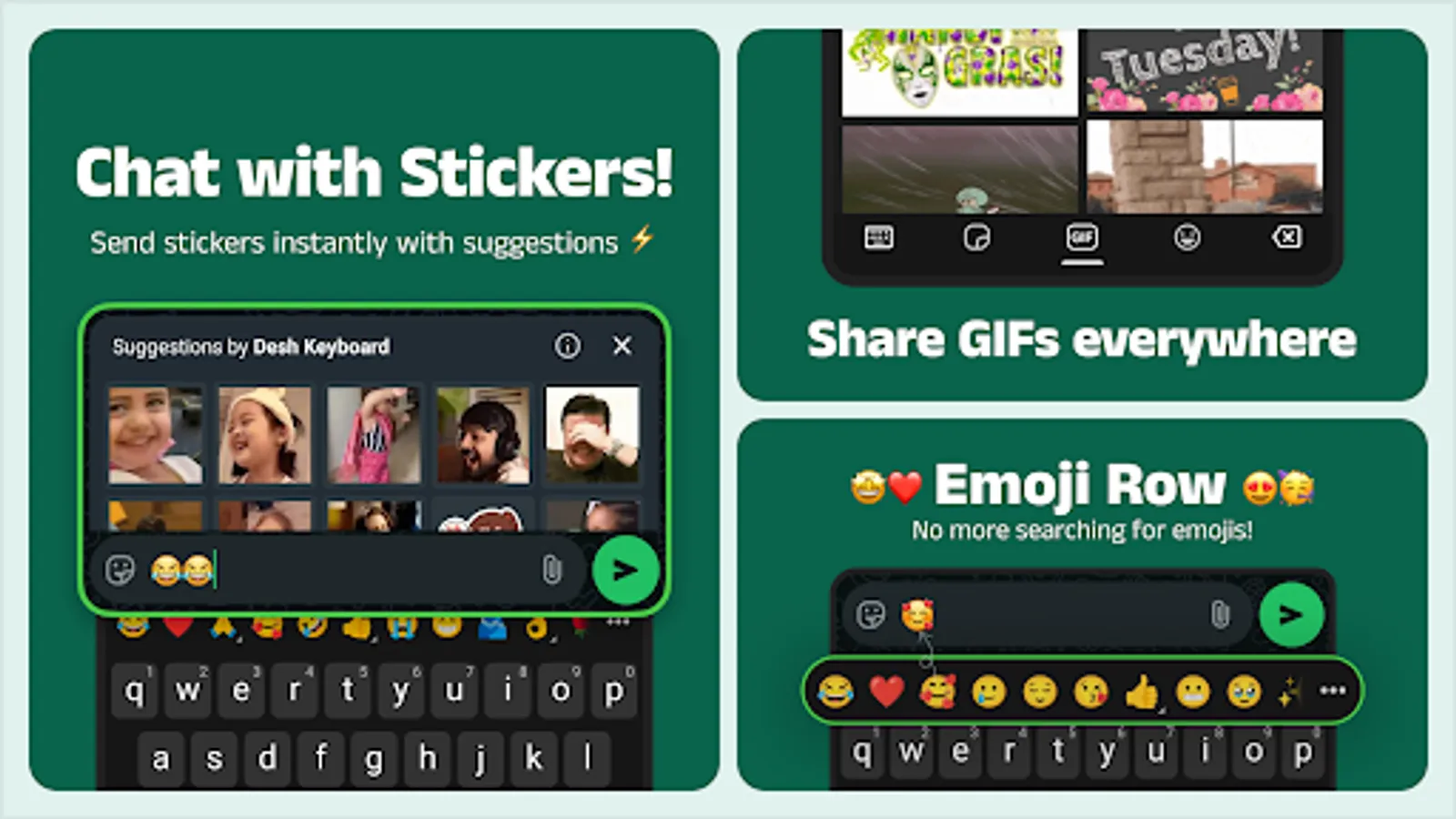
- Stickers for WhatsApp and other messaging apps
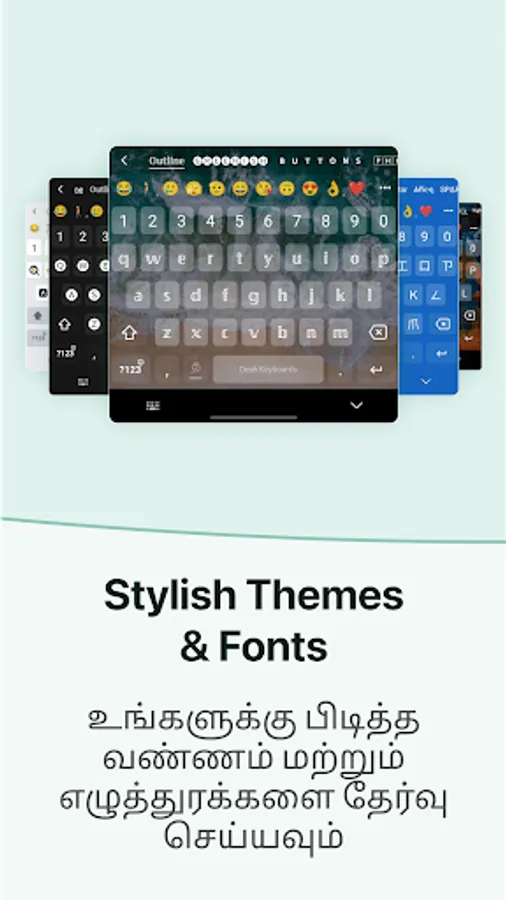
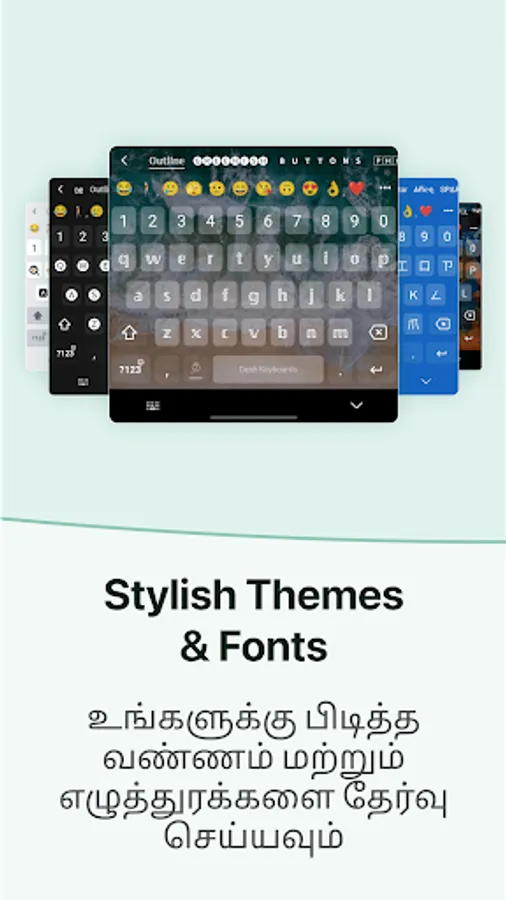
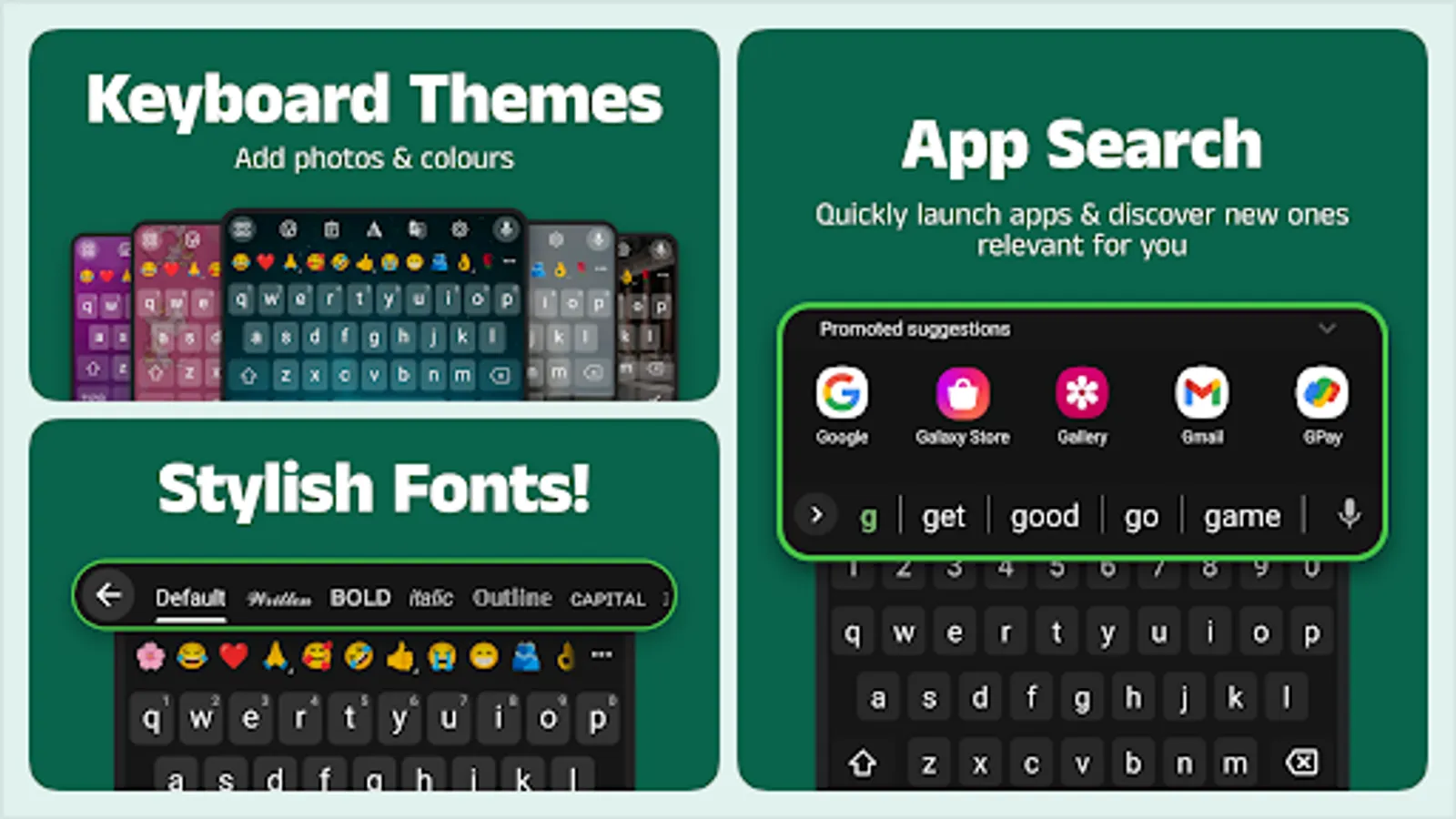
- Stylish fonts
- Emoji row for easy access
- Keyboard themes
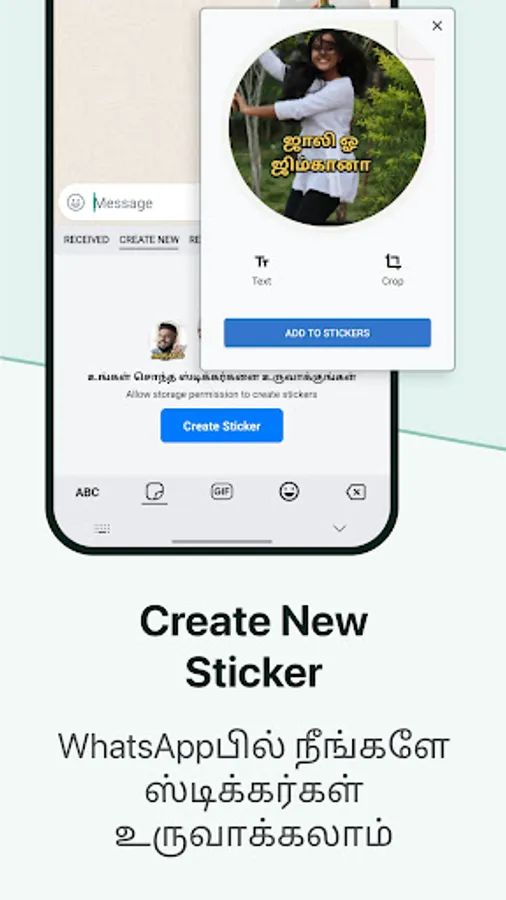
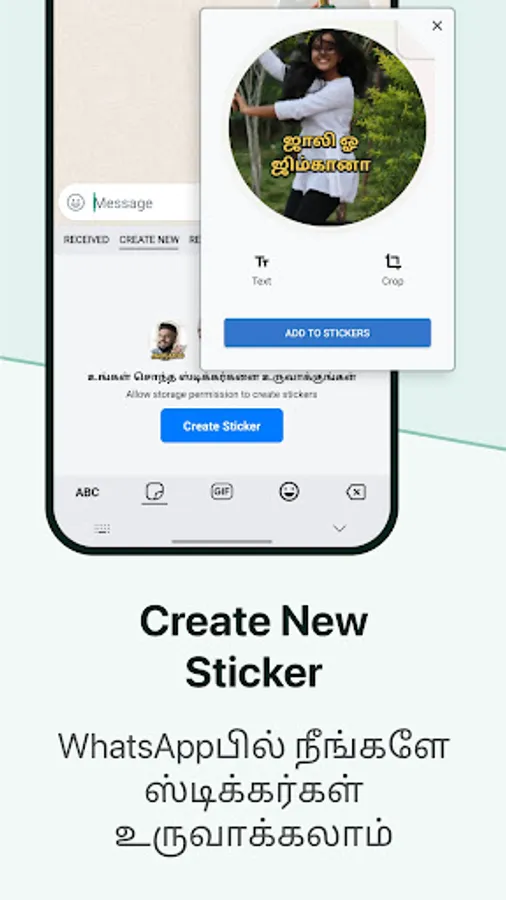
- Create stickers from your photos
- Text stickers to write in style!
- Browse and share stickers from your WhatsApp chats
- Clipboard for easier copy-paste
- Language key to switch between Tamil/English
Customize your keyboard from settings
- Themes with colour, background and custom photos
- Personal dictionary
- Number row and emoji row
- Vibration and sound settings
- Long press for symbols
Advanced features for pro users
- Swipe left or right on the space bar to move the cursor
- Swipe left from backspace key for quick text deletion
- Gesture typing to type English faster
- Long-press on space bar to switch to a different keyboard
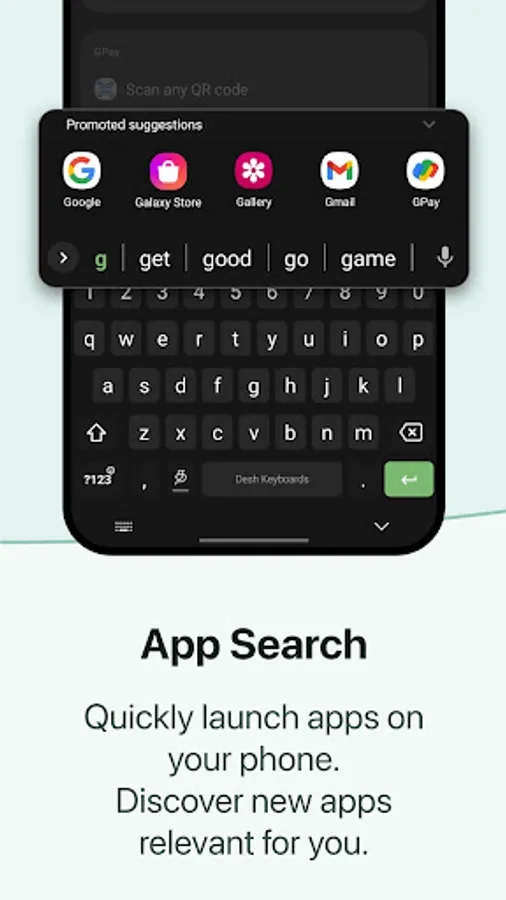
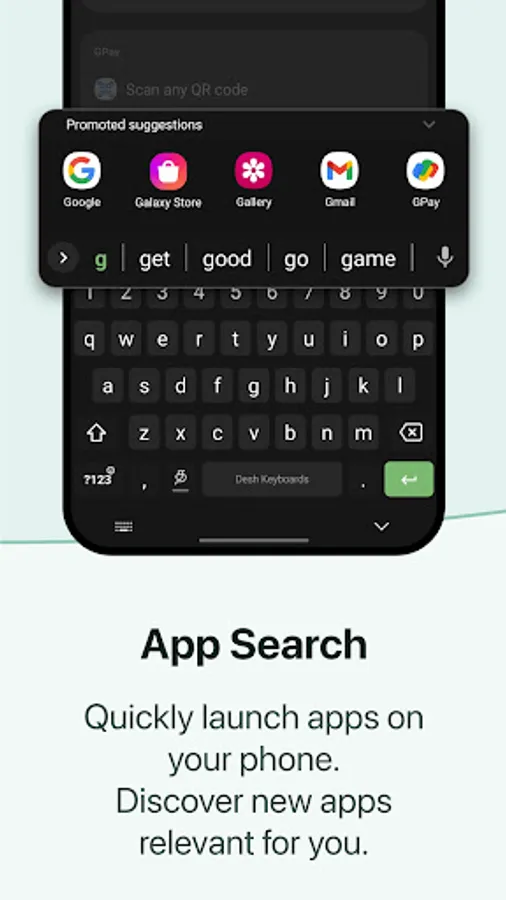
- Launch other apps and discover new ones with our App Search and Suggestions feature
How to enable this Tamil Keyboard?
- Open the app and follow instructions to enable and choose the keyboard
- This keyboard is safe and protects your privacy. You may see a warning that's shown by Android for all keyboard apps.
- When keyboard is ready, open any chat app and start typing!
Some interesting points
- This is a Tamil typing keyboard that works inside any app on your phone
- Desh Tamil Keyboard offers the most loved English to Tamil typing experience with Tamil transliteration
- Save time compared to Tamil indic keyboard and other manual Tamil typing apps
We respect your privacy
- No private information or credit card details are collected. A standard warning is shown by Android for all keyboards that you download.
- Anonymous statistics may be collected to improve the product, as per our privacy policy
Desh Keyboard is trusted by the millions of users who use it every day!
Give us great ratings and feedback if you like it, and don't forget to share it with your friends and family!
Different ways to type
- Tanglish: Type in English and get Tamil words
- Voice: Speak and get Tamil with voice typing
- Handwriting: Draw and write Tamil letters with handwriting
- Alphabets: Type by choosing each Tamil character
- English: Easily turn off Tamil and type in English
Language key
The key on the left side of the space bar lets you toggle Tamil on/off.
- Keep it turned on to get English to Tamil suggestions
- Turn it off when you're typing English
- Long-press on this key to choose between English/Alphabets/Handwriting modes
Powerful features to make your chats more fun
- Stickers for WhatsApp and other messaging apps
- Stylish fonts
- Emoji row for easy access
- Keyboard themes
- Create stickers from your photos
- Text stickers to write in style!
- Browse and share stickers from your WhatsApp chats
- Clipboard for easier copy-paste
- Language key to switch between Tamil/English
Customize your keyboard from settings
- Themes with colour, background and custom photos
- Personal dictionary
- Number row and emoji row
- Vibration and sound settings
- Long press for symbols
Advanced features for pro users
- Swipe left or right on the space bar to move the cursor
- Swipe left from backspace key for quick text deletion
- Gesture typing to type English faster
- Long-press on space bar to switch to a different keyboard
- Launch other apps and discover new ones with our App Search and Suggestions feature
How to enable this Tamil Keyboard?
- Open the app and follow instructions to enable and choose the keyboard
- This keyboard is safe and protects your privacy. You may see a warning that's shown by Android for all keyboard apps.
- When keyboard is ready, open any chat app and start typing!
Some interesting points
- This is a Tamil typing keyboard that works inside any app on your phone
- Desh Tamil Keyboard offers the most loved English to Tamil typing experience with Tamil transliteration
- Save time compared to Tamil indic keyboard and other manual Tamil typing apps
We respect your privacy
- No private information or credit card details are collected. A standard warning is shown by Android for all keyboards that you download.
- Anonymous statistics may be collected to improve the product, as per our privacy policy
Desh Keyboard is trusted by the millions of users who use it every day!
Give us great ratings and feedback if you like it, and don't forget to share it with your friends and family!
Desh Tamil Keyboard Screenshots
Tap to Rate:
Reviews for Desh Tamil Keyboard
Vellaimmal C
12/29/2025
This app is very useful ❤️i really like this app 💫i loved it
Kst Baskar
12/29/2025
so easy