
Scanner+ App: Scan Docs to PDF
Codeway Dijital
4.1 ★
9K ratings
1,000,000+
downloads
Free
+ in-app
In this document scanning app, users can capture, enhance, and convert paper documents into digital formats. Includes features for multi-page scanning, PDF conversion, sharing options, signing, and editing documents.
AppRecs review analysis
AppRecs rating 4.0. Trustworthiness 78 out of 100. Review manipulation risk 37 out of 100. Based on a review sample analyzed.
★★★★☆
4.0
AppRecs Rating
Ratings breakdown
5 star
64%
4 star
16%
3 star
5%
2 star
2%
1 star
14%
What to know
✓
Credible reviews
78% trustworthiness score from analyzed reviews
✓
High user satisfaction
80% of sampled ratings are 4+ stars (4.1★ average)
⚠
Pricing complaints
Many low ratings mention paywalls or pricing
About Scanner+ App: Scan Docs to PDF
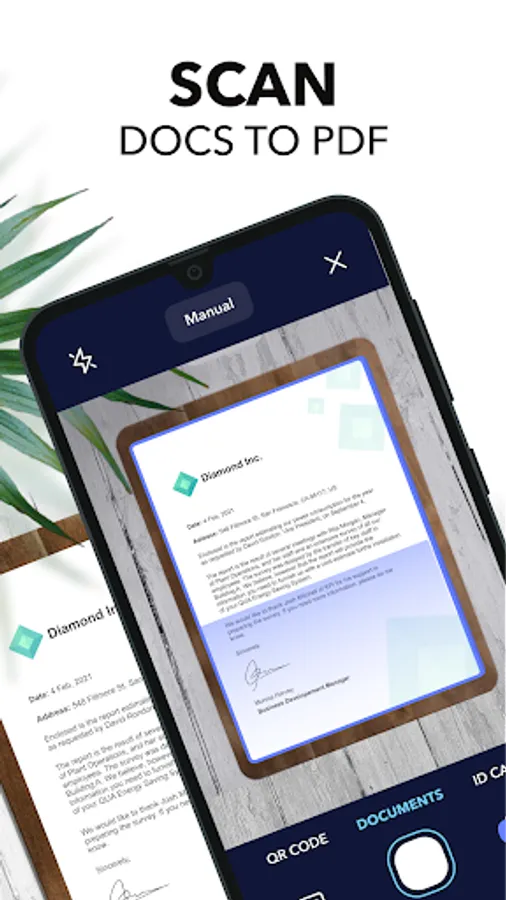
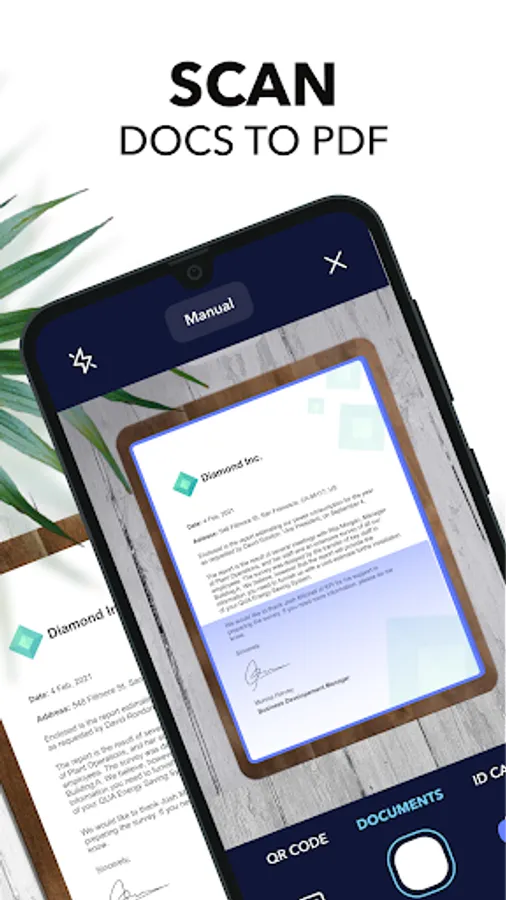
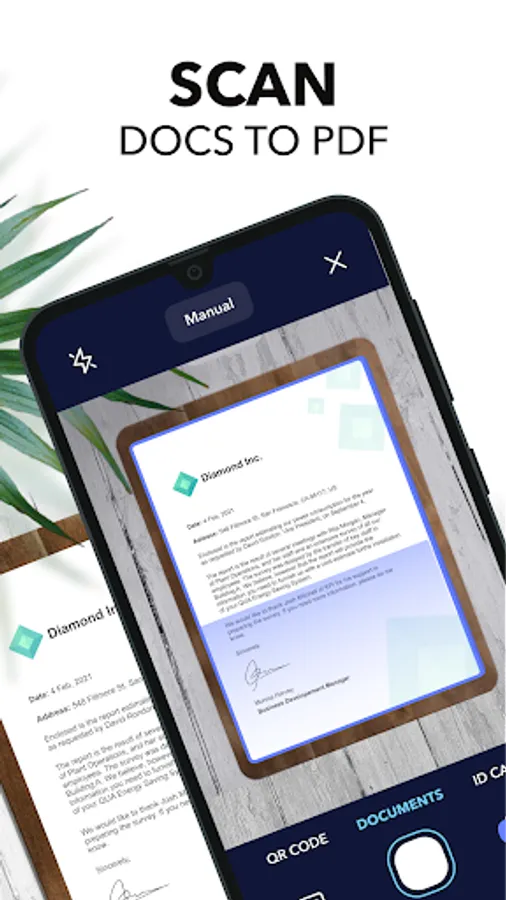
Scan any paper with your phone's camera: the Scanner+ app will automatically recognize the edges of your document, enhance it, and give you a perfectly scanned copy that’s ready to share on your favourite platform!
Scanner+ offers you 11 AMAZING FEATURES that other scanners won’t:
1) SCAN DOCUMENTS
Scan multiple pages into one PDF document. Enjoy the Turbo Scan mode! Why waste hours on your computer when you can quickly do it with a tiny scanner in your pocket?
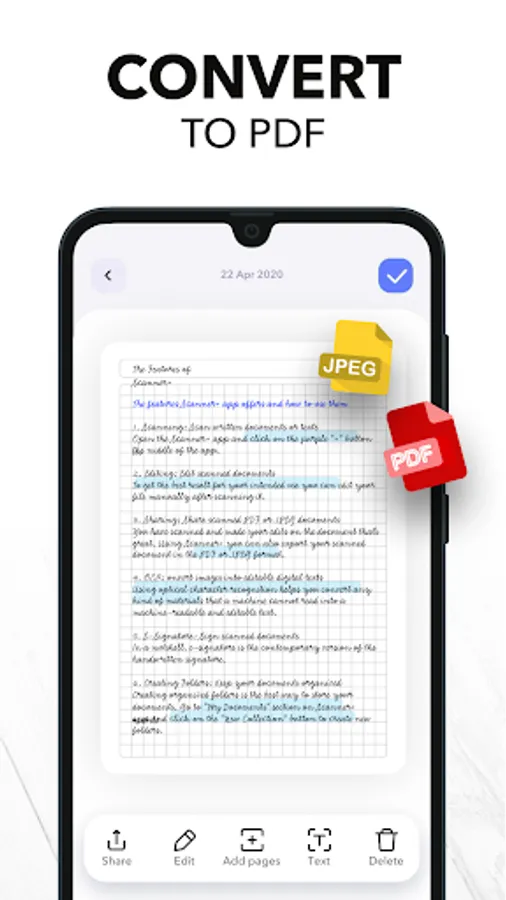
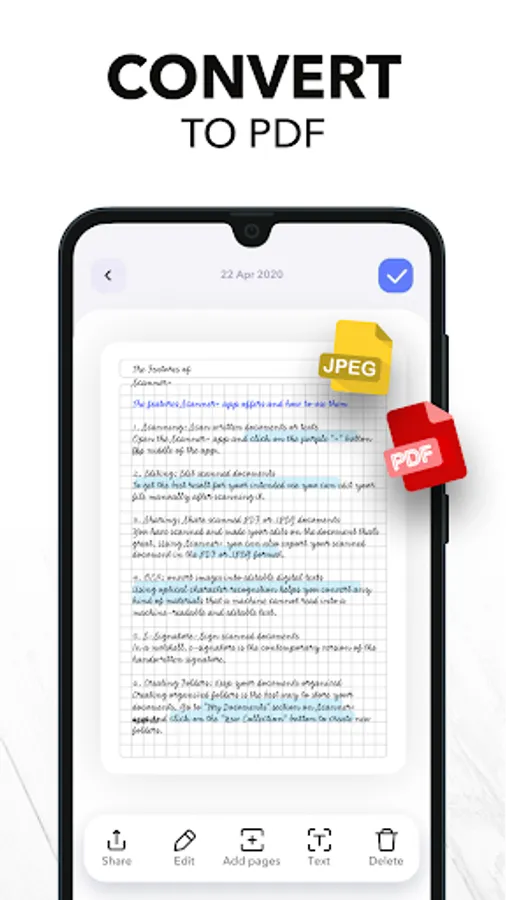
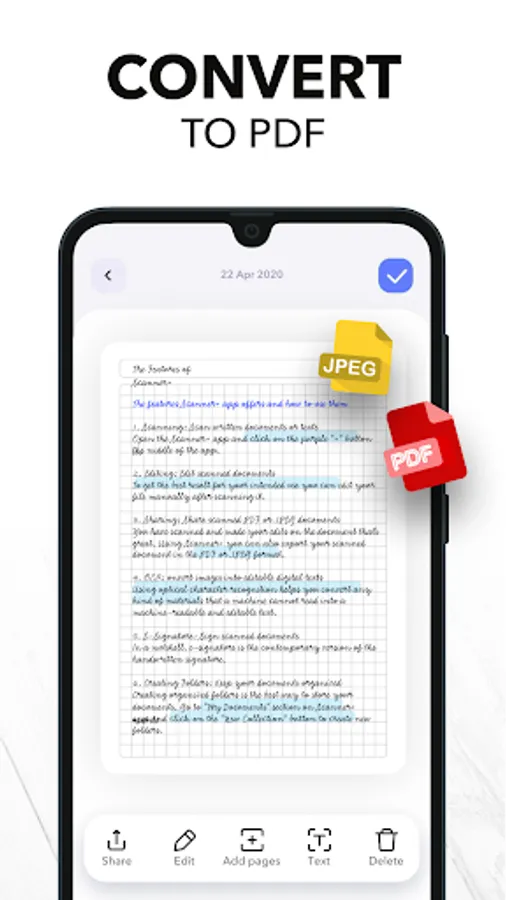
2) CONVERT TO PDF
Scanner+ is also a PDF Converter that turns photos & images into searchable digital documents! This way you can also “CTRL+F” across your documents!
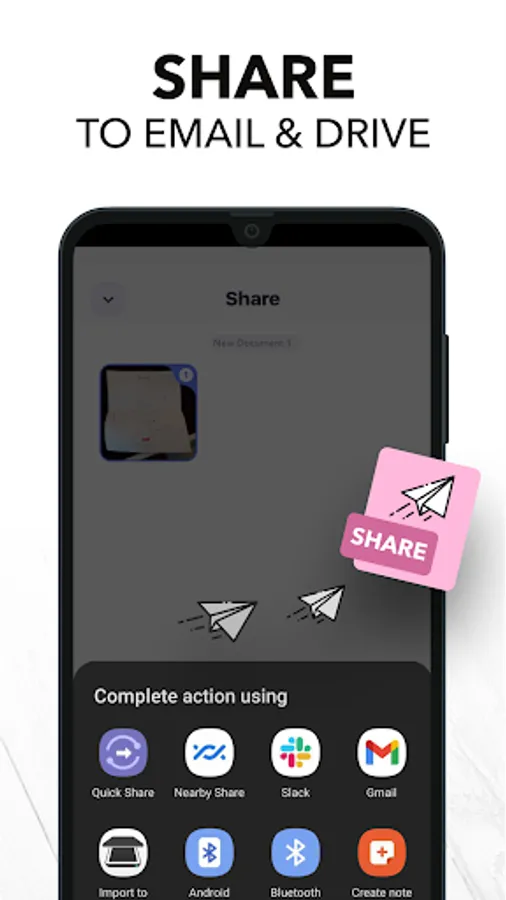
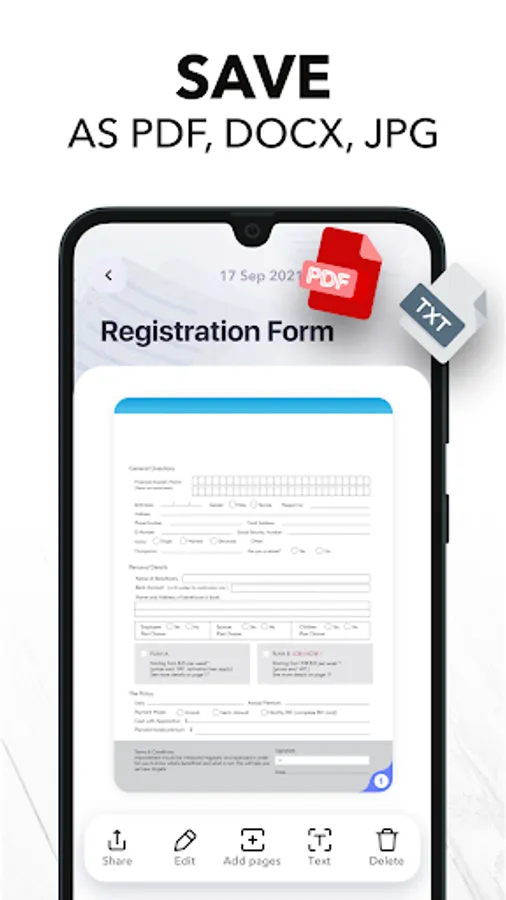
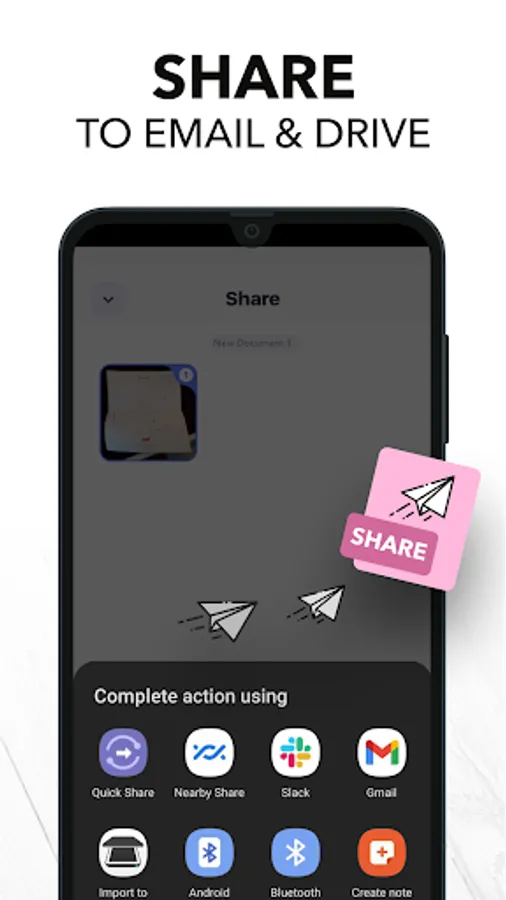
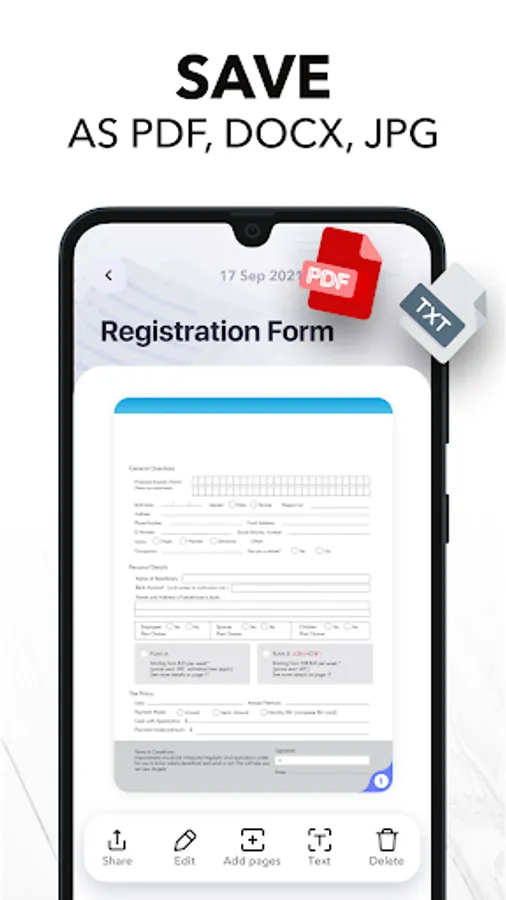
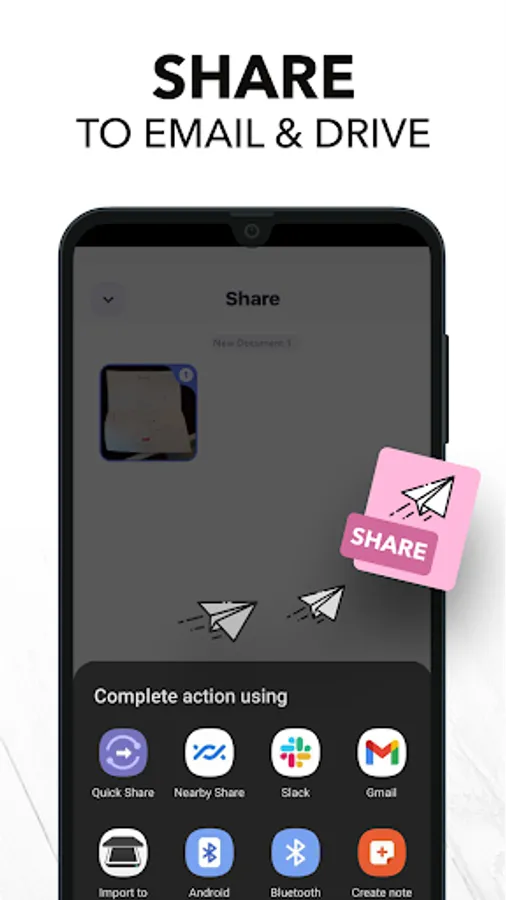
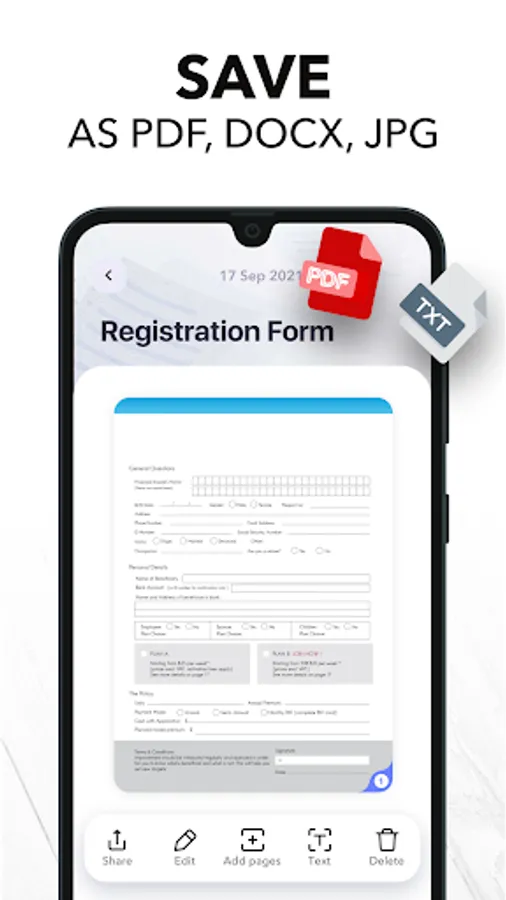
3) EXPORT & SHARE
Export your scans as .PDF .JPEG or .DOCX and share with Adobe PDF, Email - Gmail - Outlook - Spark, Wi-Fi Printer, Box, Whatsapp, Facebook Messenger, Dropbox, Evernote, Google Drive, OneDrive, OneNote and any other app/platform!
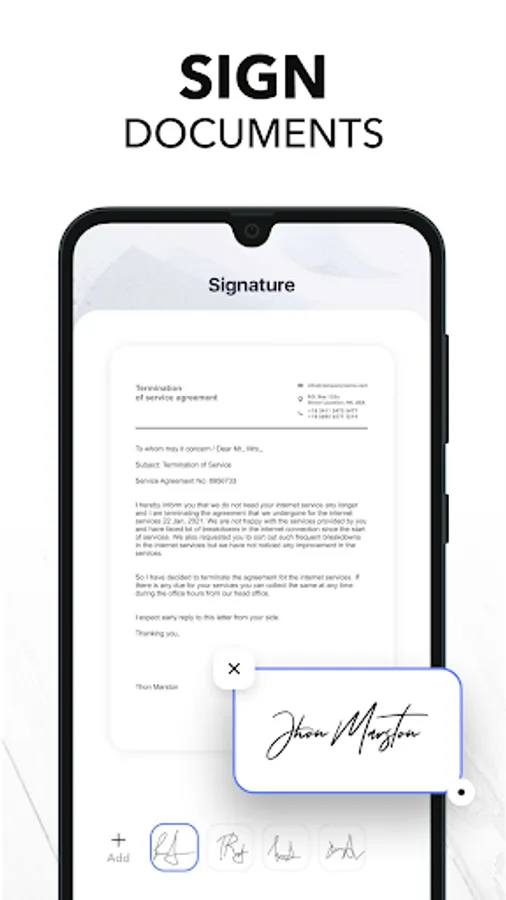
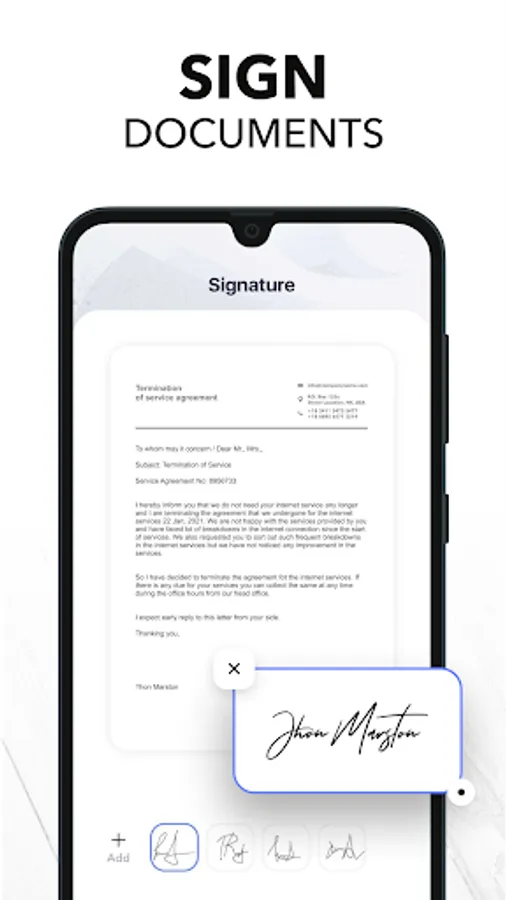
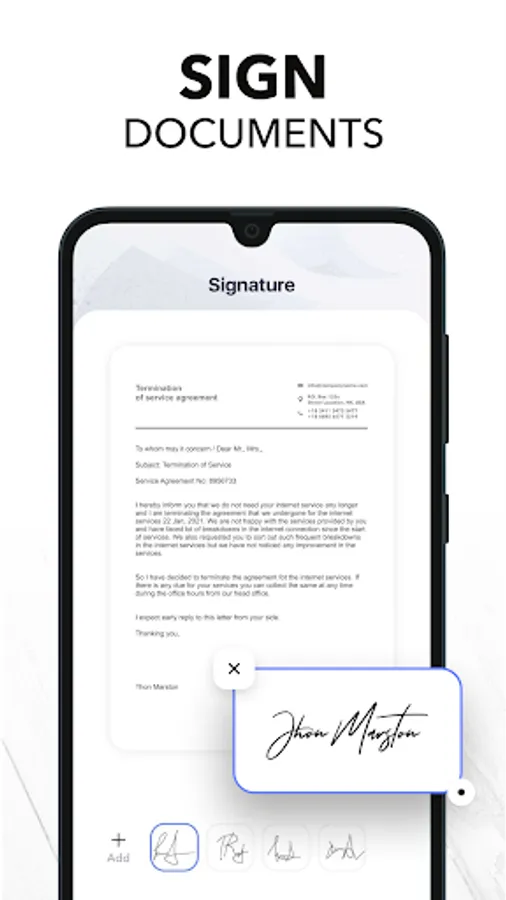
4) SIGN DOCUMENTS
Sign PDF documents in less than a second. Transfer your signature across documents!
5) SMART CROP (YOU’LL LOVE THIS!)
Your docs will be automatically cropped from its edges right after you scan it. Don’t waste your valuable time trying to crop every single document!
6) RECOVER RUINED DOCUMENTS
Spilled coffee to your doc? Your dog took a bite from your homework? Recover it with our scanner app using the Genius Scan mode and become a scan guru!
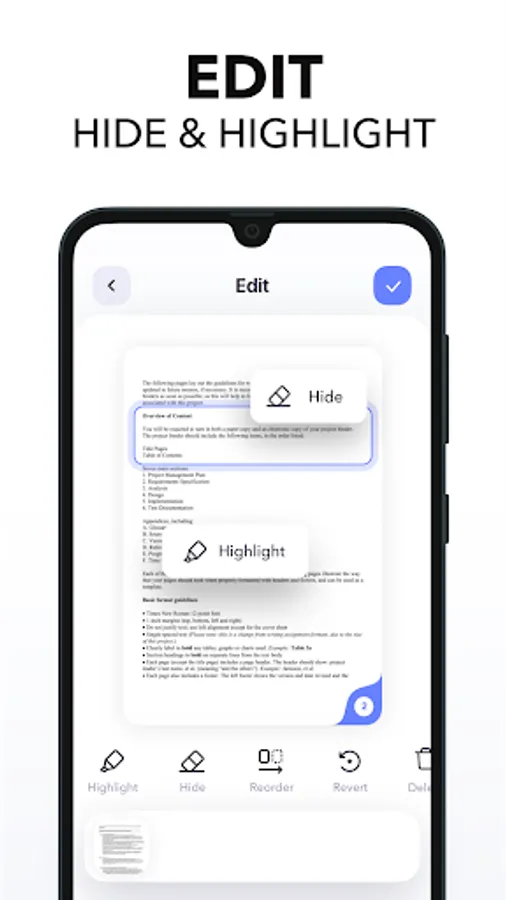
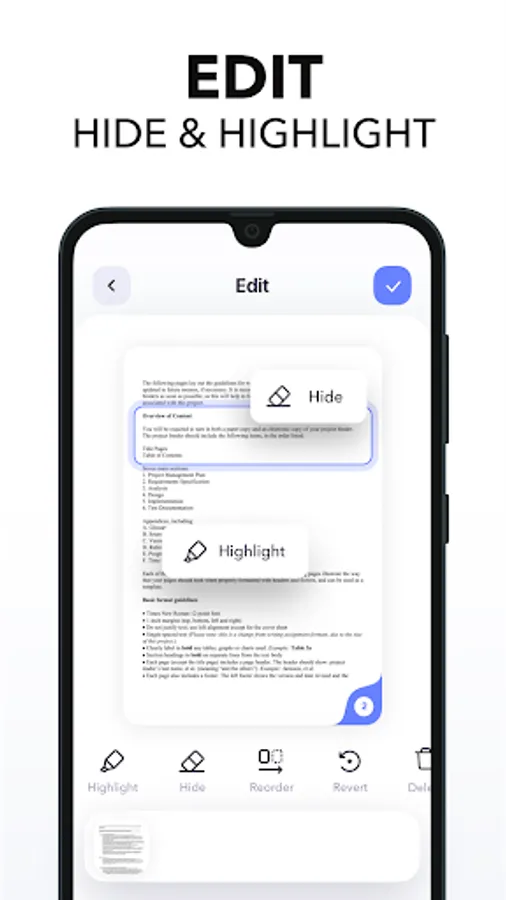
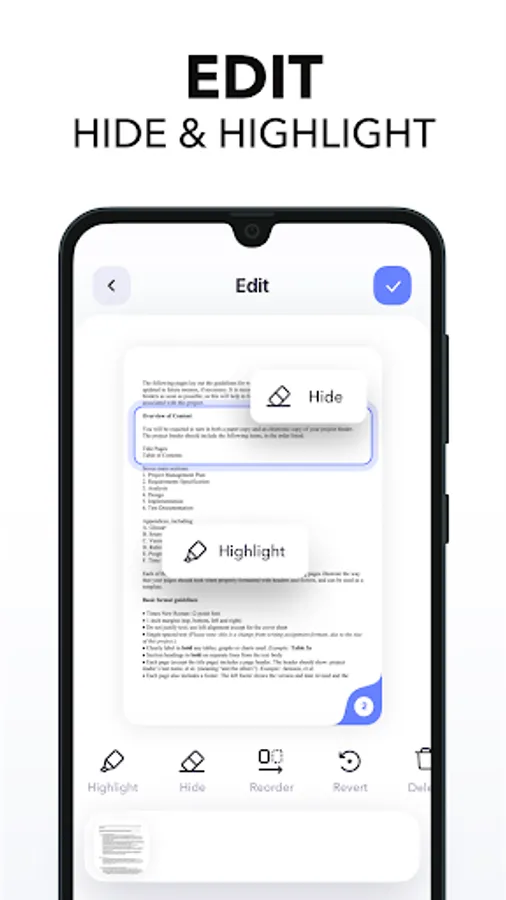
7) HIGHLIGHT TEXTS
Highlight important parts of your documents with Scanner+ doc scanner! Very useful while studying from your scanned textbook!
8) EDIT DOCUMENTS
HIDE and BLUR unwanted parts with Scanner+ document editor! This is a great feature for hiding confidential parts of your documents. Time to become a scanmaster!
9) ADJUST THE BRIGHTNESS
Need to scan documents in a dark room? No problem at all!
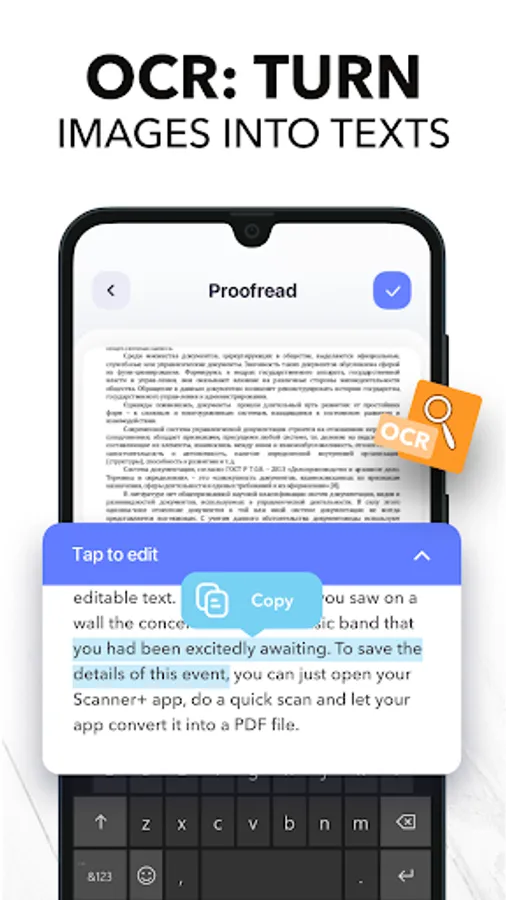
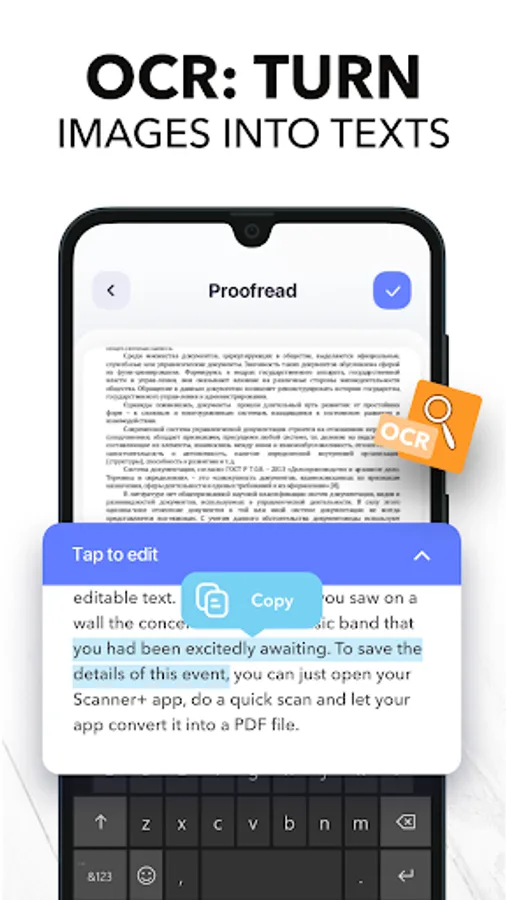
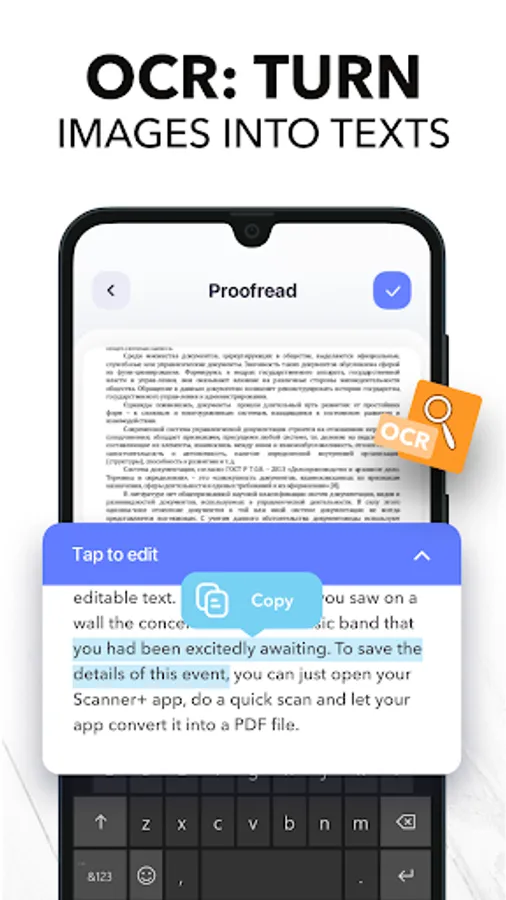
10) RECOGNIZE TEXTS WITH OCR
Recognize texts from any scannable object with the OCR text scanner mode. And yes, you can even edit handwritten texts with Scanner+!
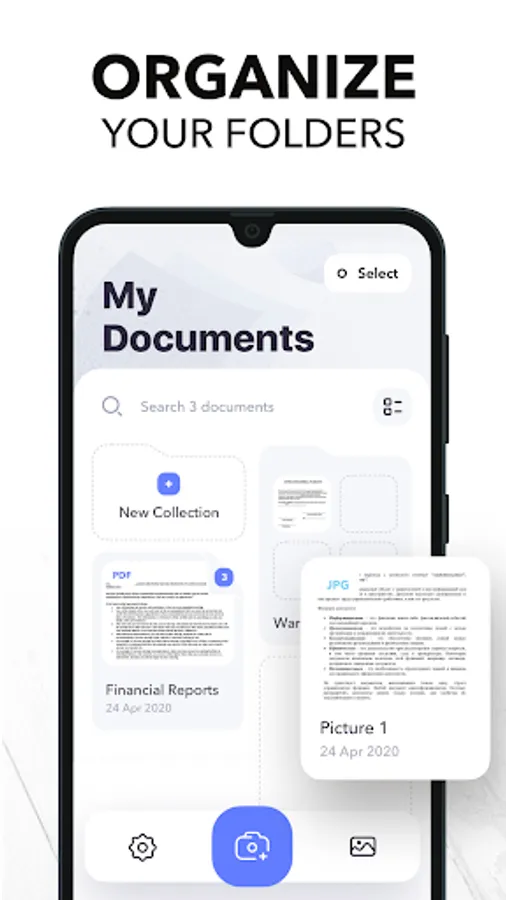
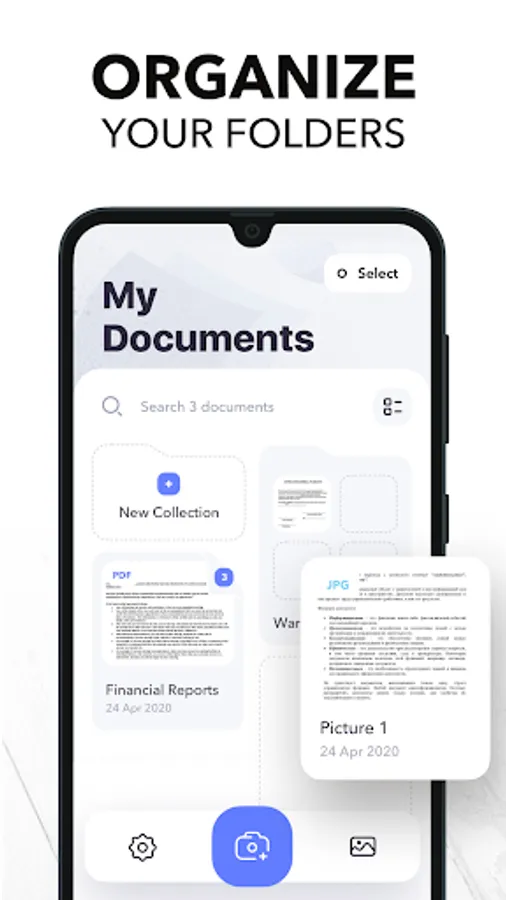
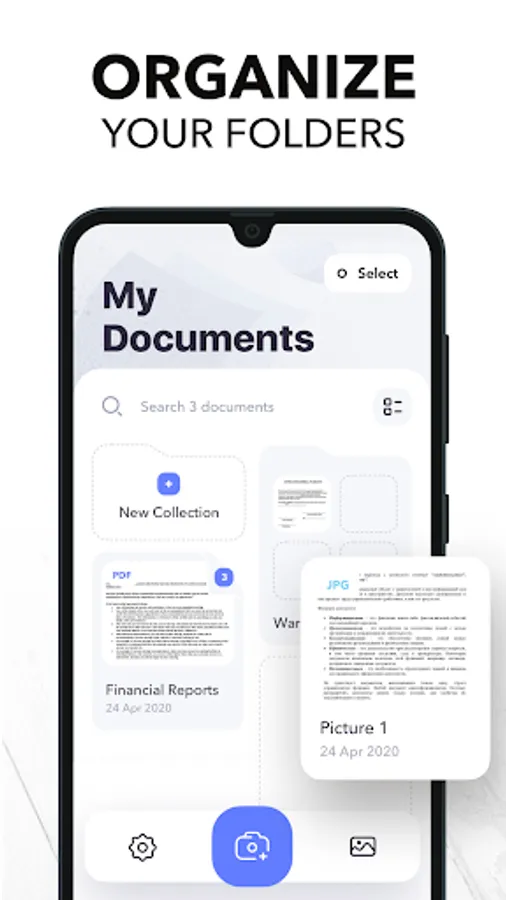
11) KEEP YOUR DOCS ORGANIZED
Scanner+ offers more than a powerful cam scanner, it also has a drag & drop file manager with smart tags. Never lose an important document again!
SCAN AND PRINT DOCUMENTS with Scanner+:
- Receipts
- Contracts (and sign them!)
- Homeworks
- Invoice
- Paper notes
- Fax papers
- Books
- ID cards and Passports
- Business cards
Typical Scanner+ users:
- Students
- Managers
- Lawyers
- Accountants
- Realtors
== PRIVACY & SECURITY ==
All documents are stored locally on your phone, so ONLY YOU will be able to access your documents! Neither we nor any third parties will have access.
== PRICING & LEGAL ==
Scanner+ is free to use, and it will always stay free. Should you choose to, you can subscribe to Scanner+ Premium to access more features.
You can start a yearly subscription with a 3-day free trial. Subscriptions automatically renew unless auto-renew is turned off no later than 24 hours before the end of the current period. Manage subscriptions, disable auto-renewal in the Google Play Store.
Privacy Policy: http://scannerplus.com/privacy-policy
Terms & Condition - EULA : http://scannerplus.com/terms-conditions
For any questions or inquiries about our mobile pdf scanner, reach out to us at scanner@codeway.co
Scanner+ App: Scan Docs to PDF Screenshots
Tap to Rate:
Reviews for Scanner+ App: Scan Docs to PDF
Anna F.
8/17/2025
you can only scan one page documents with a free version and there's a watermark. On top of that exporting as a JPEG isn't as simple as pressing a button, you need to share it with an app. so if you want to save it do your gallery you have to do something like send it to yourself in WhatsApp and download it...
Danny Neace
8/10/2025
so far so good 👍