One Button Navigation Bar
Color Studios
3.3 ★
712 ratings
100,000+
downloads
Free
In this app, users can replace a malfunctioning navigation button with a single customizable button that performs multiple actions. Includes accessibility support, color options, and adjustable positioning.
AppRecs review analysis
AppRecs rating 3.4. Trustworthiness 78 out of 100. Review manipulation risk 22 out of 100. Based on a review sample analyzed.
★★★☆☆
3.4
AppRecs Rating
Ratings breakdown
5 star
47%
4 star
6%
3 star
6%
2 star
12%
1 star
29%
What to know
✓
Low review manipulation risk
22% review manipulation risk
✓
Credible reviews
78% trustworthiness score from analyzed reviews
⚠
High negative review ratio
41% of sampled ratings are 1–2 stars
About One Button Navigation Bar
One Button Navigation Bar application can replace a failed and broken button for those people who have trouble using buttons or navigation bar panels that are not working properly.
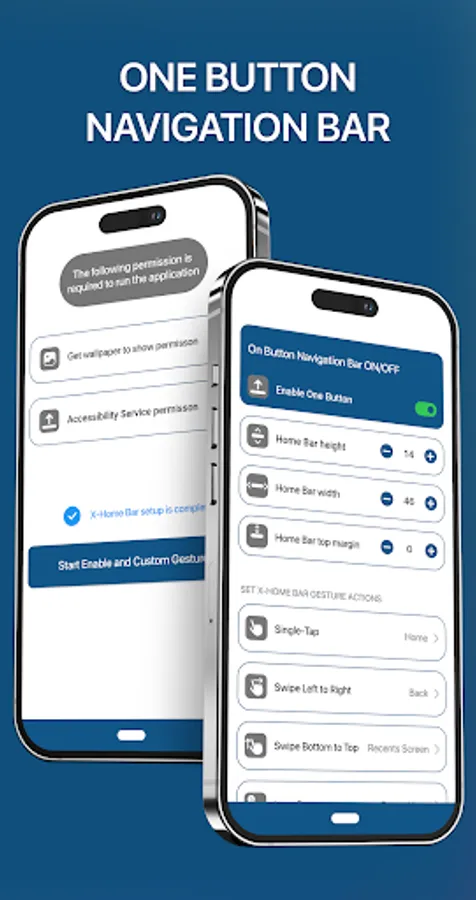
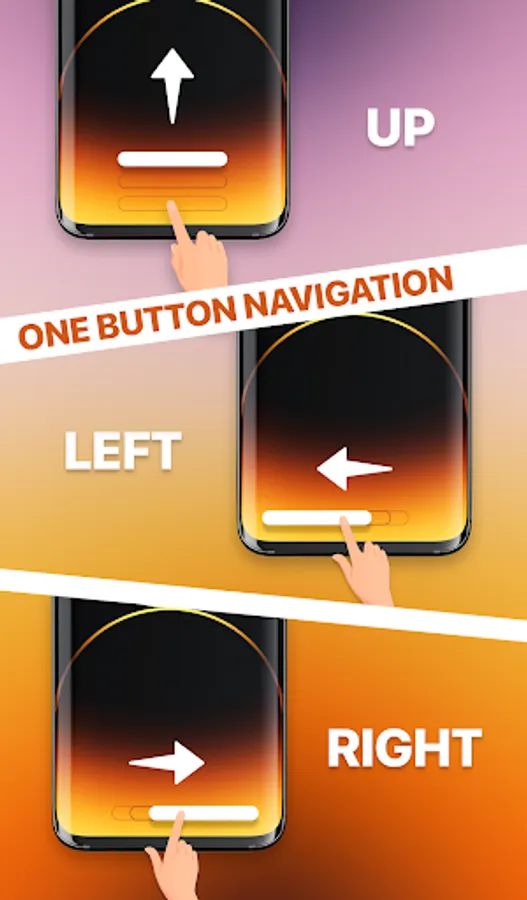
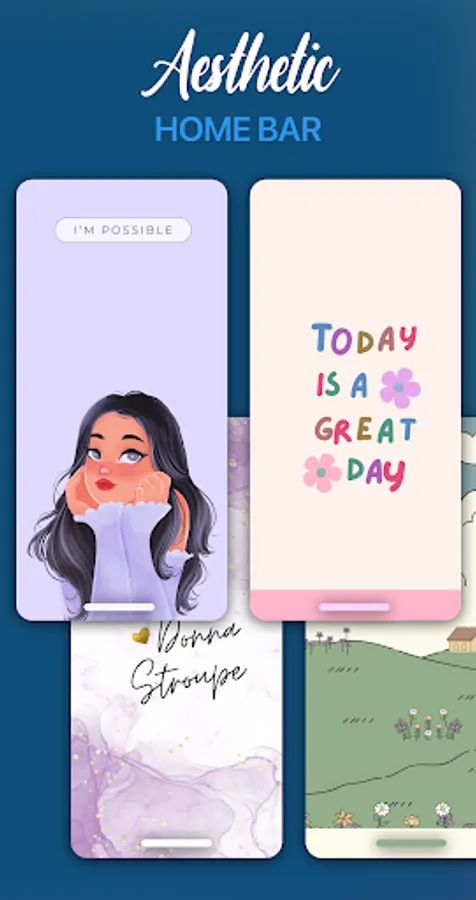
This app provides only one button at the bottom of the screen and is able to do many actions such as Back, Home, Recent.
Key Features:
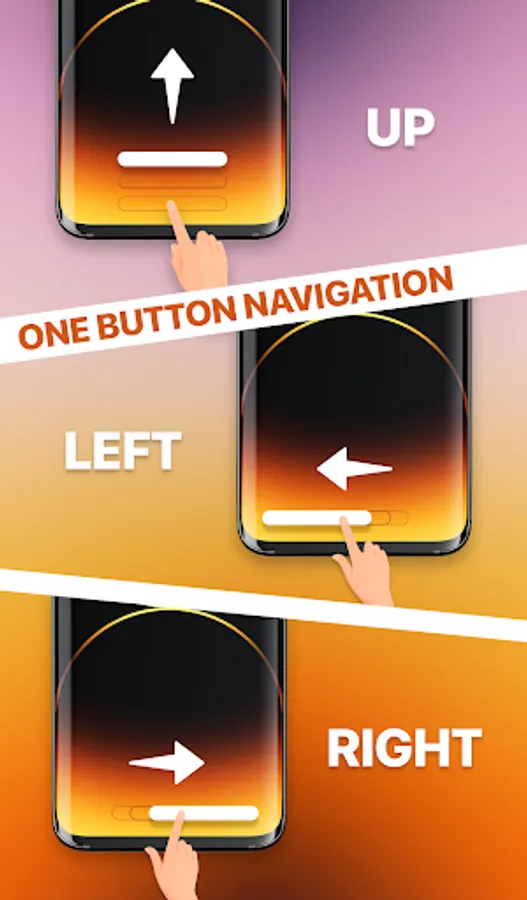
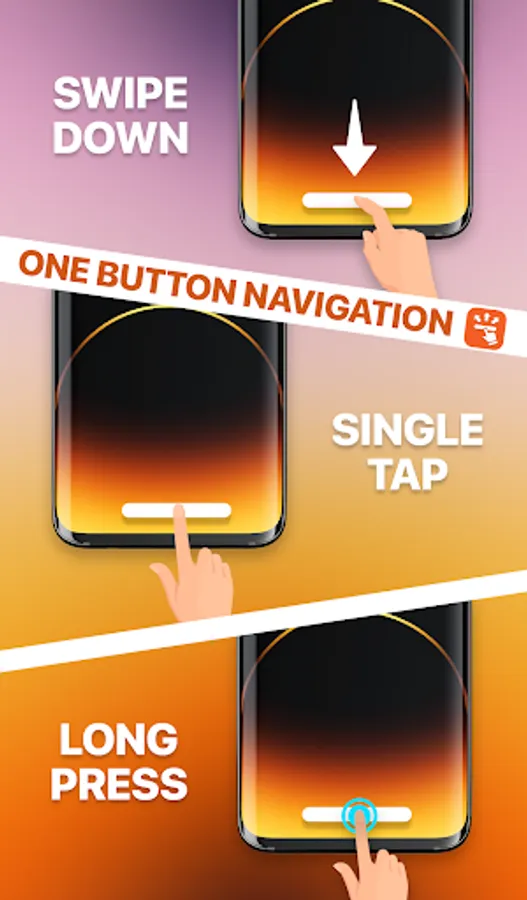
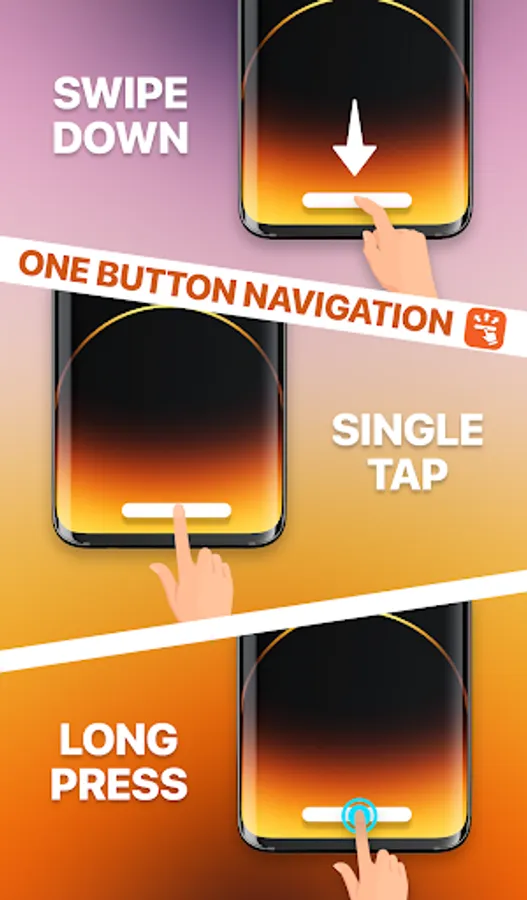
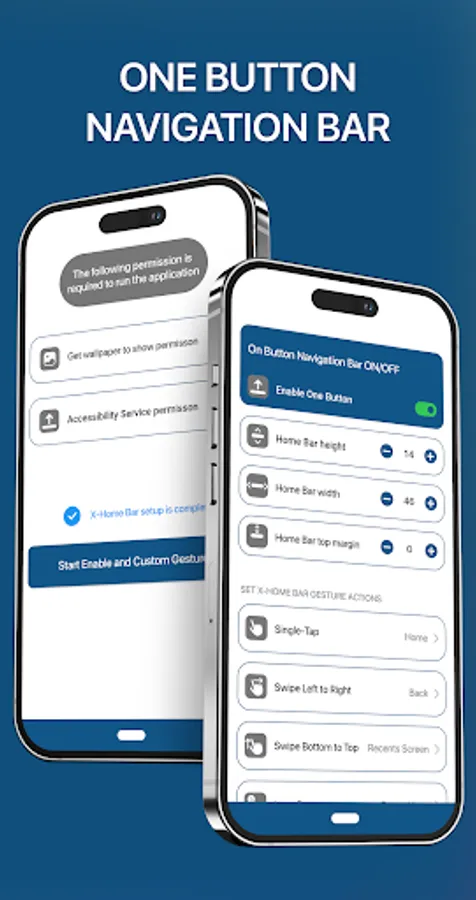
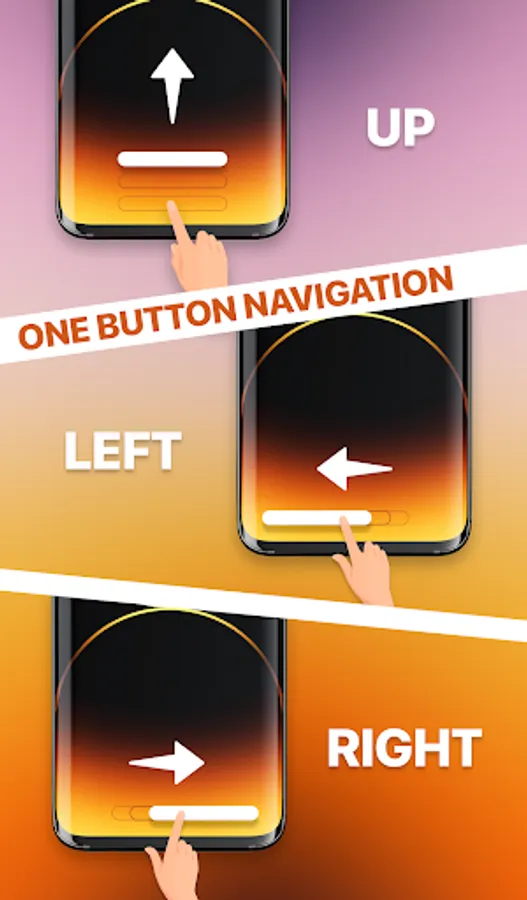
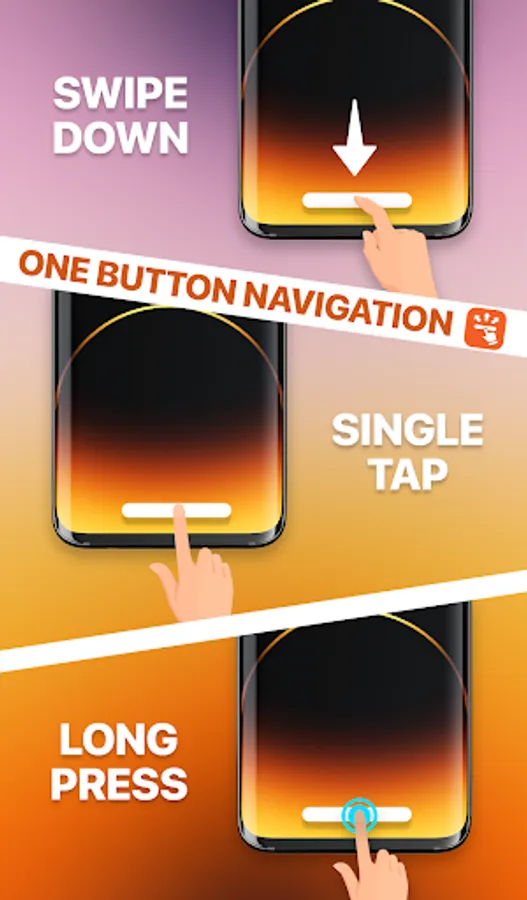
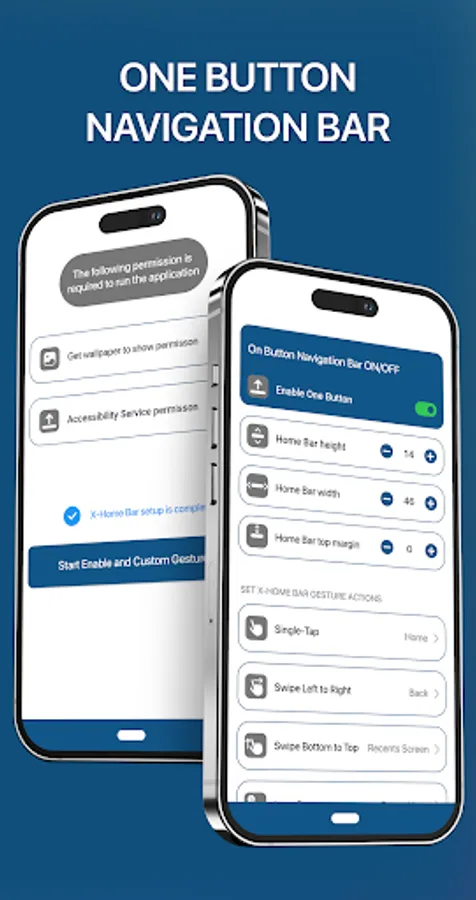
• There are 5 actions you can set for this button (Swipe Left, Swipe Right, Swipe Top, Single Press, Long Press).
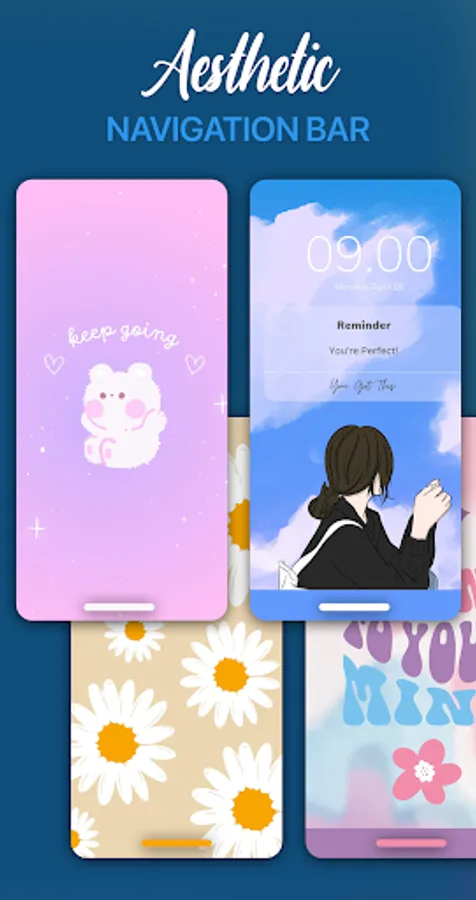
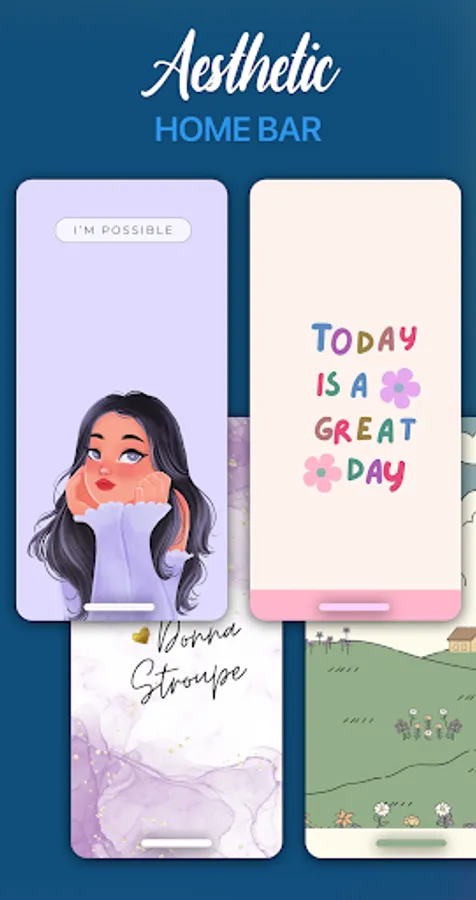
• Transparent navigation bar on phone home screen.
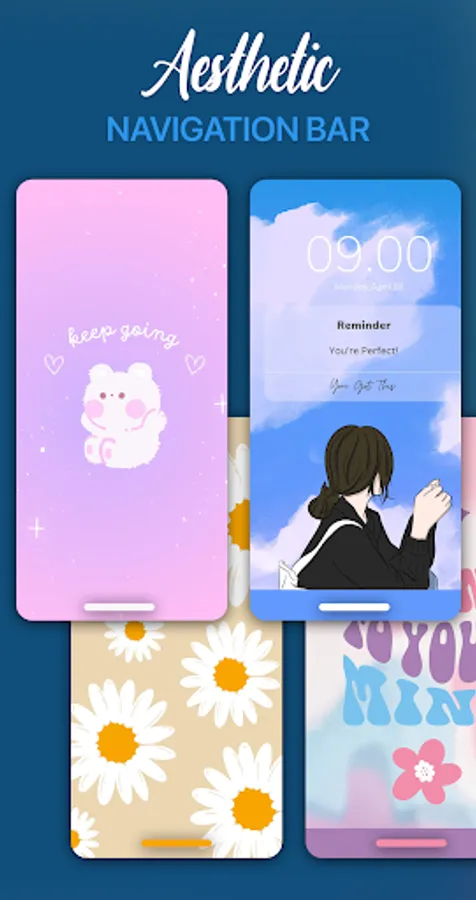
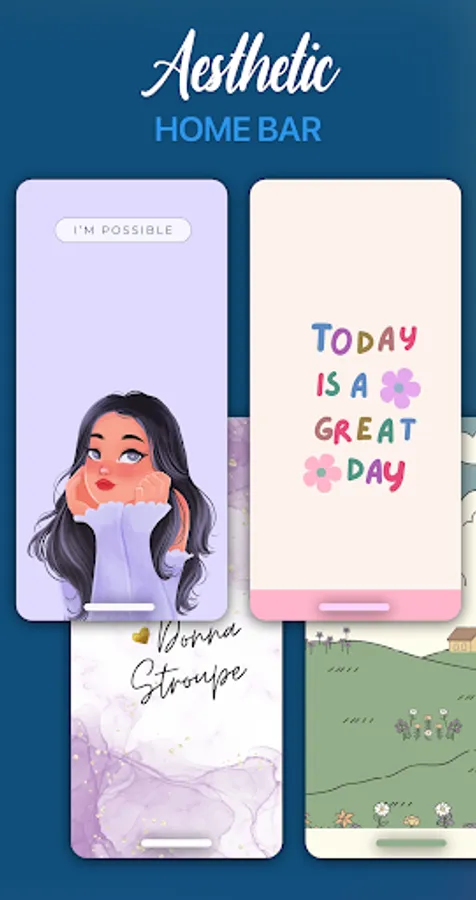
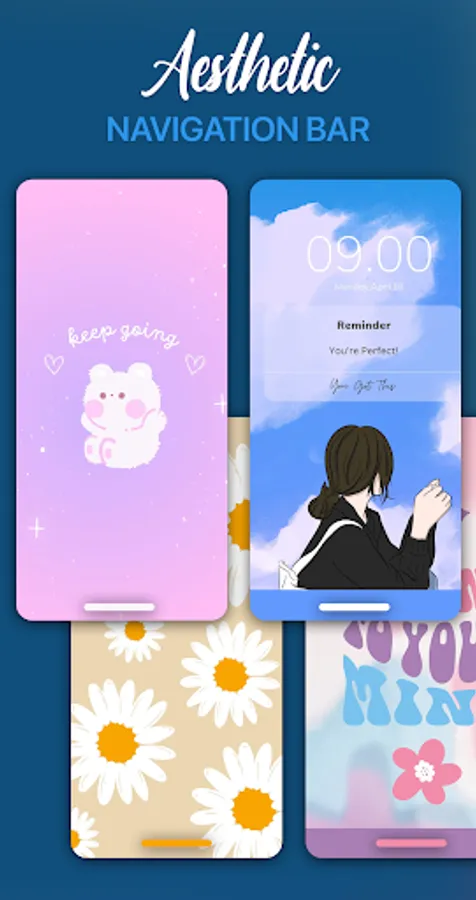
• Ability to change home button color.
• Ability to change home button background color.
• Ability to set home button width, height and position.
• Easy to use.
Default One Button Home bar gestures:
- Single-Tap: Action to go Home.
- Swipe Left to Right: Action to go Back.
- Swipe bottom to top: Lists recently accessed activities and tasks.
- Long Press: Open the long-press menu for power.
- Swipe Right to Left: Action to go Back.
*** About ACCESSIBILITY SERVICE:
This app uses ACCESSIBILITY SERVICE. To enable one button navigation bar view, please allow Accessibility Services. The service is only used to allow this app to draw on phone's screen and commit not to collect any other information. We do not sell, trade or otherwise transfer your personally identifiable information to outside parties.
Accessibility services are used to start several actions. These actions can help people that need to use their phone with only one hand to start actions that are not easy to do with only one hand.
Please open application and grant permission to enable One Button Navigation Bar.
This app provides only one button at the bottom of the screen and is able to do many actions such as Back, Home, Recent.
Key Features:
• There are 5 actions you can set for this button (Swipe Left, Swipe Right, Swipe Top, Single Press, Long Press).
• Transparent navigation bar on phone home screen.
• Ability to change home button color.
• Ability to change home button background color.
• Ability to set home button width, height and position.
• Easy to use.
Default One Button Home bar gestures:
- Single-Tap: Action to go Home.
- Swipe Left to Right: Action to go Back.
- Swipe bottom to top: Lists recently accessed activities and tasks.
- Long Press: Open the long-press menu for power.
- Swipe Right to Left: Action to go Back.
*** About ACCESSIBILITY SERVICE:
This app uses ACCESSIBILITY SERVICE. To enable one button navigation bar view, please allow Accessibility Services. The service is only used to allow this app to draw on phone's screen and commit not to collect any other information. We do not sell, trade or otherwise transfer your personally identifiable information to outside parties.
Accessibility services are used to start several actions. These actions can help people that need to use their phone with only one hand to start actions that are not easy to do with only one hand.
Please open application and grant permission to enable One Button Navigation Bar.
One Button Navigation Bar Screenshots
Tap to Rate:
Reviews for One Button Navigation Bar
Abebayo Bayo
11/9/2025
Please help us find a solution to these complain,when I turn my phone off I will not meet the feature in my phone anymore unless I go and reset it find a solution please I will just rate you 3 🌟
Marvon Brian
10/30/2025
buns