LevelMatePRO
Command Electronics, LLC.
3.7 ★
217 ratings
100,000+
downloads
Free
With this vehicle leveling app, you can adjust trailer levels using Bluetooth and view side to side and front to rear information. Includes automatic calculations for height adjustments, saving and recalling hitch positions.
AppRecs review analysis
AppRecs rating 3.6. Trustworthiness 87 out of 100. Review manipulation risk 23 out of 100. Based on a review sample analyzed.
★★★☆☆
3.6
AppRecs Rating
Ratings breakdown
5 star
58%
4 star
8%
3 star
5%
2 star
5%
1 star
25%
What to know
✓
Low review manipulation risk
23% review manipulation risk
✓
Credible reviews
87% trustworthiness score from analyzed reviews
✓
Good user ratings
66% positive sampled reviews
About LevelMatePRO
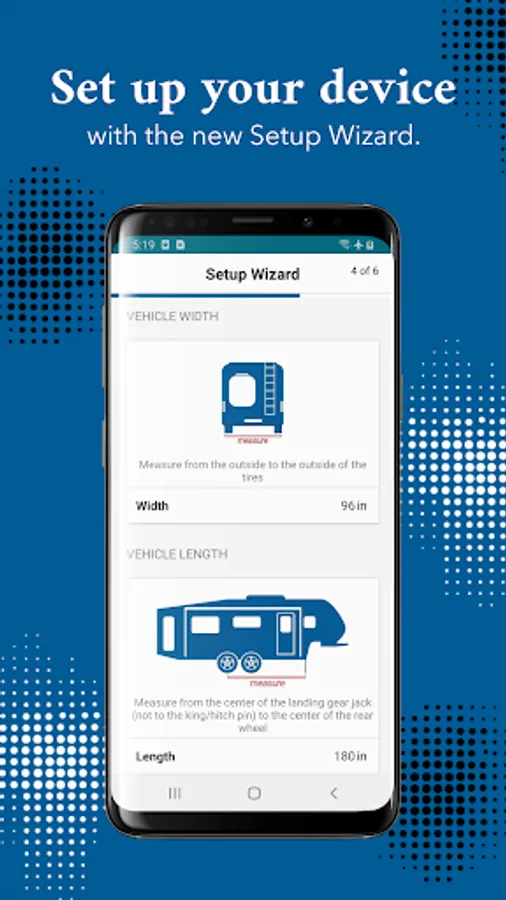
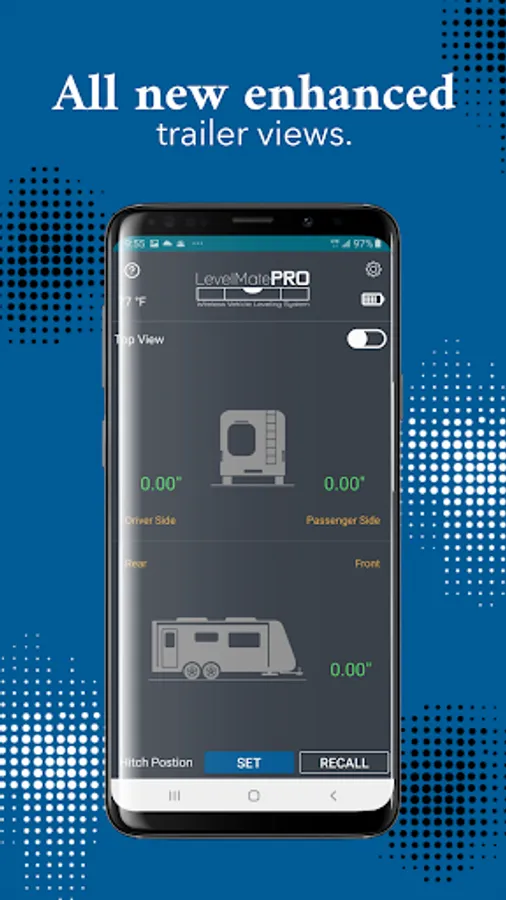
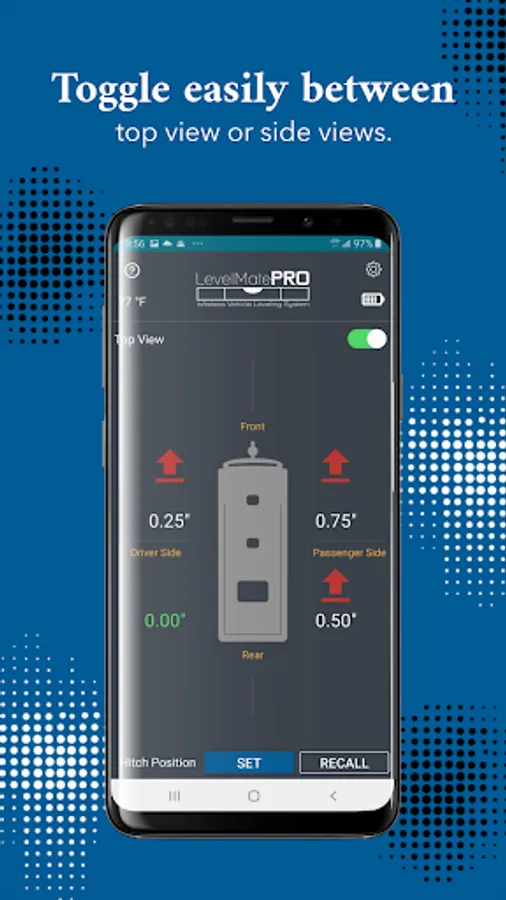
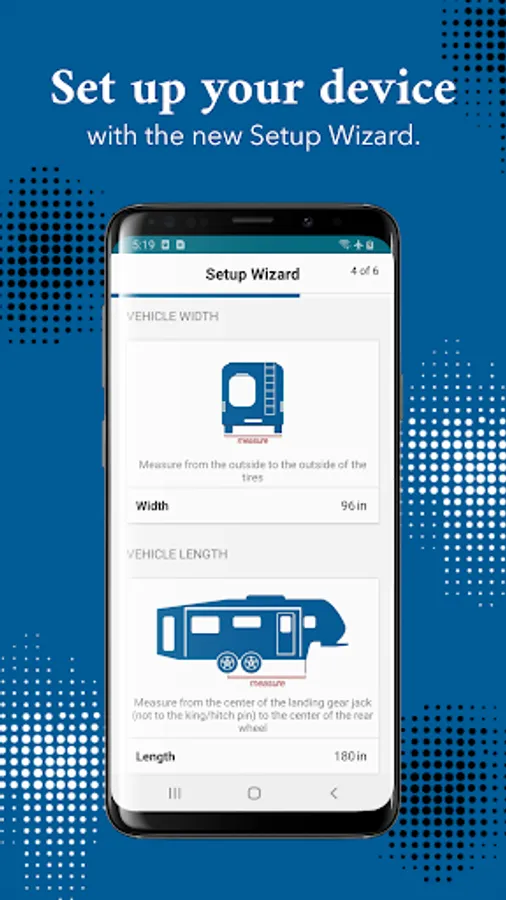
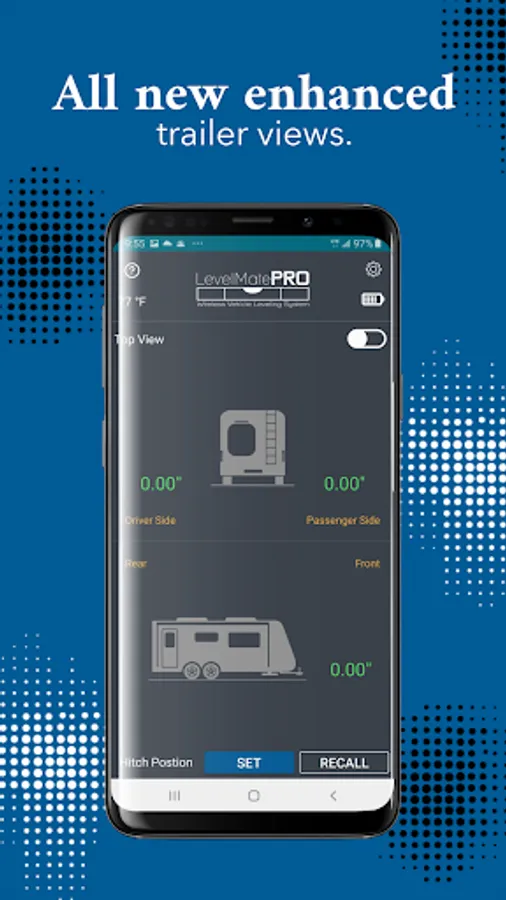
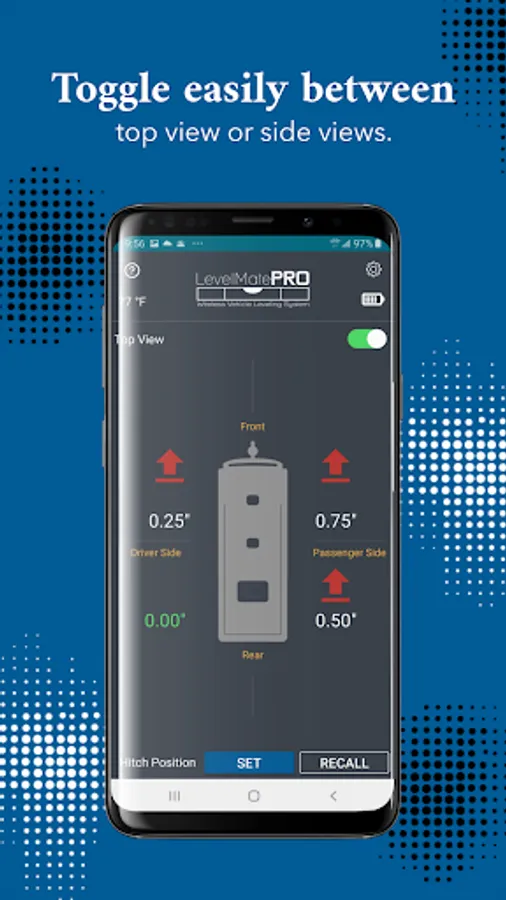
The LevelMatePRO app interfaces with the LevelMatePRO module installed inside the trailer using Bluetooth and provides the user with side to side and front to rear level adjustment information. It automatically calculates the required location and height necessary to bring the vehicle into a leveled state. Once installed and configured, simply pull the vehicle to the desired setup location and open the app. The LevelMatePRO app will show where height adjustment is needed side to side and front to rear.
For side to side adjustment, use spacers or a ramp under the indicated wheel by the specified amount. When the side to side indicator turns green, your level side to side. Use the trailer's front jack to adjust the front to rear level. When the front to rear indicator turns green, your level front to rear.
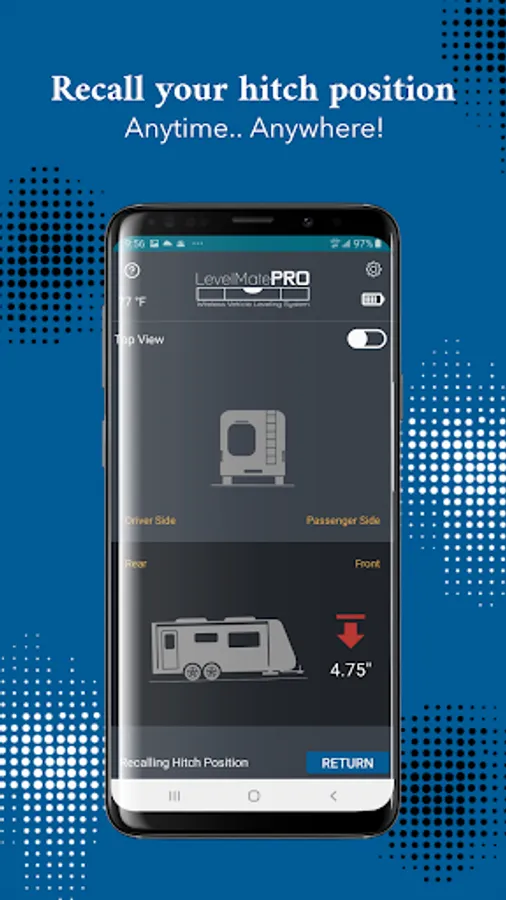
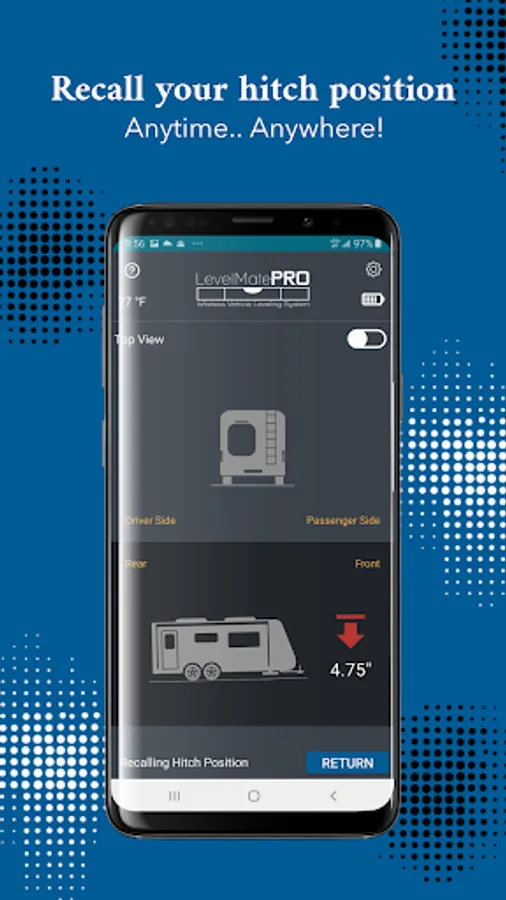
LevelMatePRO also can be used to record the front height required to clear the hitch when disconnecting from a tow vehicle. Simply disengage the hitch, jack up the trailer to a point that clears the hitch and click the Save Hitch Position button. When you are ready to reconnect, start the LevelMatePRO app and click the Recall Hitch Position button. Raise or lower the front jack until the screen shows 0 distance and the indicator turns green. Your trailer is now at a position where it is ready to be connected to your tow vehicle.
Note: You must possess a LevelMatePRO module for this app to operate completely. Go to www.command-electronics.com for information on how to purchase your LevelMatePRO module.
LevelMatePRO Screenshots
Tap to Rate:
Reviews for LevelMatePRO
Thomas Healy
12/12/2025
it used to be a good app, but recenyly on android the set amd recall button are directly in line with the android controls making the hitch recall function useless.
Bryan Kaplan
12/8/2025
New update sucks. The UI leaves no room for Android navigation buttons, as if everyone keeps Gesture Navigation on, meaning everything on the bottom is unclickable. The numbers are now hard to read, because they're a smaller font size, meaning the singular purpose of this app is now difficult. They added stuff that is 100% useless, like a thermometer. The old app was already perfect. Why would they ruin a good thing? Update: And now they removed bird's eye view! App has rapidly become useless.