AppRecs review analysis
AppRecs rating . Trustworthiness 73 out of 100. Review manipulation risk 36 out of 100. Based on a review sample analyzed.
★
AppRecs Rating
Ratings breakdown
5 star
67%
4 star
0%
3 star
33%
2 star
0%
1 star
0%
What to know
✓
Credible reviews
73% trustworthiness score from analyzed reviews
✓
Good user ratings
67% positive sampled reviews
About Venture RV
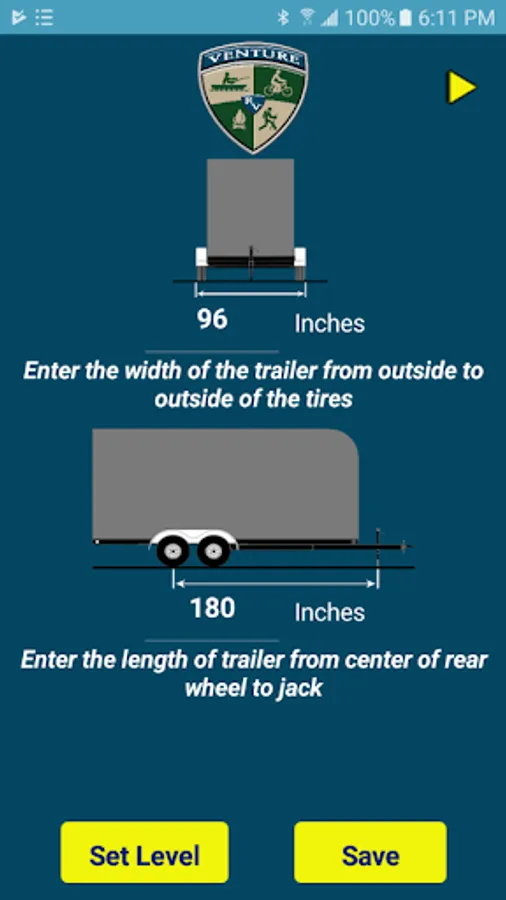
For use with Venture RV Wireless Vehicle Leveling System, this app allows the user to easily level their towable trailer with speed and accuracy. Great for travel trailers, 5th wheel trailers, motor homes, horse trailers, racing trailers, mobile medical units and food vending vehicles.
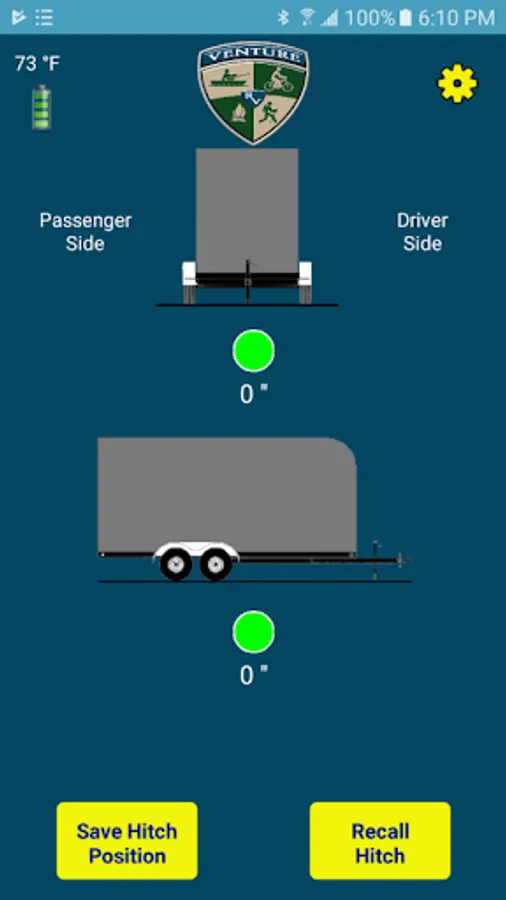
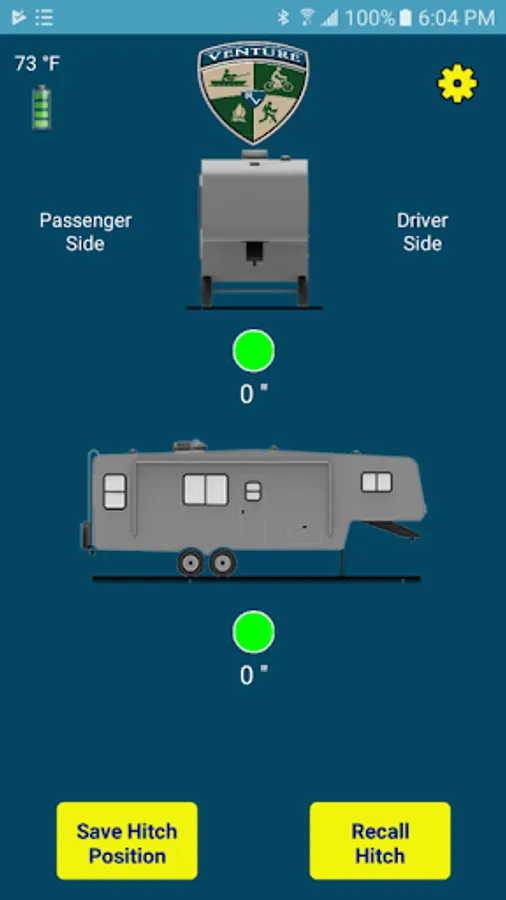
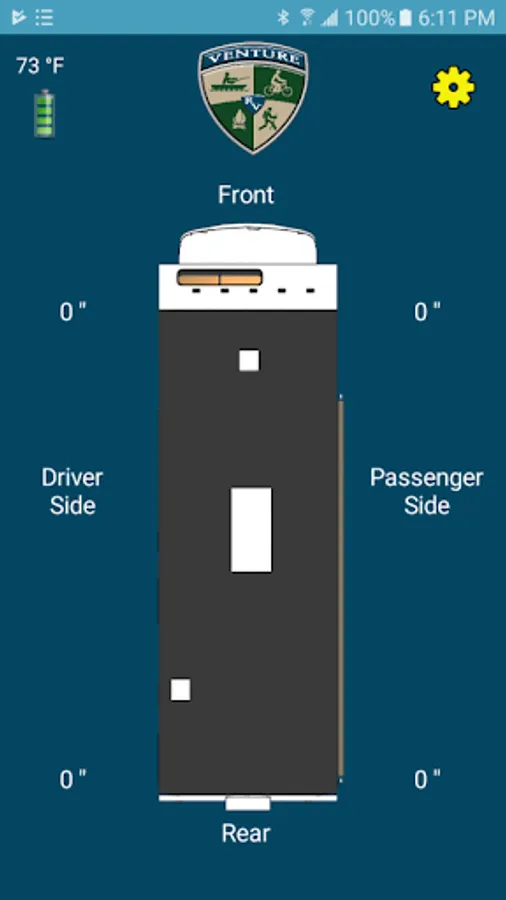
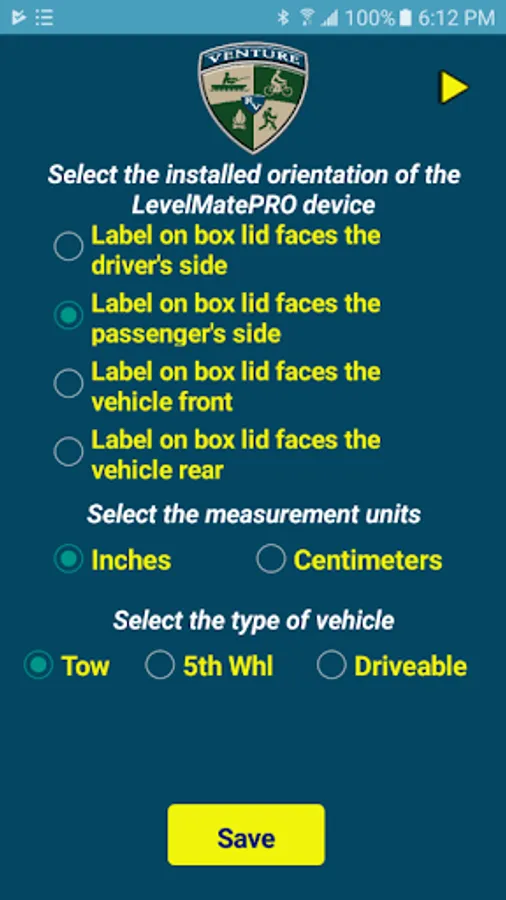
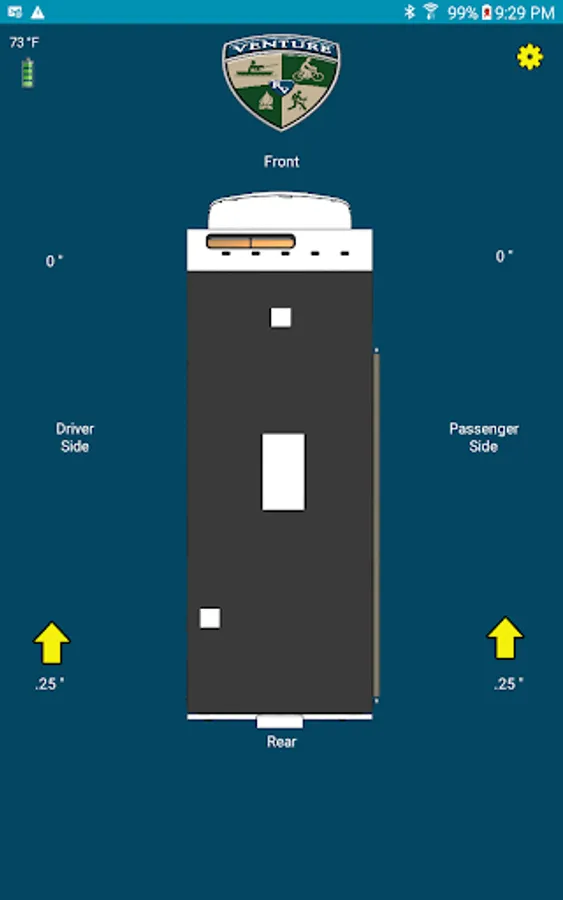
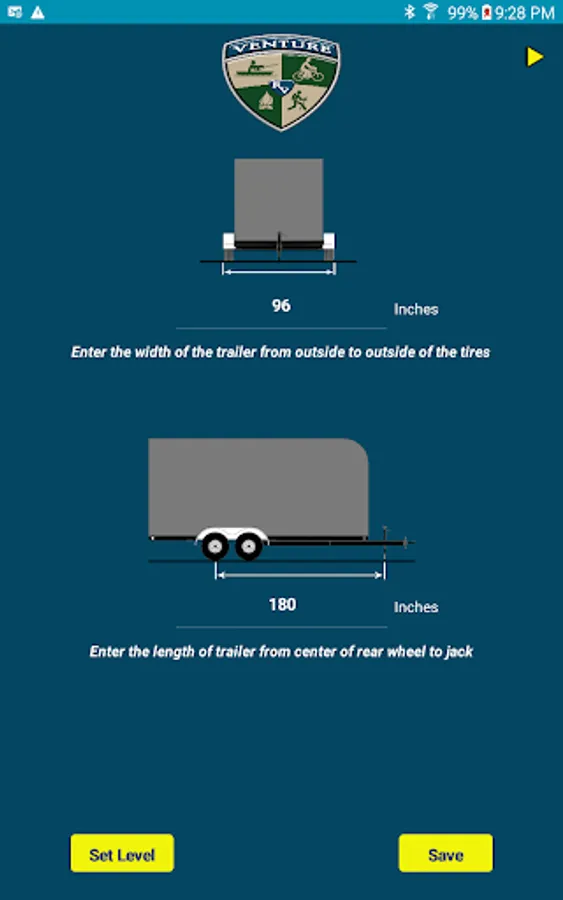
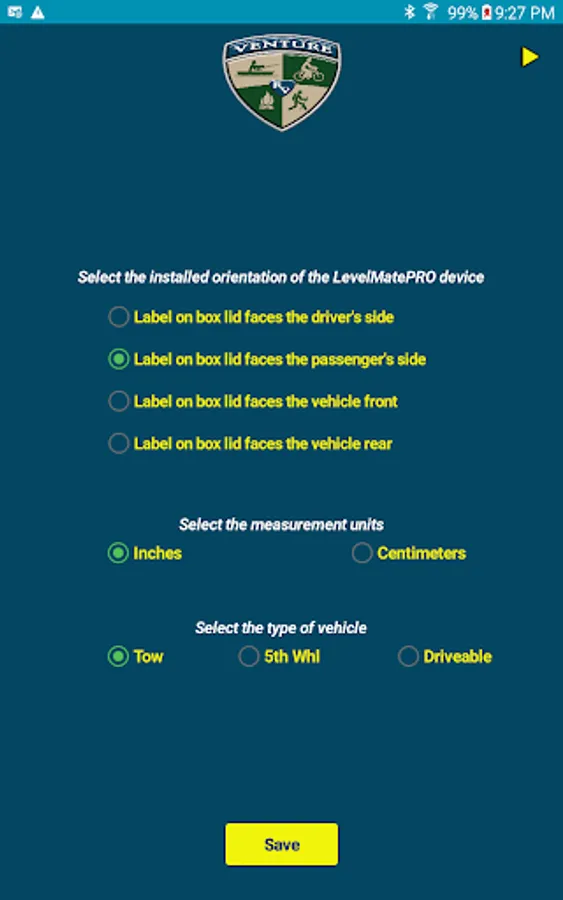
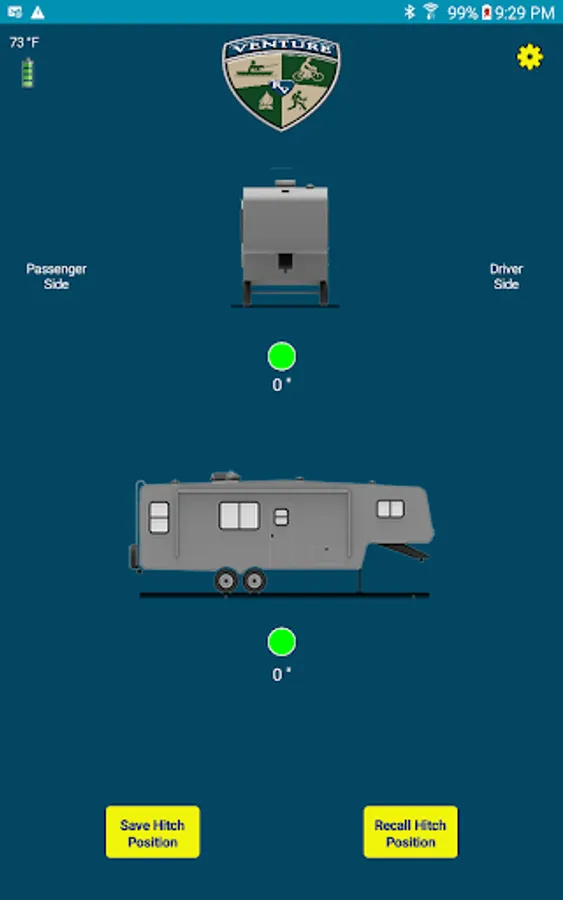
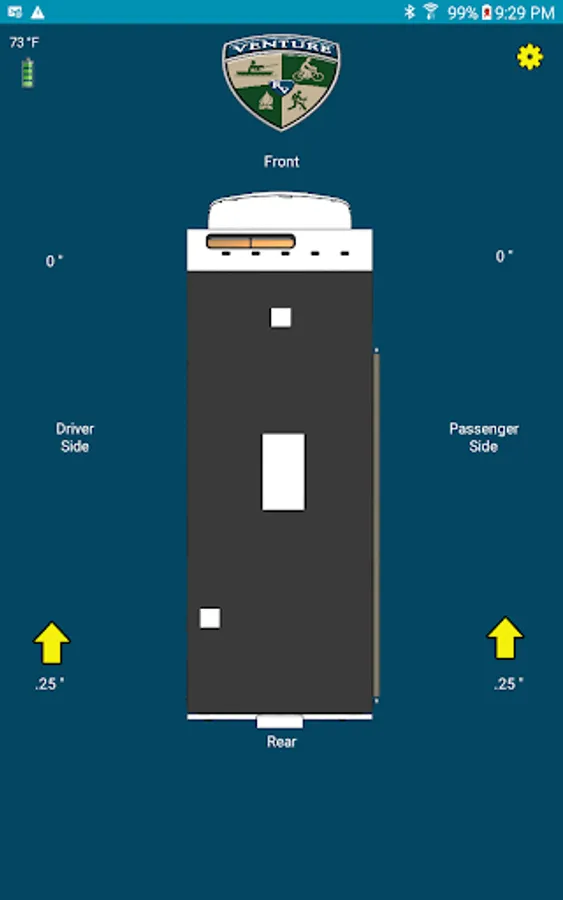
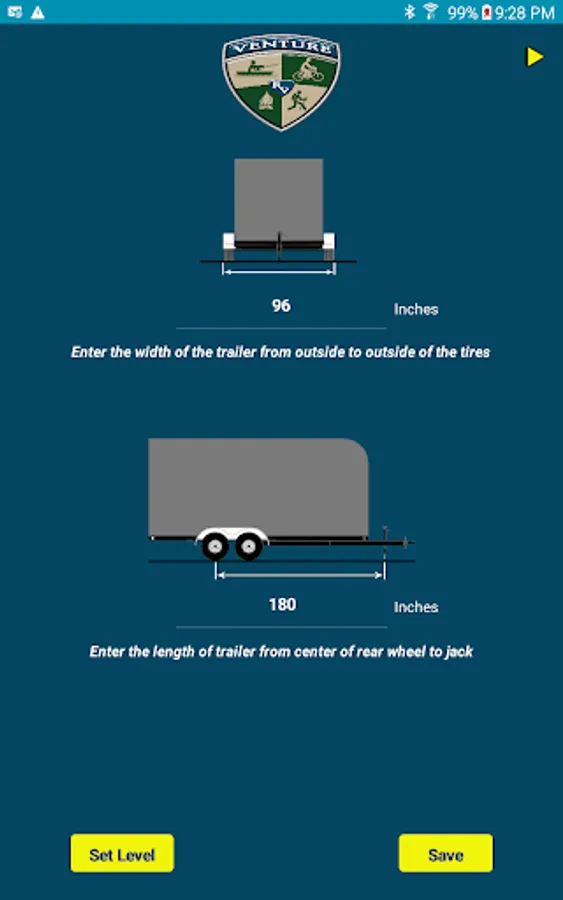
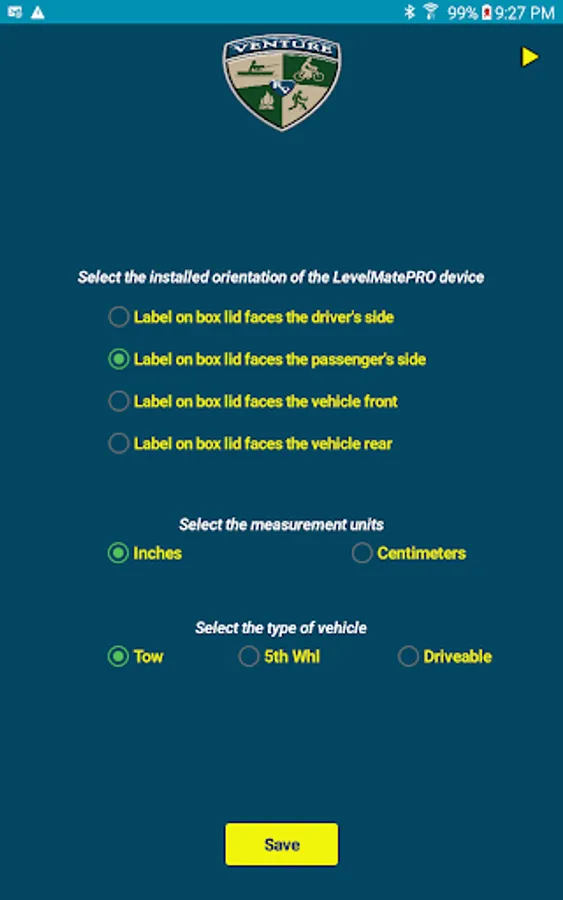
The Venture RV app interfaces with the Venture RV module installed inside the trailer using Bluetooth and provides the user with side to side and front to rear level adjustment information. It automatically calculates the required location and height necessary to bring the vehicle into a leveled state. Once installed and configured, simply pull the vehicle to the desired setup location and open the app. The Venture RV app will show where height adjustment is needed side to side and front to rear.
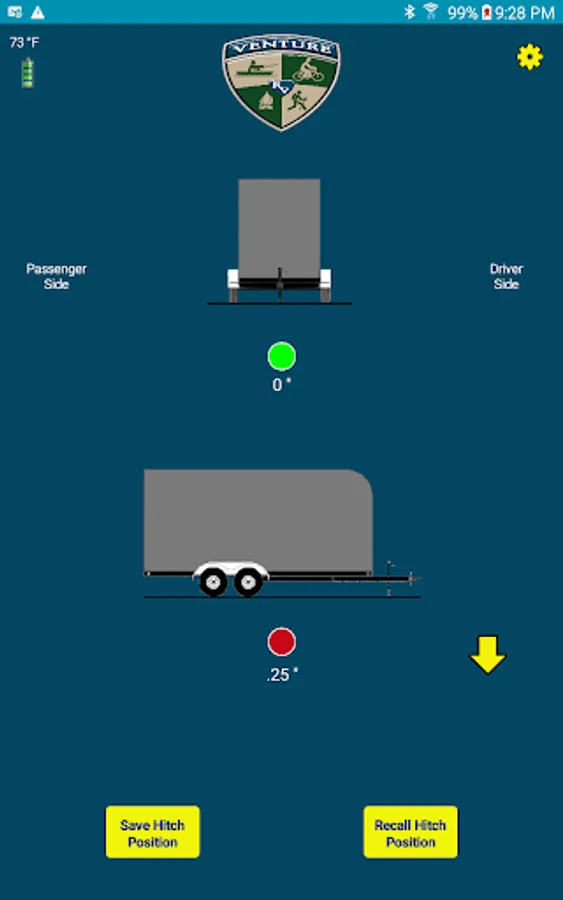
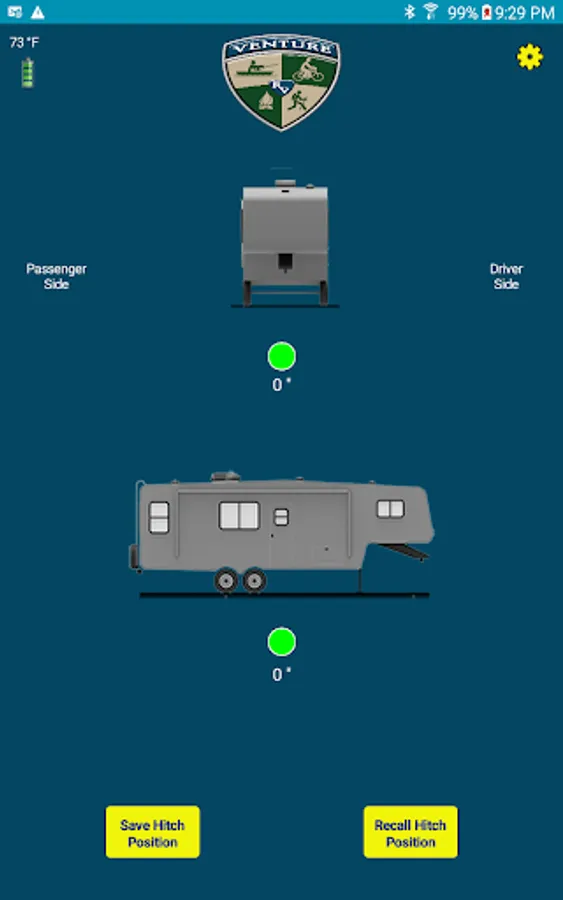
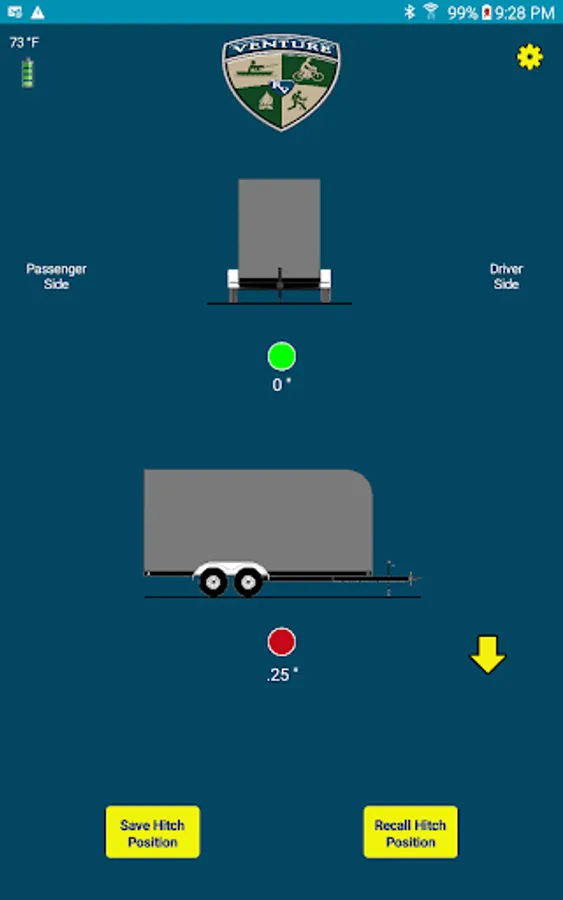
For side to side adjustment, use spacers or a ramp under the indicated wheel by the specified amount. When the side to side indicator turns green, your level side to side. Use the trailer's front jack to adjust the front to rear level. When the front to rear indicator turns green, your level front to rear.
Venture RV also can be used to record the front height required to clear the hitch when disconnecting from a tow vehicle. Simply disengage the hitch, jack up the trailer to a point that clears the hitch and click the Save Hitch Position button. When you are ready to reconnect, start the Venture RV app and click the Recall Hitch Position button. Raise or lower the front jack until the screen shows 0 distance and the indicator turns green. Your trailer is now at a position where it is ready to be connected to your tow vehicle.
Note: You must possess a Venture RV module for this app to operate completely.
The Venture RV app interfaces with the Venture RV module installed inside the trailer using Bluetooth and provides the user with side to side and front to rear level adjustment information. It automatically calculates the required location and height necessary to bring the vehicle into a leveled state. Once installed and configured, simply pull the vehicle to the desired setup location and open the app. The Venture RV app will show where height adjustment is needed side to side and front to rear.
For side to side adjustment, use spacers or a ramp under the indicated wheel by the specified amount. When the side to side indicator turns green, your level side to side. Use the trailer's front jack to adjust the front to rear level. When the front to rear indicator turns green, your level front to rear.
Venture RV also can be used to record the front height required to clear the hitch when disconnecting from a tow vehicle. Simply disengage the hitch, jack up the trailer to a point that clears the hitch and click the Save Hitch Position button. When you are ready to reconnect, start the Venture RV app and click the Recall Hitch Position button. Raise or lower the front jack until the screen shows 0 distance and the indicator turns green. Your trailer is now at a position where it is ready to be connected to your tow vehicle.
Note: You must possess a Venture RV module for this app to operate completely.
Venture RV Screenshots
Tap to Rate:
Reviews for Venture RV
Sion Xp
12/11/2024
Is good 👍🏼
Dennis King
9/7/2024
Good app