Screenshot Flow
CTribe Apps
3.2 ★
store rating
50,000+
downloads
Free
+ in-app
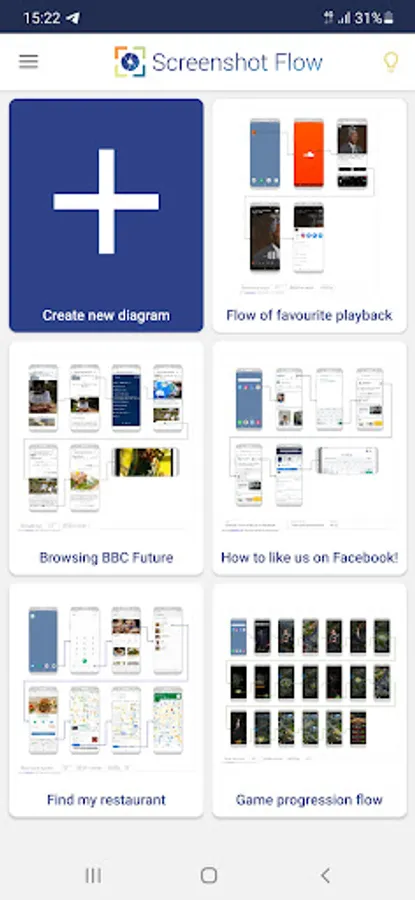
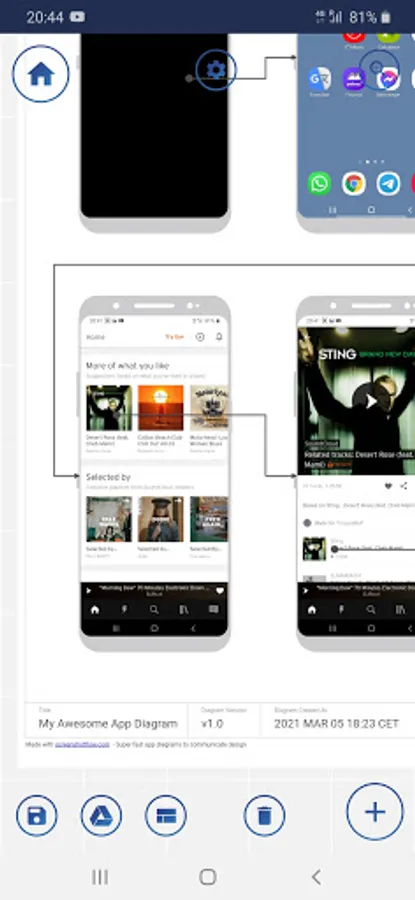
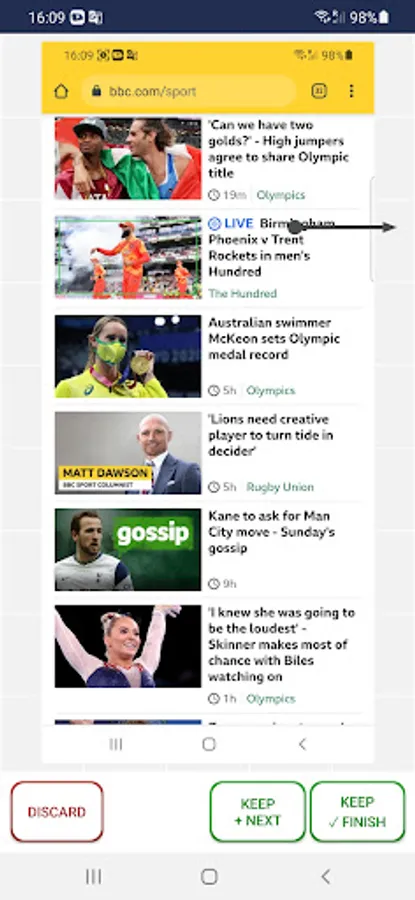
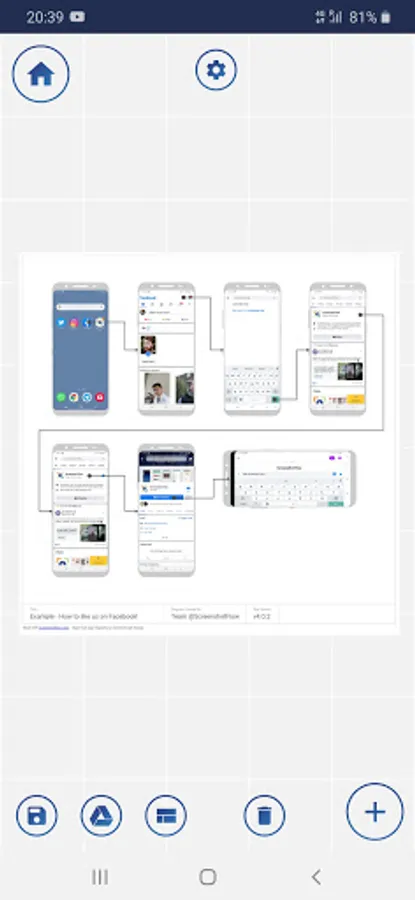
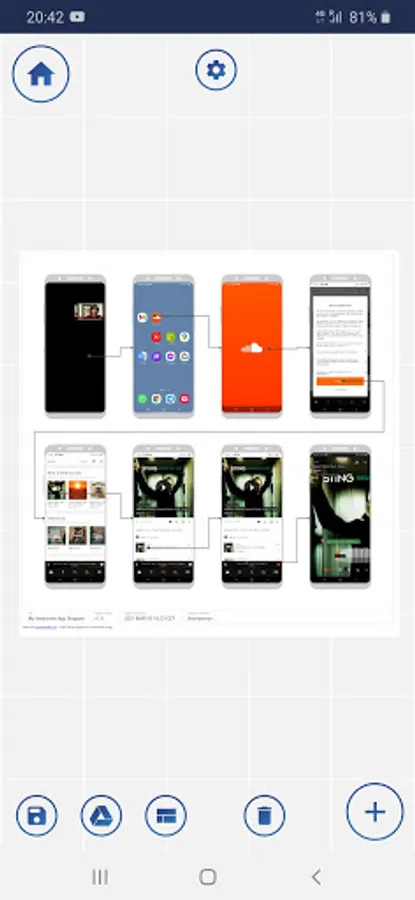
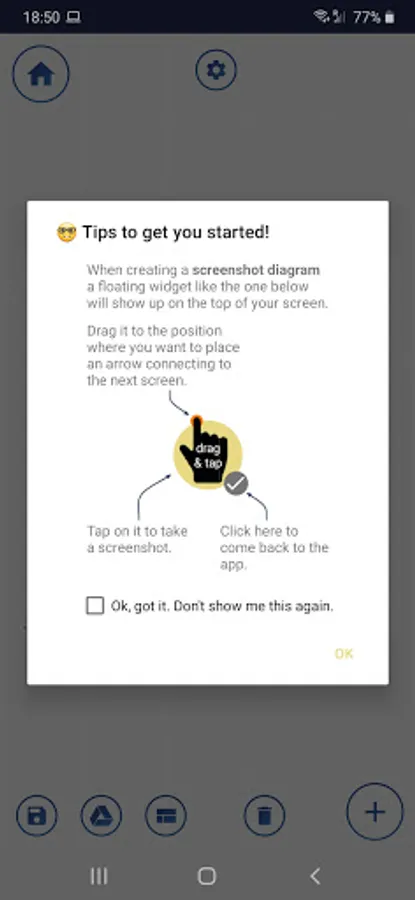
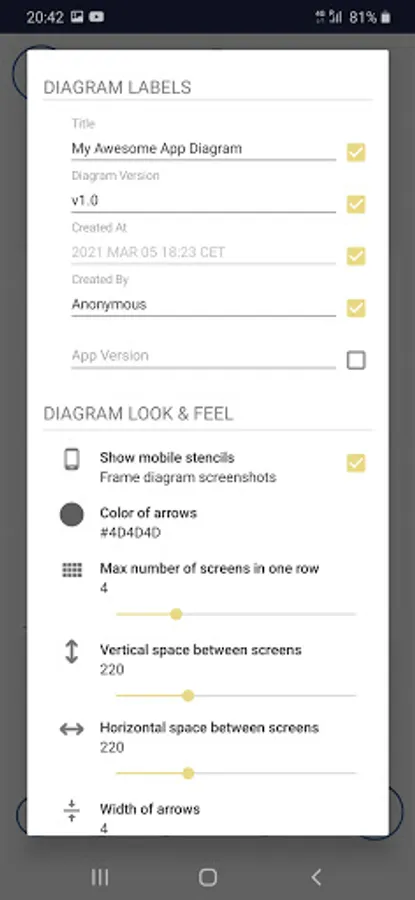
With this app, you can automatically generate user journey diagrams from your device's screenshots and share them easily. Includes integration with Figma, Sketch, Draw.io, Google Drive, and flexible sharing options.
AppRecs review analysis
AppRecs rating 3.2. Trustworthiness 80 out of 100. Review manipulation risk 28 out of 100. Based on a review sample analyzed.
★★★☆☆
3.2
AppRecs Rating
Ratings breakdown
5 star
40%
4 star
8%
3 star
16%
2 star
4%
1 star
32%
What to know
✓
Low review manipulation risk
28% review manipulation risk
✓
Credible reviews
80% trustworthiness score from analyzed reviews
⚠
High negative review ratio
36% of sampled ratings are 1–2 stars
About Screenshot Flow
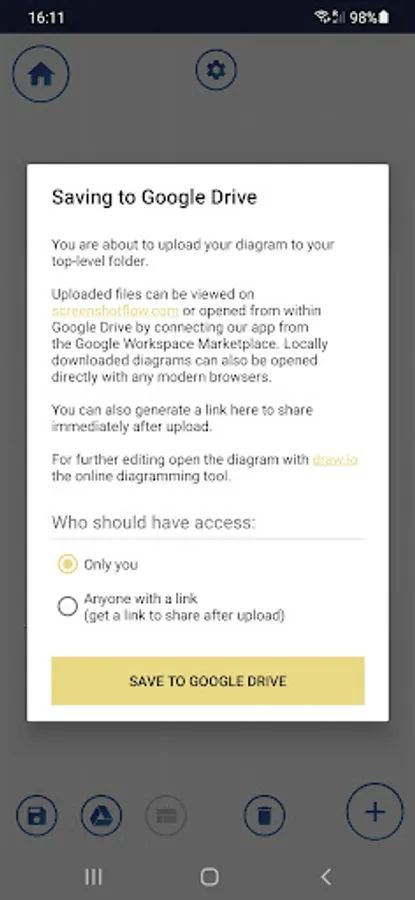
Screenshot Flow offers a fast way to auto-generate user journey diagrams from any of the apps installed on your device. This can be useful for creating visual guides or for augmenting communication during product development. 📐Compatible with Figma, Sketch, and Draw.io(diagrams.net). ☁️ Google Drive integrated. 📲 It offers super-easy and flexible sharing options.
Our story:
Having worked on mobile experiences for some time, we never really found the right tool for visualizing what we have built, in a timely manner. We often need this, because we want to put these diagrams up on a big screen for team discussions regarding improvements, be that for analyzing flow conversions or any other design goals. Out of this frustration, we created this tool that automatically generates such diagrams as the user is navigating through the screens and snapping screenshots. It worked for us, so we decided to clean it up and make it public. Enjoy! Provide feedback if you can!
Note to Xiaomi users: Please enable the following additional (MIUI) settings as illustrated here: https://tinyurl.com/34dbuwrc
www.screenshotflow.com
You may find this app useful for:
- Visualizing the UX design of an app to be able to review it with other people for learnings or improvements
- Mapping out the design of a finished app for comparing it to the original wireframes
- Documenting a finished release and effortlessly sharing it with stakeholders
- Providing quick How-To guides to save time explaining stuff...
Our story:
Having worked on mobile experiences for some time, we never really found the right tool for visualizing what we have built, in a timely manner. We often need this, because we want to put these diagrams up on a big screen for team discussions regarding improvements, be that for analyzing flow conversions or any other design goals. Out of this frustration, we created this tool that automatically generates such diagrams as the user is navigating through the screens and snapping screenshots. It worked for us, so we decided to clean it up and make it public. Enjoy! Provide feedback if you can!
Note to Xiaomi users: Please enable the following additional (MIUI) settings as illustrated here: https://tinyurl.com/34dbuwrc
www.screenshotflow.com