
Google Automotive Keyboard
Google LLC
4.5 ★
322 ratings
1,000,000+
downloads
Free
In this mobile keyboard app, users can input text through voice dictation, glide typing, or handwriting, supporting multiple languages. Includes voice typing, handwriting recognition, language switching, and cursor movement features.
AppRecs review analysis
AppRecs rating 4.5. Trustworthiness 0 out of 100. Review manipulation risk 0 out of 100. Based on a review sample analyzed.
★★★★☆
4.5
AppRecs Rating
Ratings breakdown
5 star
75%
4 star
14%
3 star
3%
2 star
0%
1 star
8%
What to know
✓
High user satisfaction
89% of sampled ratings are 4+ stars (4.5★ average)
✓
Authentic reviews
Natural distribution, no red flags
About Google Automotive Keyboard
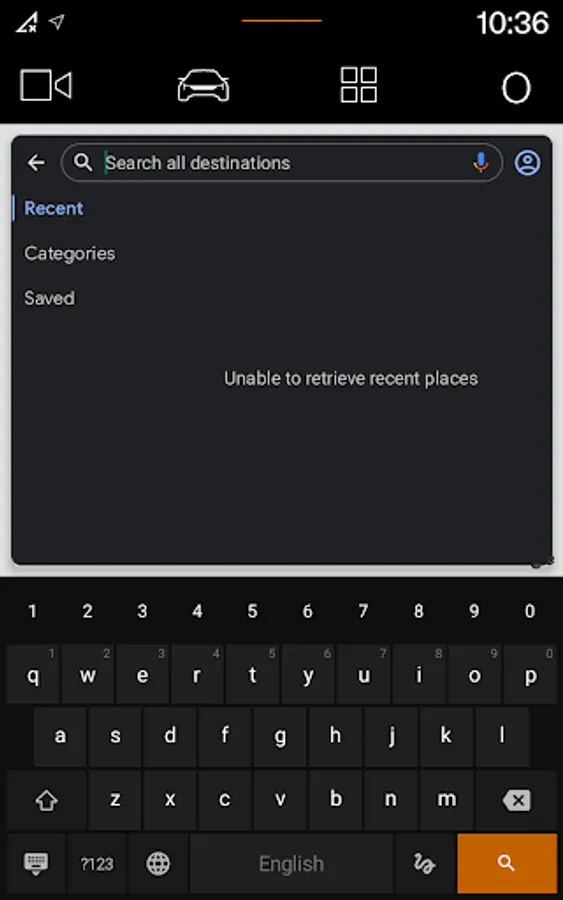
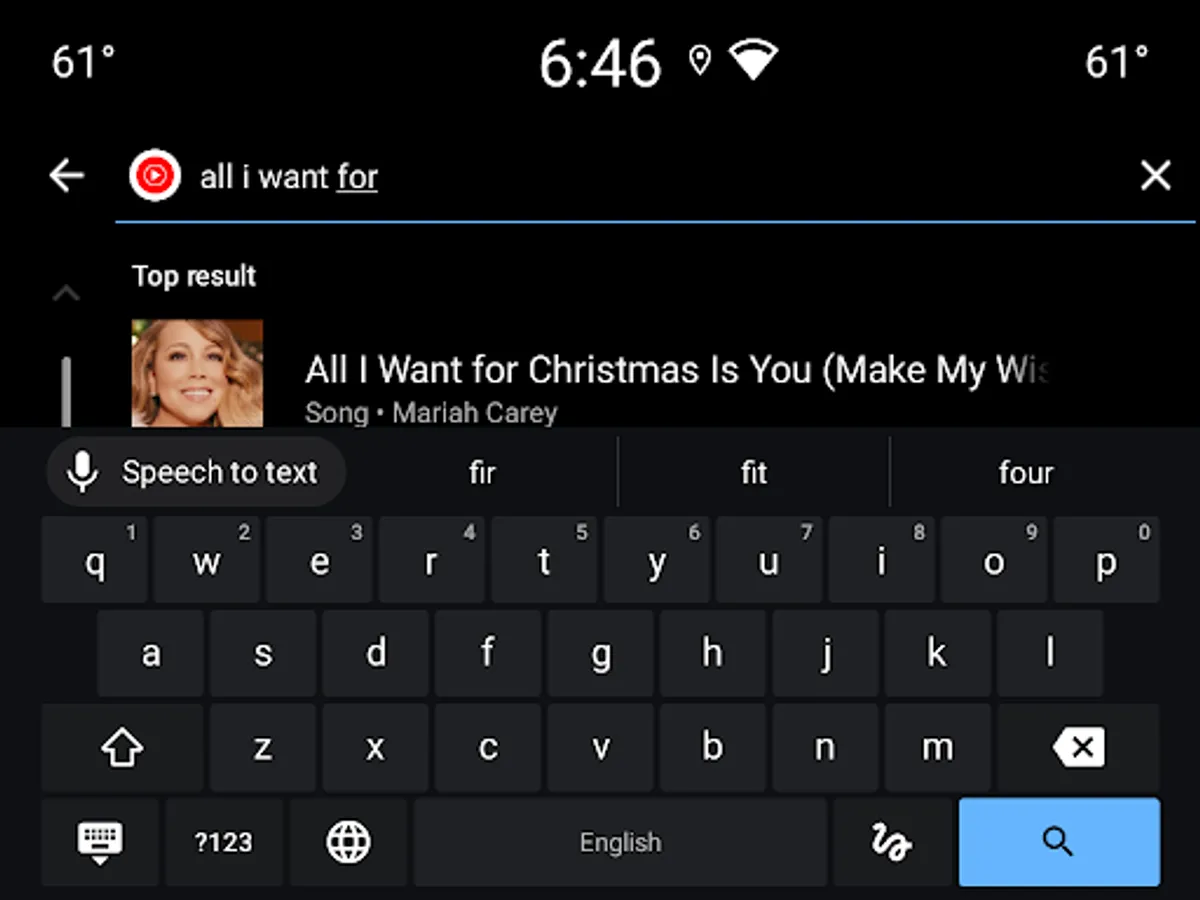
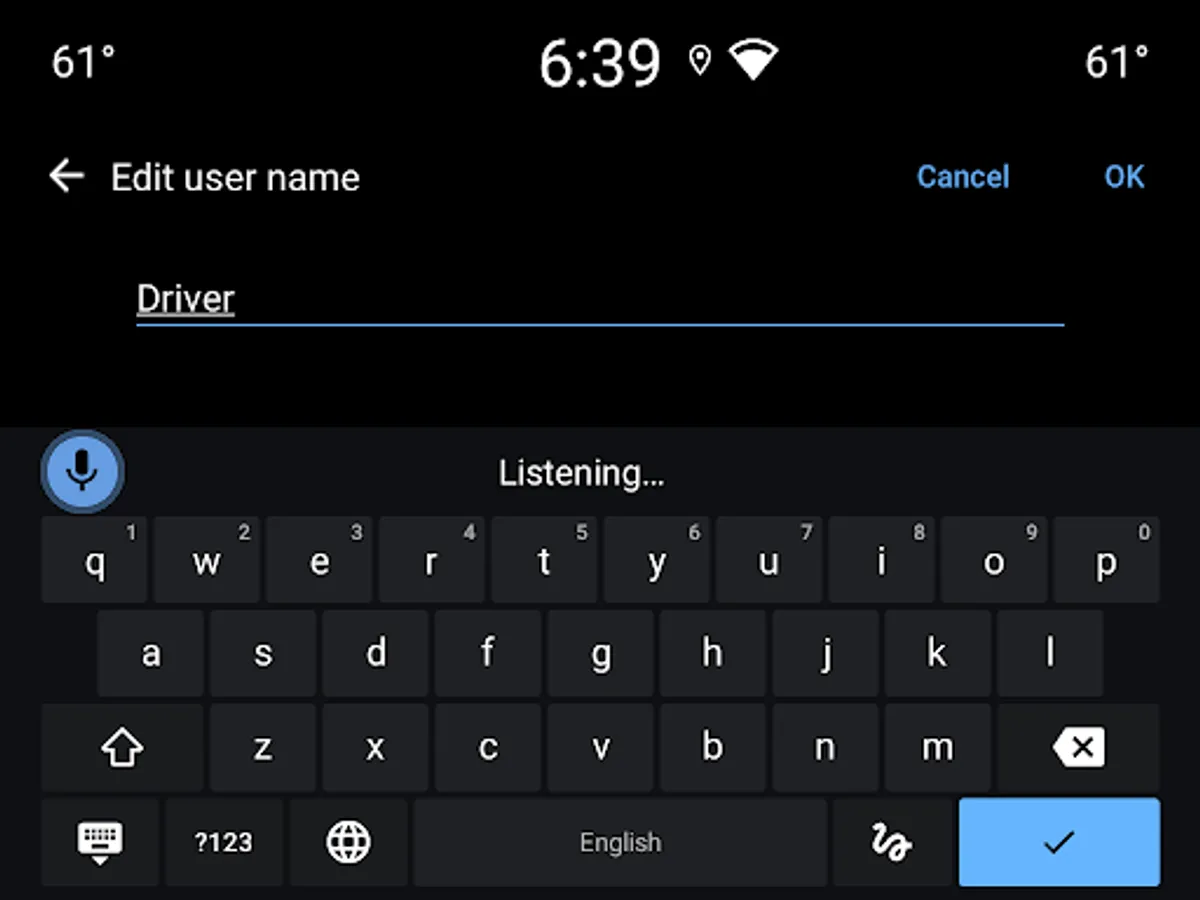
Google Automotive Keyboard has everything you love about Google Keyboard: Speed, Reliability, Glide Typing, Voice Typing, Handwriting, and more
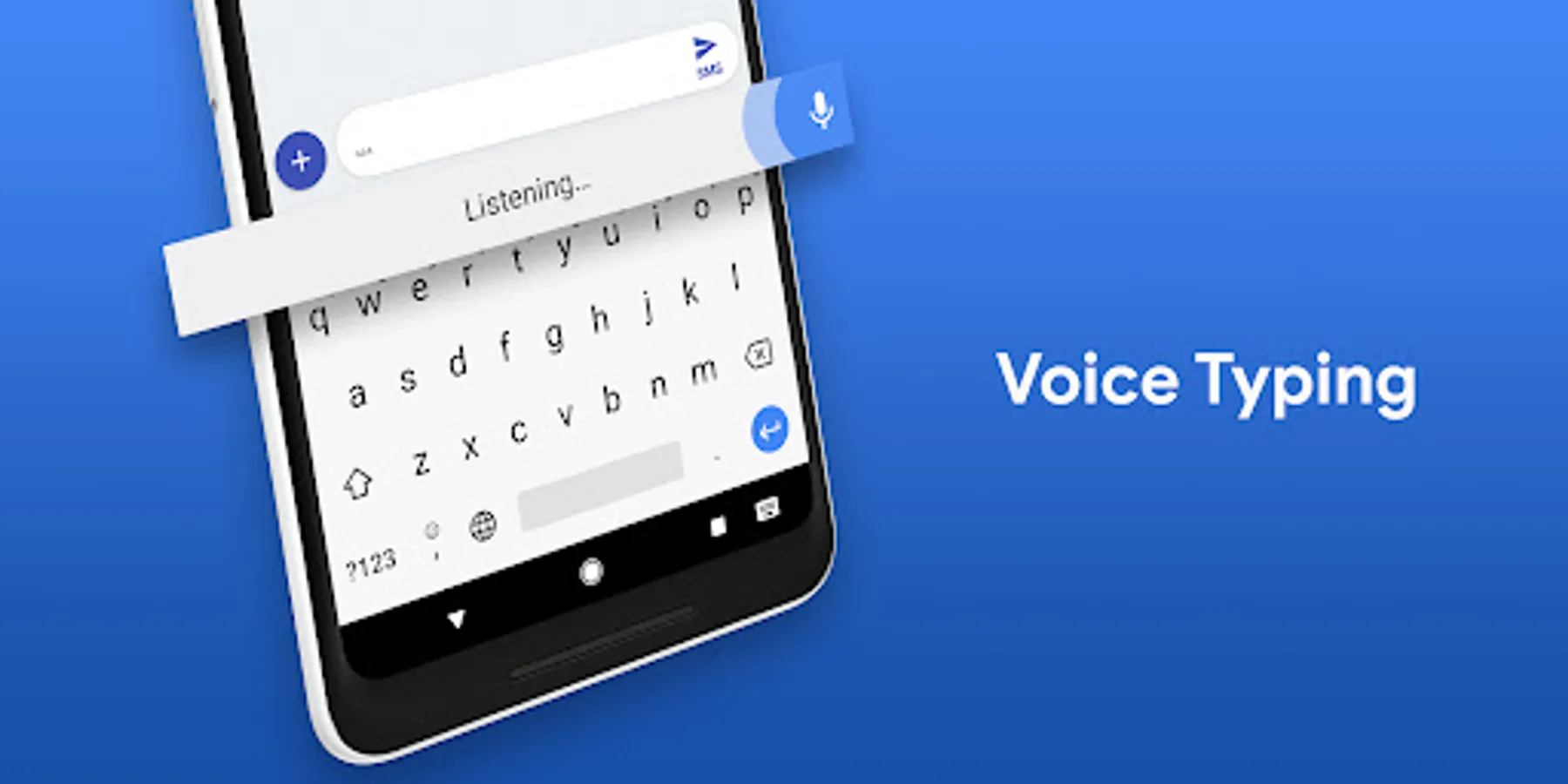
Voice typing — Easily dictate text on the go
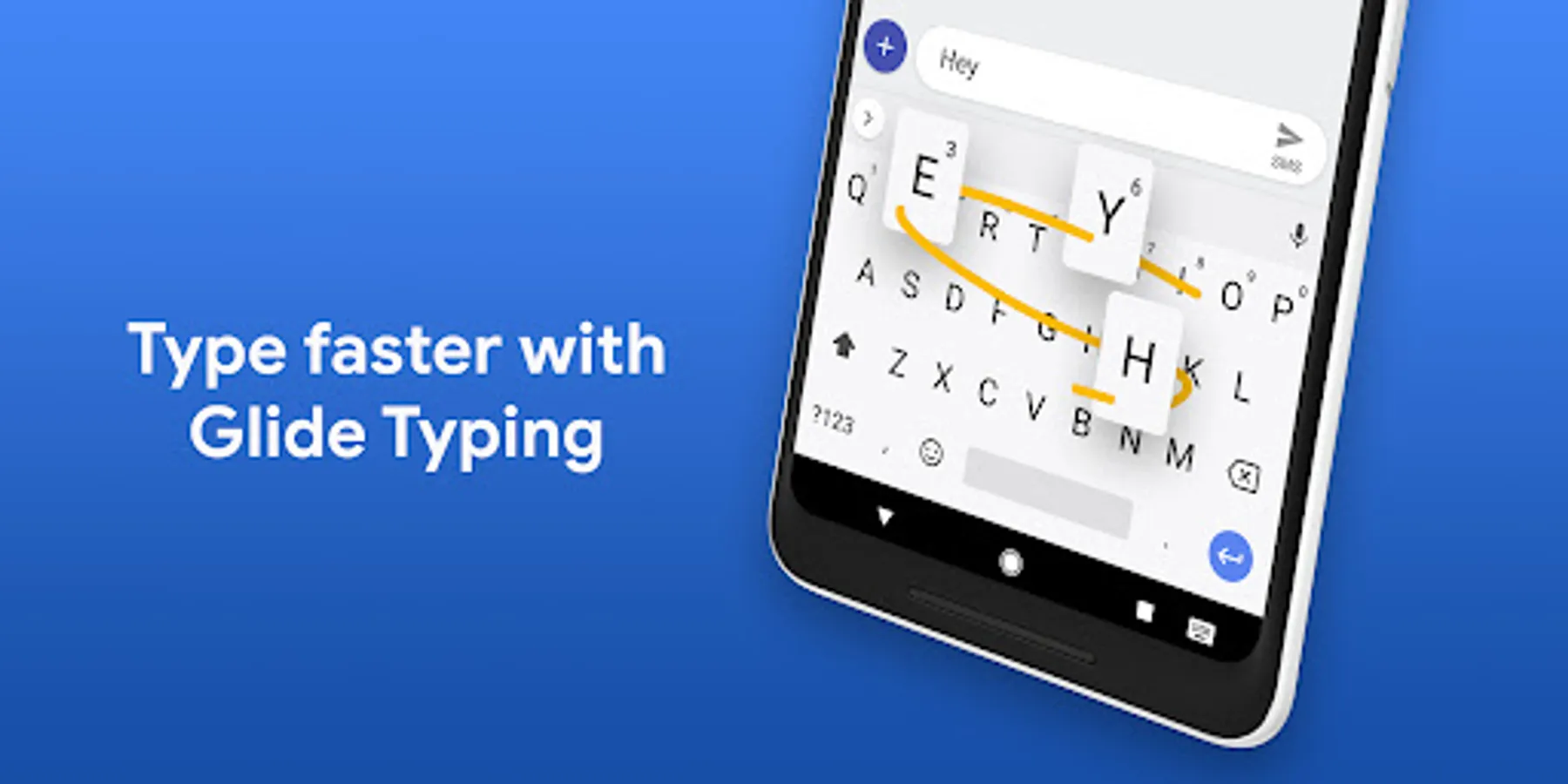
Glide Typing — Type faster by sliding your finger from letter to letter
Handwriting — Write in cursive and printed letters
Language support including:
Arabic, Chinese, Czech, Dutch, English, French, German, Greek, Indonesian, Italian, Japanese, Norwegian, Polish, Portuguese, Romanian, Russian, Spanish, Swedish, Thai, Turkish, Ukrainian, and many more!
Pro tips:
• Cursor movement: Slide your finger across the space bar to move the cursor
• Adding a language:
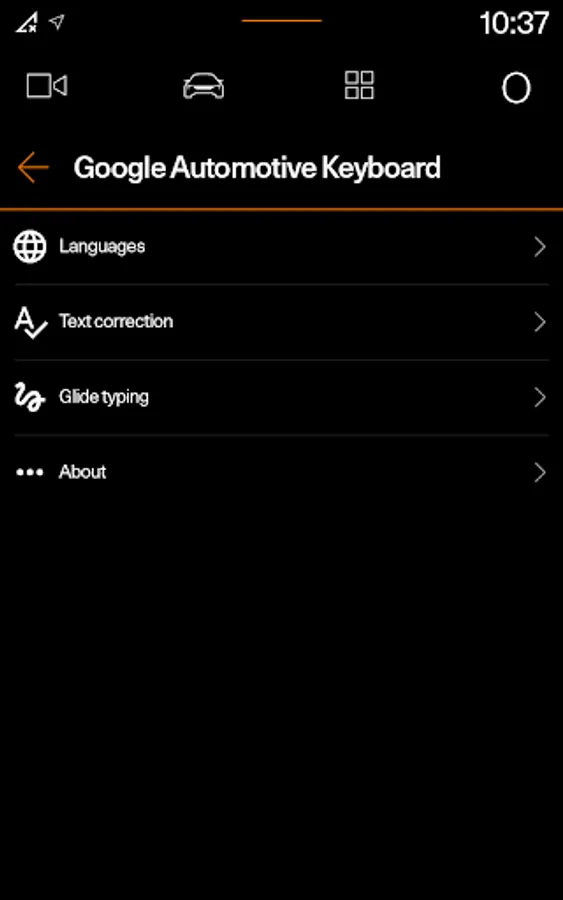
1. Go to Settings → System → Languages & input → Keyboard → Google Automotive Keyboard
2. Select a language to add. A globe icon will appear on the keyboard
• Switching languages: Tap the globe icon to switch between enabled languages
• Viewing all languages Long-press the globe icon to view a list of all languages enabled on the keyboard
Voice typing — Easily dictate text on the go
Glide Typing — Type faster by sliding your finger from letter to letter
Handwriting — Write in cursive and printed letters
Language support including:
Arabic, Chinese, Czech, Dutch, English, French, German, Greek, Indonesian, Italian, Japanese, Norwegian, Polish, Portuguese, Romanian, Russian, Spanish, Swedish, Thai, Turkish, Ukrainian, and many more!
Pro tips:
• Cursor movement: Slide your finger across the space bar to move the cursor
• Adding a language:
1. Go to Settings → System → Languages & input → Keyboard → Google Automotive Keyboard
2. Select a language to add. A globe icon will appear on the keyboard
• Switching languages: Tap the globe icon to switch between enabled languages
• Viewing all languages Long-press the globe icon to view a list of all languages enabled on the keyboard
Google Automotive Keyboard Screenshots
Tap to Rate: