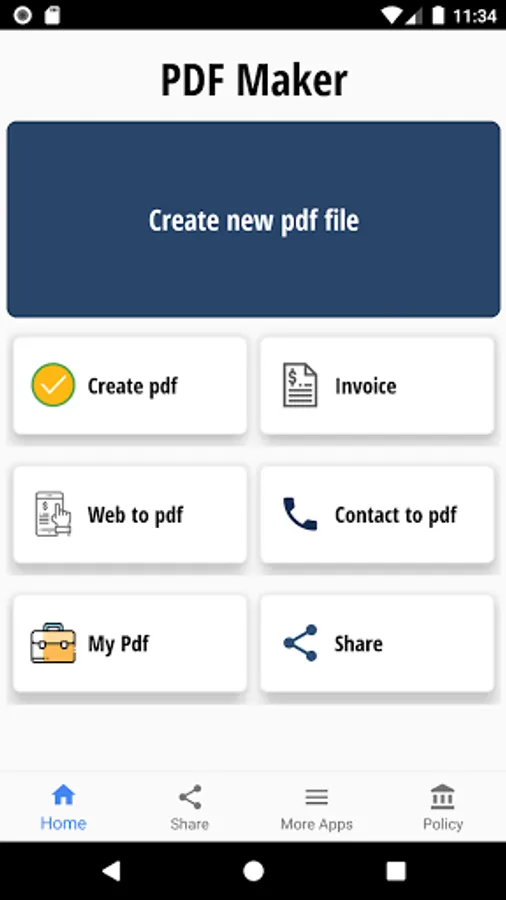
With this app, you can convert text input or files into PDF documents and name them accordingly. Includes options to convert website content, contacts, and store files in a designated folder.
AppRecs review analysis
AppRecs rating 3.2. Trustworthiness 81 out of 100. Review manipulation risk 27 out of 100. Based on a review sample analyzed.
★★★☆☆
3.2
AppRecs Rating
Ratings breakdown
5 star
45%
4 star
5%
3 star
5%
2 star
5%
1 star
40%
What to know
✓
Low review manipulation risk
27% review manipulation risk
✓
Credible reviews
81% trustworthiness score from analyzed reviews
⚠
High negative review ratio
45% of sampled ratings are 1–2 stars
About Text to pdf
Converts text to pdf document.
convert to text document to pdf
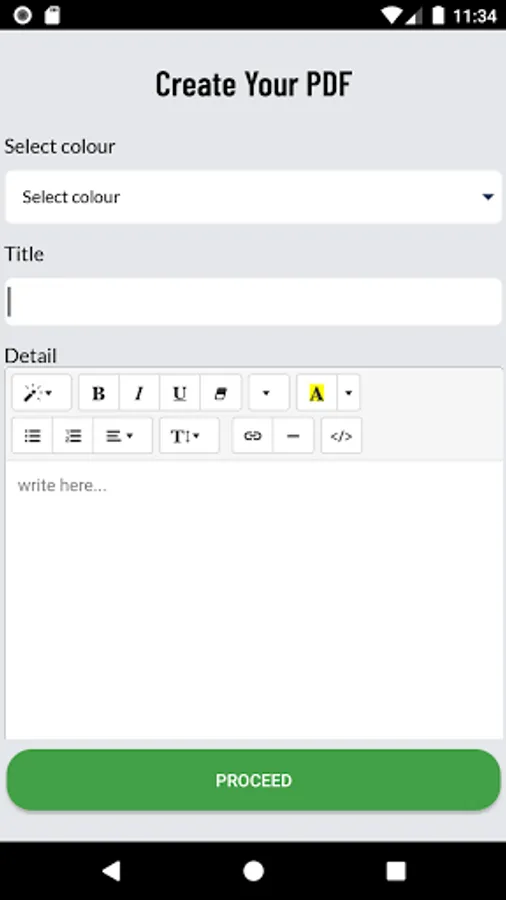
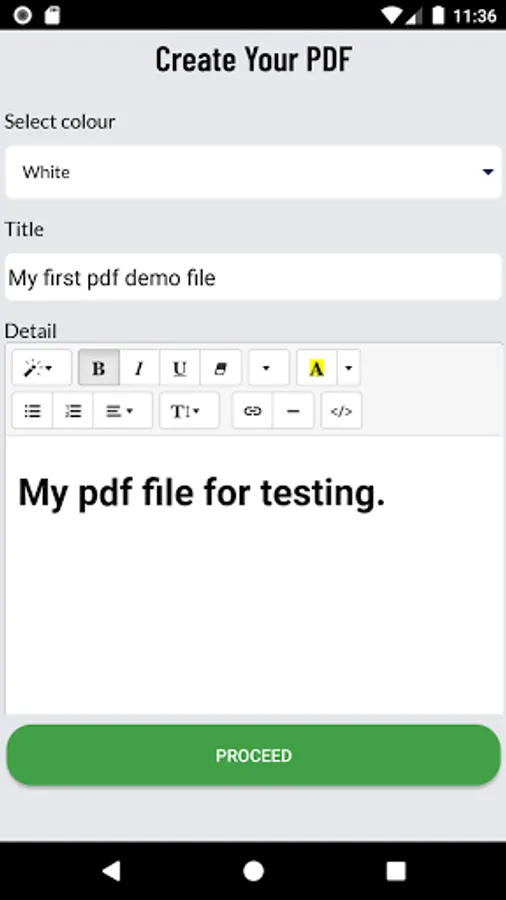
1. Enter title.
2. Enter Body text or import a text file.
3 Click the "CREATE PDF" button and enter PDF name
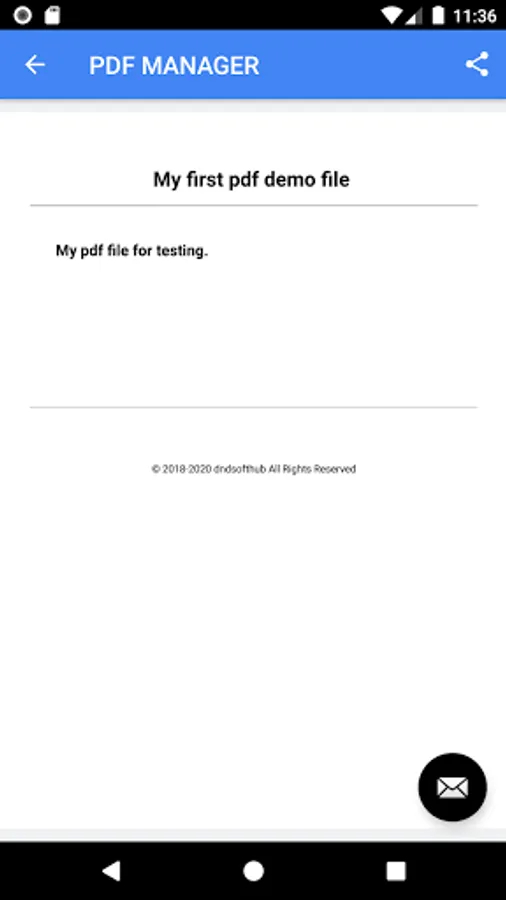
4. You can view the pdf file in view all pdf.
5 Website to pdf converter
6. Contacts to pdf converter
All generated PDF files are stored in "Documents Folder" (i.e /SdCard/PDF/).
convert to text document to pdf
1. Enter title.
2. Enter Body text or import a text file.
3 Click the "CREATE PDF" button and enter PDF name
4. You can view the pdf file in view all pdf.
5 Website to pdf converter
6. Contacts to pdf converter
All generated PDF files are stored in "Documents Folder" (i.e /SdCard/PDF/).
Text to pdf Screenshots
Tap to Rate:
Reviews for Text to pdf
Deepak Singh
12/31/2025
bahut achcha app hai to interesting app
UmairKhan Umairkhan
12/26/2025
I love 💕 this app