
Business Security Solutions
Cox Communications, Inc.
3.0 ★
18 ratings
1,000+
downloads
Free
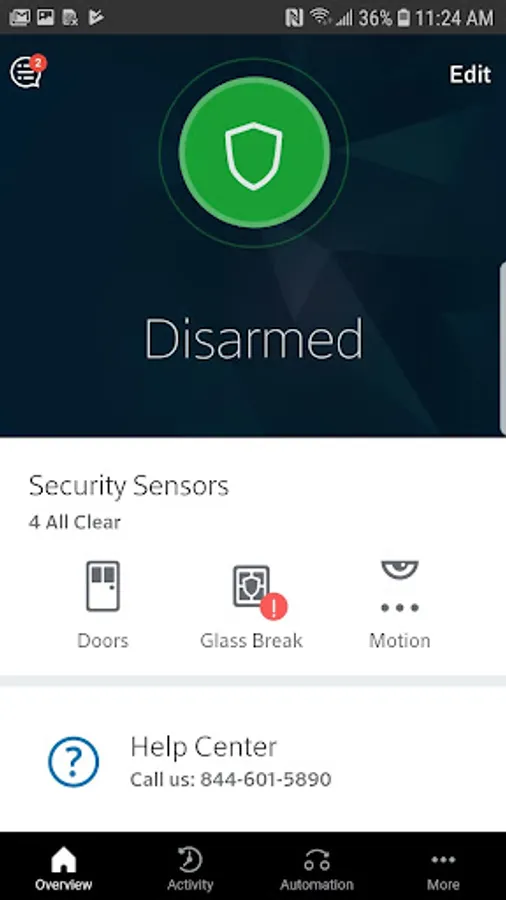
With this security management app, you can remotely arm and disarm your detection system, monitor activity, and manage user access. Includes real-time alerts, system control, and automation features.
AppRecs review analysis
AppRecs rating 3.0. Trustworthiness 0 out of 100. Review manipulation risk 0 out of 100. Based on a review sample analyzed.
★★★☆☆
3.0
AppRecs Rating
Ratings breakdown
5 star
39%
4 star
6%
3 star
11%
2 star
6%
1 star
39%
About Business Security Solutions
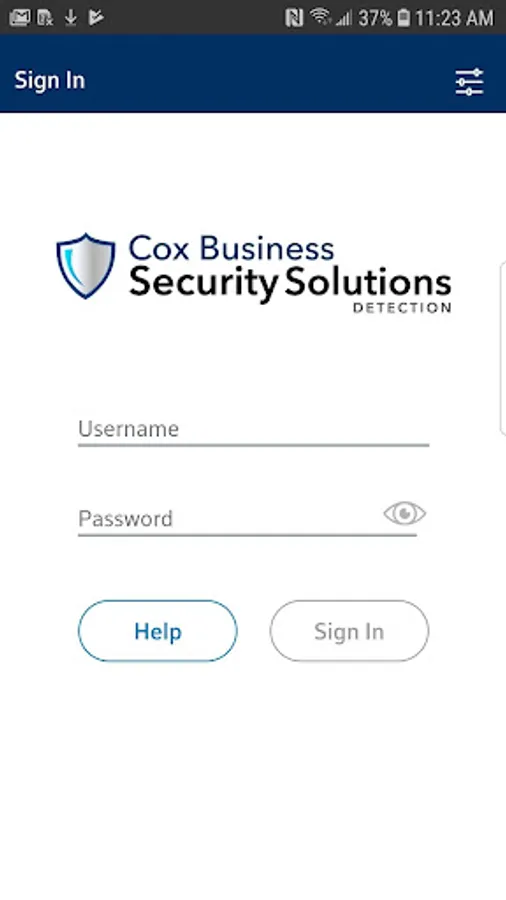
The Cox Business Security Solutions Detection app lets you securely view and control your detection system anytime, anywhere using your smart phone or tablet. Whether you need to arm or disarm your security system, create automated rules or add system users, you can do so quickly and easily with the Cox Business Security Solutions app.
Features:
• Remote arm and disarm
• Real-time text and email alerts when alarms are triggered
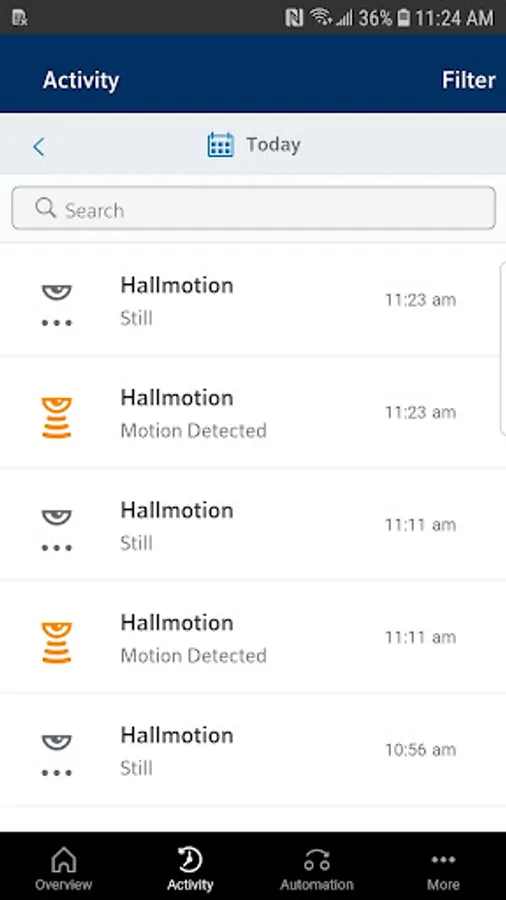
• Monitor system activity
• Enter alarm permit number or expiration date
• Add, edit or remove emergency contacts
• Manage verbal security passwords
• Create rules for notifications
• Scenes
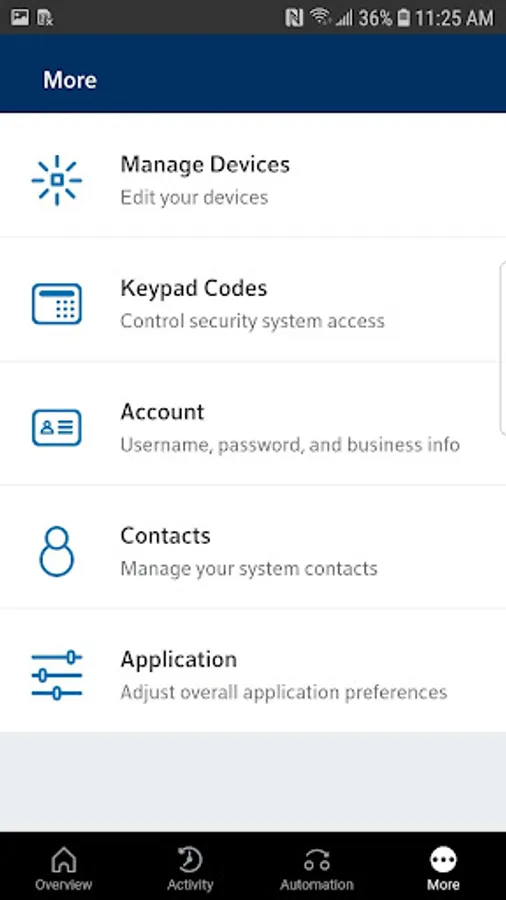
• Add or remove users and user keypad codes
• Control lighting devices and thermostats
Requirements:
• Wi-Fi or 4G cellular internet connection
• Cox Business Security Solutions service
The following supported devices require Android operating system version 5.0 or higher:
• Google Nexus 5, 6P, 7, 9, 10, Prime
• Google Pixel 7.x, Pixel XL, Pixel 2, Pixel 3
• LG G5, V10
• Samsung Galaxy Note 4, Note 5, Note 8
• Samsung Galaxy S5, S6, S6 Edge, S7, S7 Edge, S8, S8 Plus, S9, S9 Plus, S10, S10 Plus
• Note: *This app requires a compatible system and a Cox Business Security Solutions service plan. Feature availability varies based on the system, equipment and service plan. Visit www.coxbusiness.com for more information.
Features:
• Remote arm and disarm
• Real-time text and email alerts when alarms are triggered
• Monitor system activity
• Enter alarm permit number or expiration date
• Add, edit or remove emergency contacts
• Manage verbal security passwords
• Create rules for notifications
• Scenes
• Add or remove users and user keypad codes
• Control lighting devices and thermostats
Requirements:
• Wi-Fi or 4G cellular internet connection
• Cox Business Security Solutions service
The following supported devices require Android operating system version 5.0 or higher:
• Google Nexus 5, 6P, 7, 9, 10, Prime
• Google Pixel 7.x, Pixel XL, Pixel 2, Pixel 3
• LG G5, V10
• Samsung Galaxy Note 4, Note 5, Note 8
• Samsung Galaxy S5, S6, S6 Edge, S7, S7 Edge, S8, S8 Plus, S9, S9 Plus, S10, S10 Plus
• Note: *This app requires a compatible system and a Cox Business Security Solutions service plan. Feature availability varies based on the system, equipment and service plan. Visit www.coxbusiness.com for more information.
Business Security Solutions Screenshots
Tap to Rate: