Draw Pixel Art Pro
Decipixel Games
4.4 ★
340 ratings
5,000+
downloads
$3.49
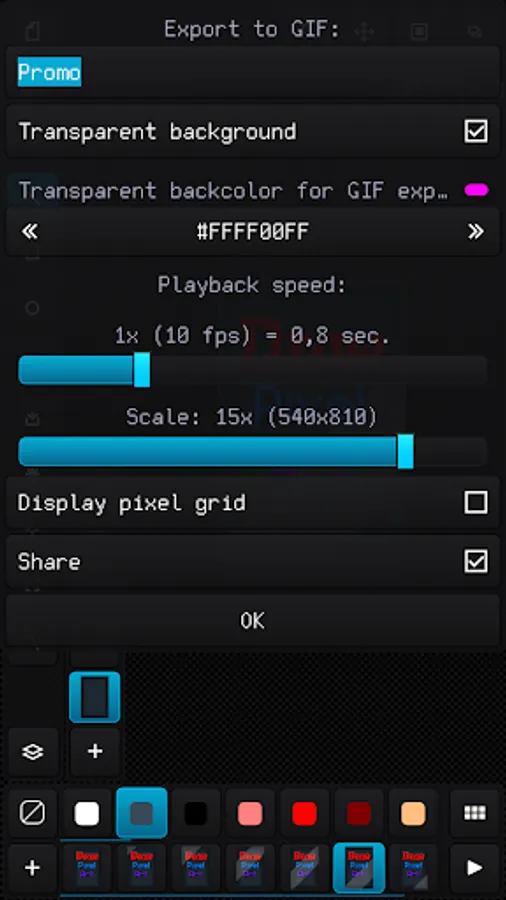
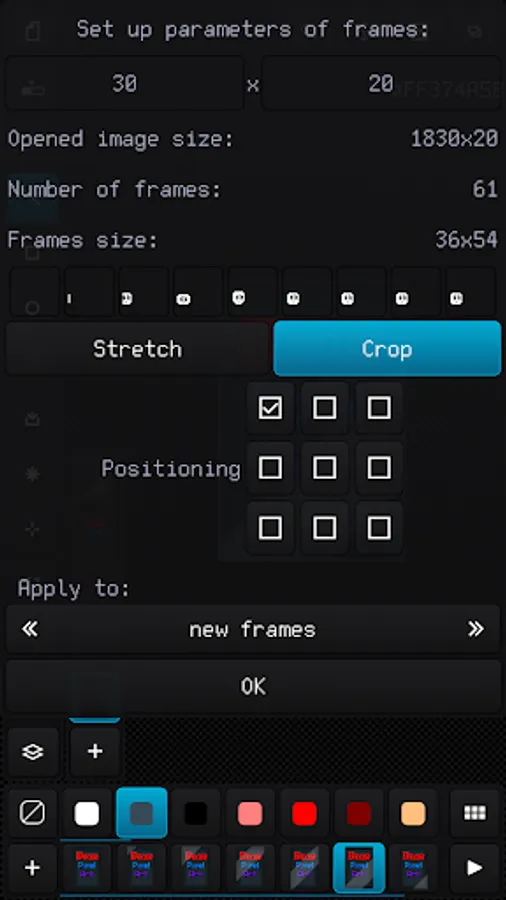
In this raster graphics editor, you can create pixel art, work with animations, and manage sprite sheets. Includes support for multiple image and palette formats, and advanced layer and frame management features.
AppRecs review analysis
AppRecs rating 4.4. Trustworthiness 68 out of 100. Review manipulation risk 31 out of 100. Based on a review sample analyzed.
★★★★☆
4.4
AppRecs Rating
Ratings breakdown
5 star
74%
4 star
11%
3 star
8%
2 star
6%
1 star
2%
What to know
✓
High user satisfaction
84% of sampled ratings are 4+ stars (4.4★ average)
✓
Authentic reviews
Natural distribution, no red flags
About Draw Pixel Art Pro
The best solution to make graphics for games, create art and draw animation just for fun.
The app benefits:
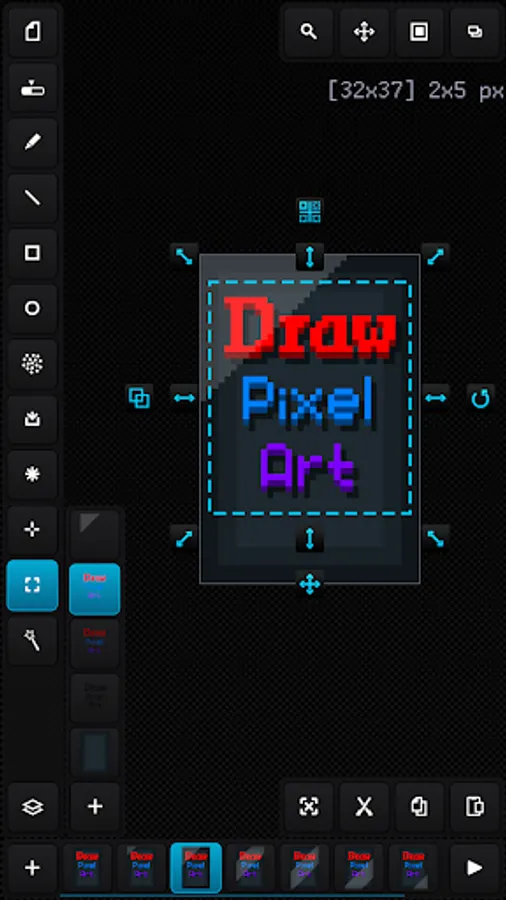
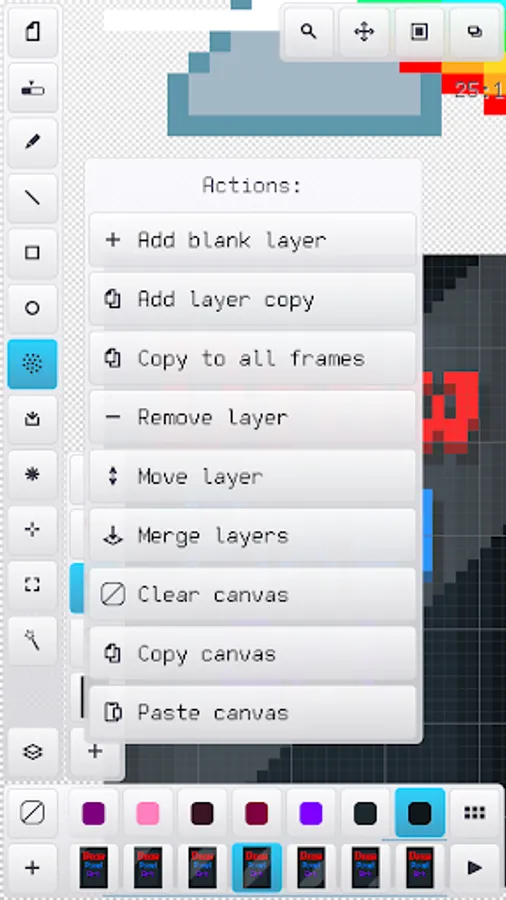
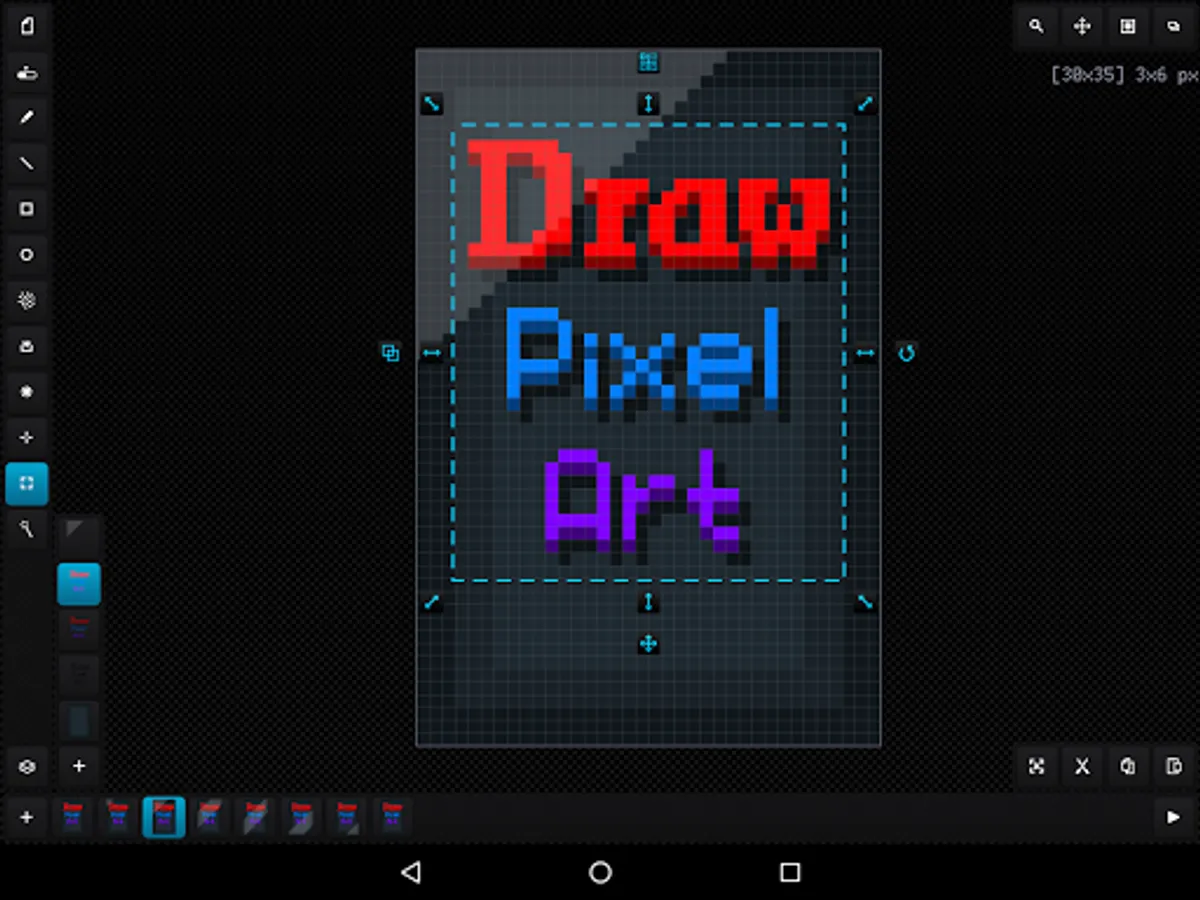
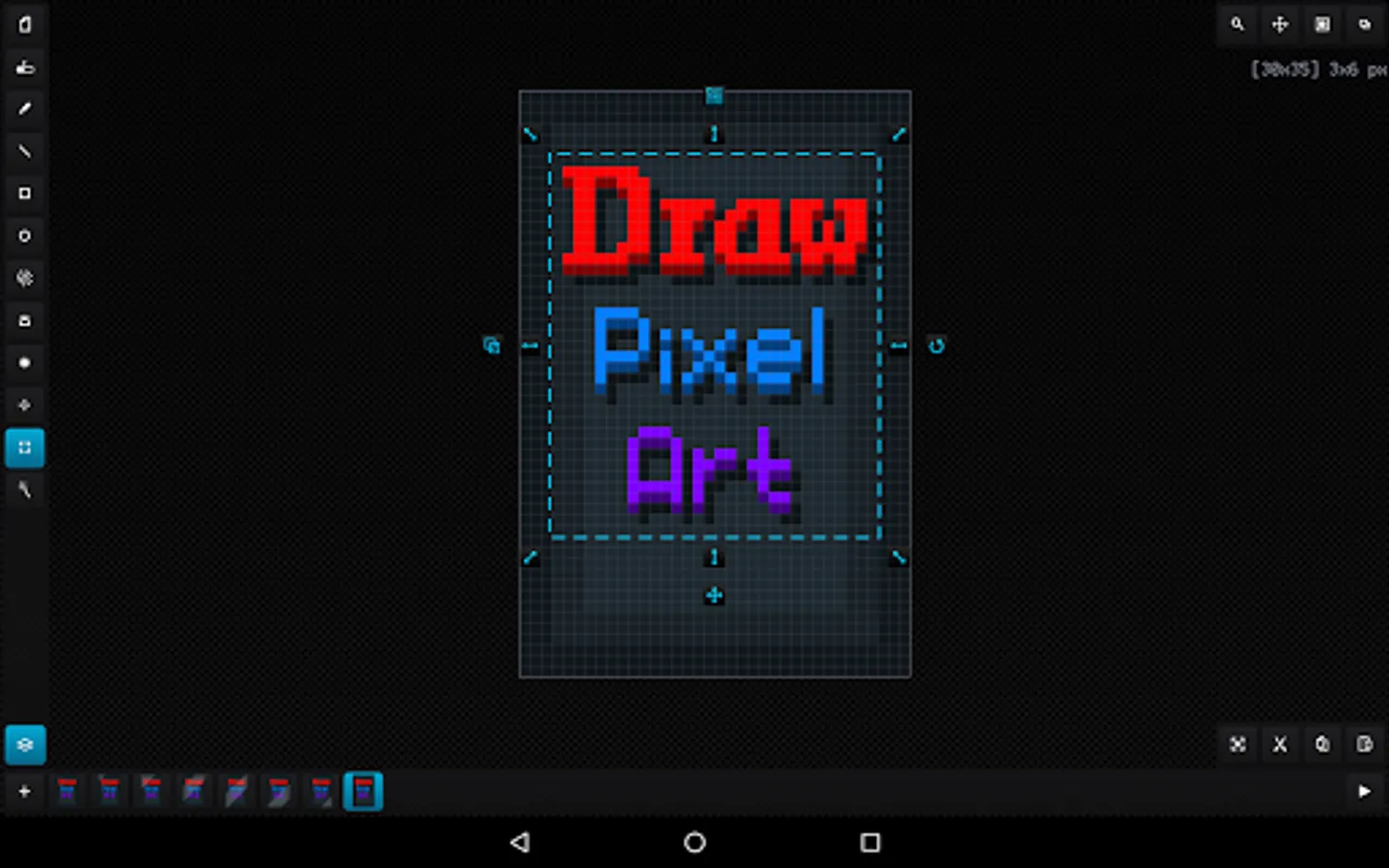
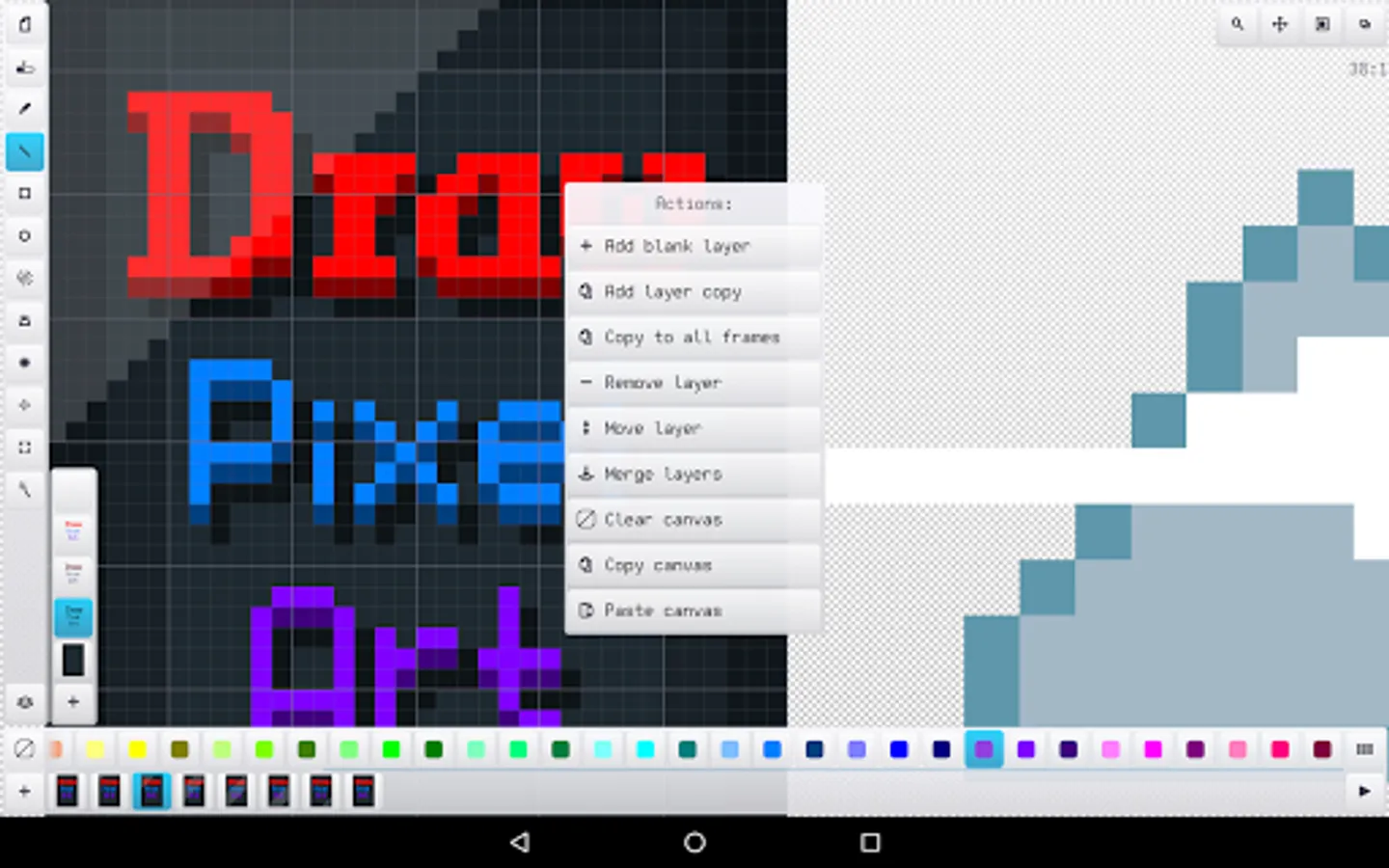
- Nice and easy interface in portrait and landscape on different screen resolution and dpi
- Tiny app size and optimized work with all available RAM
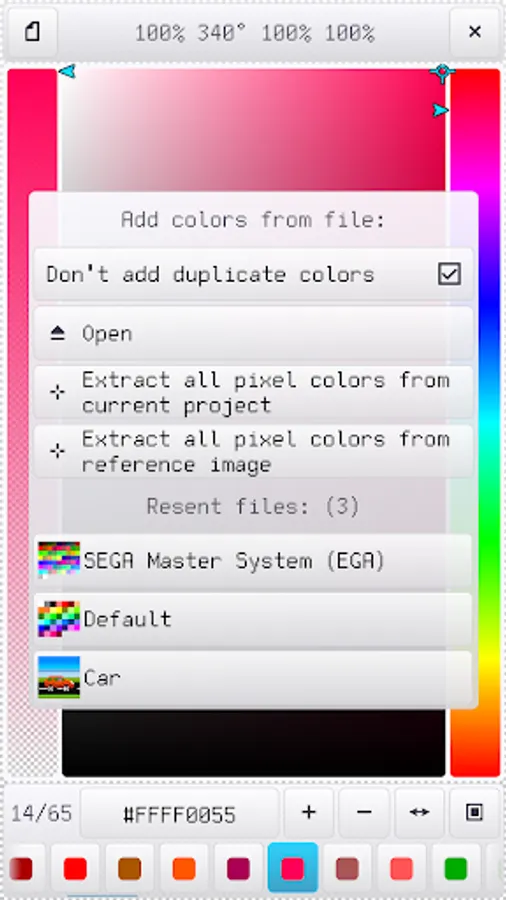
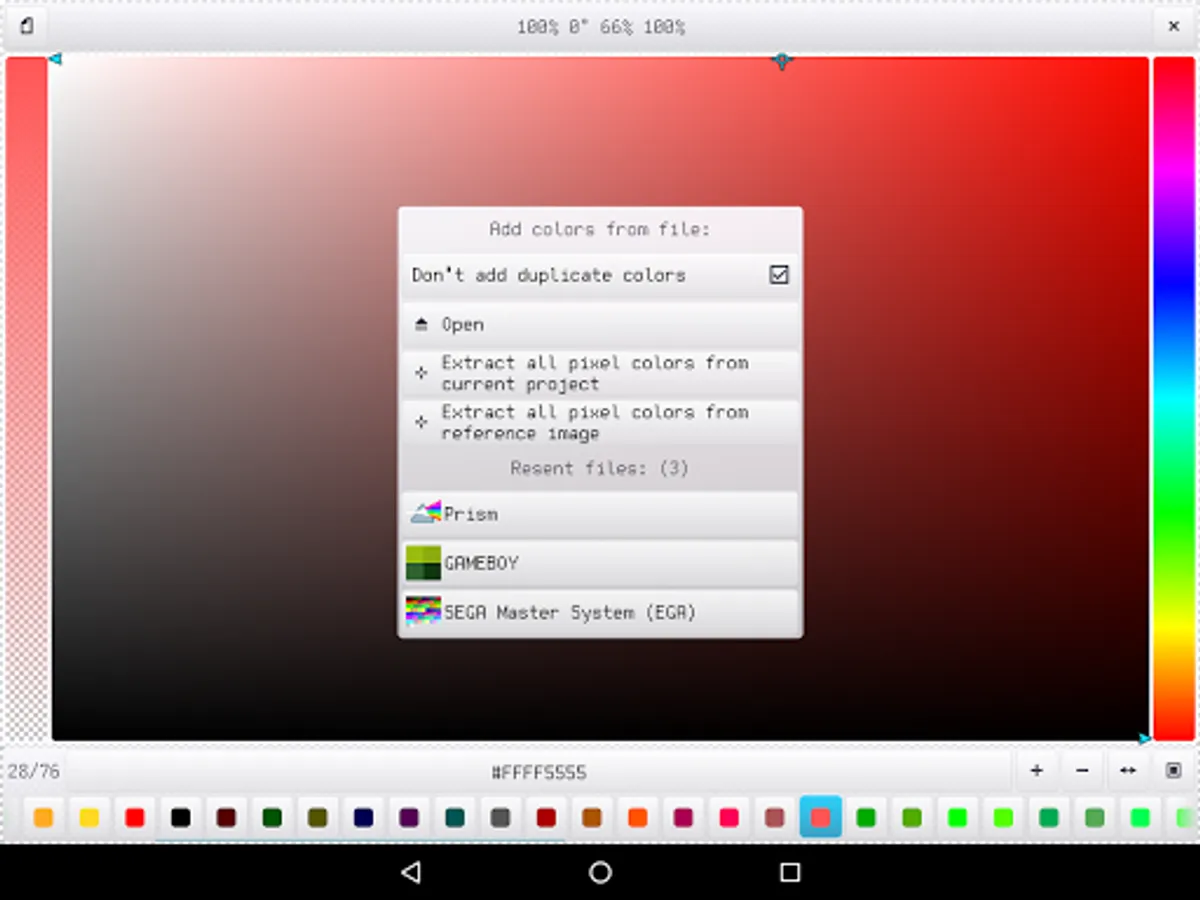
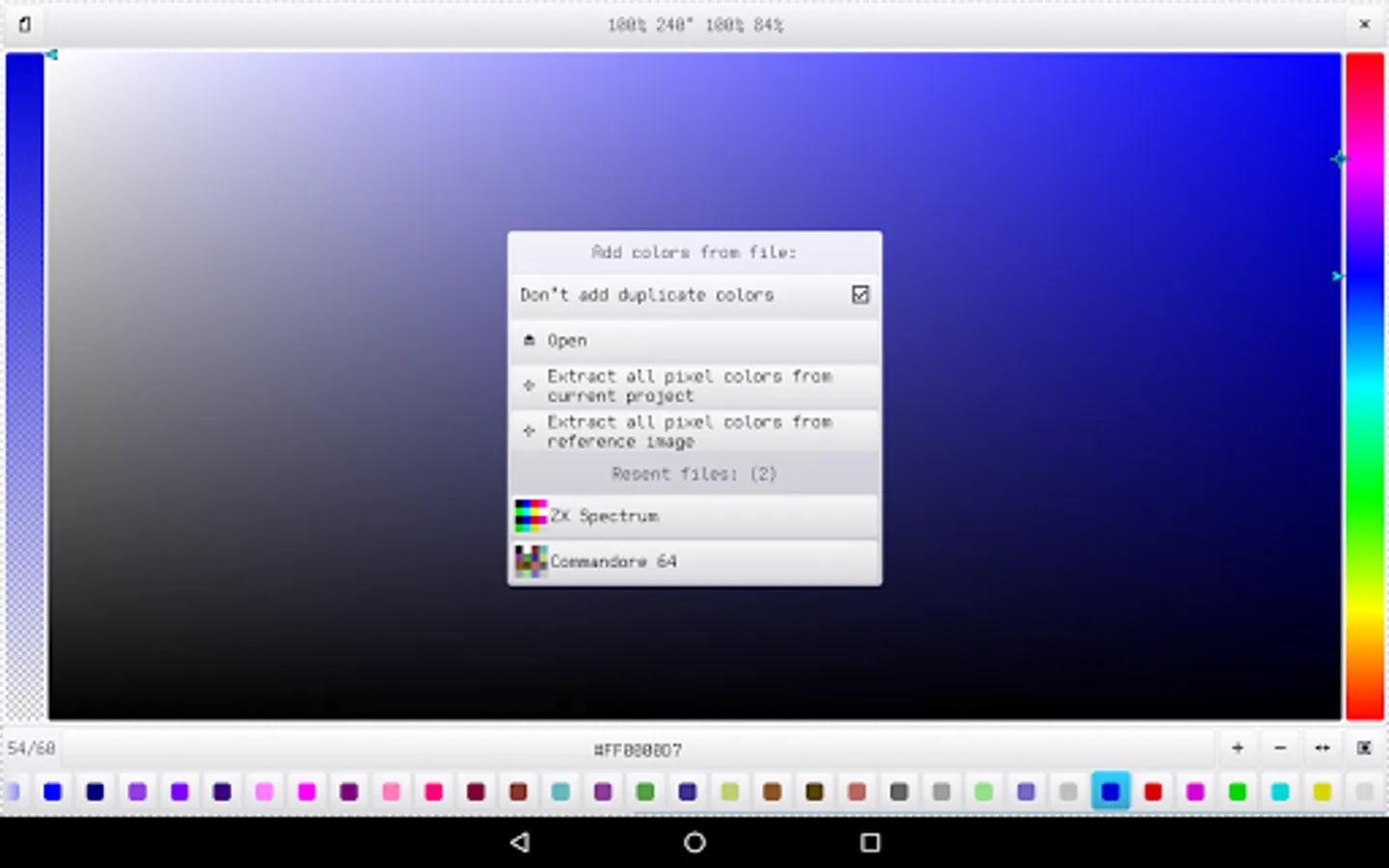
- Recognizing PNG, JPG, BMP, GIF and WEBP image file formats and JASC PAL, HEX, Paint.net TXT and Gimp GPL palette file formats
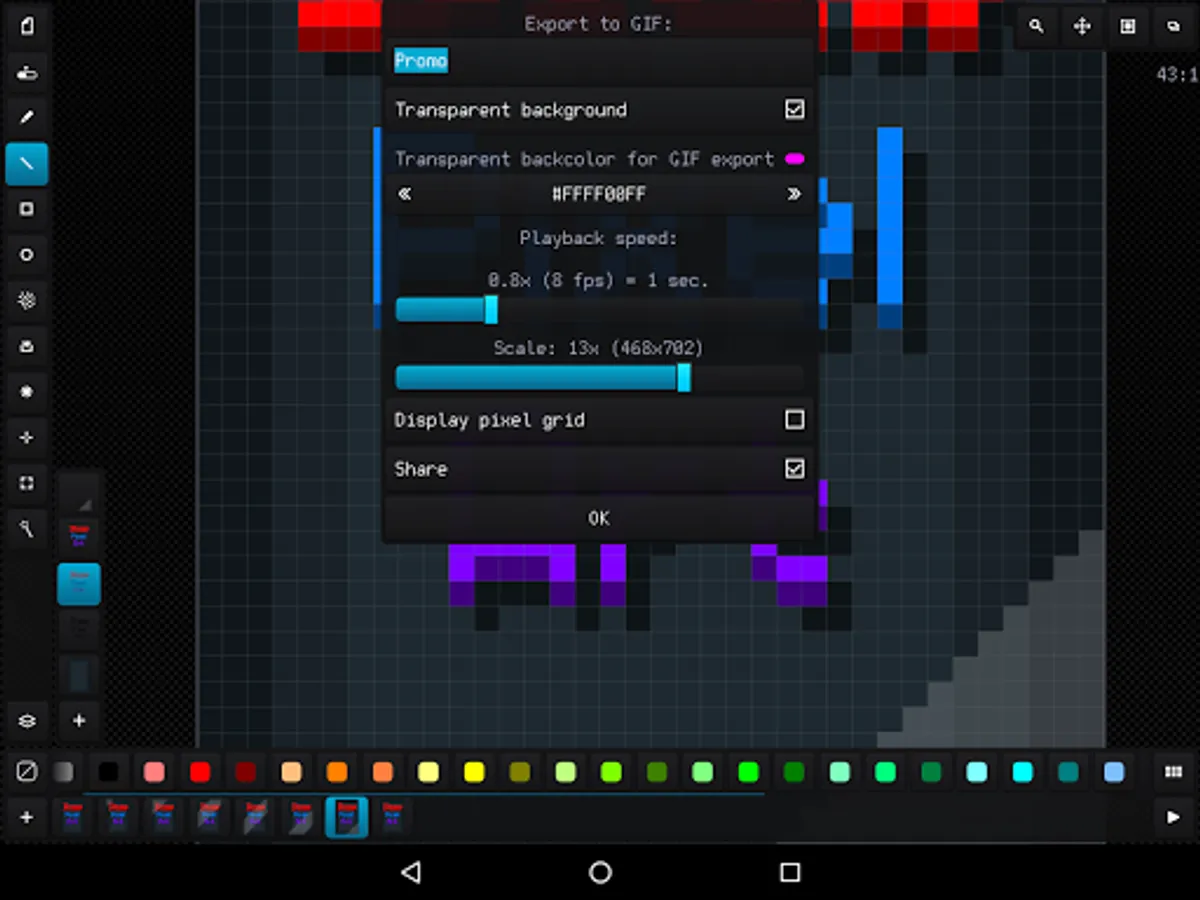
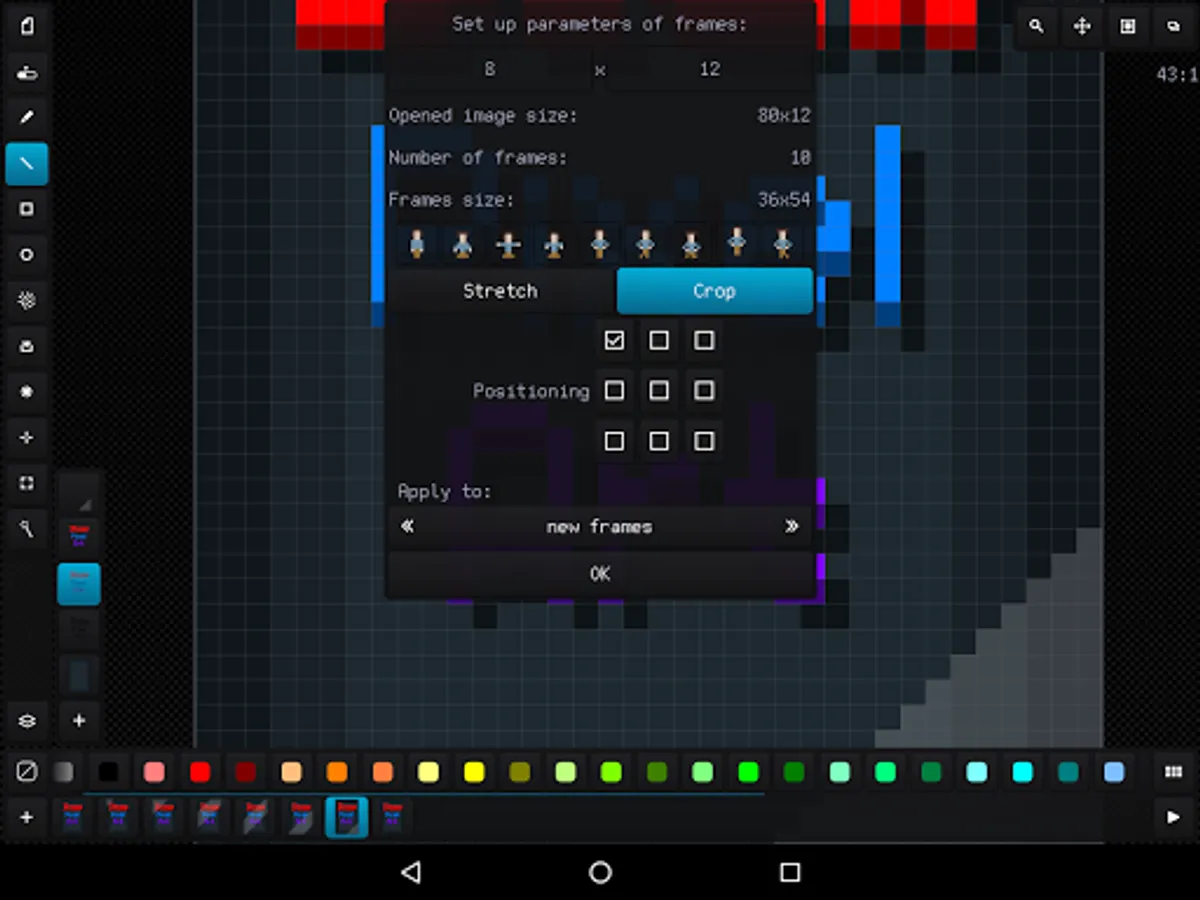
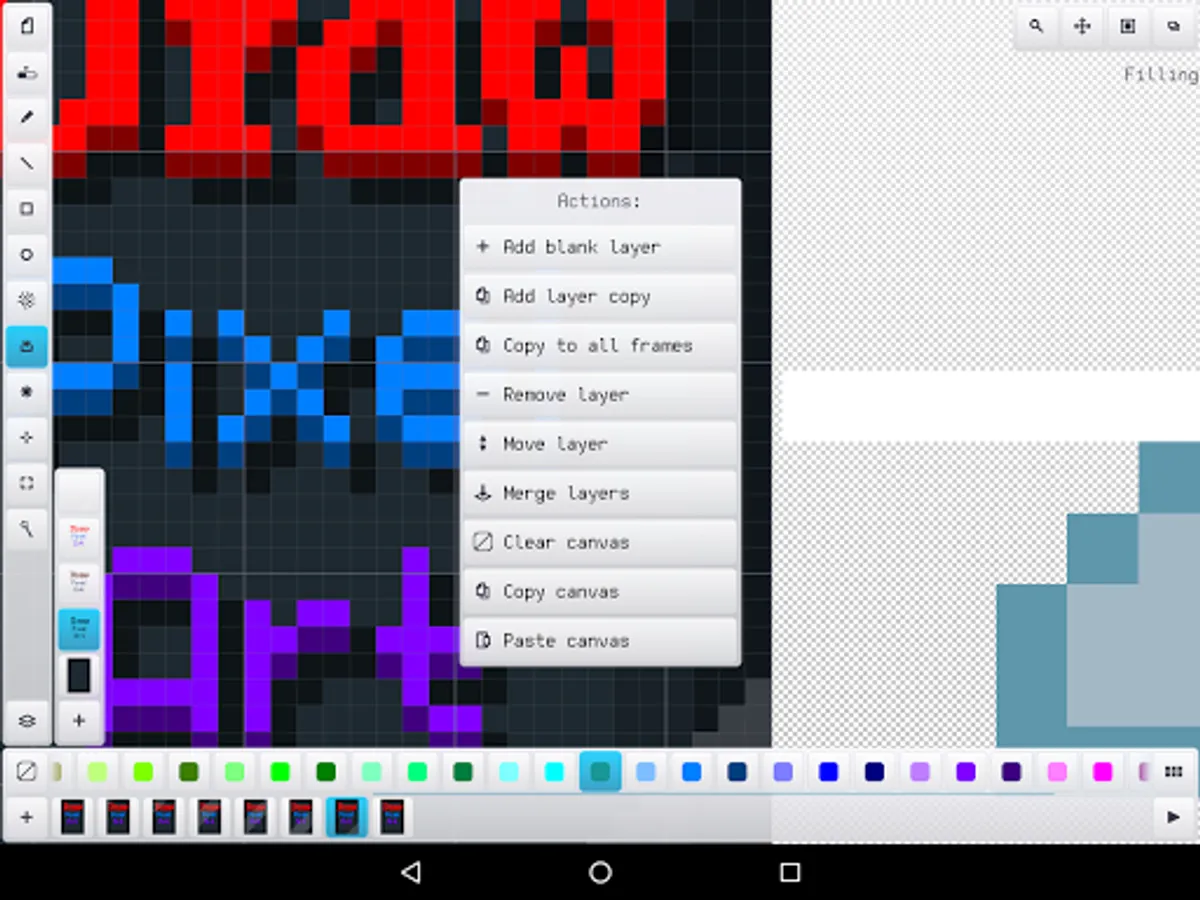
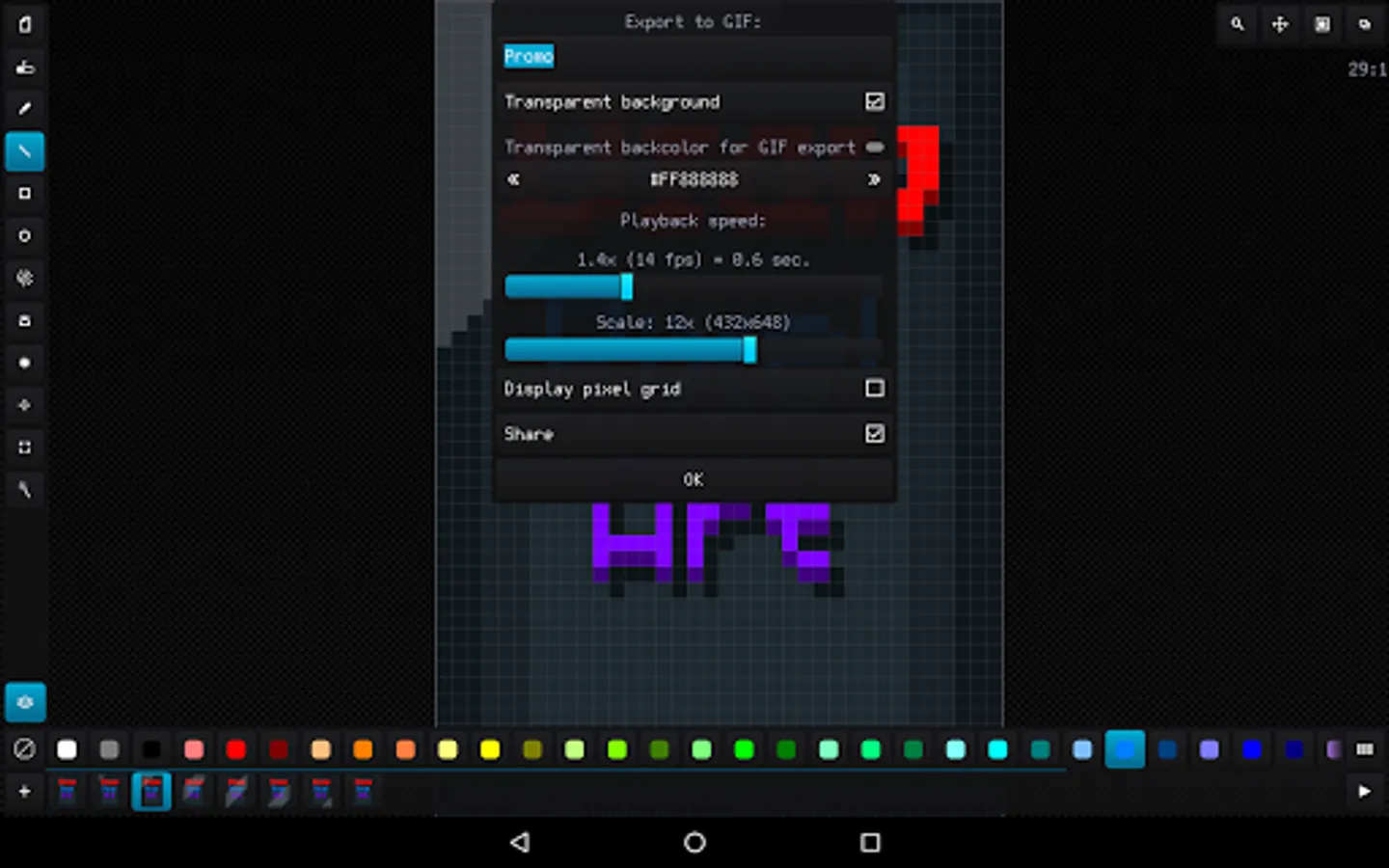
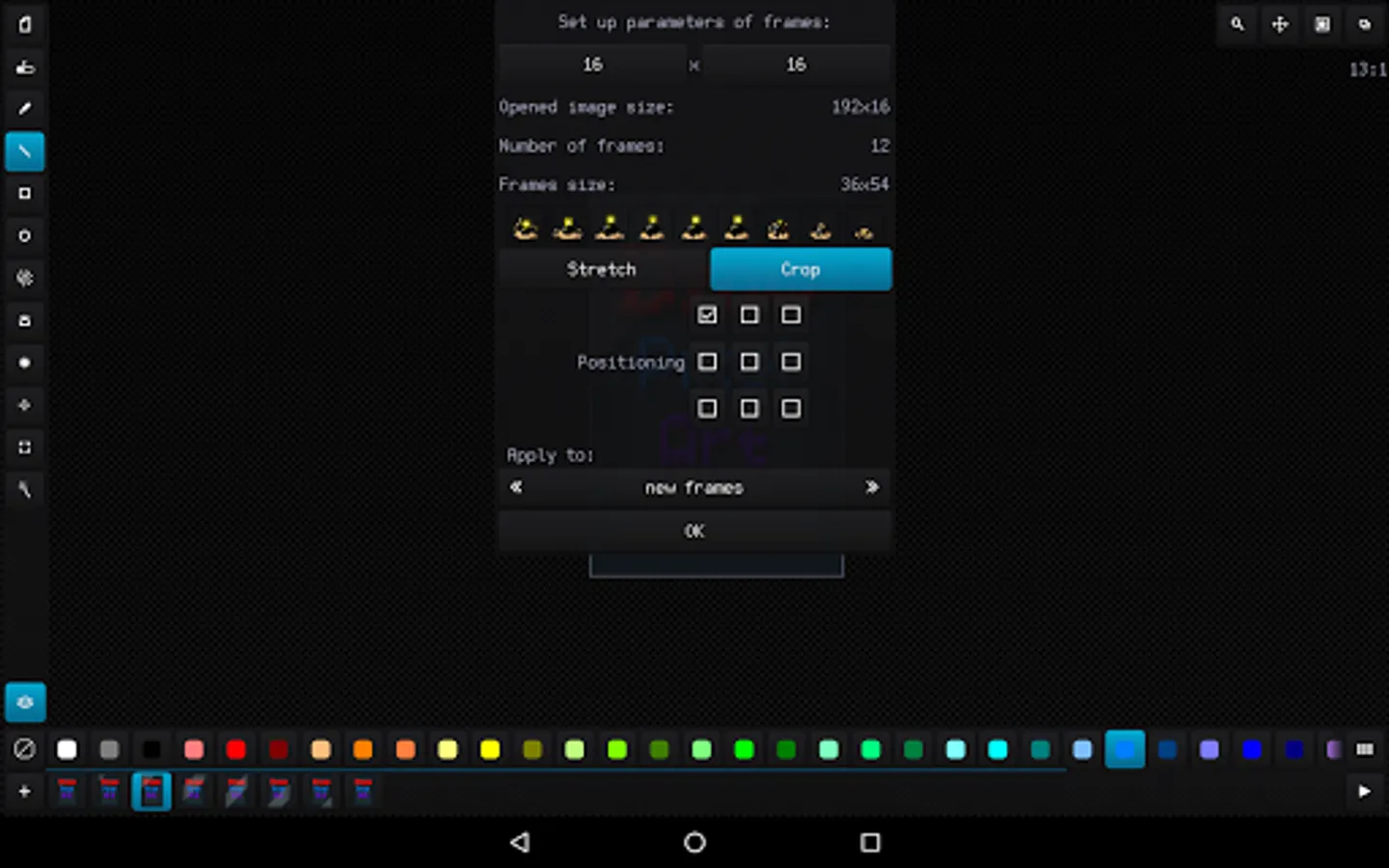
- Advanced work with animation and layers, ability create up to 10 000 frames with 10 000 layers if you have enough RAM
- Canvas size up to 8 Megapixels with any width, height and aspect (for example 4096 x 2048 pixels)
- Customizing interface, background, grids and previous phantom frame
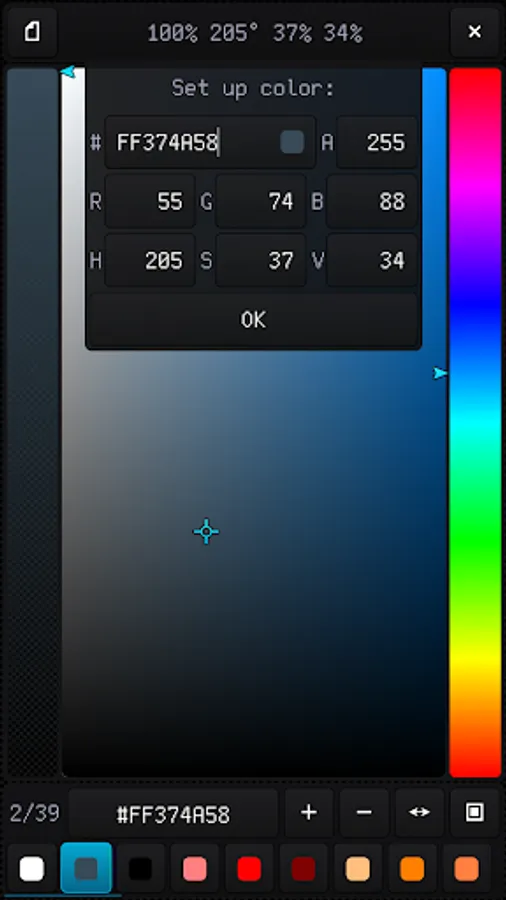
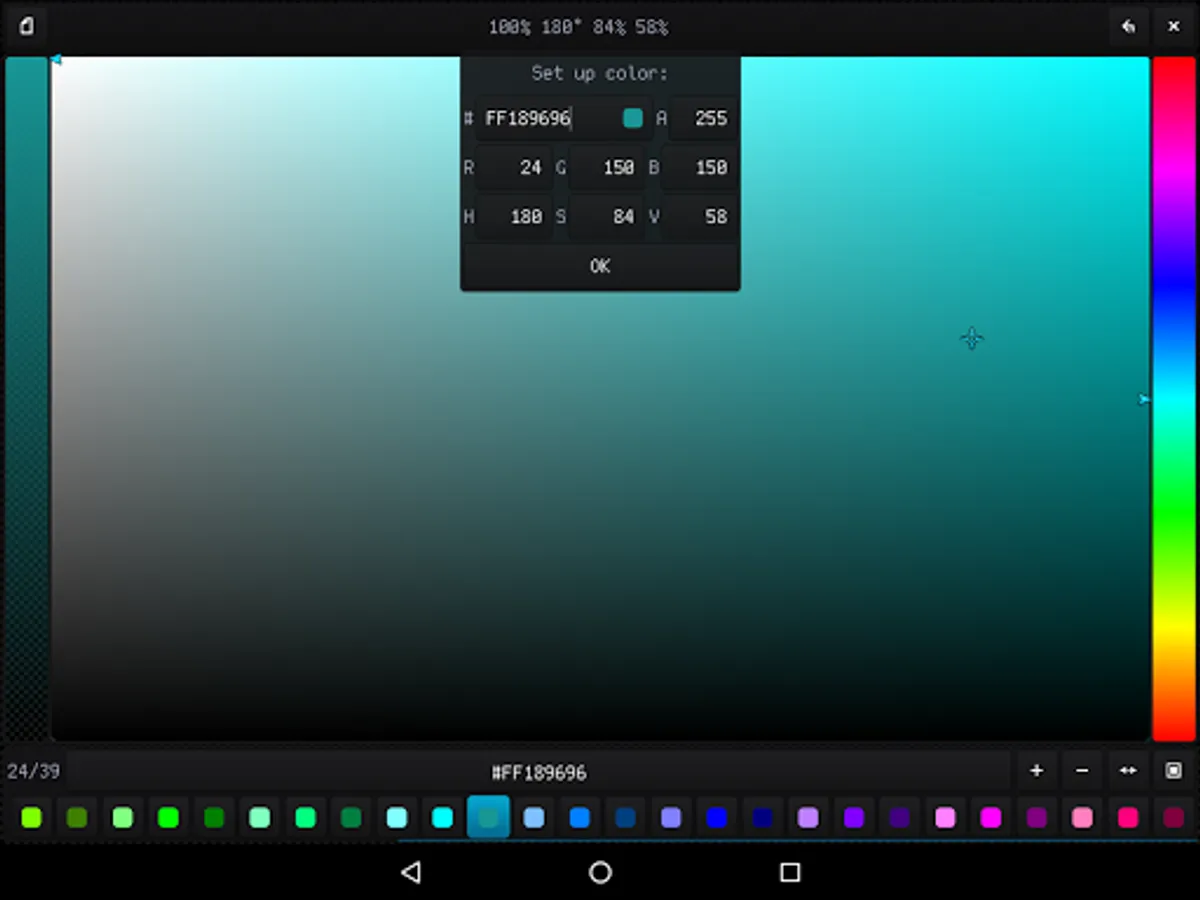
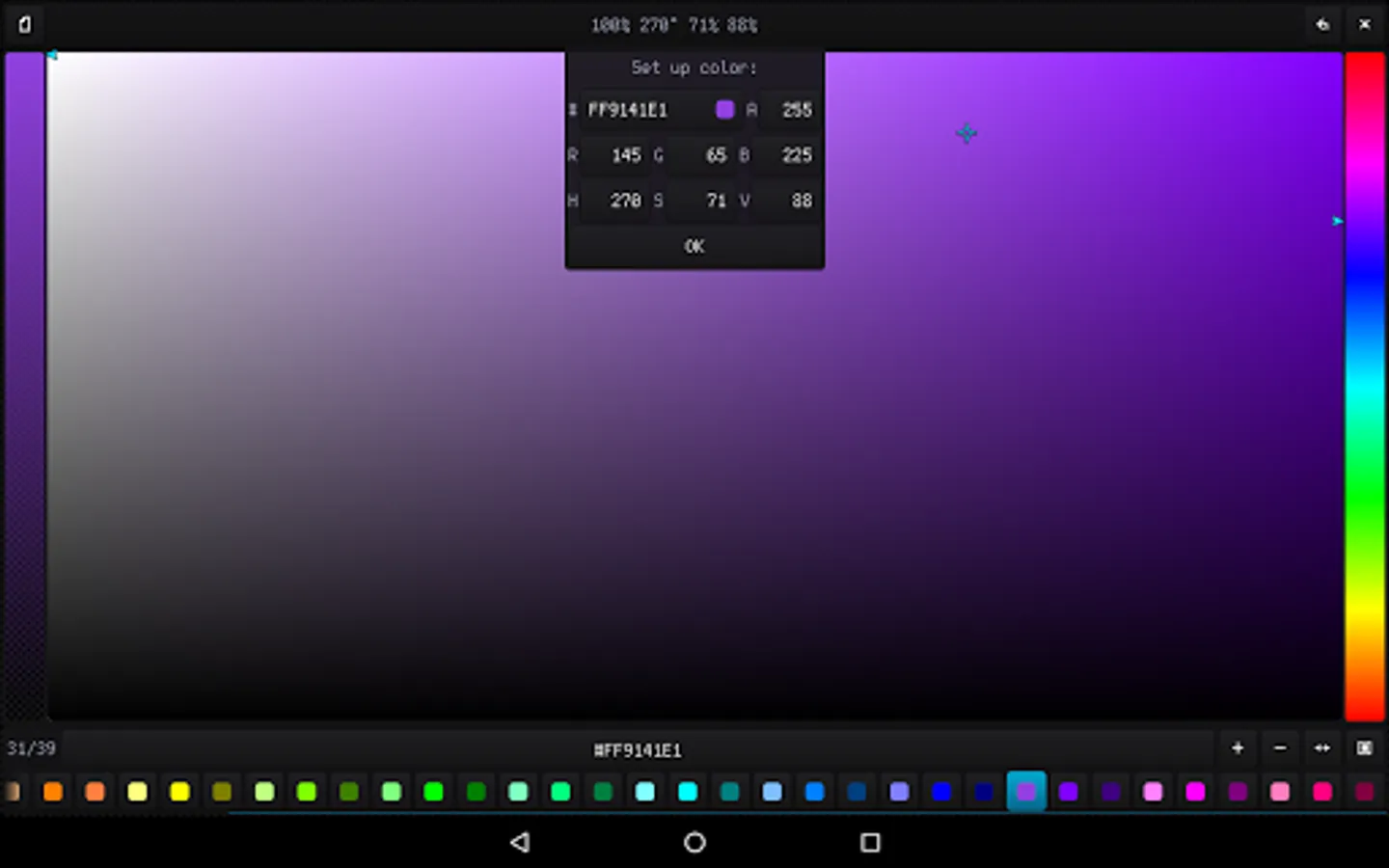
- High-grade 32-bit ARGB palette (with alpha channel) up to 10 000 color samples
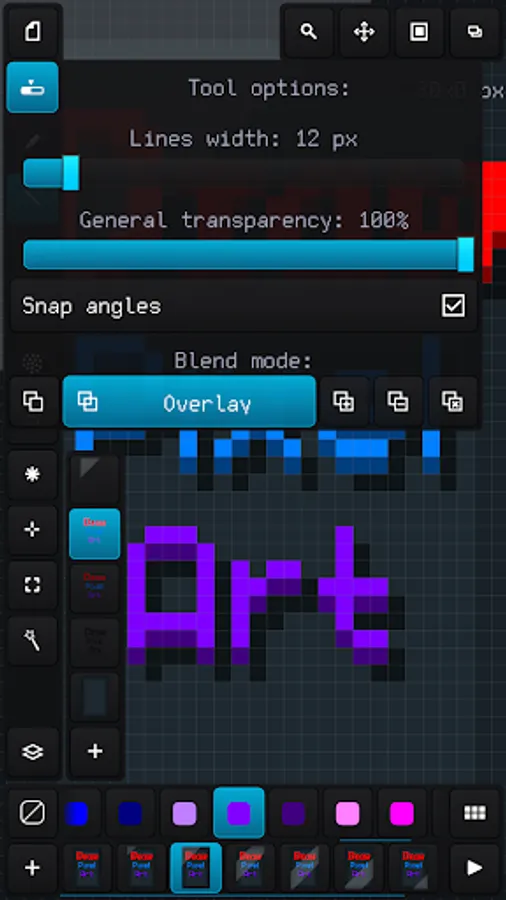
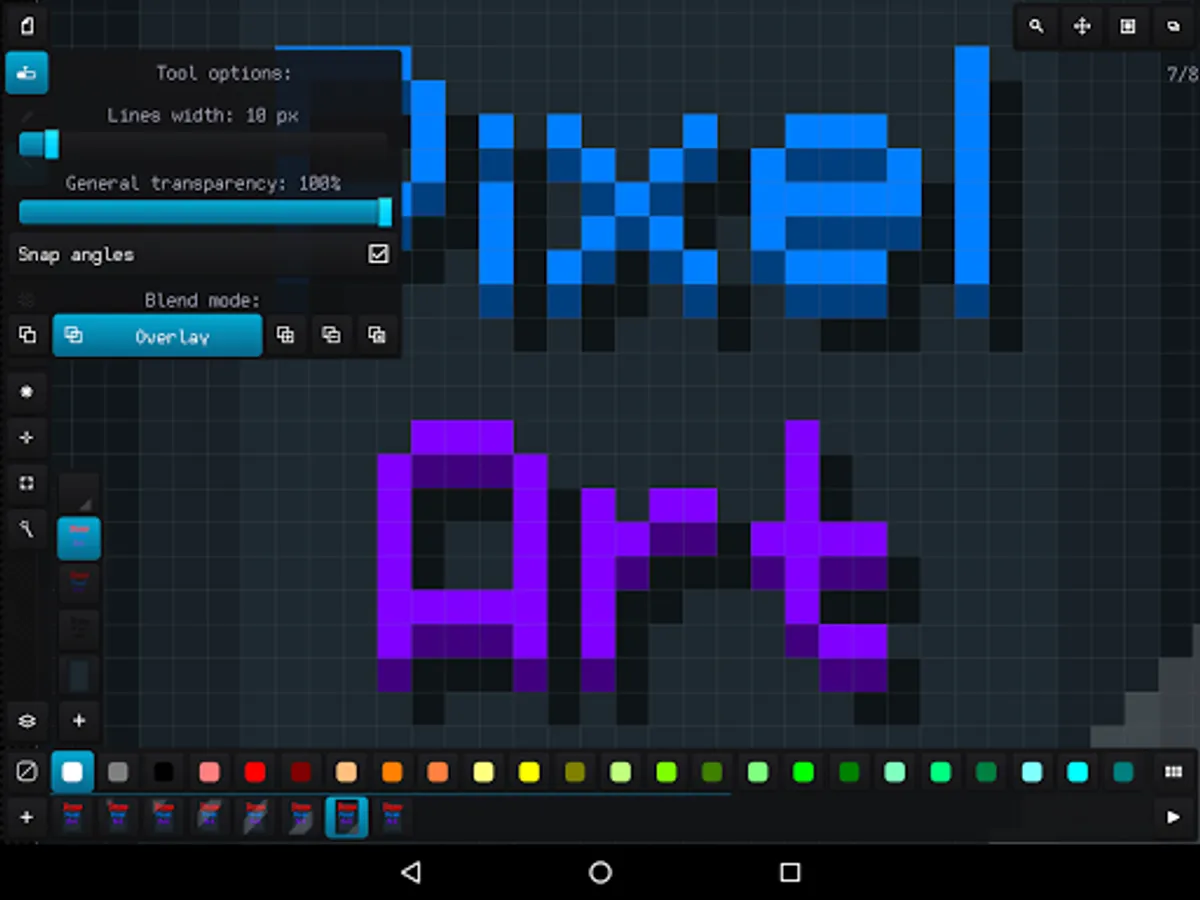
- Configurable tools for quick and easy drawing
- Auto saving and resuming current project with all configuration
- Undoing changes in the canvas up to 50 times
- Ability to load a reference image and build a palette based on it
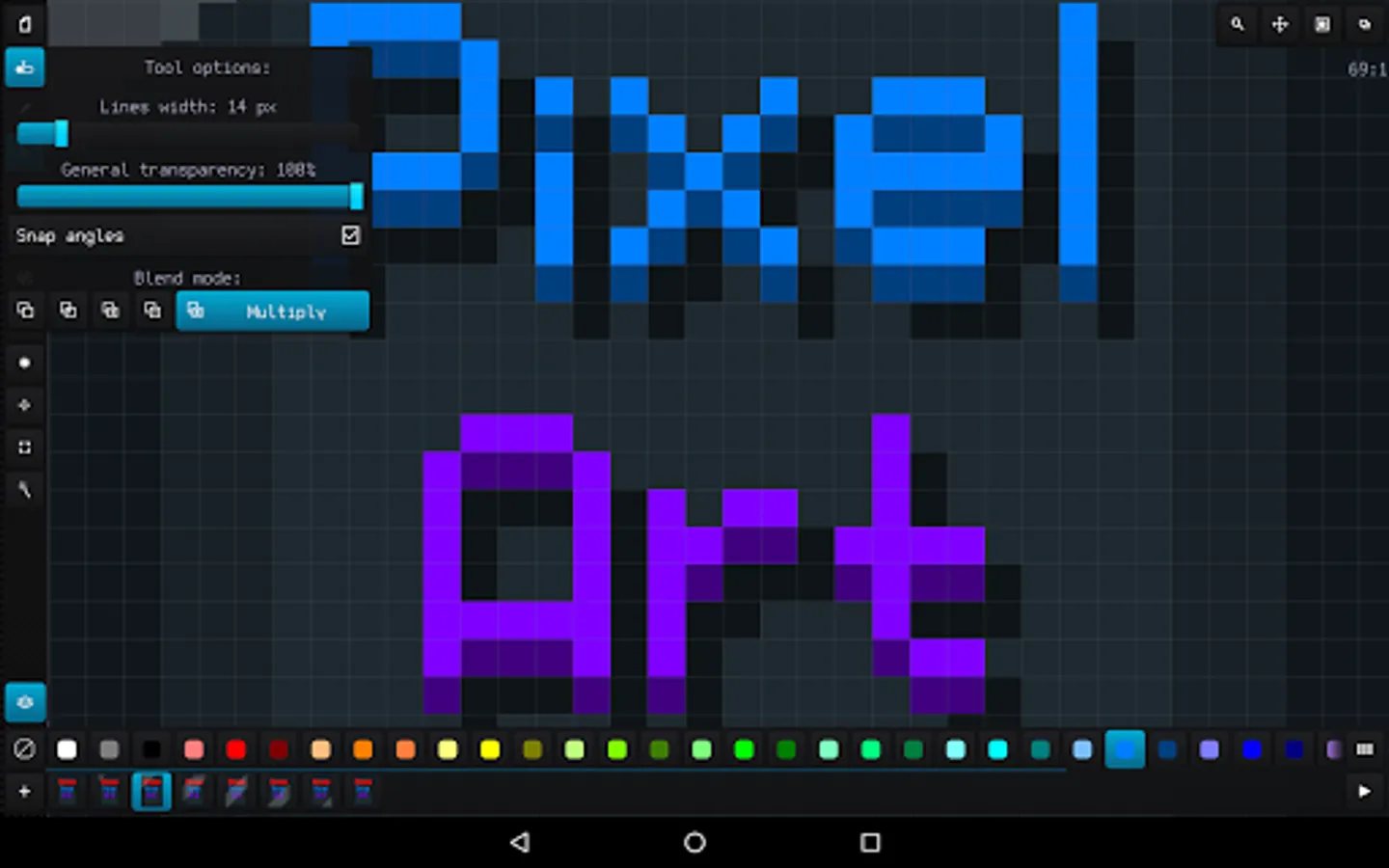
- Applying up to 6 color blend modes: normal, overlay, lighten, darken, multiply and add
- Convenient tool for selecting and transforming an area, add area from the external file and save area to the file
- Built-in file browser with specs and thumbnails of images and palettes
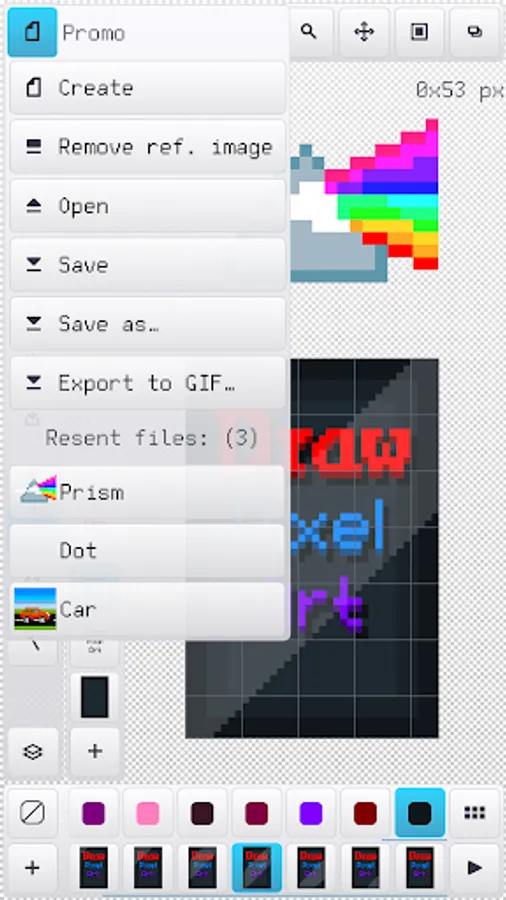
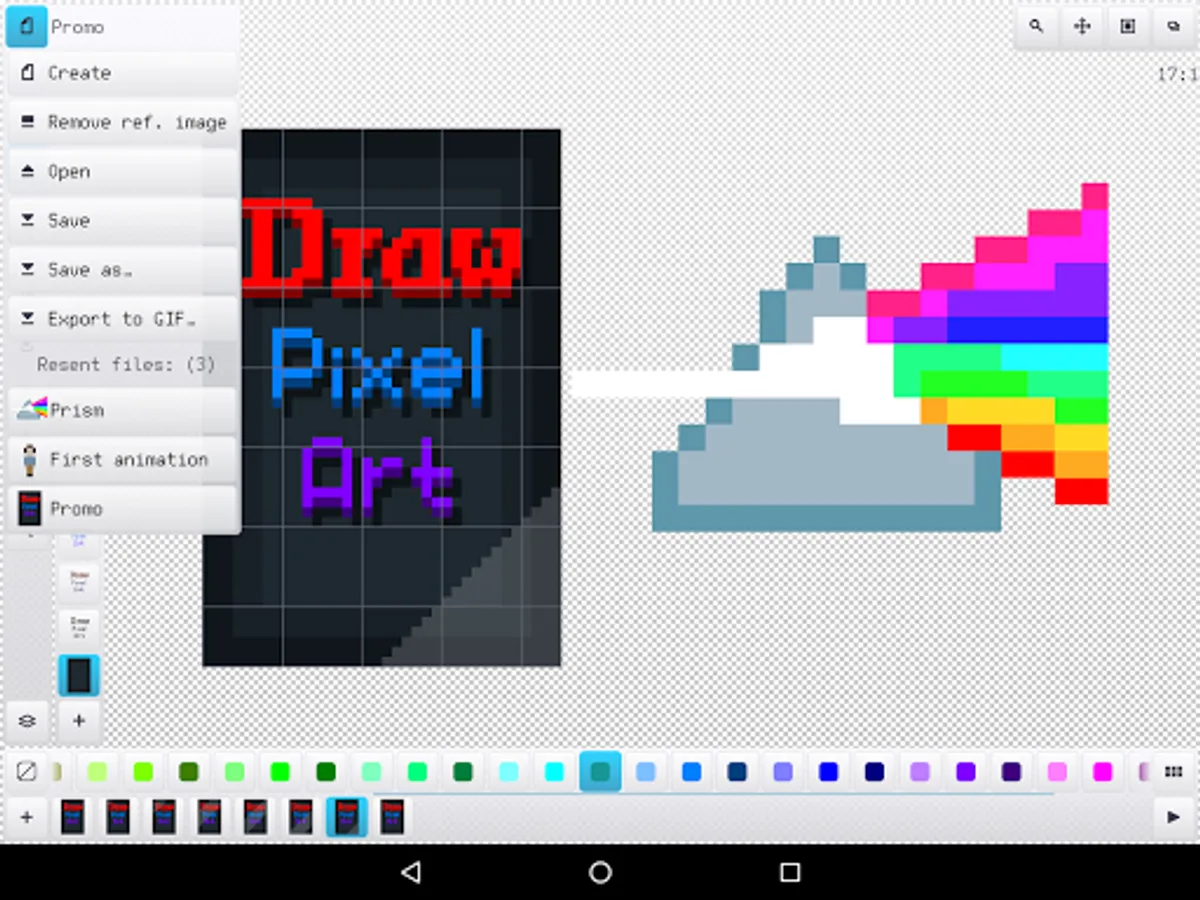
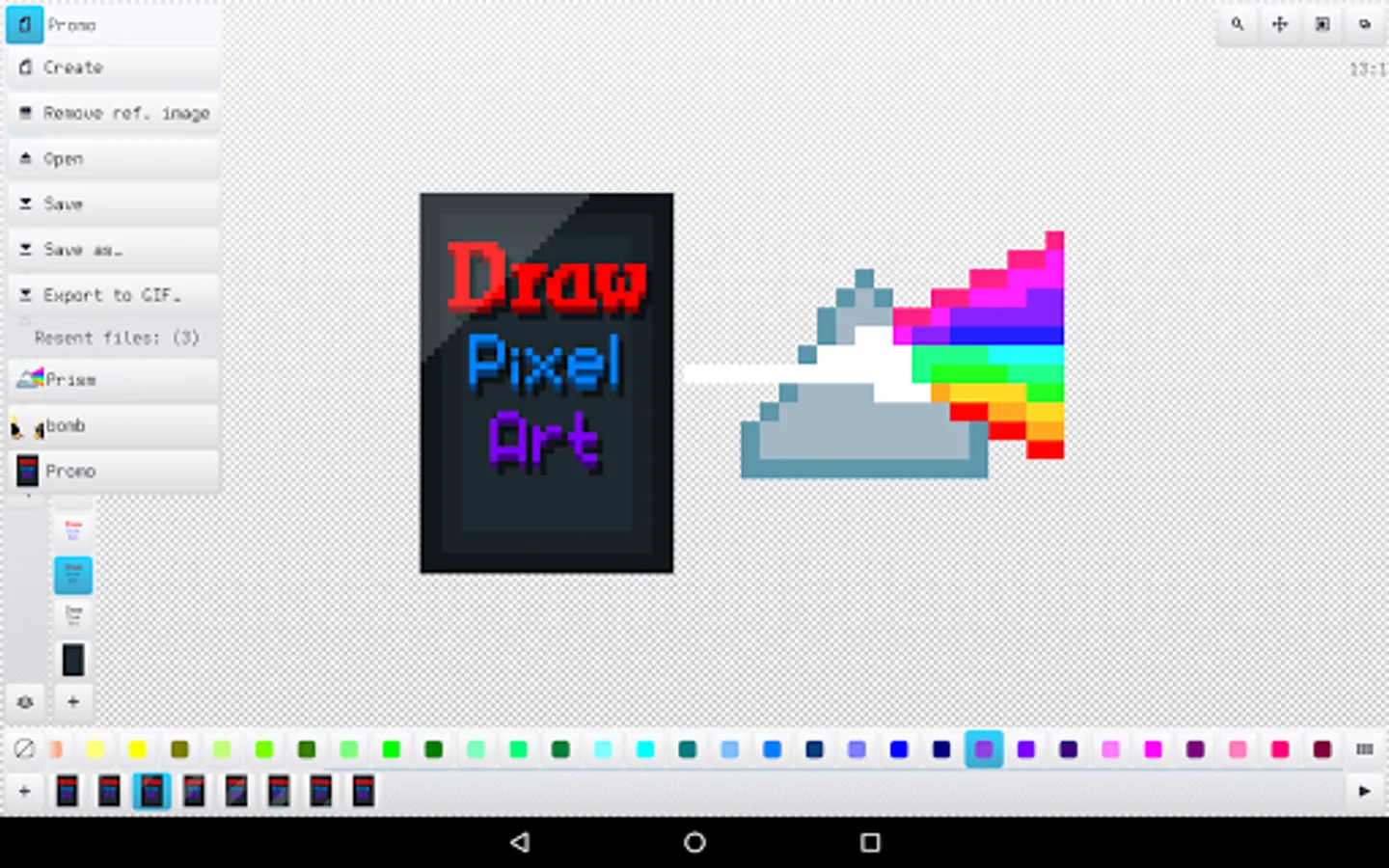
- Quick access up to 20 recent image files and palettes
Draw Pixel Art Pro Screenshots
Tap to Rate:
Reviews for Draw Pixel Art Pro
Patrina Godlike
11/22/2022
I used this for many years ago and it's good. But first, the "anti-alias" always mess up GIF images, especially all small size ones, I wish it has option to on/off. Second, when the canvas has more than 1 layers and I save it into sheet format, the sheet can't open. Third, this has 3 view modes and the 1st mode (frame interface mode) usually froze so I've to edit in 3rd mode (no frame interface) and switch back to the 1st, which inconvenient especially editing image per frames for animations.
Shay Viering
7/25/2022
It works great, it provides a way to work out some pixel related ideas when I'm not next to my computer.