
iRoar Dashboard
Creative Labs Pte Ltd
2.3 ★
184 ratings
10,000+
downloads
Free
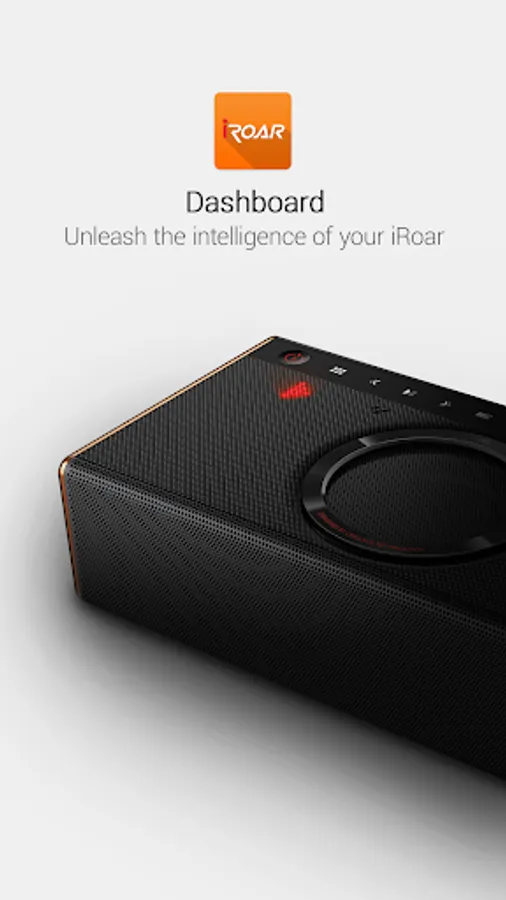
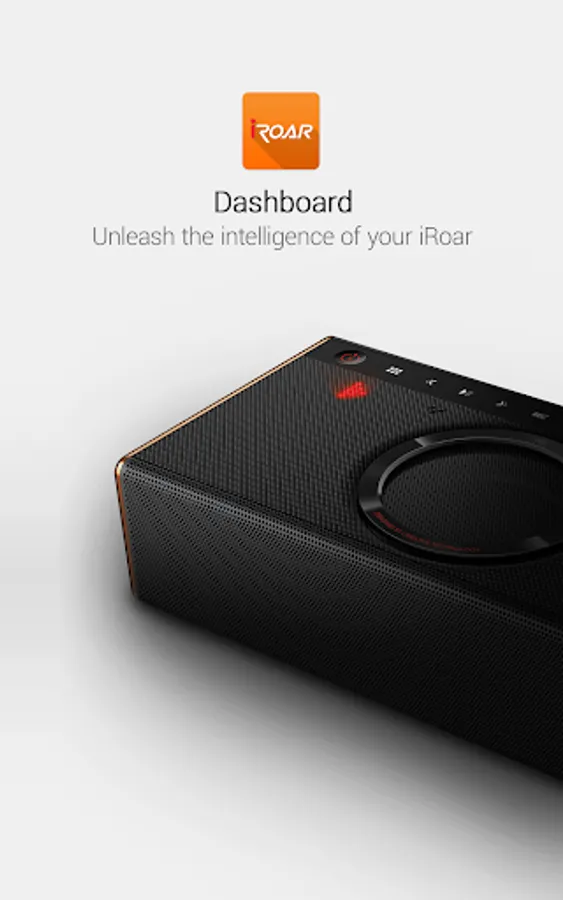
In this app, you can wirelessly customize audio profiles, adjust sound settings, and alter voice features on the Creative iRoar speaker. Includes options for preset profiles, equalizer adjustments, voice focus, and firmware updates.
AppRecs review analysis
AppRecs rating 2.3. Trustworthiness 66 out of 100. Review manipulation risk 31 out of 100. Based on a review sample analyzed.
★★☆☆☆
2.3
AppRecs Rating
Ratings breakdown
5 star
17%
4 star
4%
3 star
17%
2 star
17%
1 star
46%
What to know
✓
Authentic reviews
Natural distribution, no red flags
⚠
Mixed user feedback
Average 2.3★ rating suggests room for improvement
⚠
High negative review ratio
63% of sampled ratings are 1–2 stars
About iRoar Dashboard
Key features include:
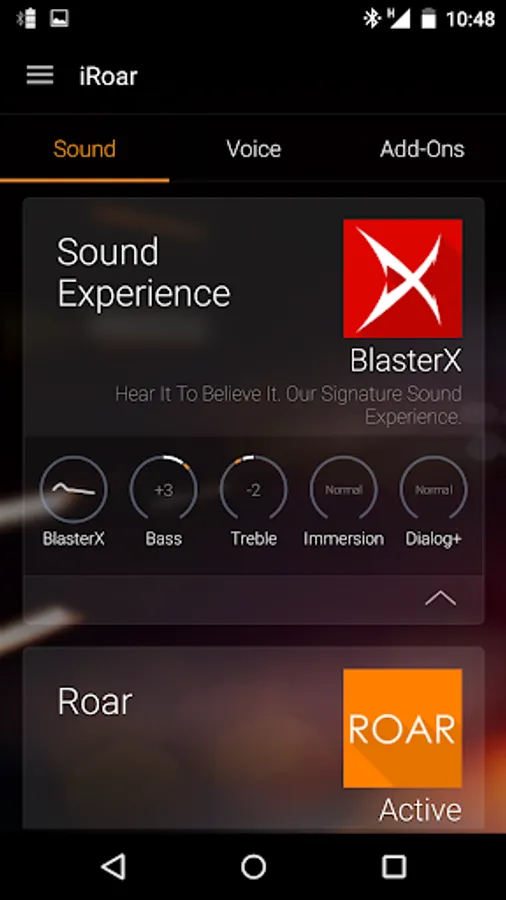
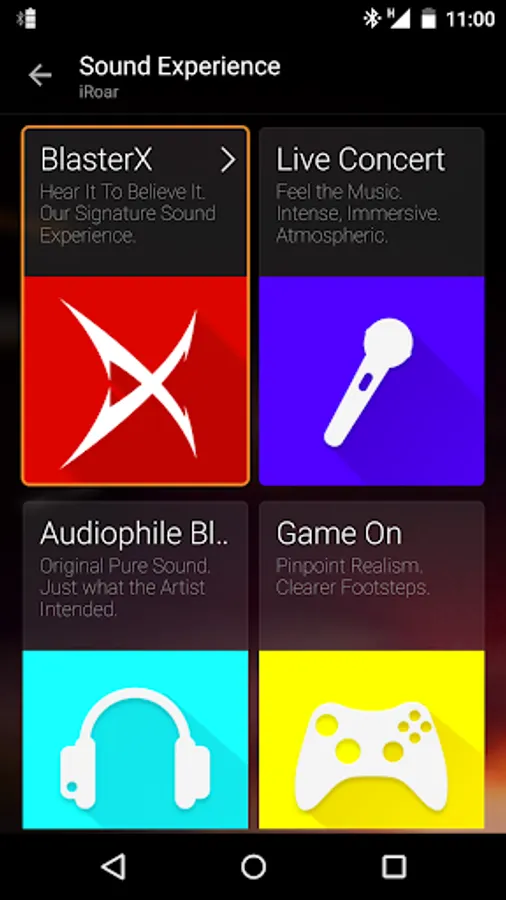
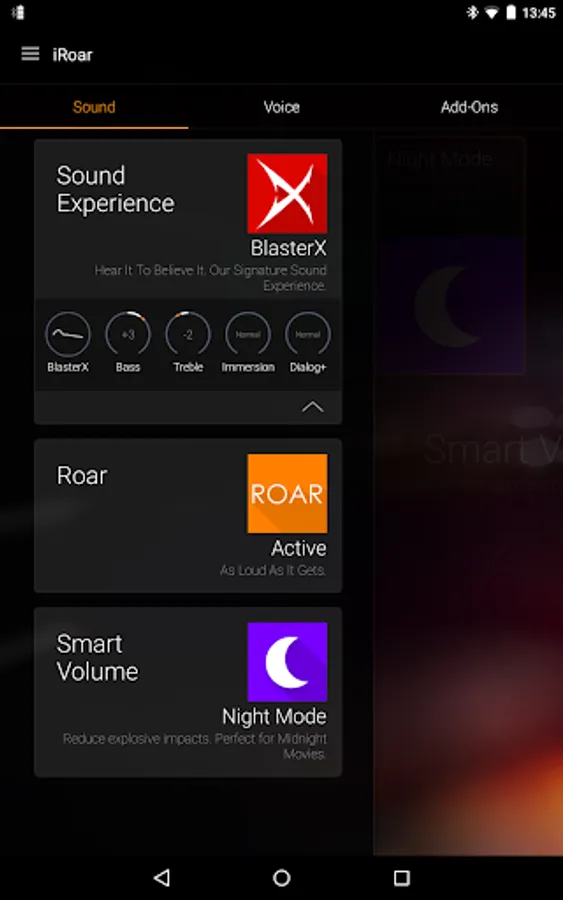
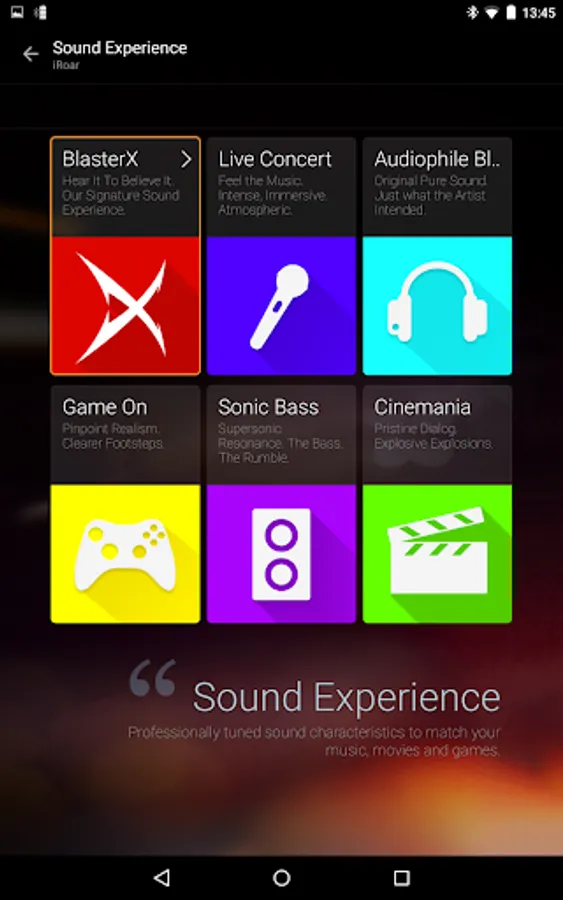
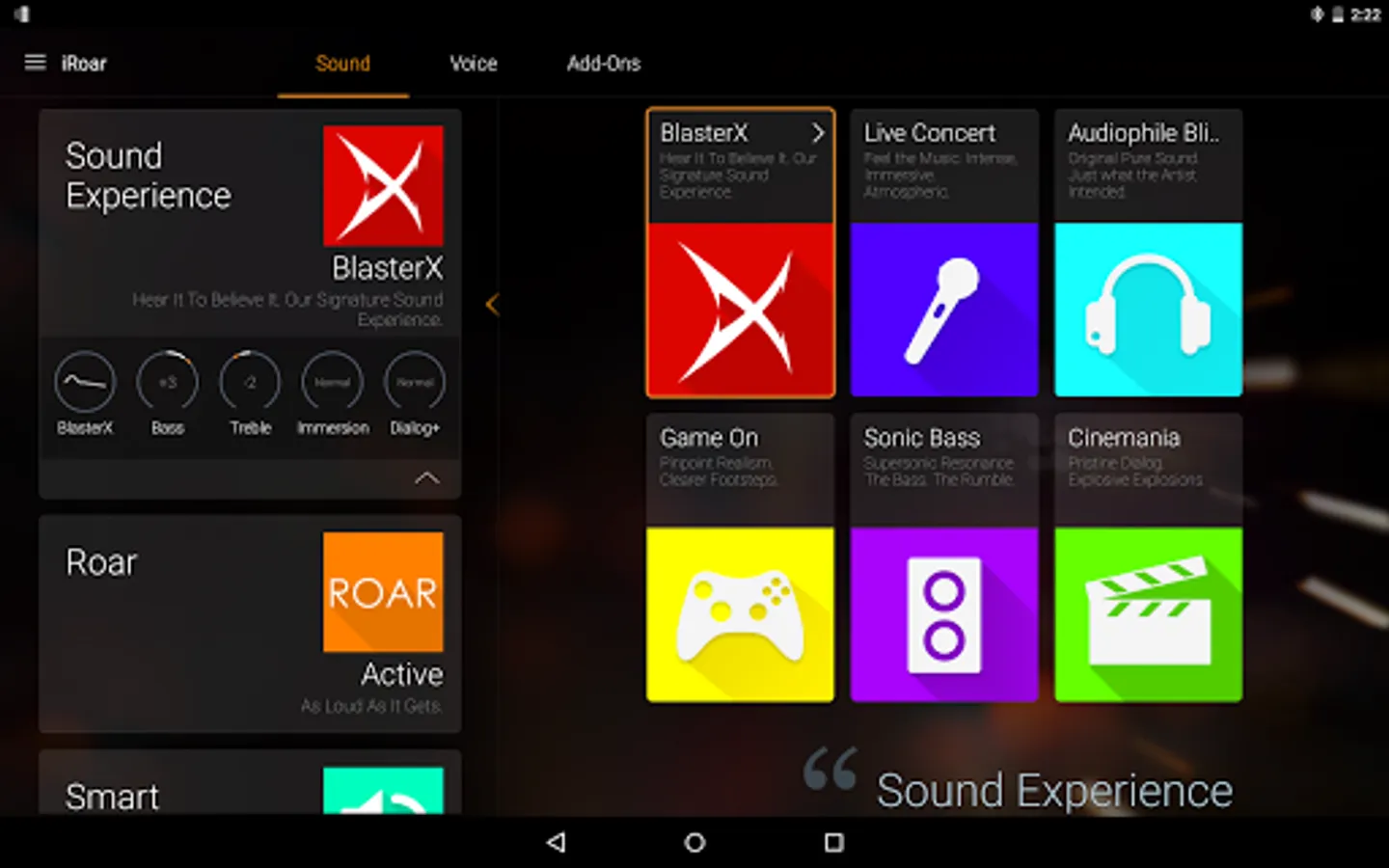
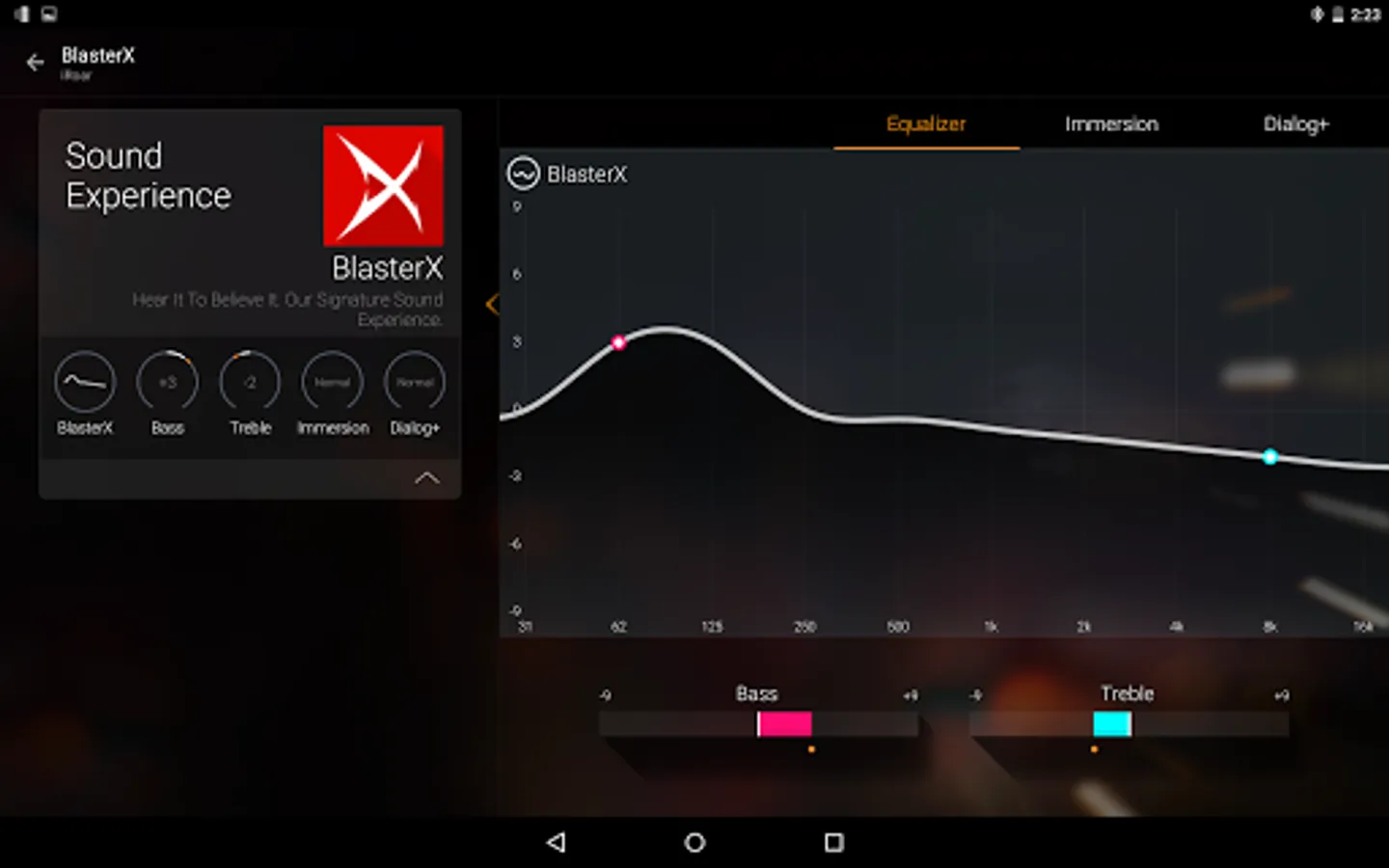
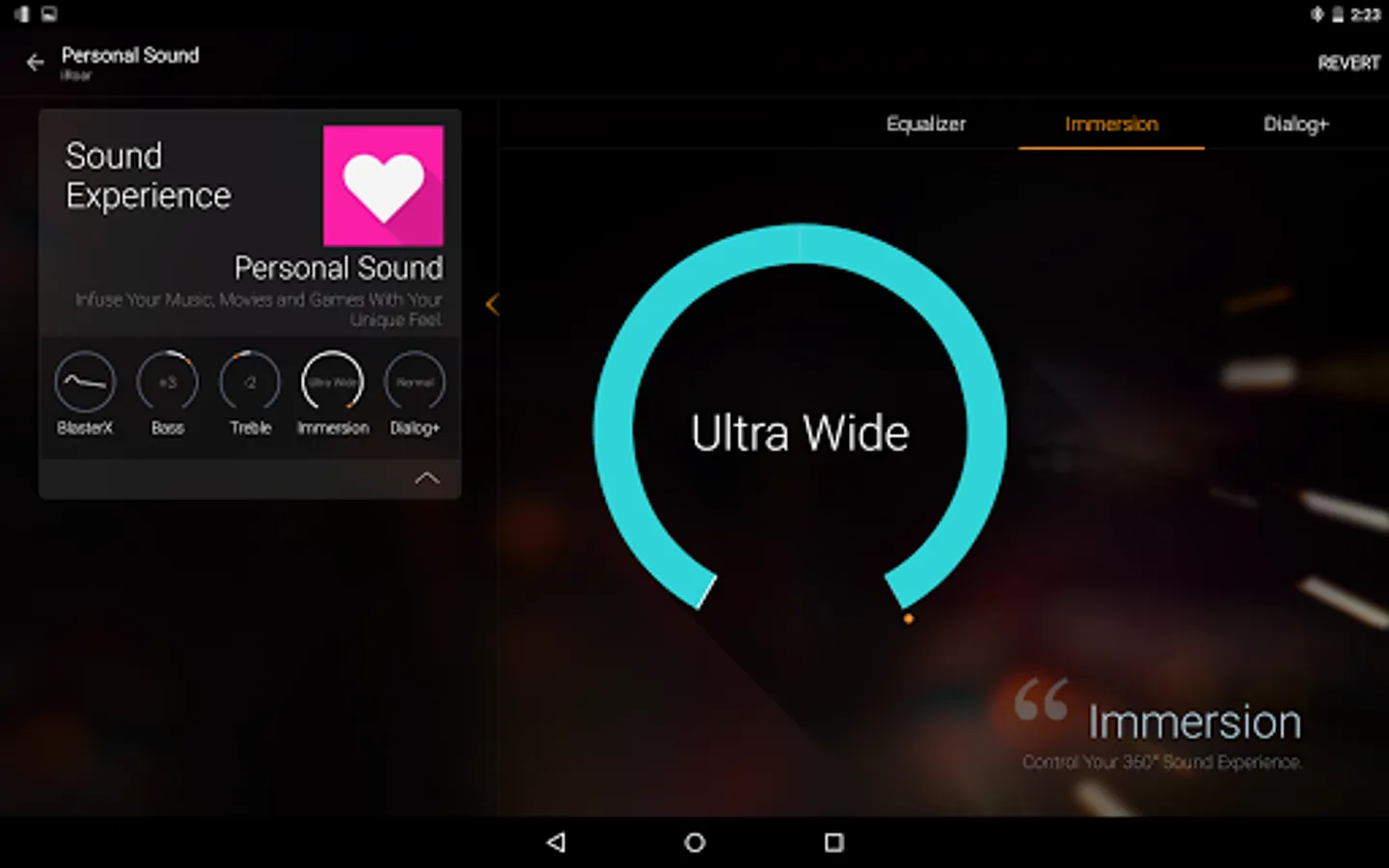
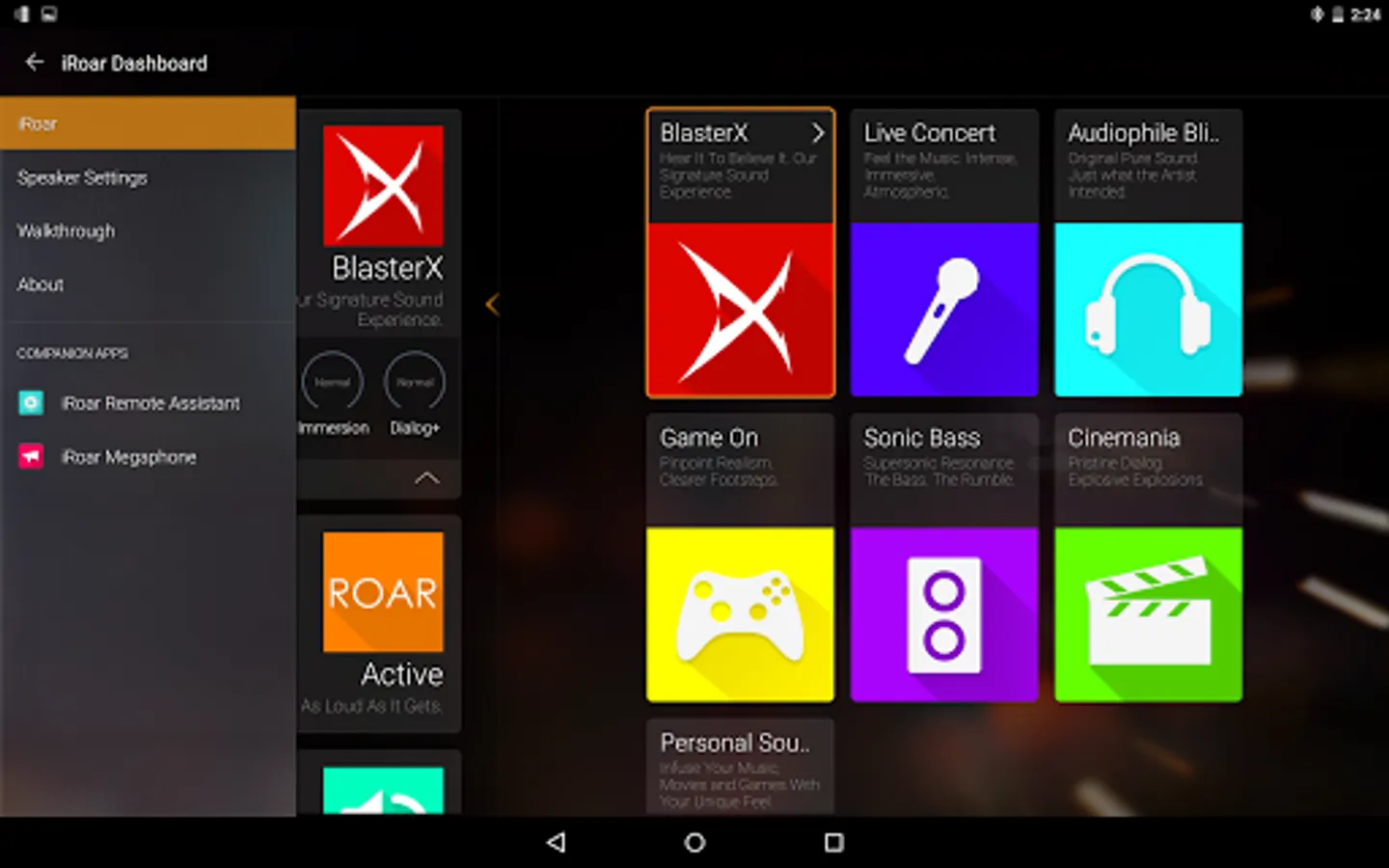
Sound experience
- Easily choose and personalize the preconfigured audio profile to improve your music, movies, gaming and communication experience.
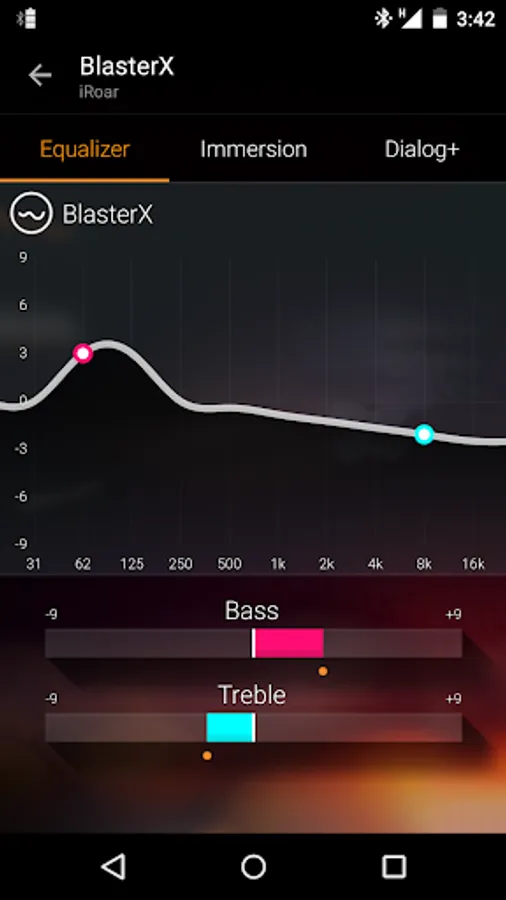
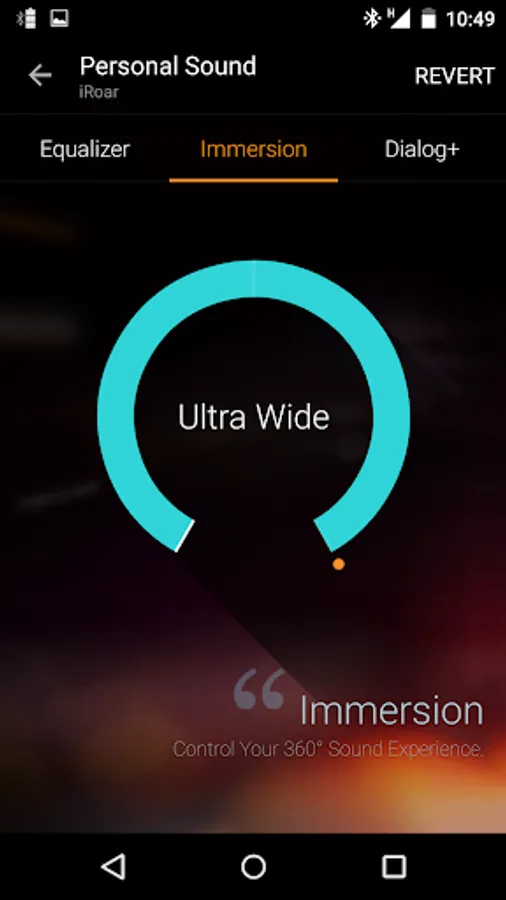
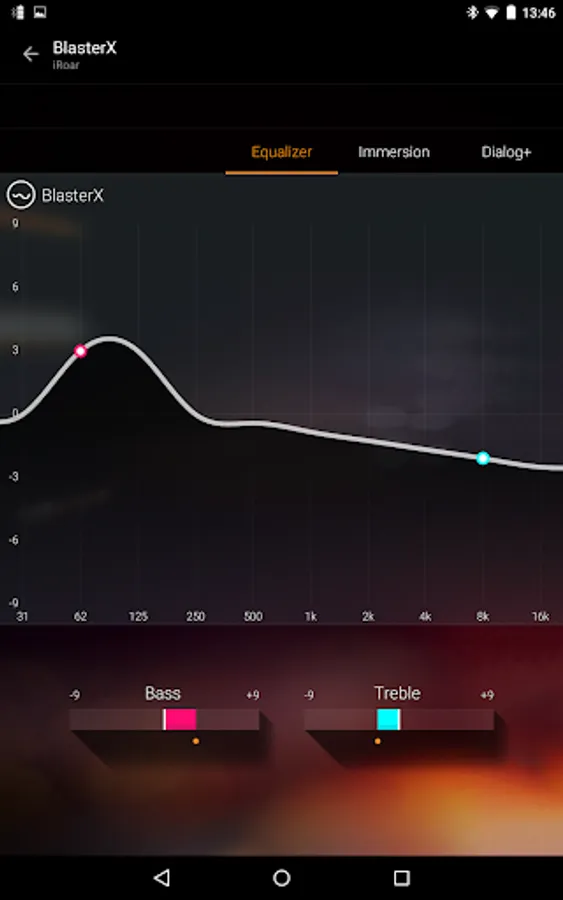
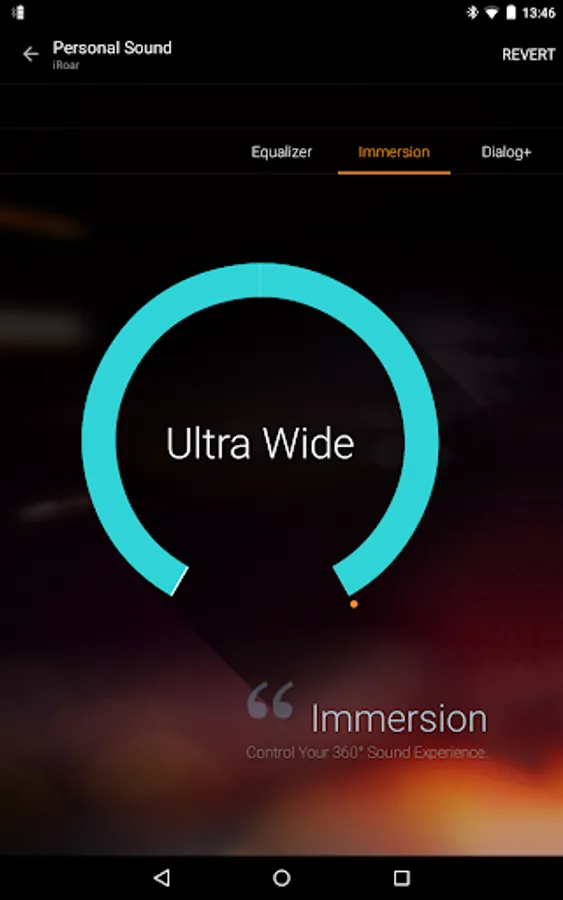
- Adjust different audio settings to suit your needs, such as the Equalizer, Immersion, Dialog Plus and other functions.
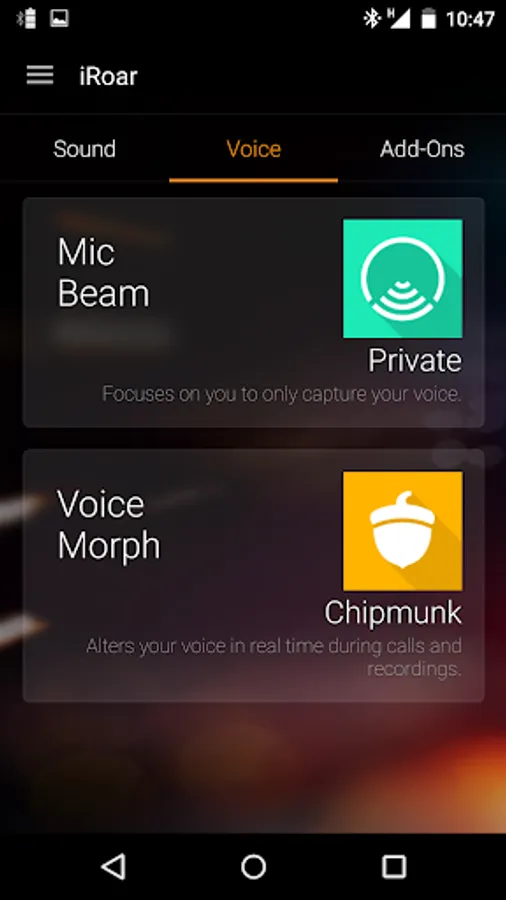
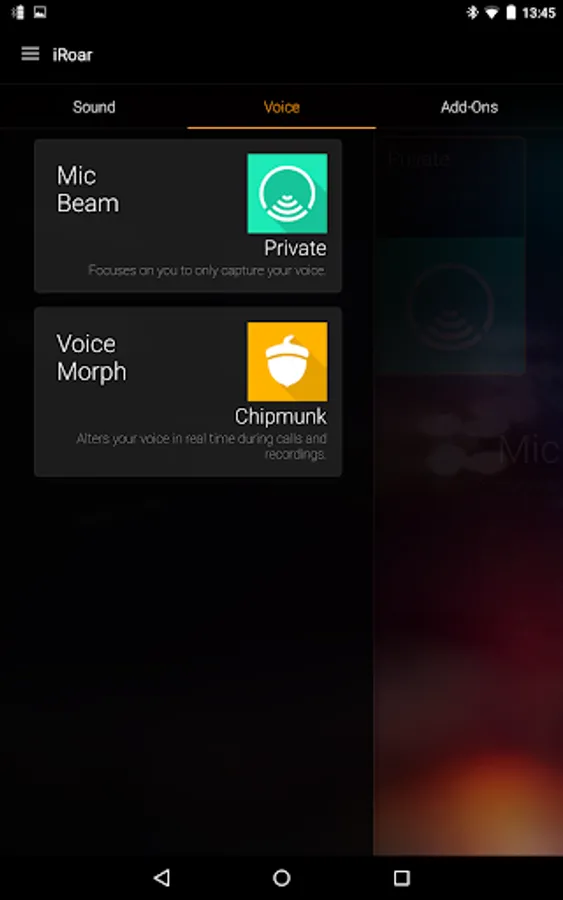
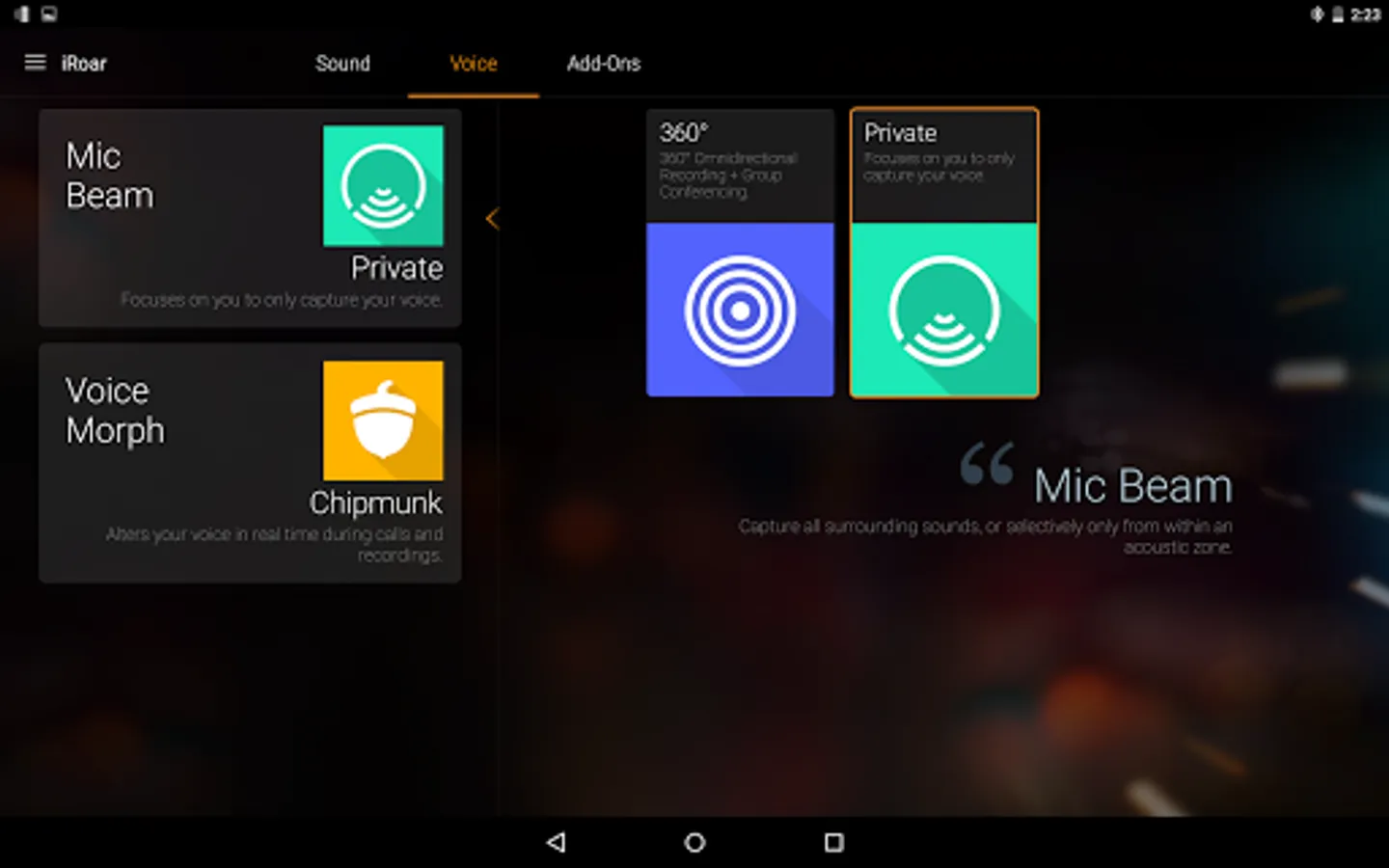
Voice settings
- Change the Mic Beam's focus to capture only your voice or the sound from your surroundings.
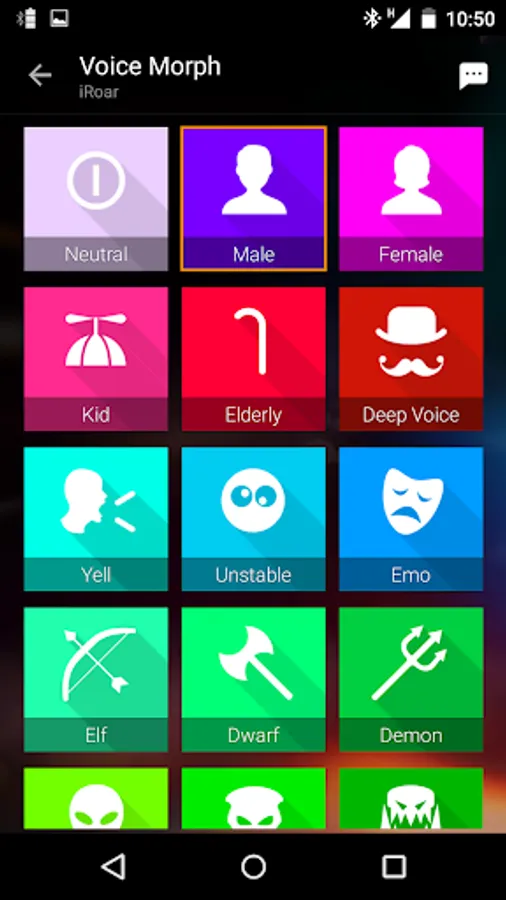
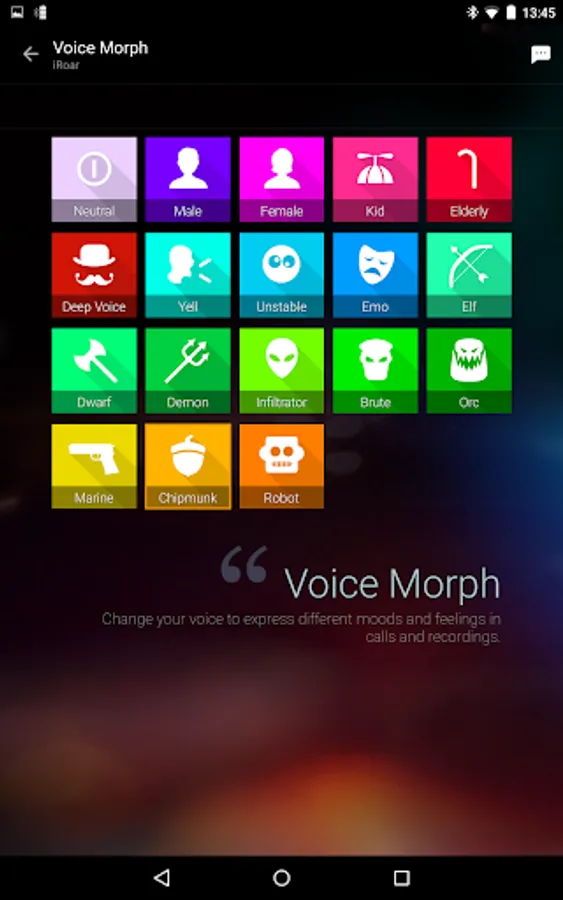
- Alter your voice in real time during calls and recordings with the Voice Morph feature.
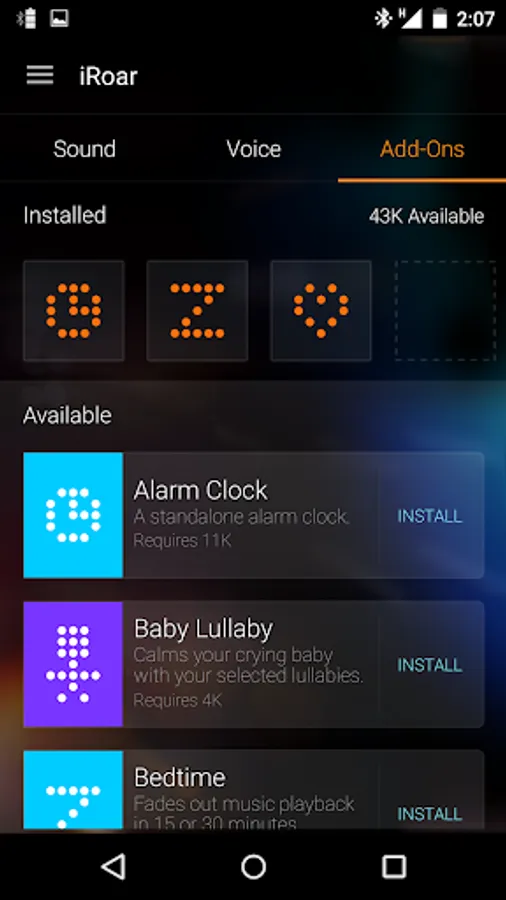
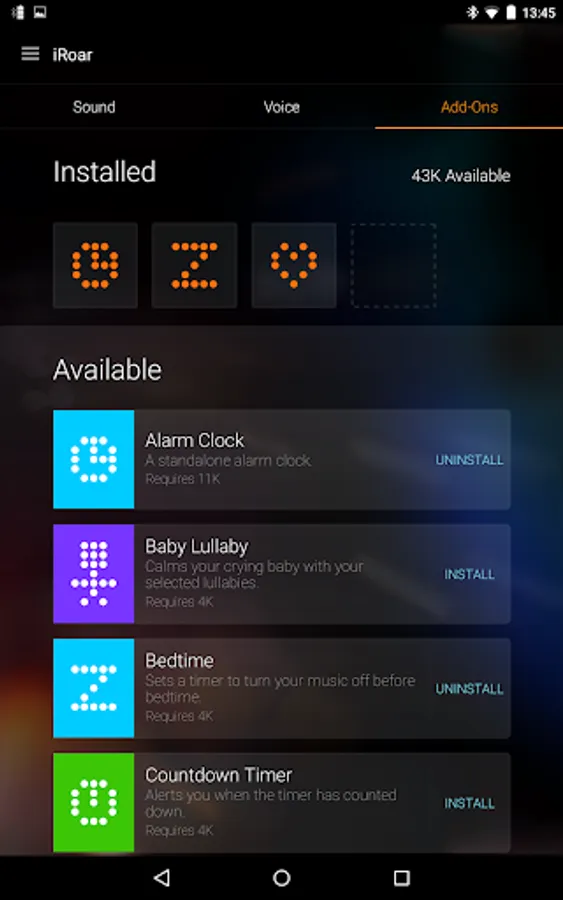
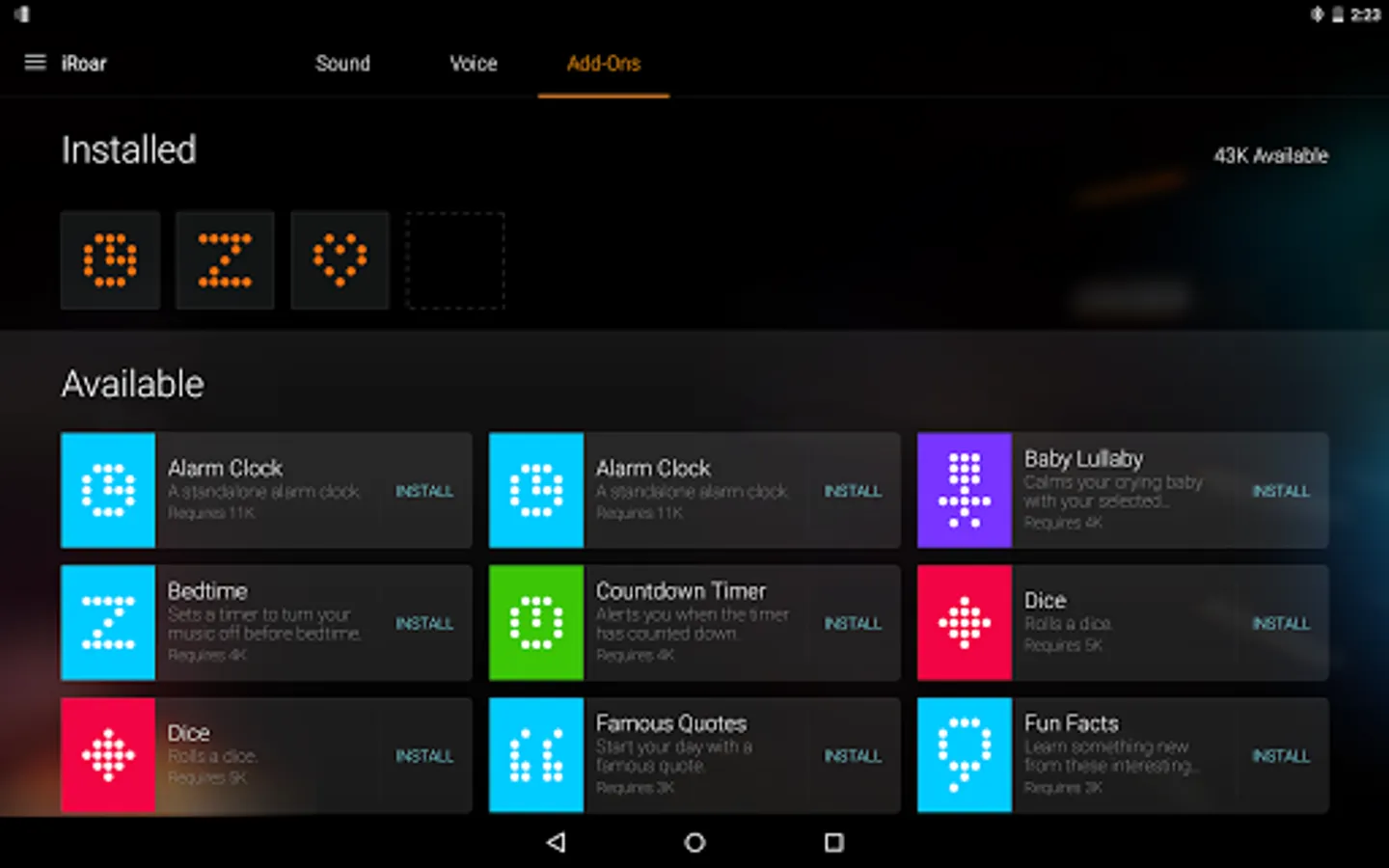
Add-ons
- Install extra features from the iRoar Dashboard to your iRoar.
Other
- Supports OTA firmware upgrade
Requirements:
- Devices with Android 4.0 or above
- Devices with Bluetooth capability
- Devices with screen resolution of 480x320 or higher
- Creative iRoar
Notes:
- Some features mentioned are product specific, refer to its user manual for details.
- iRoar Dashboard is designed for Creative iRoar. This app does not work with Sound Blaster Roar, Roar 2, Roar Pro or other speakers.
iRoar Dashboard Screenshots
Tap to Rate:
Reviews for iRoar Dashboard
Tim Phillipson
8/18/2024
Used to work just fine but now the dashboard doesn't allow access to the sound controls. It says that bluetooth needs to be connected , but it is and music is being sent from s24 phone to the iroar go. What's going on here???
Radek Mrzygłód
7/25/2024
Speaker is connected, the app doesnt recognise it and ask to connect the speaker.