
iRoar Remote Assistant
Creative Labs Pte Ltd
3.3 ★
48 ratings
10,000+
downloads
Free
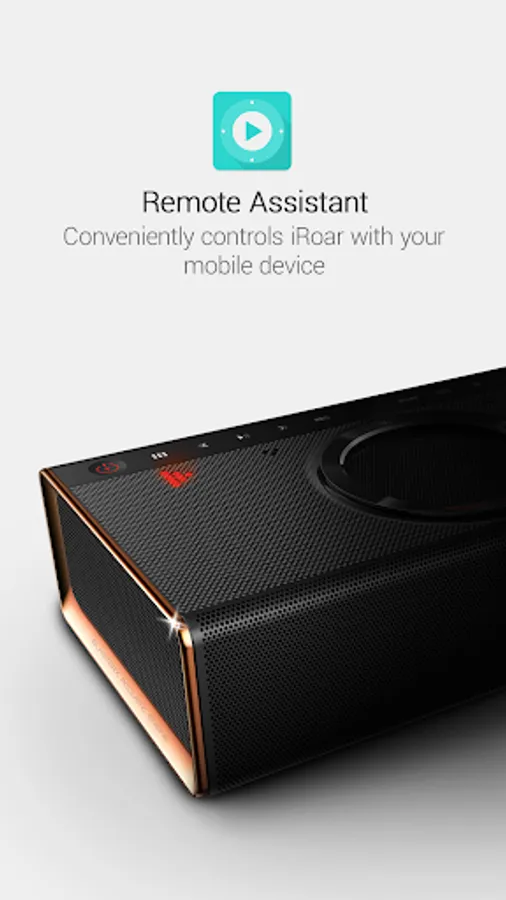
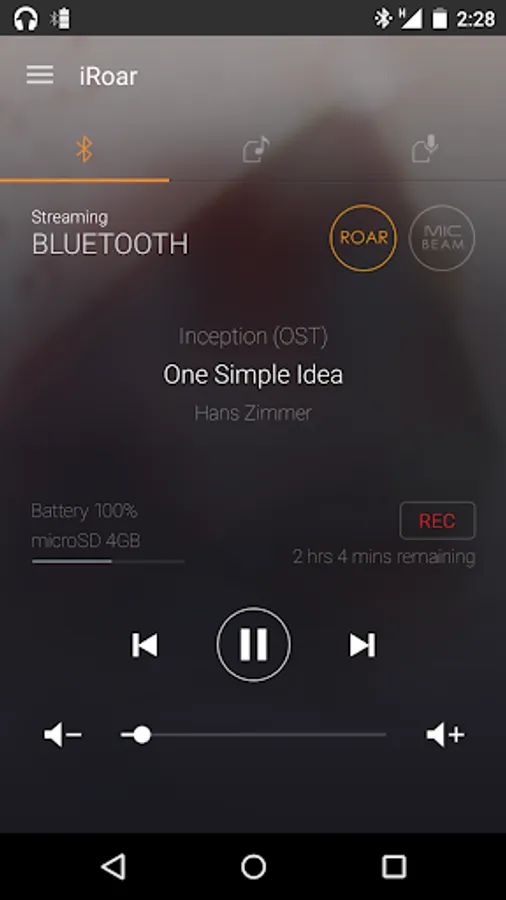
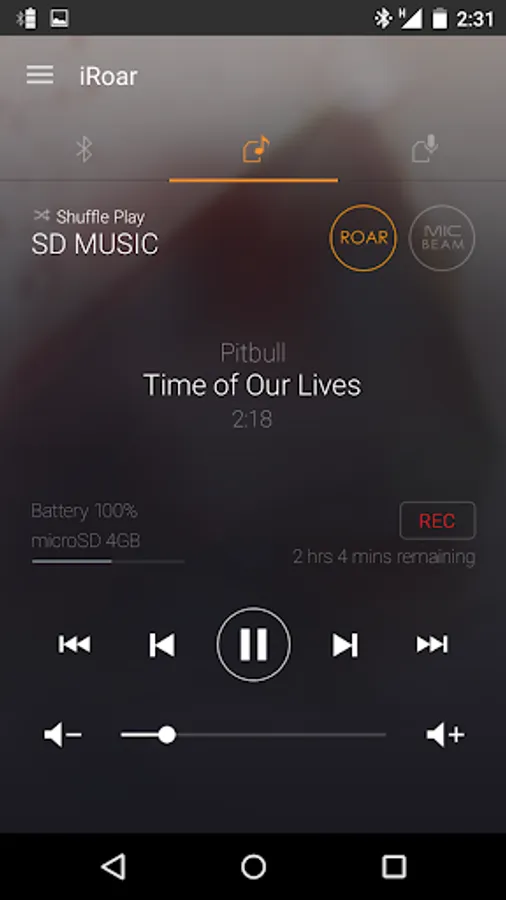
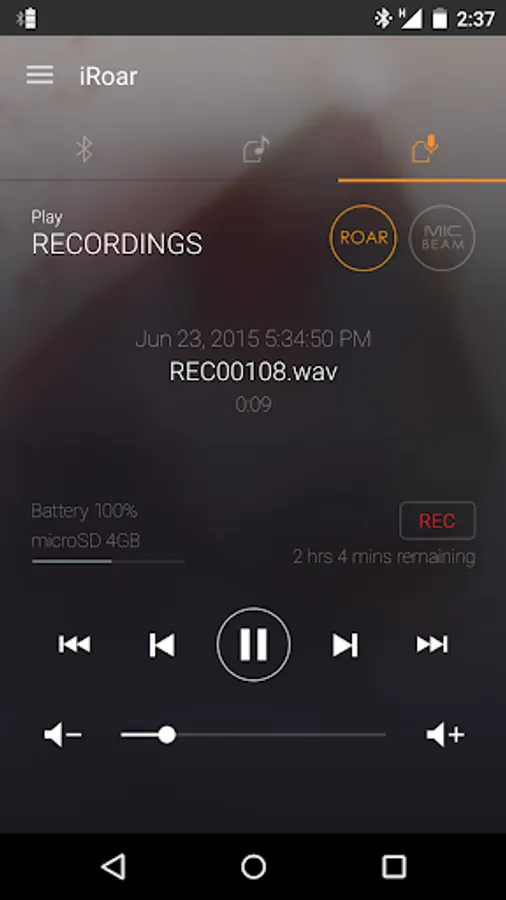
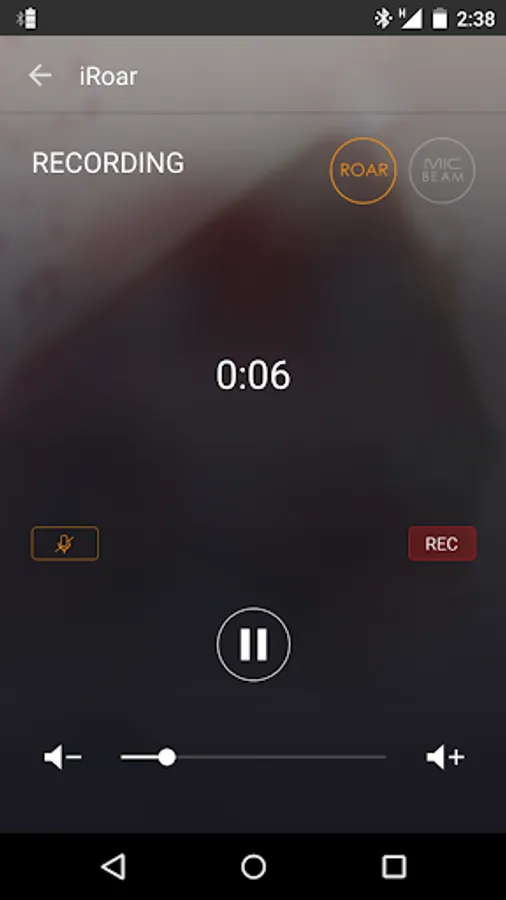
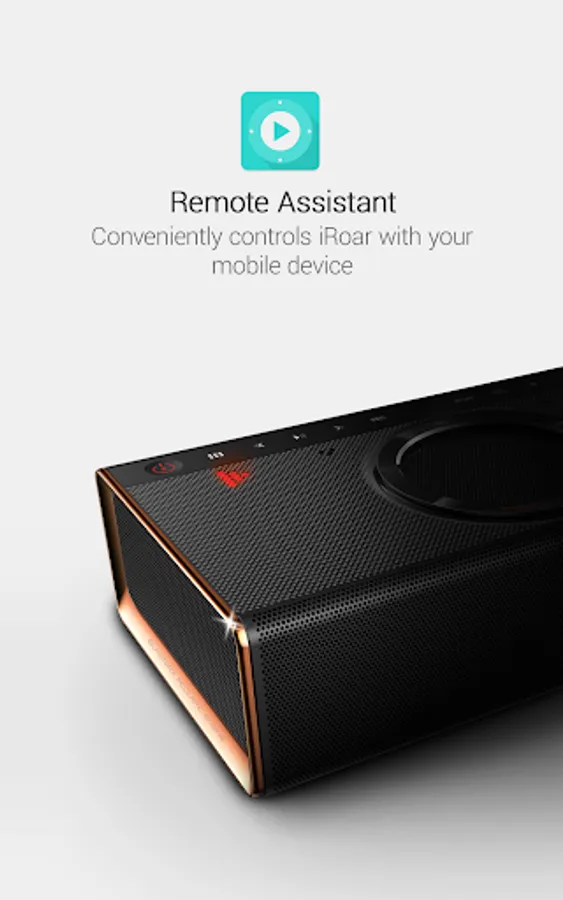
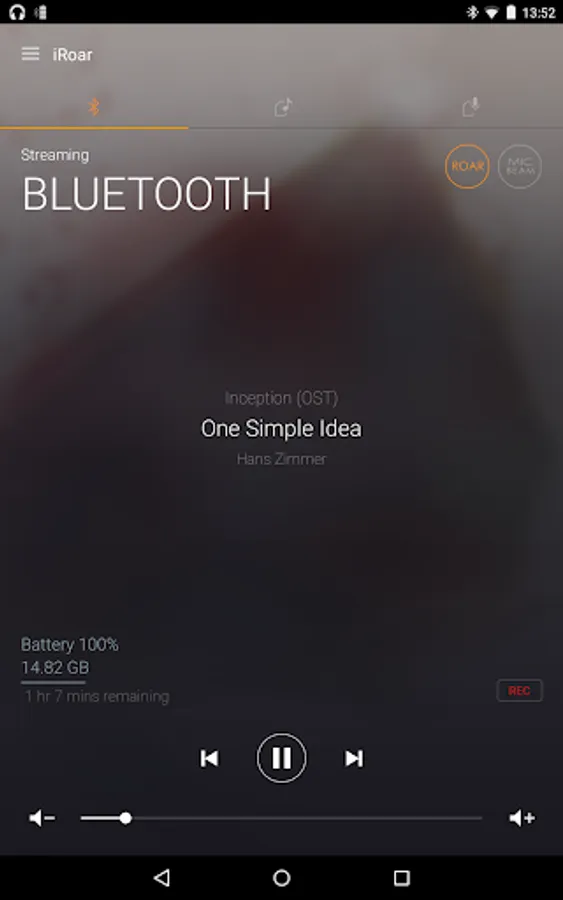
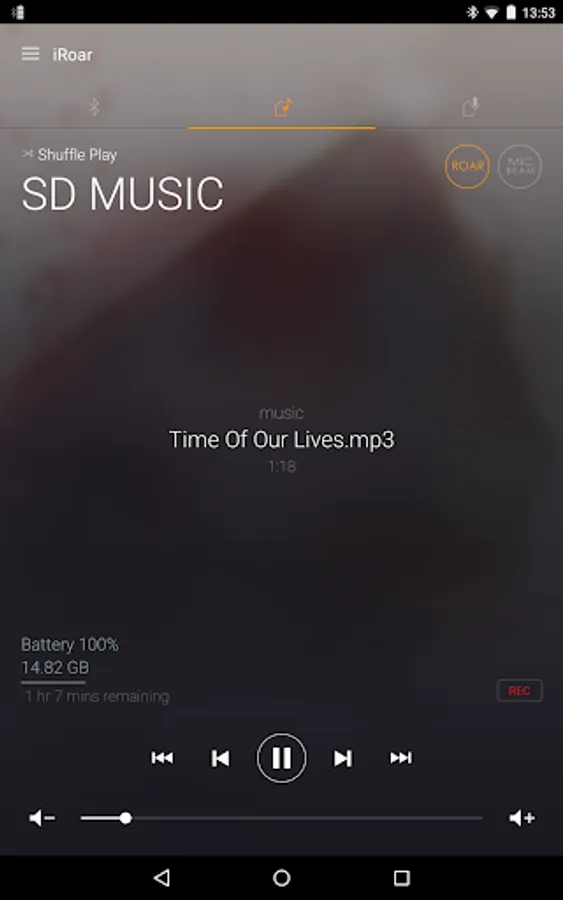
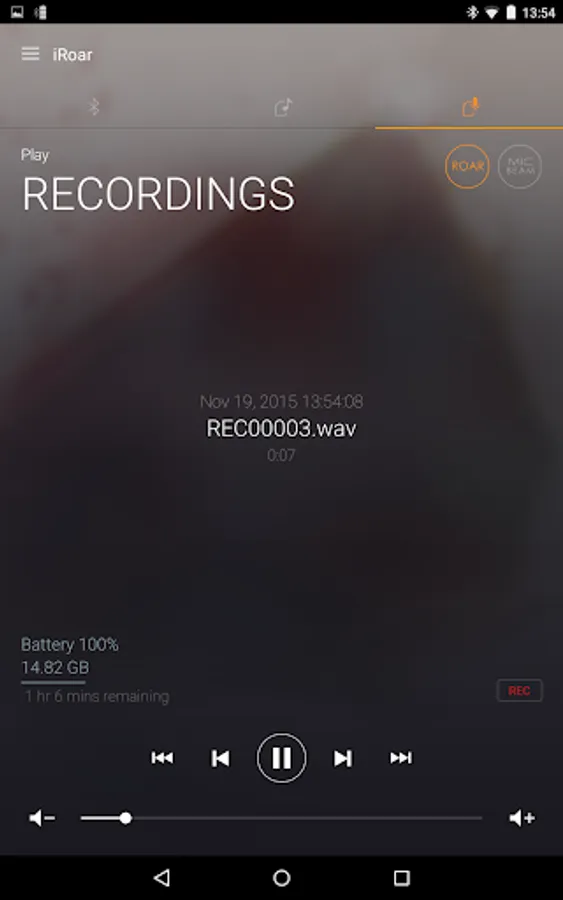
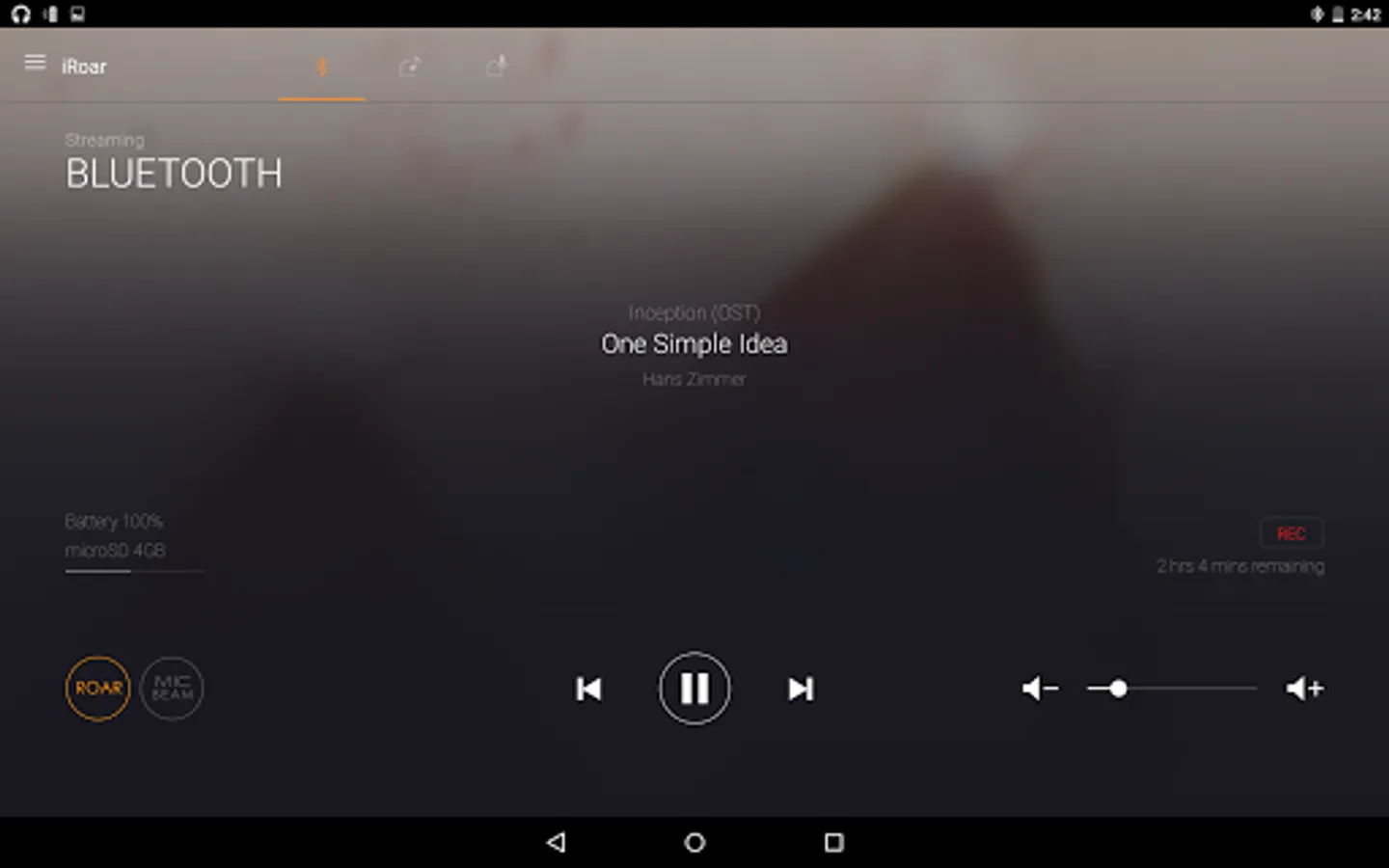
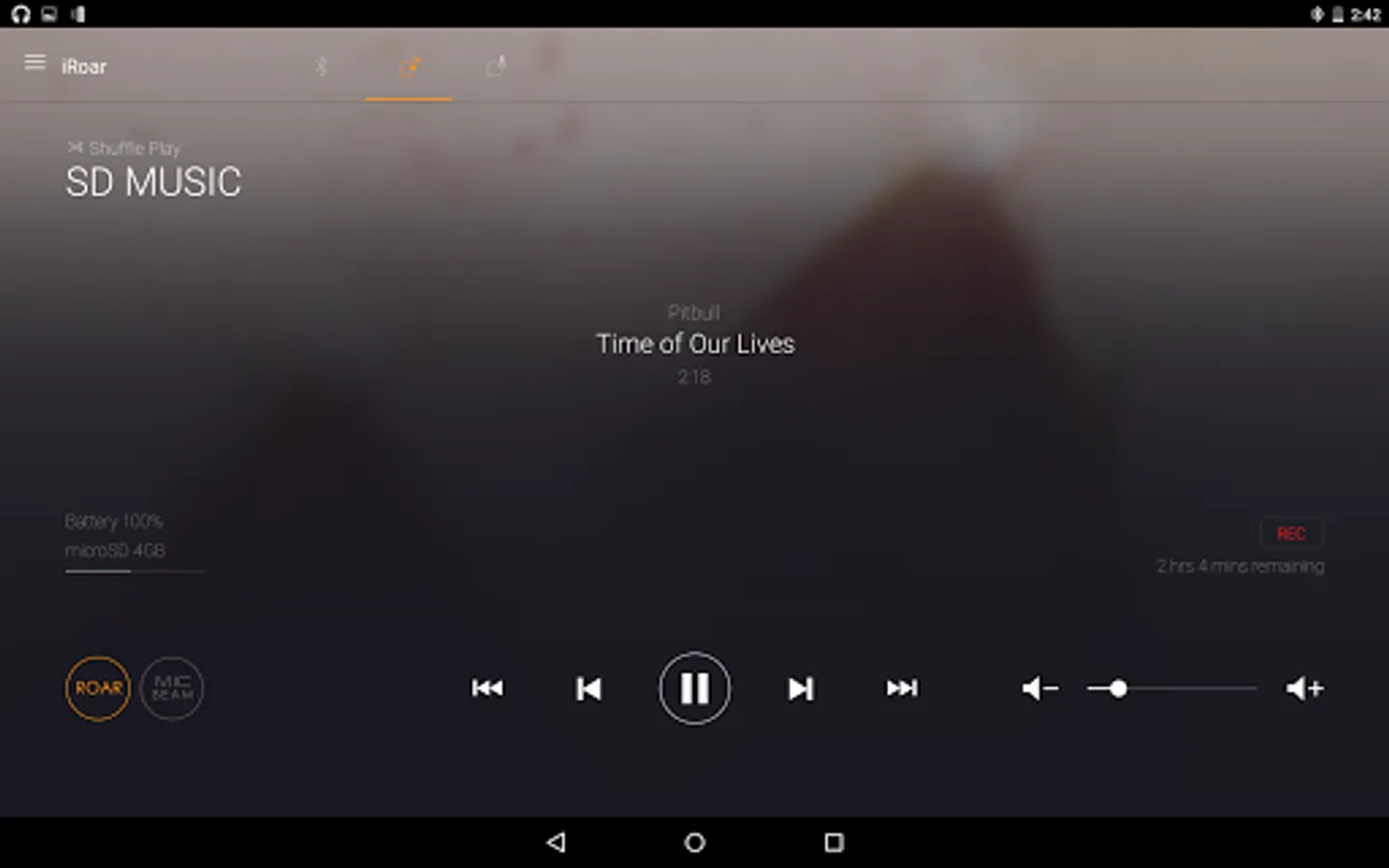
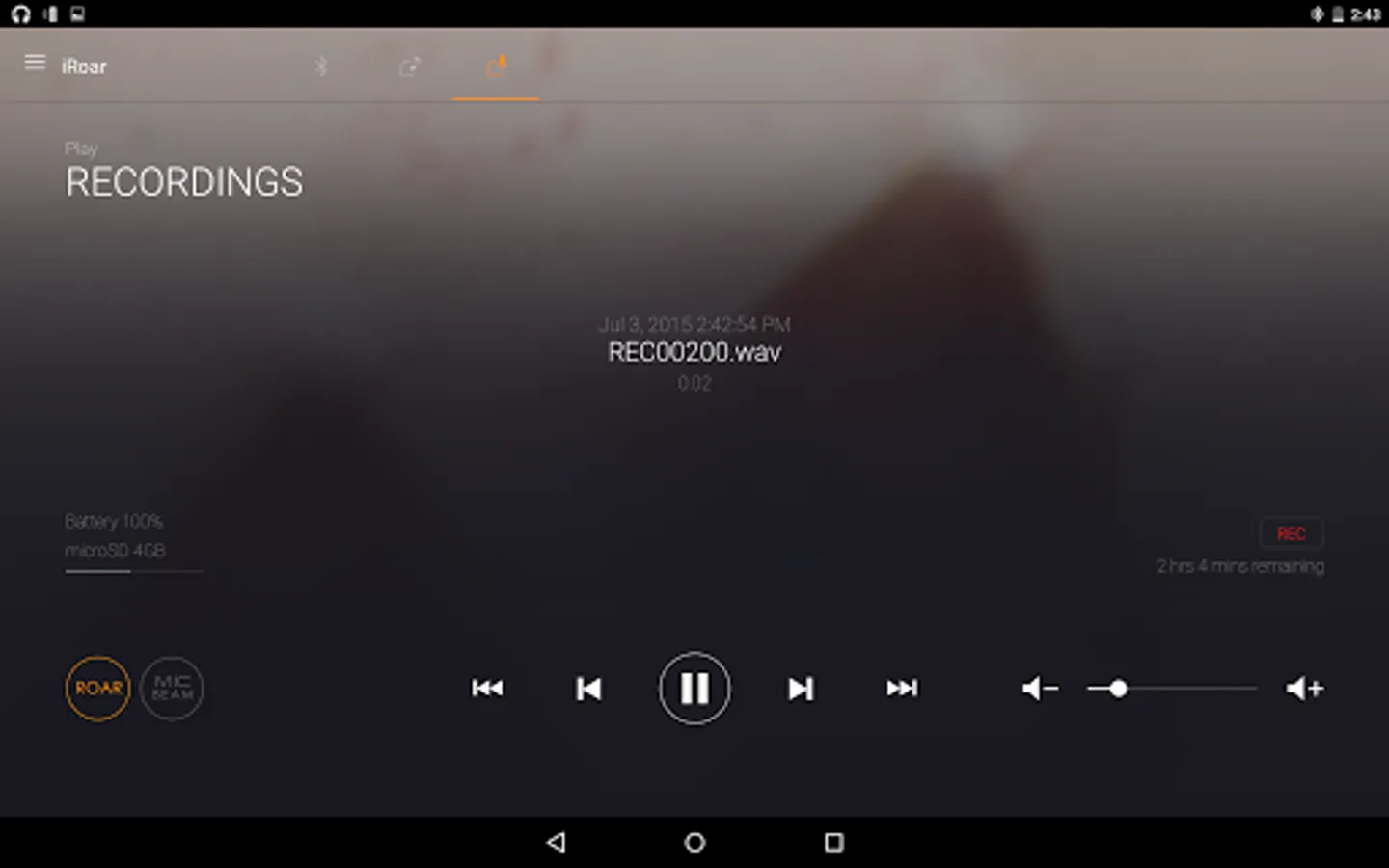
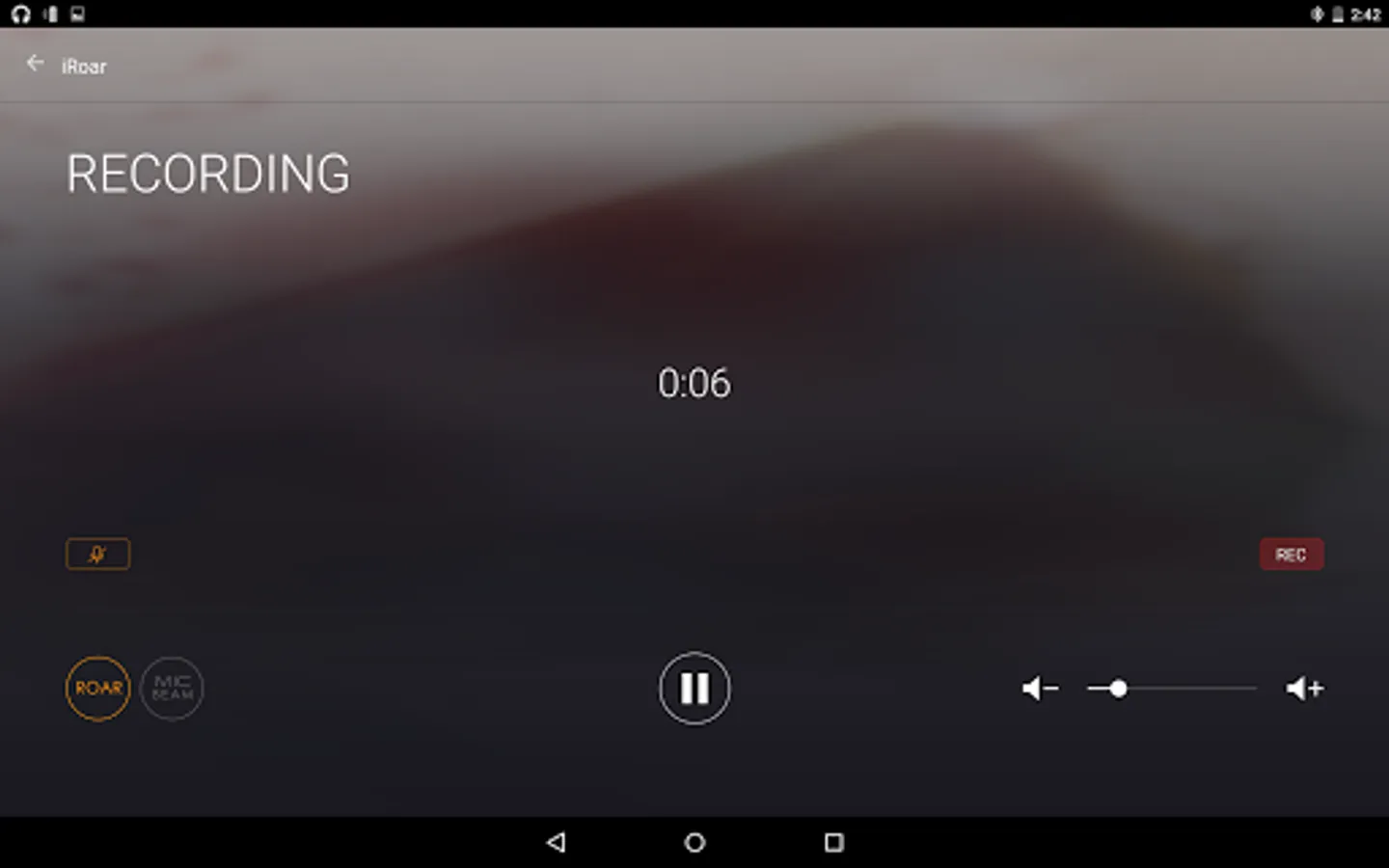
In this remote control app, you can access and switch between audio sources like Bluetooth devices and SD cards, and control playback remotely. Includes features for managing audio playback and recording sound onto the SD card.
AppRecs review analysis
AppRecs rating 3.3. Trustworthiness 66 out of 100. Review manipulation risk 39 out of 100. Based on a review sample analyzed.
★★★☆☆
3.3
AppRecs Rating
Ratings breakdown
5 star
0%
4 star
59%
3 star
28%
2 star
0%
1 star
13%
About iRoar Remote Assistant
The iRoar Remote Assistant gives you easy access to your favourite music or recordings from different audio sources, such as your Bluetooth device or SD card. Switch between the different audio sources and play music wirelessly using your mobile device. You can also choose to record sound onto the speaker's SD card.
Requirements:
- Devices with Android 4.0 or above
- Devices with Bluetooth capability
- Devices with screen resolution of 480x320 or higher
- Creative iRoar
Notes:
- Some features mentioned are product specific, refer to its user manual for details.
- iRoar Remote Assistant is designed for Creative iRoar. This app does not work with Sound Blaster Roar, Roar 2, Roar Pro or other speakers.
Requirements:
- Devices with Android 4.0 or above
- Devices with Bluetooth capability
- Devices with screen resolution of 480x320 or higher
- Creative iRoar
Notes:
- Some features mentioned are product specific, refer to its user manual for details.
- iRoar Remote Assistant is designed for Creative iRoar. This app does not work with Sound Blaster Roar, Roar 2, Roar Pro or other speakers.
iRoar Remote Assistant Screenshots
Tap to Rate:
Reviews for iRoar Remote Assistant
Guillaume Weaver
2/13/2022
Doesn't work! I have a 20 s Samsung galaxy ultra, the speaker is paired to my phone, app says it's not paired. Bought 128gig micro card. Downloaded music off my laptop installed in speaker and won't play! Moved source and keeps going back to BT mode. I thought this app would have all the speaker controls available, it does not!!! I get more usability from my actual music player app!
Lucian Nicolae Calutchi
8/25/2020
Jubba Jubba Jubbi