Sublime Text Editor
A389 St.
2.5 ★
2K ratings
1,000,000+
downloads
Free
+ in-app
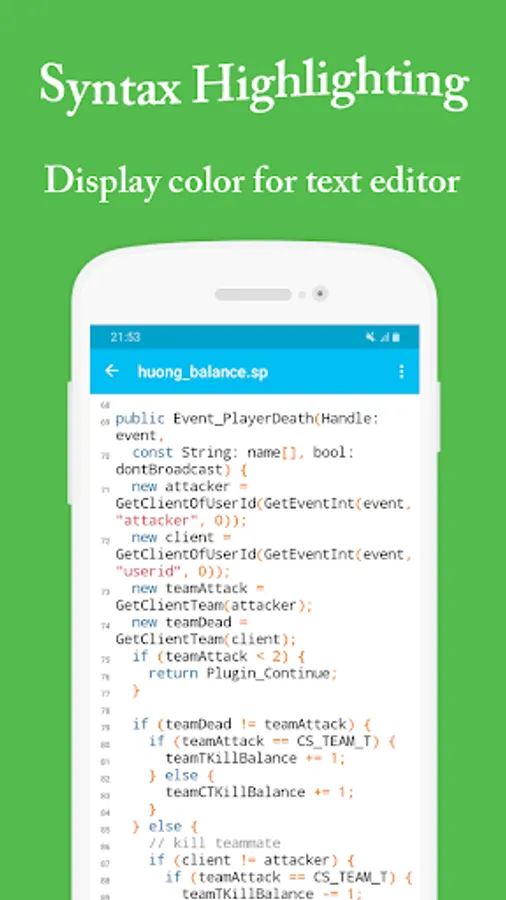
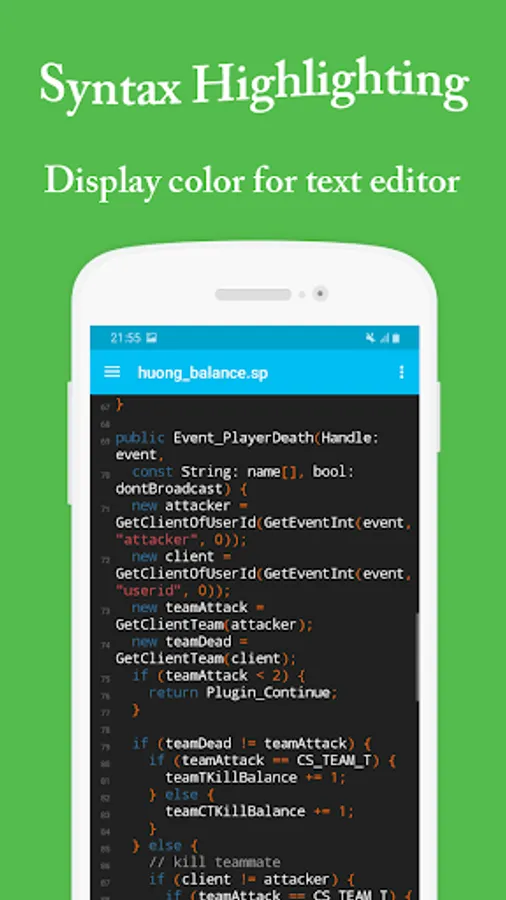
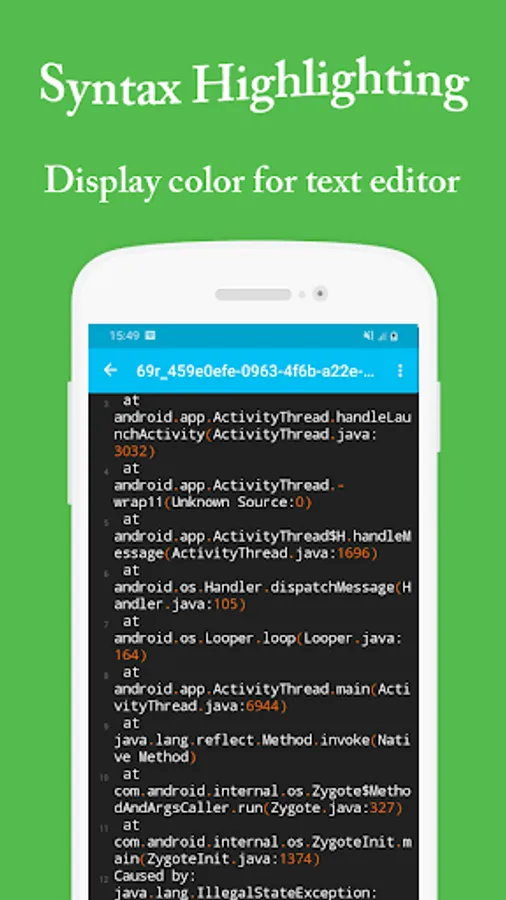
With this text editor app, you can open, edit, and save multiple files, customize themes, and perform search and replace functions. Includes syntax highlighting, auto-save, and sharing options.
AppRecs review analysis
AppRecs rating 1.9. Trustworthiness 83 out of 100. Review manipulation risk 23 out of 100. Based on a review sample analyzed.
★☆☆☆☆
1.9
AppRecs Rating
Ratings breakdown
5 star
27%
4 star
5%
3 star
8%
2 star
6%
1 star
54%
What to know
⚠
Ad complaints
Many low ratings mention excessive ads
⚠
Mixed user feedback
Average 2.5★ rating suggests room for improvement
⚠
High negative review ratio
60% of sampled ratings are 1–2 stars
About Sublime Text Editor
Sublime Text Editor is a free application for text editor in android tablets and phones with the more features:
- Support multi languages (.txt, .html, .js, javascript, c++, c, python, ruby, lua, sql, json, xml, react ...)
- Quick open file with open recent file
- Support Syntax Highlighting
- Custorm color themes of text
- Setting font size for text file.
- Undo & Redo text when edit
- Search & replace text with easy
- Rename file easy
- Auto save history files open and changes with multi files edit. (Files recent)
- Support more character encoding (utf-8, utf-16, shift_jis...)
- Keyboard shortcuts to quick edit file.
- Easy share documents, files to your friend via email, dropbox, google driver ...
- Preview HTML files in browser
- Quick go to line of a file with easy
Thank you for your using.
- Support multi languages (.txt, .html, .js, javascript, c++, c, python, ruby, lua, sql, json, xml, react ...)
- Quick open file with open recent file
- Support Syntax Highlighting
- Custorm color themes of text
- Setting font size for text file.
- Undo & Redo text when edit
- Search & replace text with easy
- Rename file easy
- Auto save history files open and changes with multi files edit. (Files recent)
- Support more character encoding (utf-8, utf-16, shift_jis...)
- Keyboard shortcuts to quick edit file.
- Easy share documents, files to your friend via email, dropbox, google driver ...
- Preview HTML files in browser
- Quick go to line of a file with easy
Thank you for your using.