Cut & Paste Photo Editor
Maxlabs Photo Editor
4.7 ★
store rating
1,000,000+
downloads
Free
+ in-app
AppRecs review analysis
AppRecs rating 4.0. Trustworthiness 74 out of 100. Review manipulation risk 35 out of 100. Based on a review sample analyzed.
★★★☆☆
4.0
AppRecs Rating
Ratings breakdown
5 star
89%
4 star
3%
3 star
2%
2 star
0%
1 star
6%
What to know
✓
Credible reviews
74% trustworthiness score from analyzed reviews
⚠
Ad complaints
Many low ratings mention excessive ads
⚠
Review quality concerns
68% of sampled 5-star reviews are very short
About Cut & Paste Photo Editor
💪 Effortless Background Removal and Object Placement with Cut Paste Photo Editor, a powerful tool that helps anyone create stunning photo edits with ease and creativity!
🔮 Cut Paste Photo Editor empowers you to become a photo editing professor, allowing you to effortlessly remove backgrounds, cut out objects with precision, and seamlessly paste them into other photos. ✨ Breathe new life into your images and create stunning photo collages or funny edits in just a few taps.
🌈 Effortless Background Removal with Cutting-Edge Technology:
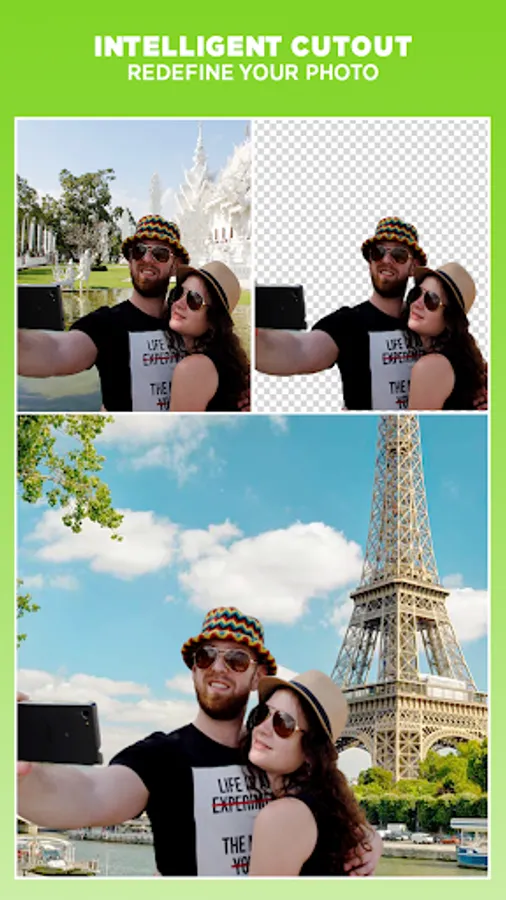
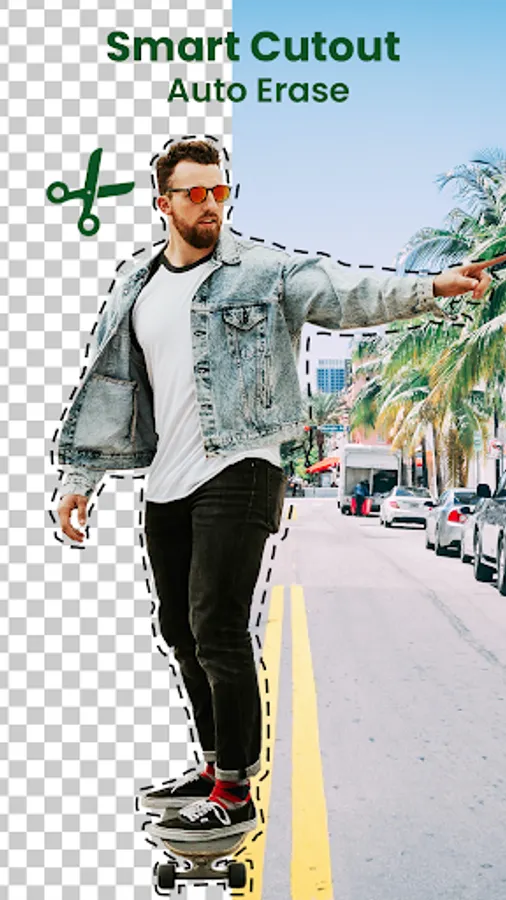
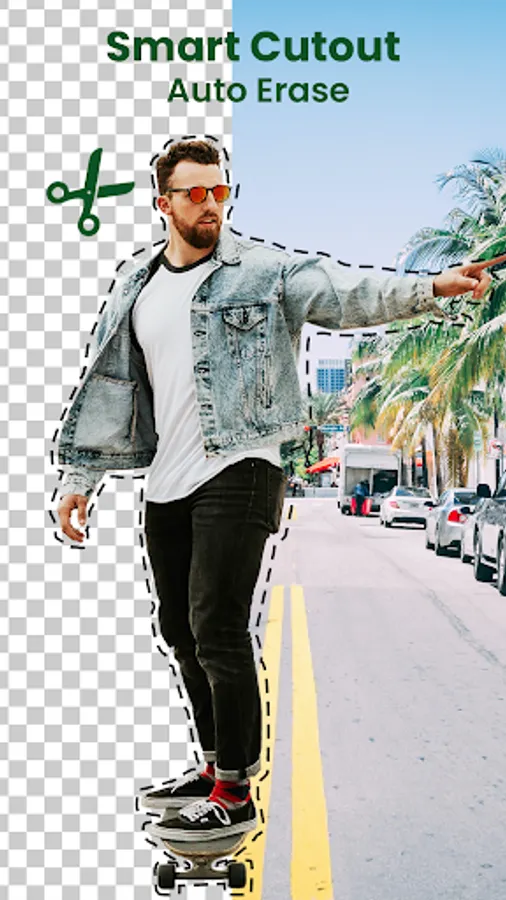
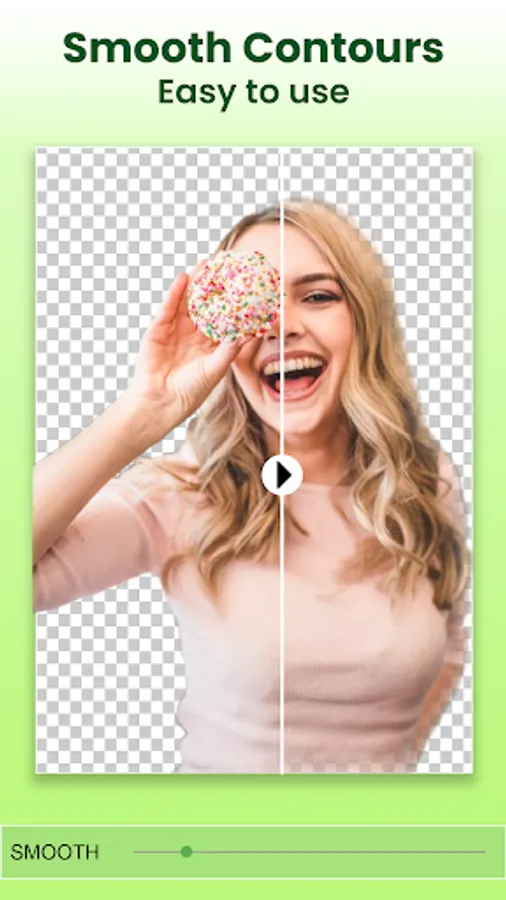
🌟 Gone are the days of tedious background removal tools! Cut Paste Photo Editor boasts a powerful AI-powered background removal feature called Smart Cutout - Auto Erase.
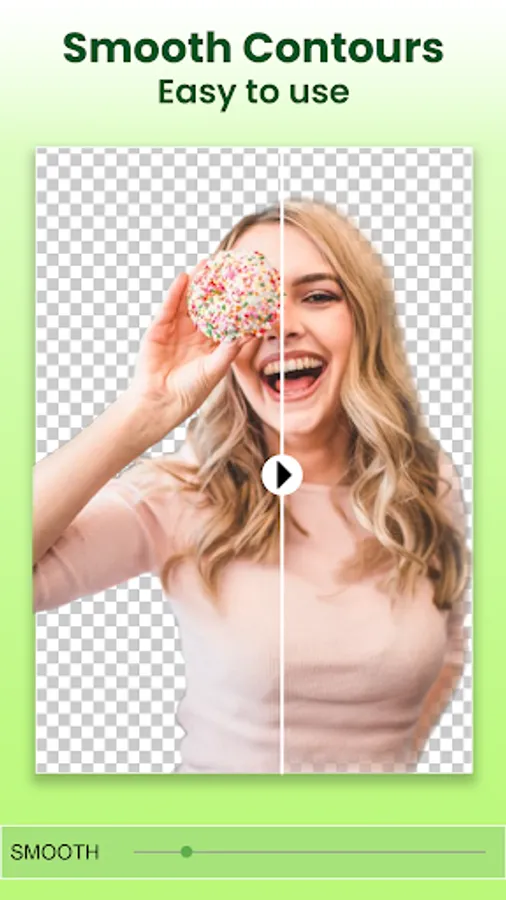
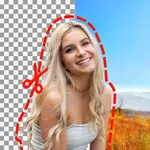
👉 Simply select the photo you want to edit, and with a few taps, our intelligent AI will automatically detect and extract the desired object, leaving you with a perfectly transparent cutout. This is perfect for isolating people, animals, cars, or any object you wish to place in a new scene.
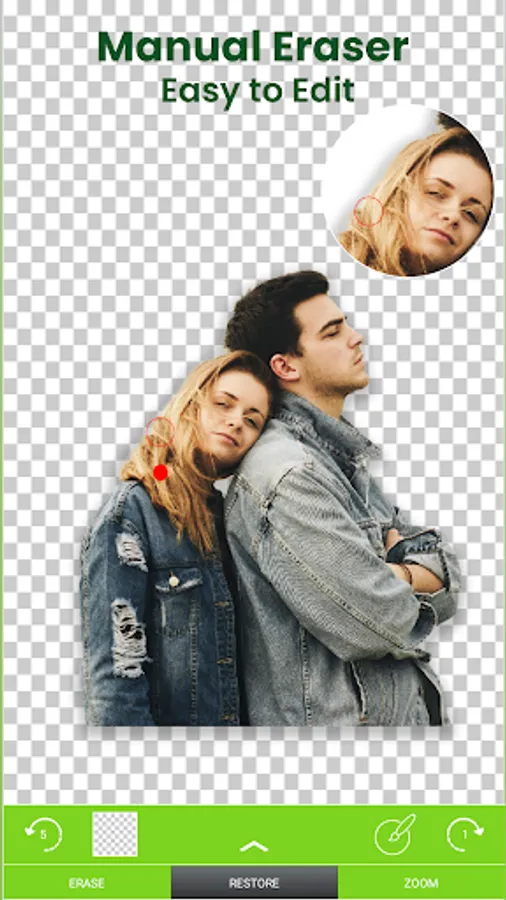
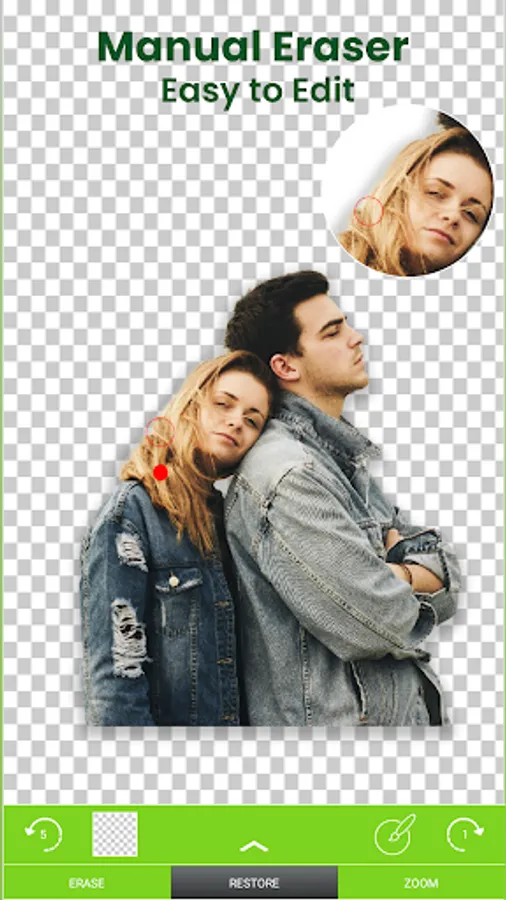
👍 For those who prefer a traditional touch, Cut Paste Photo Editor also offers a Manual Erase tool. This allows you to precisely remove unwanted background areas using your finger for a more personalized touch.
️🎯 Complete Creative Freedom with Background Manipulation:
Once you have your perfect cutout object, the creative possibilities are endless! Cut Paste Photo Editor allows you to:
⚡ Change your photo's background automagically:
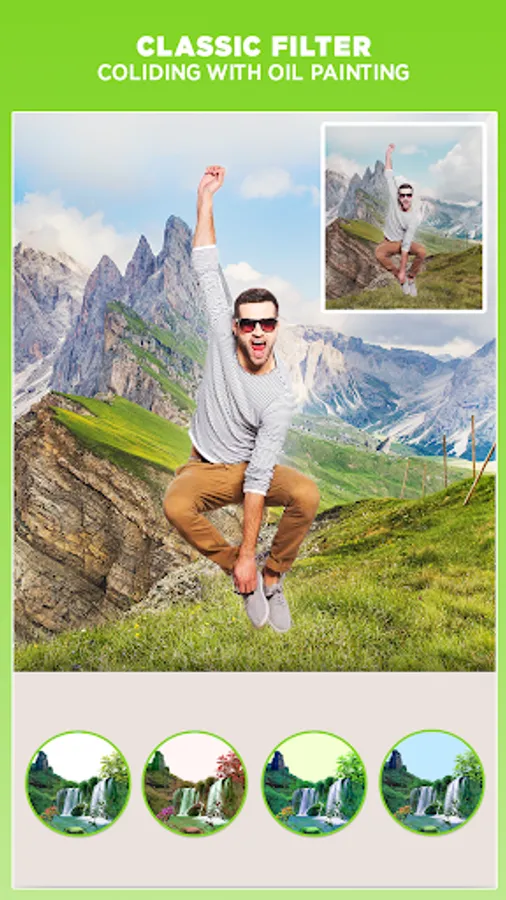
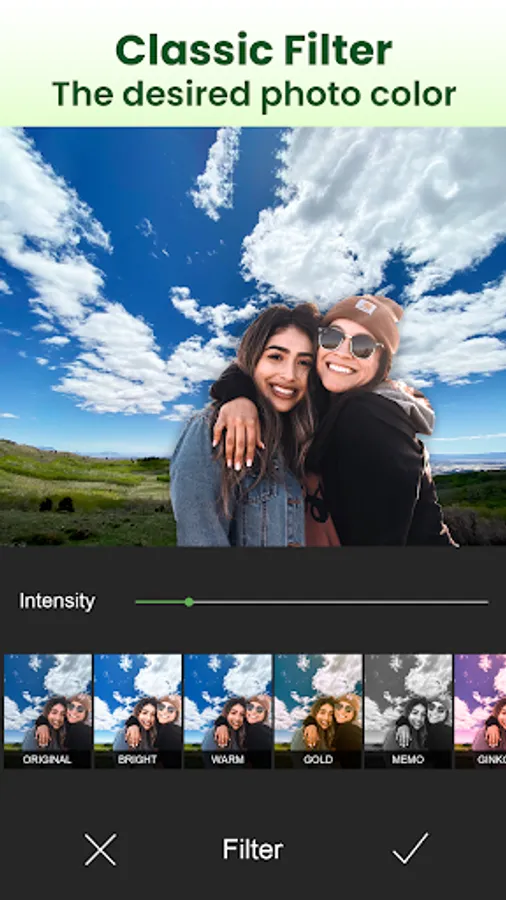
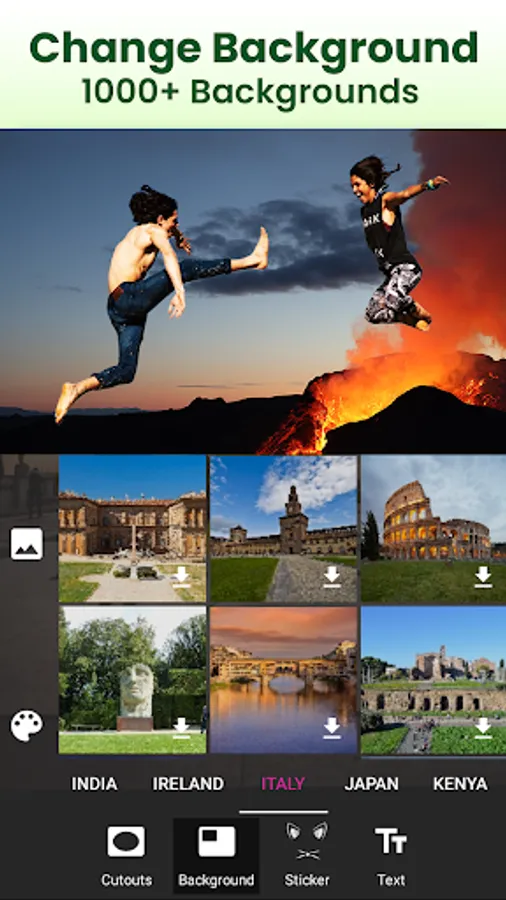
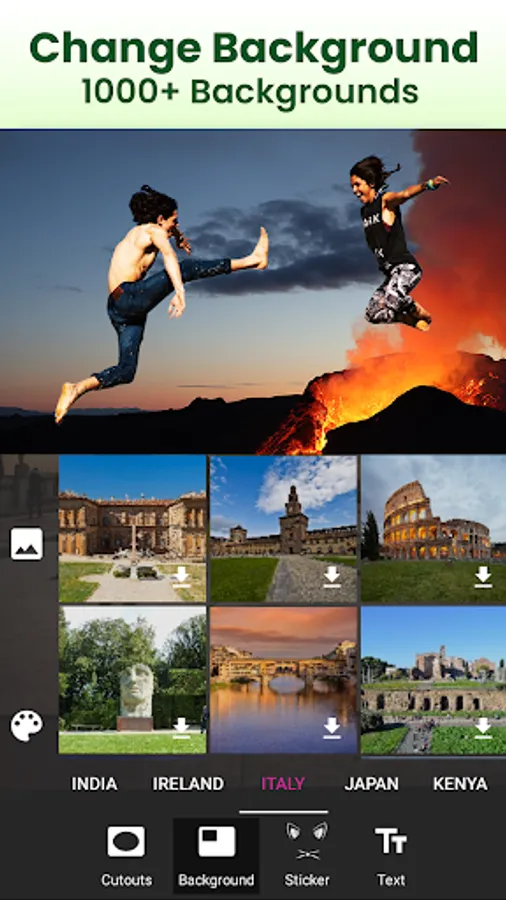
With the Auto Photo Background Changer, you can replace the original background with a stunning new one from your gallery or choose from a variety of pre-designed backgrounds included within the app.
⚡ Craft Transparent Overlays:
Want to create a unique artistic effect? Use the Transparent Photo Editor feature to make the background of your cutout object completely transparent. This allows you to layer your cutout on top of other photos, creating a captivating layered effect.
⚡ Unleash Your Inner Collage Artist:
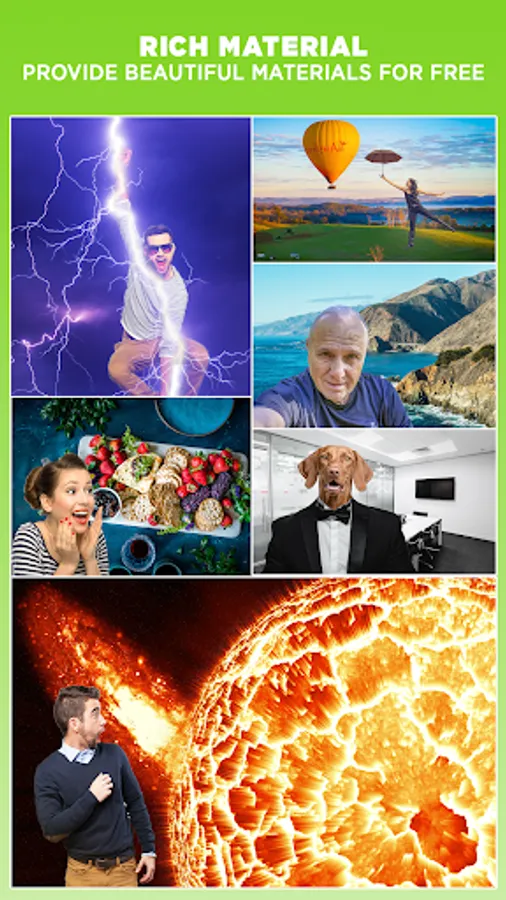
Cut Paste Photo Editor isn't just about background removal; it's also a powerful collage creation tool. Once you have your collection of cut-out objects, you can easily paste them onto any background, creating hilarious photo collages or placing yourself in dream locations – the choice is yours!
💡 But Wait, There's More!
Cut Paste Photo Editor also boasts additional features to enhance your photo editing experience:
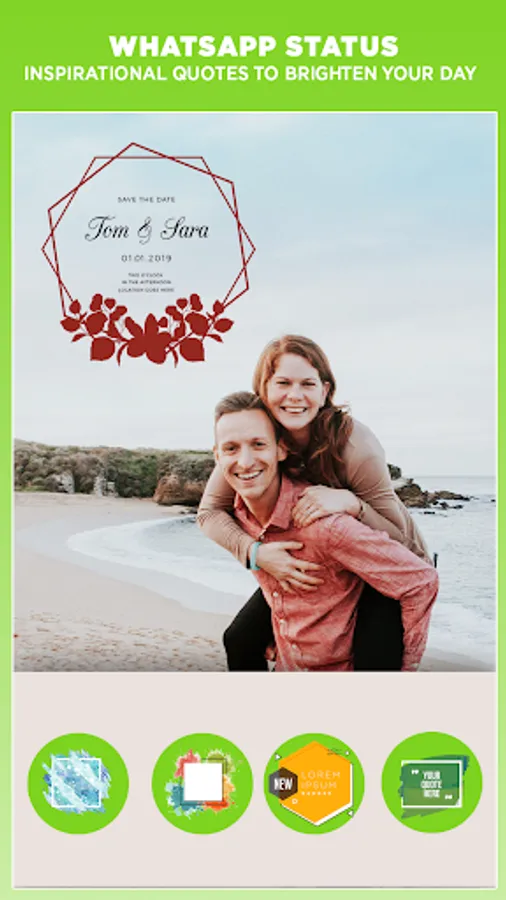
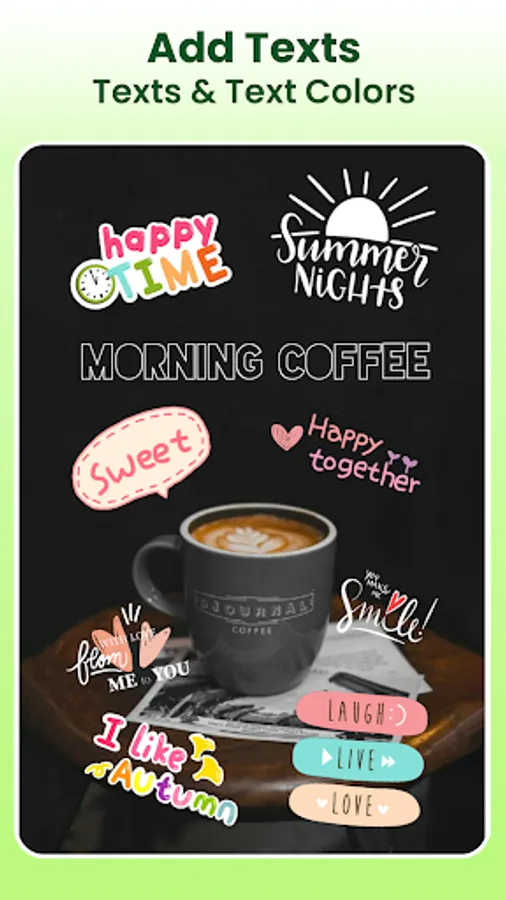
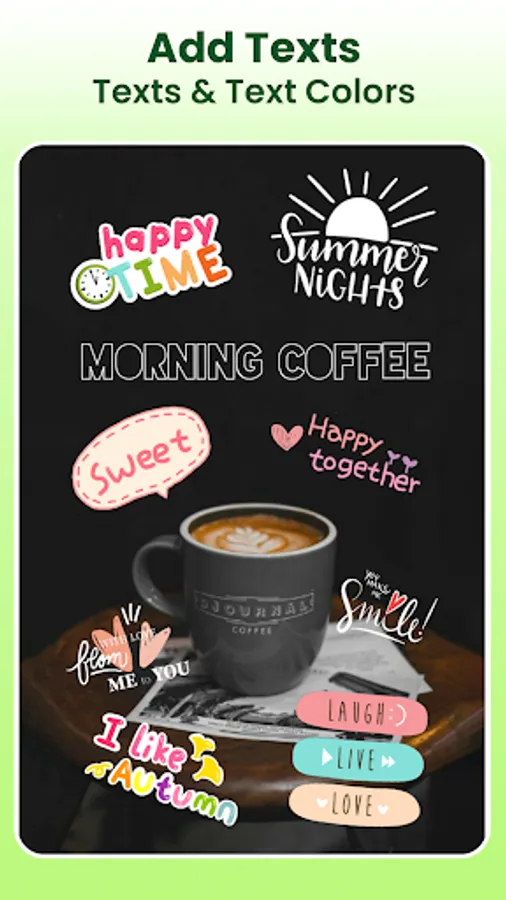
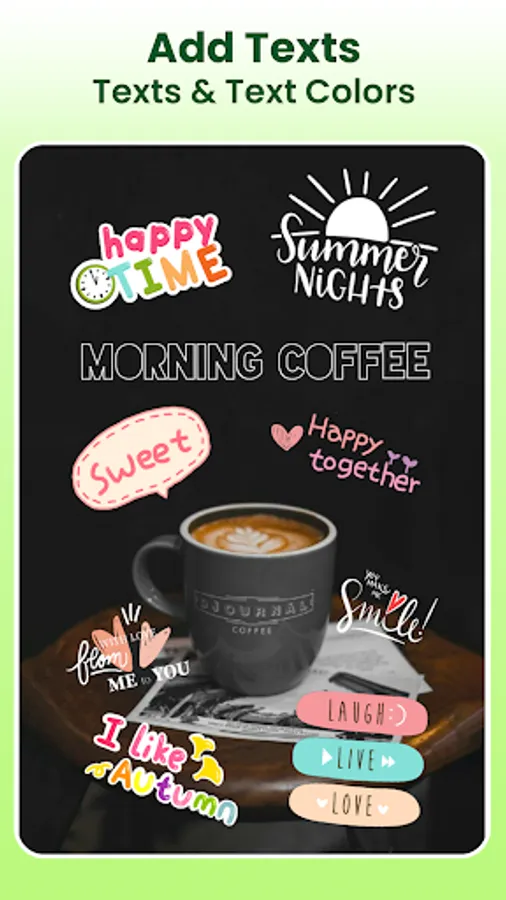
- Text Stickers: Add personalized messages or captions to your photos and customize the font and style to match your creative vision.
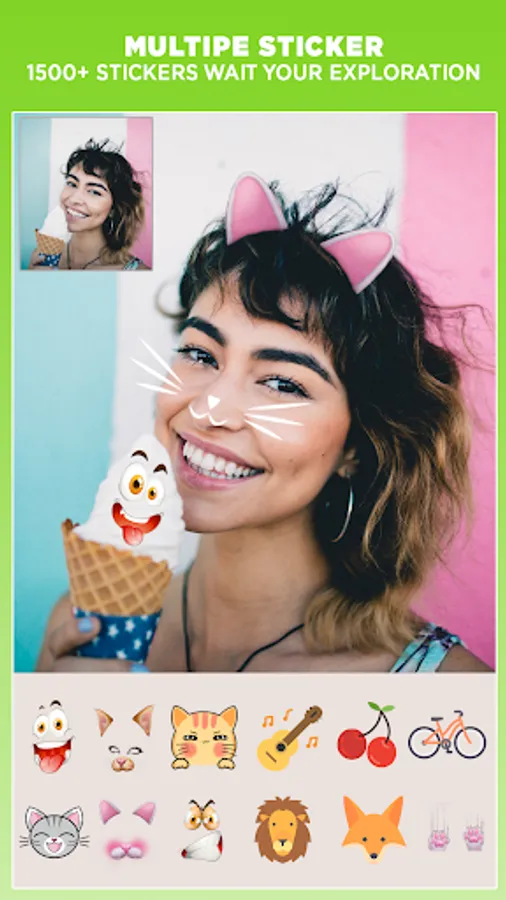
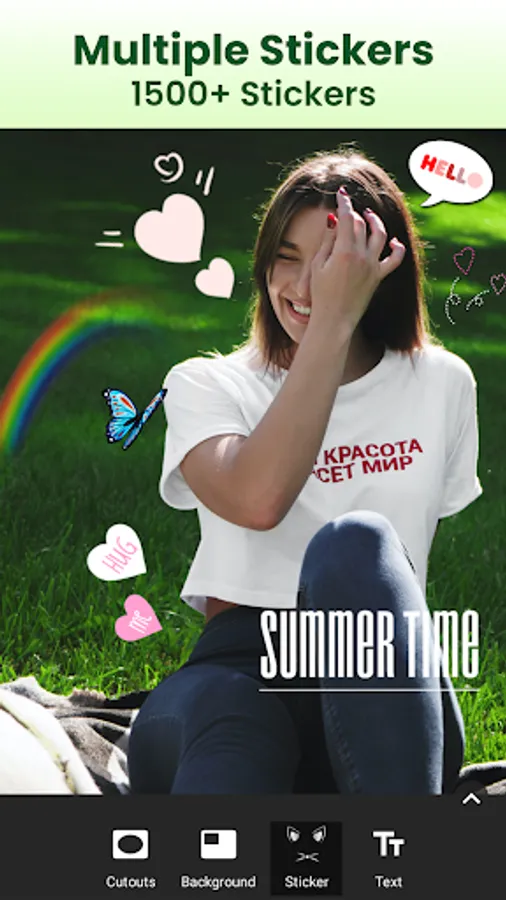
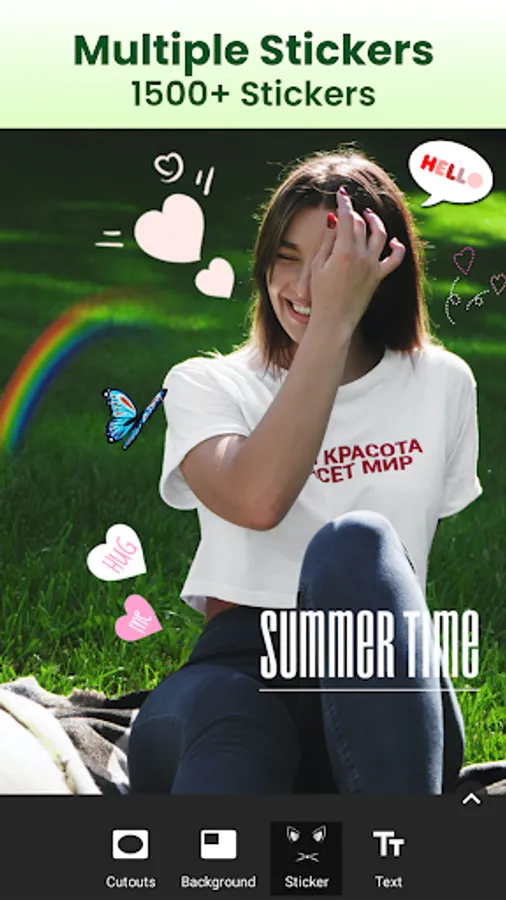
- Multiple Stickers: Spice up your edits with over 500+ funny stickers to add a touch of humor or personality to your photos.
️🎉 Download Cut Paste Photo Editor Today and Unleash Your Creativity!
😍 Cut Paste Photo Editor is a free-to-use app that offers a user-friendly interface and powerful editing tools, making it perfect for both photo editing novices and seasoned professionals. Download Cut Paste Photo Editor today, and start editing, sharing, and enjoying your photos like never before!
🔮 Cut Paste Photo Editor empowers you to become a photo editing professor, allowing you to effortlessly remove backgrounds, cut out objects with precision, and seamlessly paste them into other photos. ✨ Breathe new life into your images and create stunning photo collages or funny edits in just a few taps.
🌈 Effortless Background Removal with Cutting-Edge Technology:
🌟 Gone are the days of tedious background removal tools! Cut Paste Photo Editor boasts a powerful AI-powered background removal feature called Smart Cutout - Auto Erase.
👉 Simply select the photo you want to edit, and with a few taps, our intelligent AI will automatically detect and extract the desired object, leaving you with a perfectly transparent cutout. This is perfect for isolating people, animals, cars, or any object you wish to place in a new scene.
👍 For those who prefer a traditional touch, Cut Paste Photo Editor also offers a Manual Erase tool. This allows you to precisely remove unwanted background areas using your finger for a more personalized touch.
️🎯 Complete Creative Freedom with Background Manipulation:
Once you have your perfect cutout object, the creative possibilities are endless! Cut Paste Photo Editor allows you to:
⚡ Change your photo's background automagically:
With the Auto Photo Background Changer, you can replace the original background with a stunning new one from your gallery or choose from a variety of pre-designed backgrounds included within the app.
⚡ Craft Transparent Overlays:
Want to create a unique artistic effect? Use the Transparent Photo Editor feature to make the background of your cutout object completely transparent. This allows you to layer your cutout on top of other photos, creating a captivating layered effect.
⚡ Unleash Your Inner Collage Artist:
Cut Paste Photo Editor isn't just about background removal; it's also a powerful collage creation tool. Once you have your collection of cut-out objects, you can easily paste them onto any background, creating hilarious photo collages or placing yourself in dream locations – the choice is yours!
💡 But Wait, There's More!
Cut Paste Photo Editor also boasts additional features to enhance your photo editing experience:
- Text Stickers: Add personalized messages or captions to your photos and customize the font and style to match your creative vision.
- Multiple Stickers: Spice up your edits with over 500+ funny stickers to add a touch of humor or personality to your photos.
️🎉 Download Cut Paste Photo Editor Today and Unleash Your Creativity!
😍 Cut Paste Photo Editor is a free-to-use app that offers a user-friendly interface and powerful editing tools, making it perfect for both photo editing novices and seasoned professionals. Download Cut Paste Photo Editor today, and start editing, sharing, and enjoying your photos like never before!