Scientific Calculator Plus
CYZ SOFT
4.2 ★
728 ratings
50,000+
downloads
Free
In this scientific calculator app, you can perform complex mathematical calculations, build applications, and develop 2D or 3D charts. Includes programming tools, multi-functional features, and support for external scripts.
AppRecs review analysis
AppRecs rating 4.3. Trustworthiness 38 out of 100. Review manipulation risk 42 out of 100. Based on a review sample analyzed.
★★★★☆
4.3
AppRecs Rating
Ratings breakdown
5 star
67%
4 star
17%
3 star
0%
2 star
0%
1 star
17%
What to know
⚠
Questionable review patterns
42% review manipulation risk - some review patterns appear unusual
⚠
Questionable review trustworthiness
38% trustworthiness - reviews show concerning patterns
⚠
Review quality concerns
71% of sampled 5-star reviews are very short
About Scientific Calculator Plus
Scientific Calculator Plus is a powerful tool to solve sophisticated mathematical problems as well as to build games and applications. As a programmable and multi-functional calculator, It supports parallel computing (TCP or WebRTC protocol), 2D game development, recognition of printed math, complex number, matrix, (higher level) integration, 2D, polar and 3D chart, string, file operation and building independent app from a script. Its programming language is called MFP, an easy-to-learn and cross-platform scripting language. User is able to use PC to develop an MFP script, and then run it without any modification in any PC (with JAVA support) and Android device.
Scientific Calculator Plus provides MFP for Android lib binary file and detailed instruction for Android developers. MFP for Android lib can be embedded into other Android app projects to run MFP codes and call MFP functions. By leveraging the power of MFP, Android developer can easily implement many wonderful and thrilling features with a small amount of time and resources. MFP for Android has been open sourced based on Apache 2.0 license which means any individuals and companies can use it. Its Github project is https://github.com/woshiwpa/MFPAndroLib .
Scientific Calculator Plus's PC (or MAC) version is called Scientific Calculator Plus for JAVA. The source codes and binaries of Scientific Calculator Plus for JAVA have been published in github at https://github.com/woshiwpa/MFPLang4JVM.
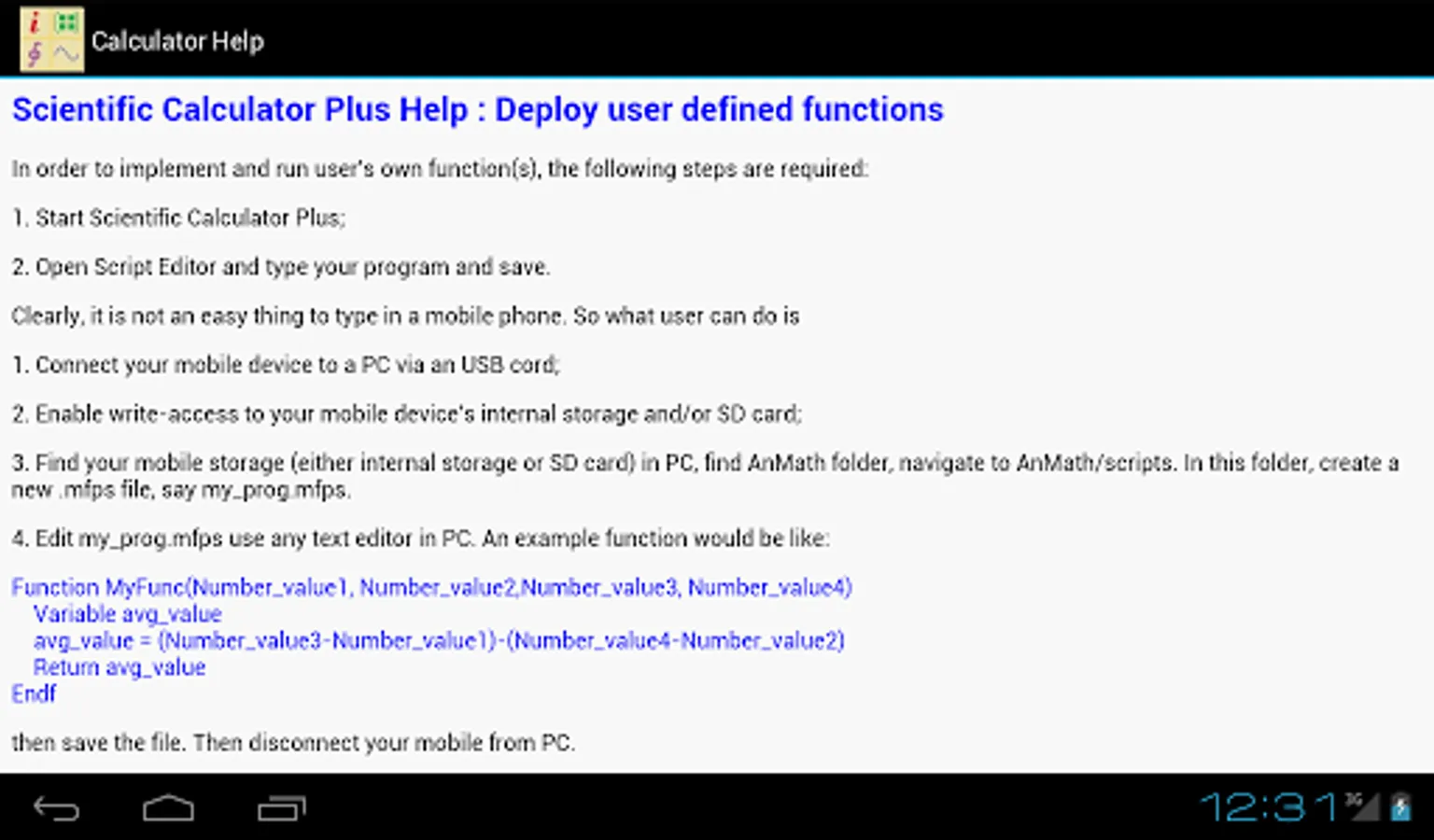
A detailed HTML based manual has been included in the app. User may also visit https://woshiwpa.github.io/MFPLang/en/MFPIndex.html to obtain a full manual of MFP programming language.
Main capabilities:
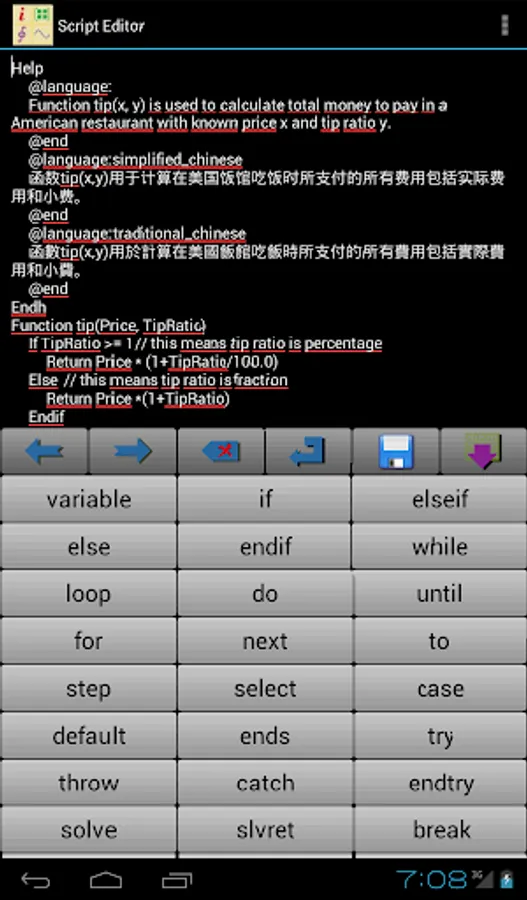
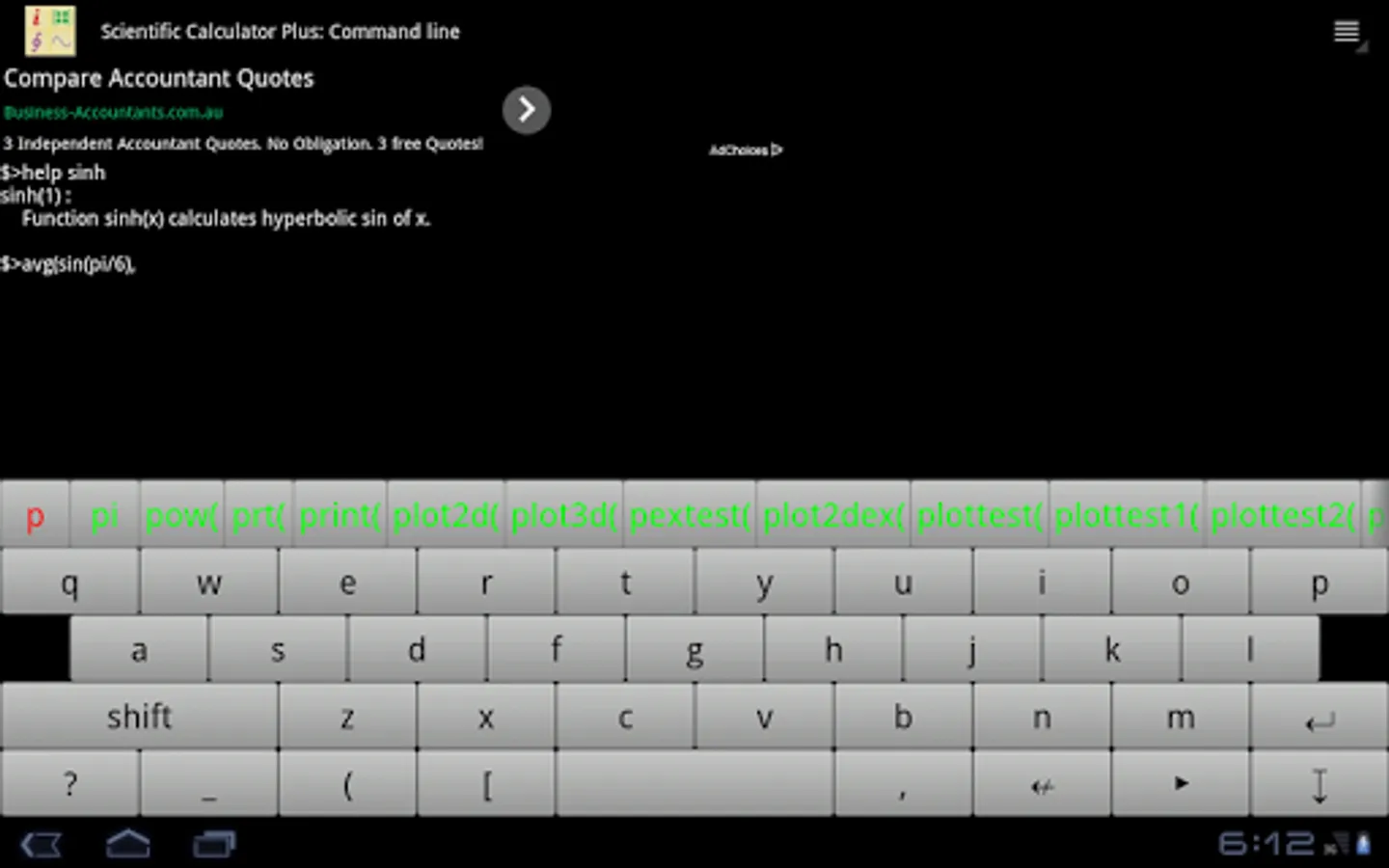
1. Programming and game development: This app is actually a shell of open source scripting language called MFP. This language is object-oriented and able to call all the built-in functions and all the user-defined libs stored in AnMath/scripts folder in Android internal memory / SD card / hard disk. This language includes a group of 2D game APIs, internally supports complex number and matrix, and provides a complete set of functions for graphing, networking, file operating, time / date etc. You can even embed MFP into your Android app.
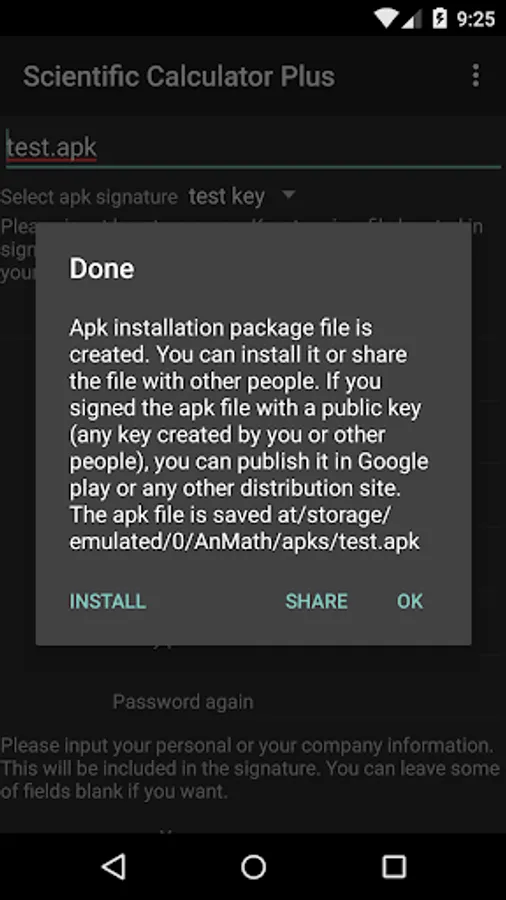
2. Building independent apps: User is able to select any function and build an independent app from it. The built apps can be published in any app distribution site like Google Play.
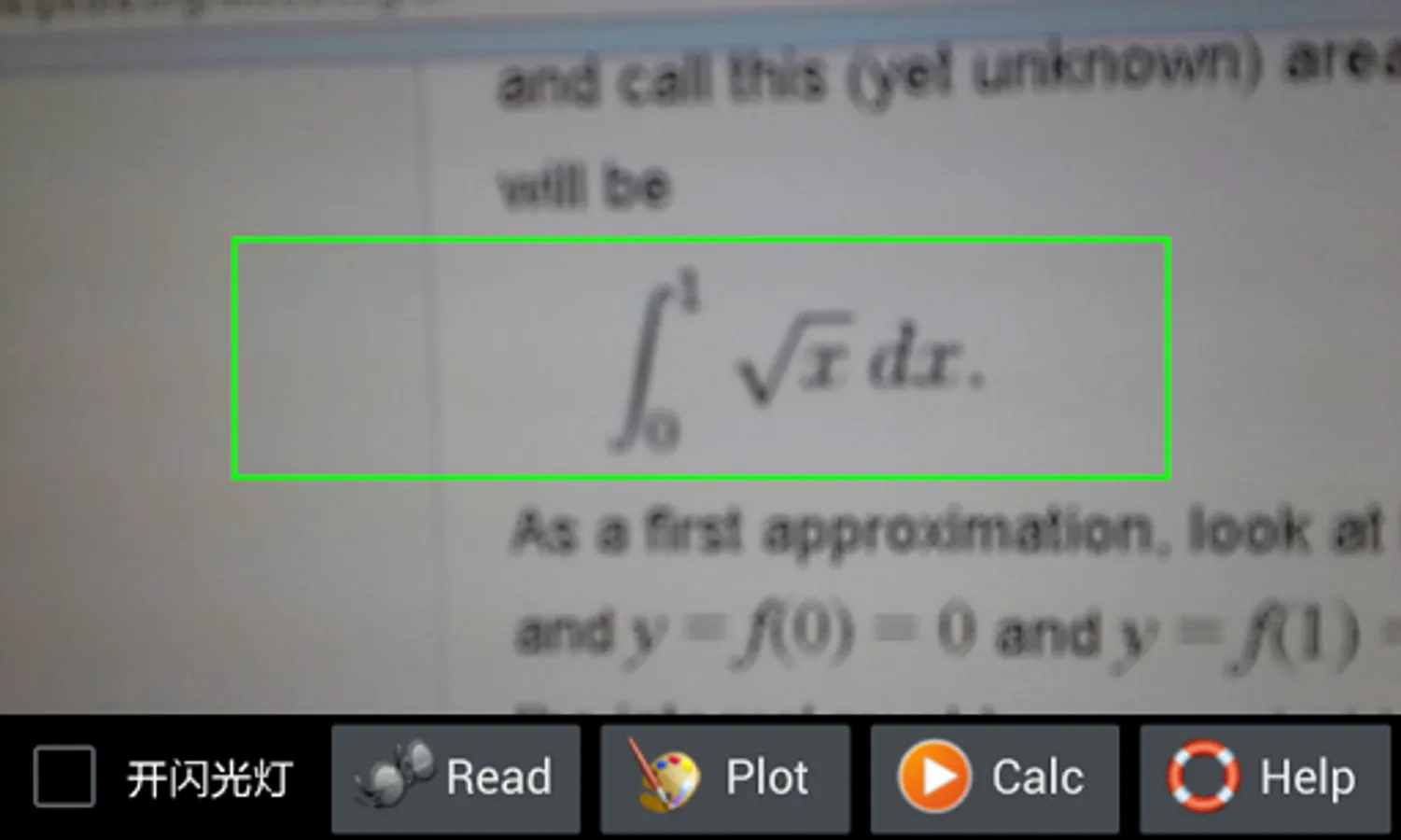
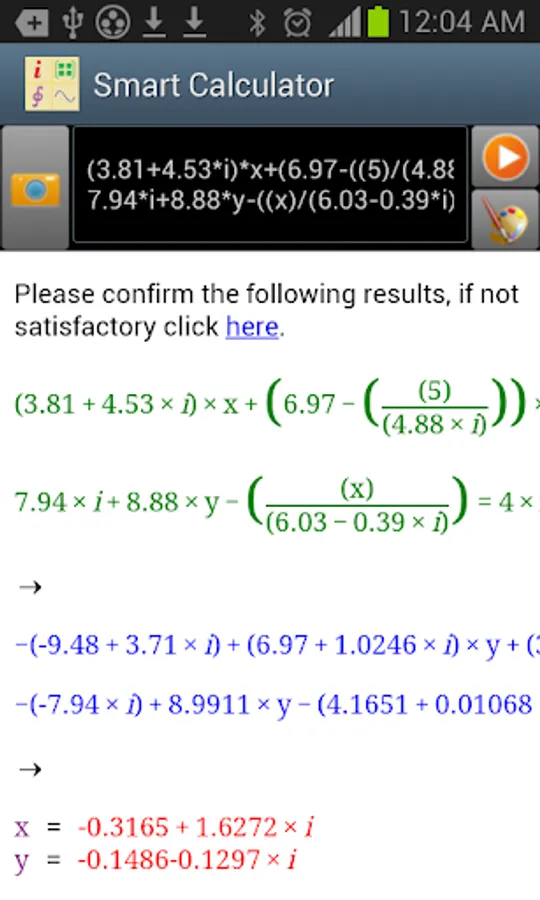
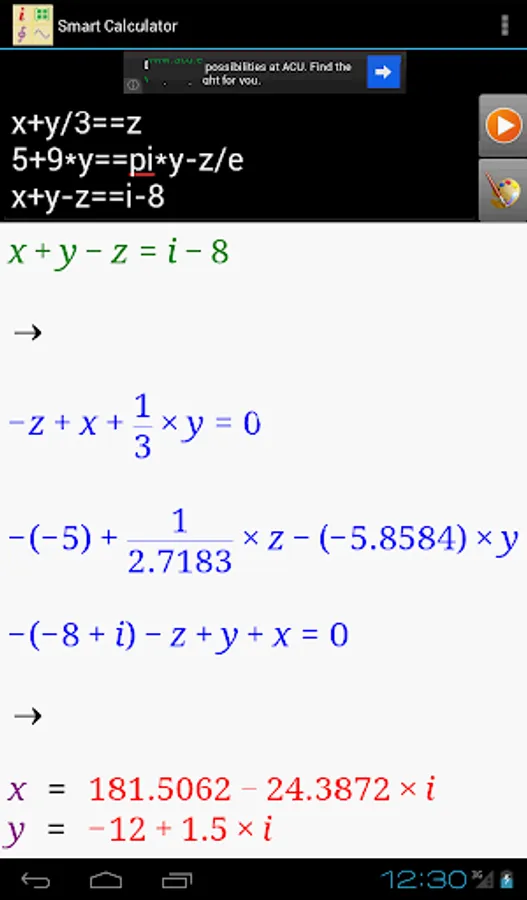
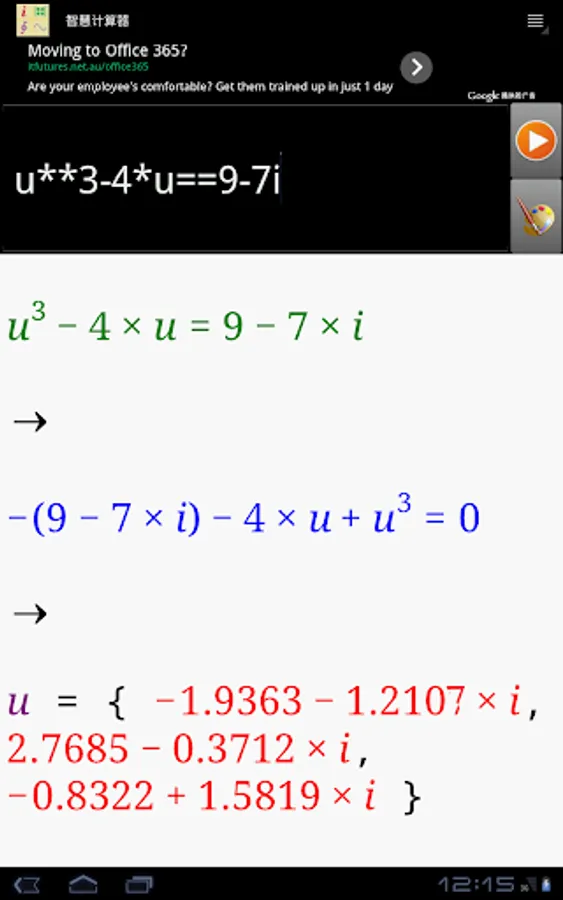
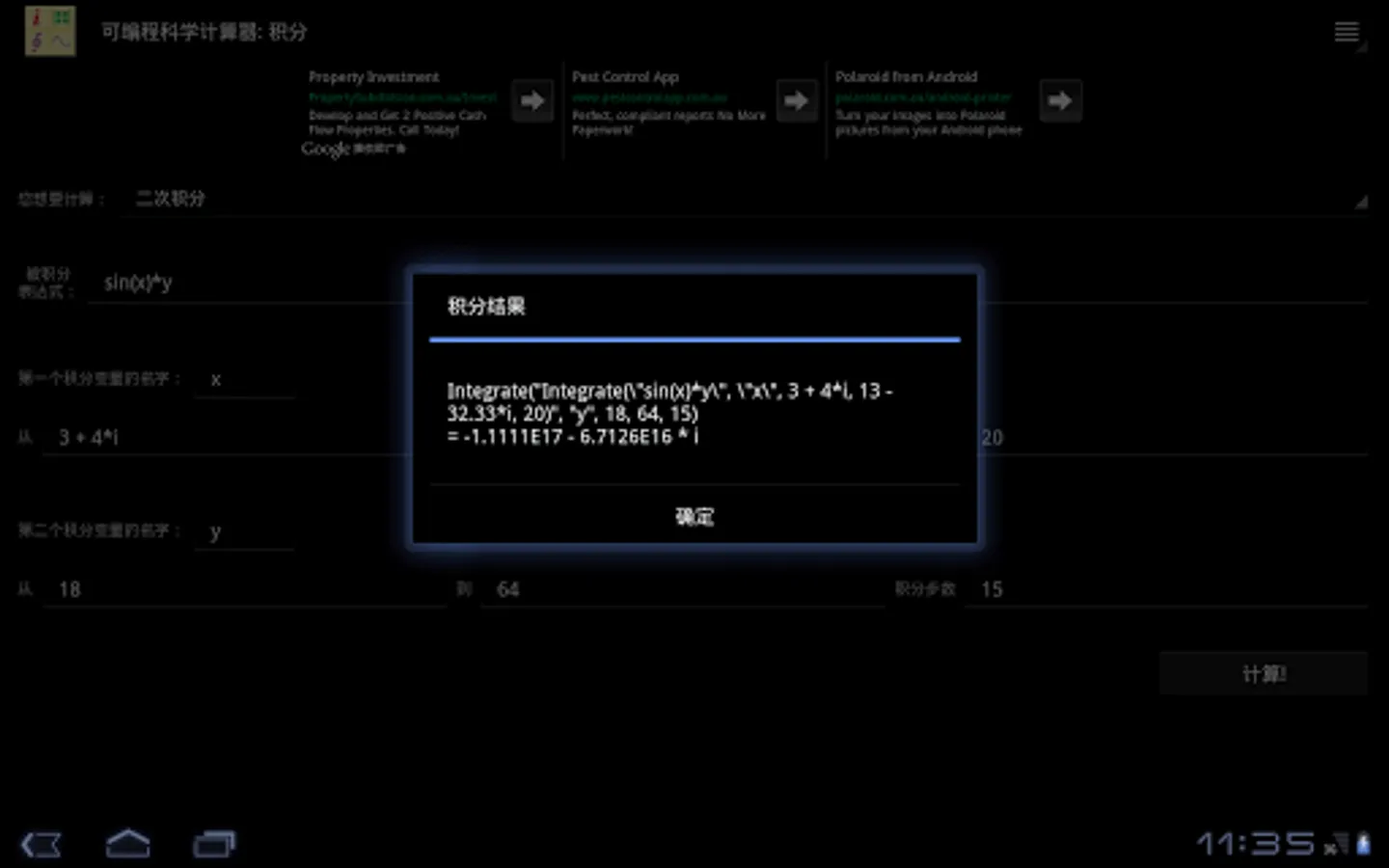
3. Calculation: Scientific Calculator Plus supports complex number, matrix, integration and is able to solve multi-variable linear equations, polynomials (up to 6 order) and other simple functions.
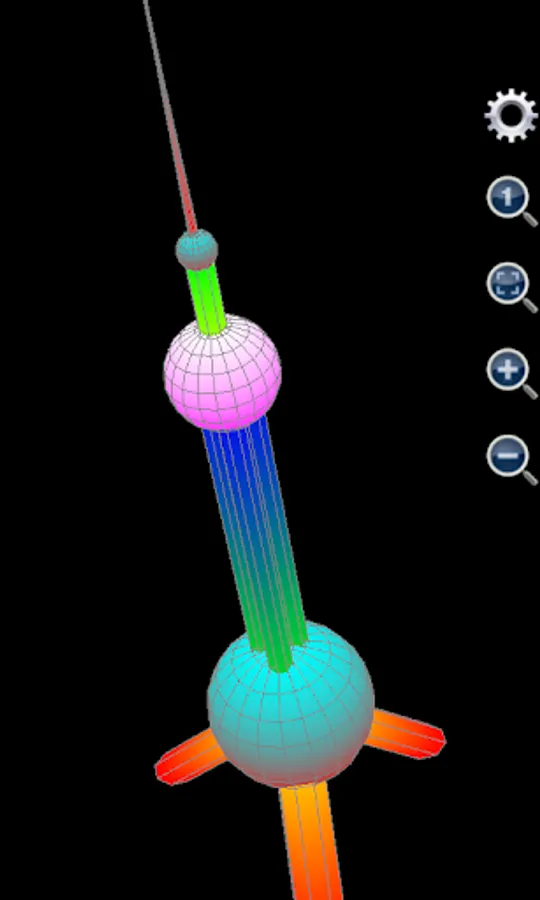
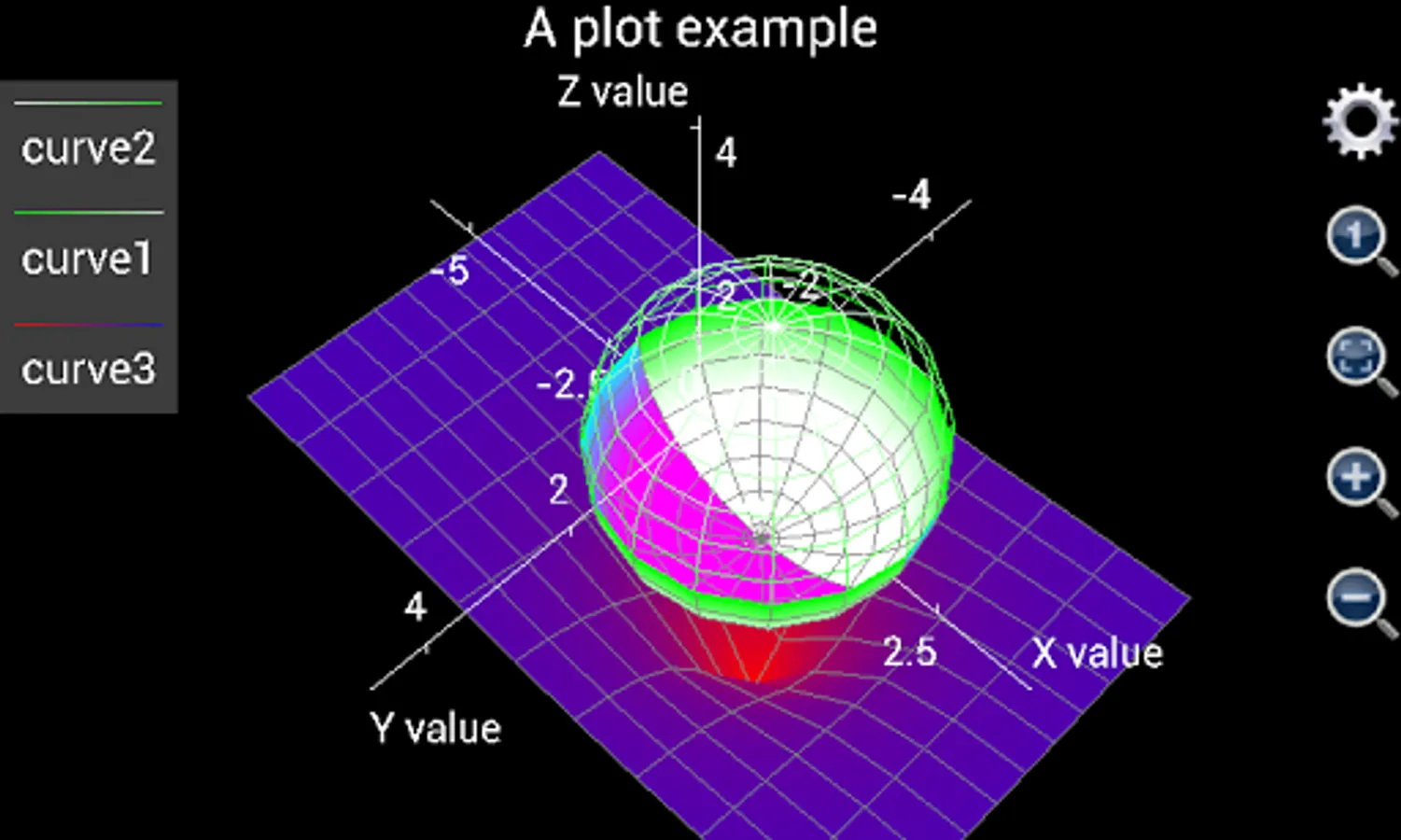
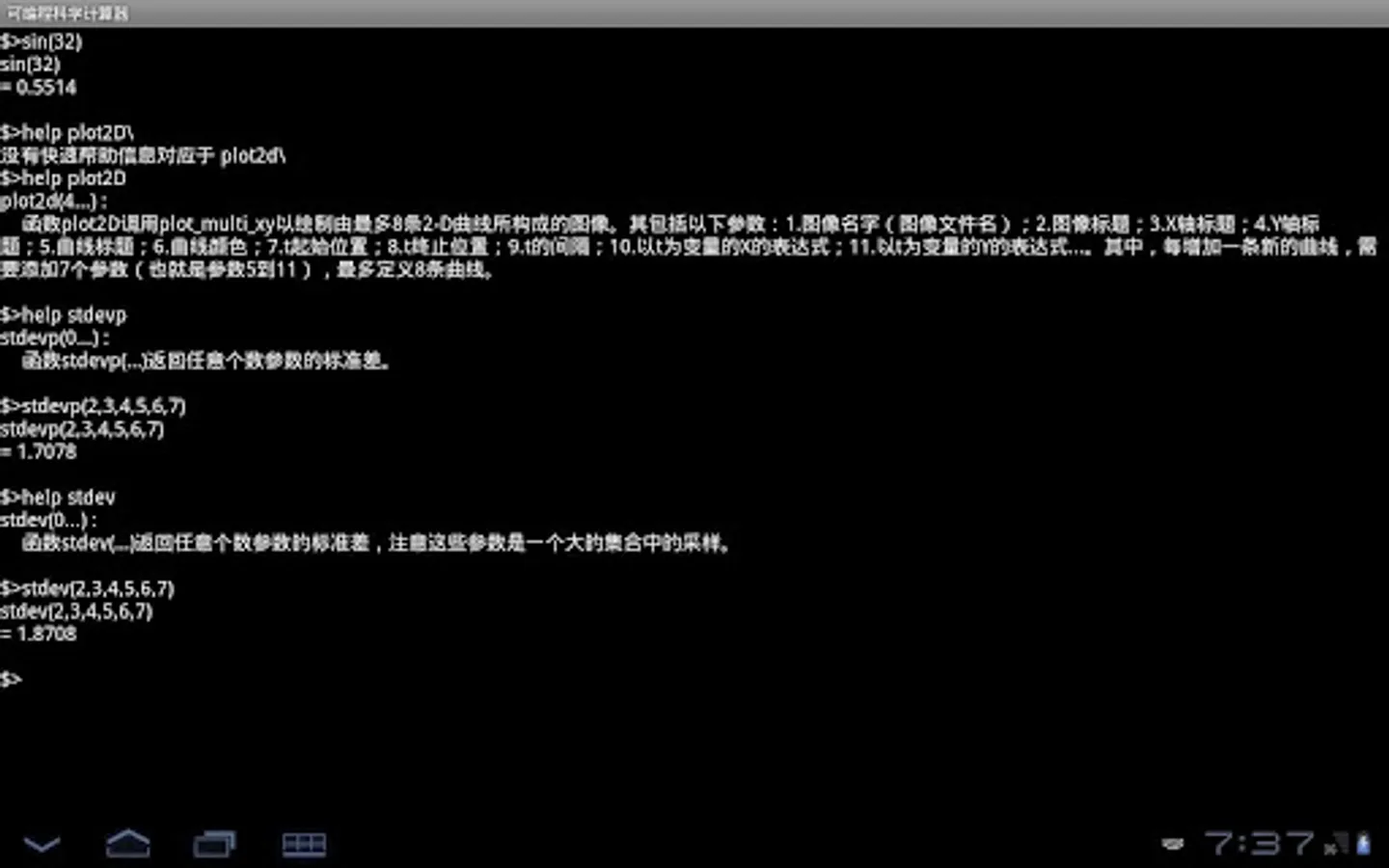
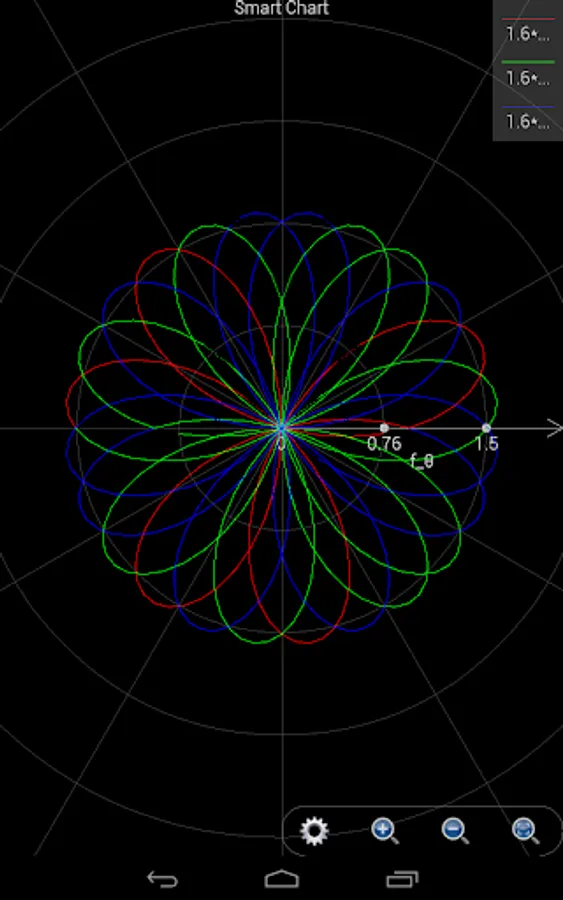
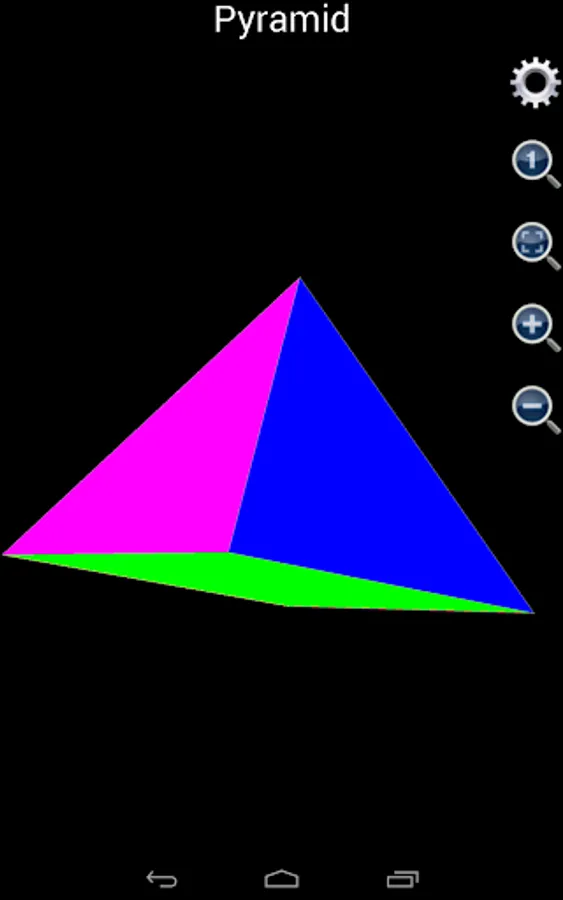
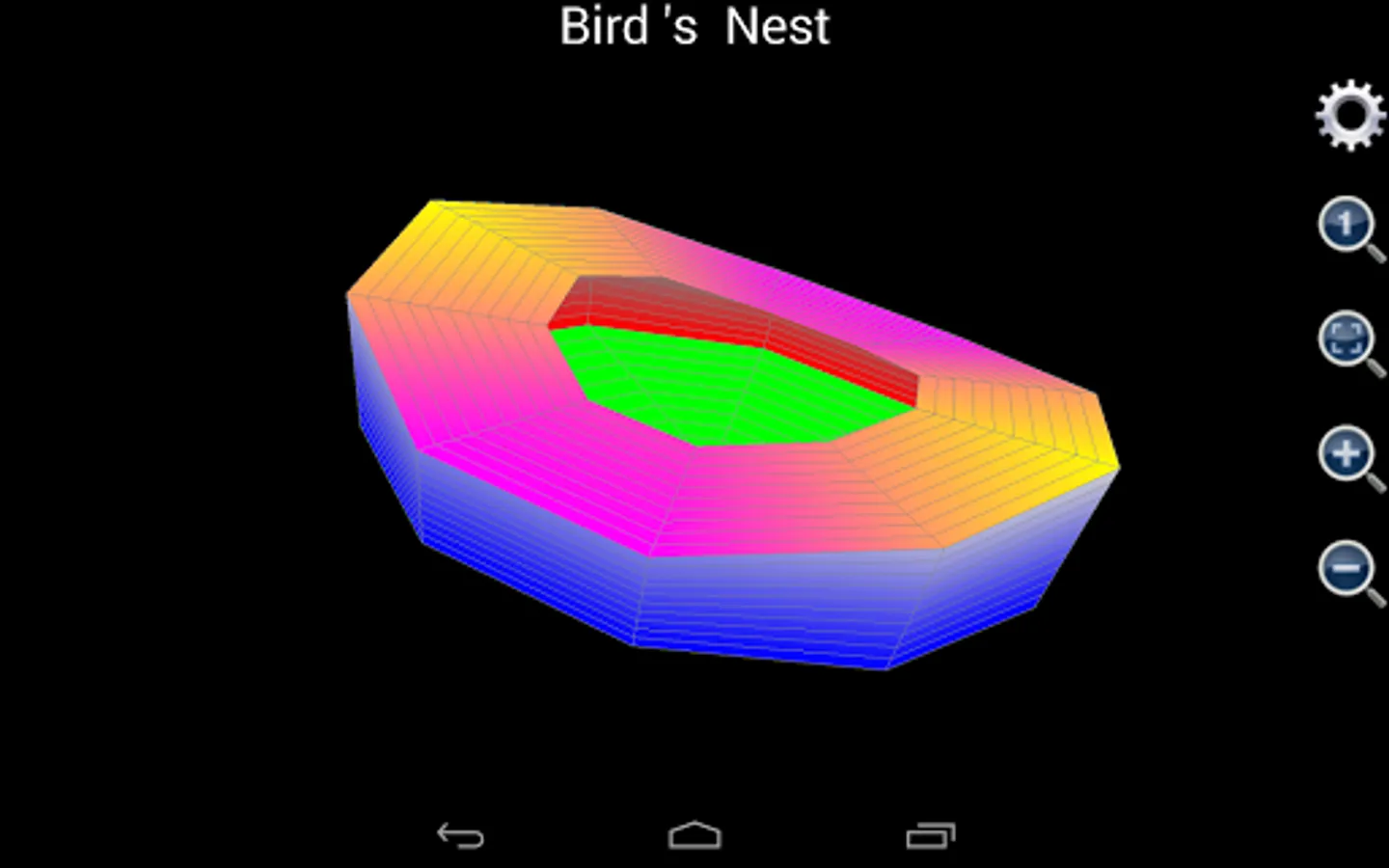
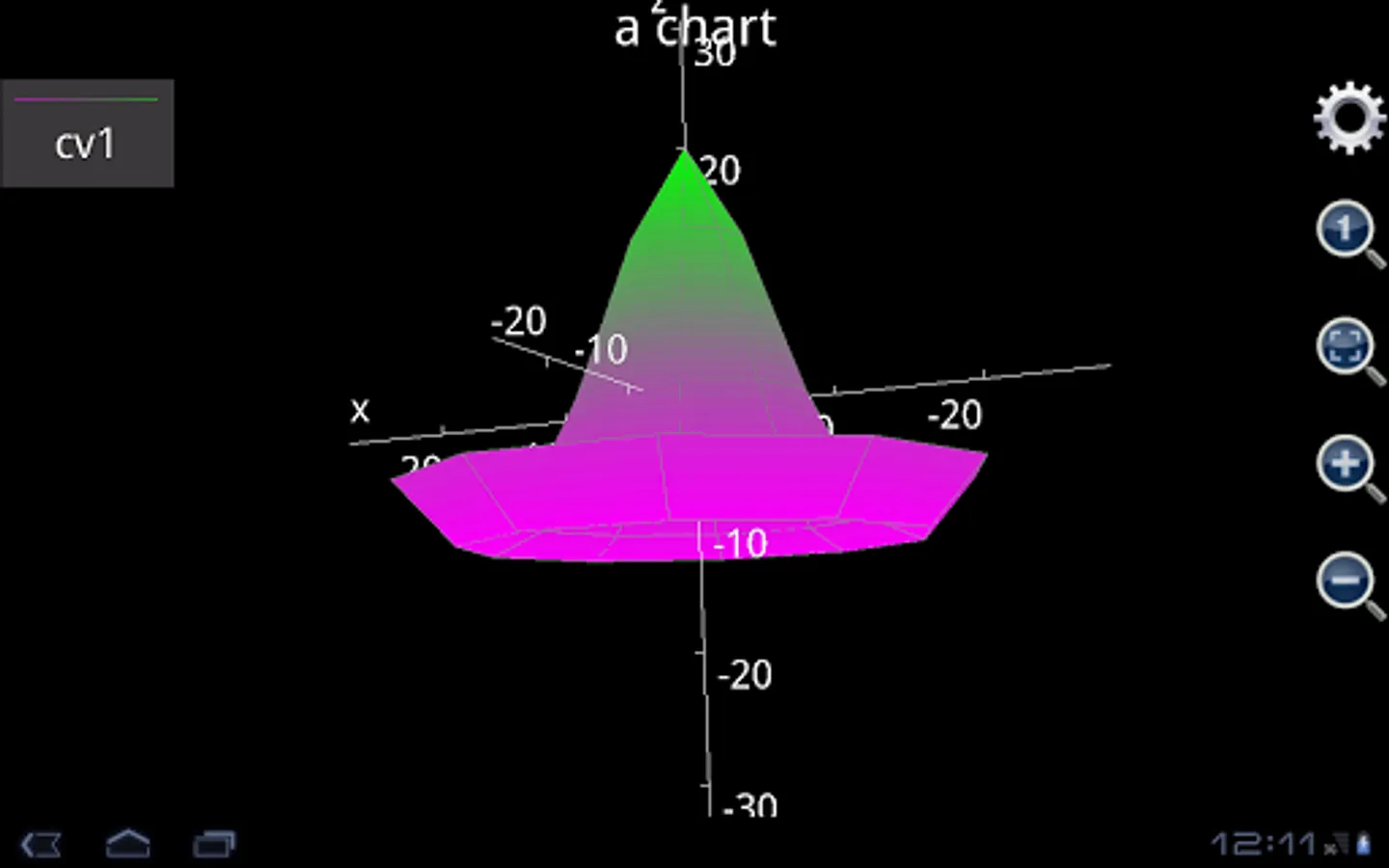
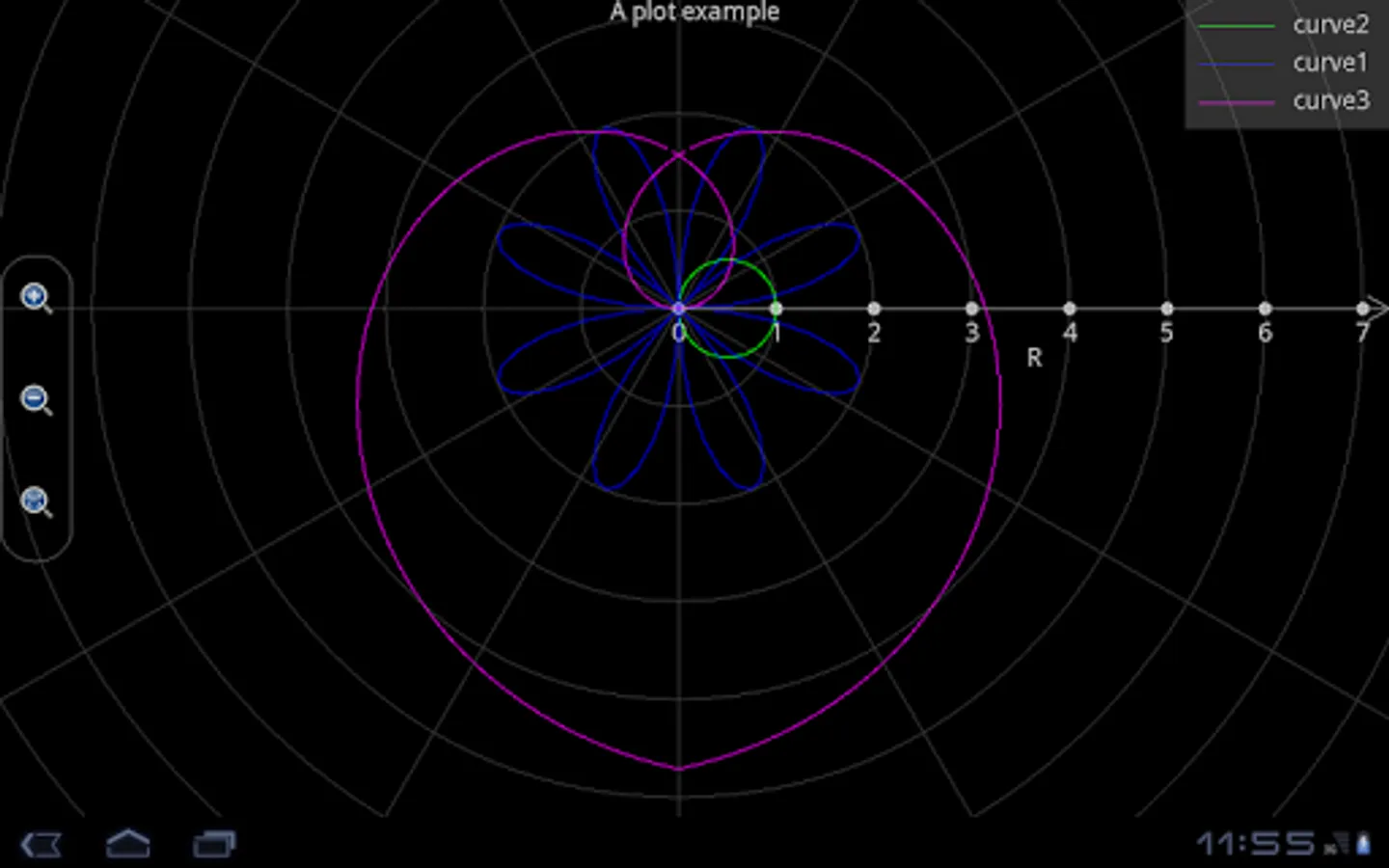
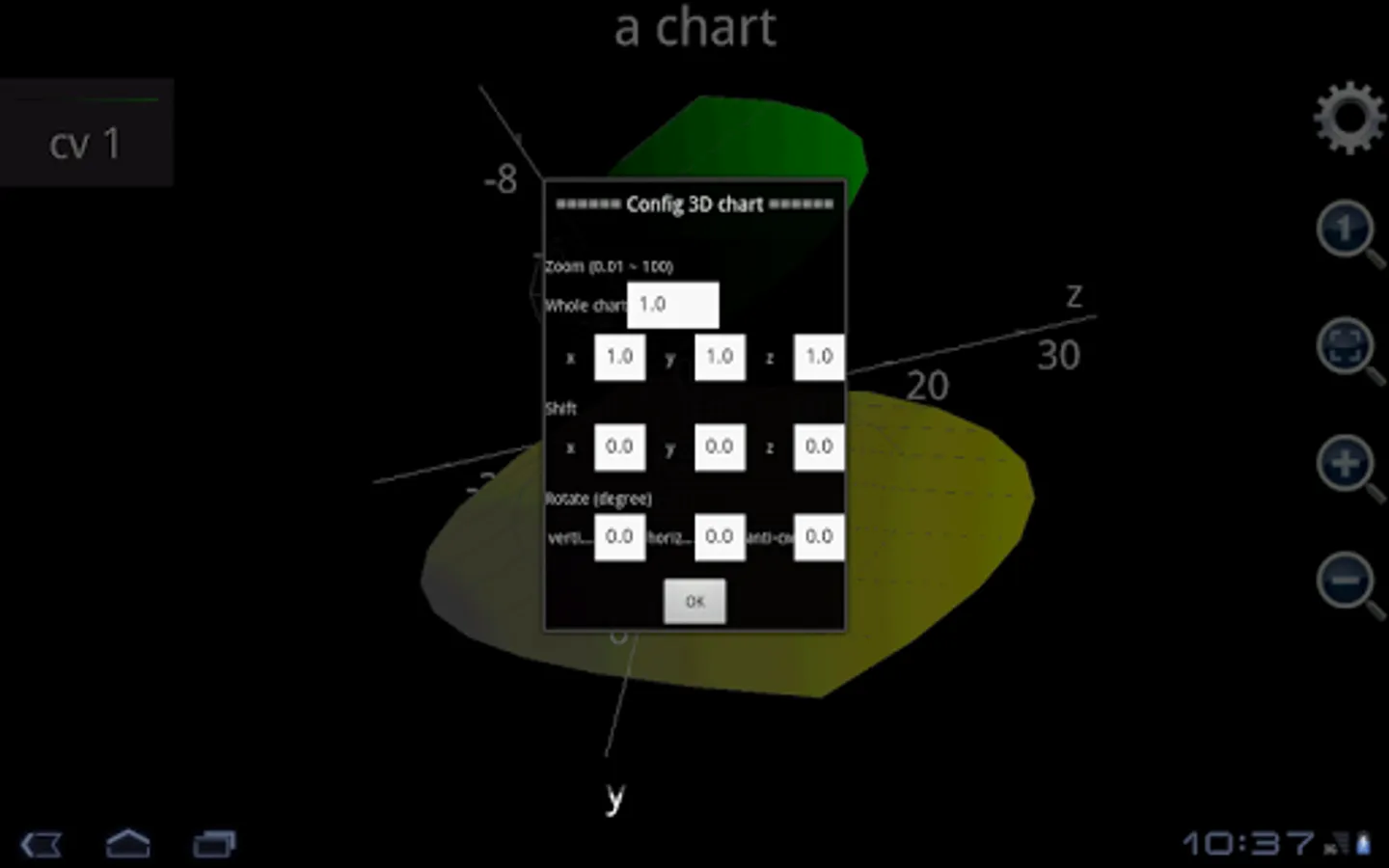
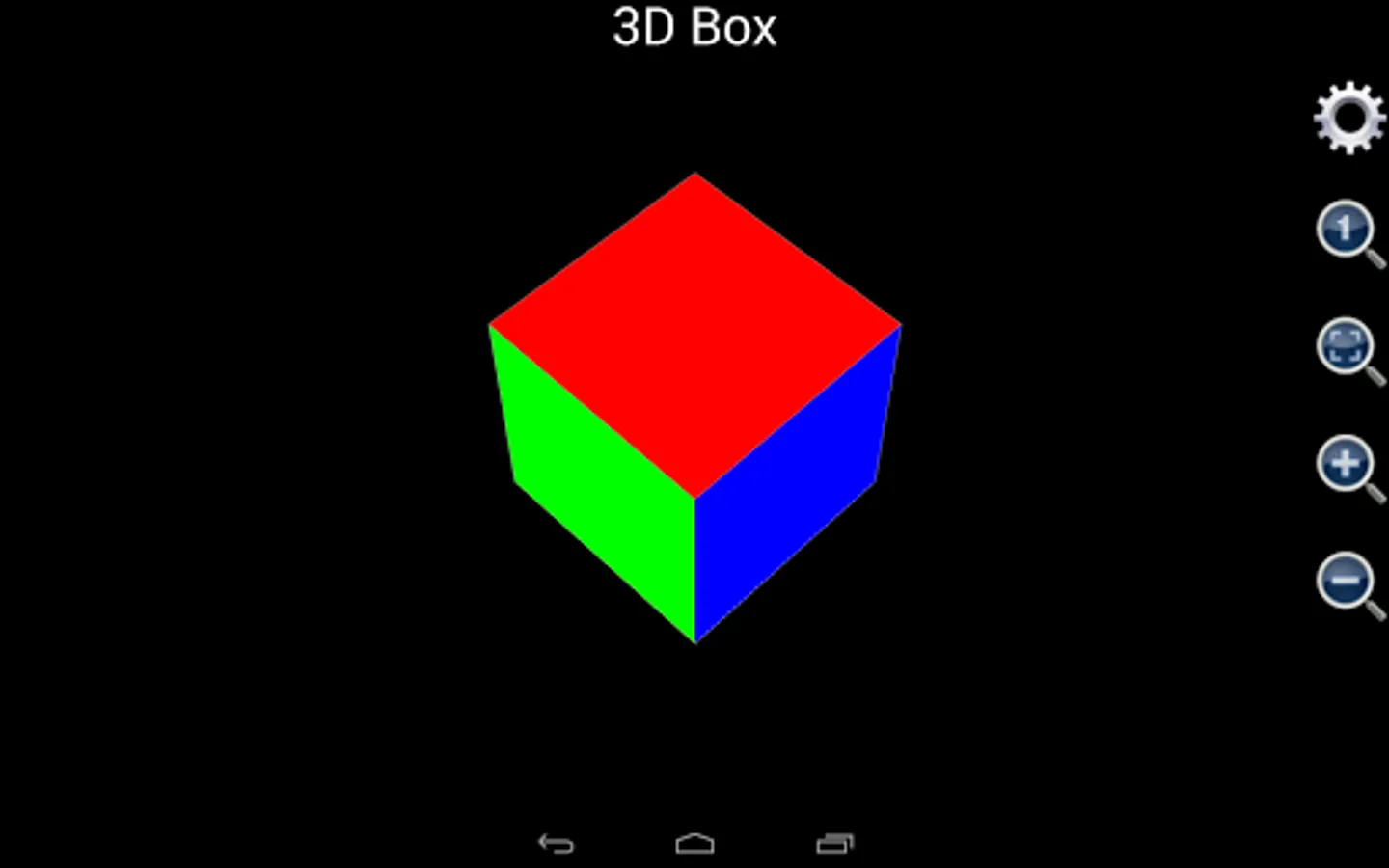
4. Plotting 2D, polar 3D charts: In smart calculator, user inputs the expressions and Scientific Calculator Plus automatically determines what kind of graph to draw. For example, if user inputs x**2+y**2+z**2==1, a 3D ball is drawn. Scientific Calculator Plus also provides stand alone tools to draw complicated graphs and a set of functions to draw charts from command line.
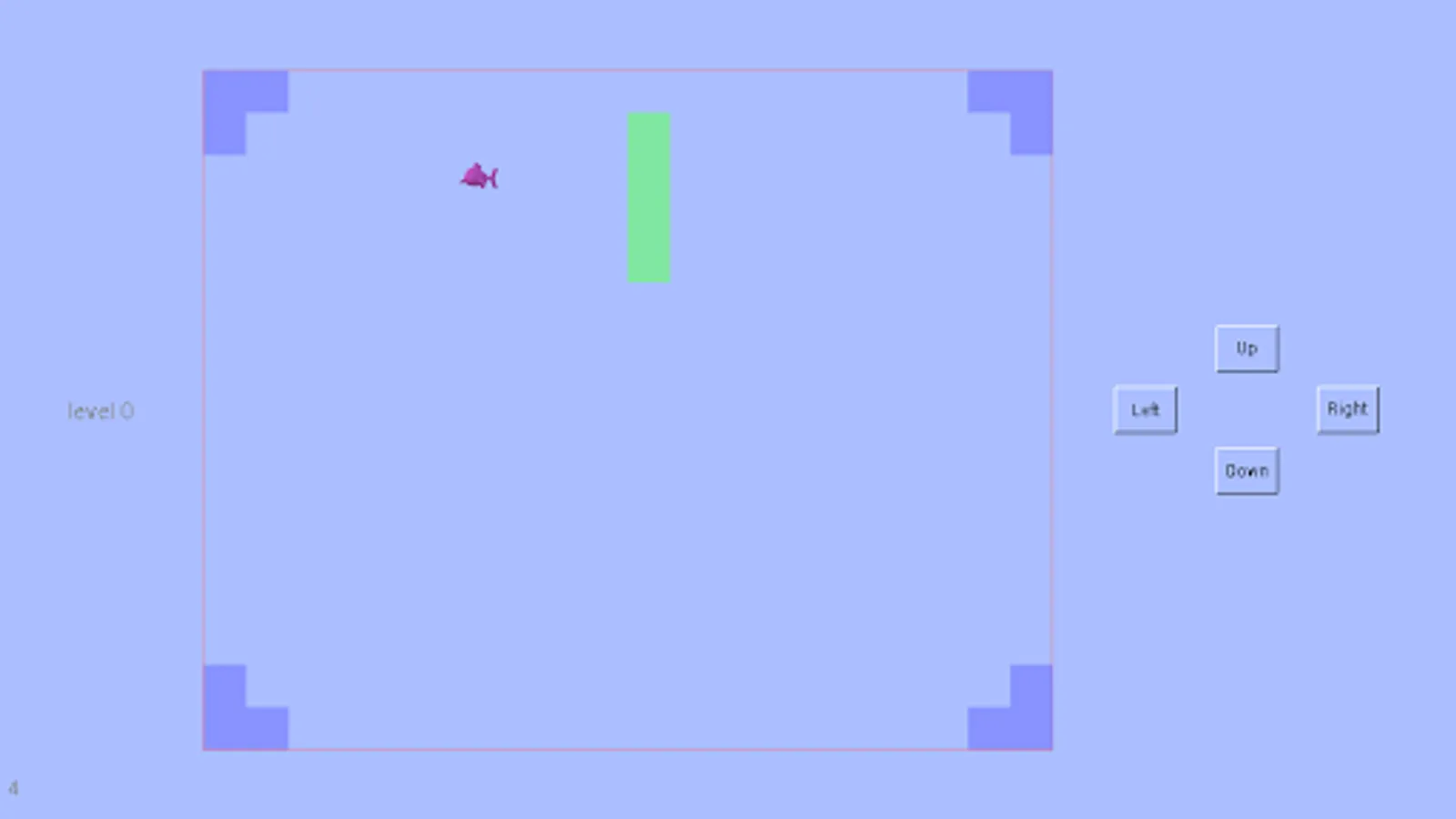
5. 2D game development.
Scientific Calculator Plus provides MFP for Android lib binary file and detailed instruction for Android developers. MFP for Android lib can be embedded into other Android app projects to run MFP codes and call MFP functions. By leveraging the power of MFP, Android developer can easily implement many wonderful and thrilling features with a small amount of time and resources. MFP for Android has been open sourced based on Apache 2.0 license which means any individuals and companies can use it. Its Github project is https://github.com/woshiwpa/MFPAndroLib .
Scientific Calculator Plus's PC (or MAC) version is called Scientific Calculator Plus for JAVA. The source codes and binaries of Scientific Calculator Plus for JAVA have been published in github at https://github.com/woshiwpa/MFPLang4JVM.
A detailed HTML based manual has been included in the app. User may also visit https://woshiwpa.github.io/MFPLang/en/MFPIndex.html to obtain a full manual of MFP programming language.
Main capabilities:
1. Programming and game development: This app is actually a shell of open source scripting language called MFP. This language is object-oriented and able to call all the built-in functions and all the user-defined libs stored in AnMath/scripts folder in Android internal memory / SD card / hard disk. This language includes a group of 2D game APIs, internally supports complex number and matrix, and provides a complete set of functions for graphing, networking, file operating, time / date etc. You can even embed MFP into your Android app.
2. Building independent apps: User is able to select any function and build an independent app from it. The built apps can be published in any app distribution site like Google Play.
3. Calculation: Scientific Calculator Plus supports complex number, matrix, integration and is able to solve multi-variable linear equations, polynomials (up to 6 order) and other simple functions.
4. Plotting 2D, polar 3D charts: In smart calculator, user inputs the expressions and Scientific Calculator Plus automatically determines what kind of graph to draw. For example, if user inputs x**2+y**2+z**2==1, a 3D ball is drawn. Scientific Calculator Plus also provides stand alone tools to draw complicated graphs and a set of functions to draw charts from command line.
5. 2D game development.
Scientific Calculator Plus Screenshots



Tap to Rate:
Reviews for Scientific Calculator Plus
A Google user
2/5/2020
awesome calculator...I suggest all to download it 👍👍
A Google user
1/26/2020
My only criticism would've been the fact that there is no comprehensive manual whereas even the actual scientific calculator comes with one.