Smart Photographic Calculator
CYZ SOFT
2.5 ★
1K ratings
100,000+
downloads
Free
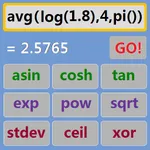
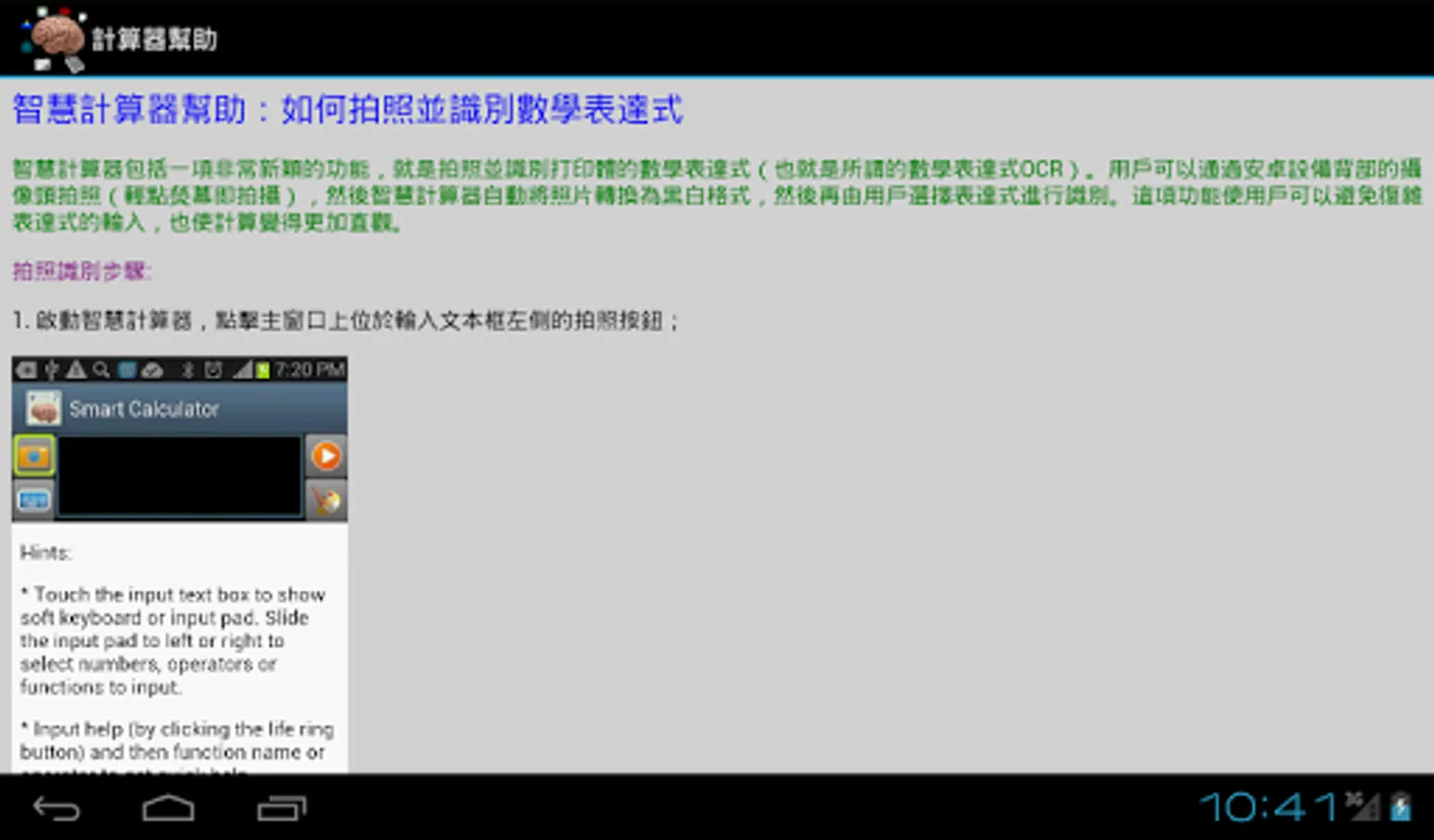
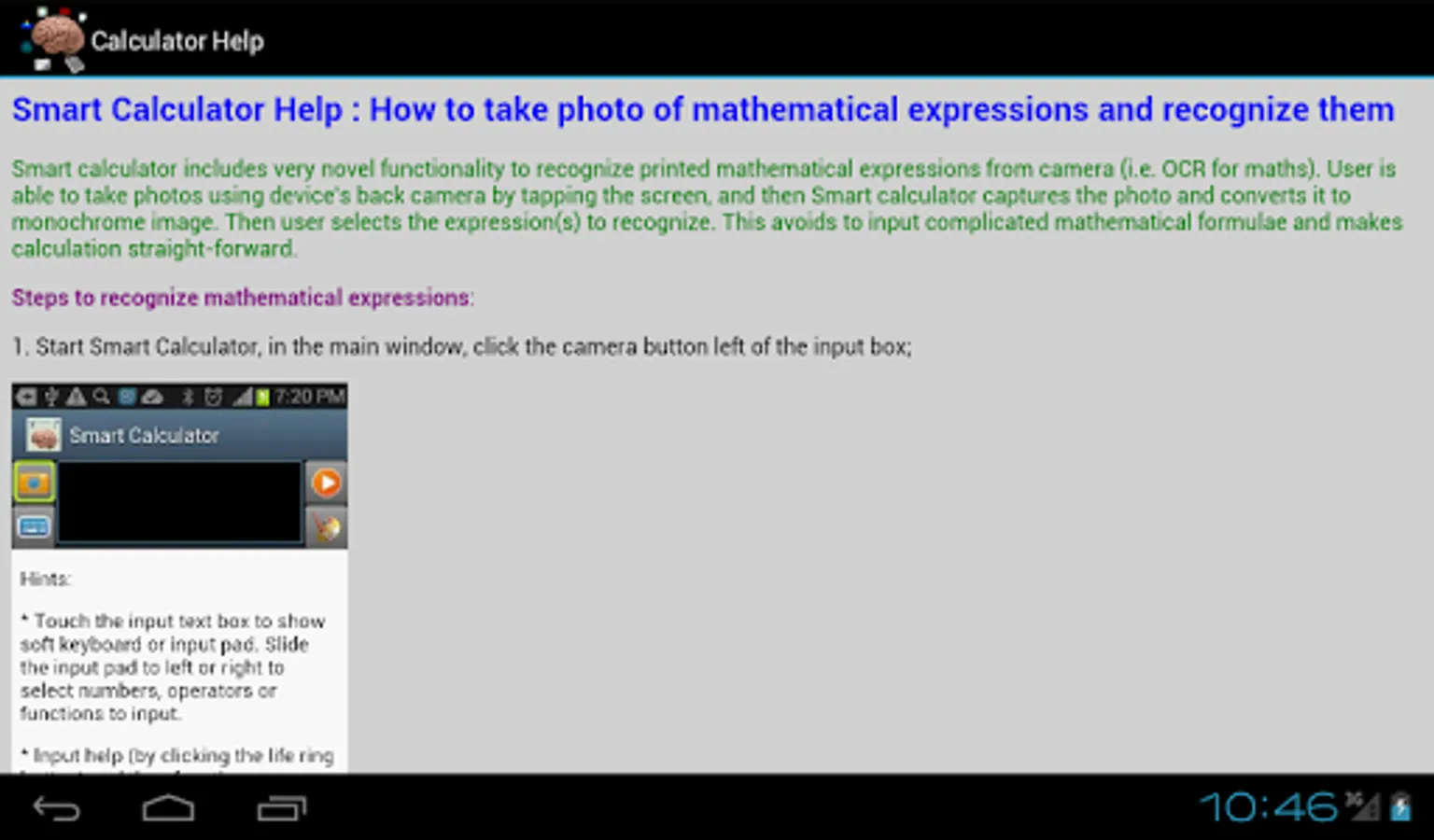
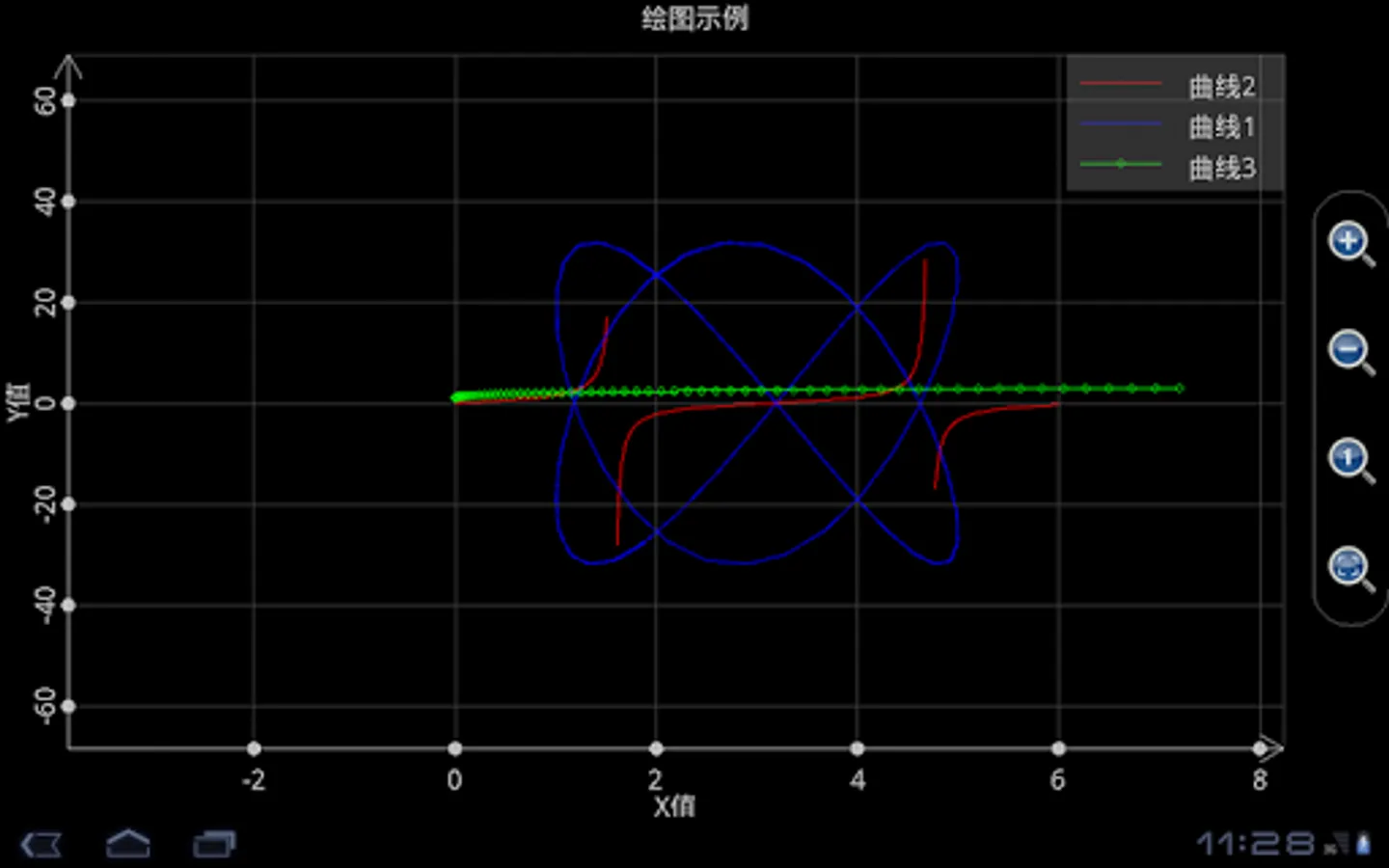
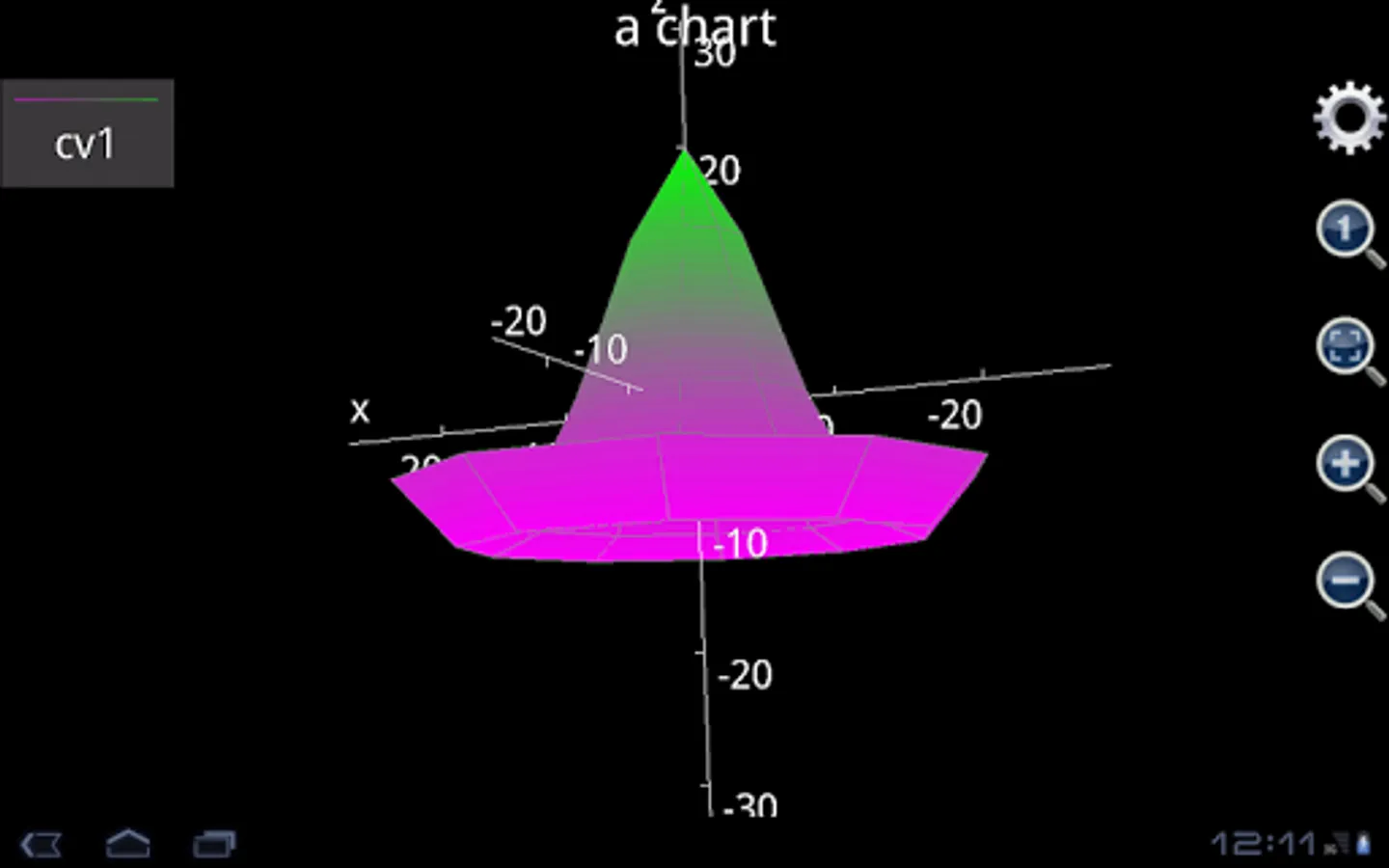
In this calculator app, users can recognize, analyze, and plot mathematical expressions using the camera or input; it supports complex math types including matrices, integrals, and unit conversions. Includes features such as printed math recognition, 2D and 3D chart plotting, and basic matrix calculations.
AppRecs review analysis
AppRecs rating 2.6. Trustworthiness 47 out of 100. Review manipulation risk 40 out of 100. Based on a review sample analyzed.
★★☆☆☆
2.6
AppRecs Rating
Ratings breakdown
5 star
21%
4 star
21%
3 star
0%
2 star
0%
1 star
57%
What to know
⚠
Mixed user feedback
Average 2.5★ rating suggests room for improvement
⚠
Review quality concerns
68% of sampled 5-star reviews are very short
⚠
High negative review ratio
57% of sampled ratings are 1–2 stars
About Smart Photographic Calculator
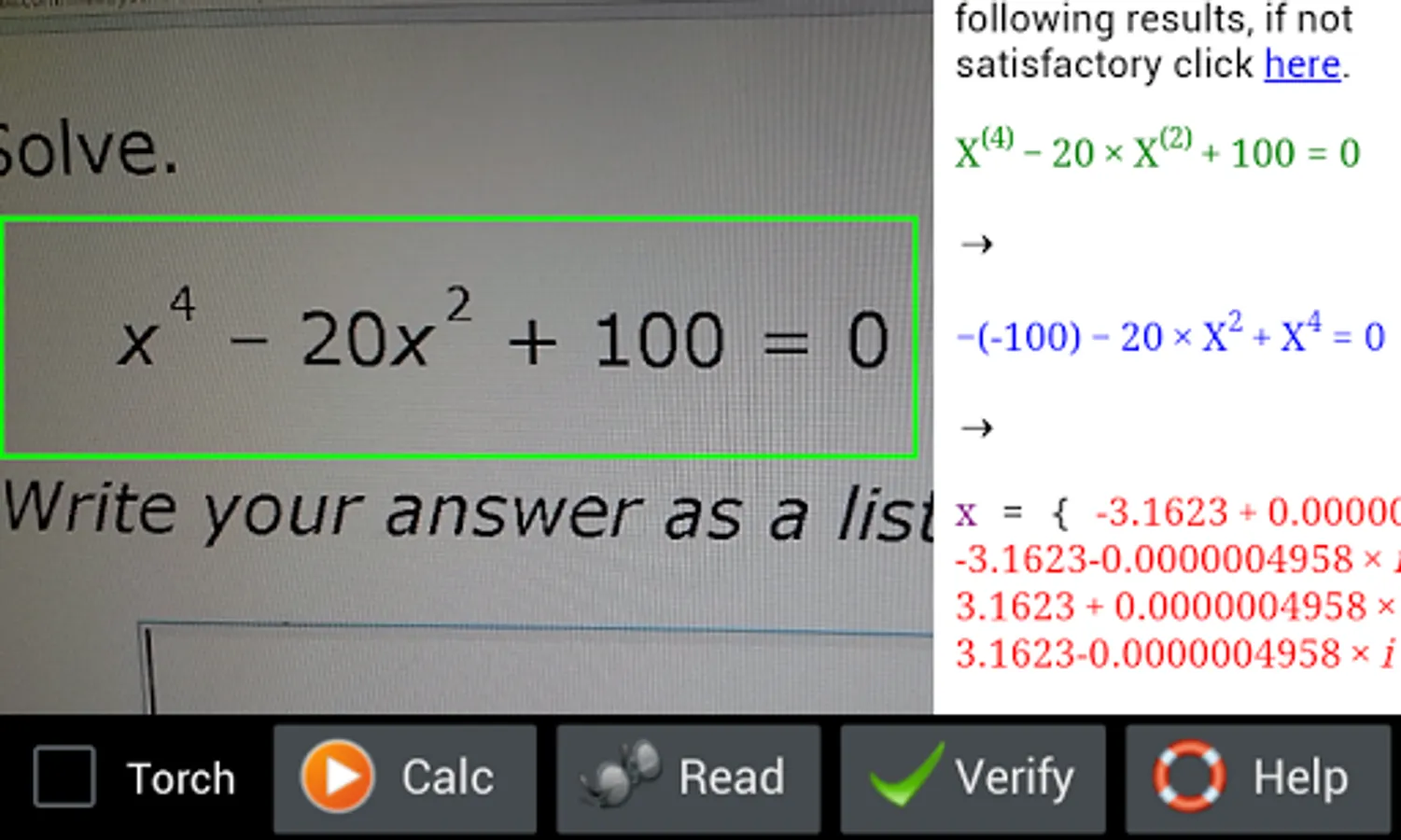
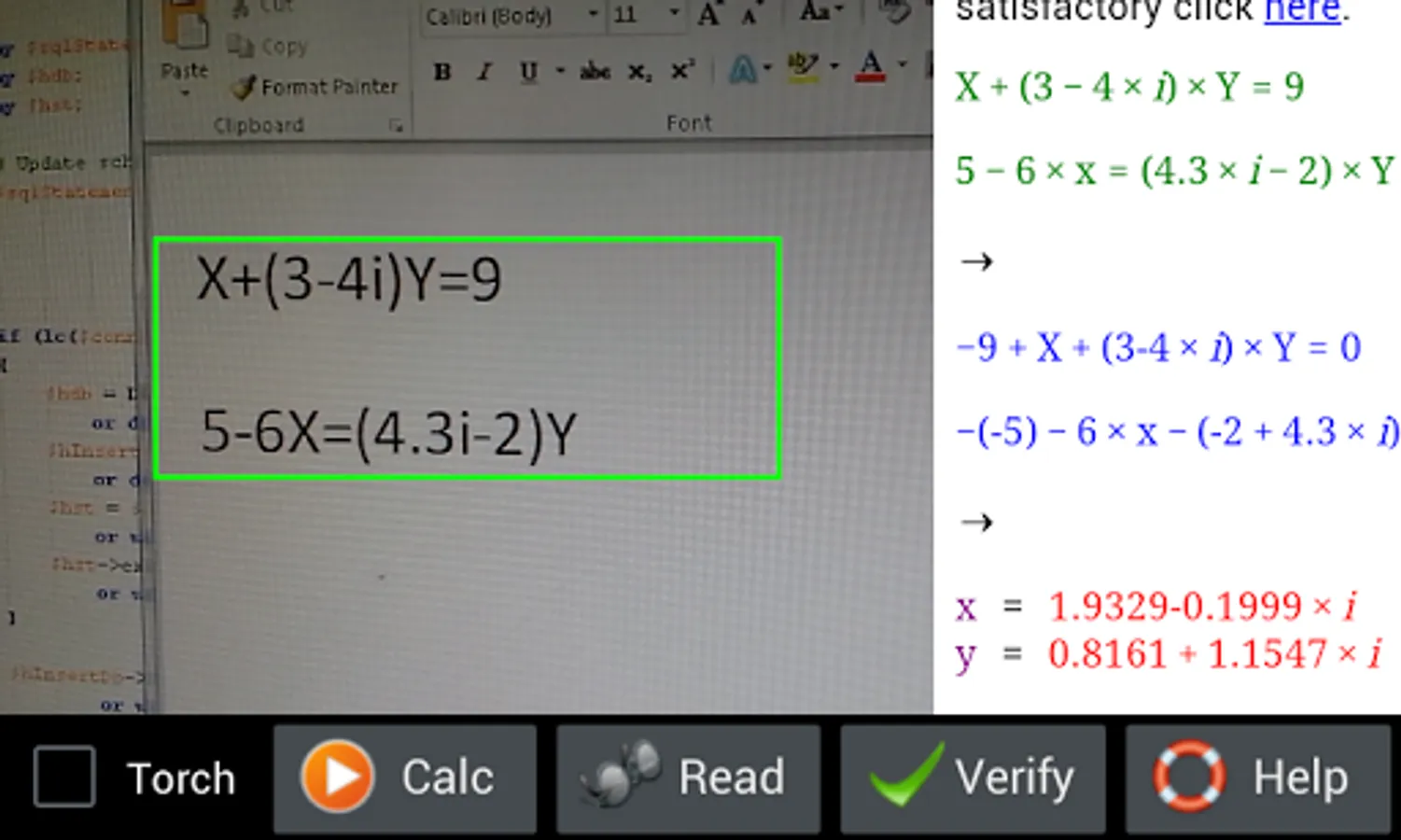
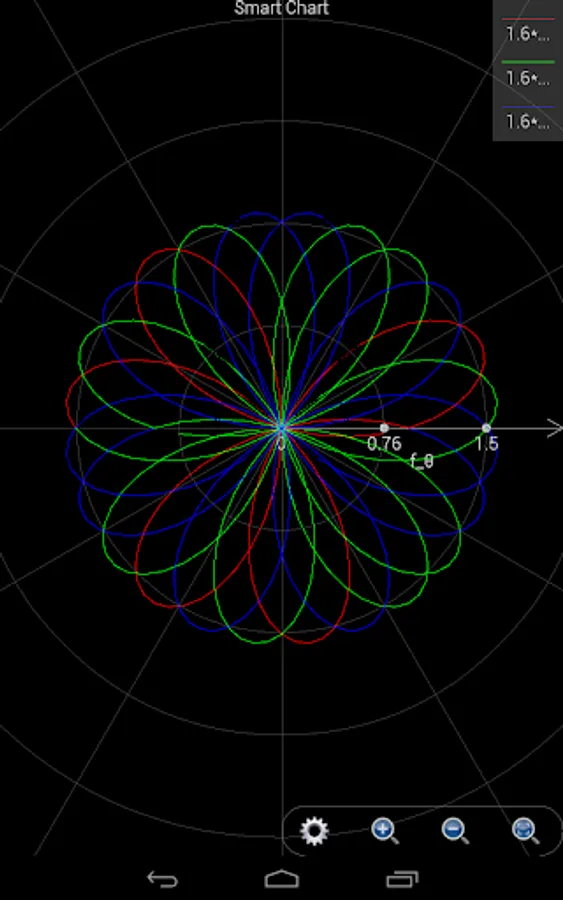
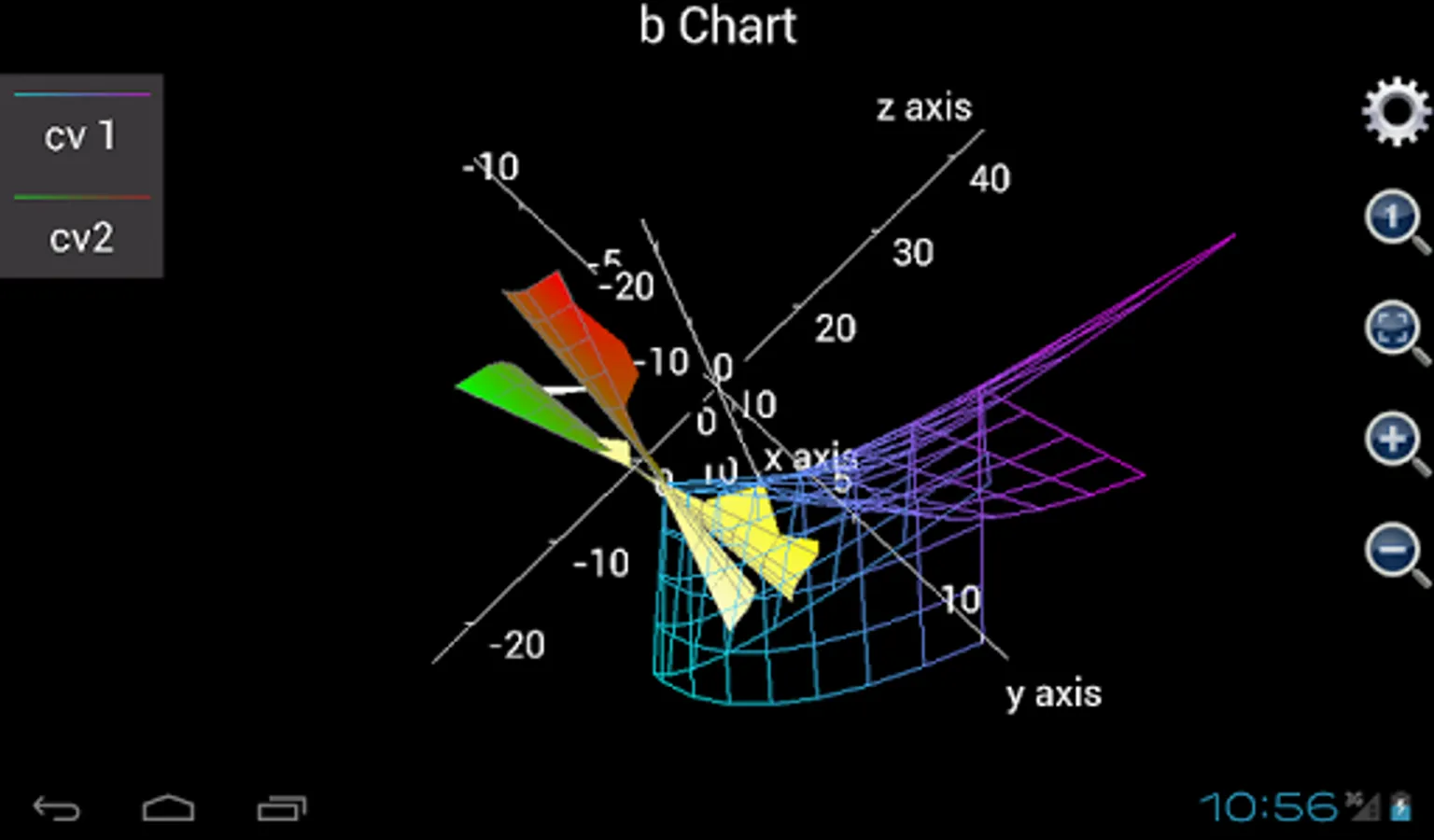
Smart Photographic Calculator is a powerful tool to recognize (back camera is required), analyze, solve and plot mathematical expressions. It supports printed math expression recognition, complex number, matrix, (higher order) integral, unit conversion and 2D/3D/polar chart plotting. It is based on a powerful math engine, MFP programming language. However, to make it easy-to-use, user is not allowed to define functions.
Smart Photographic Calculator supports basic arithmetic operations like +-*/, mixed and complex fractions and power (80% accuracy), multi-variable linear equations (80% accuracy, variable name should be x, a, b, c or y), polynomial (80% accuracy, variable name should be x, a, b, c or y), (first level) integral (70% accuracy), summation (80% accuracy) and basic matrix calculation (60% accuracy). Operator can be complex values. Note that handwriting math recognition is still in beta stage.
A few questions users might ask:
Q1. Why this app recognizes math expression slower than some similar apps like photomath?
A: This is because we think more. Math expression can be extremely complicated. It can include left and right upper notes, foot notes, top expression and bottom expression. Moreover, several expressions can be combined to construct a matrix or a linear equation group. As such, difficulty is not identifying individual characters, but analyzing the structure. Photomath is very swift because it does not support very complicated math structure so that it avoids to analyze a lot of things.
Nevertheless, if just recognizing simple calculations the above analysis is not needed. To this end we are working to apply different modes to math recognition. Primary school student will soon find that Smart Photographic Calculator becomes much faster in the future releases.
Q2. Can this app recognize expressions within noisy background or from text?
A: This app has reasonable capability to filter off noise and irrelavant text. However, we cannot garantee to remove all the noise and irrelavants. So please try to take photo of math with clear background, like white paper or computer screen. Also note that camera should not be place too close to computer screen because it will see a lot of pixels.
User may argue that Photomath is able to extract expressions from irrelavant text. This is true. But seems that Photomath identifies an expression by counting the digits in the text. We cannot rely on this criterion because, very possible, a math expression may include no digit at all. But we promise our algorithm will work better in future releases.
So far our algorithm is good at handling simple expressions including only arithmetic operations. But for matrix and multi-linear expressions things are different. So if user wants to calculate expressions with matrix or multi-linear expressions, ensure a clear background first.
Q3. What are other requirements to recognize math properly?
A: First, this app can only recognize STANDARD math expressions. It cannot read text or do some calculation based on special format. As such, if user scan the following text:
what's the value of 2 plus 3?
, it will return nothing.
Also, user has to ensure that expressions are printed clearly and no shaking when taking photo.
Third, camera should not be too far away from expression and keep right angle to take photo. Otherwise if character size is too small or image of expression is inclined, nothing can be recognized.
Finally, user could retry math recognizing several times to get expression recognized.
Q4. Please show me some examples that Smart Photographic Calculator can work.
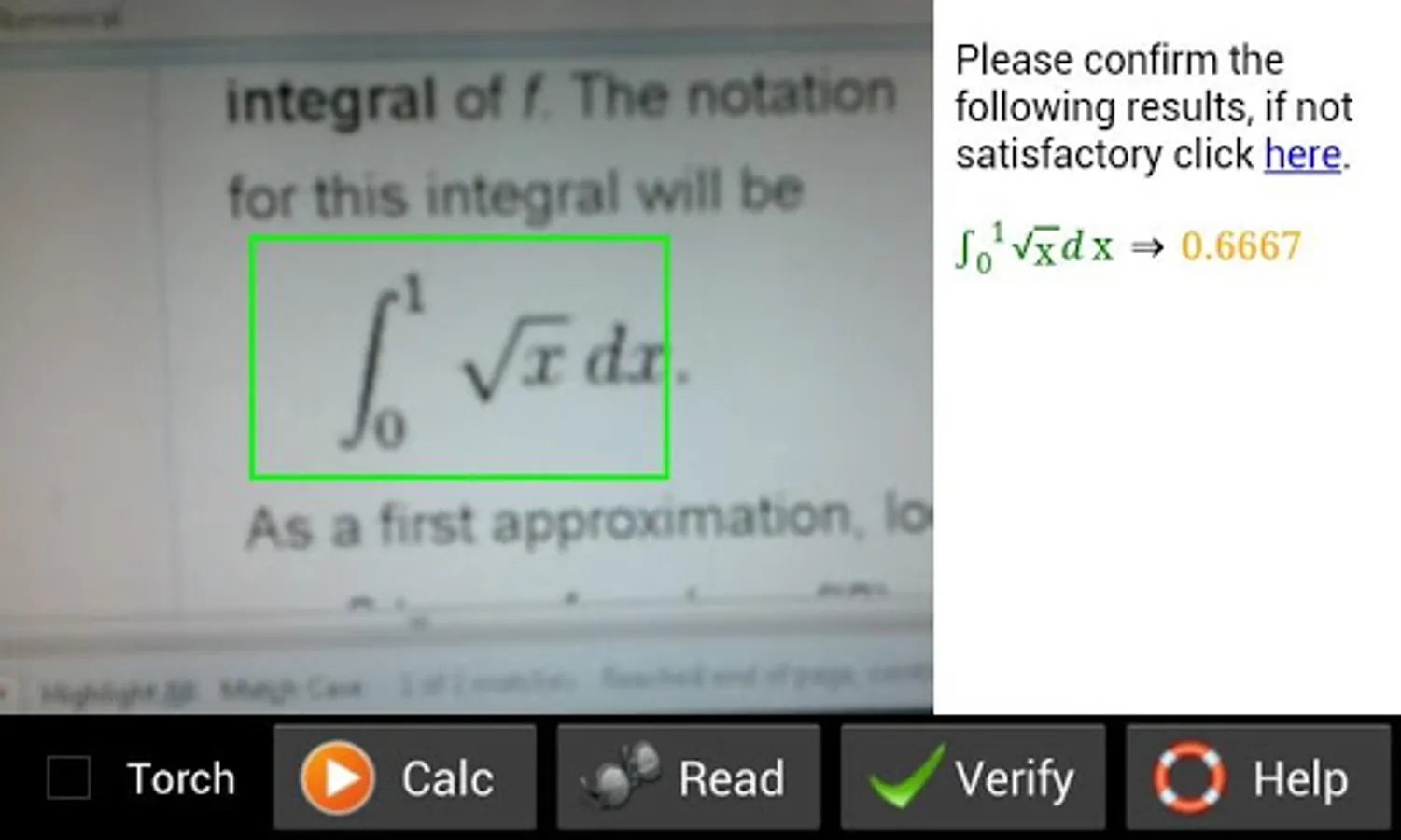
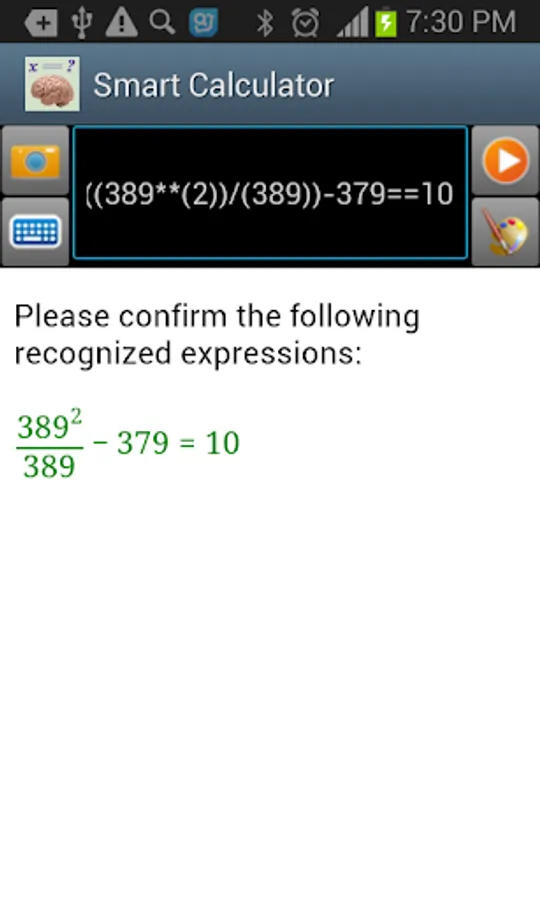
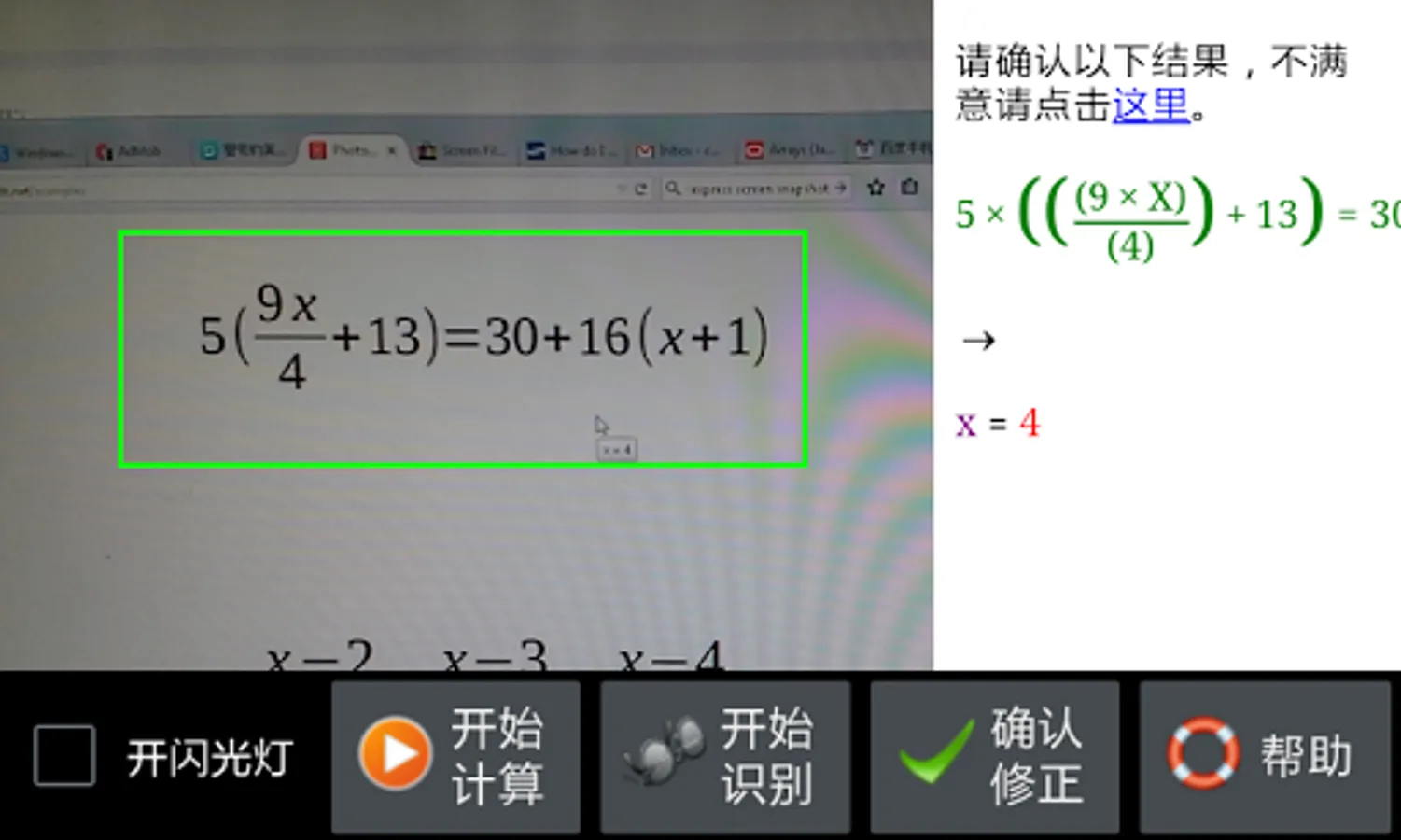
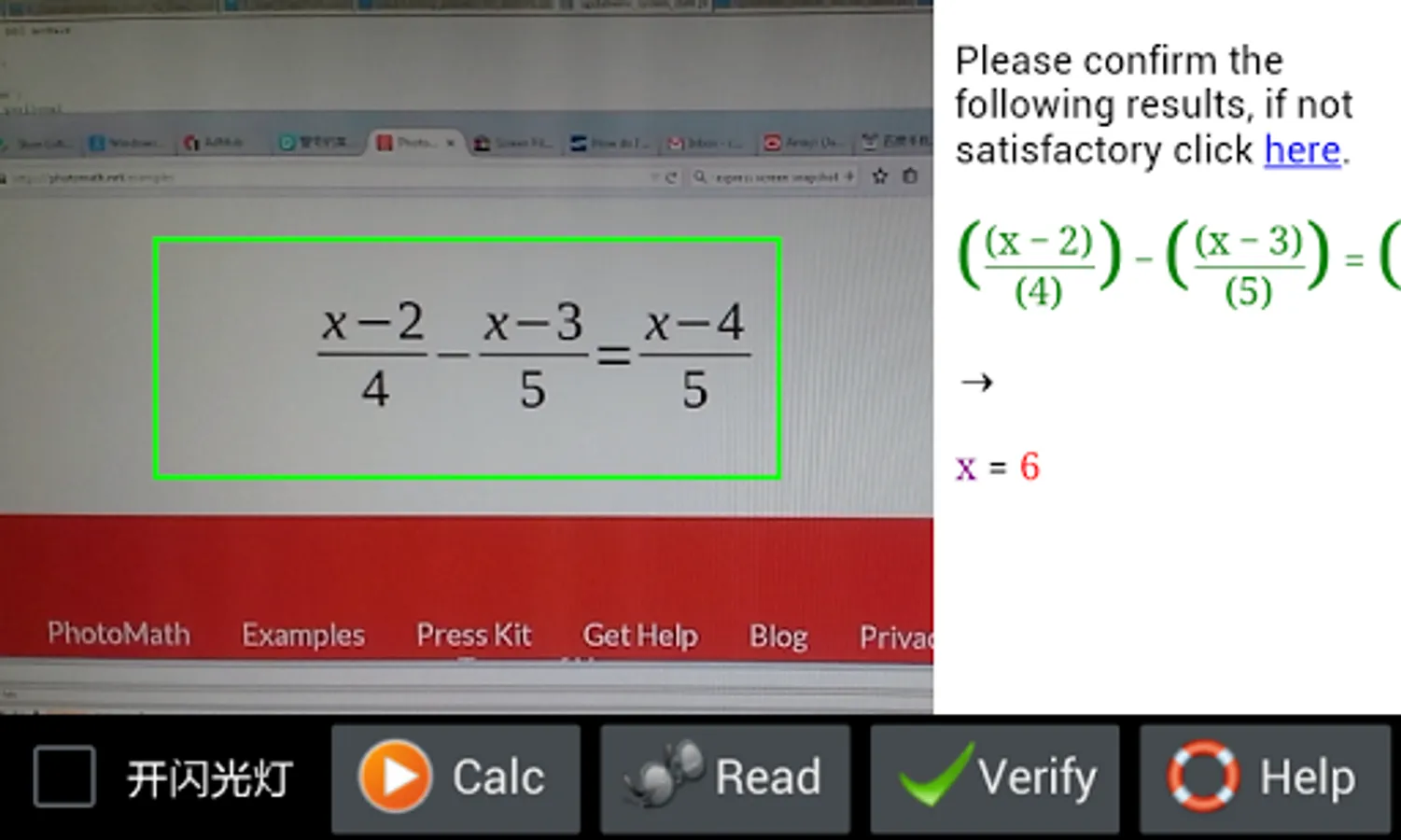
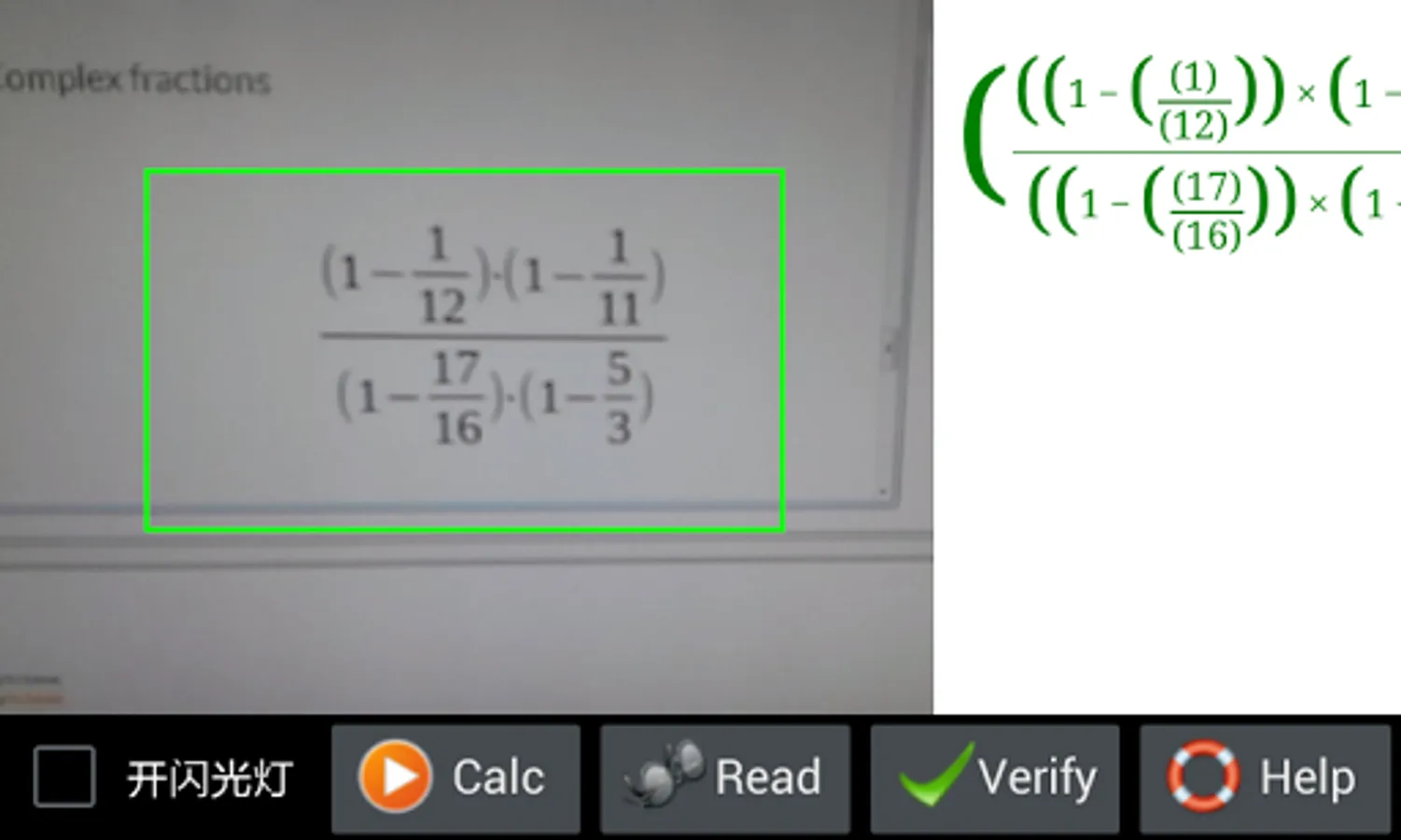
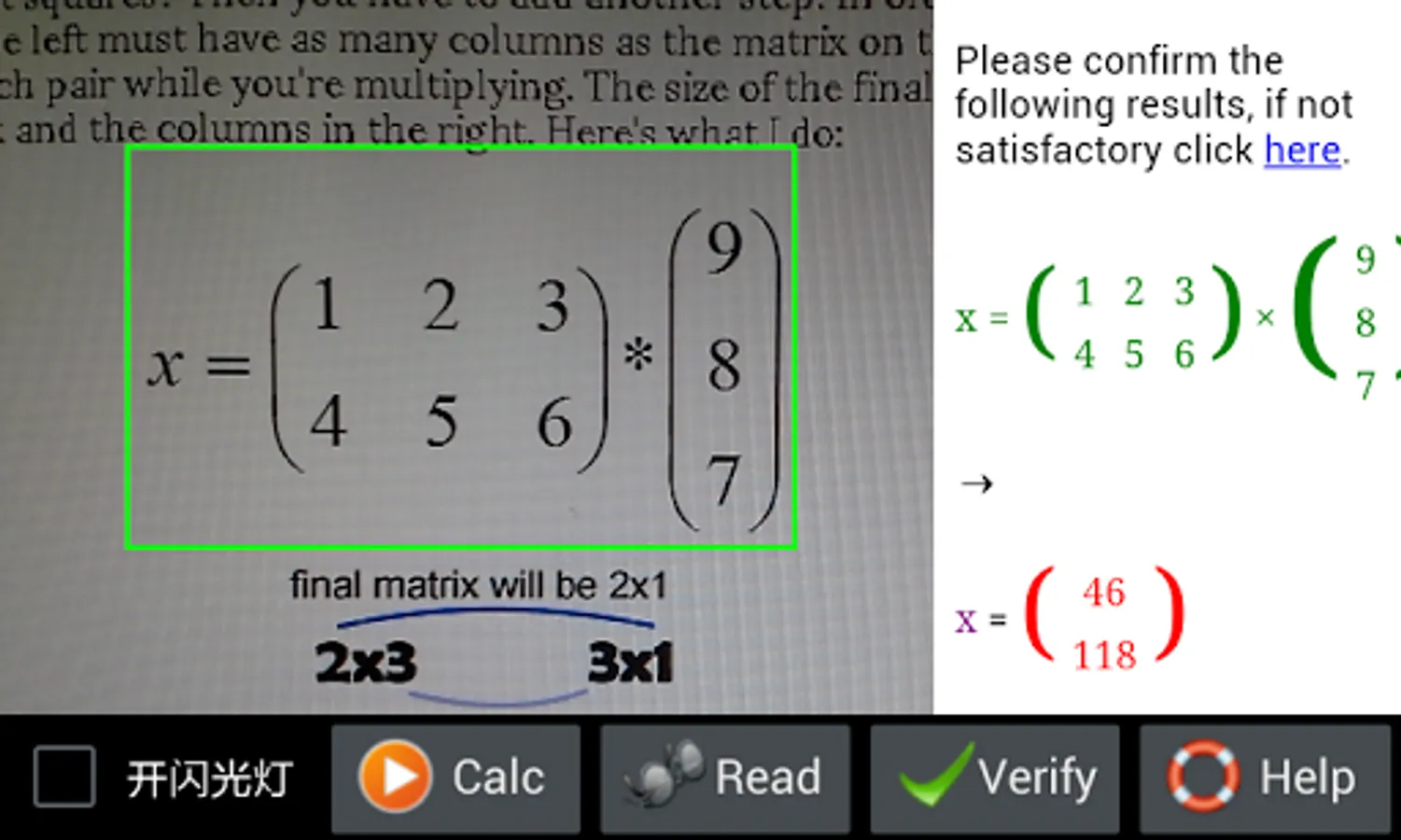
A: In the google play snapshot, we show several examples. User can also visit the following photomath website:
https://photomath.net/examples
, and try to recognize each expressions in Photomath's example list. Our app is able to process all of them except 32:8 because : is not a valid operator in Smart Photographic Calculator.
Smart Photographic Calculator supports basic arithmetic operations like +-*/, mixed and complex fractions and power (80% accuracy), multi-variable linear equations (80% accuracy, variable name should be x, a, b, c or y), polynomial (80% accuracy, variable name should be x, a, b, c or y), (first level) integral (70% accuracy), summation (80% accuracy) and basic matrix calculation (60% accuracy). Operator can be complex values. Note that handwriting math recognition is still in beta stage.
A few questions users might ask:
Q1. Why this app recognizes math expression slower than some similar apps like photomath?
A: This is because we think more. Math expression can be extremely complicated. It can include left and right upper notes, foot notes, top expression and bottom expression. Moreover, several expressions can be combined to construct a matrix or a linear equation group. As such, difficulty is not identifying individual characters, but analyzing the structure. Photomath is very swift because it does not support very complicated math structure so that it avoids to analyze a lot of things.
Nevertheless, if just recognizing simple calculations the above analysis is not needed. To this end we are working to apply different modes to math recognition. Primary school student will soon find that Smart Photographic Calculator becomes much faster in the future releases.
Q2. Can this app recognize expressions within noisy background or from text?
A: This app has reasonable capability to filter off noise and irrelavant text. However, we cannot garantee to remove all the noise and irrelavants. So please try to take photo of math with clear background, like white paper or computer screen. Also note that camera should not be place too close to computer screen because it will see a lot of pixels.
User may argue that Photomath is able to extract expressions from irrelavant text. This is true. But seems that Photomath identifies an expression by counting the digits in the text. We cannot rely on this criterion because, very possible, a math expression may include no digit at all. But we promise our algorithm will work better in future releases.
So far our algorithm is good at handling simple expressions including only arithmetic operations. But for matrix and multi-linear expressions things are different. So if user wants to calculate expressions with matrix or multi-linear expressions, ensure a clear background first.
Q3. What are other requirements to recognize math properly?
A: First, this app can only recognize STANDARD math expressions. It cannot read text or do some calculation based on special format. As such, if user scan the following text:
what's the value of 2 plus 3?
, it will return nothing.
Also, user has to ensure that expressions are printed clearly and no shaking when taking photo.
Third, camera should not be too far away from expression and keep right angle to take photo. Otherwise if character size is too small or image of expression is inclined, nothing can be recognized.
Finally, user could retry math recognizing several times to get expression recognized.
Q4. Please show me some examples that Smart Photographic Calculator can work.
A: In the google play snapshot, we show several examples. User can also visit the following photomath website:
https://photomath.net/examples
, and try to recognize each expressions in Photomath's example list. Our app is able to process all of them except 32:8 because : is not a valid operator in Smart Photographic Calculator.
Smart Photographic Calculator Screenshots
Tap to Rate:
Reviews for Smart Photographic Calculator
Yufei Tan
12/9/2021
Keyboard
Sumit Roy
6/13/2020
Bad app