Simple Clock Live Wallpaper
Fennecs Studio
4.0 ★
2K ratings
100,000+
downloads
Free
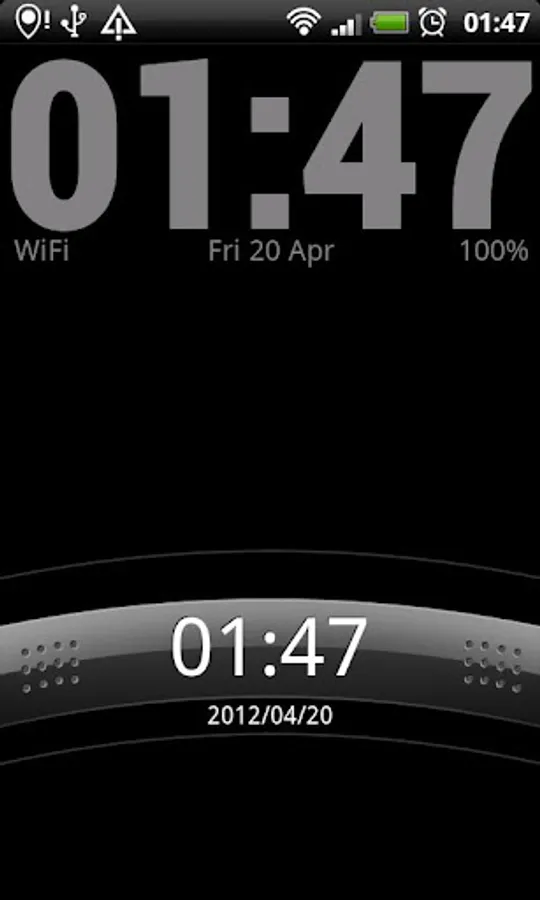
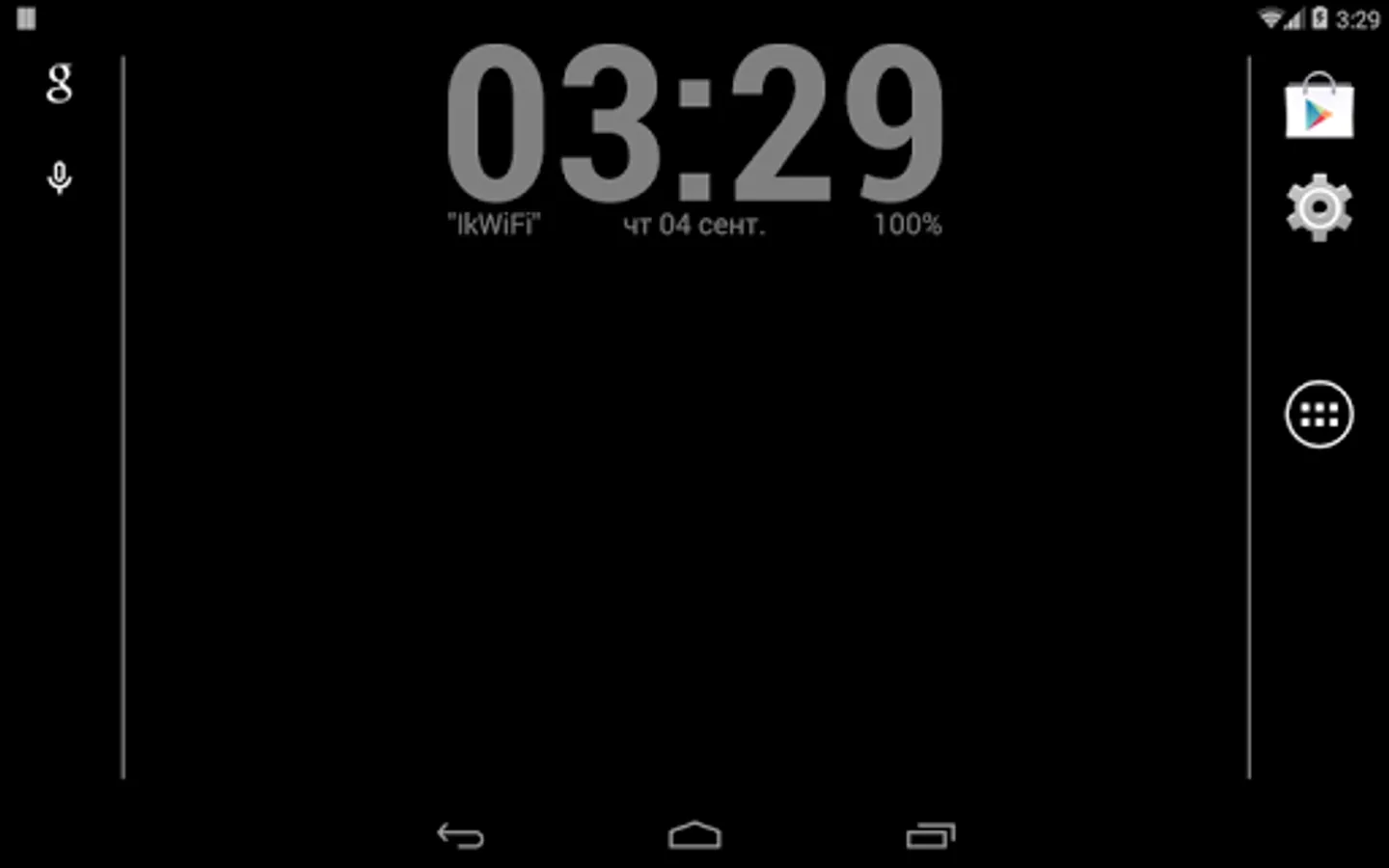
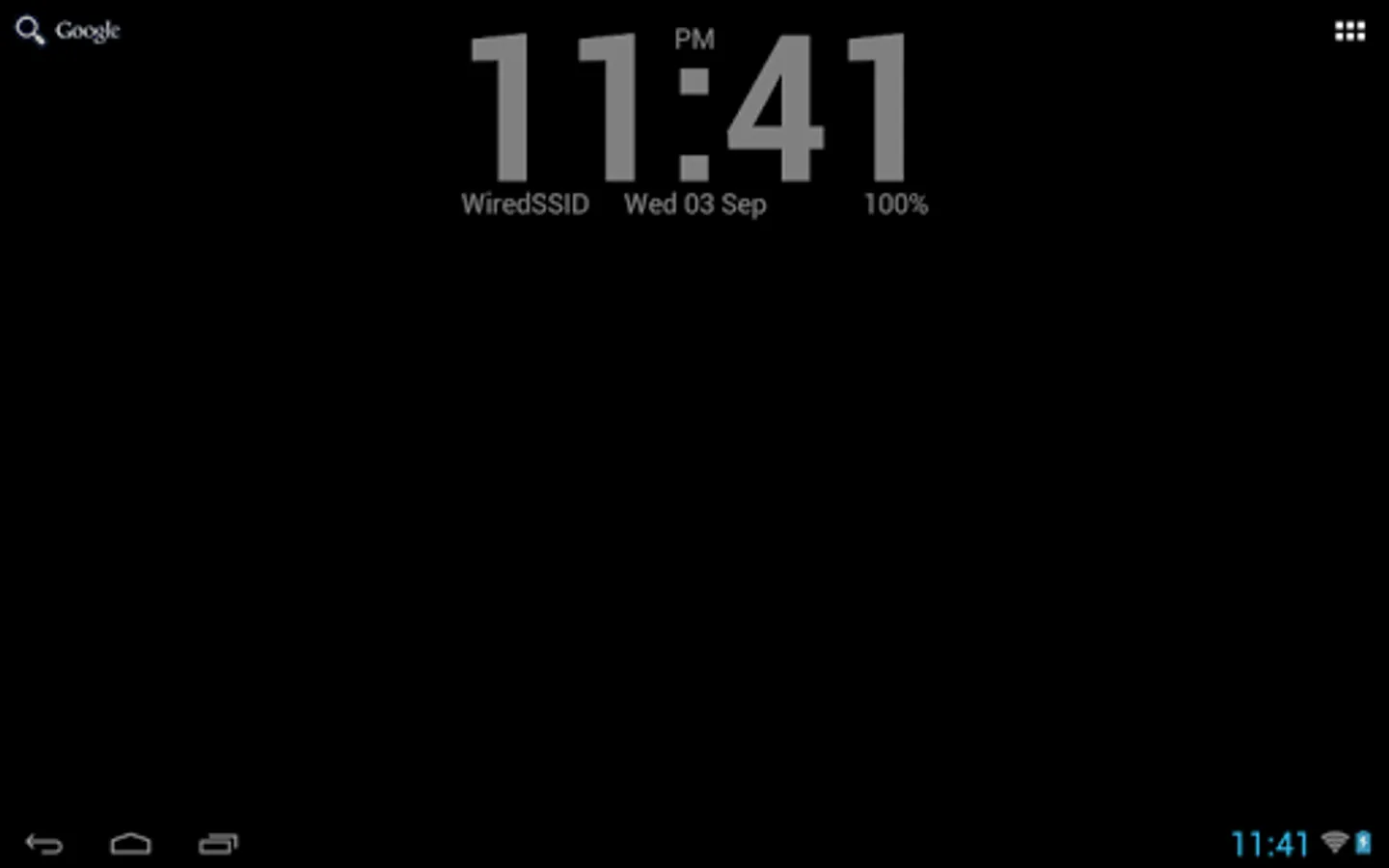
In this clock live wallpaper, you can customize background images and view current date, day of week, WiFi network, next alarm, and battery status. Includes options for background customization and minimal resource use.
AppRecs review analysis
AppRecs rating 4.0. Trustworthiness 43 out of 100. Review manipulation risk 43 out of 100. Based on a review sample analyzed.
★★★★☆
4.0
AppRecs Rating
Ratings breakdown
5 star
55%
4 star
23%
3 star
9%
2 star
0%
1 star
13%
What to know
✓
Authentic reviews
Natural distribution, no red flags
⚠
Questionable review patterns
43% review manipulation risk - some review patterns appear unusual
⚠
Review quality concerns
43% of sampled 5-star reviews are very short
About Simple Clock Live Wallpaper
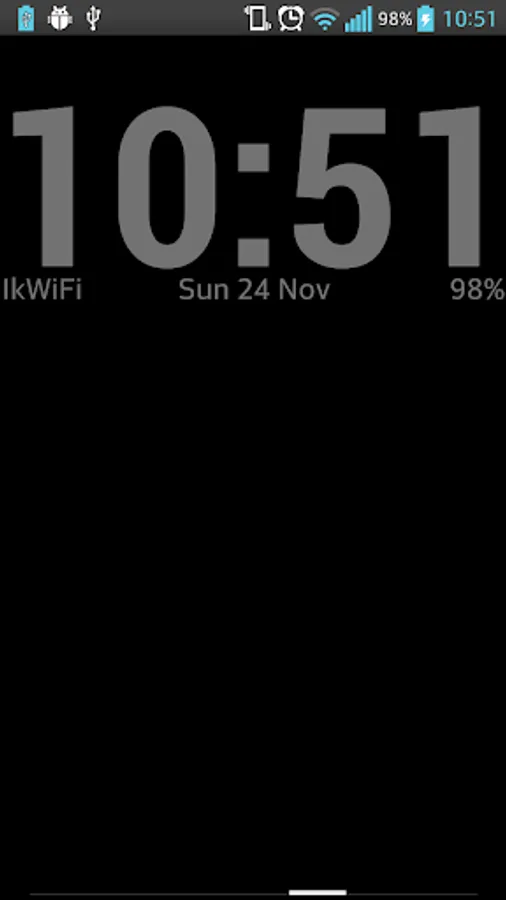
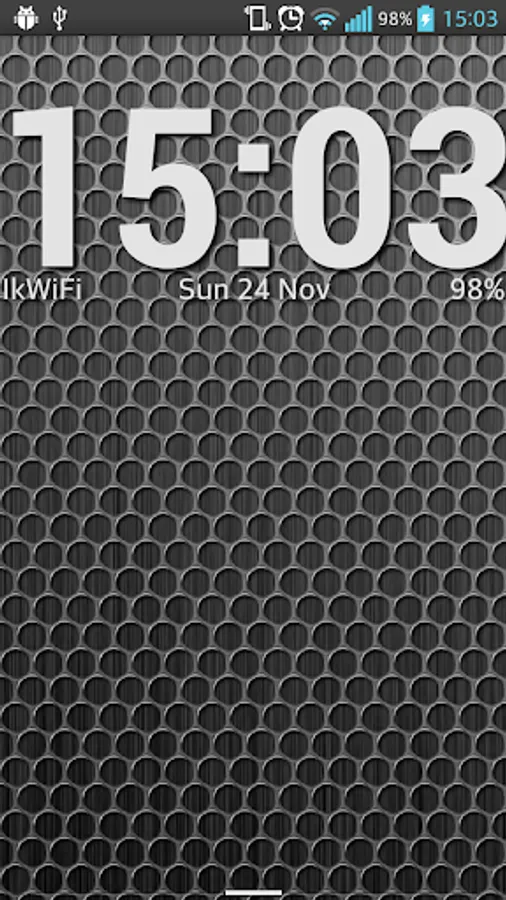
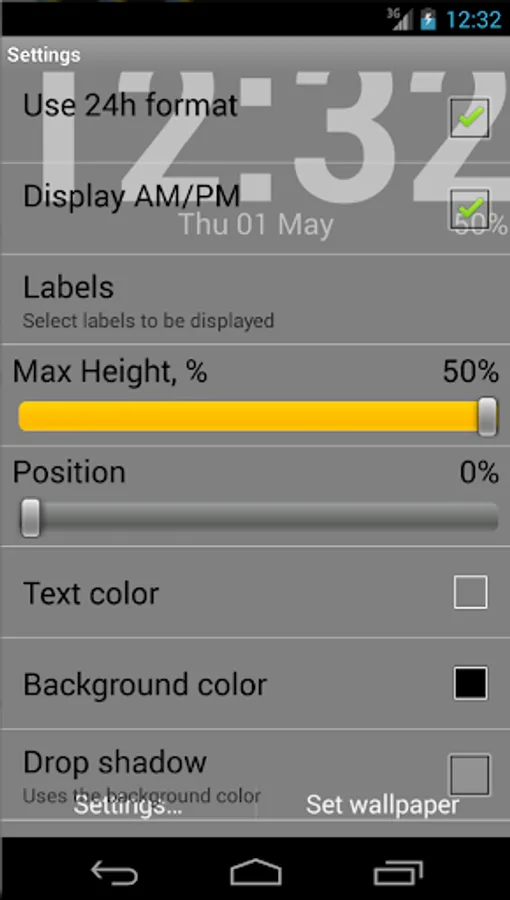
Simple clock wallpaper with current day of week, date, WiFi network name, next alarm time, and battery status. Minimal memory and battery consumption. Background image is also customizable. More options will be added eventually without any Ads or 'premium only' version.
Note to Samsung (and some other vendors) owners: sometimes there is no option to set up a live wallpaper on the stock launcher. Please use Google Wallpapers or third party launcher to do it. See https://forums.androidcentral.com/samsung-galaxy-s7/780940-how-install-live-wallpaper-galaxy-s7.html
*OK, I was contacted by a few companies willing place the Ads in the app despite the description. There is how you do it.
You will need:
• an Android based phone;
• a pen;
• a post-it sticker note.
Please follow these steps carefully:
1. Get a pen with the right hand and a post-it sticker with the left one. You might find it more comfortable to swap hands if you are left-handed.
2. Write your Ad text on the post-it sticker using the pen.
3. Put the pen away.
4. Take a phone with a free hand.
5. Glue the post-it sticker to the phone screen.
That's all! Now you have your Ads placed! It works even when the screen is off, and you can update the ads from time to time.
Cheers!
Note to Samsung (and some other vendors) owners: sometimes there is no option to set up a live wallpaper on the stock launcher. Please use Google Wallpapers or third party launcher to do it. See https://forums.androidcentral.com/samsung-galaxy-s7/780940-how-install-live-wallpaper-galaxy-s7.html
*OK, I was contacted by a few companies willing place the Ads in the app despite the description. There is how you do it.
You will need:
• an Android based phone;
• a pen;
• a post-it sticker note.
Please follow these steps carefully:
1. Get a pen with the right hand and a post-it sticker with the left one. You might find it more comfortable to swap hands if you are left-handed.
2. Write your Ad text on the post-it sticker using the pen.
3. Put the pen away.
4. Take a phone with a free hand.
5. Glue the post-it sticker to the phone screen.
That's all! Now you have your Ads placed! It works even when the screen is off, and you can update the ads from time to time.
Cheers!
Simple Clock Live Wallpaper Screenshots
Tap to Rate:
Reviews for Simple Clock Live Wallpaper
Makurafa
12/11/2024
Exactly what it says it does. No problems at all, doesn't invade privacy, etc... All good with this one! \^⌣^/
Khaled Akbar
11/13/2024
Amazing clock highly recommended! Thank you for the app devs genius app