
Activity Monitor: cpu, battery
BlindZone
4.0 ★
2K ratings
100,000+
downloads
Free
+ in-app
AppRecs review analysis
AppRecs rating 3.8. Trustworthiness 85 out of 100. Review manipulation risk 28 out of 100. Based on a review sample analyzed.
★★★☆☆
3.8
AppRecs Rating
Ratings breakdown
5 star
65%
4 star
11%
3 star
4%
2 star
3%
1 star
17%
What to know
✓
Low review manipulation risk
28% review manipulation risk
✓
Credible reviews
85% trustworthiness score from analyzed reviews
⚠
Ad complaints
Many low ratings mention excessive ads
About Activity Monitor: cpu, battery
Activity Monitor is a tiny and functional app that helps you manage processes and optimize system performance on your smartphone. You can see complete information about the device and analyze all background processes. Using the application, you can evaluate the performance of your smartphone or tablet in real time.
USAGE OPTIONS:
- Check RAM usage statistics.
- Analyze battery consumption and temperature.
- Monitor network activity.
Activity monitor supports most Android-based mobile devices.
FEATURES:
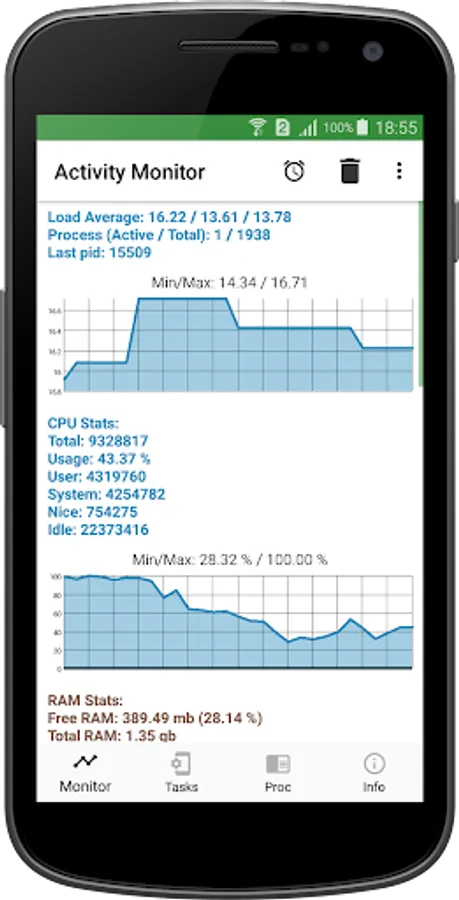
Using the application, you can evaluate the performance of your smartphone or tablet in real time. The "Monitor" section provides complete information about the load and energy consumption of your device.
Usage statistics allow you to:
• Estimate the load on the network and network adapter.
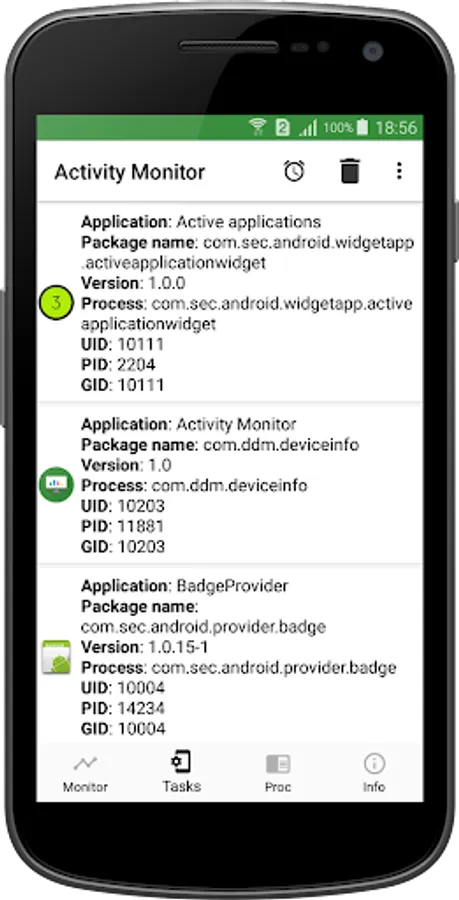
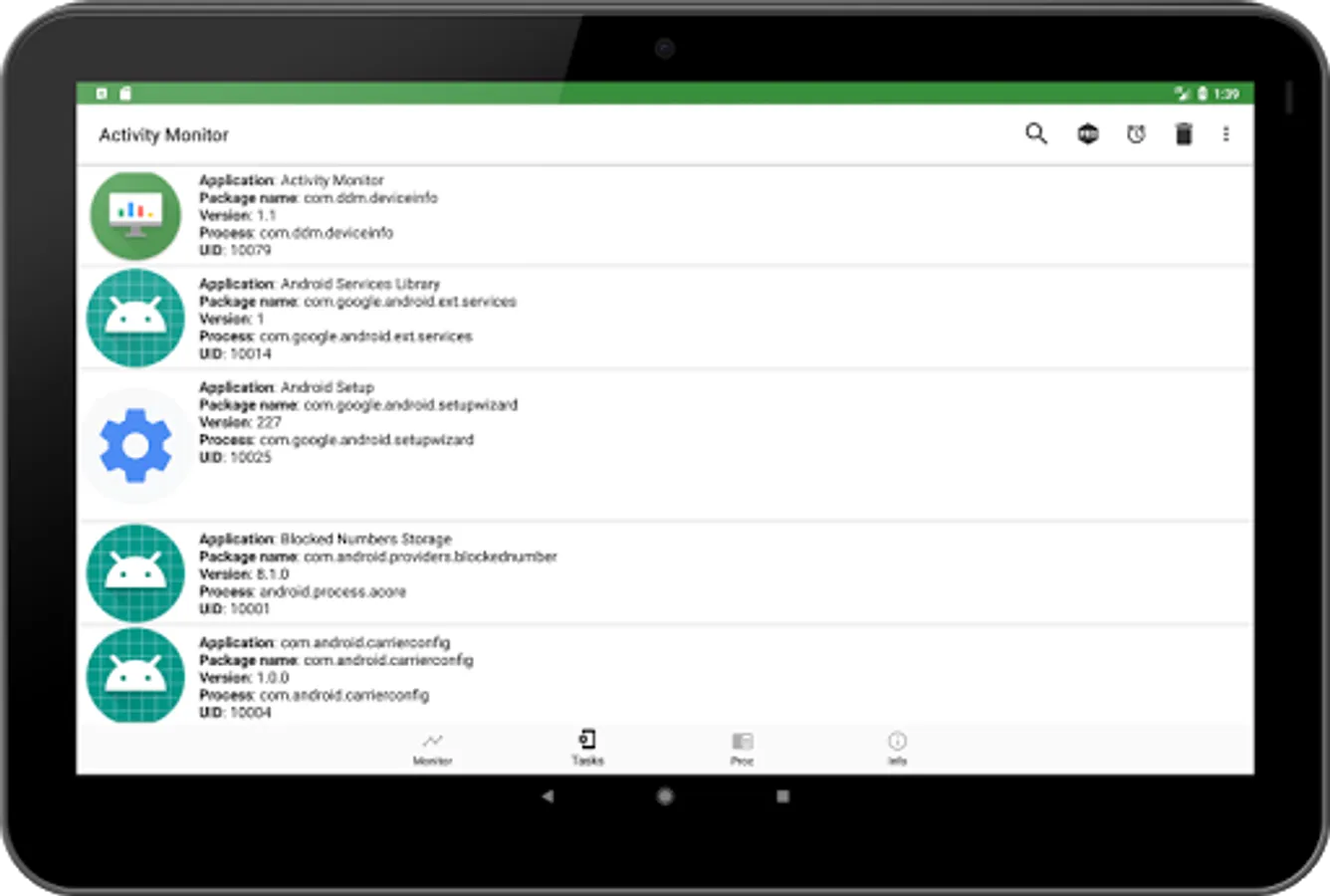
• See the exact number of all running background tasks.
• RAM usage statistics will help you find out how heavily your device is currently loaded.
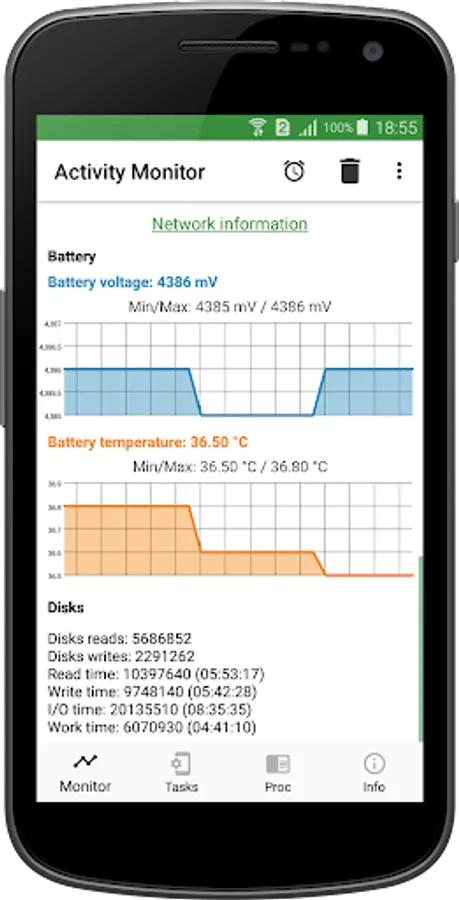
• Battery temperature and voltage graphs will show how efficiently your device is consuming energy.
DEEP SYSTEM ANALYSIS
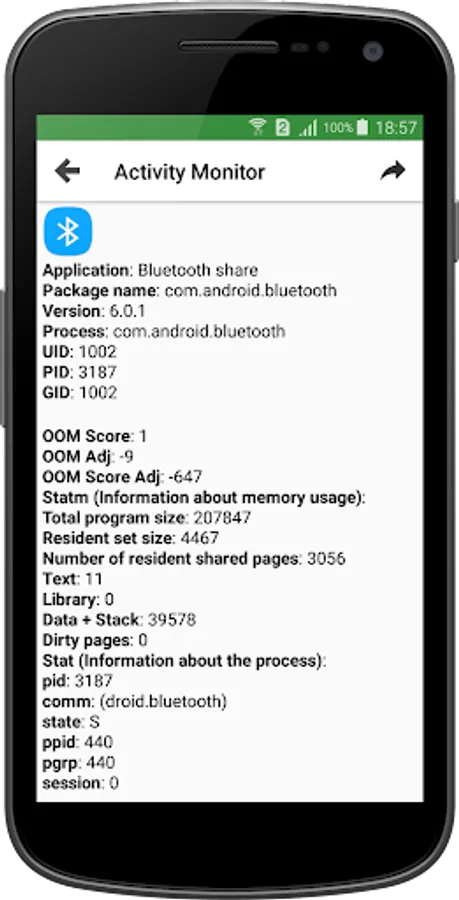
A lightweight alternative of a task manager for a computer. If the gadget is heavily loaded, it starts to work slower. Increased battery temperature and increased energy consumption also negatively affect the performance and life of the smartphone. If your smartphone has started to work slower, this does not mean that you urgently need to buy a more modern model. Malware activity also has nothing to do with it in most cases. Just analyze all running background processes, fix the problem, and you will return your phone or tablet to normal speed.
Battery status information offers graphs of the charge level, voltage, and battery temperature. Overheating is very harmful for mobile devices. A strong increase in the temperature of the processor and other components can lead to their failure. By monitoring the battery heating level, you can close unnecessary background tasks in time. The load on the processor will decrease, and the battery temperature will return to normal.
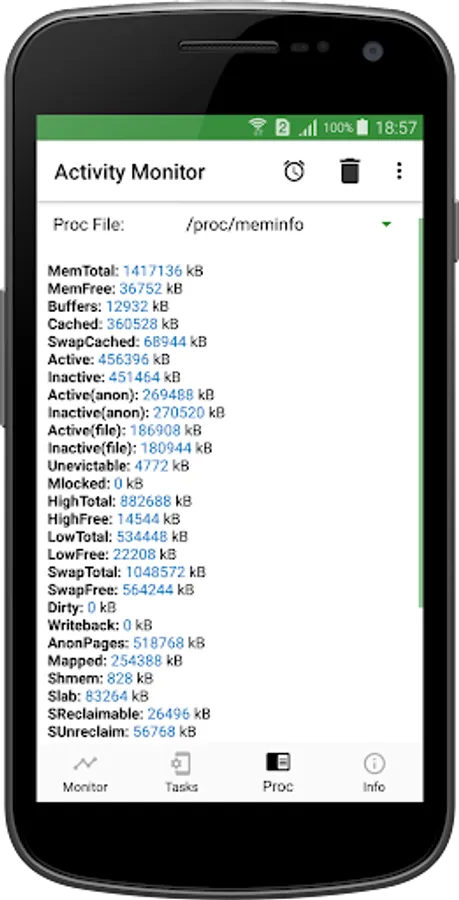
Detailed information about the contents of the /proc/ folder allows you to assess the state of the virtual file system of your Android device. Access all key file system parameters in one tab.
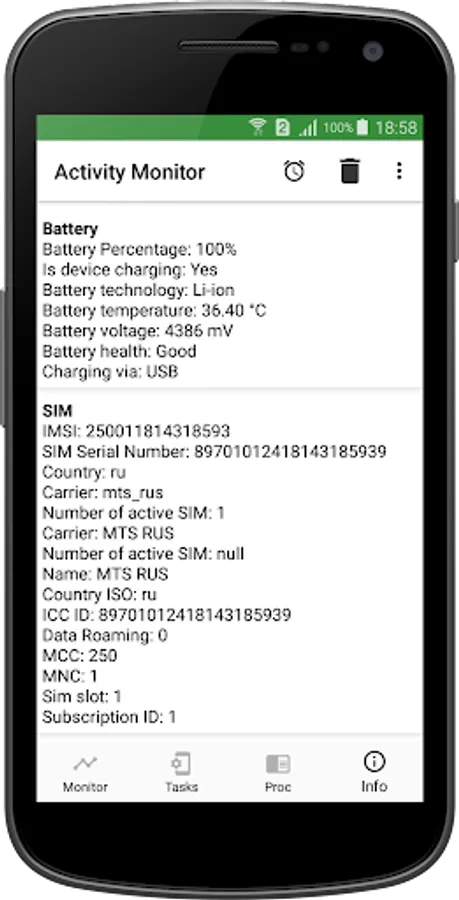
The Device Information section collects all the essential information about your smartphone or tablet. Find out the device serial numbers, information about installed SIM cards, CPU, display parameters, a list of features, as well as important basic information about your phone.
USAGE OPTIONS:
- Check RAM usage statistics.
- Analyze battery consumption and temperature.
- Monitor network activity.
Activity monitor supports most Android-based mobile devices.
FEATURES:
Using the application, you can evaluate the performance of your smartphone or tablet in real time. The "Monitor" section provides complete information about the load and energy consumption of your device.
Usage statistics allow you to:
• Estimate the load on the network and network adapter.
• See the exact number of all running background tasks.
• RAM usage statistics will help you find out how heavily your device is currently loaded.
• Battery temperature and voltage graphs will show how efficiently your device is consuming energy.
DEEP SYSTEM ANALYSIS
A lightweight alternative of a task manager for a computer. If the gadget is heavily loaded, it starts to work slower. Increased battery temperature and increased energy consumption also negatively affect the performance and life of the smartphone. If your smartphone has started to work slower, this does not mean that you urgently need to buy a more modern model. Malware activity also has nothing to do with it in most cases. Just analyze all running background processes, fix the problem, and you will return your phone or tablet to normal speed.
Battery status information offers graphs of the charge level, voltage, and battery temperature. Overheating is very harmful for mobile devices. A strong increase in the temperature of the processor and other components can lead to their failure. By monitoring the battery heating level, you can close unnecessary background tasks in time. The load on the processor will decrease, and the battery temperature will return to normal.
Detailed information about the contents of the /proc/ folder allows you to assess the state of the virtual file system of your Android device. Access all key file system parameters in one tab.
The Device Information section collects all the essential information about your smartphone or tablet. Find out the device serial numbers, information about installed SIM cards, CPU, display parameters, a list of features, as well as important basic information about your phone.
Activity Monitor: cpu, battery Screenshots
Tap to Rate:
Reviews for Activity Monitor: cpu, battery
Mohab King I AM Arabic
1/28/2026
just great! ChatGBT actually recommend this app to me..And he wasn't wrong!!!1!!11
Vadym
1/16/2026
lnstead of cpu usage app shows ram usage