DiskDigger Pro file recovery
Defiant Technologies, LLC
3.4 ★
4K ratings
500,000+
downloads
$2.99
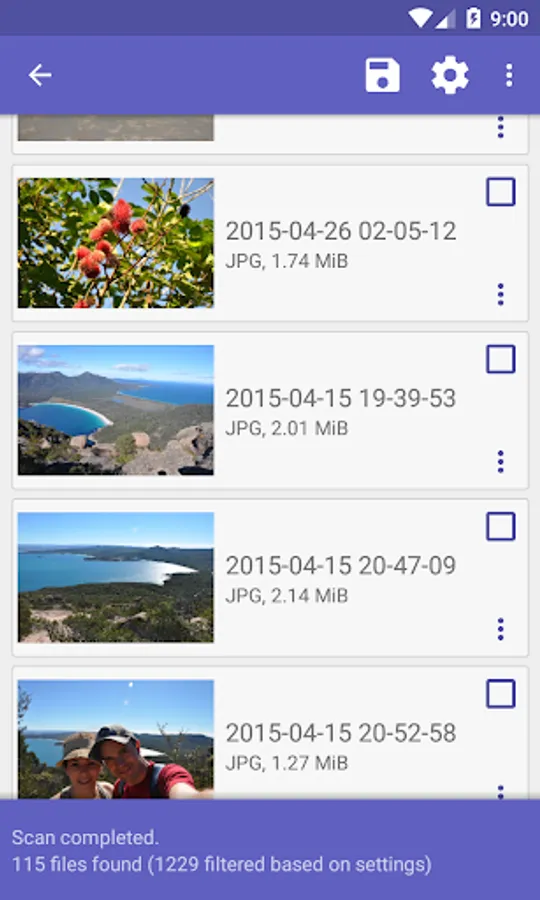
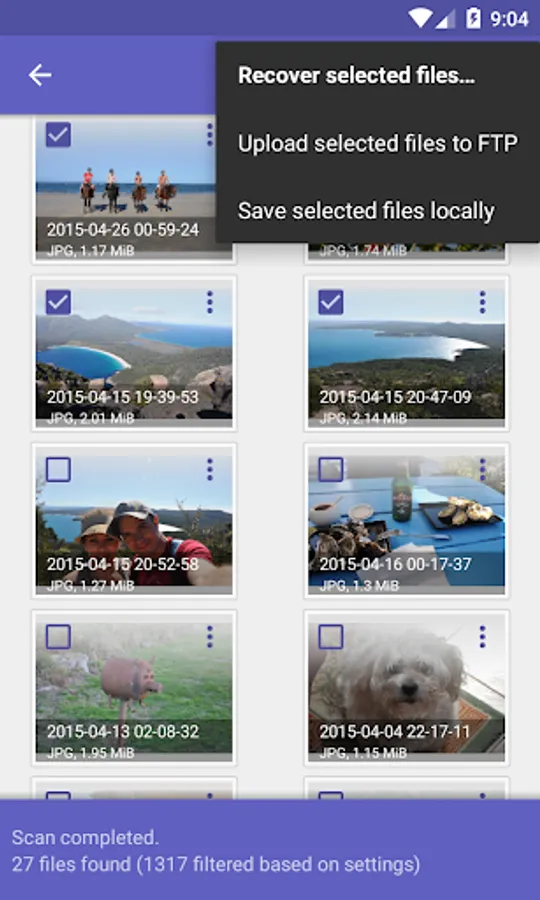
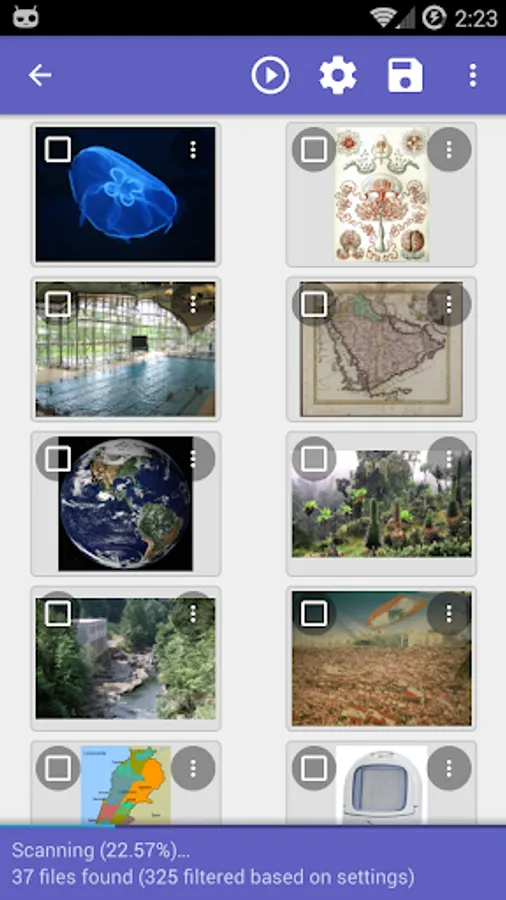
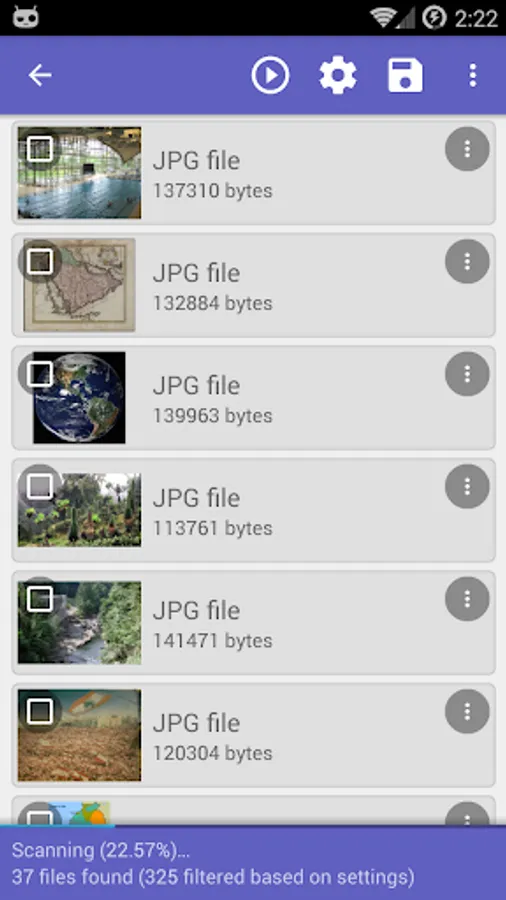
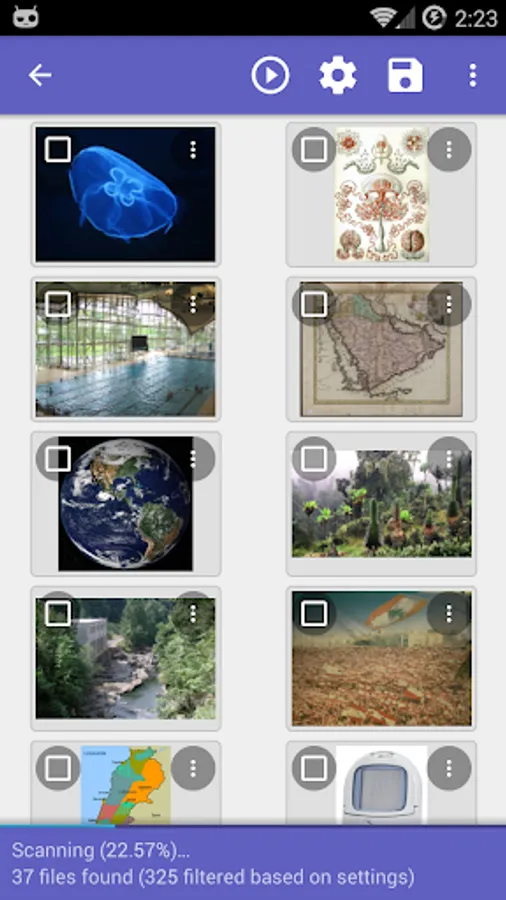
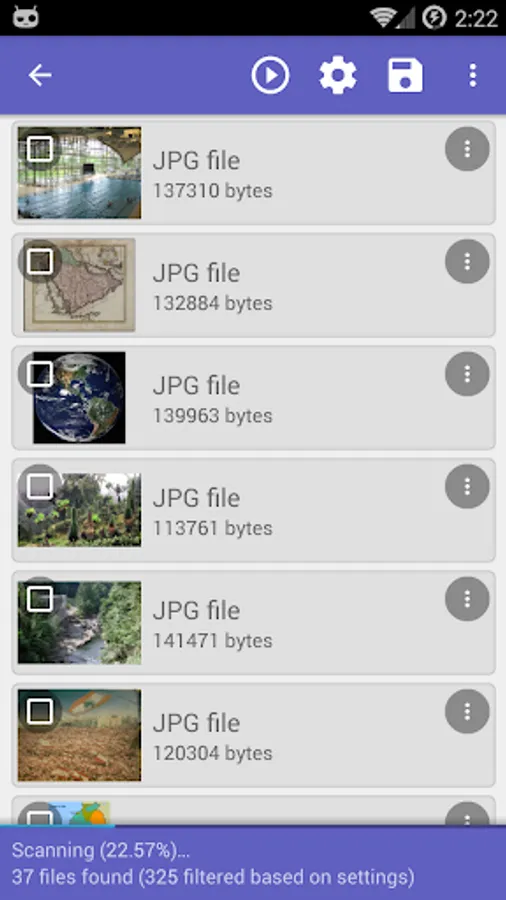
With this file recovery app, you can undelete and restore lost photos, videos, documents, and more from internal memory or memory cards. Includes support for multiple file types, root access, and file export options.
AppRecs review analysis
AppRecs rating 3.3. Trustworthiness 81 out of 100. Review manipulation risk 19 out of 100. Based on a review sample analyzed.
★★★☆☆
3.3
AppRecs Rating
Ratings breakdown
5 star
52%
4 star
4%
3 star
5%
2 star
5%
1 star
34%
What to know
✓
Low review manipulation risk
19% review manipulation risk
⚠
Pricing complaints
Many low ratings mention paywalls or pricing
⚠
High negative review ratio
39% of sampled ratings are 1–2 stars
About DiskDigger Pro file recovery
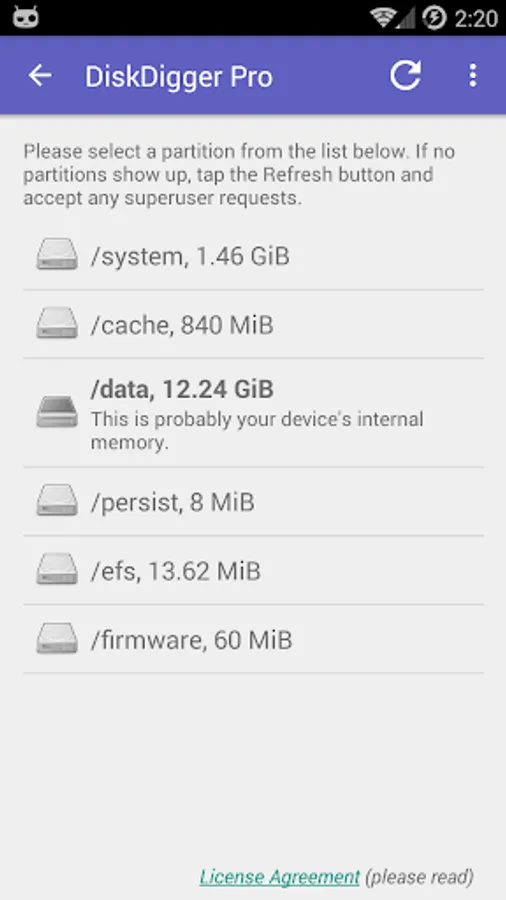
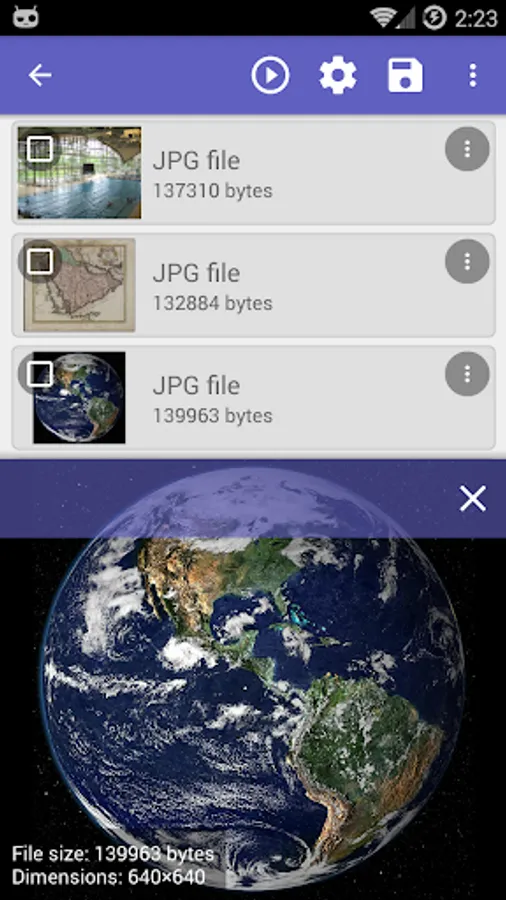
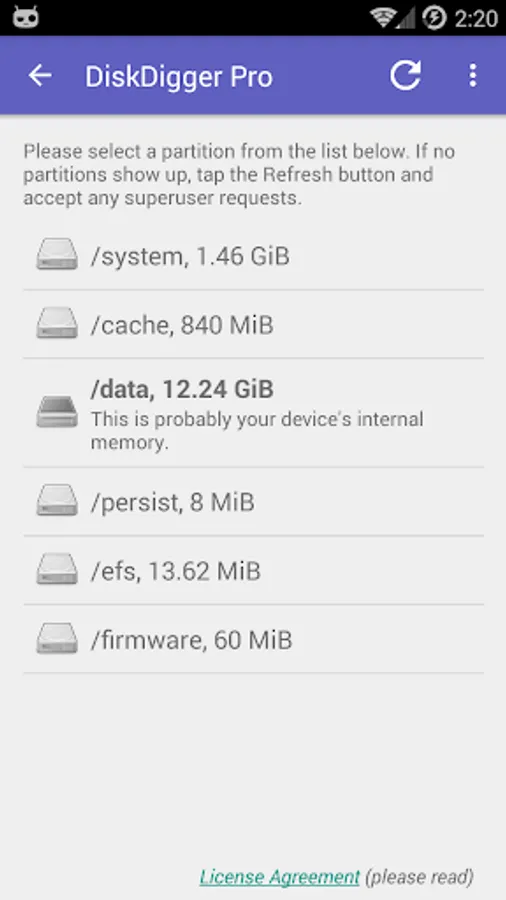
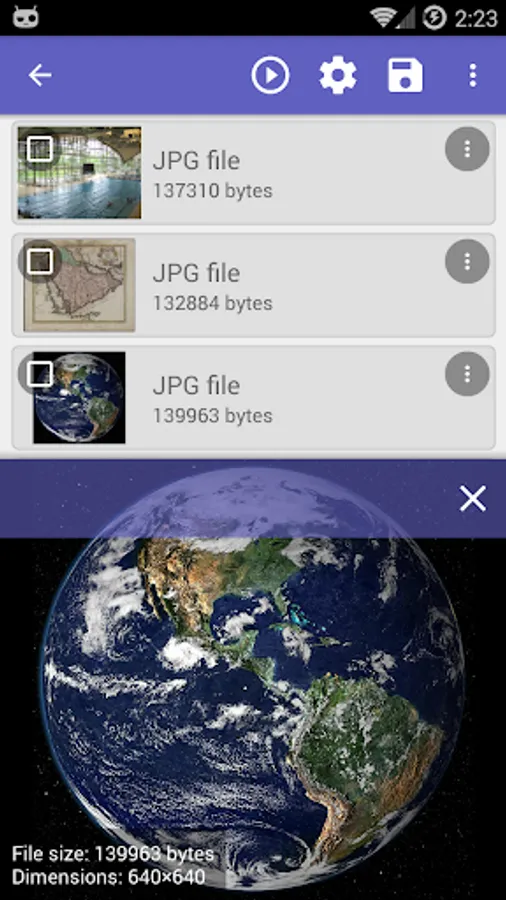
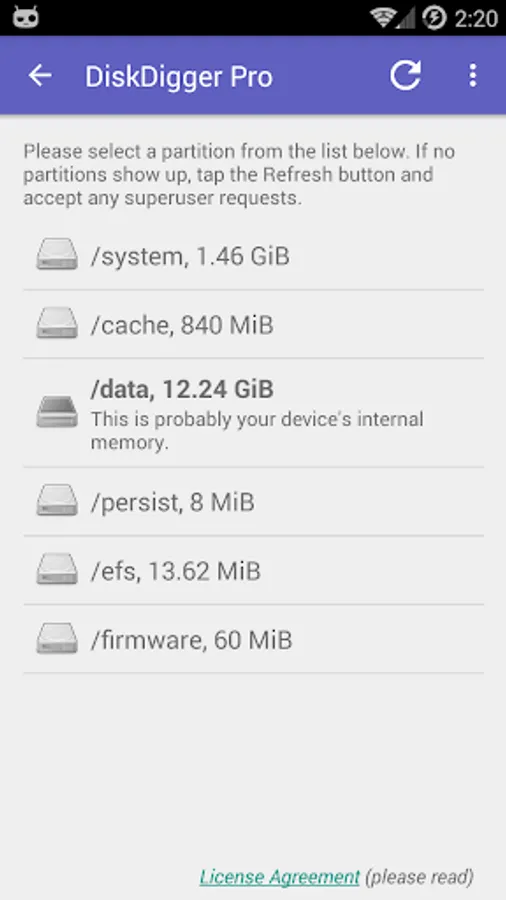
Note: if your device is not rooted, the app can only perform a "limited" scan for for deleted photos and videos. To be able to search for other types of files, and to search your device's entire internal memory, the device needs to be rooted. On a non-rooted device, the app can only recover lower-resolution versions of your photos that it finds in your device's cache and thumbnail directories.
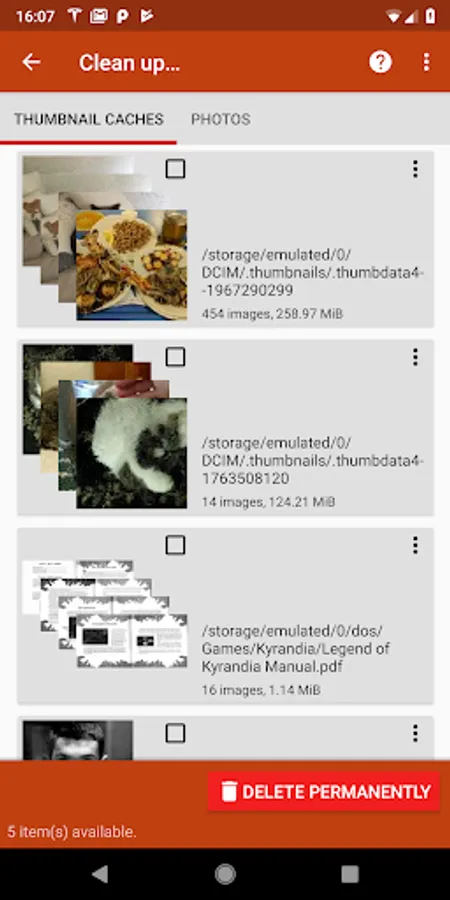
After the scan is complete, tap the "Clean up" button to permanently delete any items that you no longer need (currently an experimental feature, available only in the Basic Scan).
You can also use the "Wipe free space" option to erase the remaining free space on your device, so that any deleted files can no longer be recoverable.
For complete instructions, please see http://diskdigger.org/android
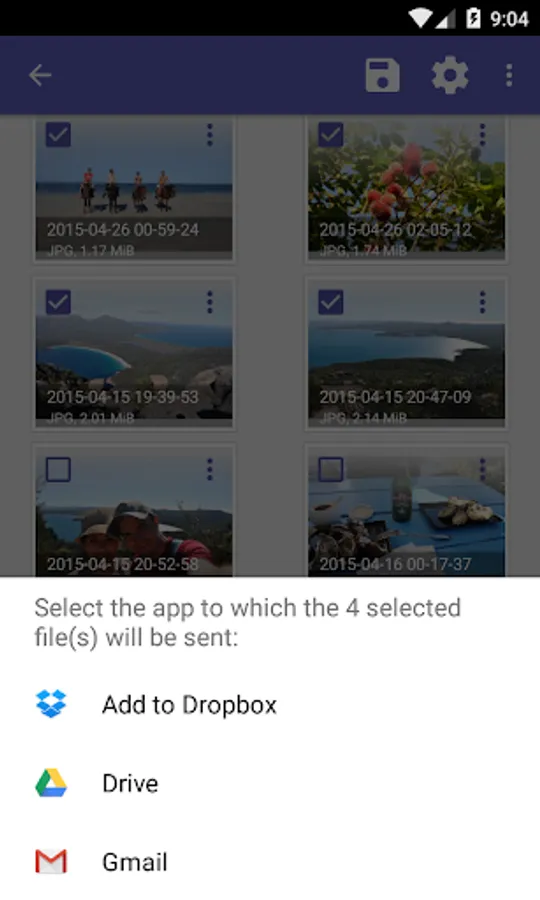
You can upload your recovered files directly to Google Drive, Dropbox, or send them via email. The app also allows you to upload the files to an FTP server, or save them to a different local folder on your device.
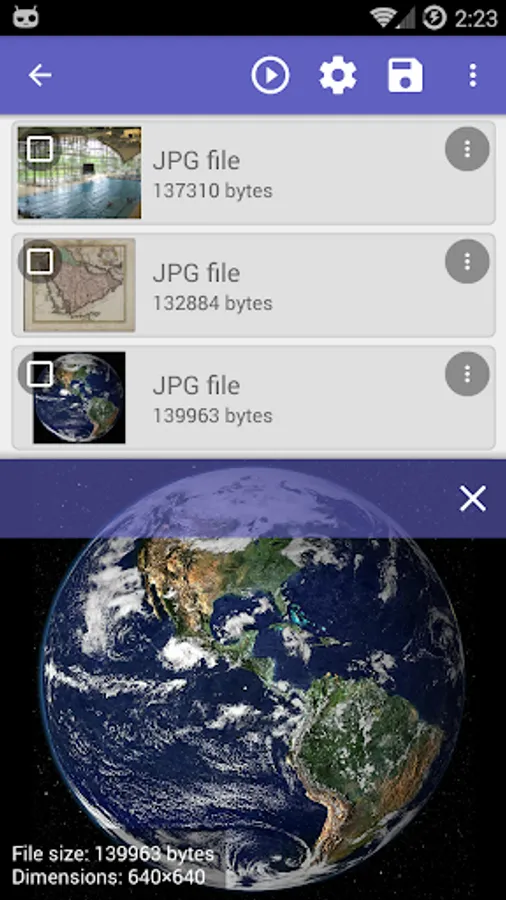
DiskDigger can recover the following file types: JPG, PNG, MP4 / 3GP / MOV, M4A, HEIF, GIF, MP3, AMR, WAV, TIF, CR2, SR2, NEF, DCR, PEF, DNG, ORF, DOC / DOCX, XLS / XLSX, PPT / PPTX, PDF, XPS, ODT / ODS / ODP / ODG, ZIP, APK, EPUB, SNB, VCF, RAR, OBML16, OGG, OGA, OGV, OPUS.
DiskDigger Pro file recovery Screenshots
Tap to Rate:
Reviews for DiskDigger Pro file recovery
Kellie Hickman
12/10/2025
This was a waste of time (and money) because it doesn't actually recover anything, it just shows you what you already have. It said you have to root your phone to do a deep scan, but that's really dangerous because it can brick your phone...I'm not doing that and neither should you. Too risky! I'm glad I only spent $0.99 because of my $2 off.
Khileshwar verma
12/4/2025
West of money mc app please don't download this app