Addons Detector
Addons Detector
4.0 ★
8K ratings
1,000,000+
downloads
Free
+ in-app
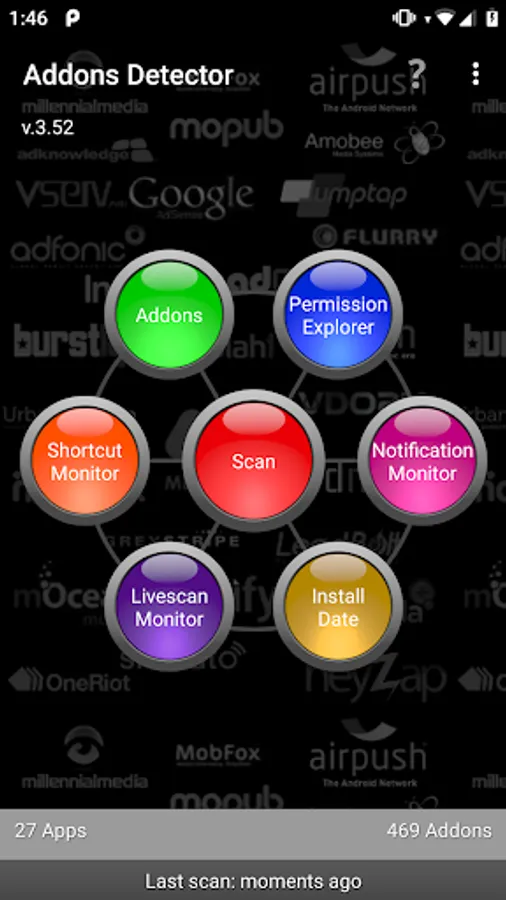
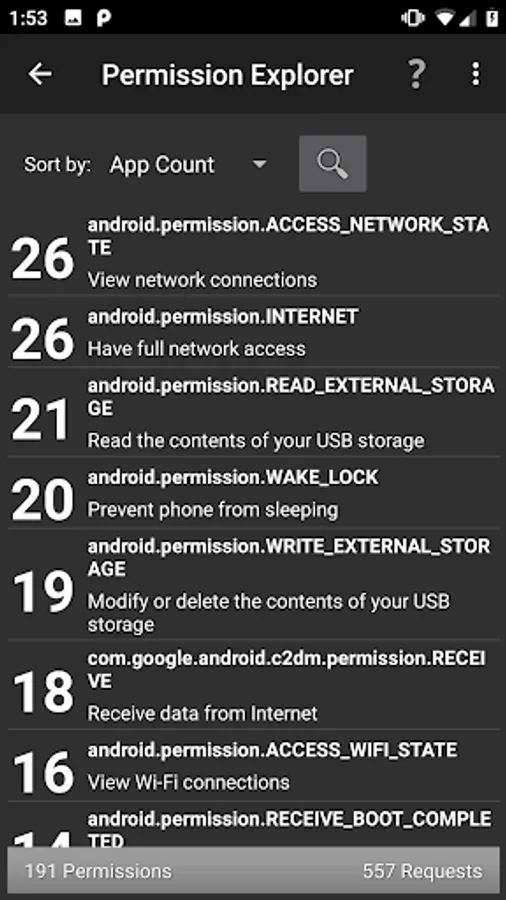
In this app, you can detect addons used by installed applications and identify ad components. Includes tools for scanning push notifications, popup ads, and icon ads.
AppRecs review analysis
AppRecs rating 4.1. Trustworthiness 79 out of 100. Review manipulation risk 25 out of 100. Based on a review sample analyzed.
★★★★☆
4.1
AppRecs Rating
Ratings breakdown
5 star
63%
4 star
11%
3 star
3%
2 star
4%
1 star
19%
What to know
✓
Low review manipulation risk
25% review manipulation risk
✓
Credible reviews
79% trustworthiness score from analyzed reviews
✓
Good user ratings
74% positive sampled reviews
About Addons Detector
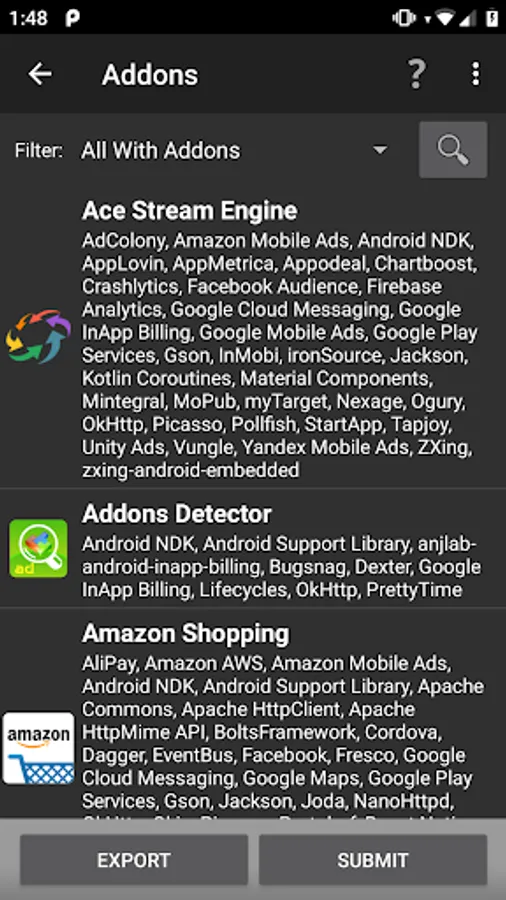
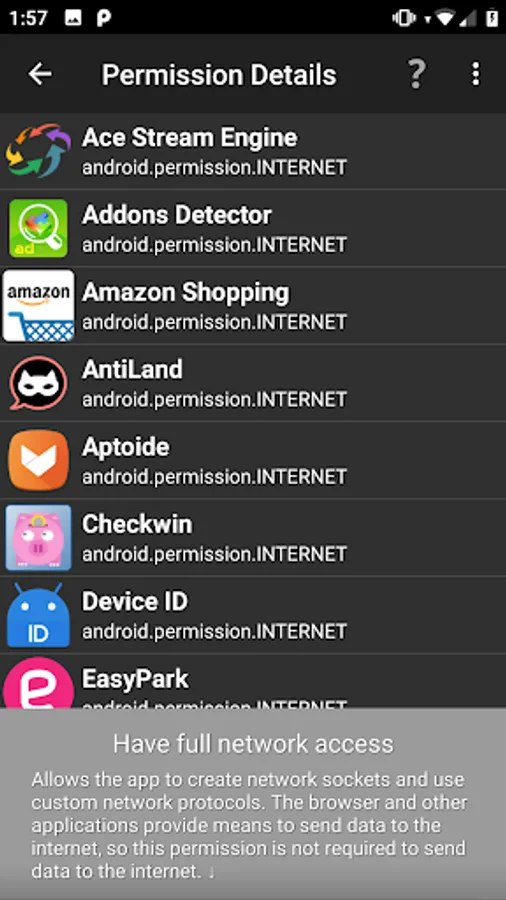
Addons Detector detects addons used by your installed applications. It has all the tools to find push notification ads, popup ads and icon ads.
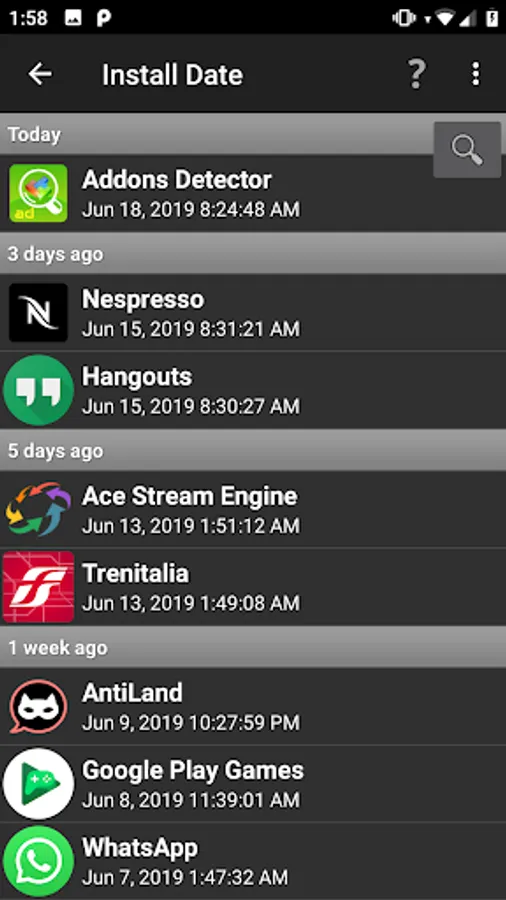
If you are looking for the app that uses AirPush or other push notifications, you can easily find the app and uninstall.
If you are getting popup ads on your device, make sure to read the help text inside the app. It explains how to get rid of them.
Besides push notifications, using this app is a great way to see what advertising agencies apps use, and what tools they have integrated.
Does the normal scan not detect the spam ads? Enable the notification monitor and you can easily see which program puts a notification in your notification area.
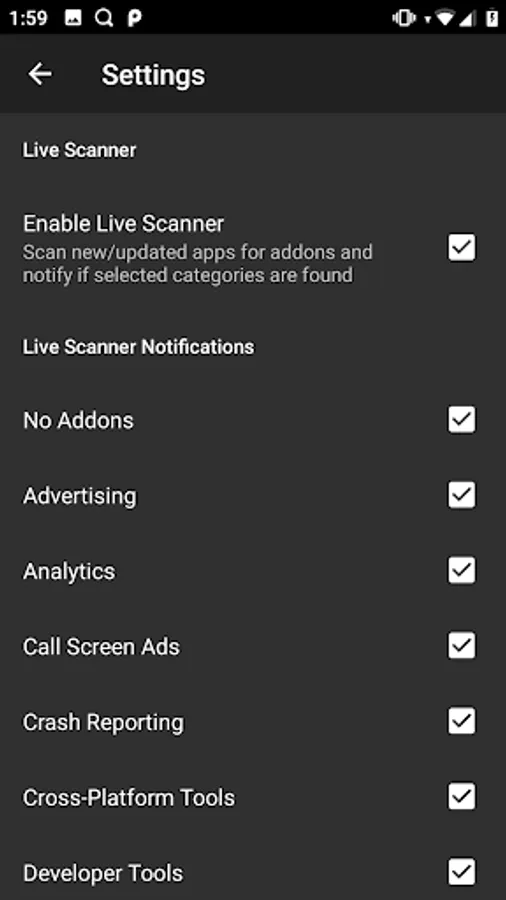
Another cool feature that we added is the live scanner. This scanner scans newly installed and updated apps for selected addon categories and displays a notification if they are found. This feature is reserved for users that have donated.
**To support us you can now easily donate through inapp billing.**
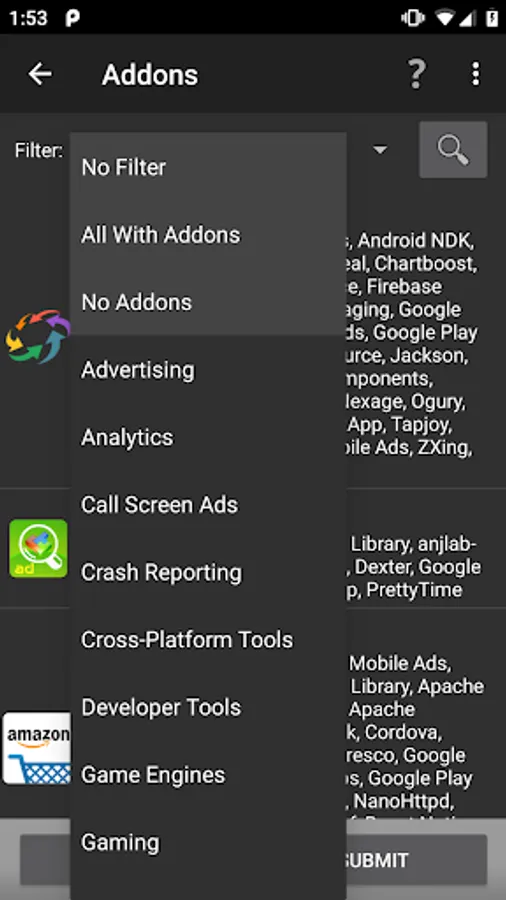
Check the help function in the app to see all the addons we currently detect, or visit https://public.addonsdetector.com/what-we-detect/)
*** Known issues ***
Samsung Galaxy 3 keeps talking to me when on my home screens saying folder is open or similar.
This seems to be an ICS/Samsung bug. It happens for some people and also with other apps that use the accessibility service such as Tasker, Light Flow and others.
Try to fix it:
Samsung S3: - Go to Settings -> Accessibility -> Talkback "ON" - Select "Settings" from the bottom of the page - Uncheck all Talkback options - Switch Talkback "Off" again - Go back to Settings -> Application manager -> All - Disable Google TTS (text to speech) - Disable Samsung TTS (text to speech)
More issue details here: http://code.google.com/p/android/issues/detail?id=23105
DISCLAIMER:
We can't guarantee that our results are 100% correct. Sometimes addons, like pushnotifications, are integrated in larger sdk's, and the developer doesn't need to use them, although we detect them. We strive to be conservative about marking apps as suspected, but errors can occur.
sdk analytics, middleware analysis
If you are looking for the app that uses AirPush or other push notifications, you can easily find the app and uninstall.
If you are getting popup ads on your device, make sure to read the help text inside the app. It explains how to get rid of them.
Besides push notifications, using this app is a great way to see what advertising agencies apps use, and what tools they have integrated.
Does the normal scan not detect the spam ads? Enable the notification monitor and you can easily see which program puts a notification in your notification area.
Another cool feature that we added is the live scanner. This scanner scans newly installed and updated apps for selected addon categories and displays a notification if they are found. This feature is reserved for users that have donated.
**To support us you can now easily donate through inapp billing.**
Check the help function in the app to see all the addons we currently detect, or visit https://public.addonsdetector.com/what-we-detect/)
*** Known issues ***
Samsung Galaxy 3 keeps talking to me when on my home screens saying folder is open or similar.
This seems to be an ICS/Samsung bug. It happens for some people and also with other apps that use the accessibility service such as Tasker, Light Flow and others.
Try to fix it:
Samsung S3: - Go to Settings -> Accessibility -> Talkback "ON" - Select "Settings" from the bottom of the page - Uncheck all Talkback options - Switch Talkback "Off" again - Go back to Settings -> Application manager -> All - Disable Google TTS (text to speech) - Disable Samsung TTS (text to speech)
More issue details here: http://code.google.com/p/android/issues/detail?id=23105
DISCLAIMER:
We can't guarantee that our results are 100% correct. Sometimes addons, like pushnotifications, are integrated in larger sdk's, and the developer doesn't need to use them, although we detect them. We strive to be conservative about marking apps as suspected, but errors can occur.
sdk analytics, middleware analysis