Reverse Video And Audio
Desa Mobi
3.8 ★
2K ratings
500,000+
downloads
Free
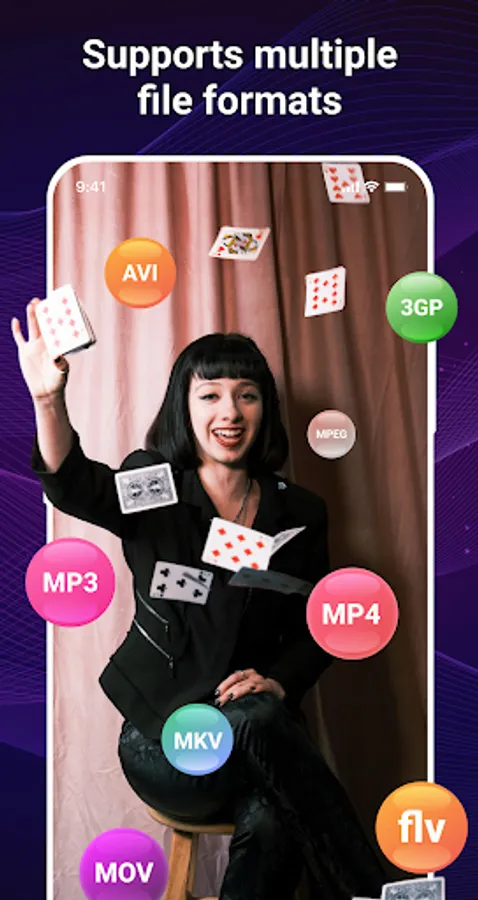
With this app, you can reverse videos and sounds by selecting clips and choosing output options. Includes features for reversing audio, muting sound, and maintaining video quality.
AppRecs review analysis
AppRecs rating 3.5. Trustworthiness 82 out of 100. Review manipulation risk 26 out of 100. Based on a review sample analyzed.
★★★☆☆
3.5
AppRecs Rating
Ratings breakdown
5 star
66%
4 star
4%
3 star
2%
2 star
5%
1 star
23%
What to know
✓
Low review manipulation risk
26% review manipulation risk
✓
Credible reviews
82% trustworthiness score from analyzed reviews
⚠
Ad complaints
Many low ratings mention excessive ads
About Reverse Video And Audio
This app helps you reverse videos and sounds with few simple steps. Quickly load a video from your gallery, select the part of video and reverse it quickly! Let make boring videos into extremely entertaining videos and share them with your friends!
You can show your friends your reverse skills, backwards cat or even bizarre ability to walk & talk backwards! Can they guess what you are saying about them in your new "rewind video"?
Main features:
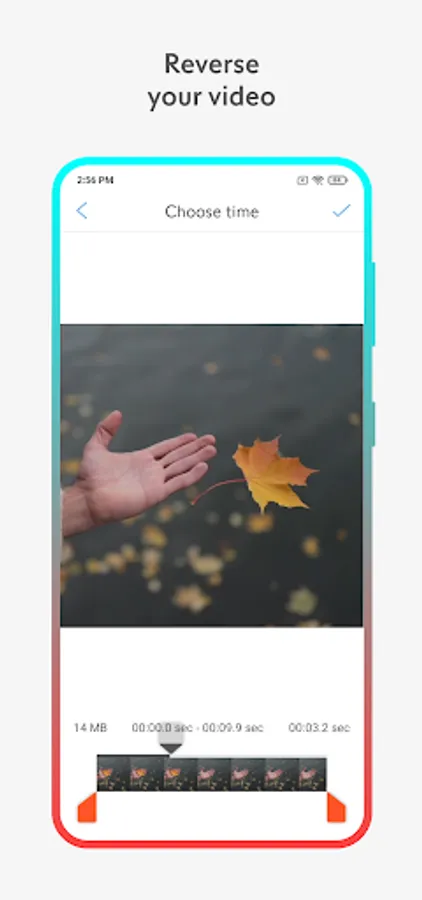
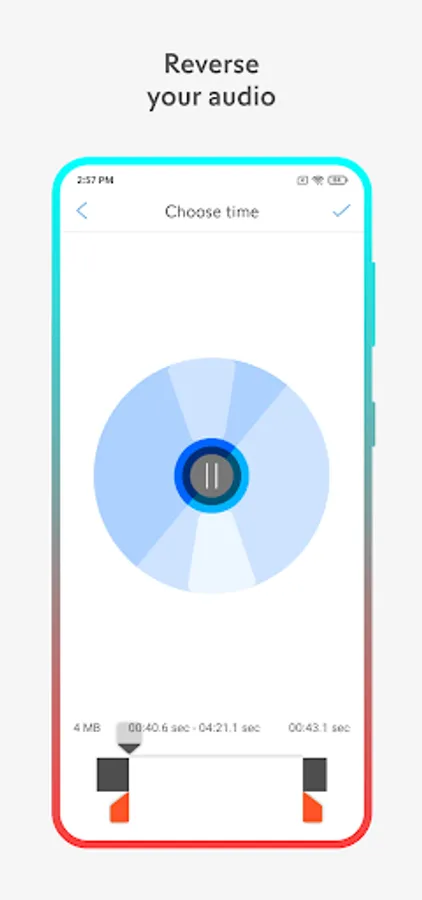
- Reverse video and sound.
- Select a clip from long duration video and reverse it.
- Get a reversed video with original audio.
- Get a reversed video with reversed audio.
- Rewind and mute the sound of the video.
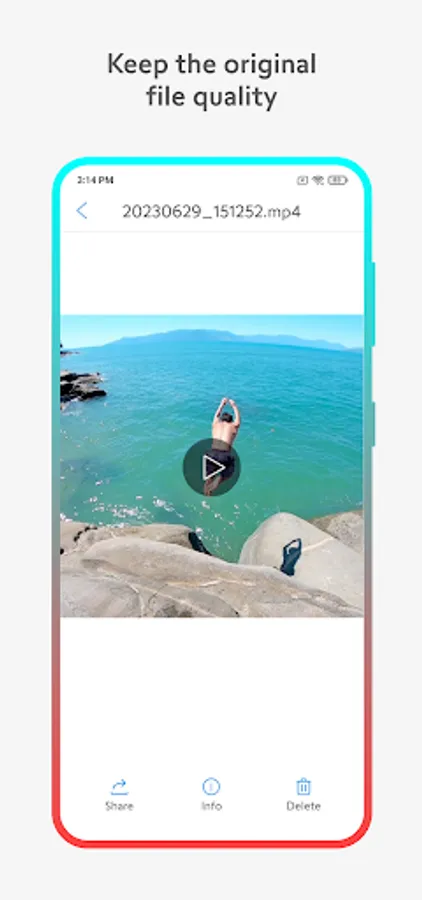
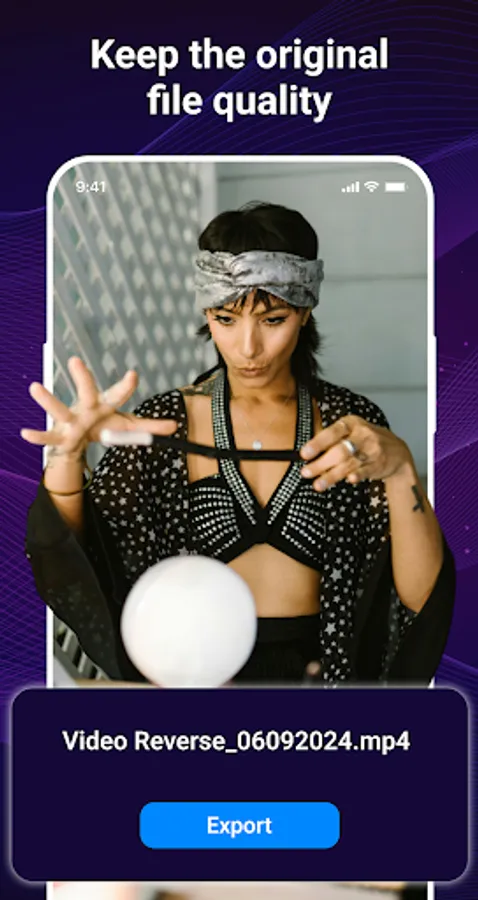
- Keep the original quality of the video.
How to use?
1. Select video from video gallery on your phone.
2. Select the part of video you wanna reverse.
3. Choose output quality for new video.
4. Select the option to change the sound.
5. Click "Save video" button and processing will start.
6. Watch and share the output video after processing.
Do you like this app? Please leave your reviews and suggestions, it will help us to improve this app in the next versions! Thank you!
You can show your friends your reverse skills, backwards cat or even bizarre ability to walk & talk backwards! Can they guess what you are saying about them in your new "rewind video"?
Main features:
- Reverse video and sound.
- Select a clip from long duration video and reverse it.
- Get a reversed video with original audio.
- Get a reversed video with reversed audio.
- Rewind and mute the sound of the video.
- Keep the original quality of the video.
How to use?
1. Select video from video gallery on your phone.
2. Select the part of video you wanna reverse.
3. Choose output quality for new video.
4. Select the option to change the sound.
5. Click "Save video" button and processing will start.
6. Watch and share the output video after processing.
Do you like this app? Please leave your reviews and suggestions, it will help us to improve this app in the next versions! Thank you!
Reverse Video And Audio Screenshots
Tap to Rate:
Reviews for Reverse Video And Audio
Imas
12/23/2025
does not work and full of ads
Mr Sugar Karma
12/3/2025
its fire 🔥🔥🔥🔥