Video Painter - Draw On Video
Desa Mobi
2.6 ★
523 ratings
100,000+
downloads
Free
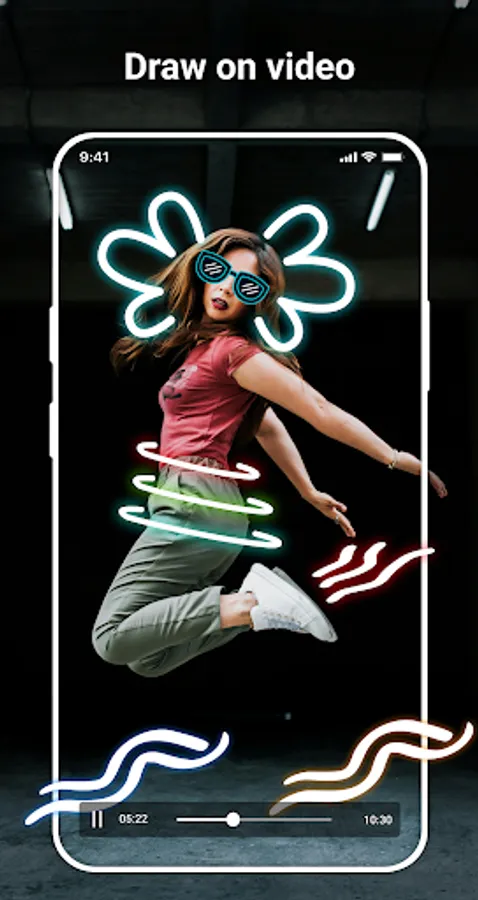
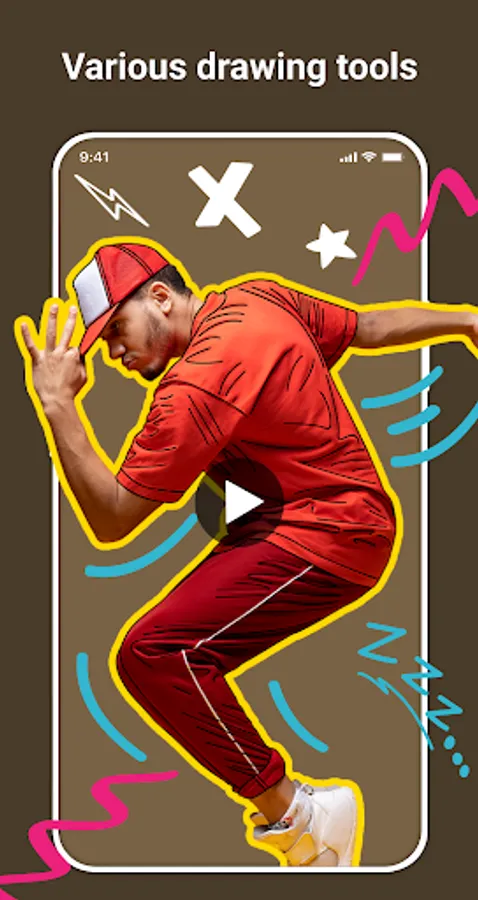
With this app, you can draw, annotate, and add visual effects directly on videos and images using various tools and styles. Includes multiple drawing options, time-specific edits, and music insertion.
AppRecs review analysis
AppRecs rating 2.7. Trustworthiness 82 out of 100. Review manipulation risk 28 out of 100. Based on a review sample analyzed.
★★☆☆☆
2.7
AppRecs Rating
Ratings breakdown
5 star
32%
4 star
6%
3 star
3%
2 star
3%
1 star
56%
What to know
✓
Low review manipulation risk
28% review manipulation risk
⚠
Mixed user feedback
Average 2.6★ rating suggests room for improvement
⚠
High negative review ratio
59% of sampled ratings are 1–2 stars
About Video Painter - Draw On Video
Video Painter app gives users the ability to directly interact with video content by drawing, annotating, highlighting or adding visual effects. It serves many different purposes depending on the usage needs, such as:
Illustrate and clarify content
Easily explain or emphasize a part of the video with strokes, arrows, circles, etc. Help viewers understand the content better, especially in instructional or educational videos.
Notes and annotations
Users can add quick notes or draw illustrations without the need for complex editing software. Useful for teachers, students, technicians or content creators when needing detailed descriptions.
Video analysis
Used to analyze movements, sports tactics, or evaluate techniques, by drawing lines, areas of influence, etc.
Create entertaining content, personalize videos
Draw funny expressions, stickers, symbols on videos. For entertainment purposes, posting TikTok, YouTube Shorts, Instagram, etc.
Support quick video editing
Draw quickly on videos without professional editing software. Save time and operations, suitable for ordinary users.
To serve the above purposes, the Video Painter application provides many attractive features so that users can edit videos quickly and conveniently.
Key features
- Hand draw on videos.
- Add multiple drawings to videos.
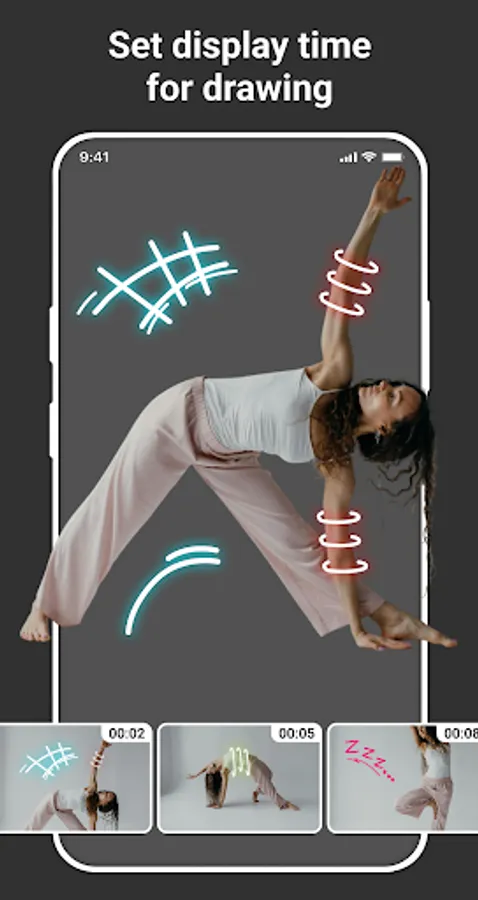
- Add drawings at the exact time in the video.
- Supports many drawing styles: freehand drawing, line drawing, rectangle drawing, circle drawing, oval drawing, triangle drawing, etc.
- Eraser.
- Unlimited pen color selection panel.
- Adjust pen size.
- Undo, redo what you have drawn.
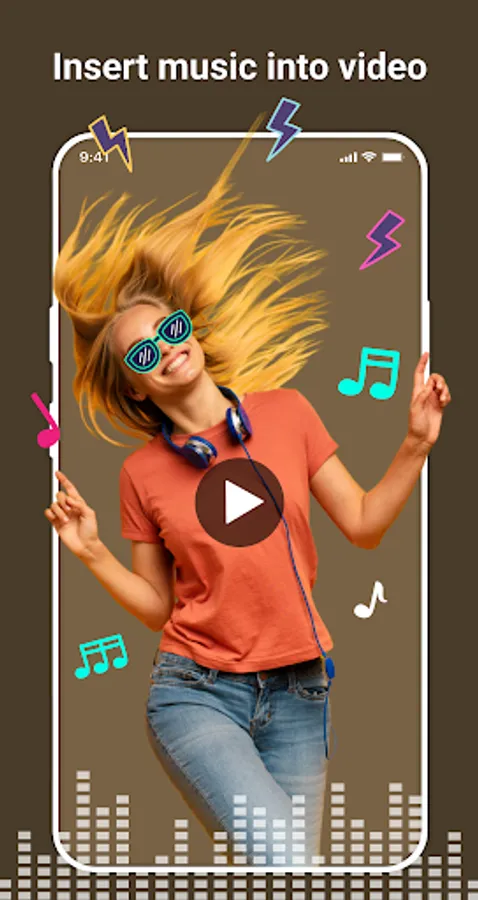
- Insert music into video.
- Super fast video export.
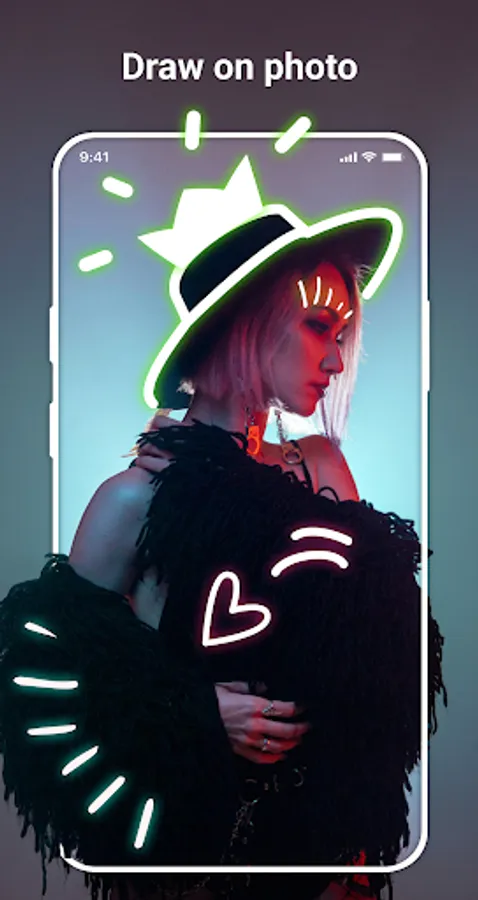
Besides the main feature of drawing on video, this application also provides users with another useful feature of drawing on photos. Helps users customize, edit or add visual elements to images easily and quickly with full tools like when drawing on video.
Do you like this application? Please leave your review and suggestions, it will help us improve this application in the next versions! Thank you!
Illustrate and clarify content
Easily explain or emphasize a part of the video with strokes, arrows, circles, etc. Help viewers understand the content better, especially in instructional or educational videos.
Notes and annotations
Users can add quick notes or draw illustrations without the need for complex editing software. Useful for teachers, students, technicians or content creators when needing detailed descriptions.
Video analysis
Used to analyze movements, sports tactics, or evaluate techniques, by drawing lines, areas of influence, etc.
Create entertaining content, personalize videos
Draw funny expressions, stickers, symbols on videos. For entertainment purposes, posting TikTok, YouTube Shorts, Instagram, etc.
Support quick video editing
Draw quickly on videos without professional editing software. Save time and operations, suitable for ordinary users.
To serve the above purposes, the Video Painter application provides many attractive features so that users can edit videos quickly and conveniently.
Key features
- Hand draw on videos.
- Add multiple drawings to videos.
- Add drawings at the exact time in the video.
- Supports many drawing styles: freehand drawing, line drawing, rectangle drawing, circle drawing, oval drawing, triangle drawing, etc.
- Eraser.
- Unlimited pen color selection panel.
- Adjust pen size.
- Undo, redo what you have drawn.
- Insert music into video.
- Super fast video export.
Besides the main feature of drawing on video, this application also provides users with another useful feature of drawing on photos. Helps users customize, edit or add visual elements to images easily and quickly with full tools like when drawing on video.
Do you like this application? Please leave your review and suggestions, it will help us improve this application in the next versions! Thank you!
Video Painter - Draw On Video Screenshots
Tap to Rate:
Reviews for Video Painter - Draw On Video
KANUBHAI M. Patel
9/9/2025
good
Irfan Mansuri
9/10/2023
Nice