
Media Vault
Divyesh Devlani
3.4 ★
208 ratings
10,000+
downloads
Free
+ in-app
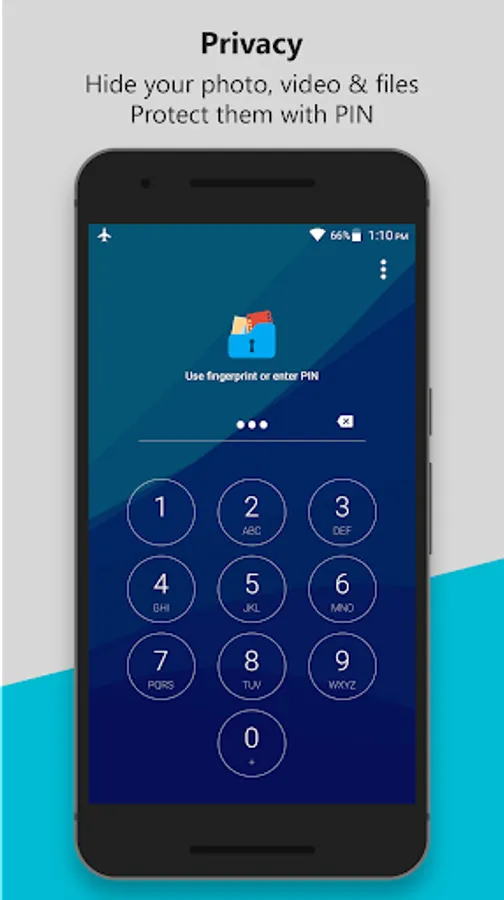
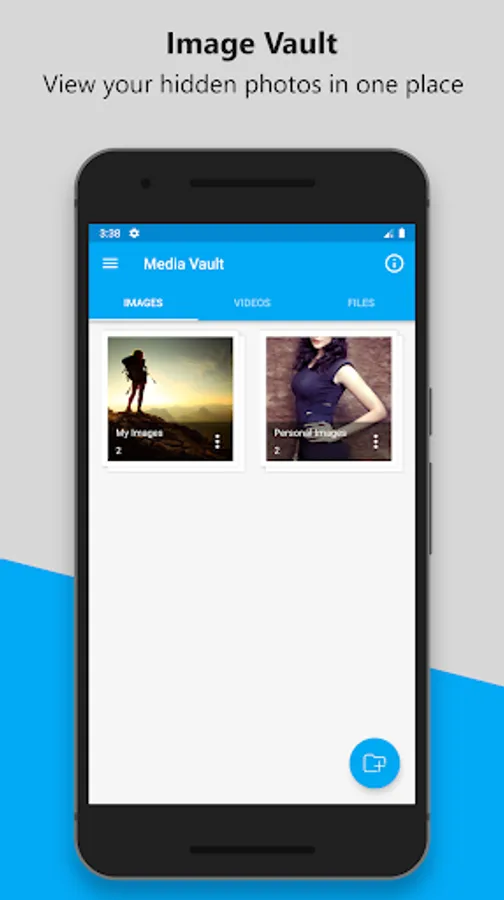
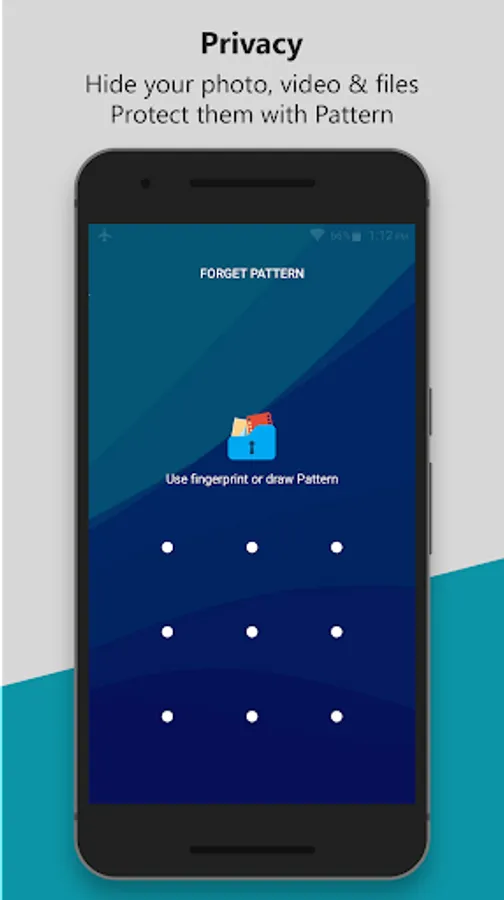
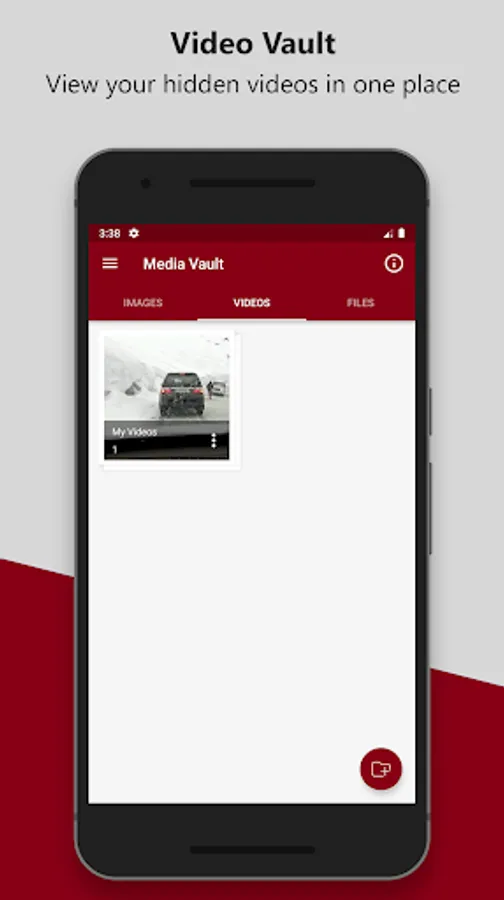
In this app, you can hide images, videos, and files from device storage and protect access with PIN, pattern, or fingerprint. Includes break-in alerts, fake icons, and support for SD card storage.
AppRecs review analysis
AppRecs rating 3.5. Trustworthiness 76 out of 100. Review manipulation risk 32 out of 100. Based on a review sample analyzed.
★★★☆☆
3.5
AppRecs Rating
Ratings breakdown
5 star
60%
4 star
0%
3 star
0%
2 star
0%
1 star
40%
What to know
✓
Credible reviews
76% trustworthiness score from analyzed reviews
✓
Authentic reviews
No red flags detected
⚠
High negative review ratio
40% of sampled ratings are 1–2 stars
About Media Vault
Media Vault can hide images, videos & files, unlock the app with PIN or pattern, or fingerprint.
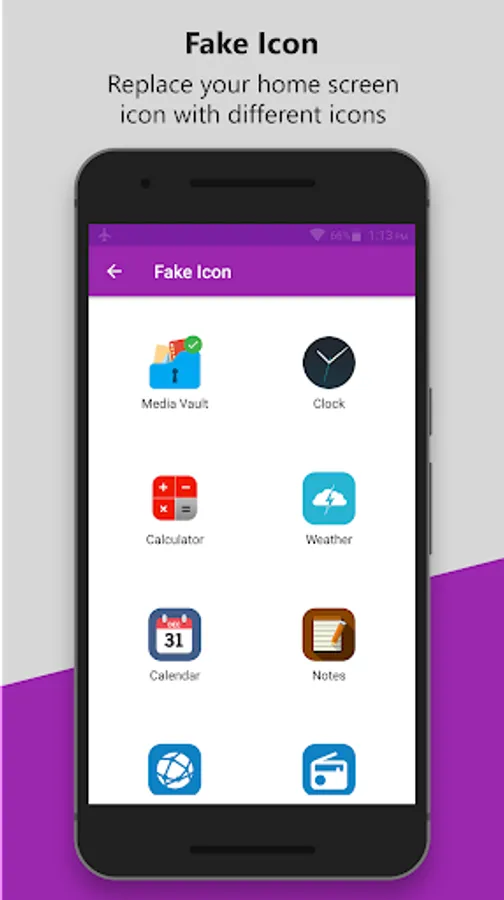
• Hide Media Vault icon from the home screen or Replace Media Vault icon with Alarm Clock, Weather, Calculator, Calendar, Notepad, Browser, and Radio on the home screen, easy to confuse intruders and keep media safe.
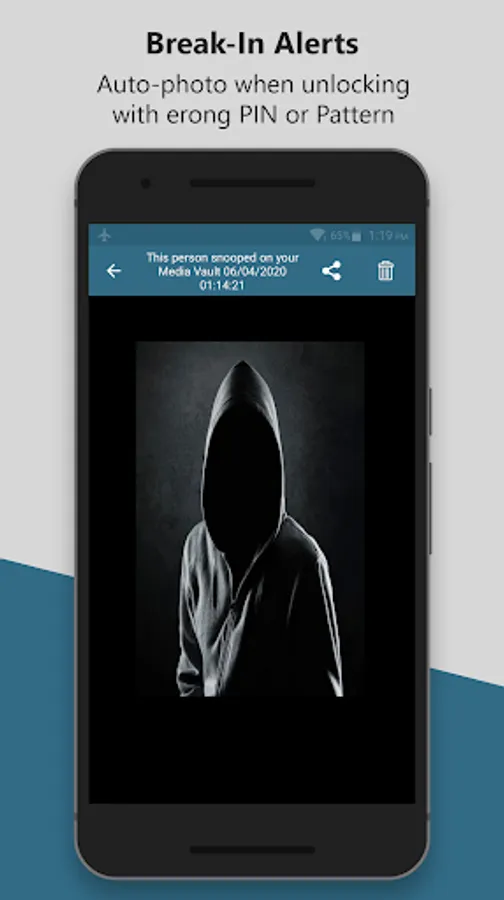
• Media Vault contains Break-in Alerts which allows you to easily see who has tried to unlock Media Vault without your permission, Media Vault will take a photo when the user enters the wrong PIN, and unlocking failed.
• PIN lock has a random keyboard option, random keyboard ensures more security.
• Media Vault supports Invisible Pattern Lock.
MAIN FEATURES
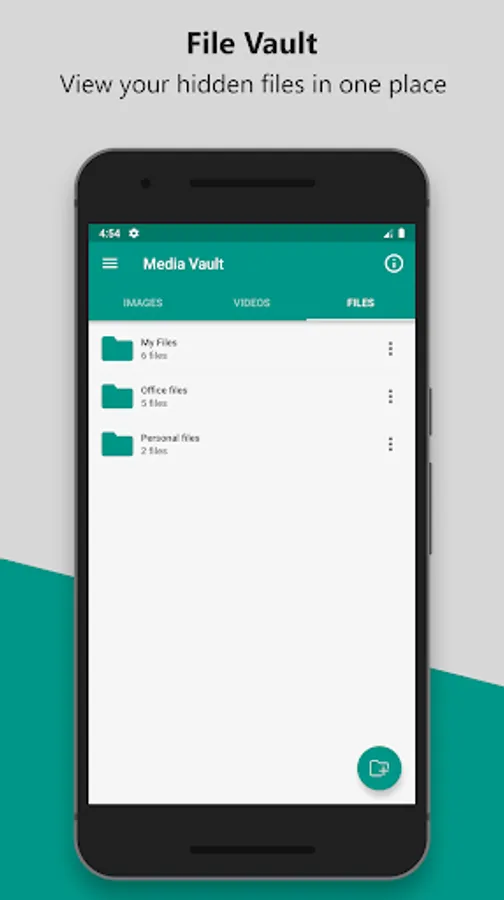
★ Hide Images, Videos & Files from phone memory and SD card.
★ It supports SD card, you can move your files from phone memory to SD card and hide them to save storage space of phone memory.
★ No storage limitations to hide files.
★ Unlock Media Vault with PIN, Pattern, or Fingerprint.
★ Hide Media Vault icon.
★ Replace Media Vault icon with Fake Icon to confuse intruders.
★ Contains Break-in Alerts, it will capture a photo when entered wrong PIN or pattern.
★ Know who is trying to access Media Vault with the wrong PIN.
★ Beautiful and smooth user interface.
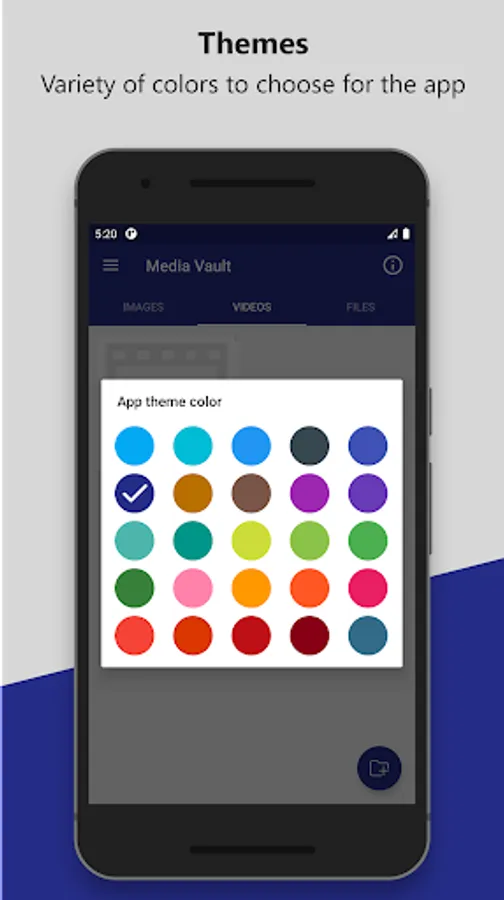
★ Variety of Themes.
★ Random Keyboard.
★ Invisible Pattern.
-------FAQ------
1. How to set my PIN for the first time?
Open Media Vault -> Enter PIN code -> Confirm PIN code
2. How to change my PIN?
Open Media Vault -> Settings -> Change PIN
Confirm PIN -> Enter new PIN -> Re-enter new PIN
3. What should I do if I forget the Media Vault PIN?
Login Screen -> Reset PIN, follow instructions.
Permissions
Media Vault may ask for permission to access the following features
• Photos/Media/Files for Vault feature.
• Camera for Snap photo of intruders.
Note: This app uses the Device Administrator permission
- This BIND_DEVICE_ADMIN permission is used to prevent uninstalling Media Vault by unauthorized uses. After you enable this advanced Protection, nobody can uninstall Media Vault without a PIN. If you want to uninstall it, please disable Uninstall Prevention first from app settings.
• Hide Media Vault icon from the home screen or Replace Media Vault icon with Alarm Clock, Weather, Calculator, Calendar, Notepad, Browser, and Radio on the home screen, easy to confuse intruders and keep media safe.
• Media Vault contains Break-in Alerts which allows you to easily see who has tried to unlock Media Vault without your permission, Media Vault will take a photo when the user enters the wrong PIN, and unlocking failed.
• PIN lock has a random keyboard option, random keyboard ensures more security.
• Media Vault supports Invisible Pattern Lock.
MAIN FEATURES
★ Hide Images, Videos & Files from phone memory and SD card.
★ It supports SD card, you can move your files from phone memory to SD card and hide them to save storage space of phone memory.
★ No storage limitations to hide files.
★ Unlock Media Vault with PIN, Pattern, or Fingerprint.
★ Hide Media Vault icon.
★ Replace Media Vault icon with Fake Icon to confuse intruders.
★ Contains Break-in Alerts, it will capture a photo when entered wrong PIN or pattern.
★ Know who is trying to access Media Vault with the wrong PIN.
★ Beautiful and smooth user interface.
★ Variety of Themes.
★ Random Keyboard.
★ Invisible Pattern.
-------FAQ------
1. How to set my PIN for the first time?
Open Media Vault -> Enter PIN code -> Confirm PIN code
2. How to change my PIN?
Open Media Vault -> Settings -> Change PIN
Confirm PIN -> Enter new PIN -> Re-enter new PIN
3. What should I do if I forget the Media Vault PIN?
Login Screen -> Reset PIN, follow instructions.
Permissions
Media Vault may ask for permission to access the following features
• Photos/Media/Files for Vault feature.
• Camera for Snap photo of intruders.
Note: This app uses the Device Administrator permission
- This BIND_DEVICE_ADMIN permission is used to prevent uninstalling Media Vault by unauthorized uses. After you enable this advanced Protection, nobody can uninstall Media Vault without a PIN. If you want to uninstall it, please disable Uninstall Prevention first from app settings.
Media Vault Screenshots
Tap to Rate:
Reviews for Media Vault
Glen Agyapong
12/26/2025
the app is great, just needs some up to date UI graphic touches to compete
Lien Dekker
11/19/2025
no problems everything open solved