SIM Contacts Manager
Divyesh Devlani
3.5 ★
6K ratings
1,000,000+
downloads
Free
+ in-app
With this SIM contacts manager, you can organize, import, and export contacts between your SIM card and device. Includes contact editing, bulk import/export, and deletion features.
AppRecs review analysis
AppRecs rating 3.5. Trustworthiness 75 out of 100. Review manipulation risk 36 out of 100. Based on a review sample analyzed.
★★★☆☆
3.5
AppRecs Rating
Ratings breakdown
5 star
55%
4 star
4%
3 star
8%
2 star
5%
1 star
29%
What to know
✓
Credible reviews
75% trustworthiness score from analyzed reviews
✓
Authentic reviews
Natural distribution, no red flags
⚠
High negative review ratio
34% of sampled ratings are 1–2 stars
About SIM Contacts Manager
SIM contacts manager lets you easily manage SIM card contacts.
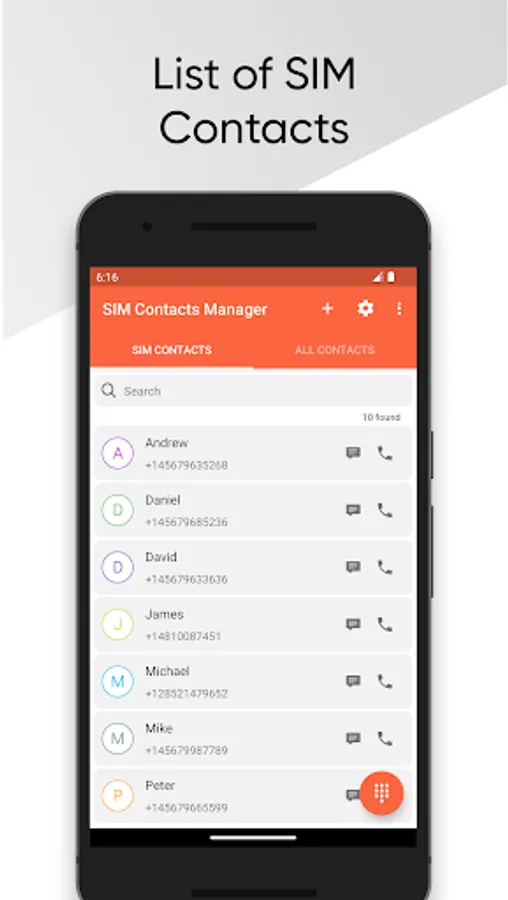
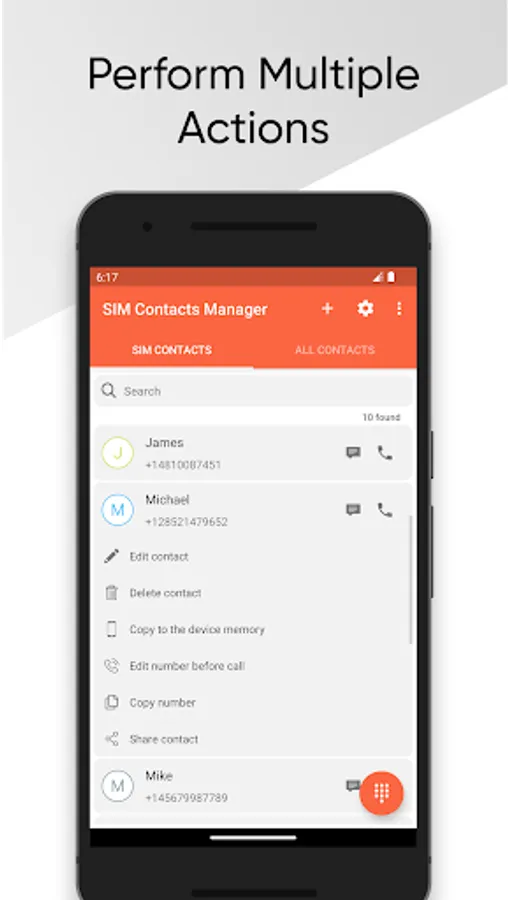
The app contains a list of SIM contacts and allows you to perform actions like Call, SMS, Edit, Delete, Copy to Device.
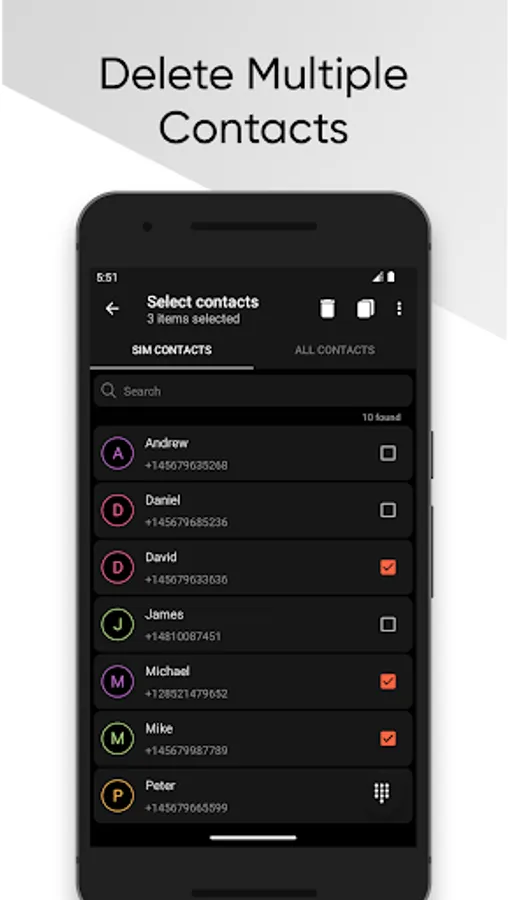
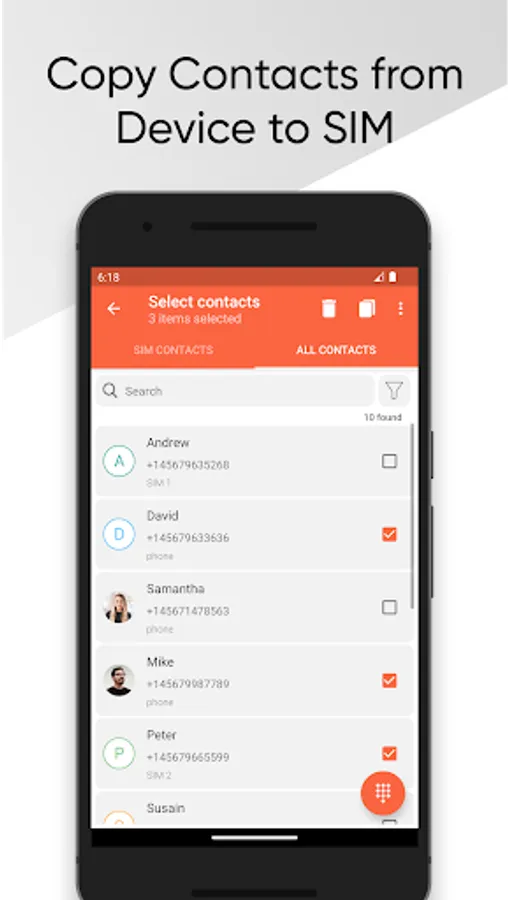
The app allows you to import multiple contacts from the device to the SIM card and you can delete multiple contacts of SIM.
The app allows you to import multiple contacts from the SIM card to the device and you can delete multiple contacts of the device.
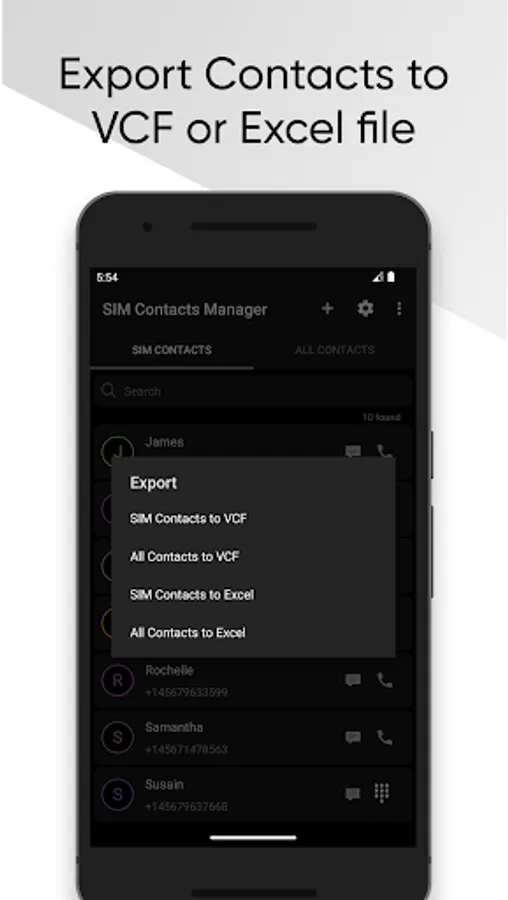
You can export SIM contacts & device contacts to an Excel sheet or VCF.
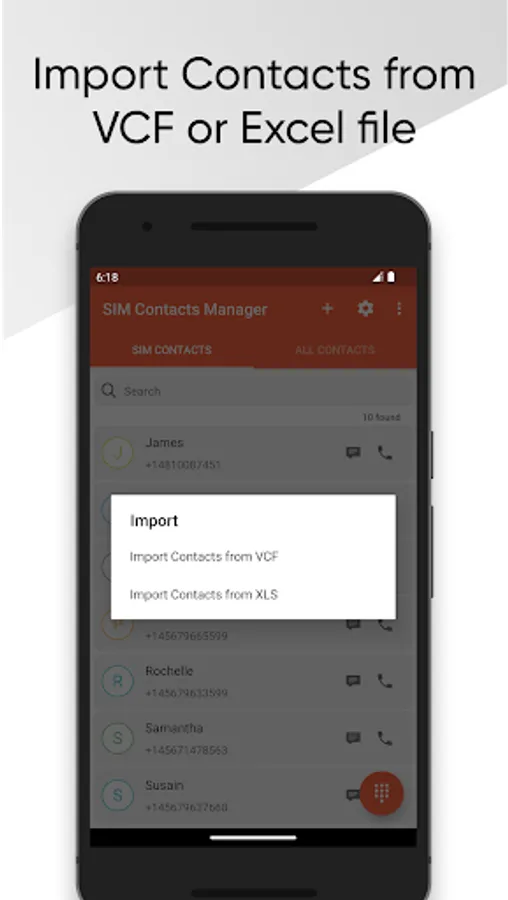
You can import contacts from an excel sheet or VCF to SIM memory or device memory.
Features:
- Add multiple contacts from the device to the SIM.
- Add multiple contacts from the SIM to the device.
- Delete multiple contacts.
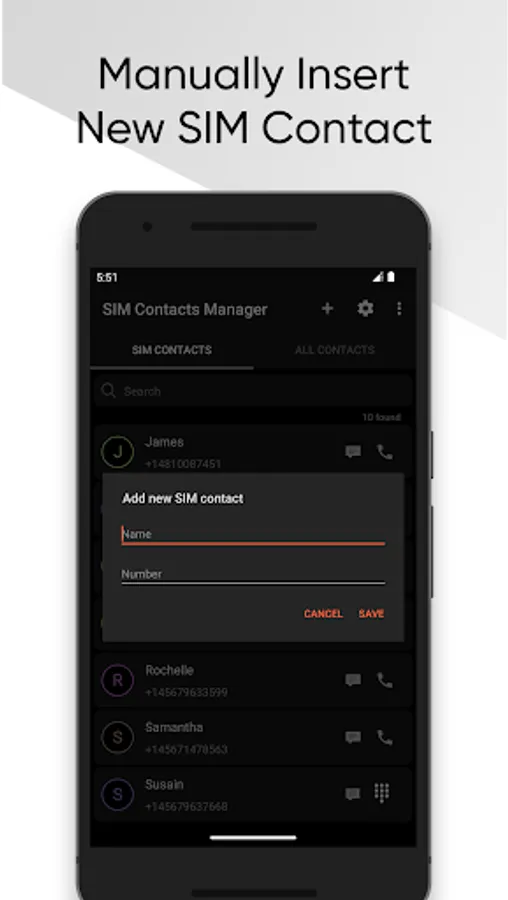
- Manually add new SIM contact.
- Make a call.
- Send SMS.
- Edit contact.
- Delete contact.
- Export contacts to Excel.
- Import contacts from Excel.
- Export contacts to VCF.
- Import contacts from VCF.
- Search from contacts.
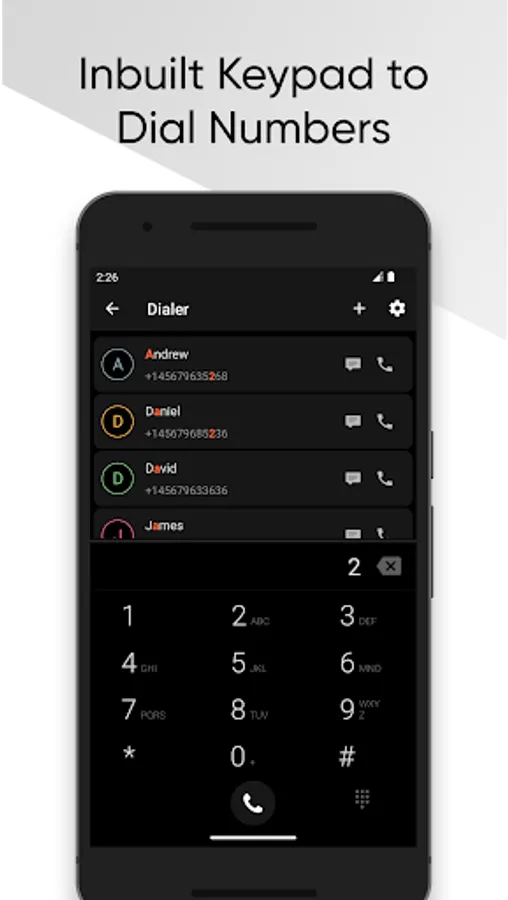
- Dialer screen.
- Shortcut widget icon for dialer.
Permissions:
- INTERNET this permission is required for showing ads to support the developers.
- READ_CONTACTS this permission is required to read contacts.
- WRITE_CONTACTS this permission is required to edit or delete contacts.
- CALL_PHONE this permission is required to make a phone call to the selected number.
The app contains a list of SIM contacts and allows you to perform actions like Call, SMS, Edit, Delete, Copy to Device.
The app allows you to import multiple contacts from the device to the SIM card and you can delete multiple contacts of SIM.
The app allows you to import multiple contacts from the SIM card to the device and you can delete multiple contacts of the device.
You can export SIM contacts & device contacts to an Excel sheet or VCF.
You can import contacts from an excel sheet or VCF to SIM memory or device memory.
Features:
- Add multiple contacts from the device to the SIM.
- Add multiple contacts from the SIM to the device.
- Delete multiple contacts.
- Manually add new SIM contact.
- Make a call.
- Send SMS.
- Edit contact.
- Delete contact.
- Export contacts to Excel.
- Import contacts from Excel.
- Export contacts to VCF.
- Import contacts from VCF.
- Search from contacts.
- Dialer screen.
- Shortcut widget icon for dialer.
Permissions:
- INTERNET this permission is required for showing ads to support the developers.
- READ_CONTACTS this permission is required to read contacts.
- WRITE_CONTACTS this permission is required to edit or delete contacts.
- CALL_PHONE this permission is required to make a phone call to the selected number.
SIM Contacts Manager Screenshots
Tap to Rate:
Reviews for SIM Contacts Manager
Oluka Godday Ogochukwu
12/29/2025
good
Abdurehman Nur
12/26/2025
ok