DroidCamX HD (Classic)
Dev47Apps
4.4 ★
store rating
500,000+
downloads
$4.99
AppRecs review analysis
AppRecs rating 4.2. Trustworthiness 79 out of 100. Review manipulation risk 27 out of 100. Based on a review sample analyzed.
★★★★☆
4.2
AppRecs Rating
Ratings breakdown
5 star
73%
4 star
13%
3 star
4%
2 star
3%
1 star
8%
What to know
✓
Low review manipulation risk
27% review manipulation risk
✓
Credible reviews
79% trustworthiness score from analyzed reviews
⚠
Pricing complaints
Many low ratings mention paywalls or pricing
About DroidCamX HD (Classic)
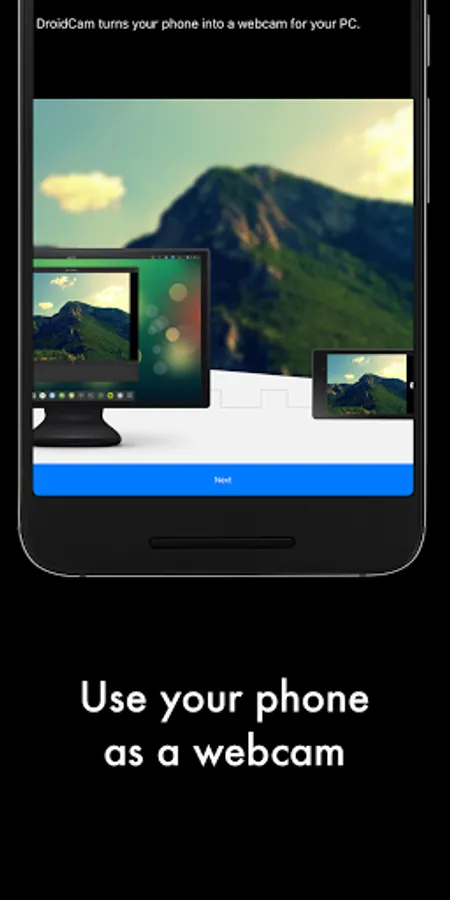
DroidCamX turns your Android device into a webcam.
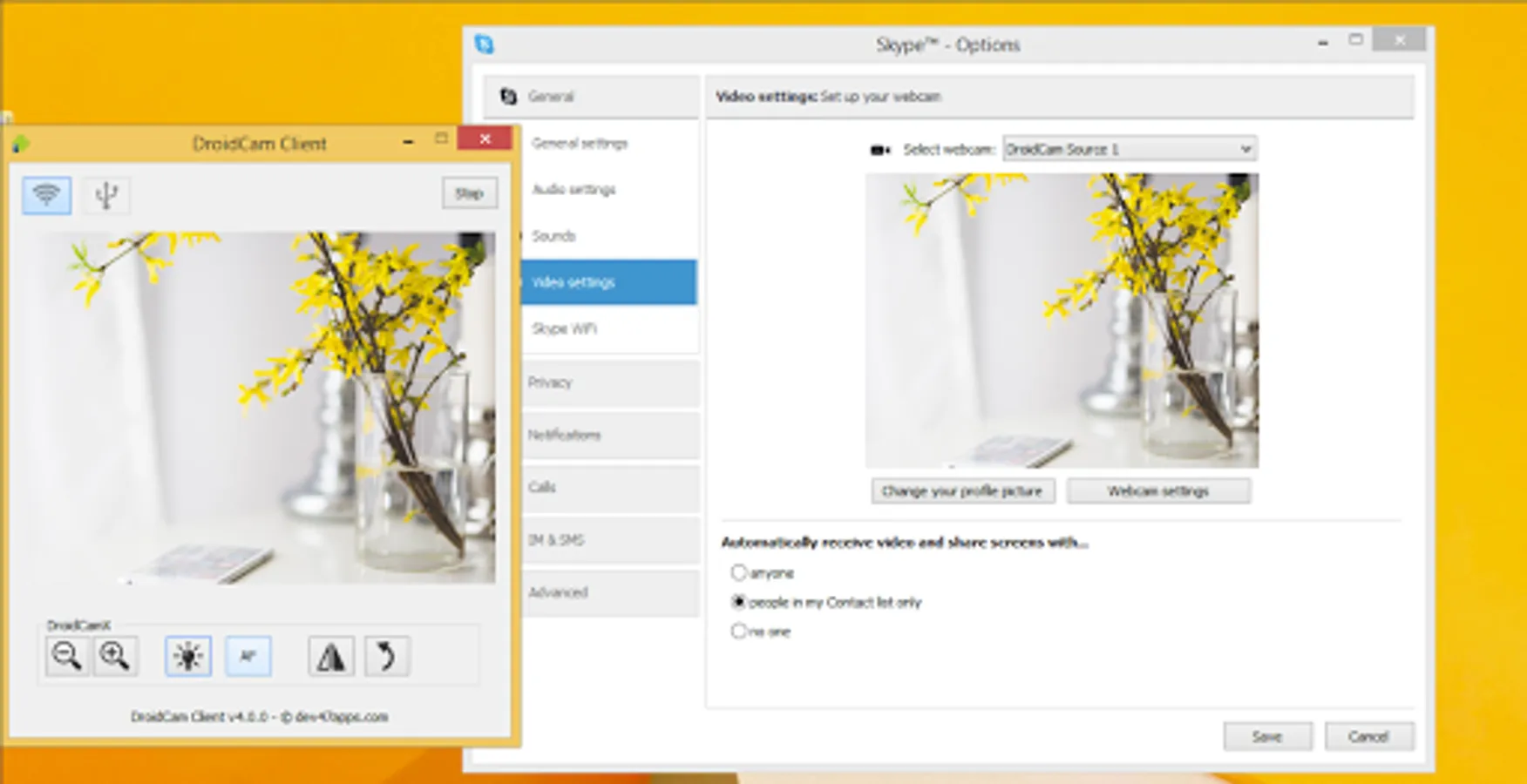
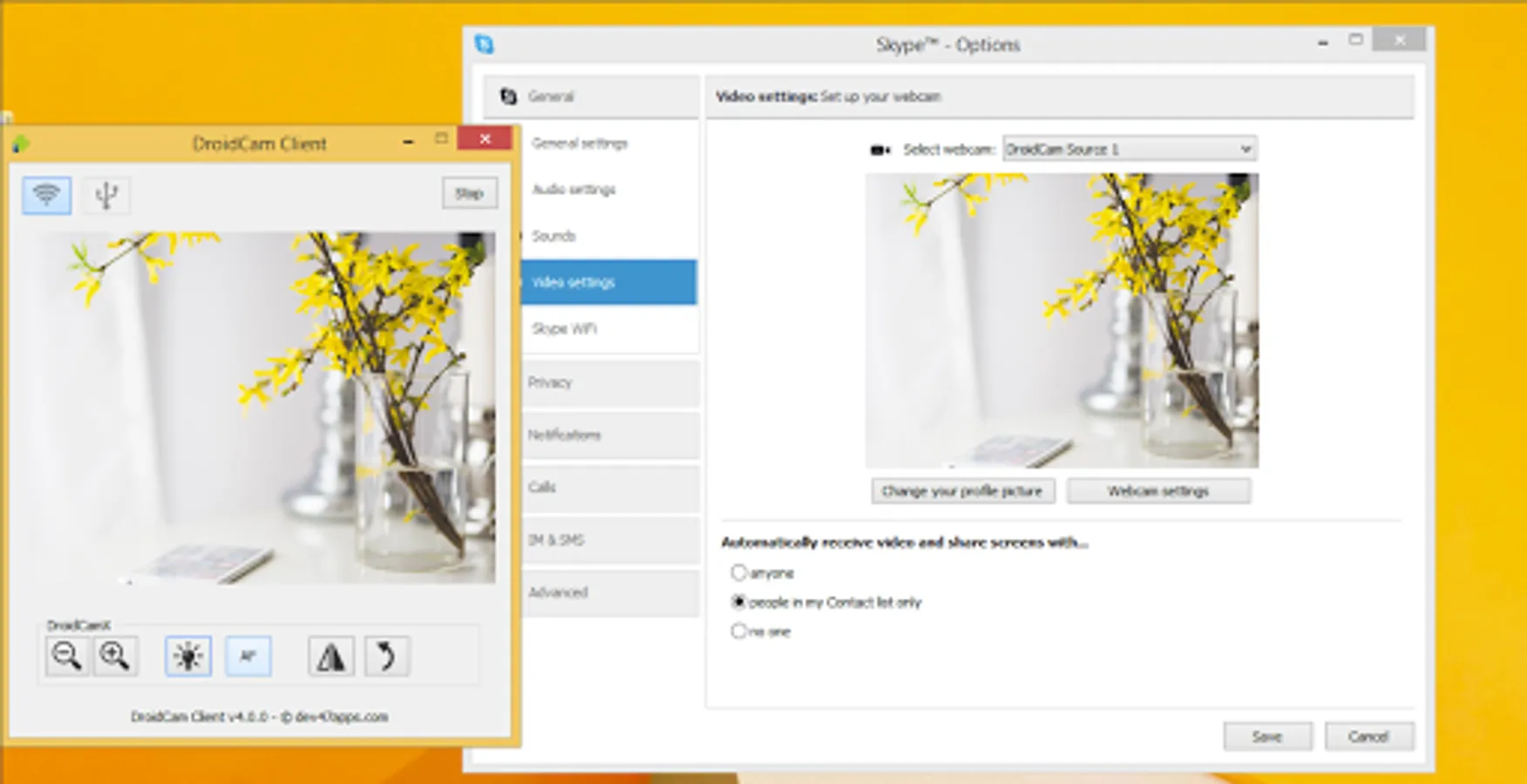
- Chat using "DroidCam Webcam" on your computer, including Sound and Picture.
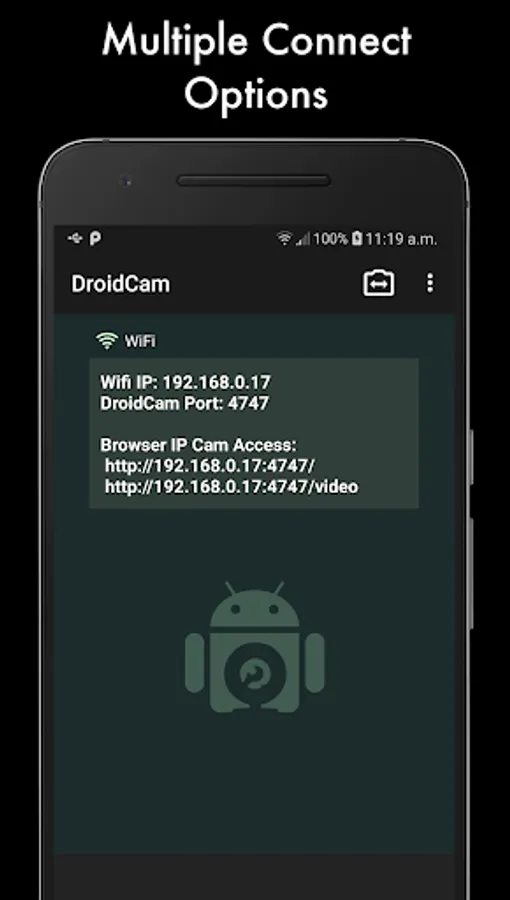
- Connect over Wifi or USB*.
- Supports 720p/1080p video with HD Mode.
- "Smooth FPS" option in settings for more stable video.
- Use other (non camera) apps with DroidCamX in the background.
- Keeps working with the screen off to conserve battery.
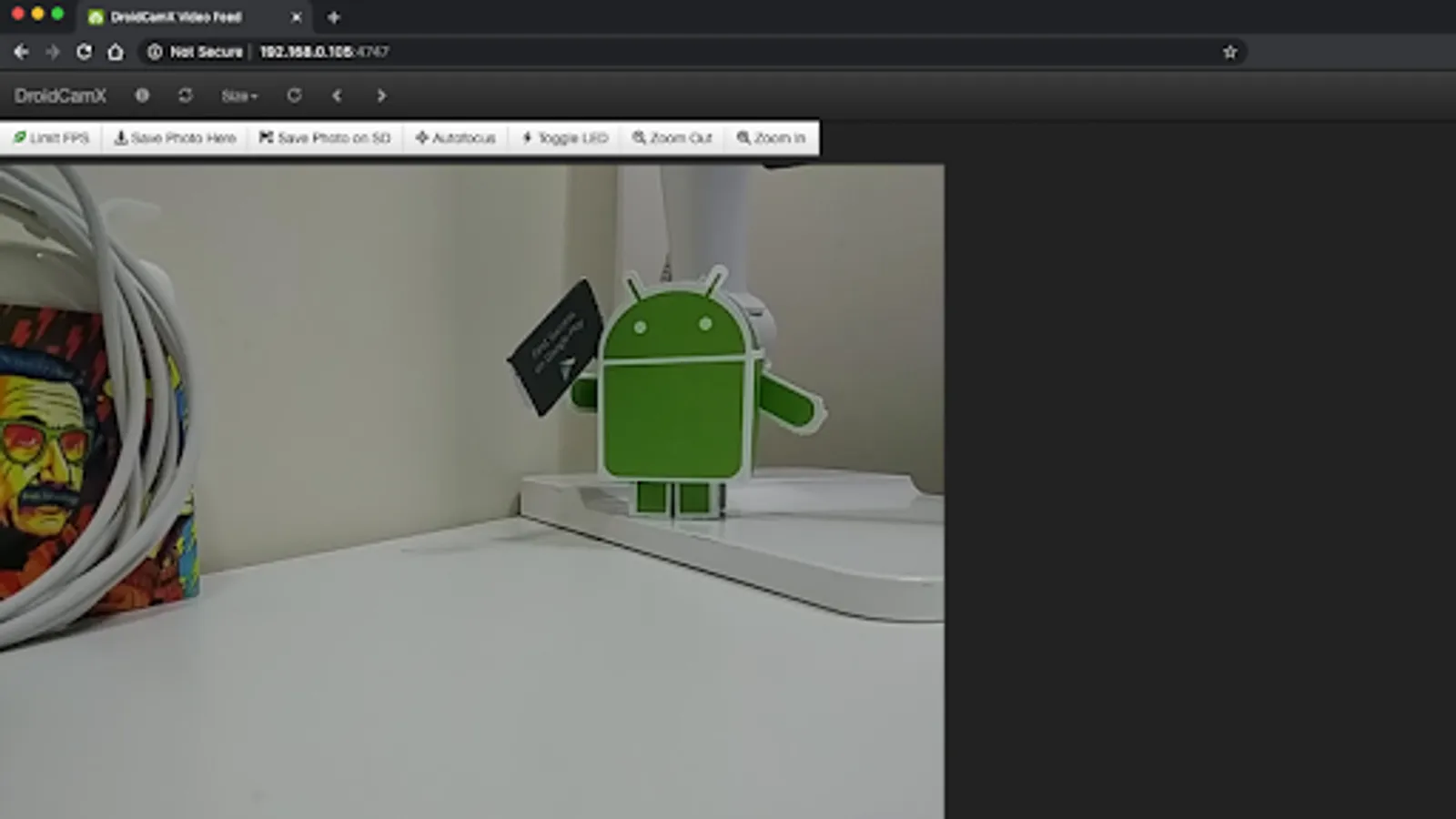
- IP Webcam MJPEG access (access camera via a browser or from another device).
- Camera controls: auto focus, zoom, flash light, and more.
- Capture still image frames on phone or computer while the app is running.
- Pro controls on the Windows Client: Mirror, Flip, Brightness, Contrast, etc.
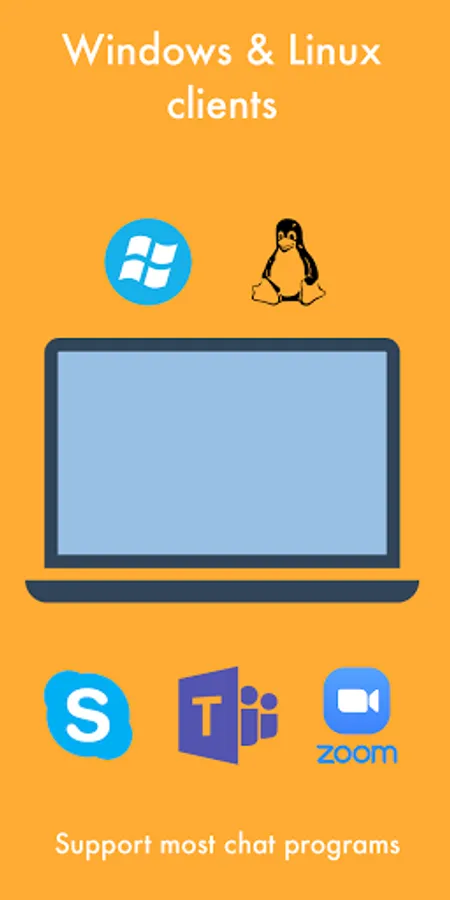
The app works with a PC client that connects the computer with your phone. Windows and Linux clients are available, please visit www.dev47apps.com on your computer to download, install, and get more info on usage.
* USB connection may require additional setup.
NOTE: If the Play Store fails to download or verify the app, please check the order status in your Play Store account and try again. Use the web version at https://play.google.com/store on your computer to avoid caching and account sync issues.
- Chat using "DroidCam Webcam" on your computer, including Sound and Picture.
- Connect over Wifi or USB*.
- Supports 720p/1080p video with HD Mode.
- "Smooth FPS" option in settings for more stable video.
- Use other (non camera) apps with DroidCamX in the background.
- Keeps working with the screen off to conserve battery.
- IP Webcam MJPEG access (access camera via a browser or from another device).
- Camera controls: auto focus, zoom, flash light, and more.
- Capture still image frames on phone or computer while the app is running.
- Pro controls on the Windows Client: Mirror, Flip, Brightness, Contrast, etc.
The app works with a PC client that connects the computer with your phone. Windows and Linux clients are available, please visit www.dev47apps.com on your computer to download, install, and get more info on usage.
* USB connection may require additional setup.
NOTE: If the Play Store fails to download or verify the app, please check the order status in your Play Store account and try again. Use the web version at https://play.google.com/store on your computer to avoid caching and account sync issues.