DroidCam Webcam & OBS Camera
Dev47Apps
3.8 ★
store rating
1,000,000+
downloads
Free
+ in-app
AppRecs review analysis
AppRecs rating 3.3. Trustworthiness 84 out of 100. Review manipulation risk 29 out of 100. Based on a review sample analyzed.
★★★☆☆
3.3
AppRecs Rating
Ratings breakdown
5 star
60%
4 star
10%
3 star
5%
2 star
4%
1 star
21%
What to know
✓
Low review manipulation risk
29% review manipulation risk
✓
Credible reviews
84% trustworthiness score from analyzed reviews
⚠
Ad complaints
Many low ratings mention excessive ads
About DroidCam Webcam & OBS Camera
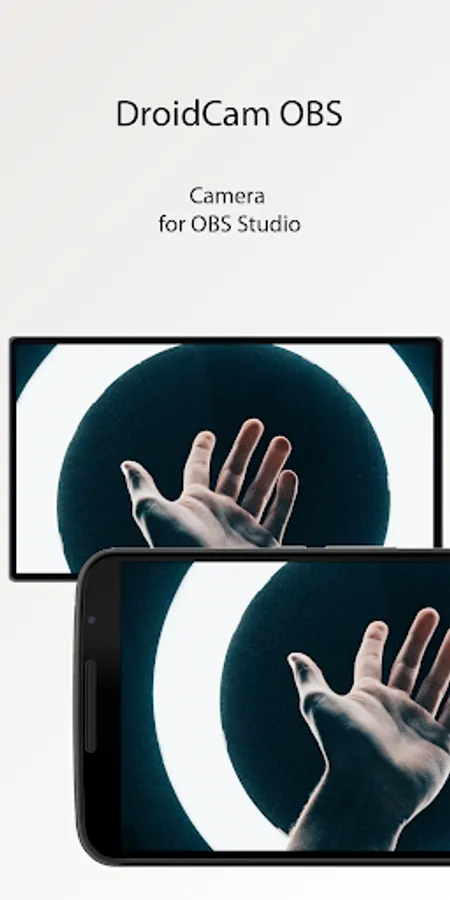
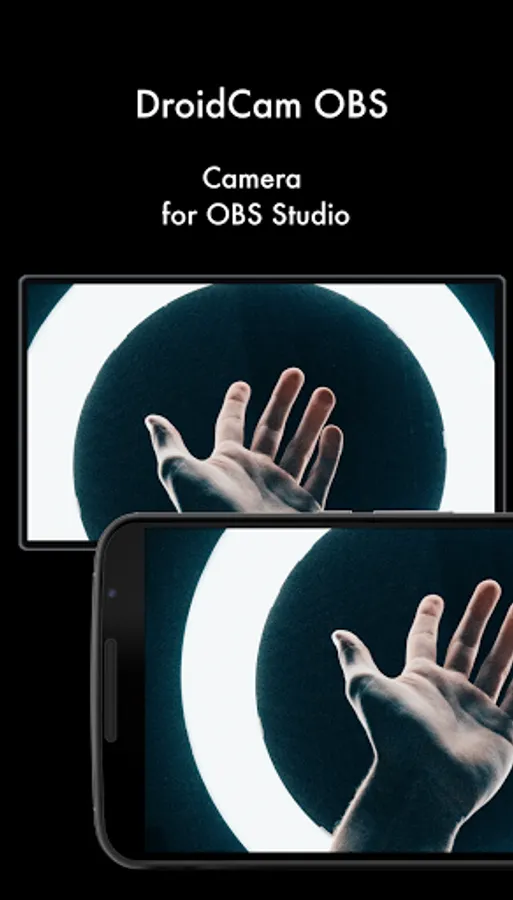
Use your phone as an advanced webcam for video calls, live streaming, and video production.
- Chat using "DroidCam Webcam" on your computer, including Sound and Picture.
- Direct OBS Studio integration via DroidCam OBS plugin (see below).
- Free unlimited usage at standard definition (640x480).
- Up to 1080p Full-HD as a PC Webcam, and up to 4K UHD as an OBS Camera (see below).
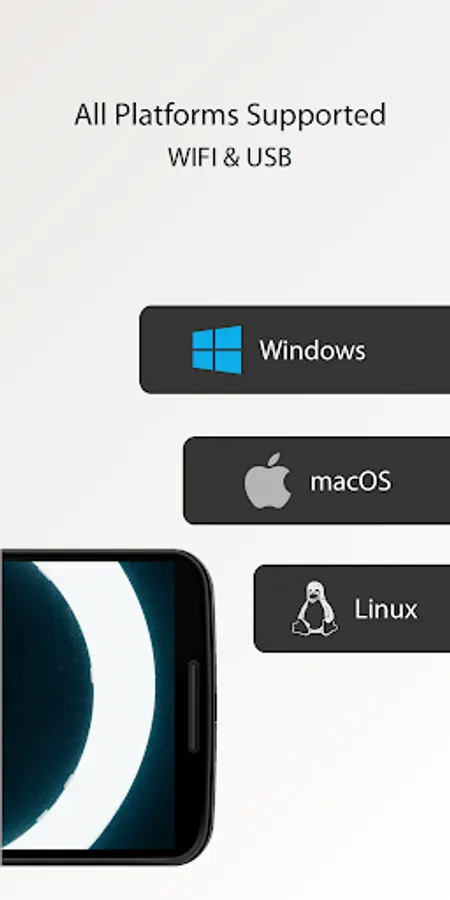
- Both WiFi and USB connections supported*.
- HW assisted coding (if possible) and multiple video format options.
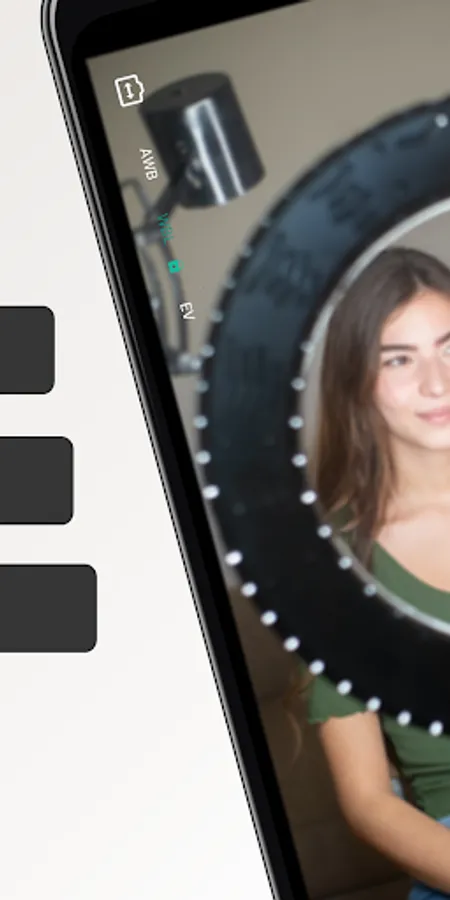
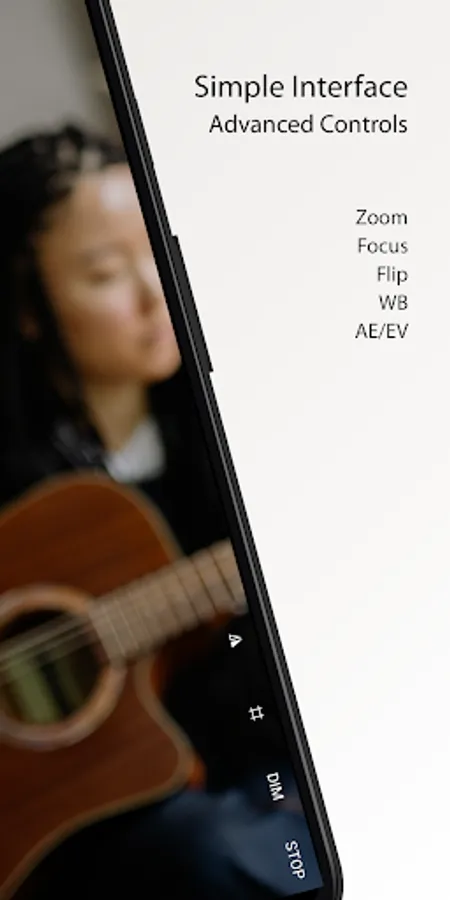
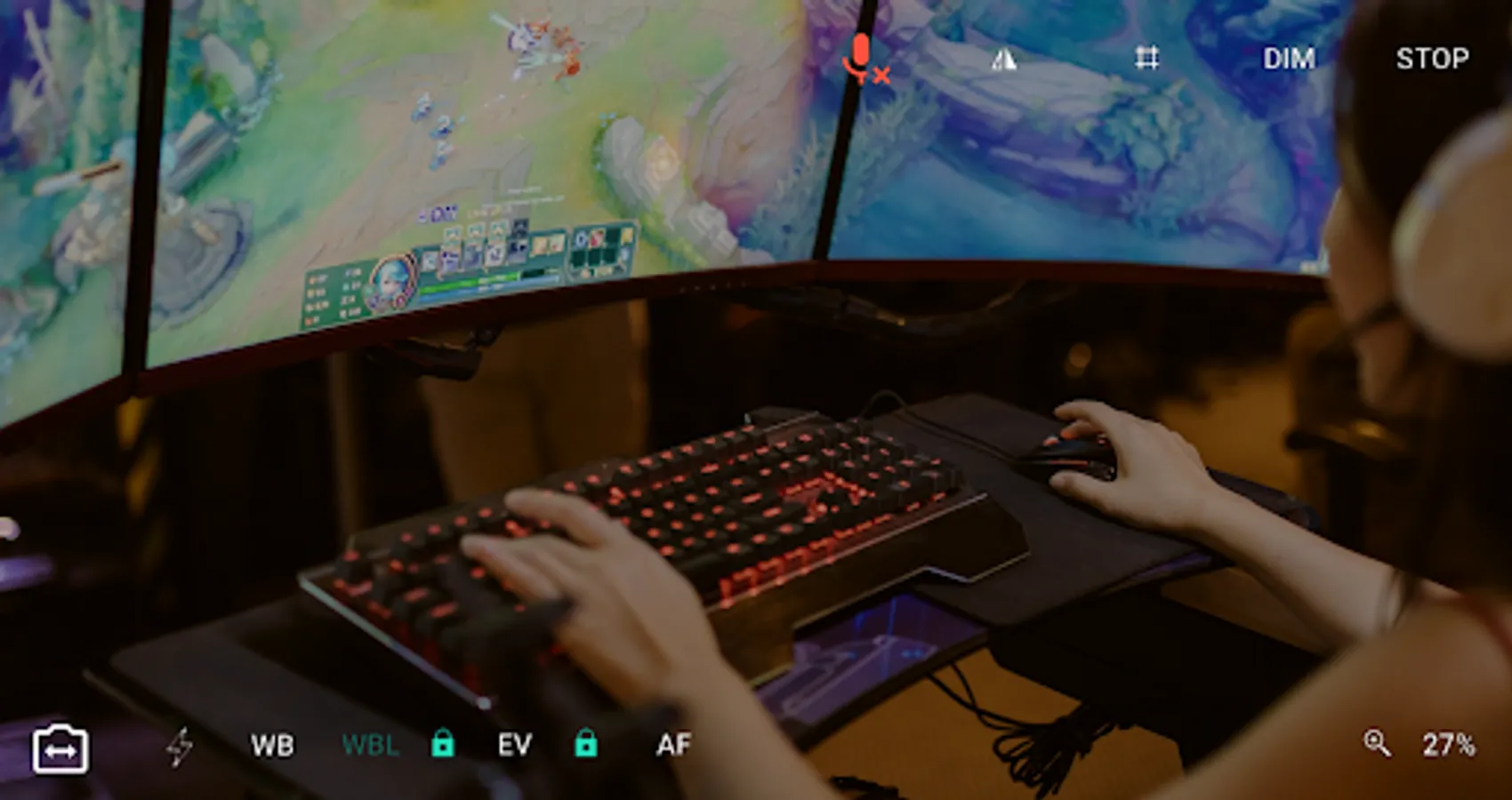
- DSLR -like features including exposure, white balance, and focus controls.
- Works with the phone screen off and in the background for extra efficiency.
PC WEBCAM – droidcam.app
Get the DroidCam PC Client to use your phone as a webcam. The client is available for Windows & Linux systems, and works with Zoom, Skype, Discord, and most other programs.
👉 Go to https://droidcam.app/ on your computer to download and install the DroidCam Client, and to learn more about usage.
OBS CAMERA – droidcam.app/obs
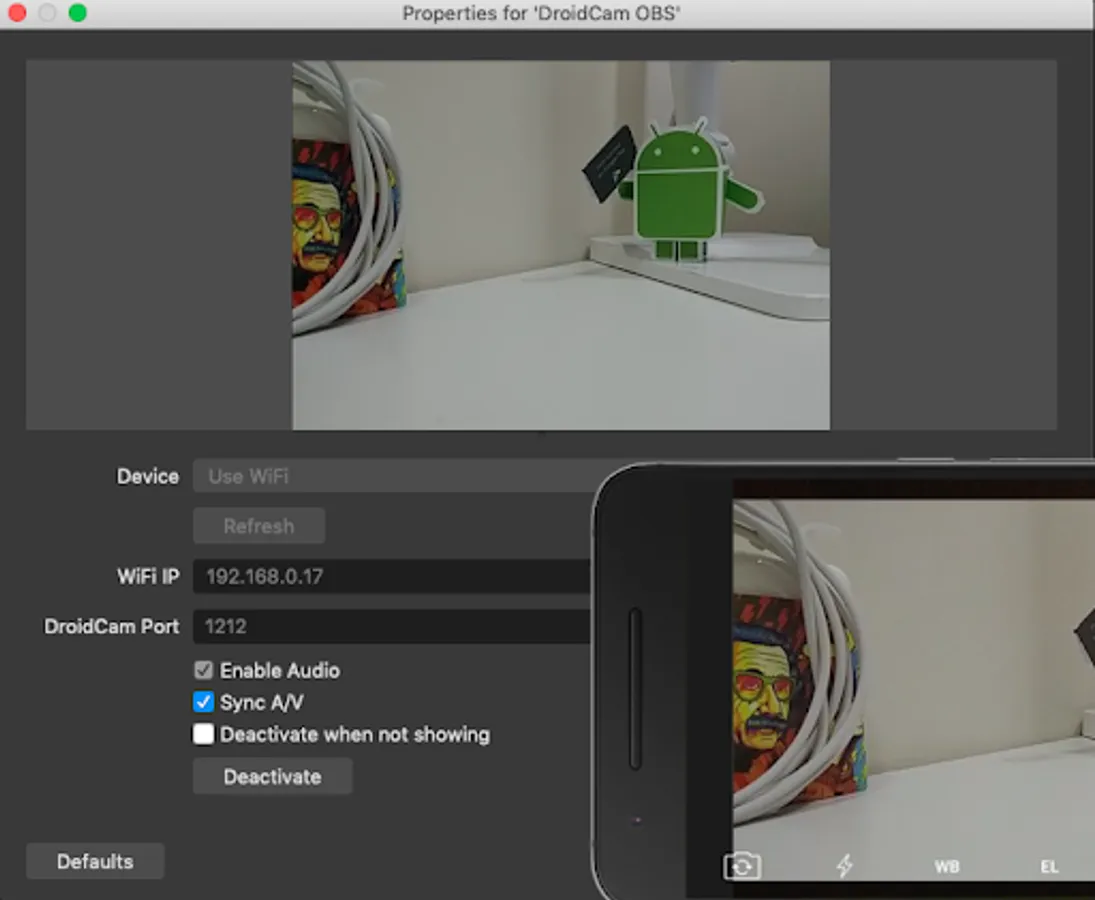
Use DroidCam DIRECTLY in OBS Studio by getting the DroidCam OBS plugin, no need for a separate client. The DroidCam OBS plugin is available for Windows, Mac, and Linux (Flatpak) systems, and seamlessly integrates your phone to your setup.
👉 Go to droidcam.app/obs on your computer to download, install, and learn more about usage.
Bonus: You can use the 'OBS Virtual Camera' for Zoom/Skype/Discord integration, still no need for extra client software!
Simple & Efficient
DroidCam is designed with simplicity and efficiency in mind. What you see is what you get. The app is free to use at standard definition with no time limits. You can try HD video, but will need to purchase the pro upgrade to remove watermarks.
Pro Upgrade
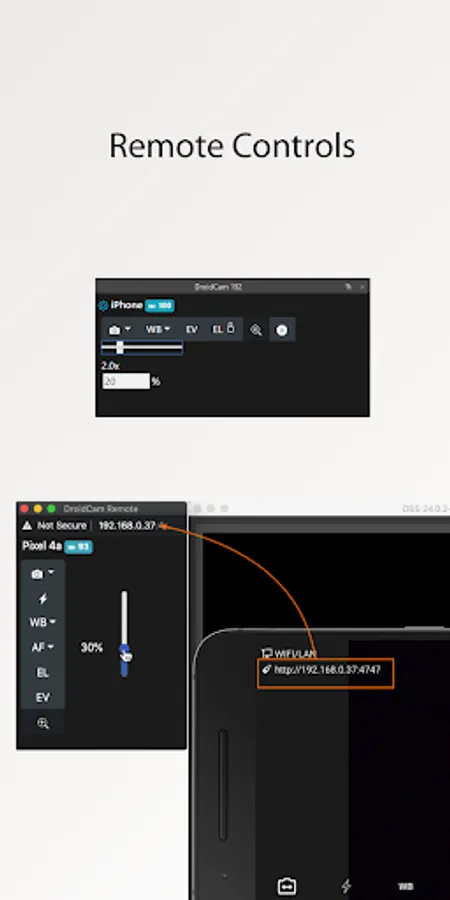
The pro upgrade includes more than just HD video. Unlock all options, manual camera controls and PC remote controls, remove advertising, and get the most from your phone camera. Check the in-app Upgrade and Settings pages for more.
A Bargain!
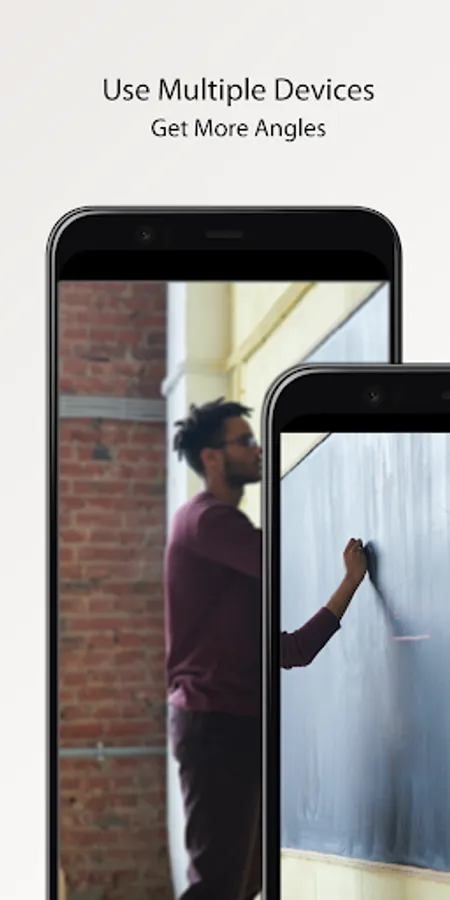
With optimized power usage and low-latency video transfer, DroidCam can replace webcams and capture cards saving you $100s. Use it for remote work, remote learning, teaching, and content creation.
ℹ️ Note: If you are having trouble with the pro license, make sure the app is installed with the correct Play Store profile and your device can access https://www.dev47apps.com.
*USB connection may require additional setup. Consult droidcam.app/help for usb setup information.
- Chat using "DroidCam Webcam" on your computer, including Sound and Picture.
- Direct OBS Studio integration via DroidCam OBS plugin (see below).
- Free unlimited usage at standard definition (640x480).
- Up to 1080p Full-HD as a PC Webcam, and up to 4K UHD as an OBS Camera (see below).
- Both WiFi and USB connections supported*.
- HW assisted coding (if possible) and multiple video format options.
- DSLR -like features including exposure, white balance, and focus controls.
- Works with the phone screen off and in the background for extra efficiency.
PC WEBCAM – droidcam.app
Get the DroidCam PC Client to use your phone as a webcam. The client is available for Windows & Linux systems, and works with Zoom, Skype, Discord, and most other programs.
👉 Go to https://droidcam.app/ on your computer to download and install the DroidCam Client, and to learn more about usage.
OBS CAMERA – droidcam.app/obs
Use DroidCam DIRECTLY in OBS Studio by getting the DroidCam OBS plugin, no need for a separate client. The DroidCam OBS plugin is available for Windows, Mac, and Linux (Flatpak) systems, and seamlessly integrates your phone to your setup.
👉 Go to droidcam.app/obs on your computer to download, install, and learn more about usage.
Bonus: You can use the 'OBS Virtual Camera' for Zoom/Skype/Discord integration, still no need for extra client software!
Simple & Efficient
DroidCam is designed with simplicity and efficiency in mind. What you see is what you get. The app is free to use at standard definition with no time limits. You can try HD video, but will need to purchase the pro upgrade to remove watermarks.
Pro Upgrade
The pro upgrade includes more than just HD video. Unlock all options, manual camera controls and PC remote controls, remove advertising, and get the most from your phone camera. Check the in-app Upgrade and Settings pages for more.
A Bargain!
With optimized power usage and low-latency video transfer, DroidCam can replace webcams and capture cards saving you $100s. Use it for remote work, remote learning, teaching, and content creation.
ℹ️ Note: If you are having trouble with the pro license, make sure the app is installed with the correct Play Store profile and your device can access https://www.dev47apps.com.
*USB connection may require additional setup. Consult droidcam.app/help for usb setup information.