EasyCanvas -Graphic tablet App
easynlight
2.9 ★
172 ratings
50,000+
downloads
Free
+ in-app
With this graphic tablet app, you can turn your tablet into a liquid crystal drawing surface and connect it to your PC via wired or wireless methods. Includes palm rejection, pen pressure, tilt support, and extended display functionalities.
AppRecs review analysis
AppRecs rating 2.7. Trustworthiness 86 out of 100. Review manipulation risk 22 out of 100. Based on a review sample analyzed.
★★☆☆☆
2.7
AppRecs Rating
Ratings breakdown
5 star
26%
4 star
15%
3 star
15%
2 star
7%
1 star
37%
What to know
⚠
Pricing complaints
Many low ratings mention paywalls or pricing
⚠
Mixed user feedback
Average 2.9★ rating suggests room for improvement
⚠
High negative review ratio
44% of sampled ratings are 1–2 stars
About EasyCanvas -Graphic tablet App
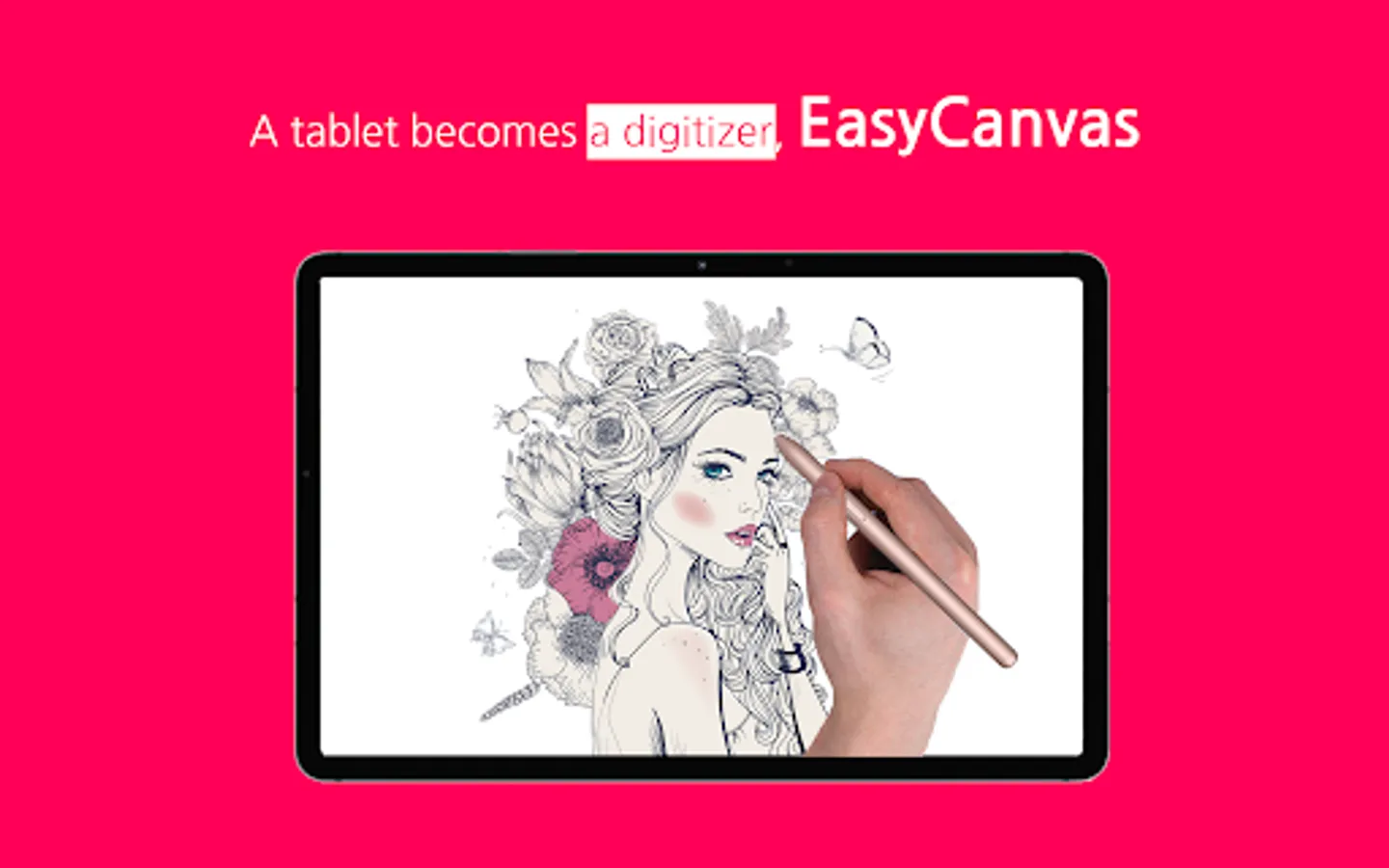
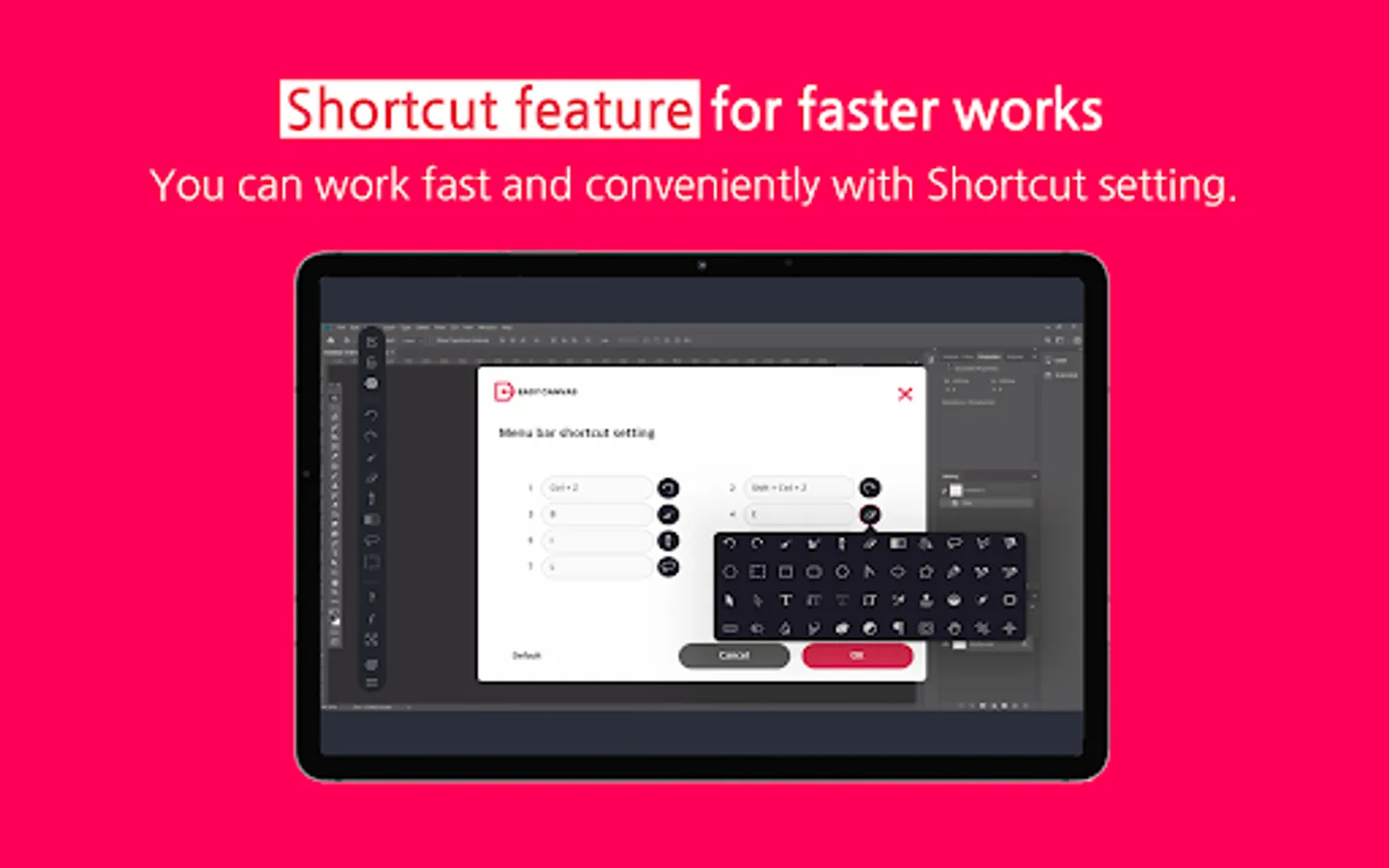
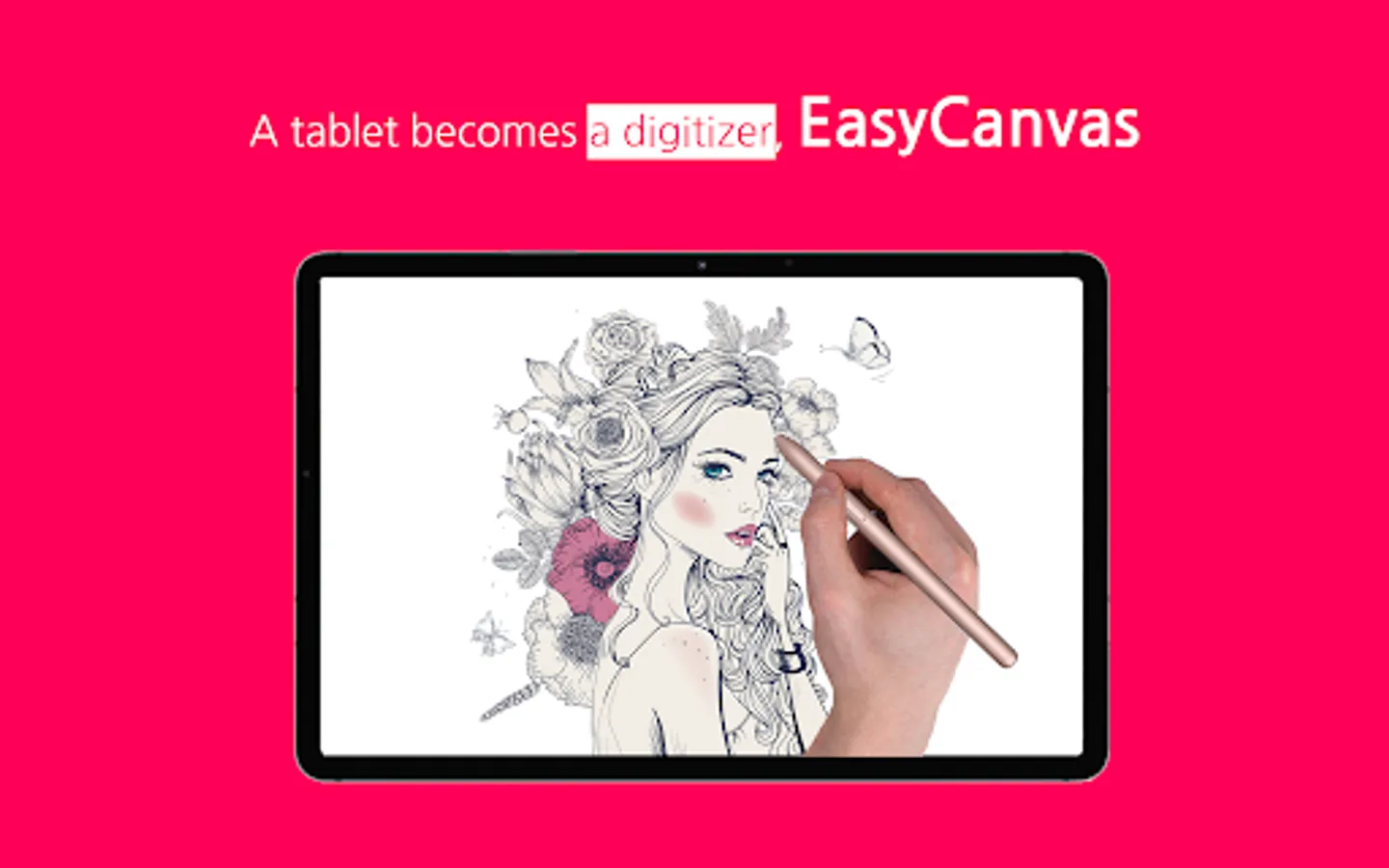
EasyCanvas is an app that lets you use your tablet as a liquid crystal tablet.
Draw directly in PC programs such as Photoshop and Clip Studio through your tablet.
▶ Excellent performance of Galaxy Tab and S Pen
Now, if you have a Galaxy Tab and S Pen, you don't need to buy an expensive LCD tablet.
The excellent hardware of the Galaxy Tab is combined with the technology of EasyCanvas to make the perfect LCD tablet.
▶ Familiarize yourself with drawing on paper
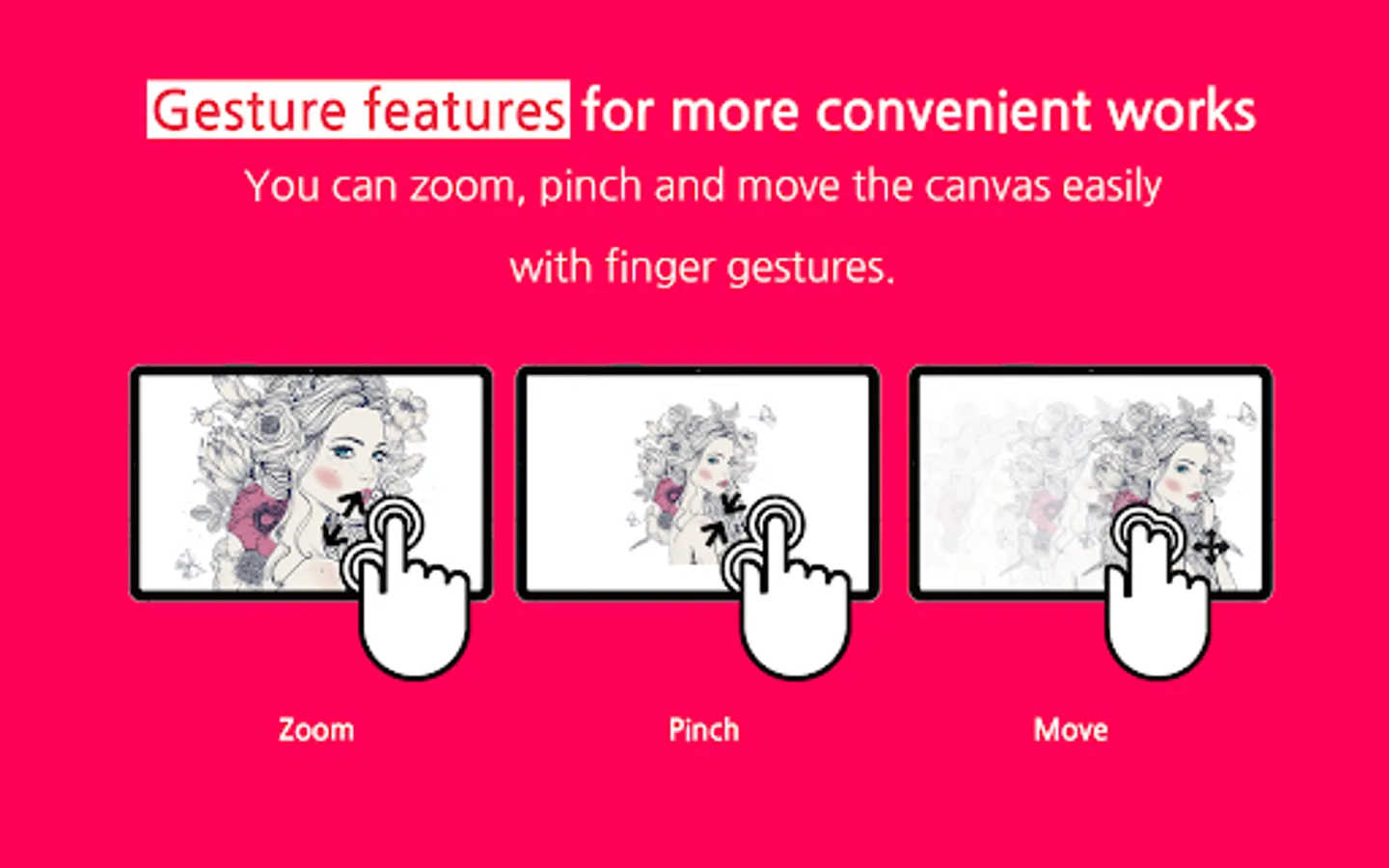
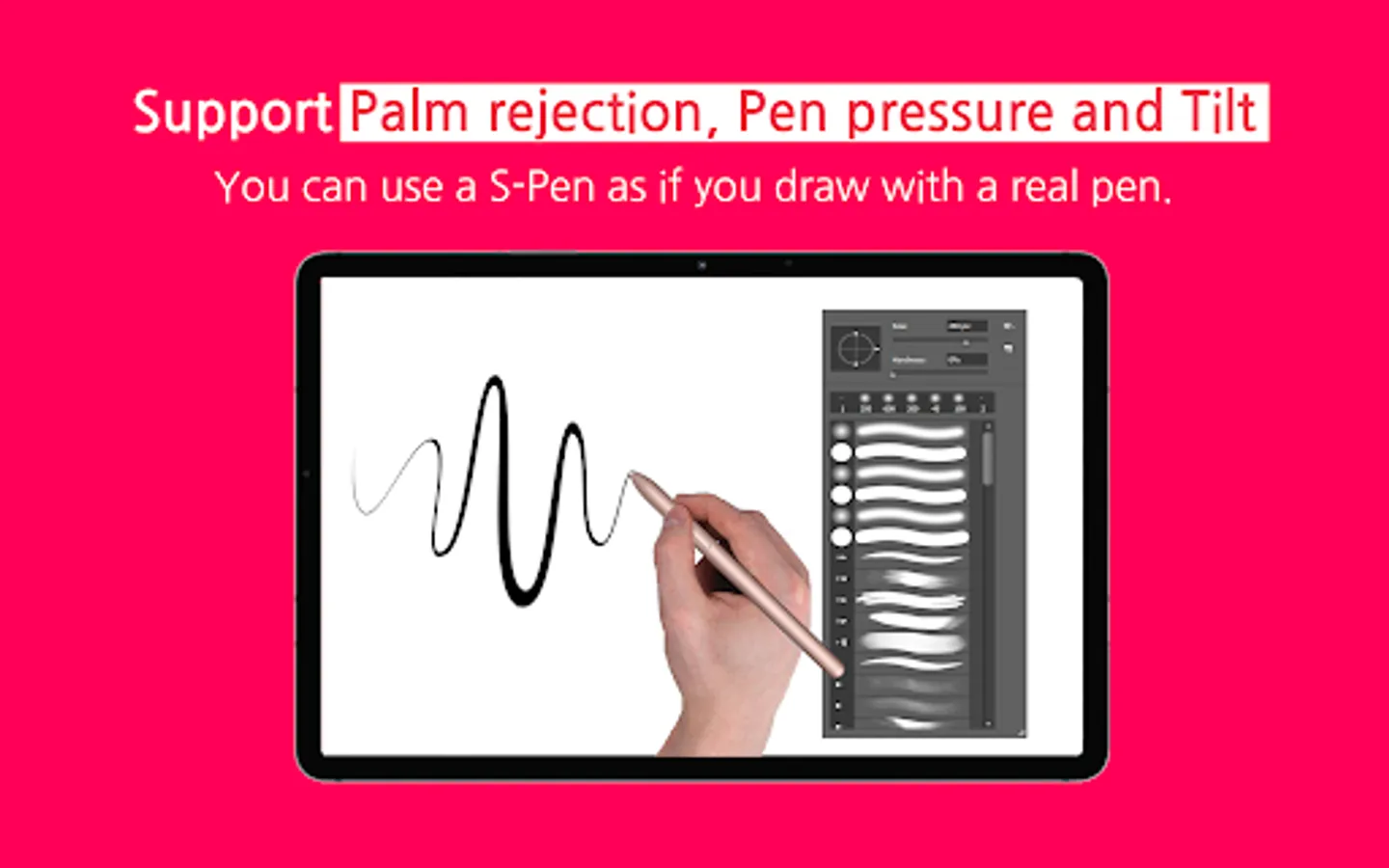
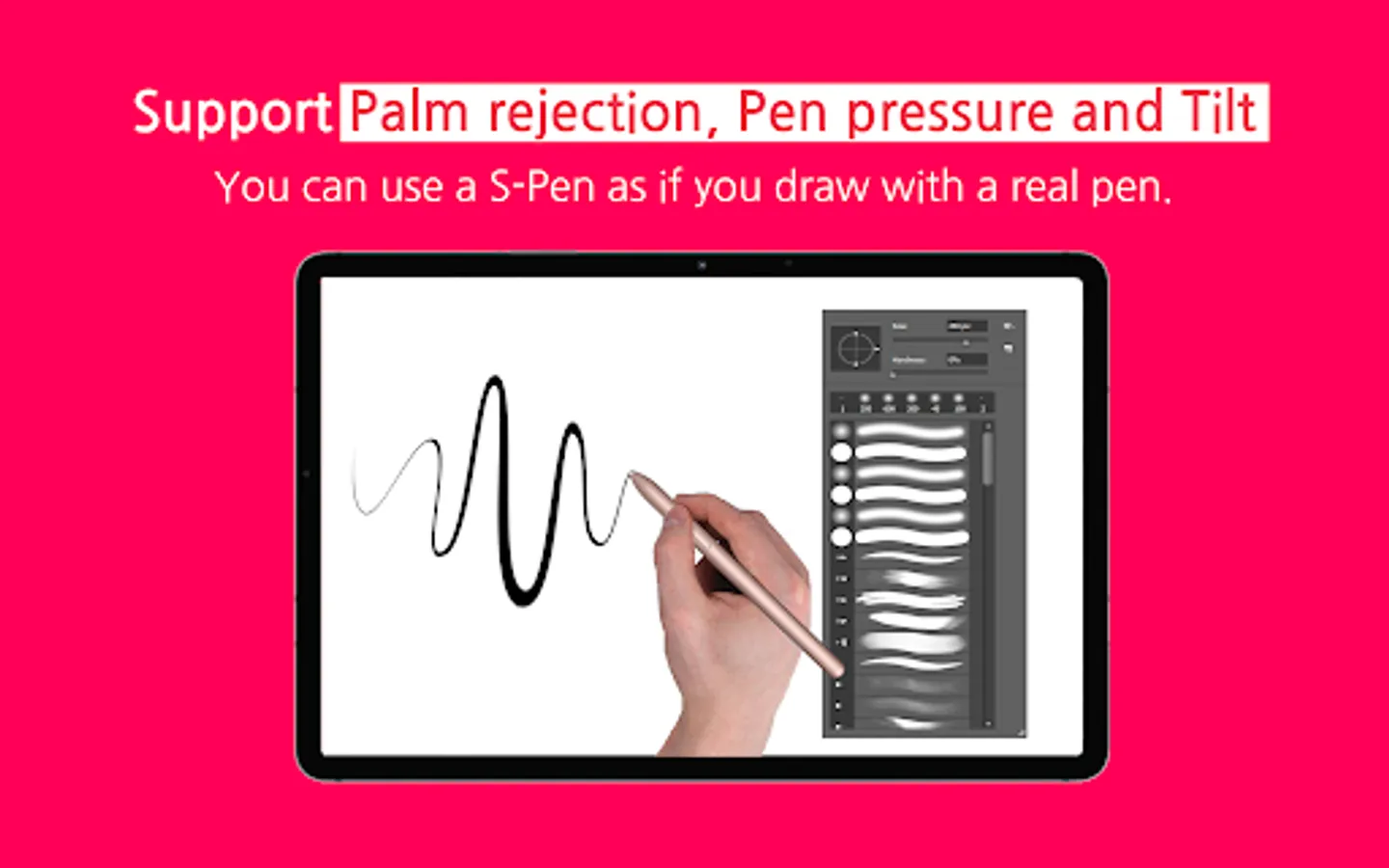
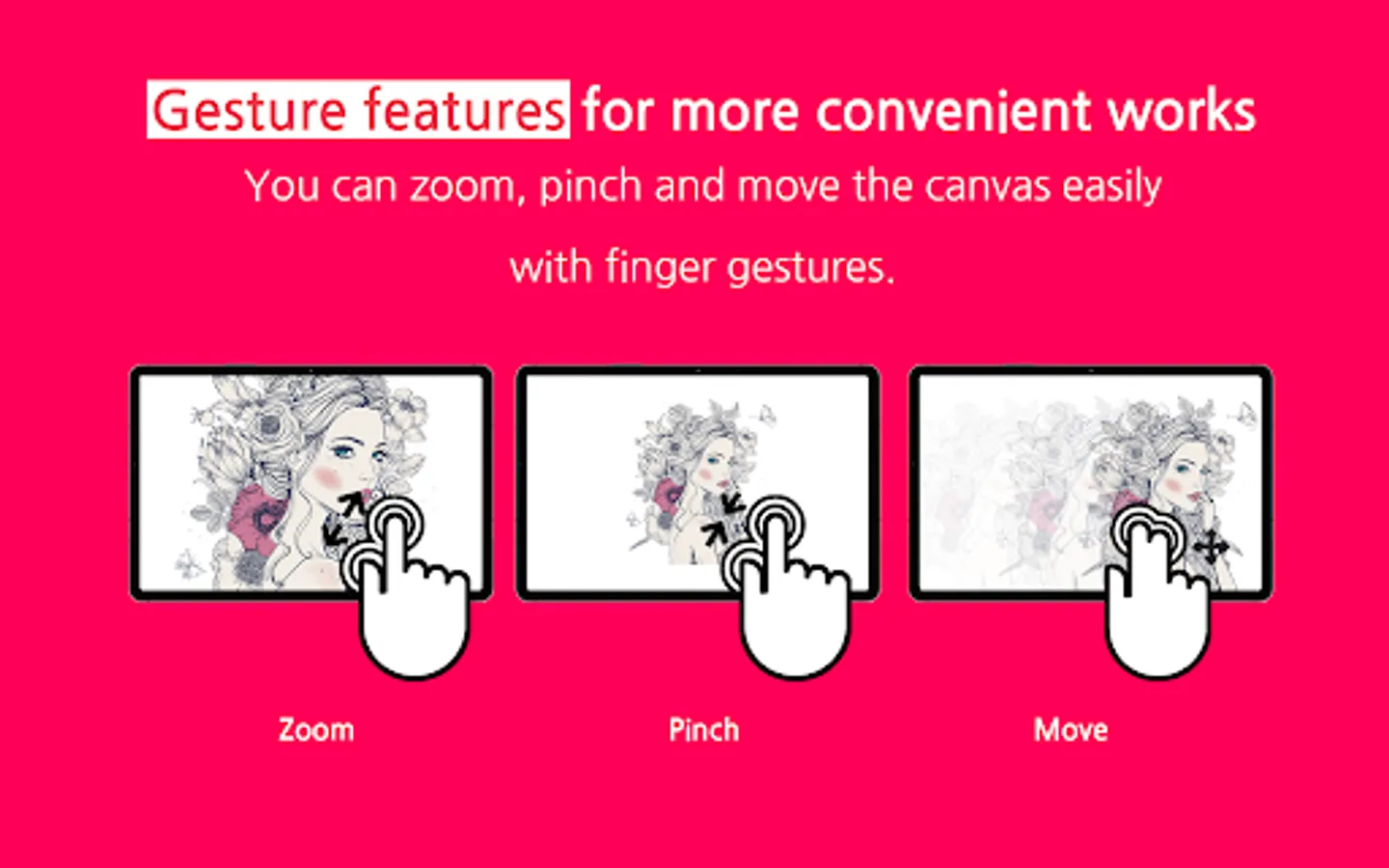
It fully supports "Palm Rejection", which allows you to draw with your palm on the screen, and "Pen Pressure" and "Tilt" of the S Pen.
Also, the 120Hz refresh rate makes the screen and stylus movement smoother.
▶ Independent Virtual Display Solution
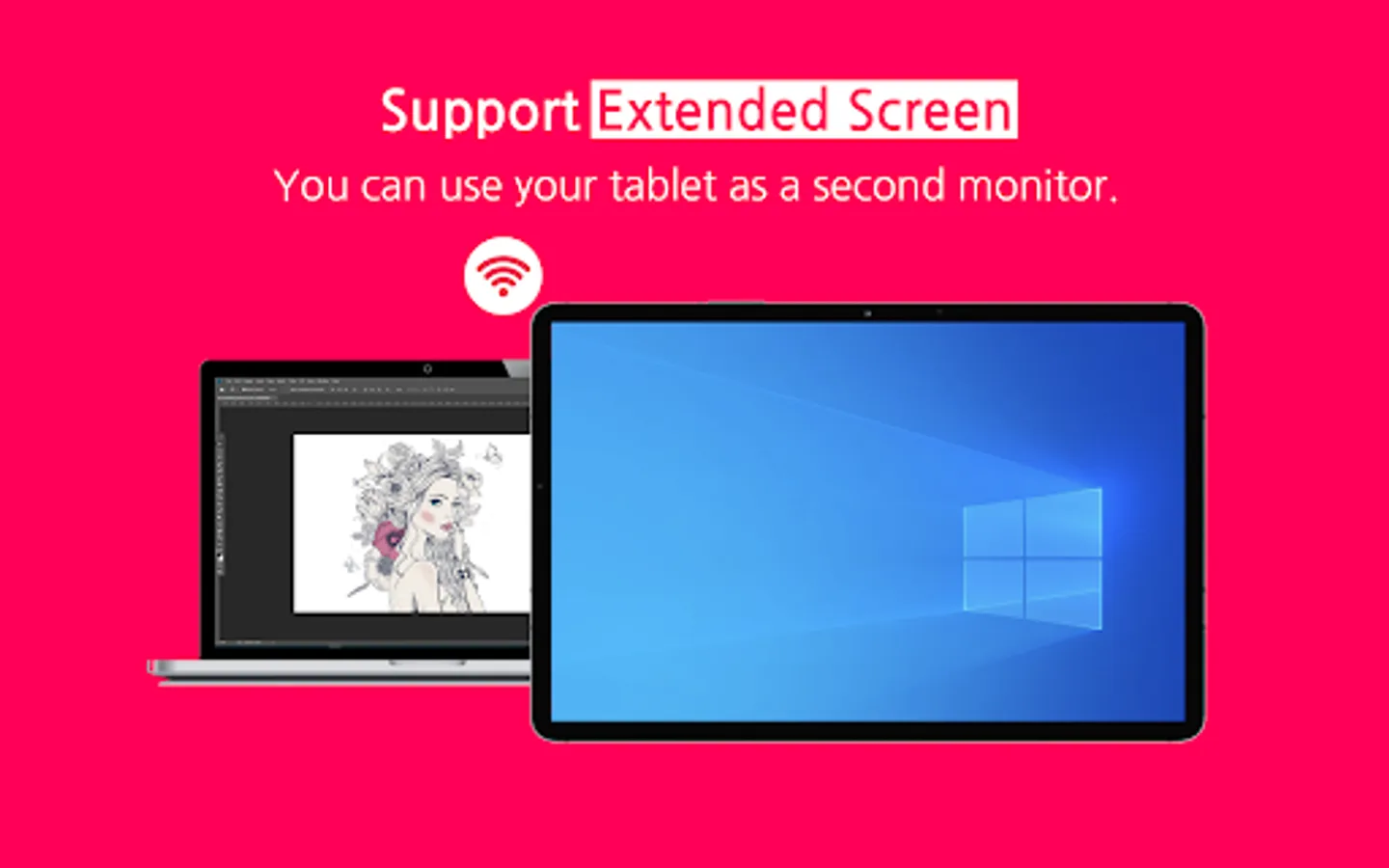
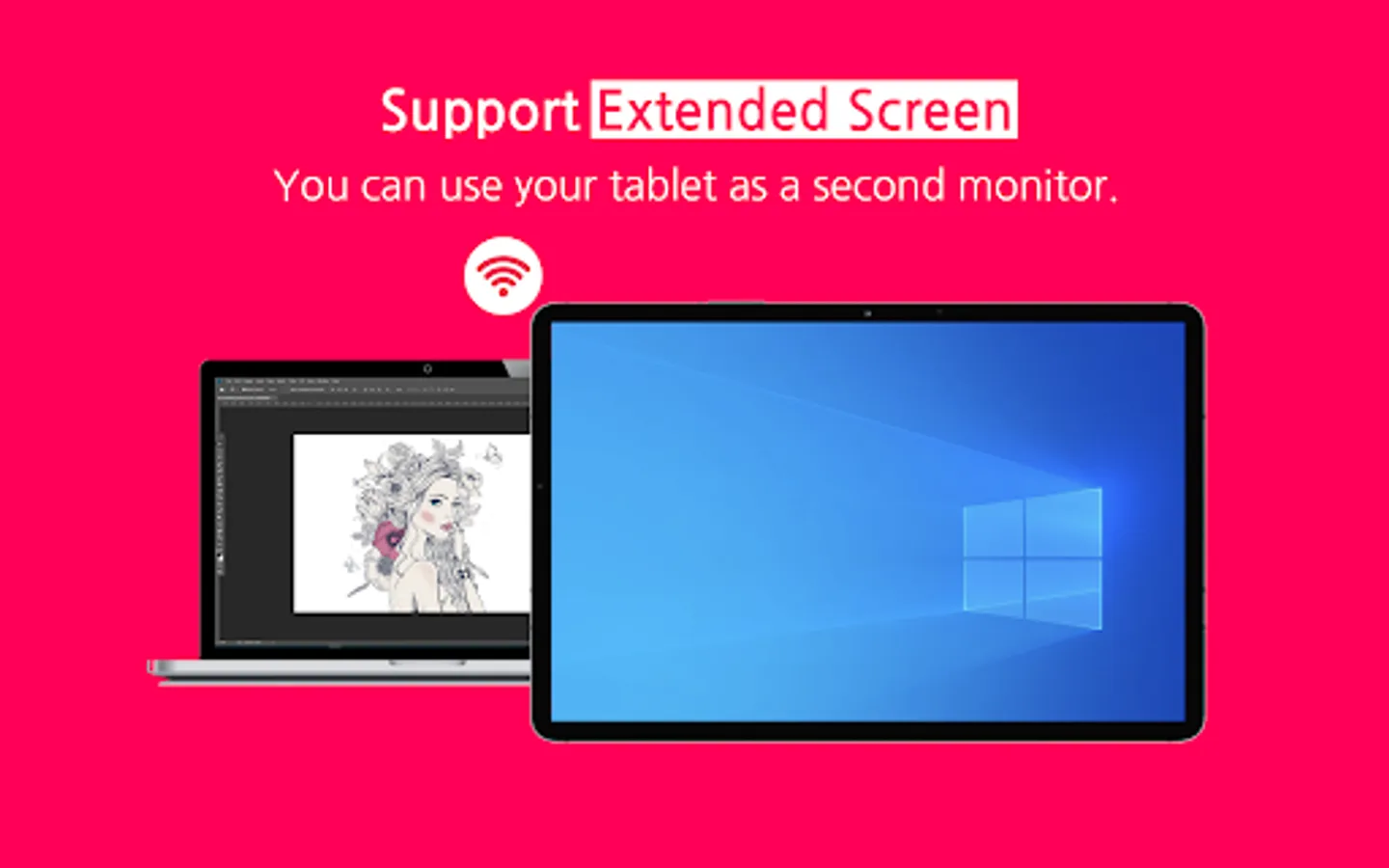
Easy&Light's virtual display solution provides extended display. It can be used as an extended monitor in triple or higher environments as well as a dual monitor.
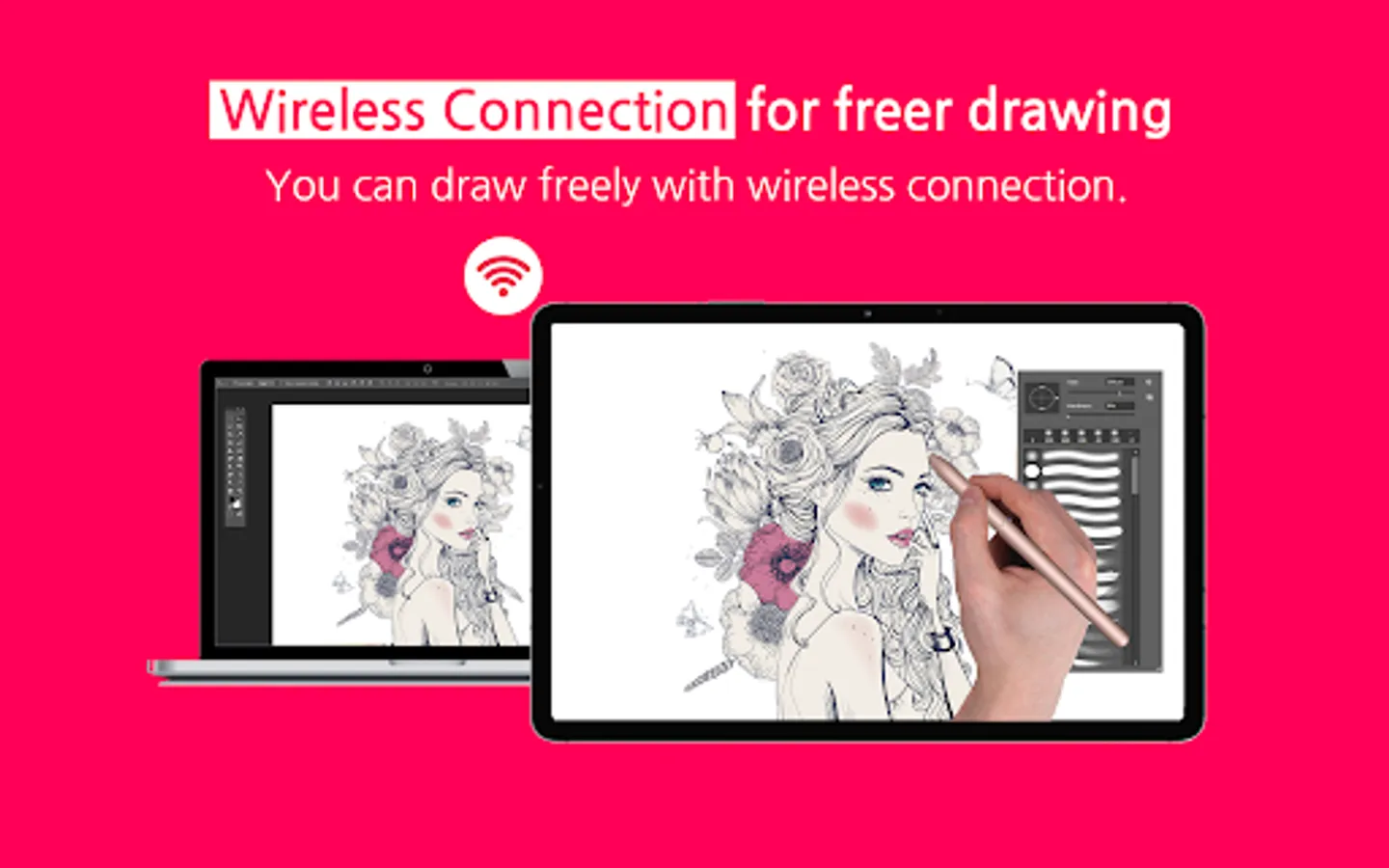
▶ Simultaneous wired/wireless connection support
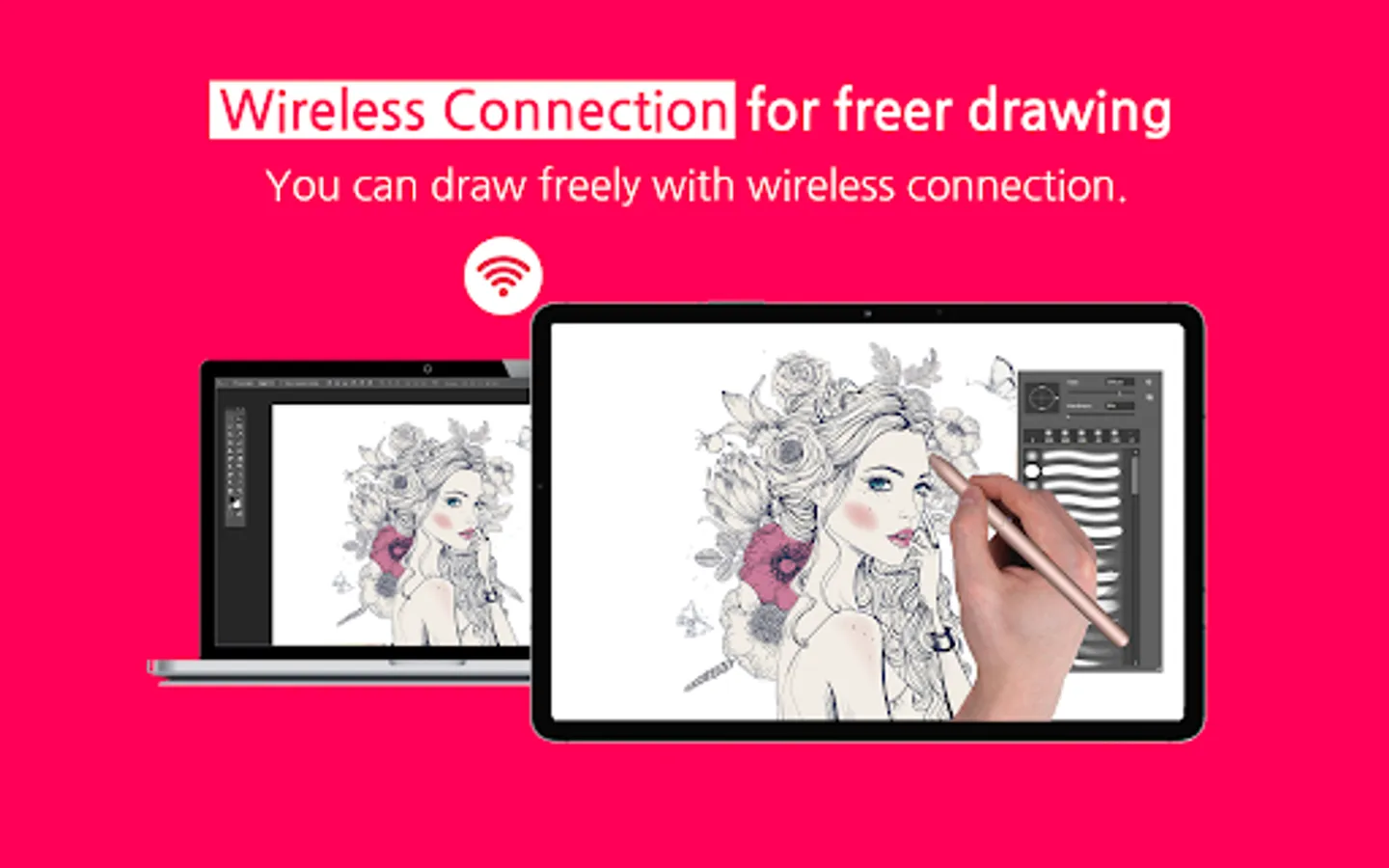
It supports both stable USB connection and convenient wireless connection via Wi-Fi.
Now work anywhere, anytime, any way you want.
Pay after you experience it for yourself!
We provide a trial function that you can use for free for 3 days.
[Support Environment]
PC: Windows 10 or later (WDDM version 2.0 or later)
Tablet: Galaxy Tab S3, S4, S6, S6 Lite, S7, S7+, S7 FE
Support :
https://easynlight.oqupie.com/portal/2247/request
Privacy policy :
http://www.easynlight.com/easycanvaspolicy/
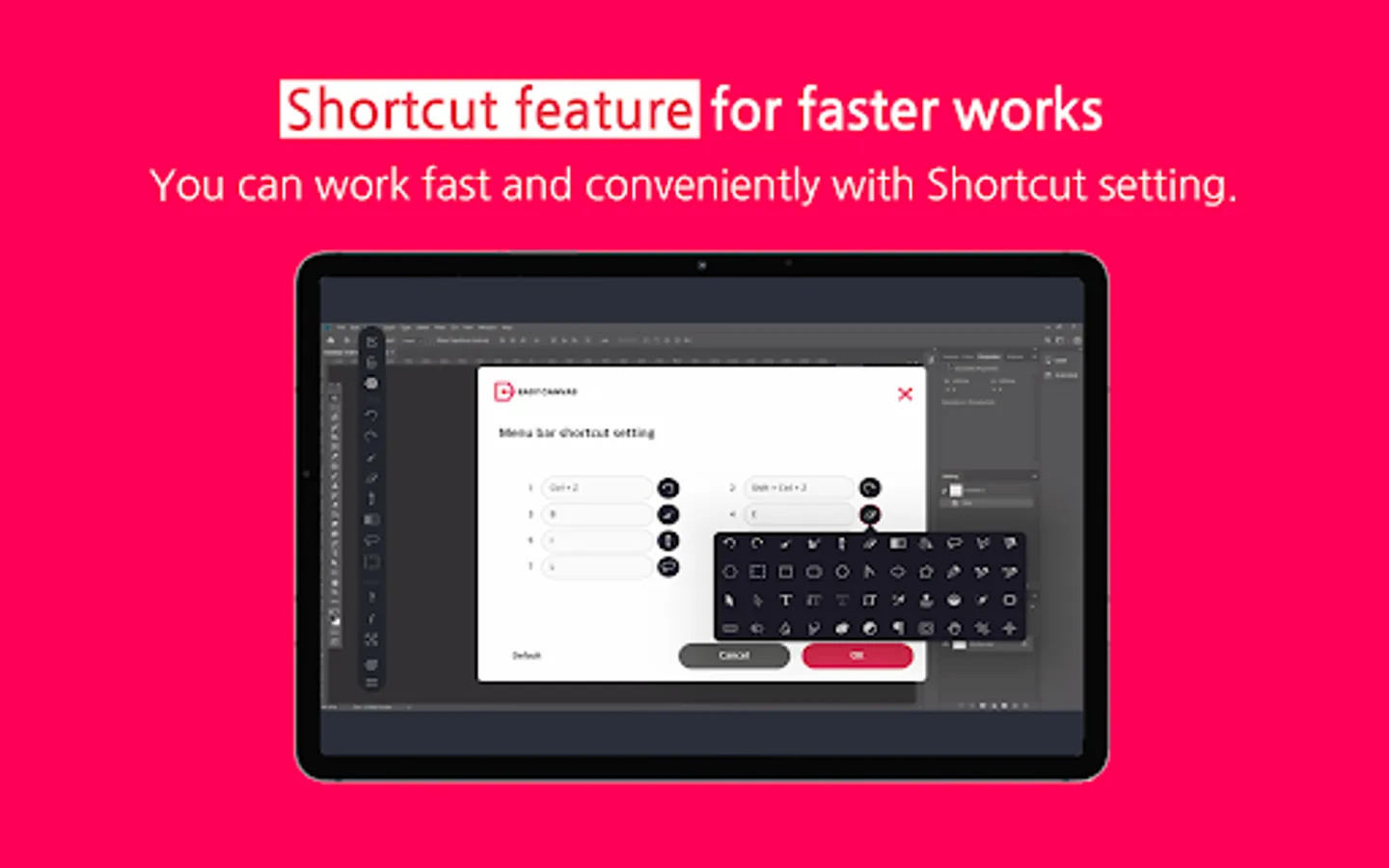
EasyCanvas -Graphic tablet App Screenshots
Tap to Rate:
Reviews for EasyCanvas -Graphic tablet App
Adithya Bandara
12/3/2025
Easy canvas working on macos tahoe. easy canvas 2025 is another app that does not work in Mac. this app works. I use it as a graphic tablet. extend display is not in this app. only duplicates the screen but very high response and stylus sensitivity. waiting for more improvements later. please do not remove this apps even it has low ratings. this app is my day-to-day working partner. much love ❤️
Anne
10/6/2025
totally useless both my Samsung s8 plus and windows. it's not worth doing inquiries when devs literally don't answer according to few people in here lmao wow.