EasyCanvas2025
easynlight
2.2 ★
141 ratings
5,000+
downloads
Free
+ in-app
With this app, you can use your tablet as a wired or wireless display drawing tablet, supporting pressure sensitivity, tilt, and shortcut gestures. Includes wireless connectivity options, pressure sensitivity, and gesture features.
AppRecs review analysis
AppRecs rating 2.2. Trustworthiness 86 out of 100. Review manipulation risk 17 out of 100. Based on a review sample analyzed.
★★☆☆☆
2.2
AppRecs Rating
Ratings breakdown
5 star
16%
4 star
16%
3 star
0%
2 star
0%
1 star
67%
What to know
✓
Low review manipulation risk
17% review manipulation risk
⚠
Mixed user feedback
Average 2.2★ rating suggests room for improvement
⚠
High negative review ratio
67% of sampled ratings are 1–2 stars
About EasyCanvas2025
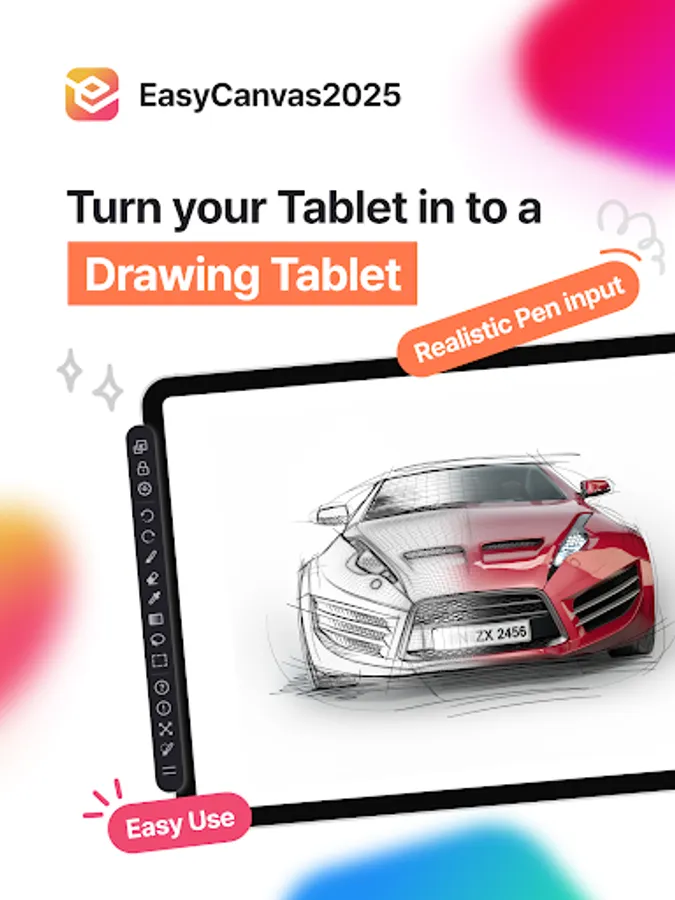
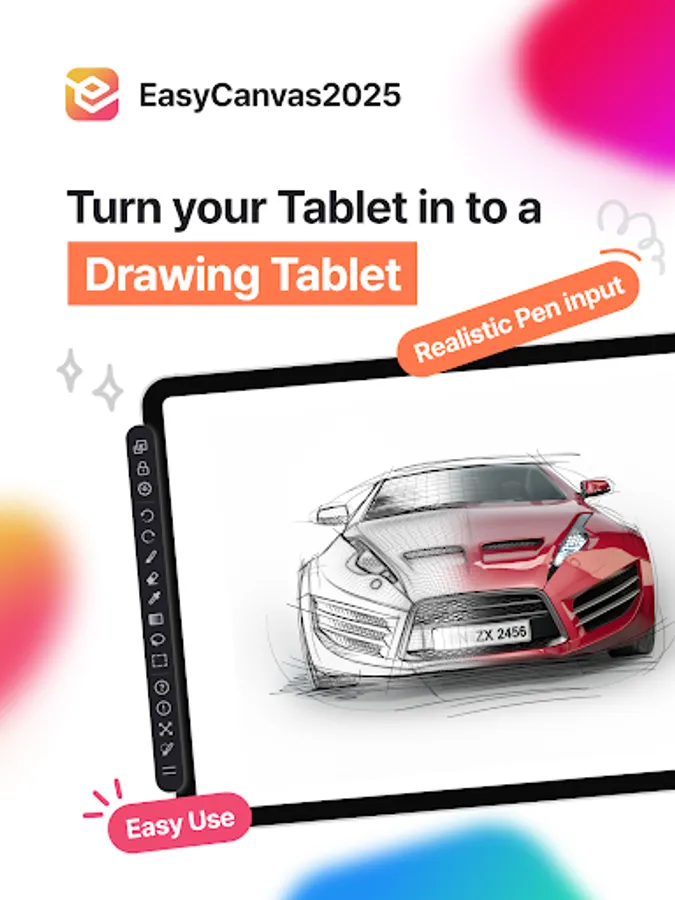
EasyCanvas2025 is an app that allows you to use your tablet as a wired or wireless display drawing tablet.
If you have a PC and a tablet, there's no need to purchase a separate display drawing tablet.
Try using your tablet as a display drawing tablet with EasyCanvas2025.
◈ Just like a display drawing tablet experience
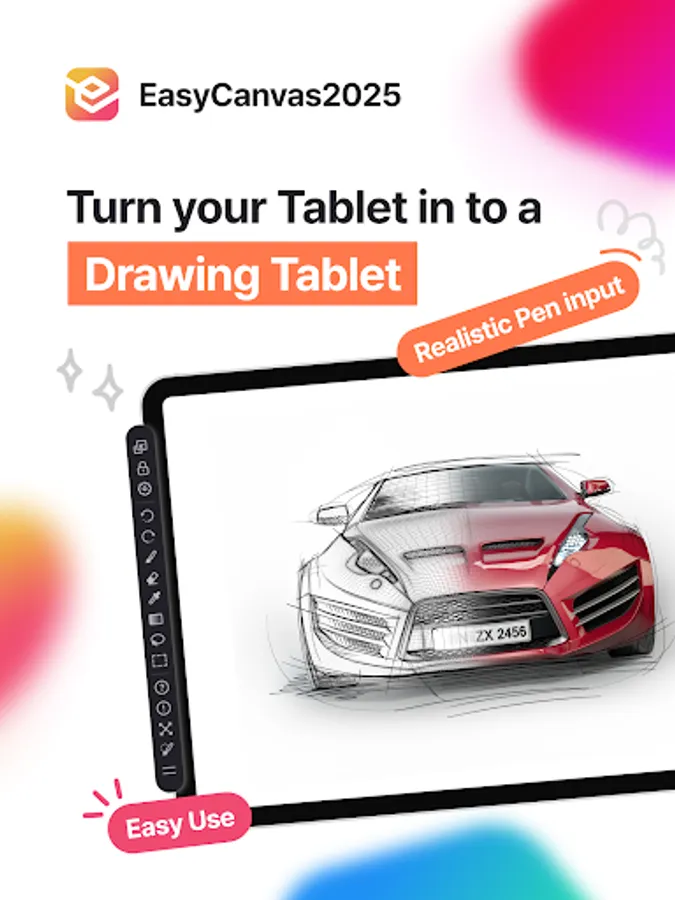
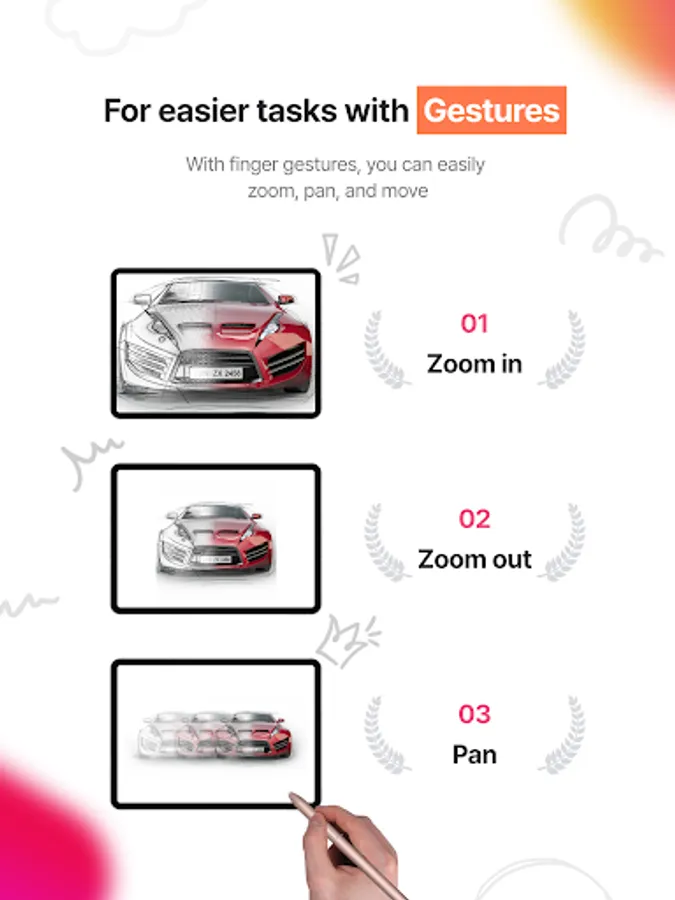
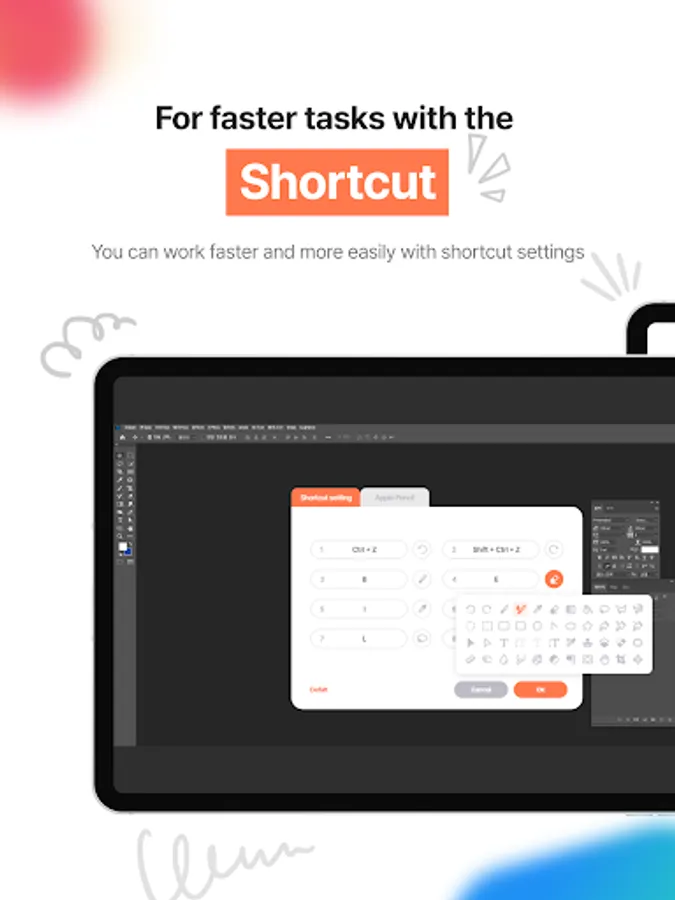
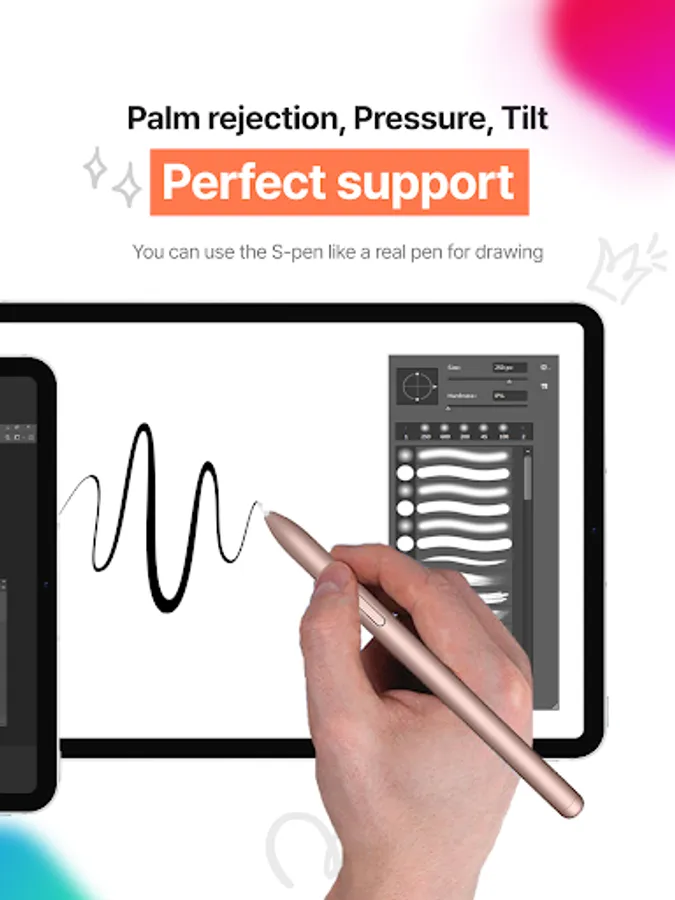
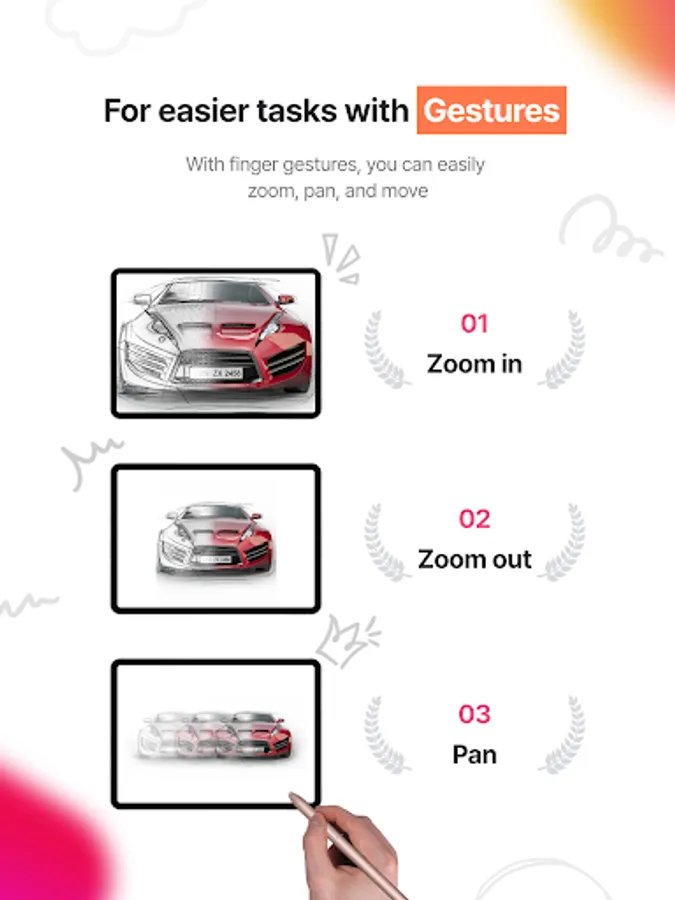
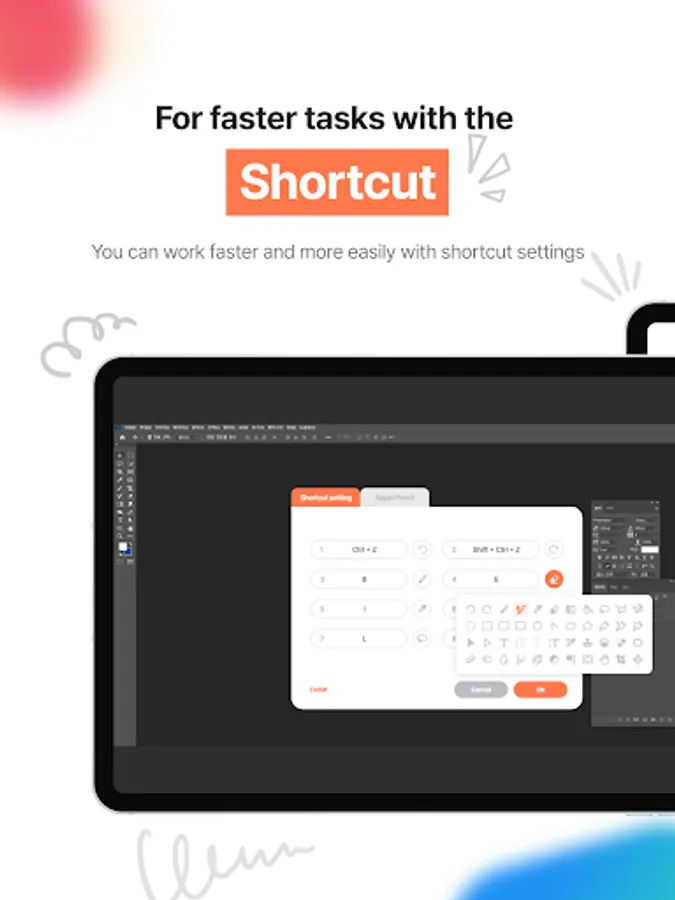
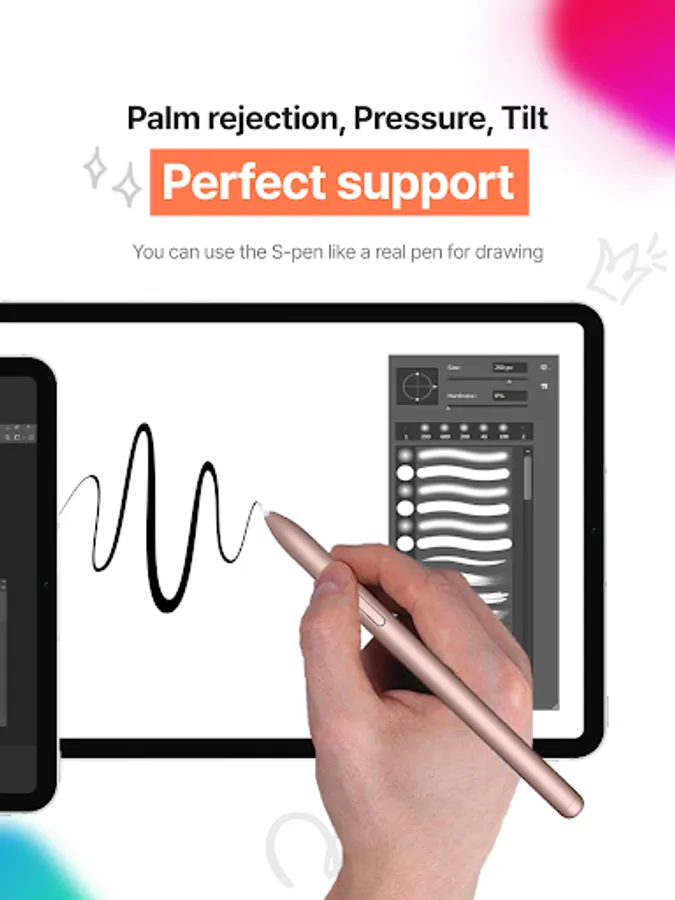
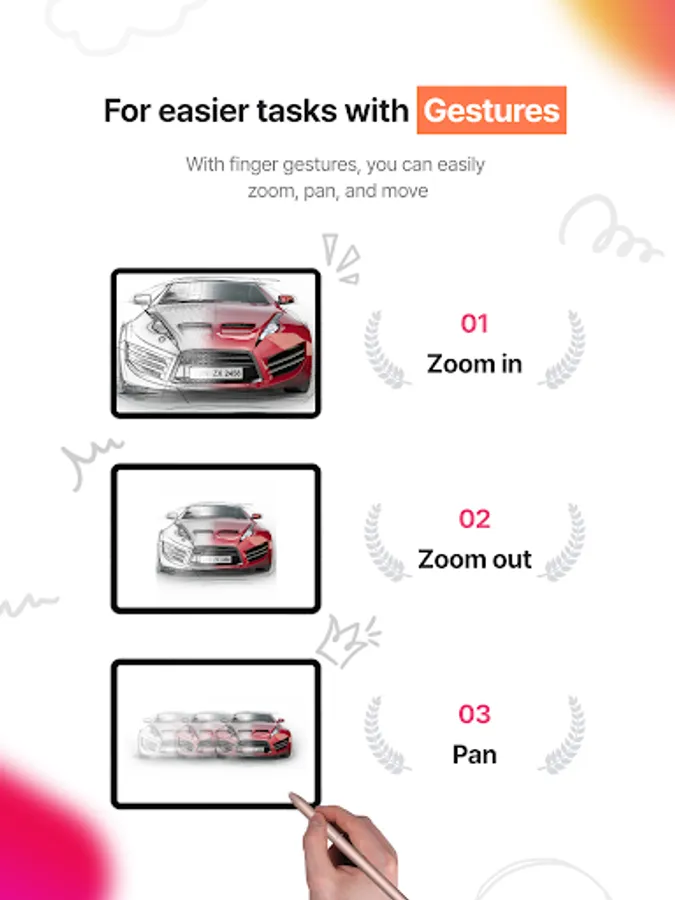
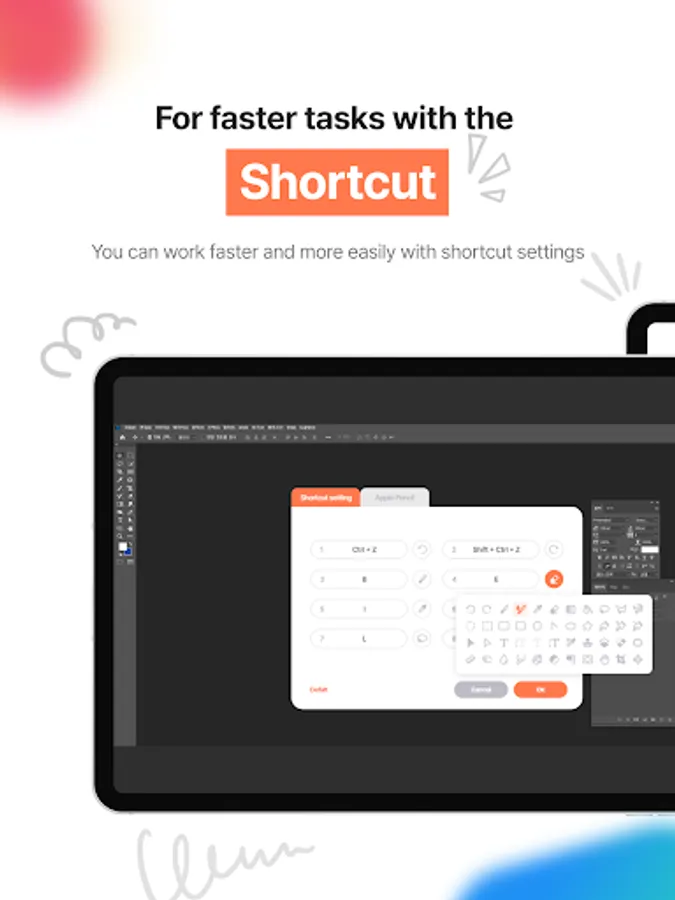
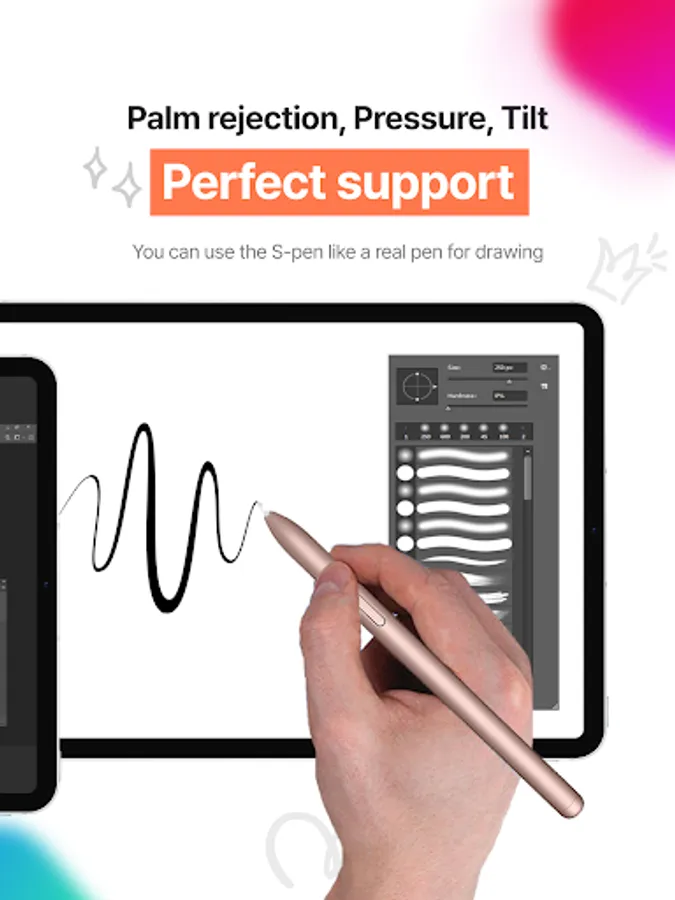
Supports not only pressure sensitivity, tilt, and palm rejection, but also shortcuts and gesture features to enhance work efficiency.
Experience the same performance as a traditional display tablet firsthand.
◈ Enjoy seamless, smooth movements without any lag
A refresh rate of up to 120Hz enables more precise and smoother pen drawing, as well as seamless screen transitions and scrolling.
◈ Boost your tablet's productivity to the next level
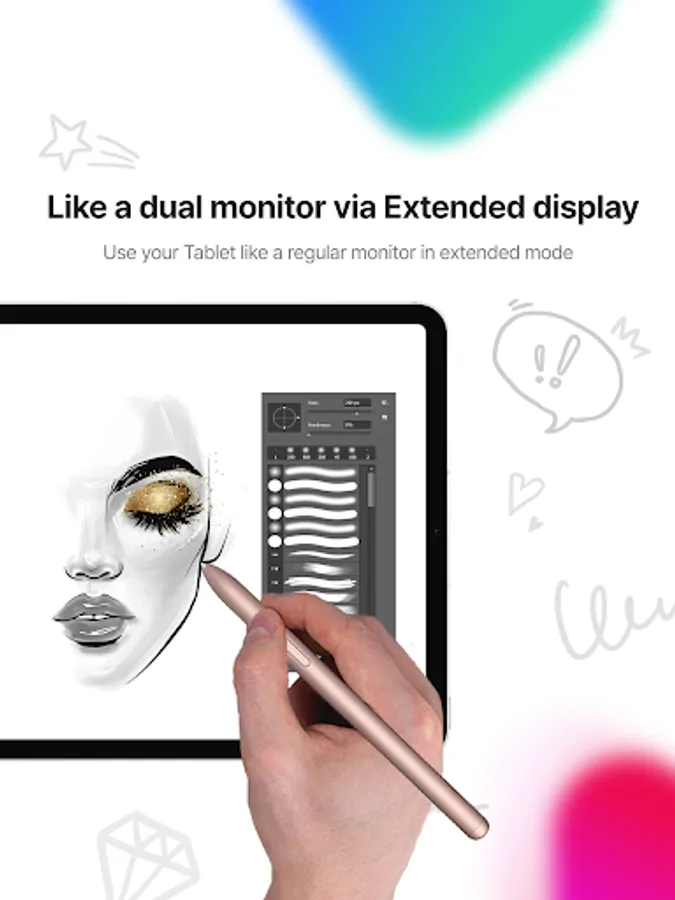
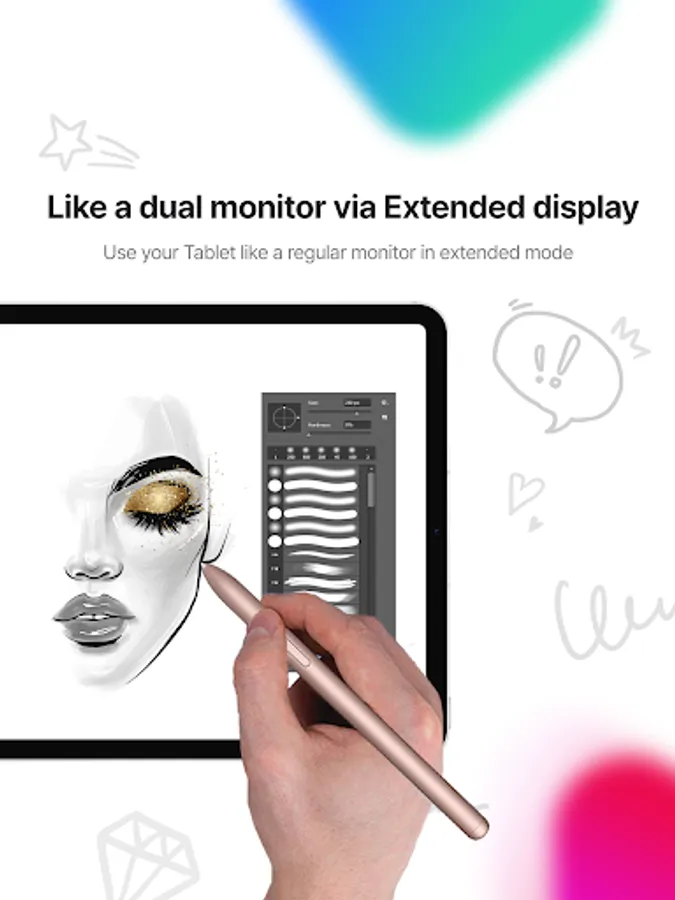
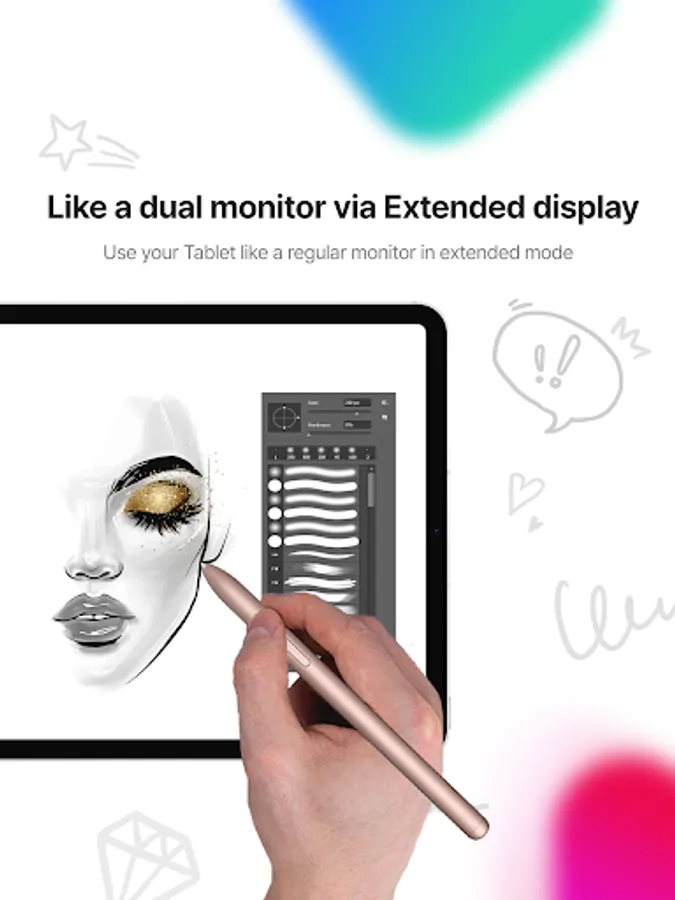
Take your tablet beyond its basic functions with our app, and use it as a dual monitor or a display drawing tablet to boost your productivity.
◈ Discover a more flexible display drawing tablet experience
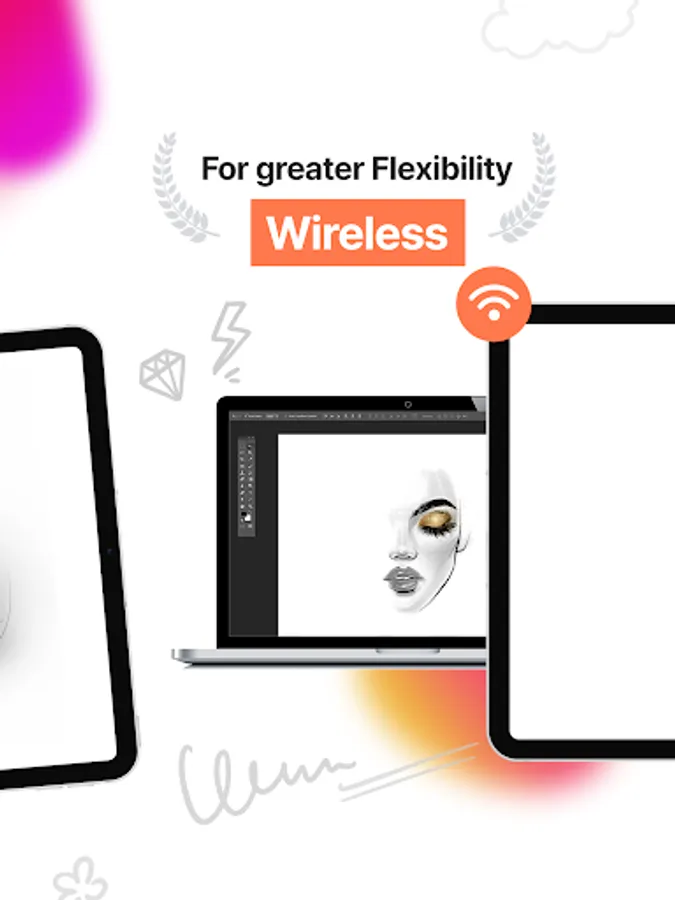
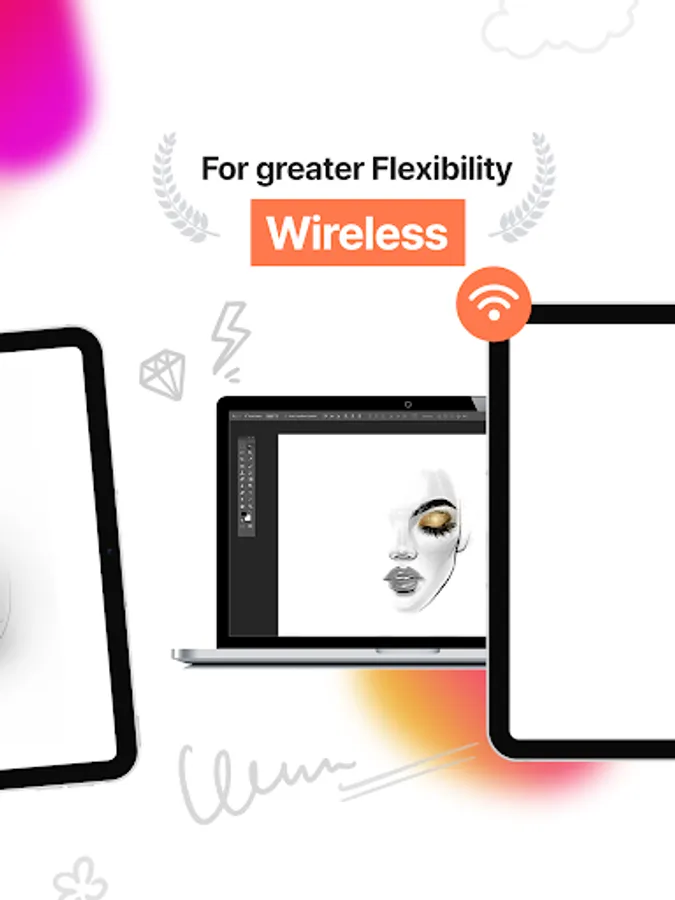
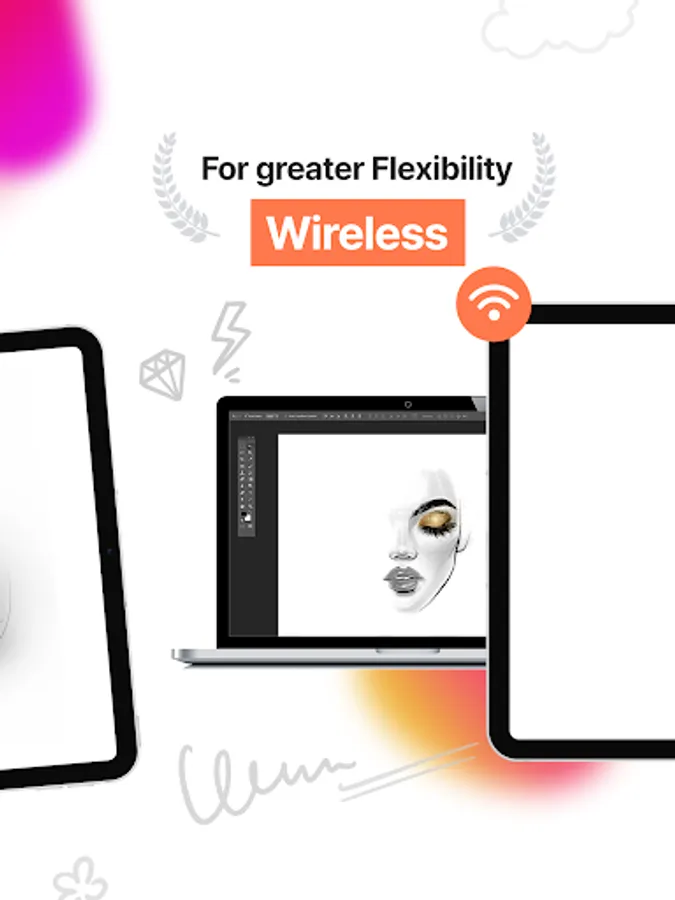
Choose from a stable, fast wired connection or a convenient wireless connection using Wi-Fi, and use it wherever and whenever you want.
You can try it for free for 3 days. Experience it right now!
______________
• Download PC Program : https://www.easynlight.com/en/easycanvas2025
• Supported Environments
- PC : Windows 11 or later
- Android : 8.0 or later
______________
• Support : https://easynlight.oqupie.com/portal/2247
• Privacy Policy : https://www.easynlight.com/easycanvas2025policy
If you have a PC and a tablet, there's no need to purchase a separate display drawing tablet.
Try using your tablet as a display drawing tablet with EasyCanvas2025.
◈ Just like a display drawing tablet experience
Supports not only pressure sensitivity, tilt, and palm rejection, but also shortcuts and gesture features to enhance work efficiency.
Experience the same performance as a traditional display tablet firsthand.
◈ Enjoy seamless, smooth movements without any lag
A refresh rate of up to 120Hz enables more precise and smoother pen drawing, as well as seamless screen transitions and scrolling.
◈ Boost your tablet's productivity to the next level
Take your tablet beyond its basic functions with our app, and use it as a dual monitor or a display drawing tablet to boost your productivity.
◈ Discover a more flexible display drawing tablet experience
Choose from a stable, fast wired connection or a convenient wireless connection using Wi-Fi, and use it wherever and whenever you want.
You can try it for free for 3 days. Experience it right now!
______________
• Download PC Program : https://www.easynlight.com/en/easycanvas2025
• Supported Environments
- PC : Windows 11 or later
- Android : 8.0 or later
______________
• Support : https://easynlight.oqupie.com/portal/2247
• Privacy Policy : https://www.easynlight.com/easycanvas2025policy
EasyCanvas2025 Screenshots
Tap to Rate:
Reviews for EasyCanvas2025
Santiago Gómez Jorge
12/27/2025
Absolute garbage, doesn't work at all
God King
11/15/2025
did not connect to my PC .