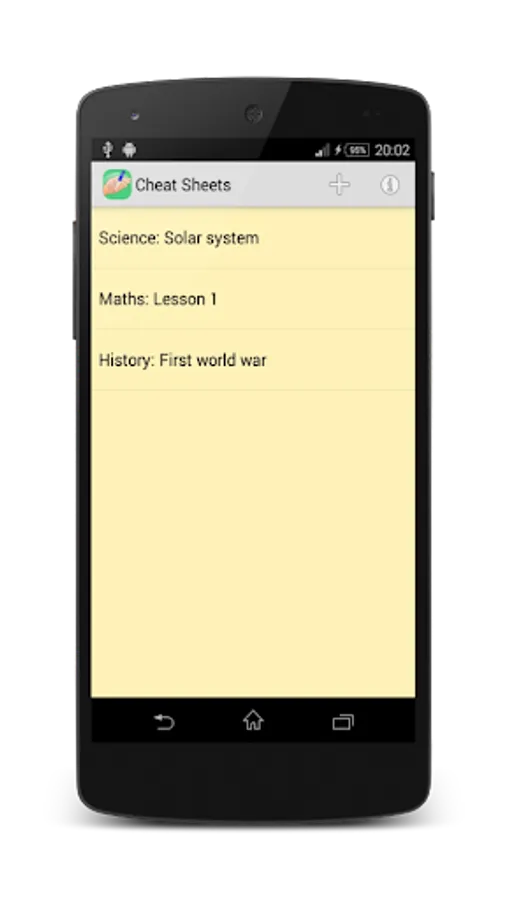
With this note-taking app, you can create, edit, and view cheat sheets with text and pictures, easily toggling visibility with double taps. Includes text editing, file loading, image capturing, and full-screen cheat mode features.
AppRecs review analysis
AppRecs rating 3.9. Trustworthiness 0 out of 100. Review manipulation risk 0 out of 100. Based on a review sample analyzed.
★★★☆☆
3.9
AppRecs Rating
Ratings breakdown
5 star
60%
4 star
10%
3 star
5%
2 star
5%
1 star
20%
What to know
✓
Good user ratings
70% positive sampled reviews
✓
Authentic reviews
Natural distribution, no red flags
About Cheat Sheets
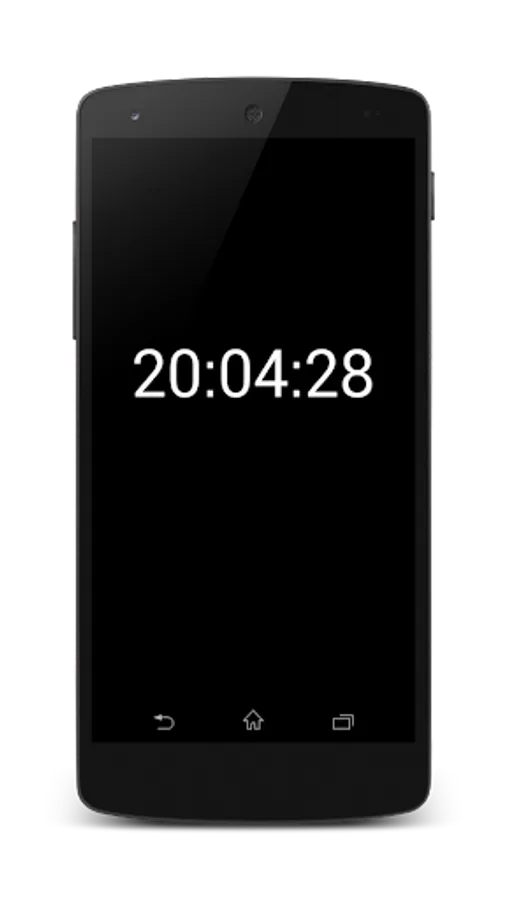
With Cheat Sheets you can easily hide text and images, jusy tap twice the screen of your mobile phone and a clock will appears. Tap twice again to return to your cheat sheet.
Watch the video to see how to use the app!
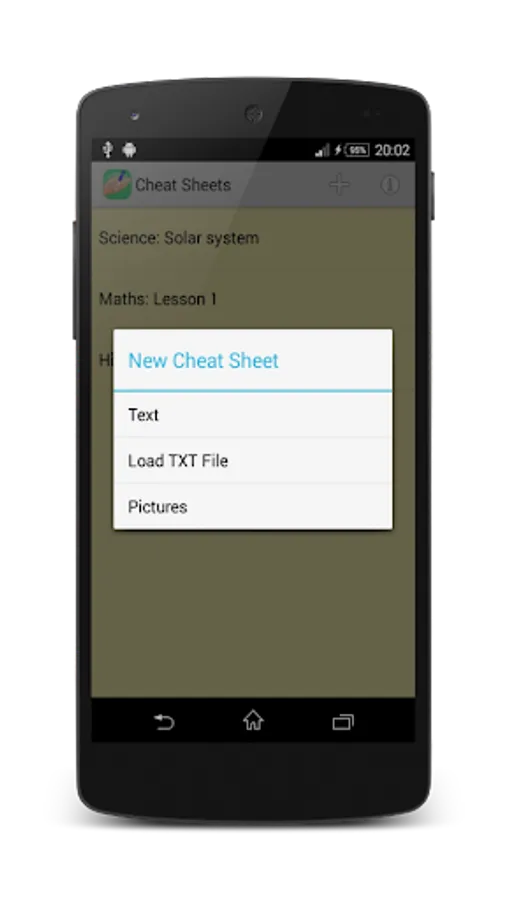
You can create three types of cheat sheets:
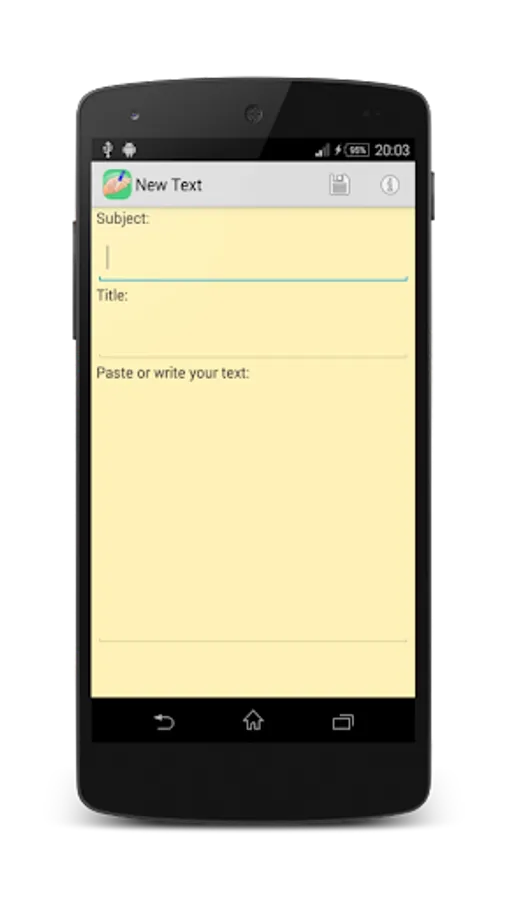
✔ Text - Copy and paste or type your text directly on your mobile.
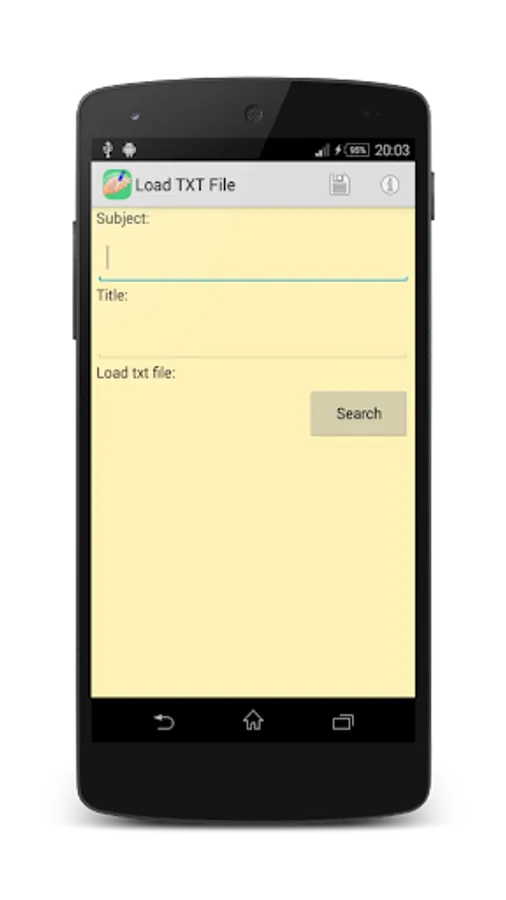
✔ Open txt file - Save a txt file with the text on your smartphone and load it on your cheat sheets.
You can use Notepad to create it.
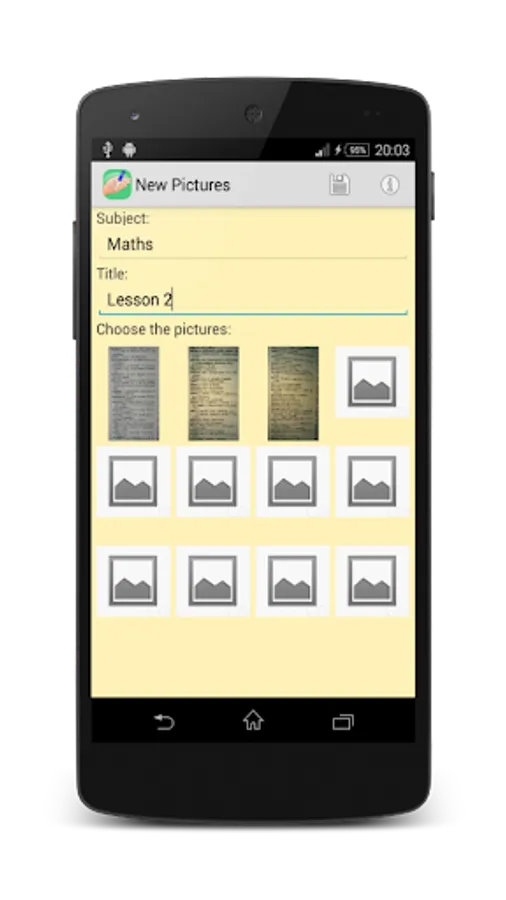
✔ Pictures - Take pictures of books and use them in the cheat sheets.
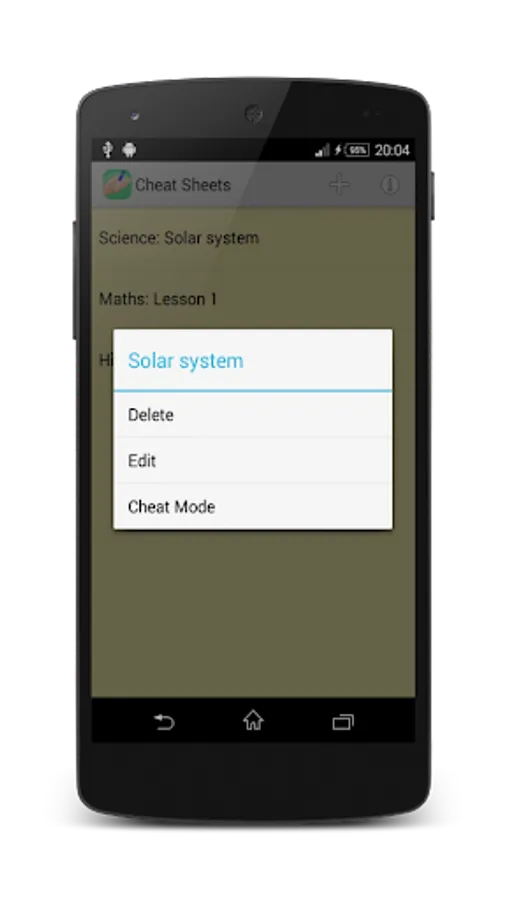
Tap a cheat sheets to edit it, delete it or enter to the cheat mode.
Edit the cheat sheets:
✔ Change and add text, txt files or pictures.
✔ Delete cheat sheets.
Enter to the cheat mode:
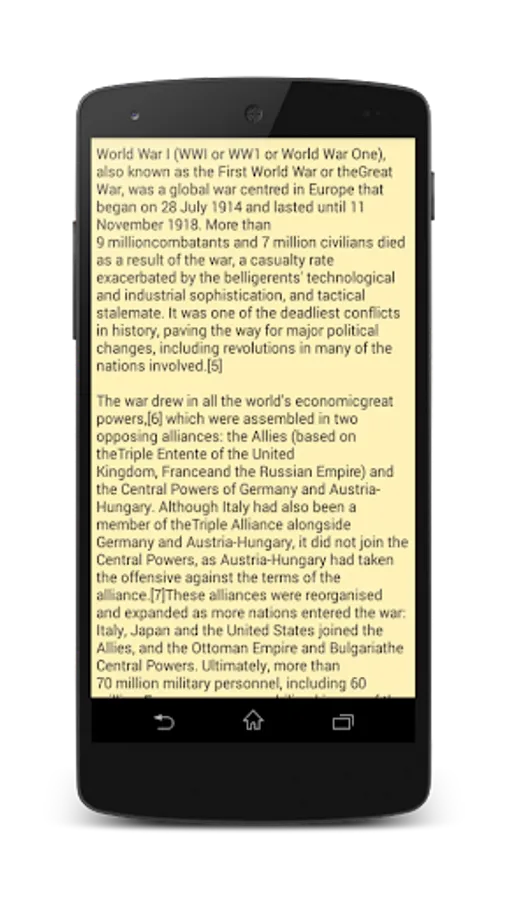
✔ Entering into the cheat mode will appear the text or images of your cheat sheet in full screen.
To hide the cheat sheet just tap twice the screen, a clock will appears.
To return to the cheat sheet tap twice again the screen.
Don't get caught!
* Digital Vulture not responsible for any use made of this app.
Watch the video to see how to use the app!
You can create three types of cheat sheets:
✔ Text - Copy and paste or type your text directly on your mobile.
✔ Open txt file - Save a txt file with the text on your smartphone and load it on your cheat sheets.
You can use Notepad to create it.
✔ Pictures - Take pictures of books and use them in the cheat sheets.
Tap a cheat sheets to edit it, delete it or enter to the cheat mode.
Edit the cheat sheets:
✔ Change and add text, txt files or pictures.
✔ Delete cheat sheets.
Enter to the cheat mode:
✔ Entering into the cheat mode will appear the text or images of your cheat sheet in full screen.
To hide the cheat sheet just tap twice the screen, a clock will appears.
To return to the cheat sheet tap twice again the screen.
Don't get caught!
* Digital Vulture not responsible for any use made of this app.
Cheat Sheets Screenshots
Tap to Rate: