Base Converter (Step by Step)
Digital D, LLC
4.0 ★
77 ratings
5,000+
downloads
Free
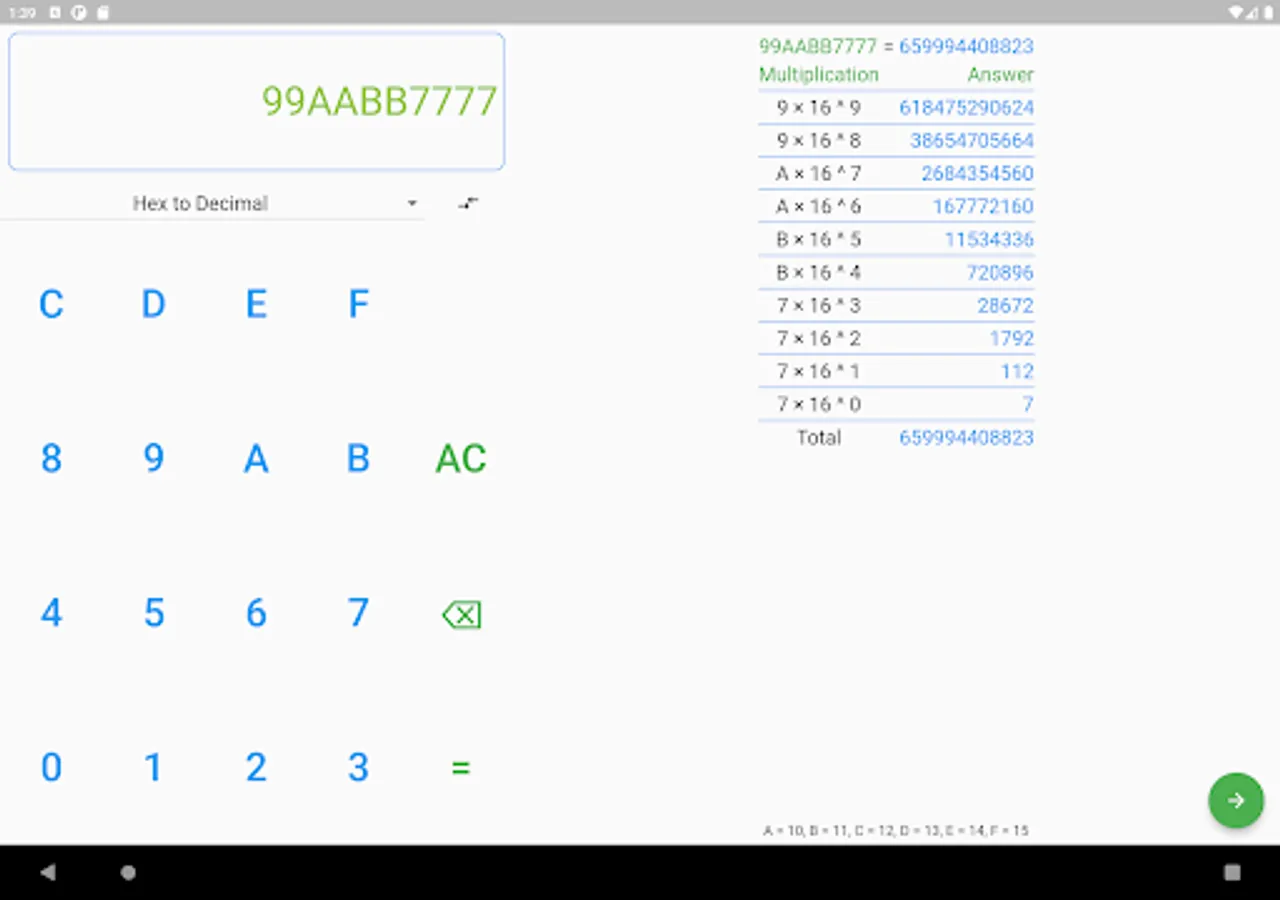
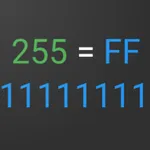
With this number conversion app, you can convert between decimal, binary, octal, and hexadecimal systems using step-by-step instructions and animated guides. Includes adjustable themes, a built-in keyboard, and support for multiple screen sizes.
AppRecs review analysis
AppRecs rating 4.0. Trustworthiness 80 out of 100. Review manipulation risk 28 out of 100. Based on a review sample analyzed.
★★★★☆
4.0
AppRecs Rating
Ratings breakdown
5 star
61%
4 star
20%
3 star
0%
2 star
0%
1 star
20%
What to know
✓
Low review manipulation risk
28% review manipulation risk
✓
Credible reviews
80% trustworthiness score from analyzed reviews
✓
High user satisfaction
80% of sampled ratings are 4+ stars (4.0★ average)
About Base Converter (Step by Step)
This app will let users convert numbers from
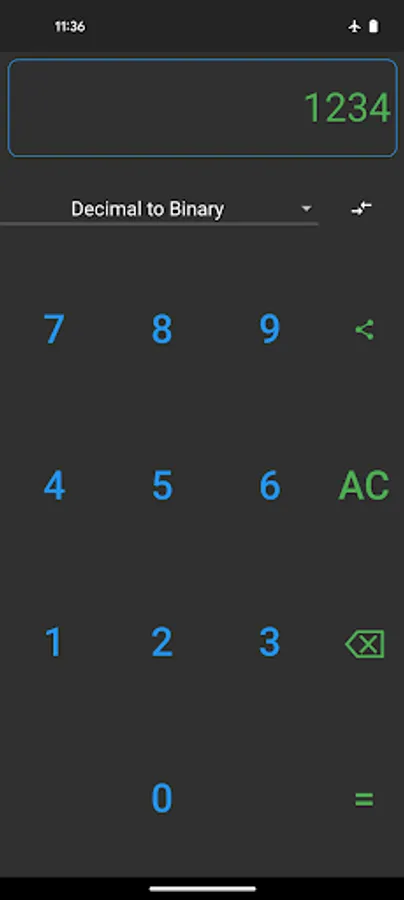
- decimal to binary
- decimal to octal
- decimal to hexadecimal
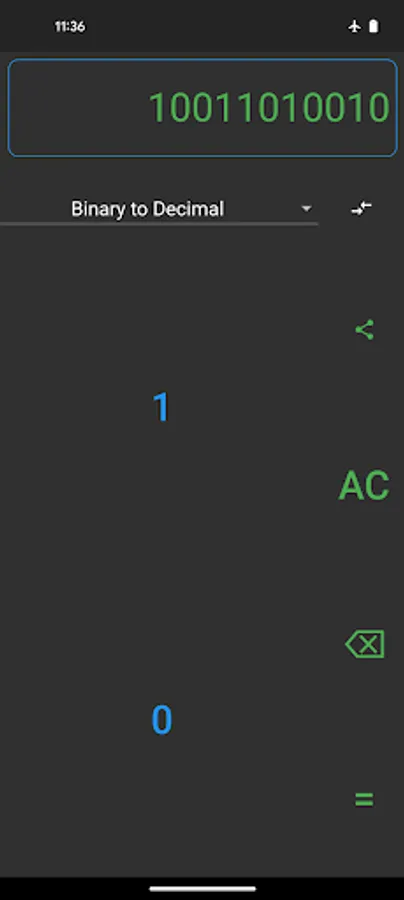
- binary to decimal
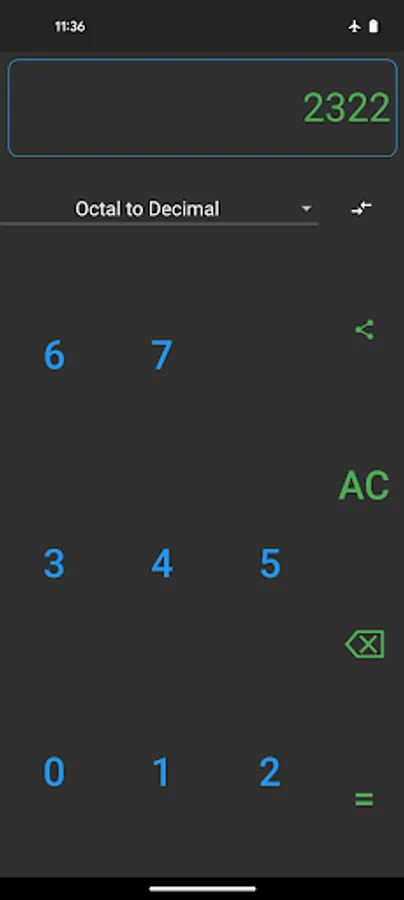
- octal to decimal
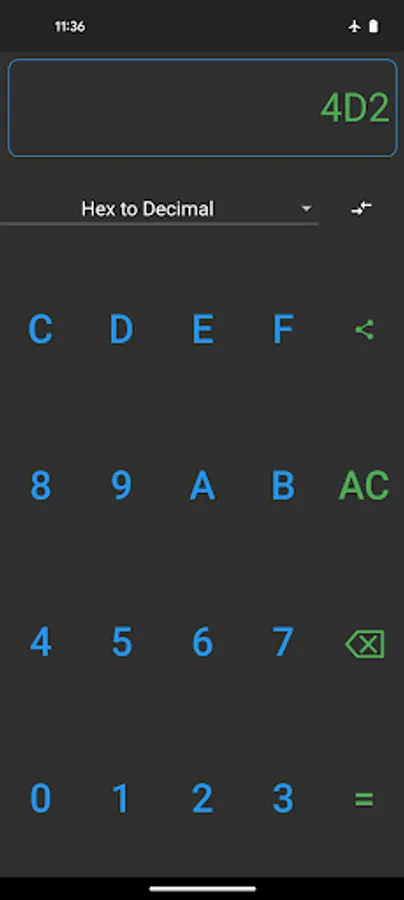
- hexadecimal to decimal
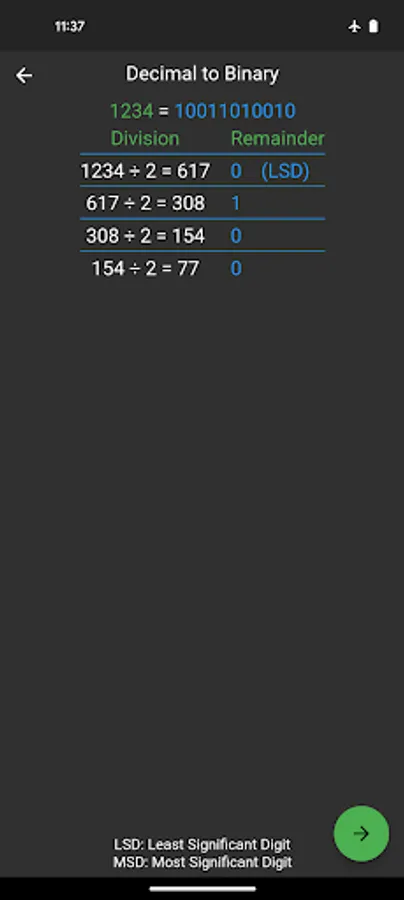
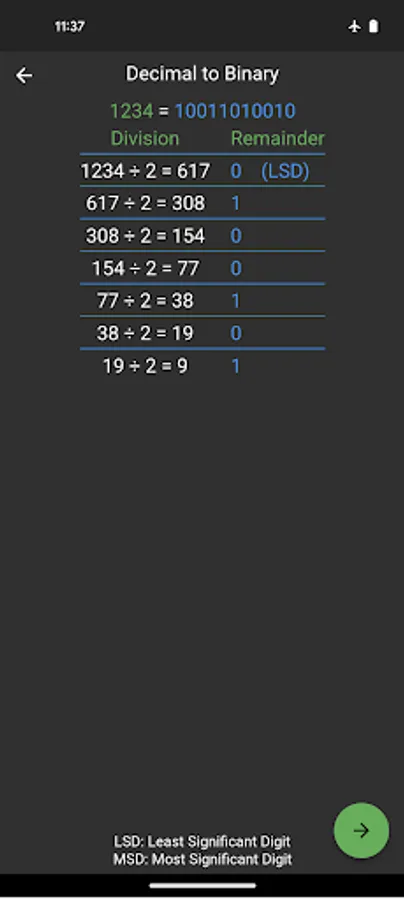
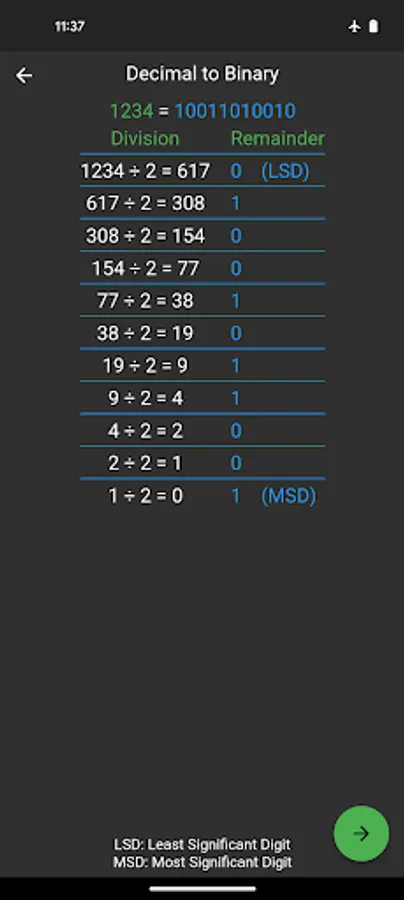
This app will show easy-to-read steps of conversion. There is a next button in the steps screen that makes it easy to see each step animated.
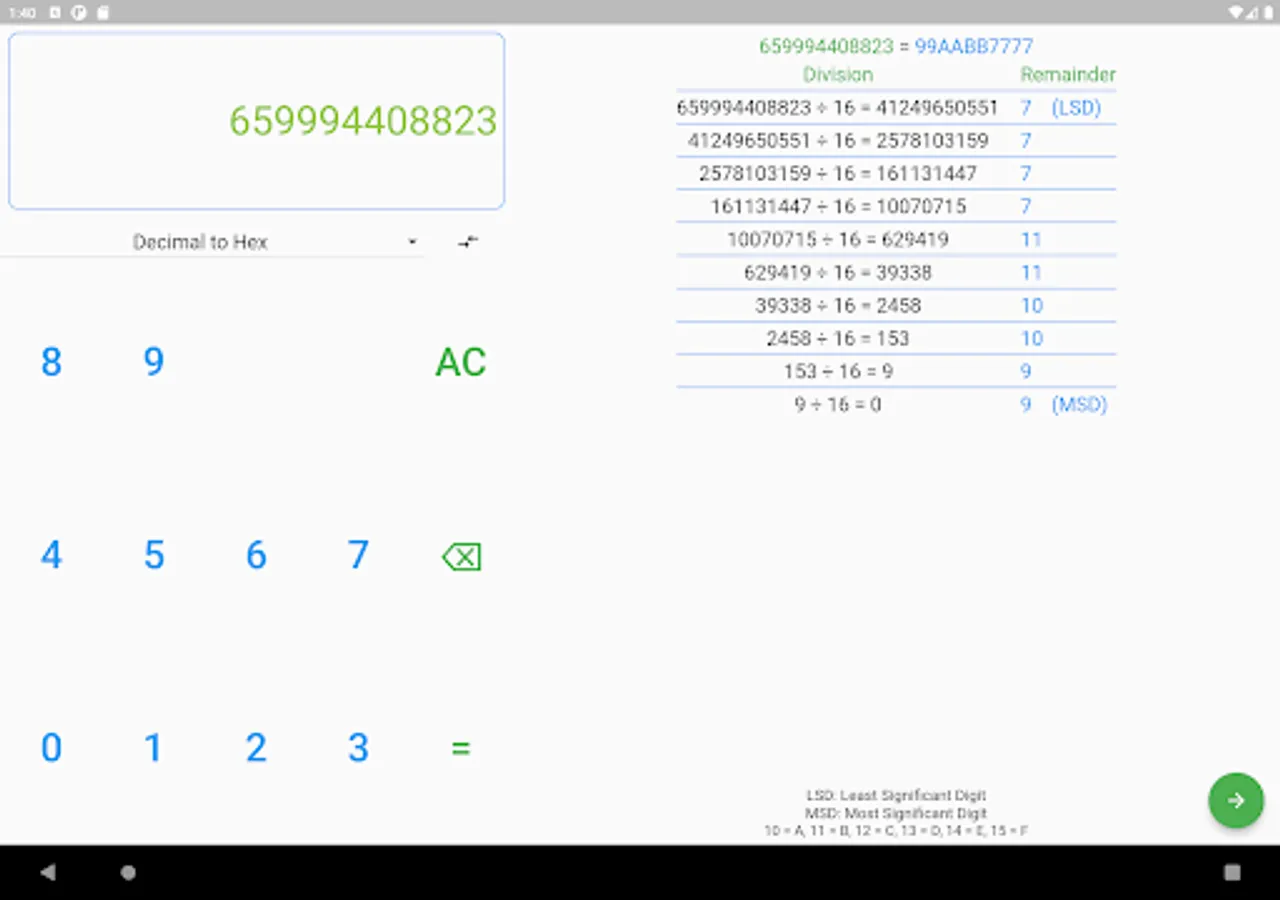
Supports multiple screen sizes and layouts. You can use the app on a mobile phone, small tablet, or even large tablet.
A built-in keyboard that will adjust to selected number conversion.
A reverse button will make it easier to swap the original and target base.
A light and dark theme that will save energy and be easy on your eyes. The app will automatically detect the device theme and change the theme accordingly.
- decimal to binary
- decimal to octal
- decimal to hexadecimal
- binary to decimal
- octal to decimal
- hexadecimal to decimal
This app will show easy-to-read steps of conversion. There is a next button in the steps screen that makes it easy to see each step animated.
Supports multiple screen sizes and layouts. You can use the app on a mobile phone, small tablet, or even large tablet.
A built-in keyboard that will adjust to selected number conversion.
A reverse button will make it easier to swap the original and target base.
A light and dark theme that will save energy and be easy on your eyes. The app will automatically detect the device theme and change the theme accordingly.