AR.Drone Sim Pro Lite
digitalsirup GmbH
4.0 ★
236 ratings
50,000+
downloads
Free
In this drone simulation app, you can practice flying skills by controlling a virtual AR.Drone with simplified settings and different control modes. Includes adjustable physics, graphics quality, and user-friendly controls.
AppRecs review analysis
AppRecs rating 4.0. Trustworthiness 0 out of 100. Review manipulation risk 0 out of 100. Based on a review sample analyzed.
★★★★☆
4.0
AppRecs Rating
Ratings breakdown
5 star
55%
4 star
16%
3 star
9%
2 star
9%
1 star
9%
What to know
✓
Good user ratings
72% positive sampled reviews
✓
Authentic reviews
Natural distribution, no red flags
About AR.Drone Sim Pro Lite
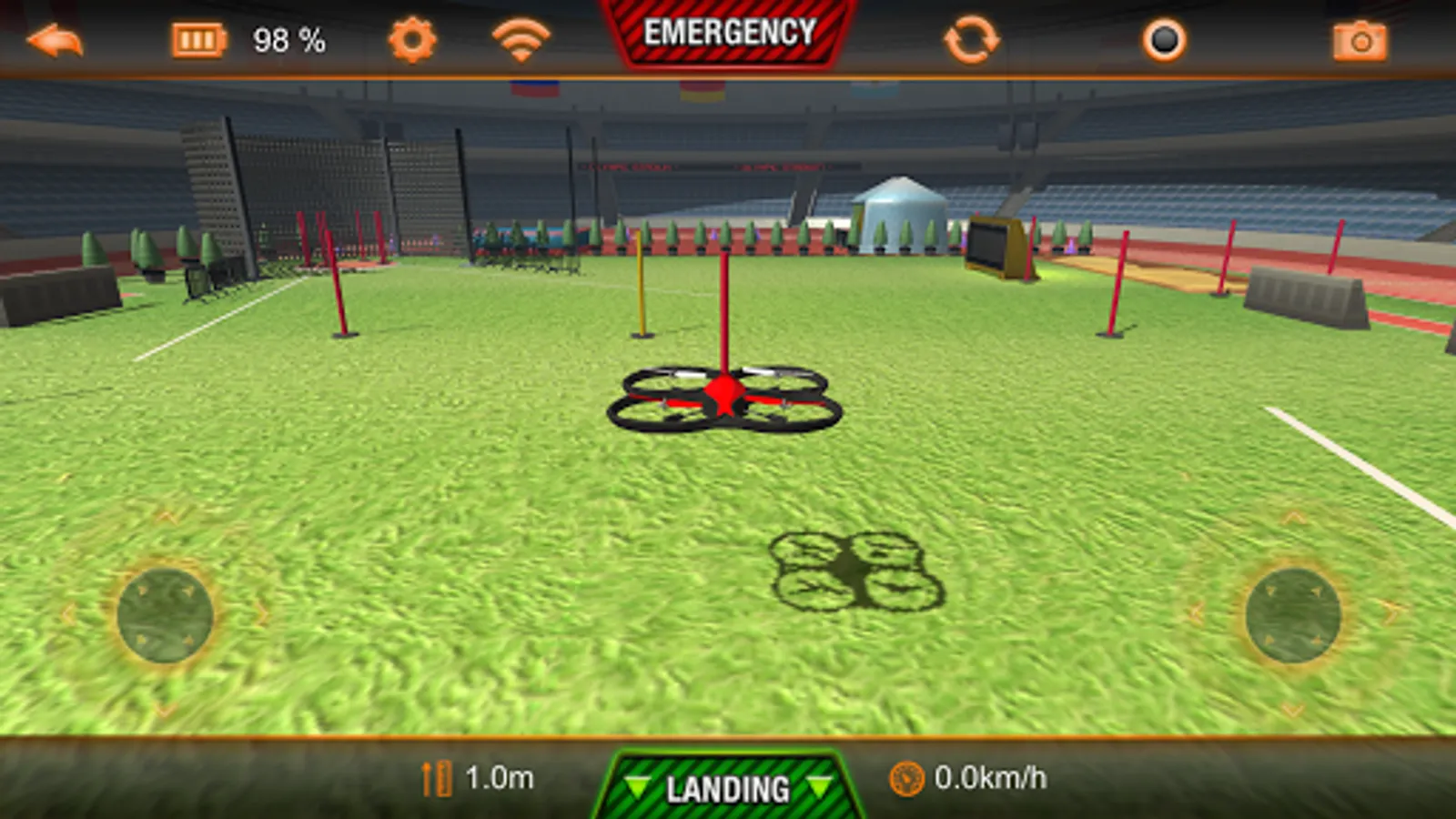
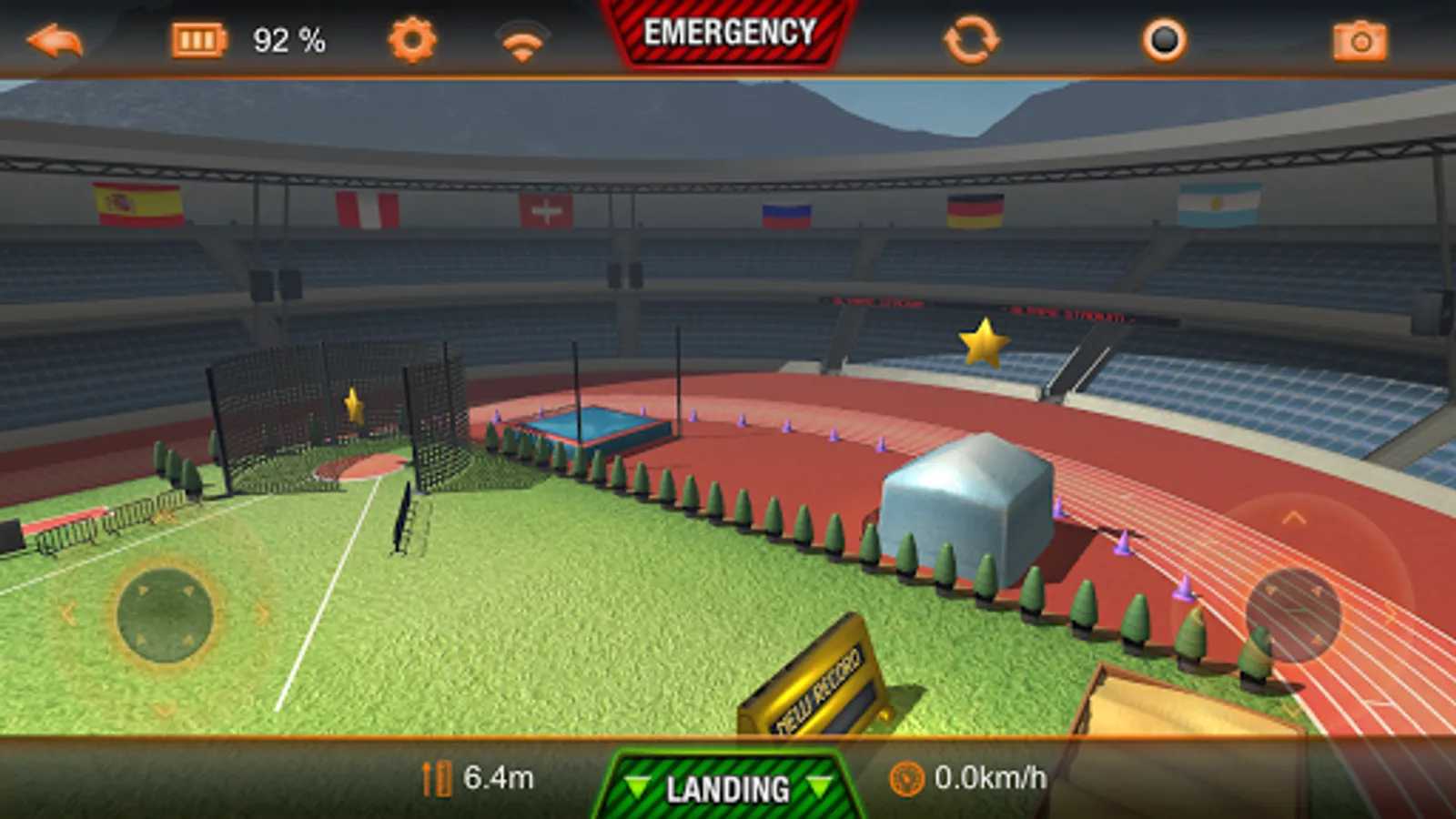
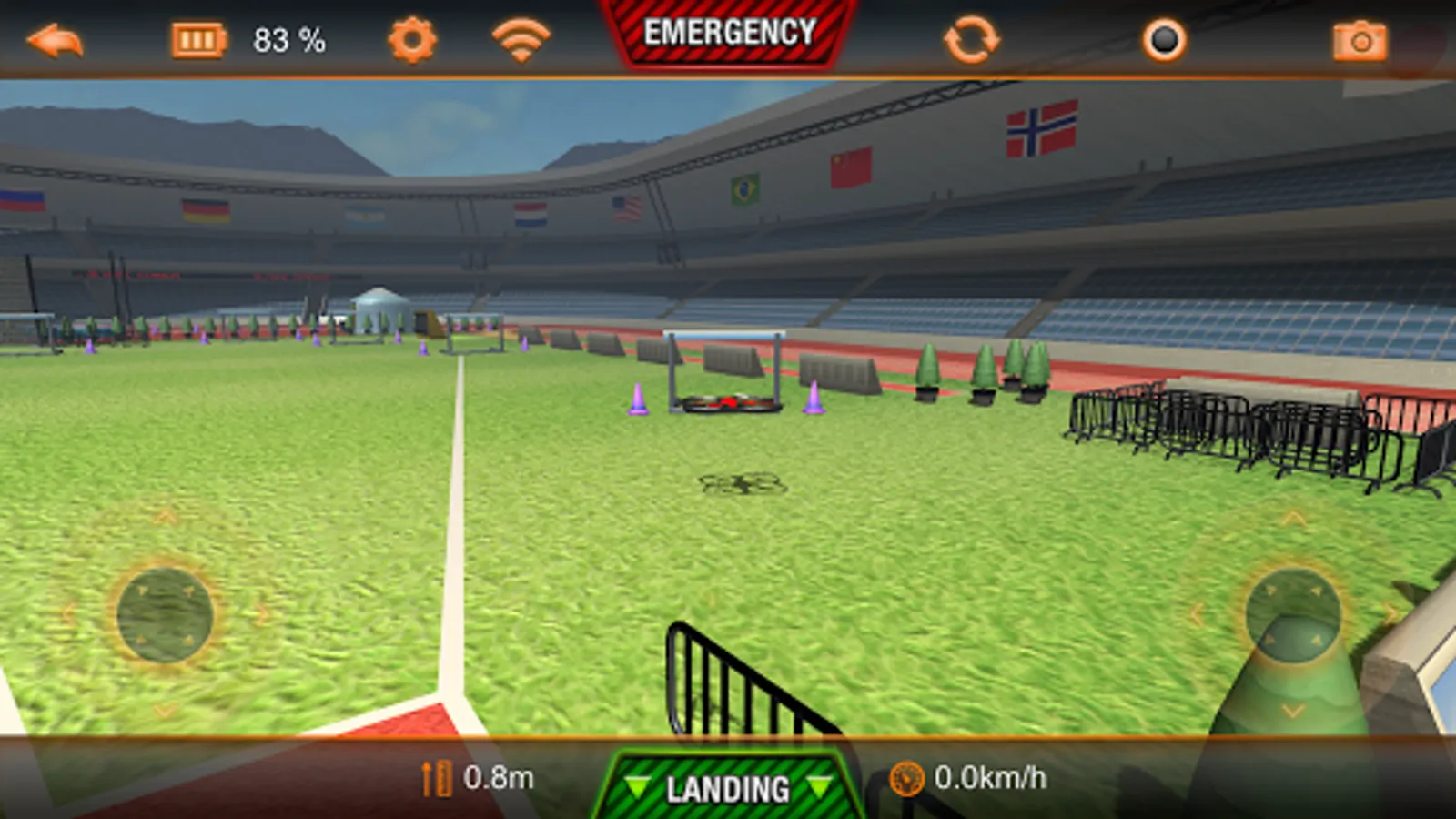
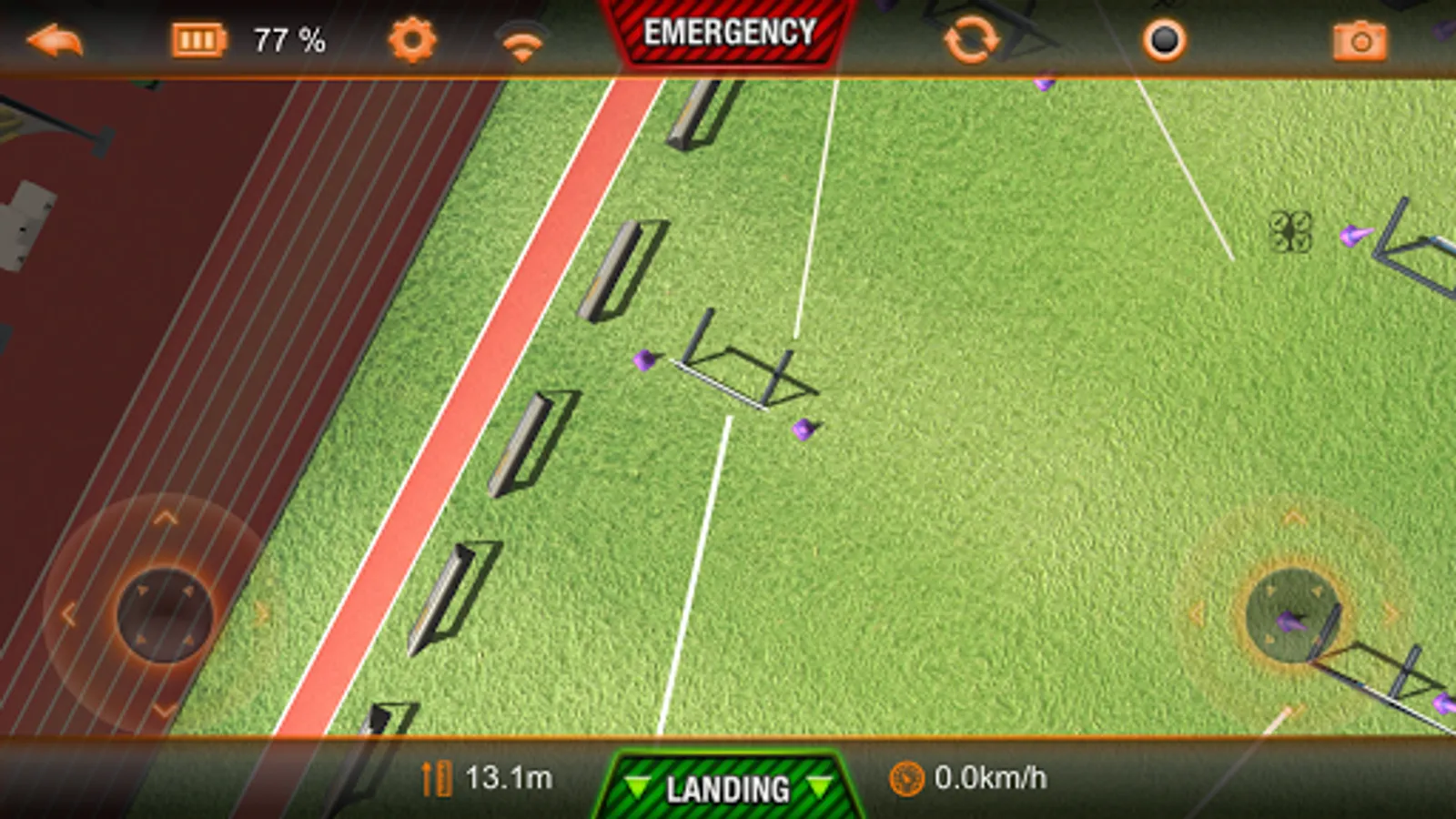
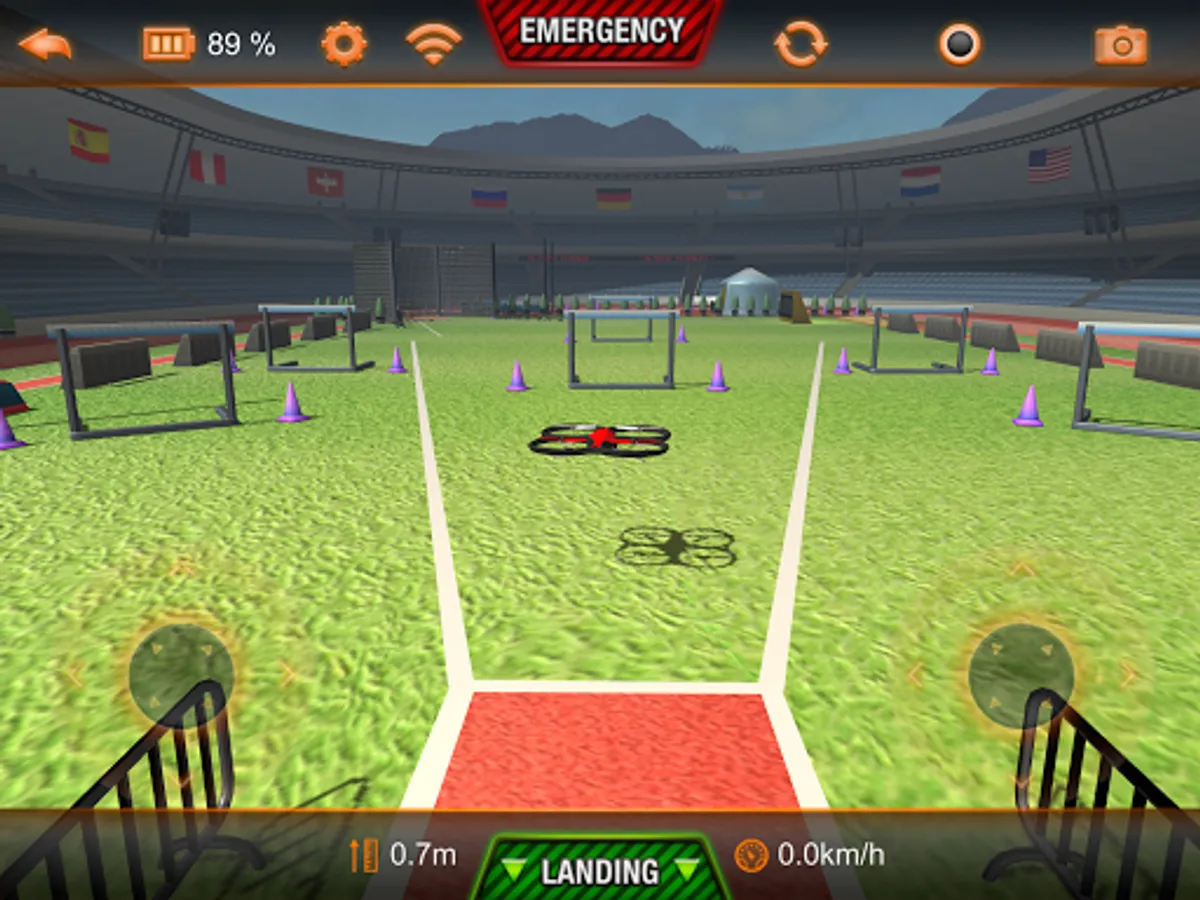
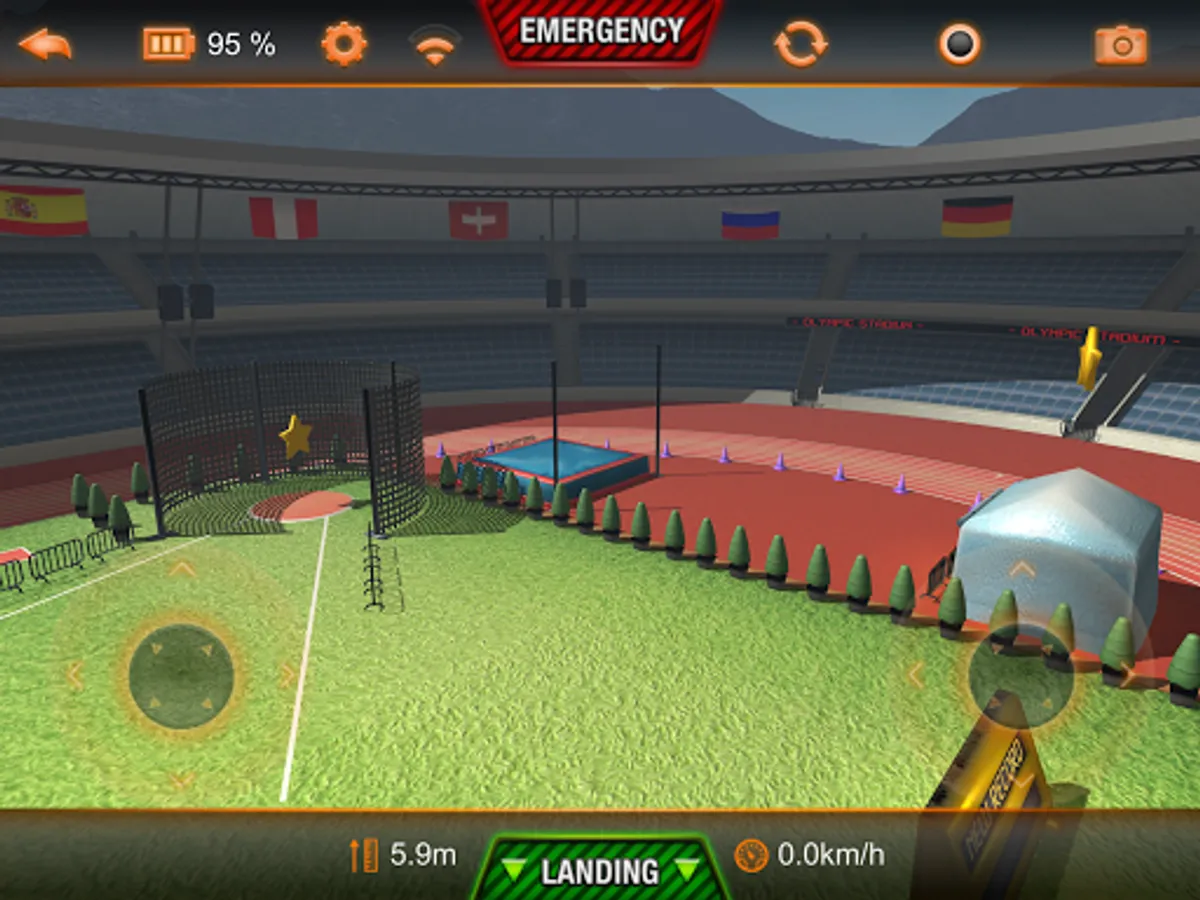
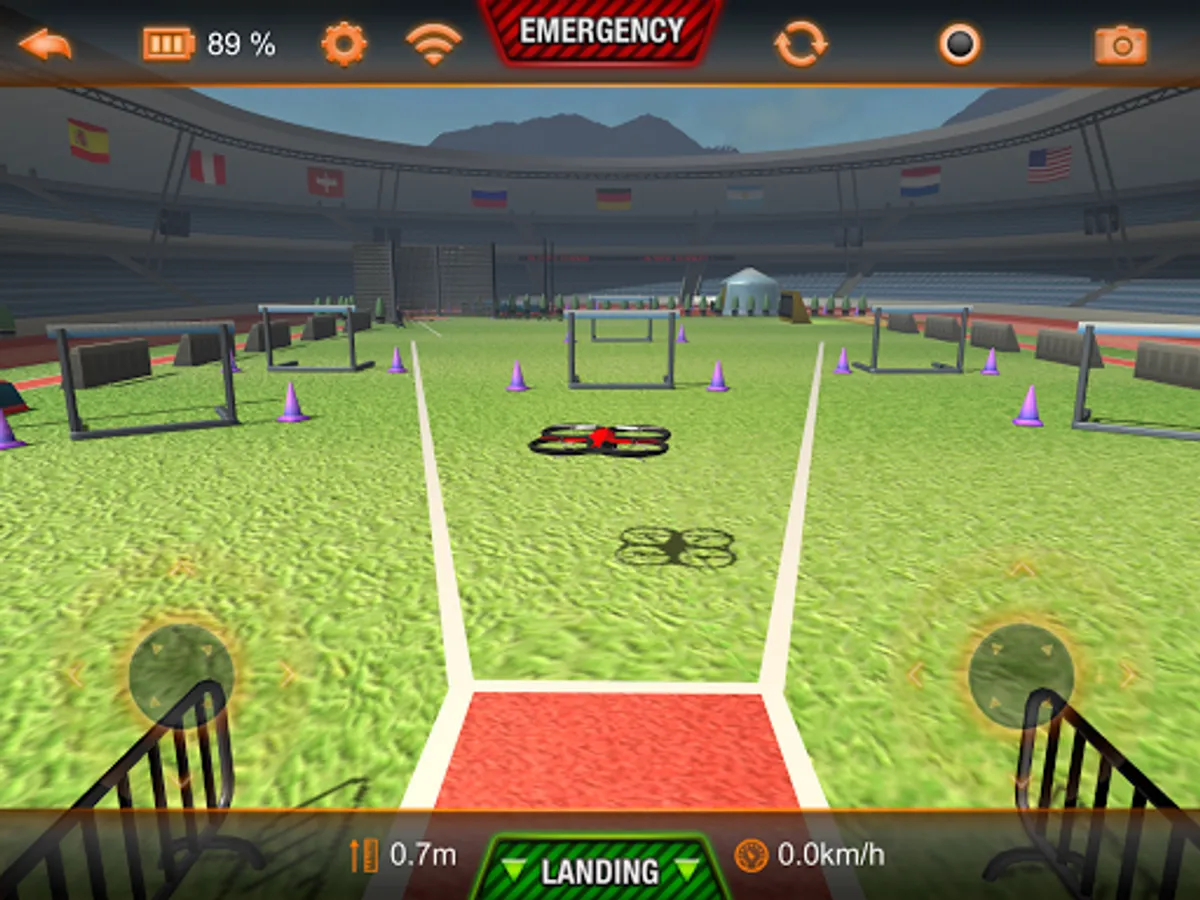
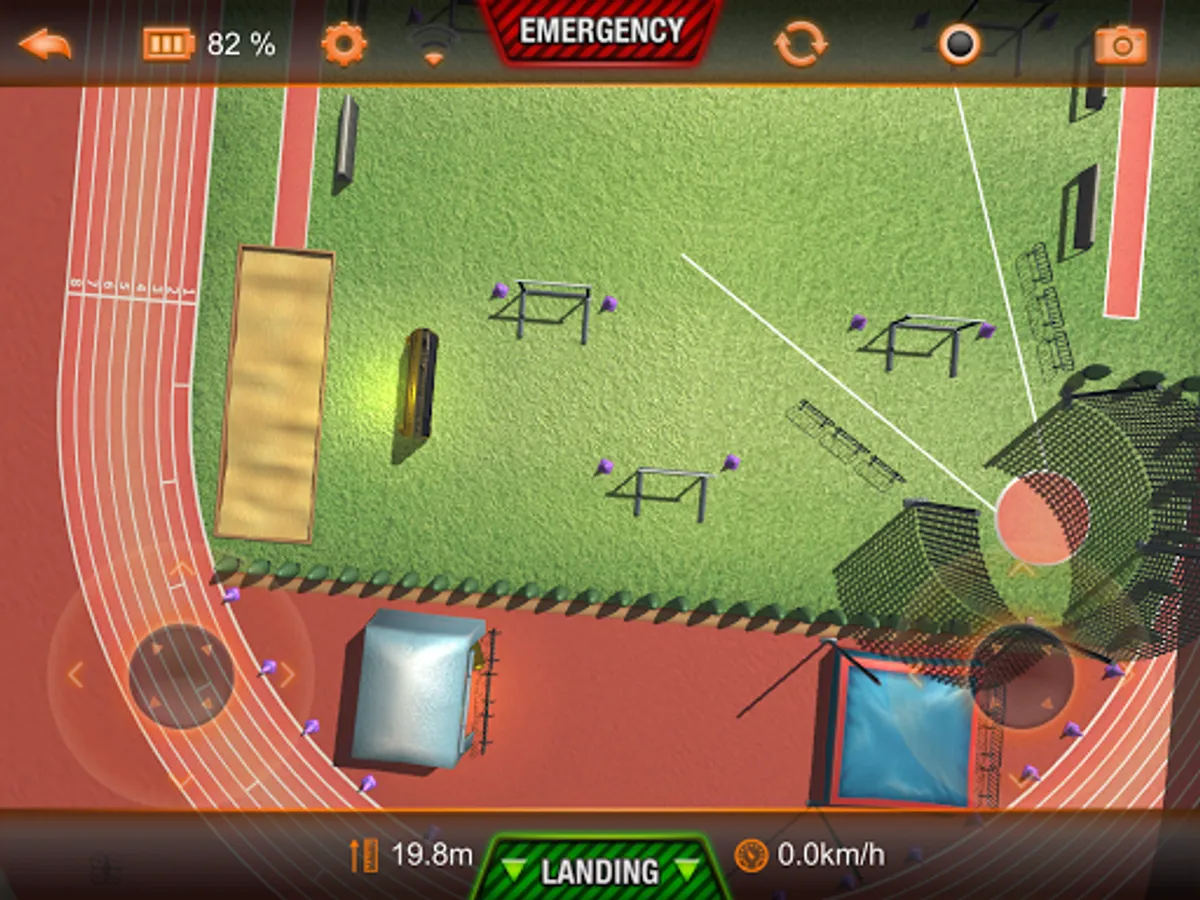
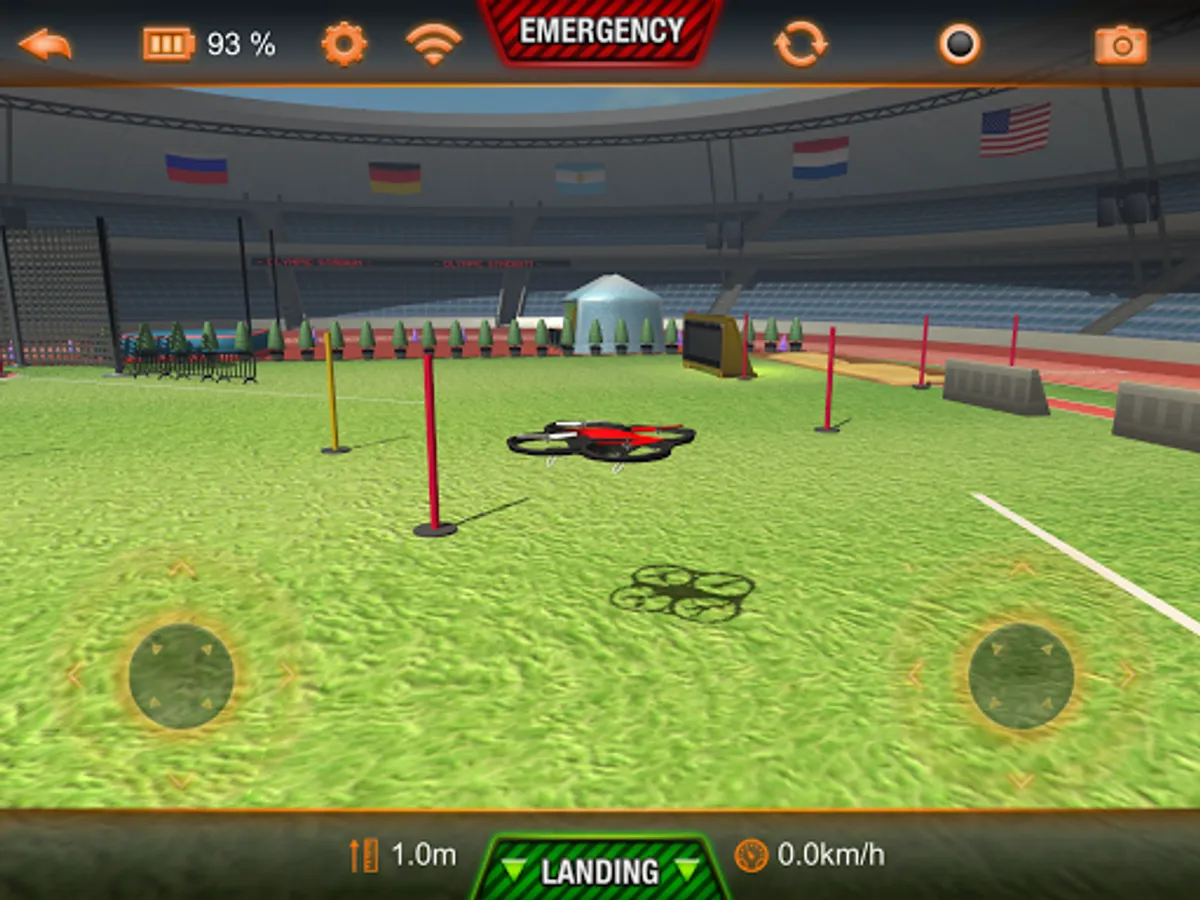
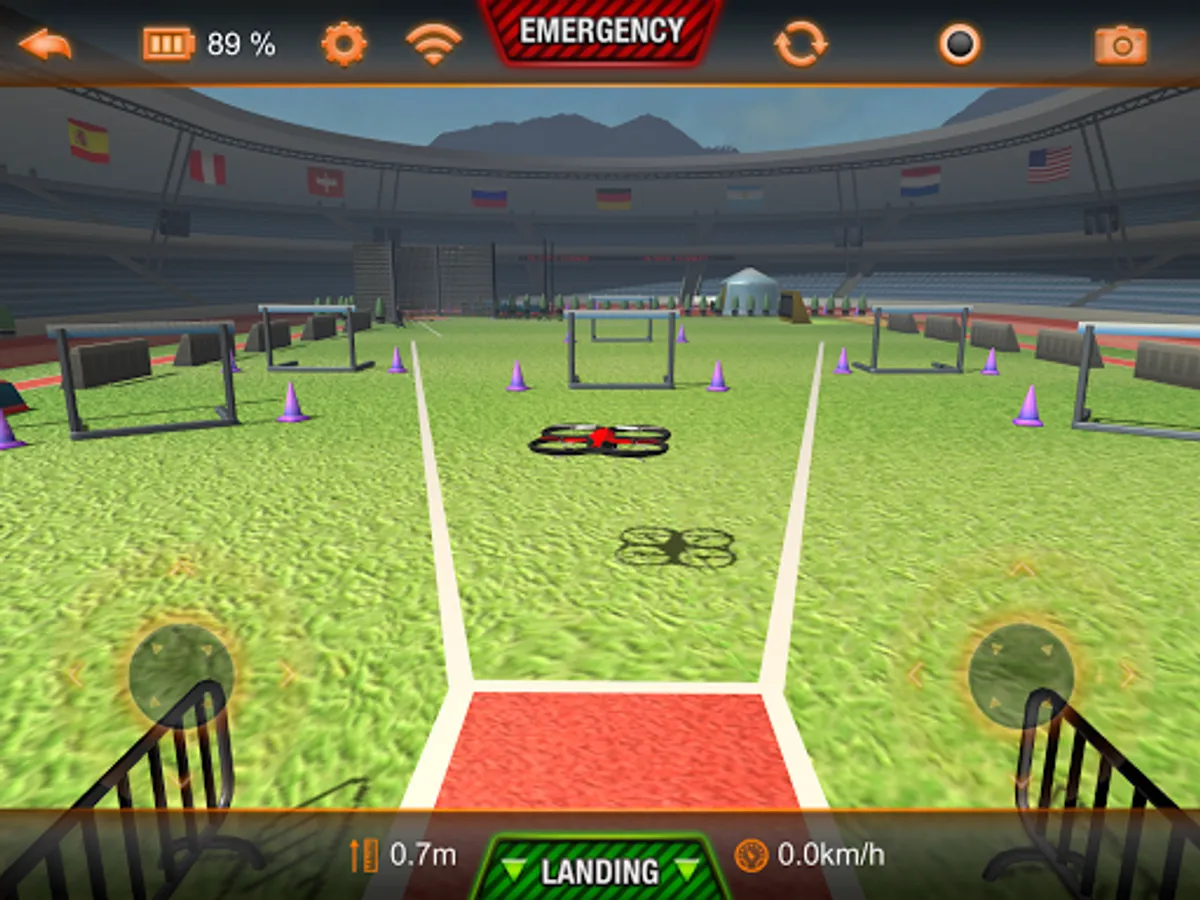
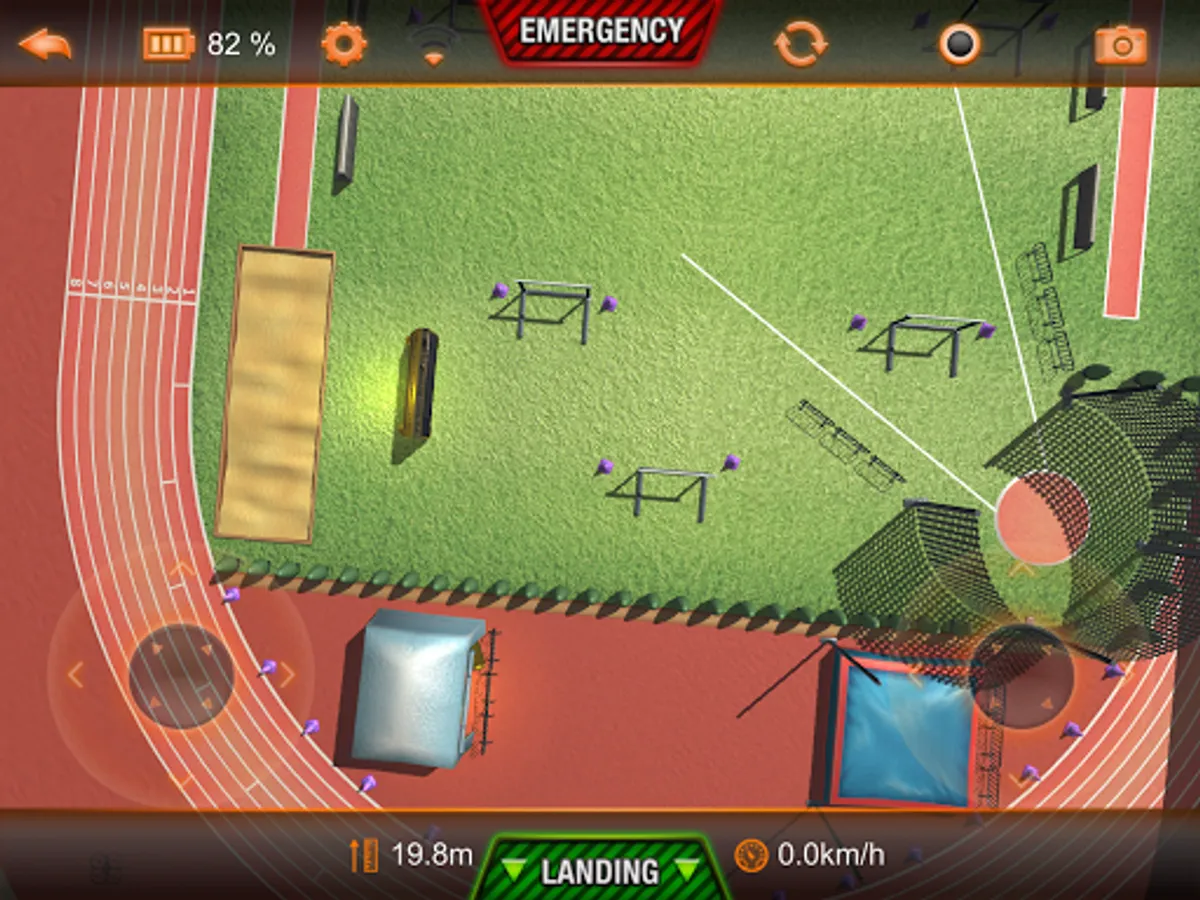
Learn to fly Parrot's AR.Drone with this new simulator. It recreates the look and feel of the AR.FreeFlight app that is needed to control the AR.Drone.
Practise your flying skills and gain confidence no matter what the weather.
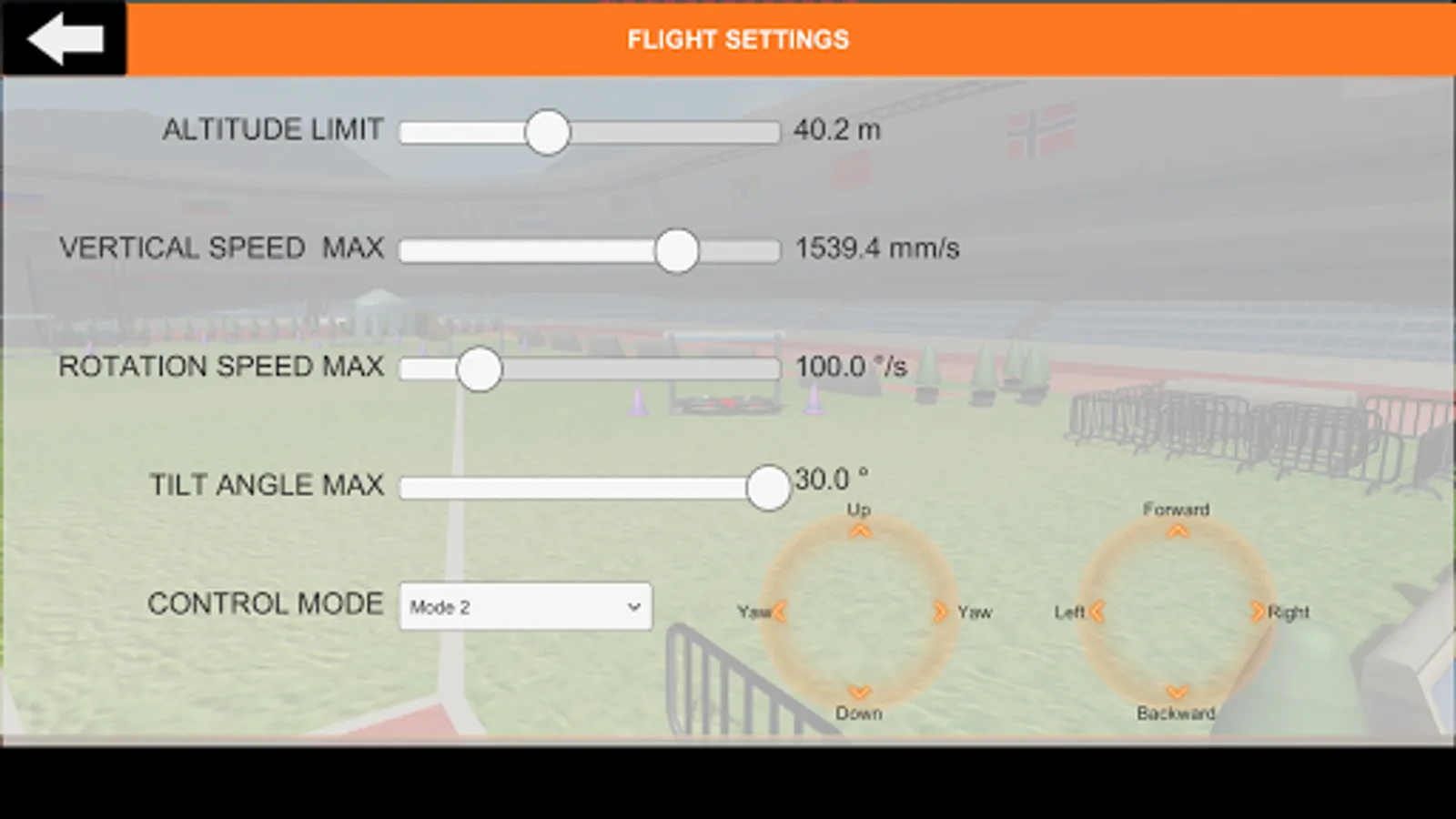
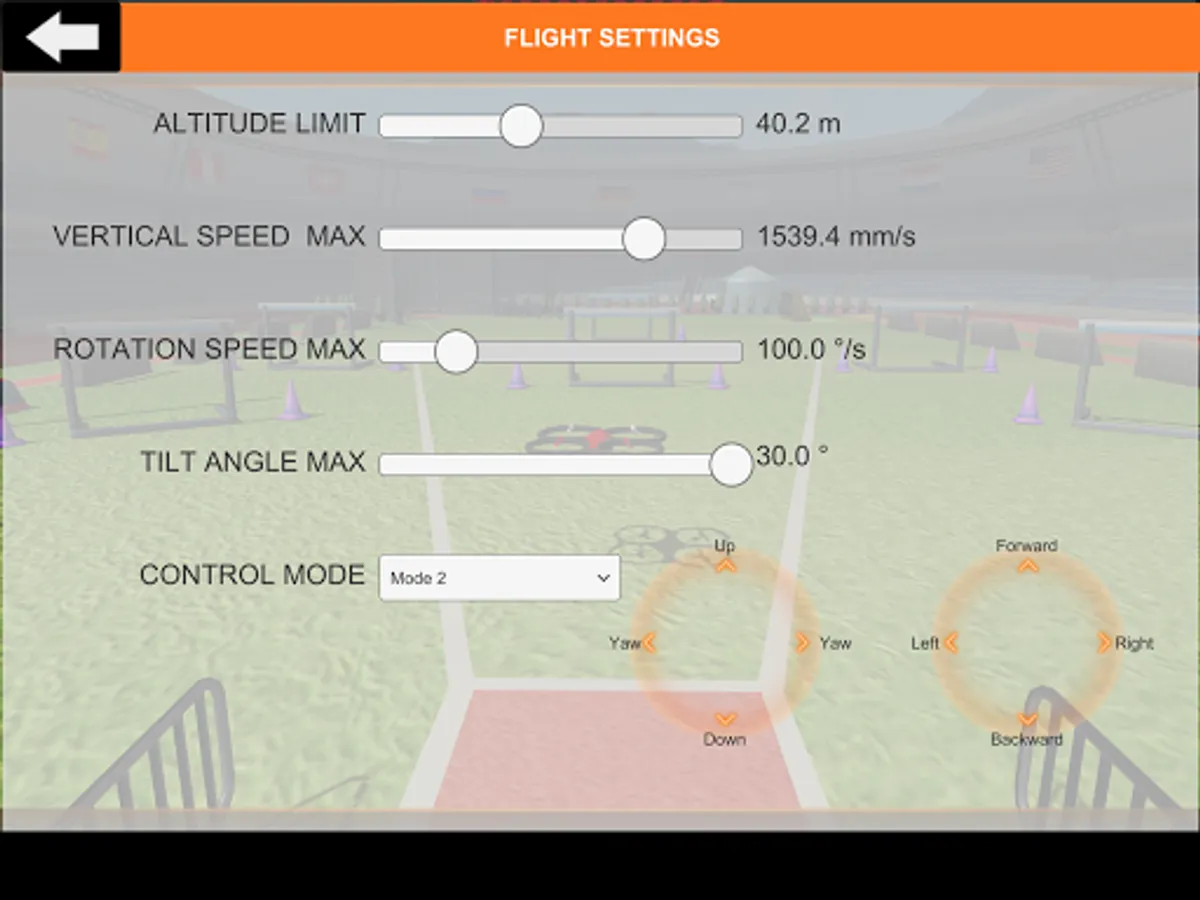
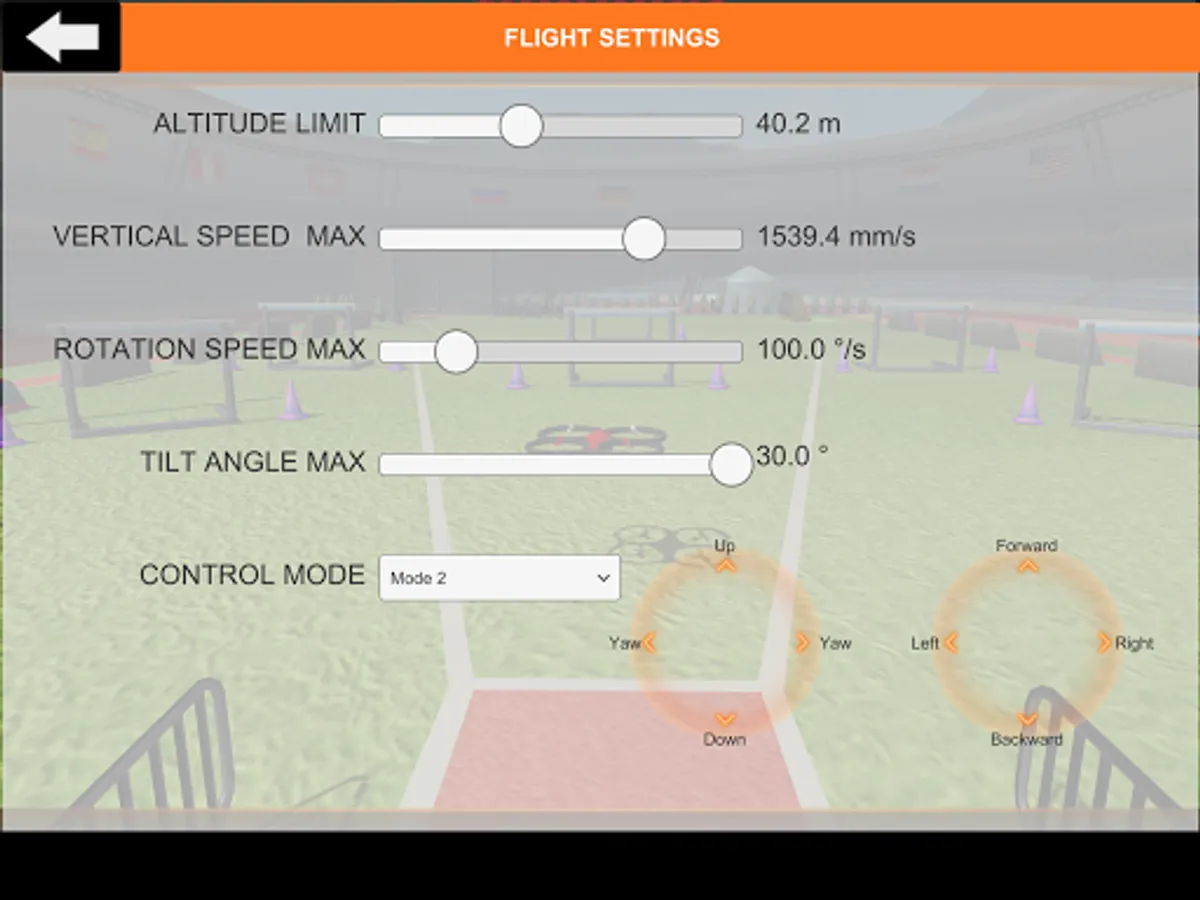
Settings are reduced to the most import ones for the simulator: max. altitude, max. vertical speed, max. rotation speed, max. tilt (controls the max. forward speed)
Control modes are simplified with a drop down to select RC Mode 1, RC Mode 2, RC Mode 3 and RC Mode 4.
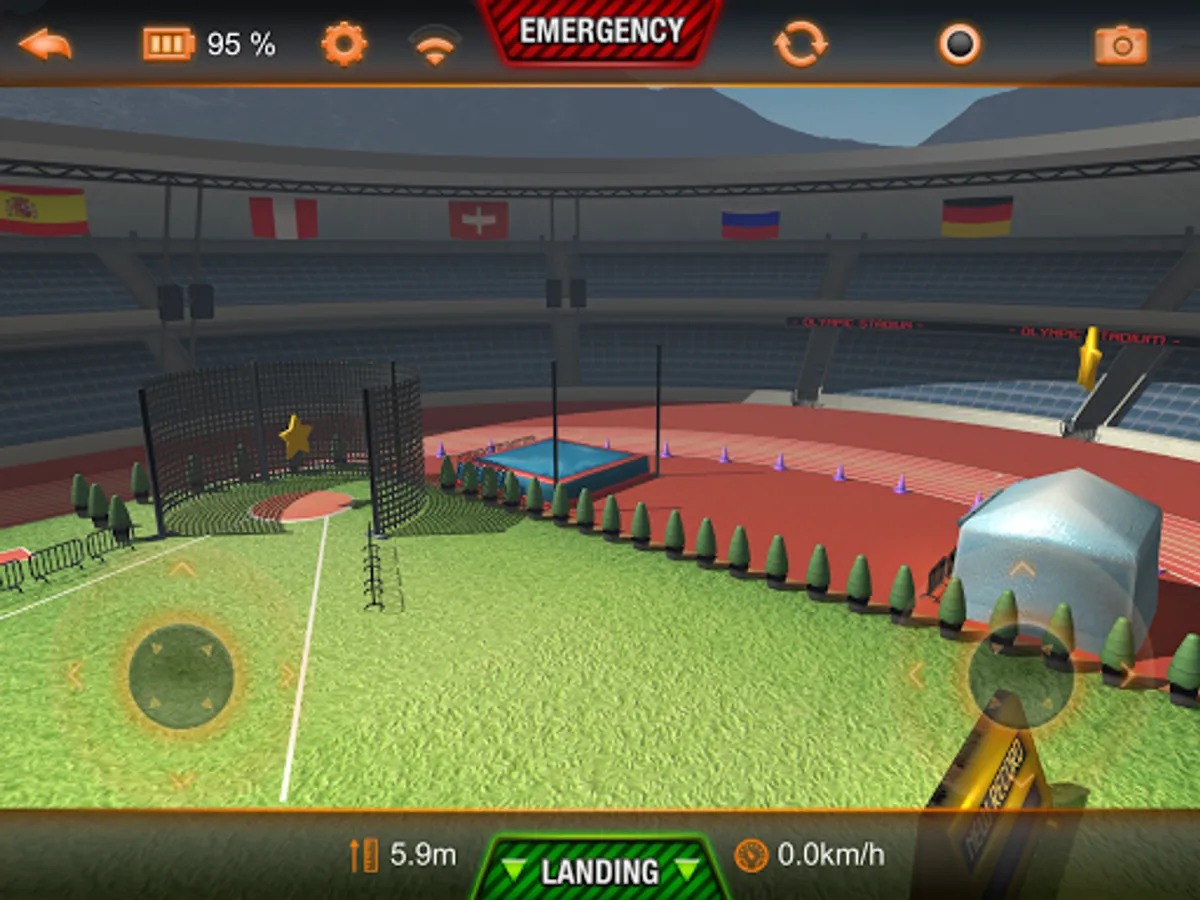
Awesome physics and lovely graphics. Tip: Use the gfx quality slider in the main settings to set it as high as possible, while the FPS display shows still 30 FPS. (frames per second)
This application is not endorsed by Parrot and Parrot is not offering support for the app. If you are experience any problems please use www.digitalsirup.com to get in touch with us or visit the english AR.Drone community on https://www.drone-forum.com
Practise your flying skills and gain confidence no matter what the weather.
Settings are reduced to the most import ones for the simulator: max. altitude, max. vertical speed, max. rotation speed, max. tilt (controls the max. forward speed)
Control modes are simplified with a drop down to select RC Mode 1, RC Mode 2, RC Mode 3 and RC Mode 4.
Awesome physics and lovely graphics. Tip: Use the gfx quality slider in the main settings to set it as high as possible, while the FPS display shows still 30 FPS. (frames per second)
This application is not endorsed by Parrot and Parrot is not offering support for the app. If you are experience any problems please use www.digitalsirup.com to get in touch with us or visit the english AR.Drone community on https://www.drone-forum.com
AR.Drone Sim Pro Lite Screenshots
Tap to Rate: