AppRecs review analysis
AppRecs rating 2.5. Trustworthiness 81 out of 100. Review manipulation risk 21 out of 100. Based on a review sample analyzed.
★★☆☆☆
2.5
AppRecs Rating
Ratings breakdown
5 star
33%
4 star
0%
3 star
0%
2 star
17%
1 star
50%
What to know
✓
Low review manipulation risk
21% review manipulation risk
✓
Credible reviews
81% trustworthiness score from analyzed reviews
⚠
Mixed user feedback
Average 2.5★ rating suggests room for improvement
About DORO Magnifier
"The DORO Magnifier app is compatible with most smartphones running Android and is a great help when trying to view or read items that you find too small or too difficult to read otherwise.
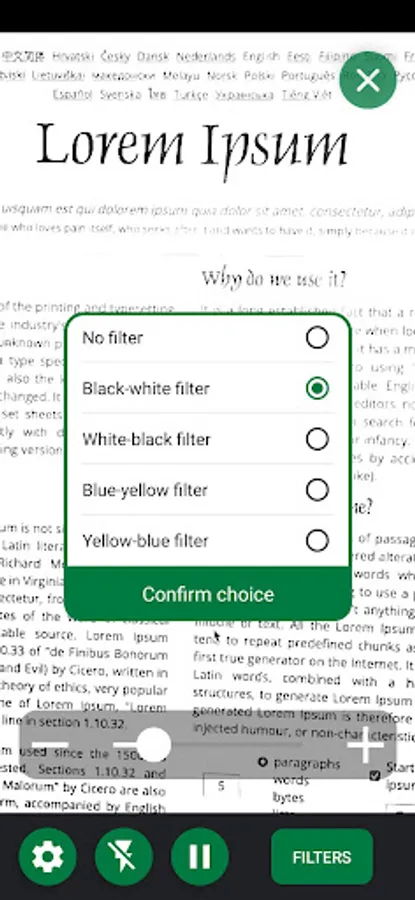
This easy to use magnifier provides magnification of up to 8x when you need it. To magnify an item, simply open the app and aim the camera until you see the content on your screen. Then use the slider or +/- buttons to zoom in or out. Focusing is done automatically, but you can also press to improve the focus if needed.
The DORO Magnifier includes the most commonly used functions for everyday use, including:
• Zoom in or out using a slider or the +/- buttons
• Enable/disable the flash for best results depending on ambient conditions
• Take a snapshot of the magnified text so you can read it without having to hold the phone still
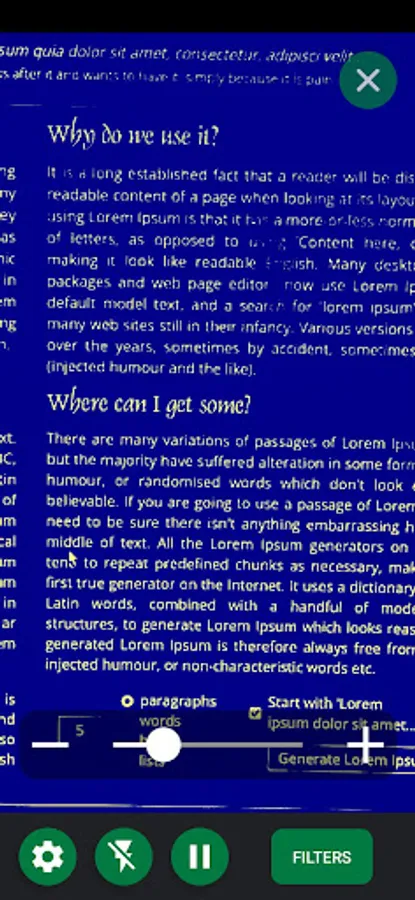
• Use coloured filters to improve contrast if you have impaired vision
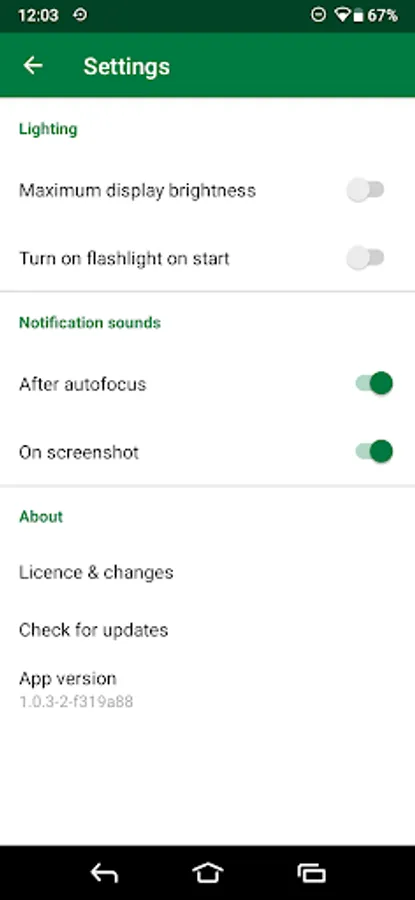
• Adjust lighting and notification sound via Settings
• Use in either portrait or landscape mode
This easy to use magnifier provides magnification of up to 8x when you need it. To magnify an item, simply open the app and aim the camera until you see the content on your screen. Then use the slider or +/- buttons to zoom in or out. Focusing is done automatically, but you can also press to improve the focus if needed.
The DORO Magnifier includes the most commonly used functions for everyday use, including:
• Zoom in or out using a slider or the +/- buttons
• Enable/disable the flash for best results depending on ambient conditions
• Take a snapshot of the magnified text so you can read it without having to hold the phone still
• Use coloured filters to improve contrast if you have impaired vision
• Adjust lighting and notification sound via Settings
• Use in either portrait or landscape mode