AR Easy Draw - Trace Sketch
Braly JSC
4.2 ★
129K ratings
10,000,000+
downloads
Free
+ in-app
In this drawing app, you can trace and create artwork using augmented reality and camera features. Includes virtual brushes, templates, and sharing options.
AppRecs review analysis
AppRecs rating 3.7. Trustworthiness 64 out of 100. Review manipulation risk 22 out of 100. Based on a review sample analyzed.
★★★☆☆
3.7
AppRecs Rating
Ratings breakdown
5 star
71%
4 star
8%
3 star
5%
2 star
2%
1 star
13%
What to know
✓
Low review manipulation risk
22% review manipulation risk
⚠
Ad complaints
Many low ratings mention excessive ads
⚠
Pricing complaints
Many low ratings mention paywalls or pricing
About AR Easy Draw - Trace Sketch
🤔 Do you want to learn how to draw but don't know where to start? Or do you simply want to create unique artwork that combines reality and virtual elements? AR Drawing - Sketchar App is the perfect tool for you! ✨
⭐ Rated 4.5 stars by the community, AR Drawing is the most advanced and beloved camera-based drawing tool for everyone, from beginners to seasoned artists. AR Drawing - Sketchar App, the ultimate tool for learning to ar draw, ar draw sketch and trace anything
🎨 With AR Drawing with Sketchar App, Transform Your Real World into a Creative Canvas! Unleash your inner artist and transform any surface into your personal canvas using the power of augmented reality
🌐 Join 50 million users worldwide who are discovering the power of AR drawing and sharing unique AR artworks daily. You can draw unlimited pictures and share your magnificent results with friends and family as you like, mastering the art to ar draw, ar draw sketch and trace anything.
With advanced Augmented Reality (AR) technology, you can 👇
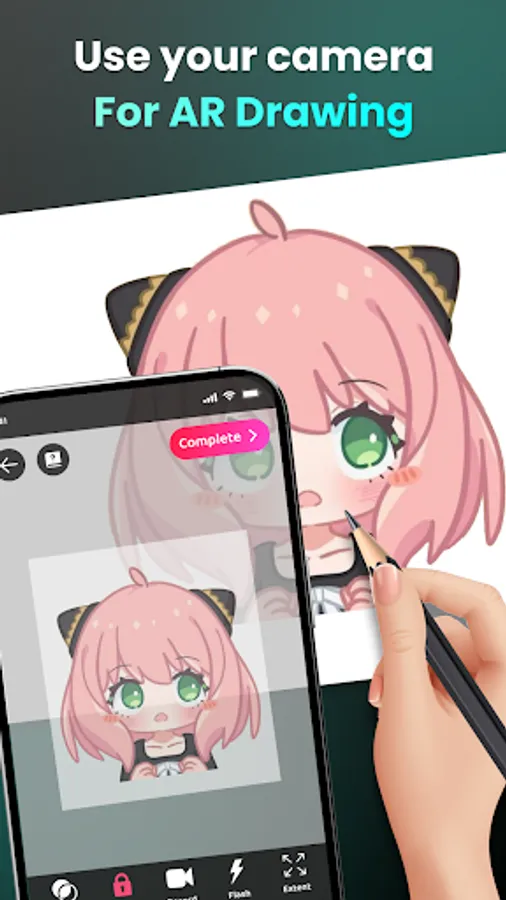
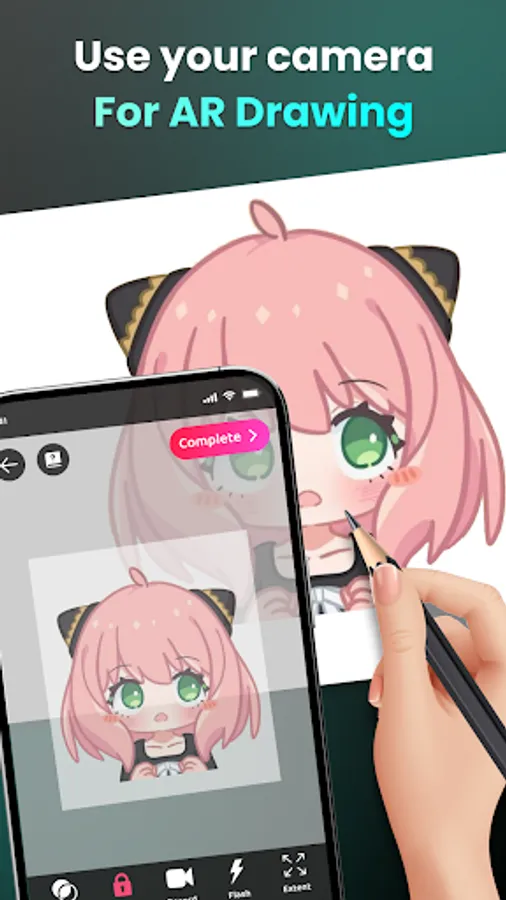
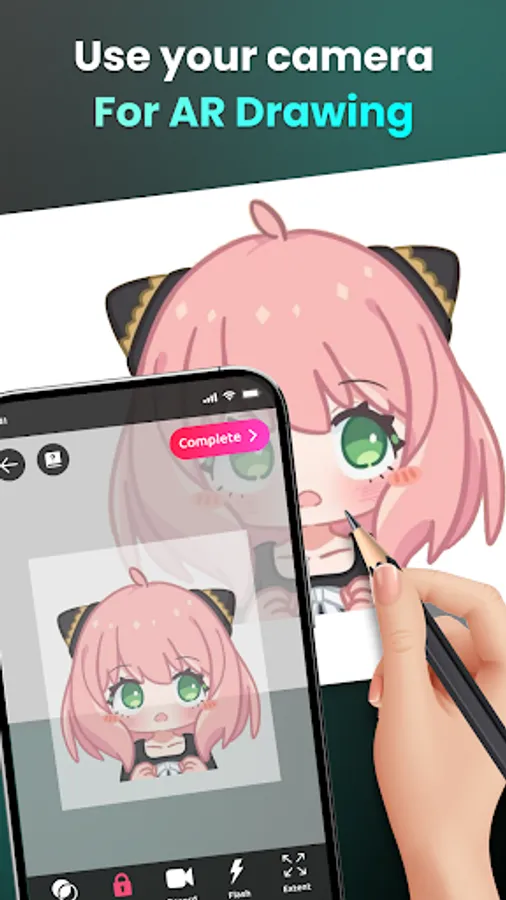
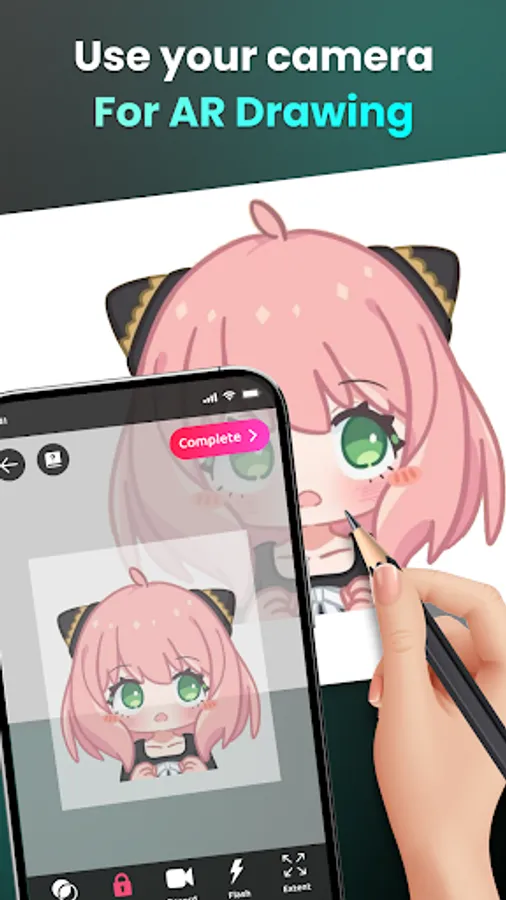
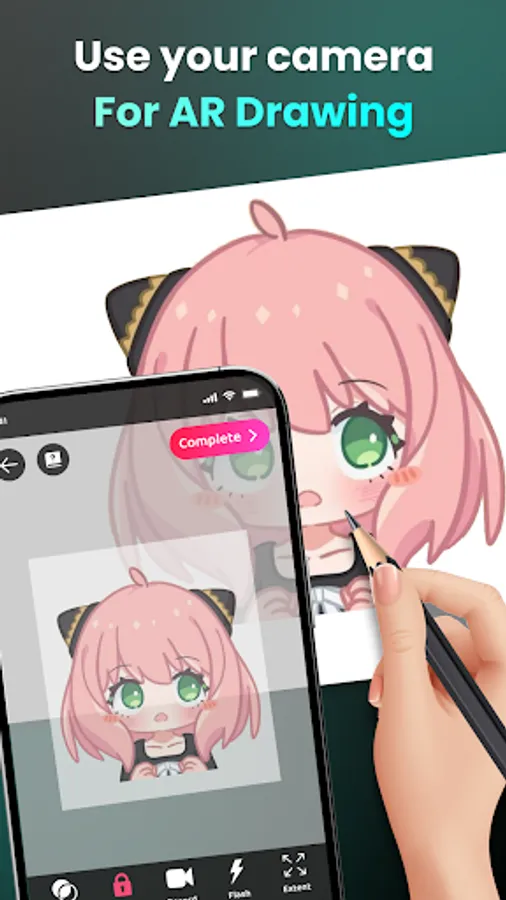
📸 1. Draw through camera
- Place your phone on a stand, look through the screen, and sketch everything you see – from sample photos and surrounding objects to entire scenes!
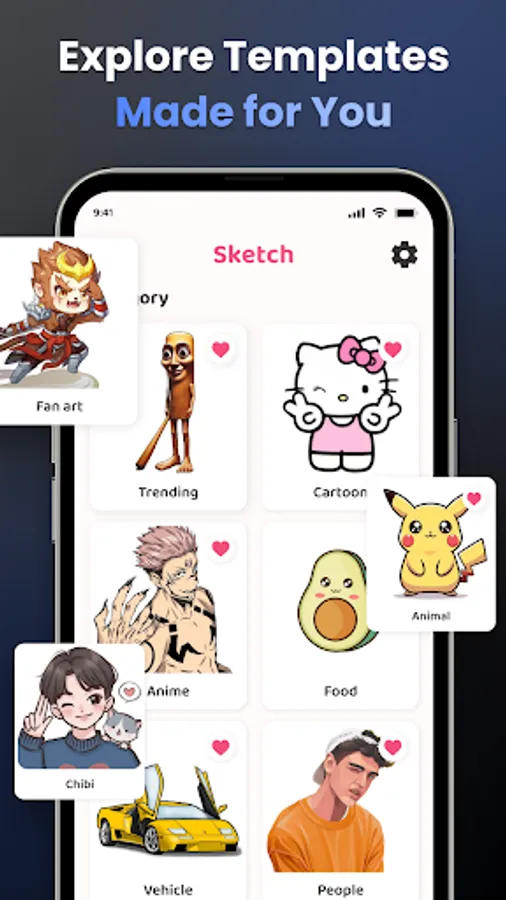
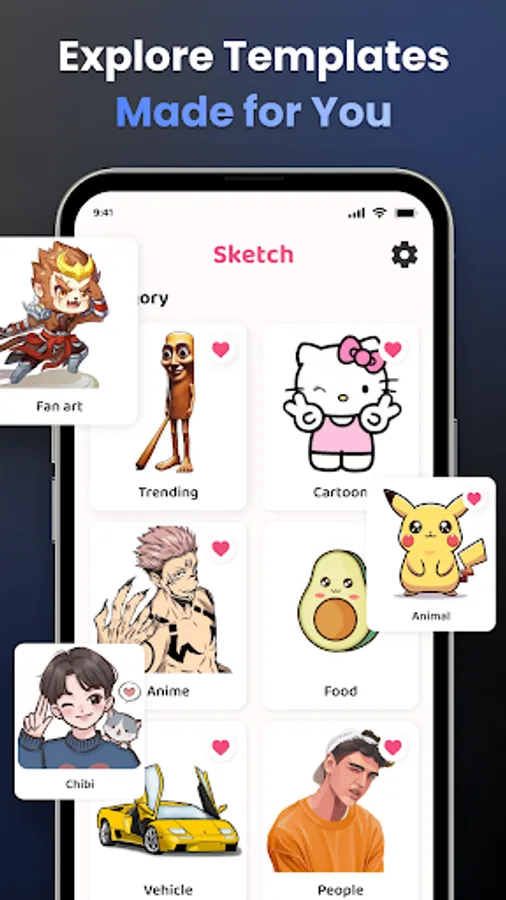
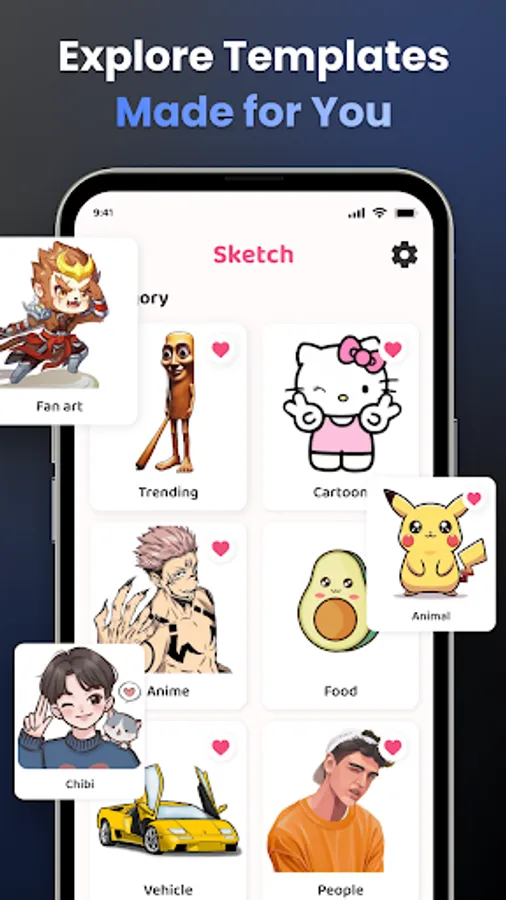
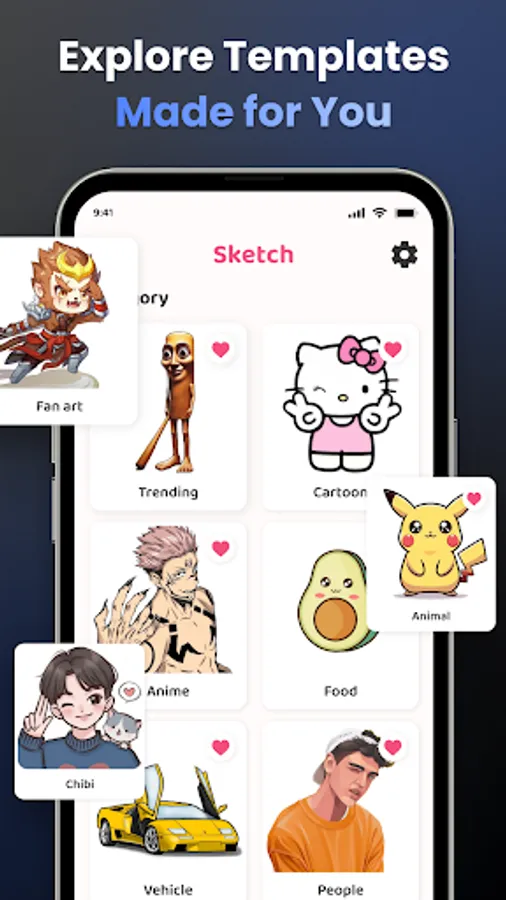
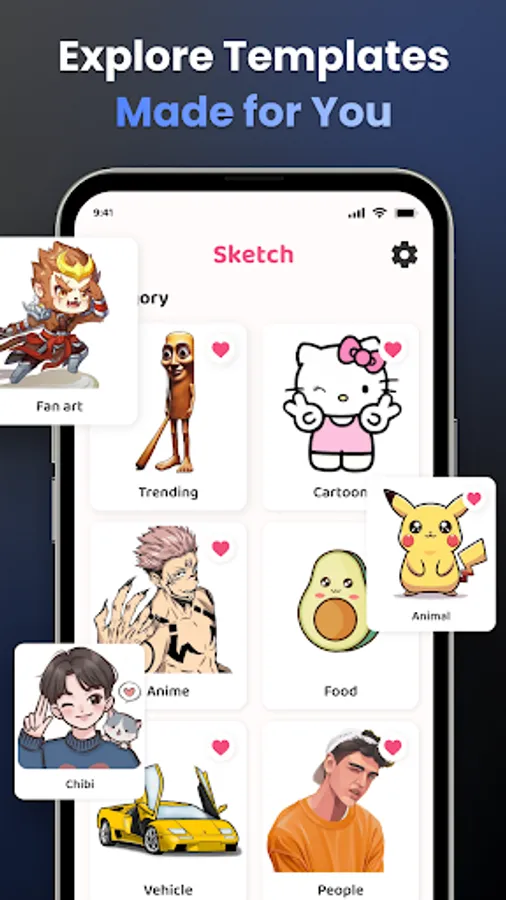
- Easily draw unlimited characters you love, such as Hello Kitty, Pikachu, or Jujutsu Kaisen, right through your camera.
- Explore an endless array of today's hottest topics like Anime, Cartoon, Animal, Cute, Food, Chibi, People, Fanart, Vehicle, Flowers, Eyes, Christmas, Nature, and more.
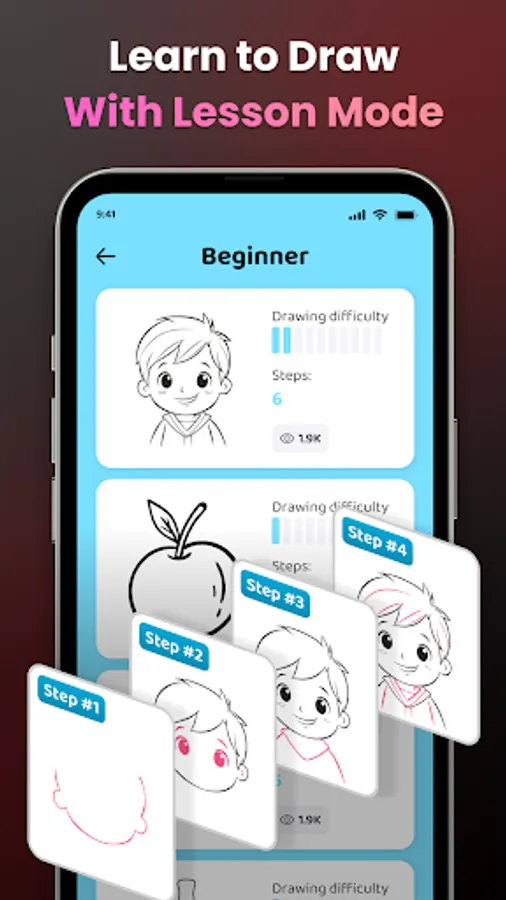
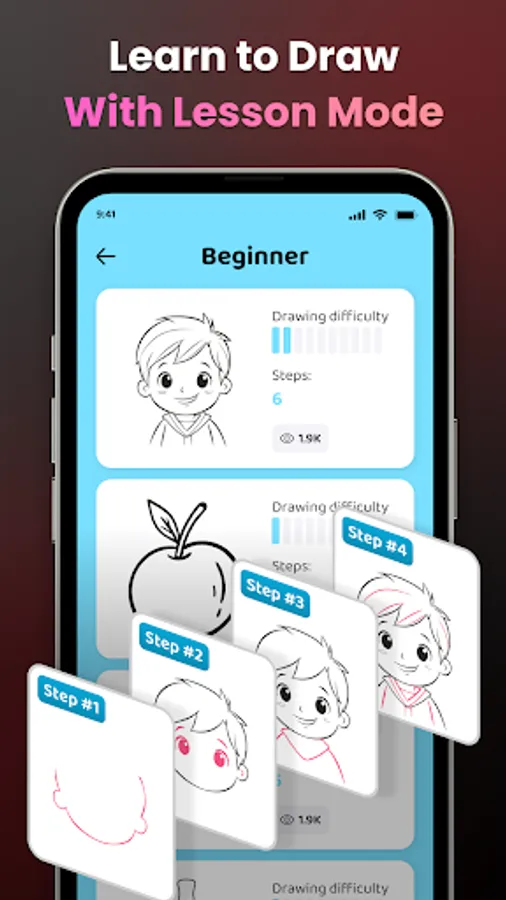
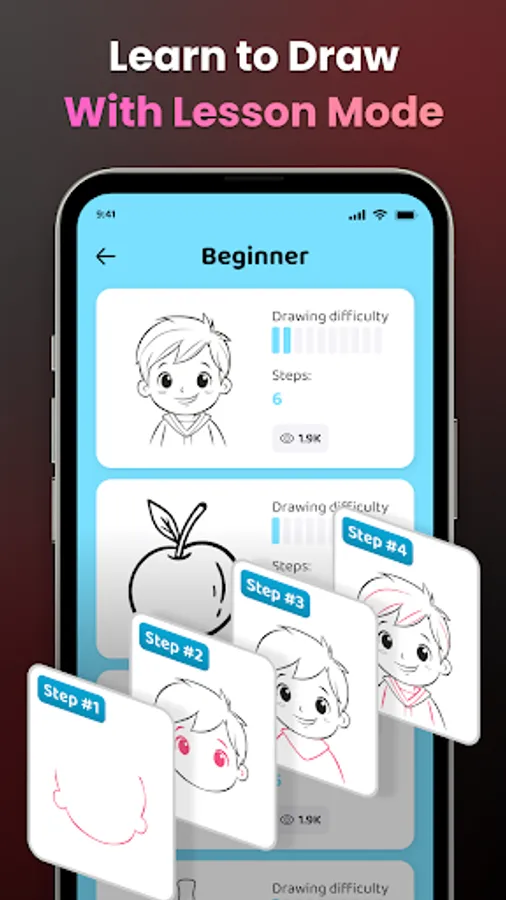
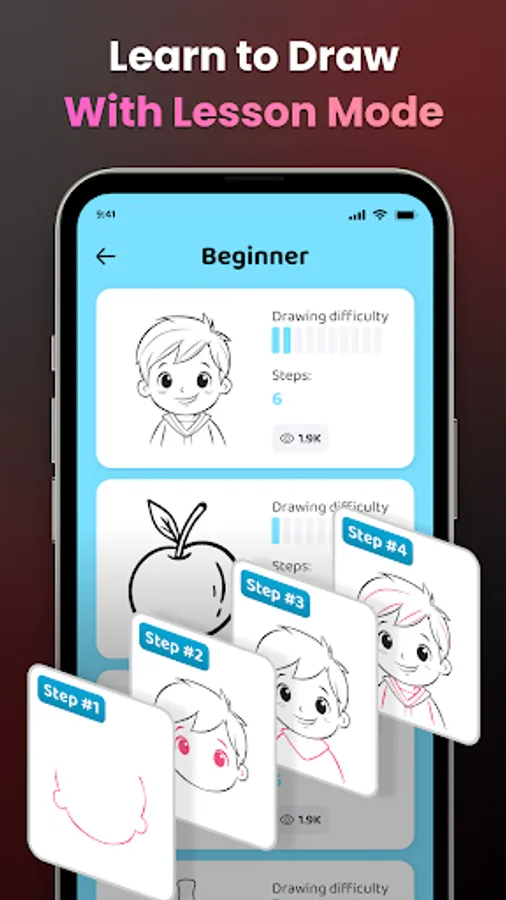
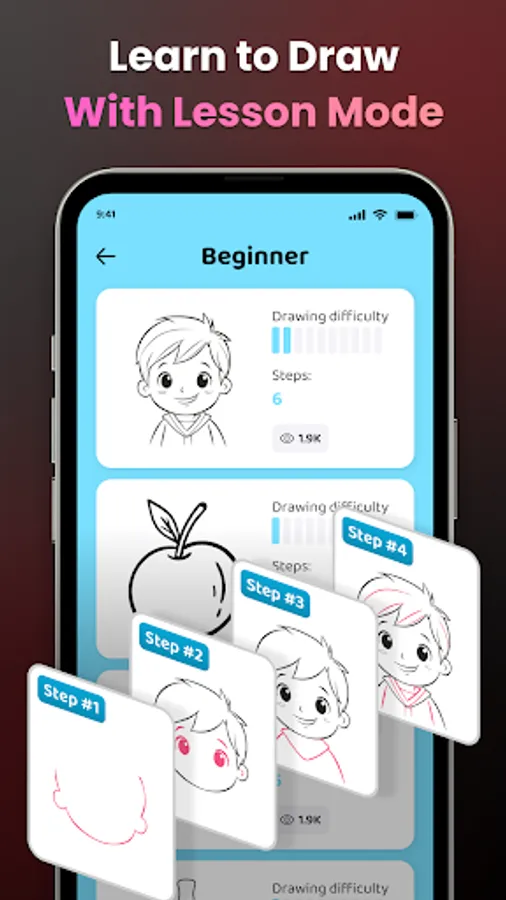
🎓 2. Learn to Draw Easily
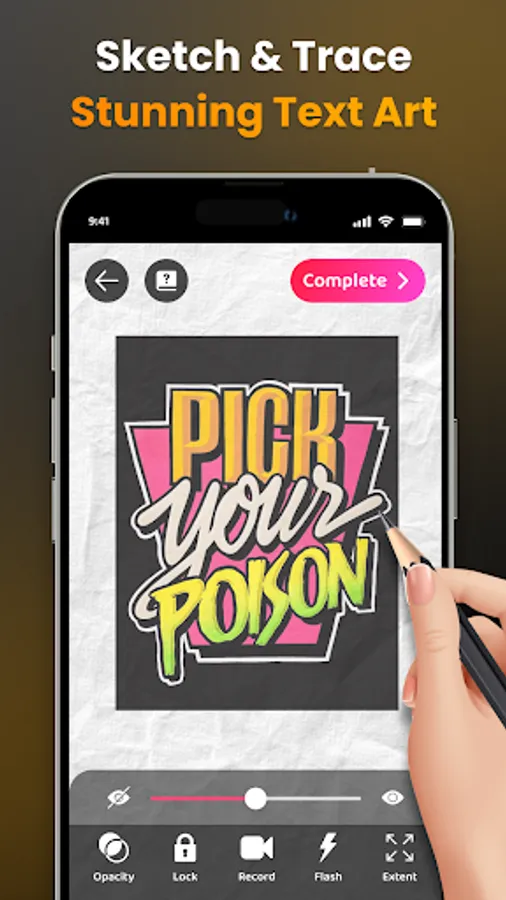
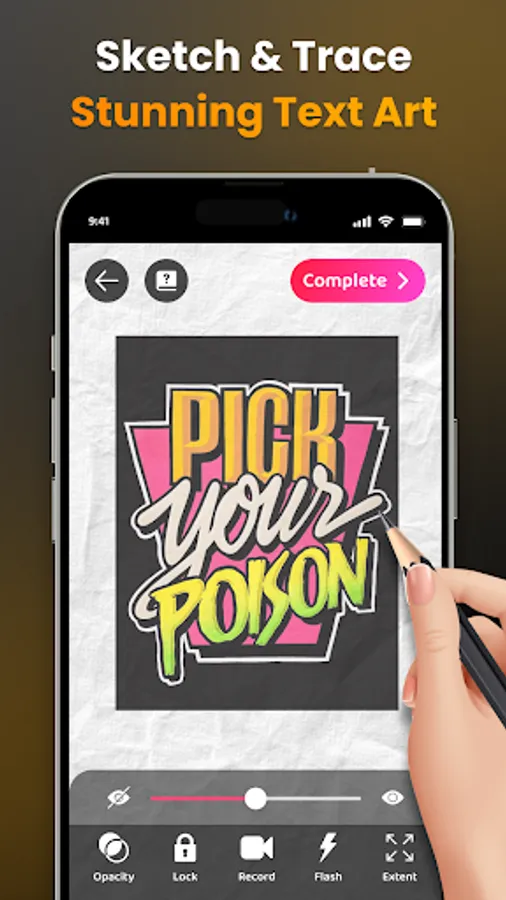
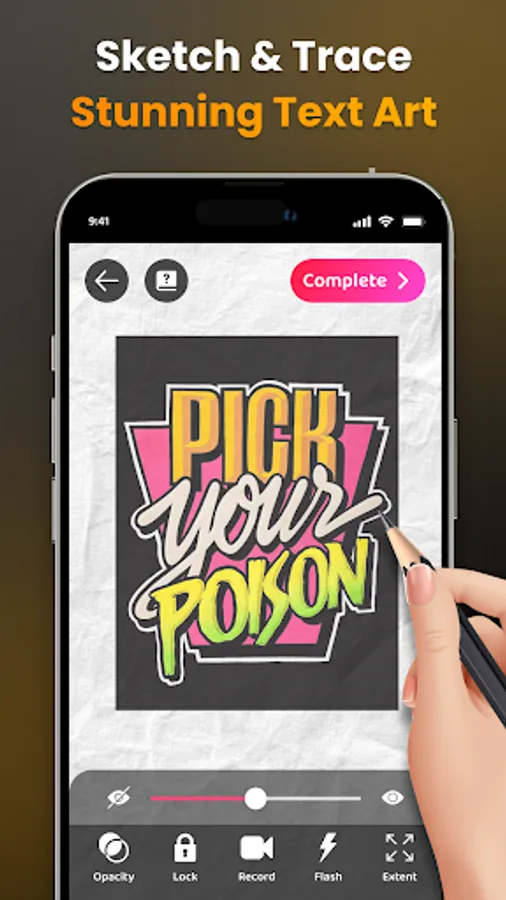
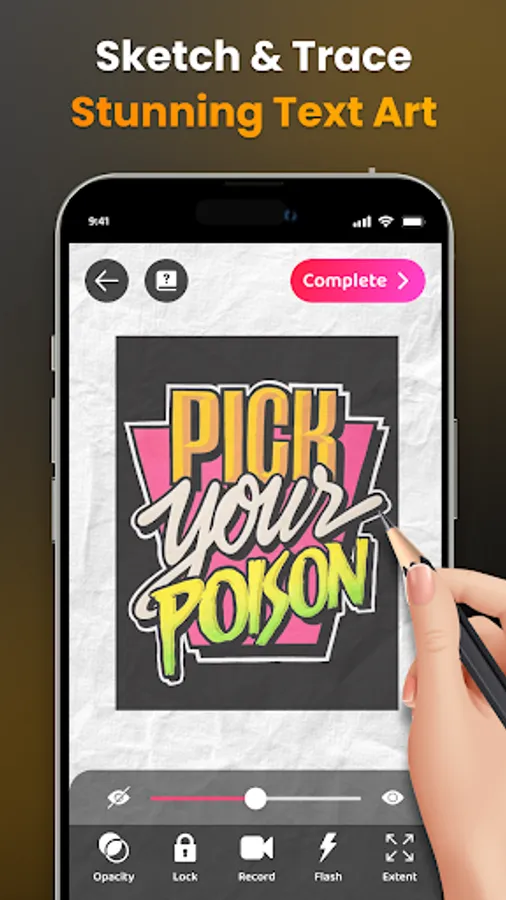
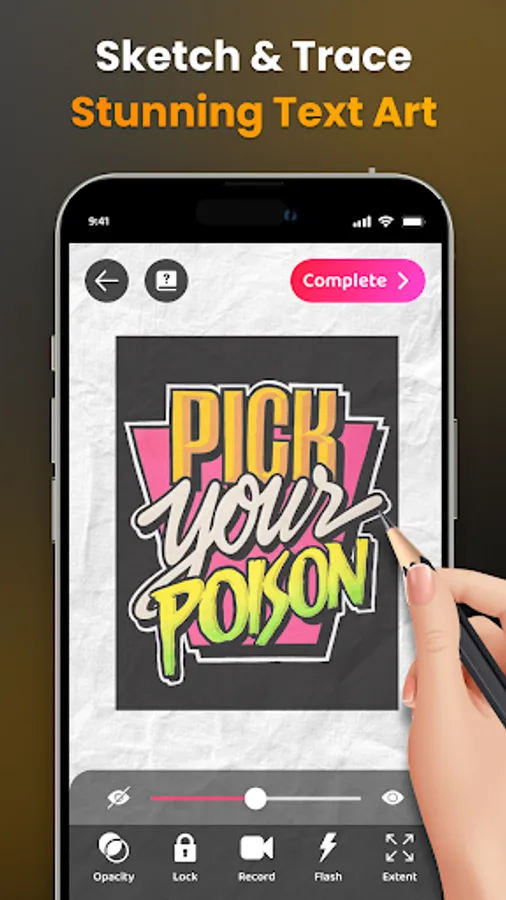
- Transform complex photos into simple outlines for tracing, an excellent way to practice your drawing skills.
- Discover a diverse range of lessons tailored to artists of all levels. Choose from three difficulty levels, each offering progressively challenging exercises to hone your skills and unleash your creativity.
🌈 3. Unlimited Creativity with AR Drawing
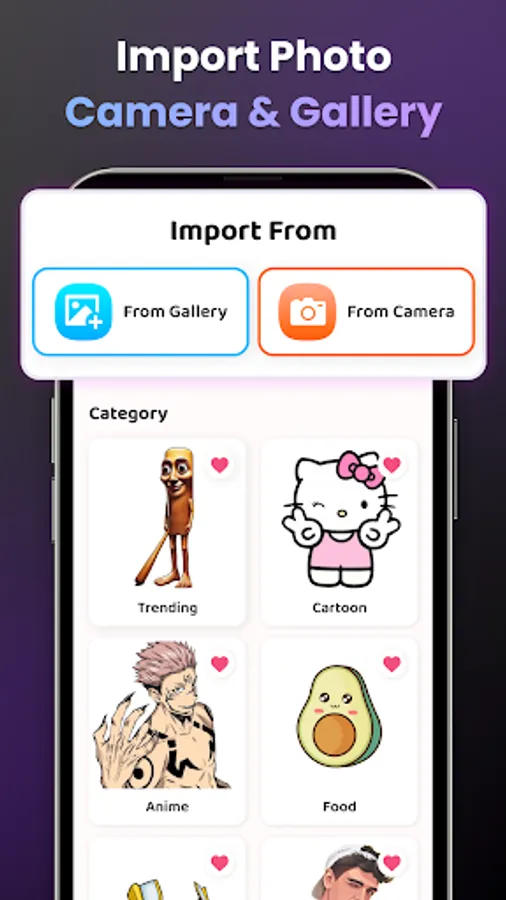
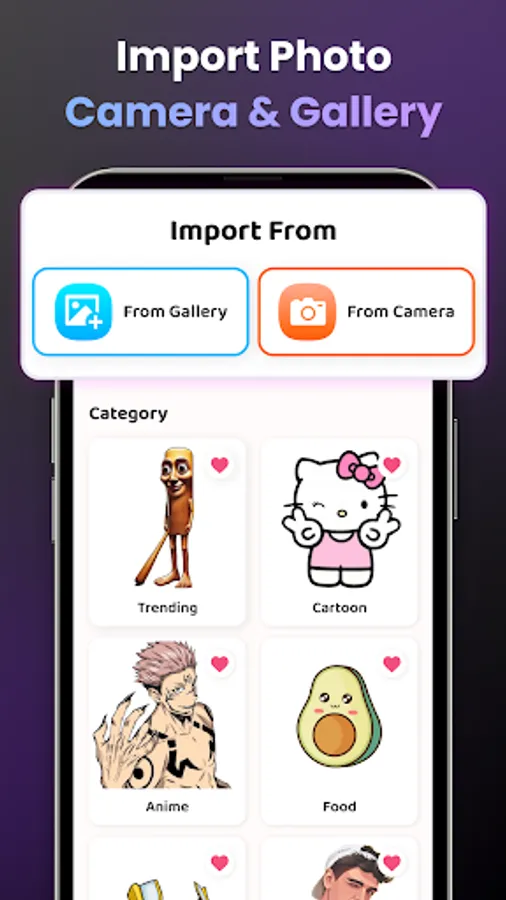
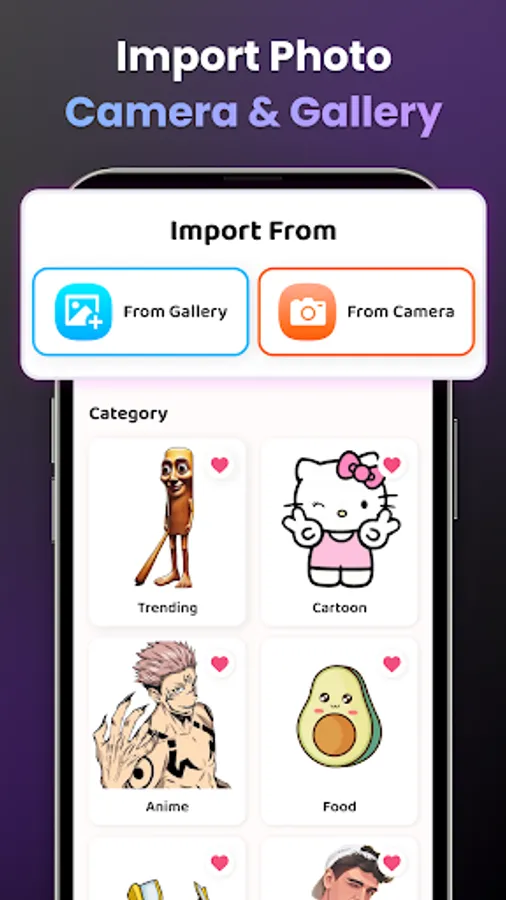
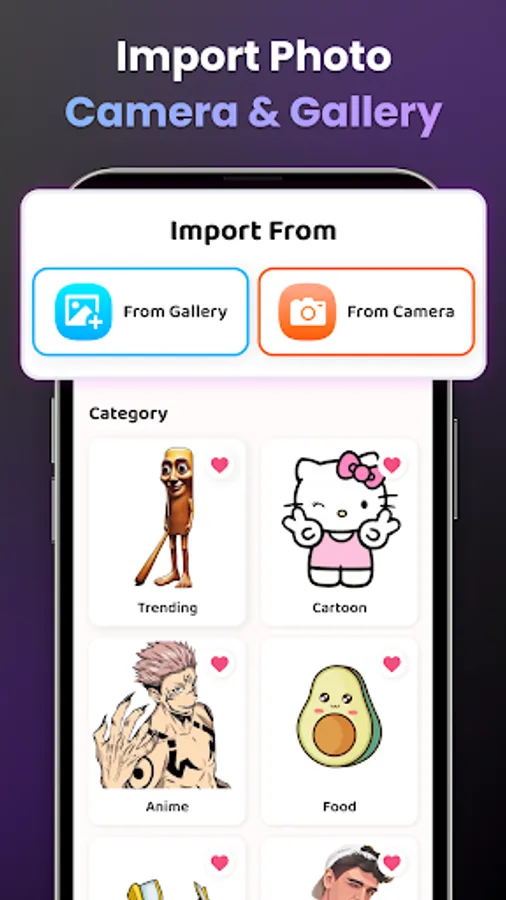
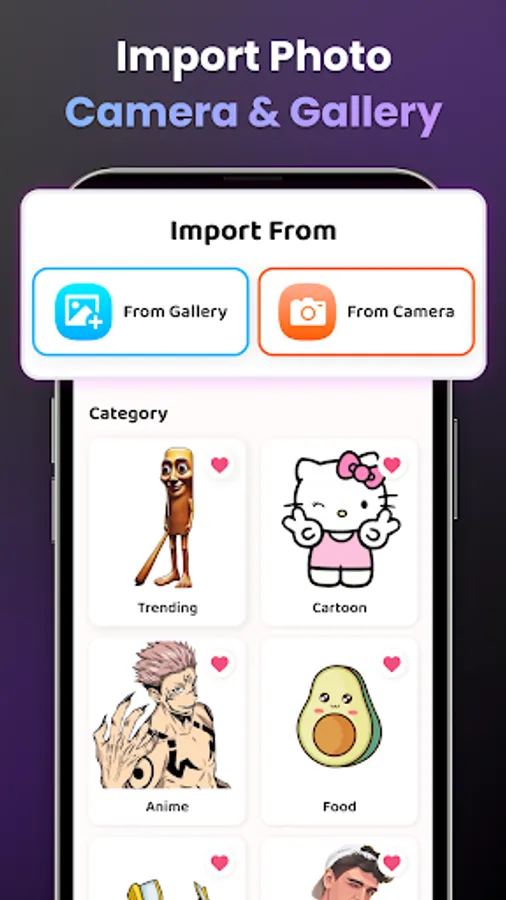
- Select from a diverse sample library or import photos from your own gallery.
- Enhance your drawings with advanced options: Adjust Opacity for the best display, Record video of your drawing process easily, Zoom in-out of the image as you wish, On-off flash, and Extend.
- Notably, detailed video tutorials are available for beginners on how to draw specific pictures.
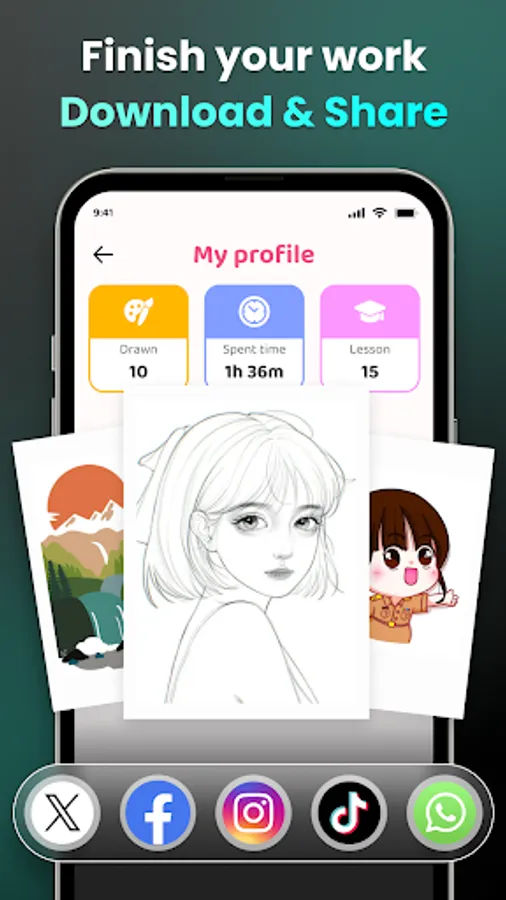
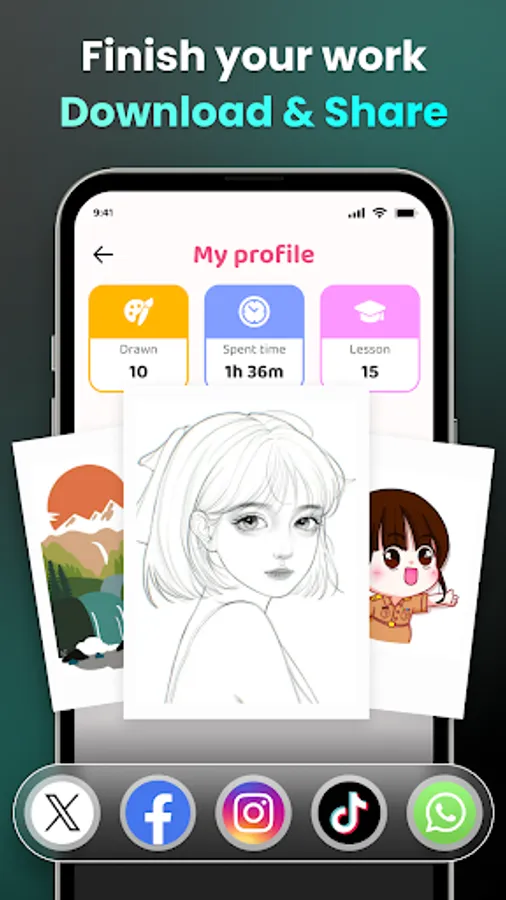
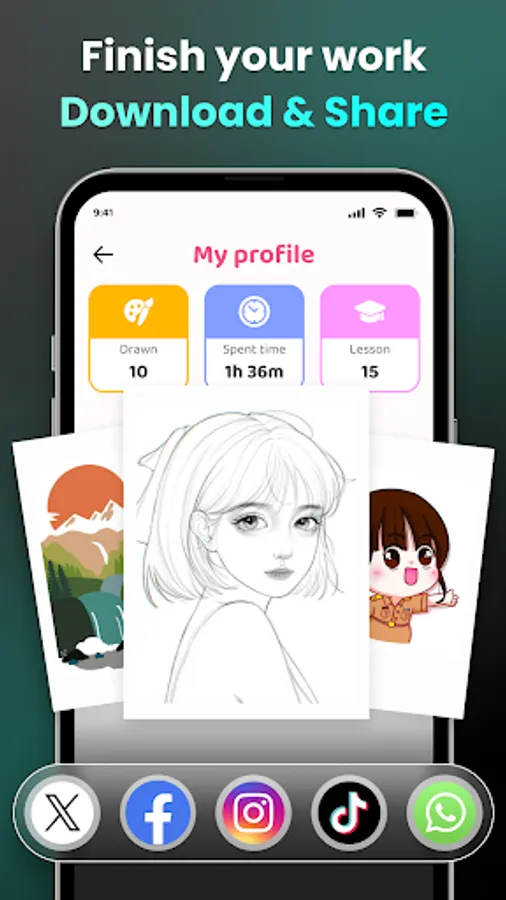
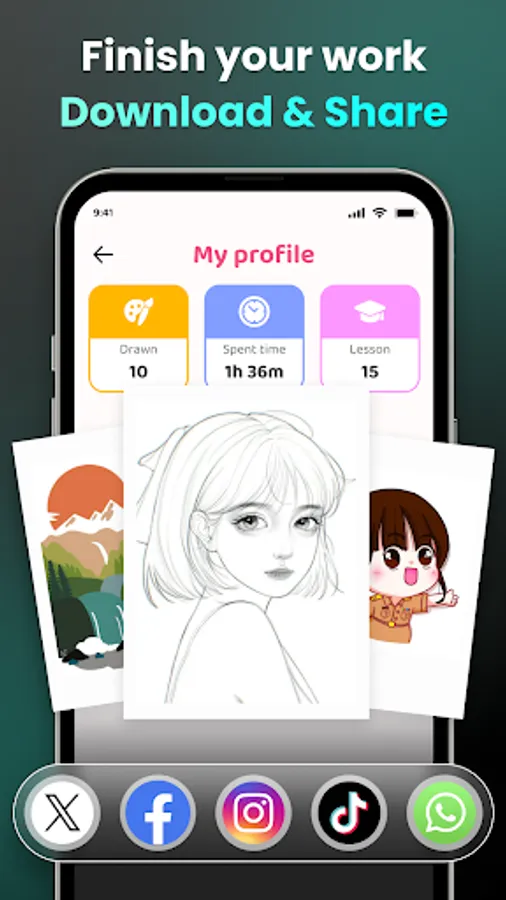
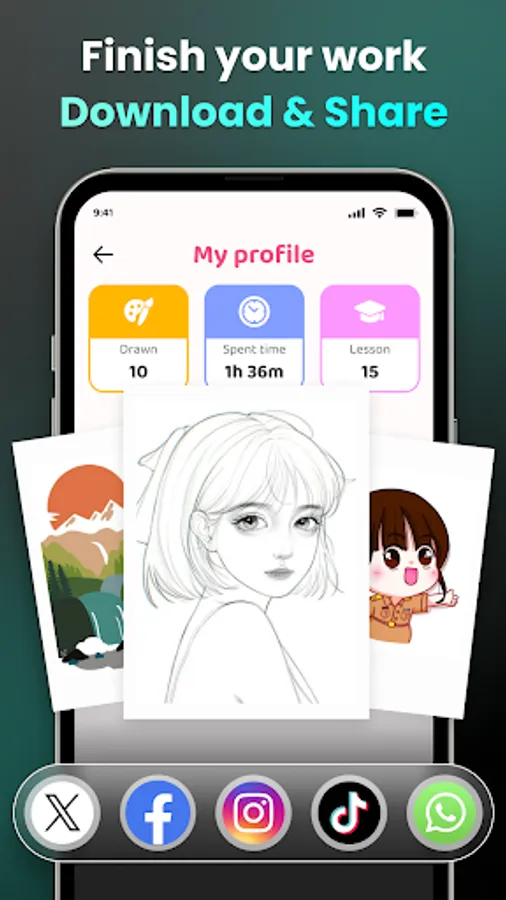
🌟 4. Share Your Masterpiece
- Effortlessly share your finished artwork with the community and your friends.
- Download videos of your unique drawing process and enjoy watching them.
👤 Personalize your content and drawing experience.
- With your AR Drawing profile, track your drawing skill improvement journey, including time spent drawing and lessons completed.
- Access personalized sketch content tailored for your AR drawing and 'trace anything' experience.""
Download the AR Drawing - Sketchar App now and join millions of artists discovering a new way to draw.
If you have any questions or contributions to the app, do not hesitate to contact us via email: feedback.drawsketch@bralyvn.com. We value your contributions and will do our best to meet all requirements and improve product quality.
Terms of Use: https://bralyvn.com/term-and-condition.php
Privacy Policy: https://bralyvn.com/privacy-policy.php
AR Easy Draw - Trace Sketch Screenshots
Tap to Rate:
Reviews for AR Easy Draw - Trace Sketch
Val
12/29/2025
Why are their so many adds and the little x thing in the bottom so small and anytime I try to click it, it just brings me to a whole other page and how are you suppose to hold it and finally very little options.
School
12/29/2025
it's really doesn't work