
DrawExpress Diagram Lite
DrawExpress Inc
3.5 ★
6K ratings
1,000,000+
downloads
Free
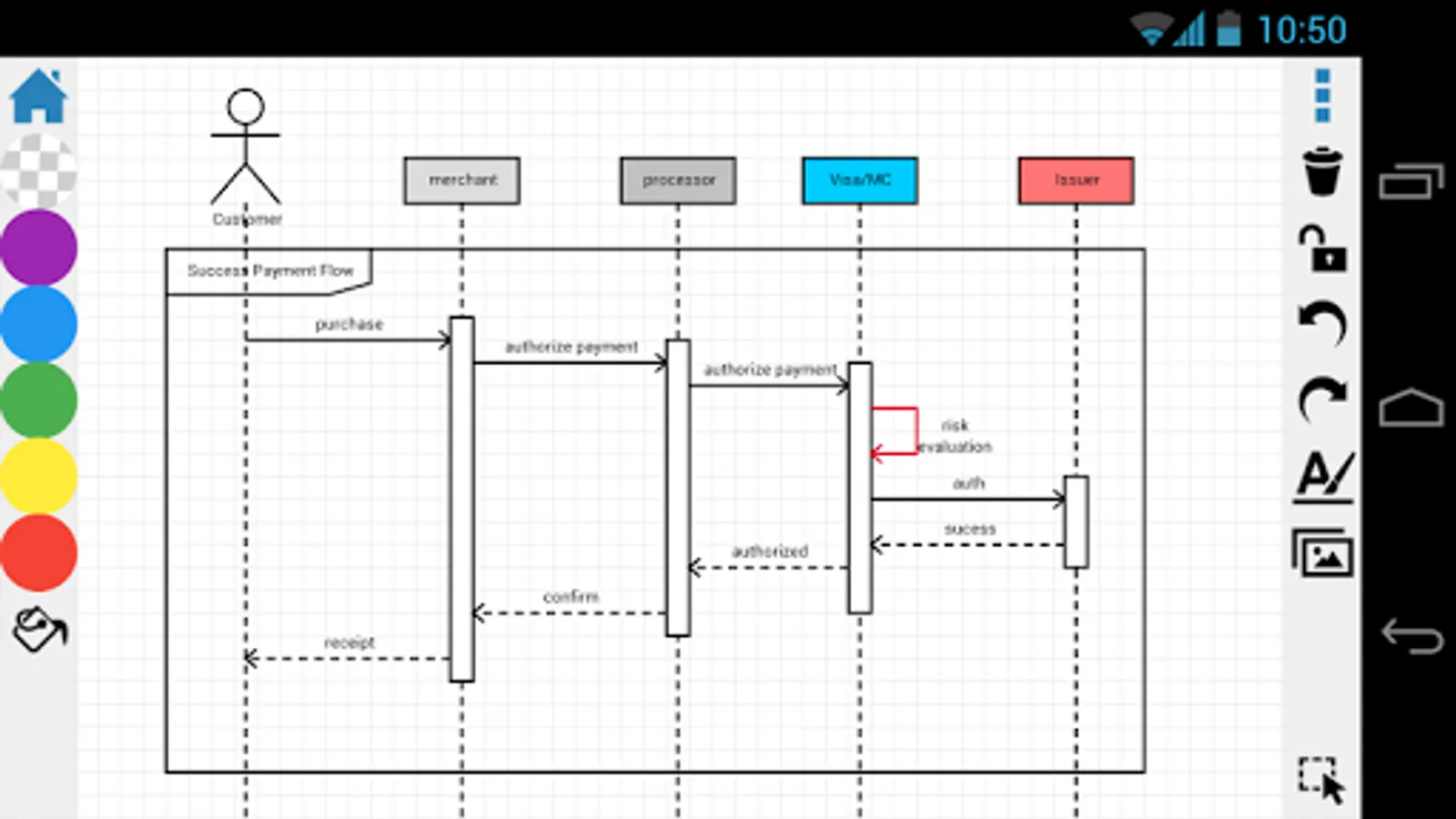
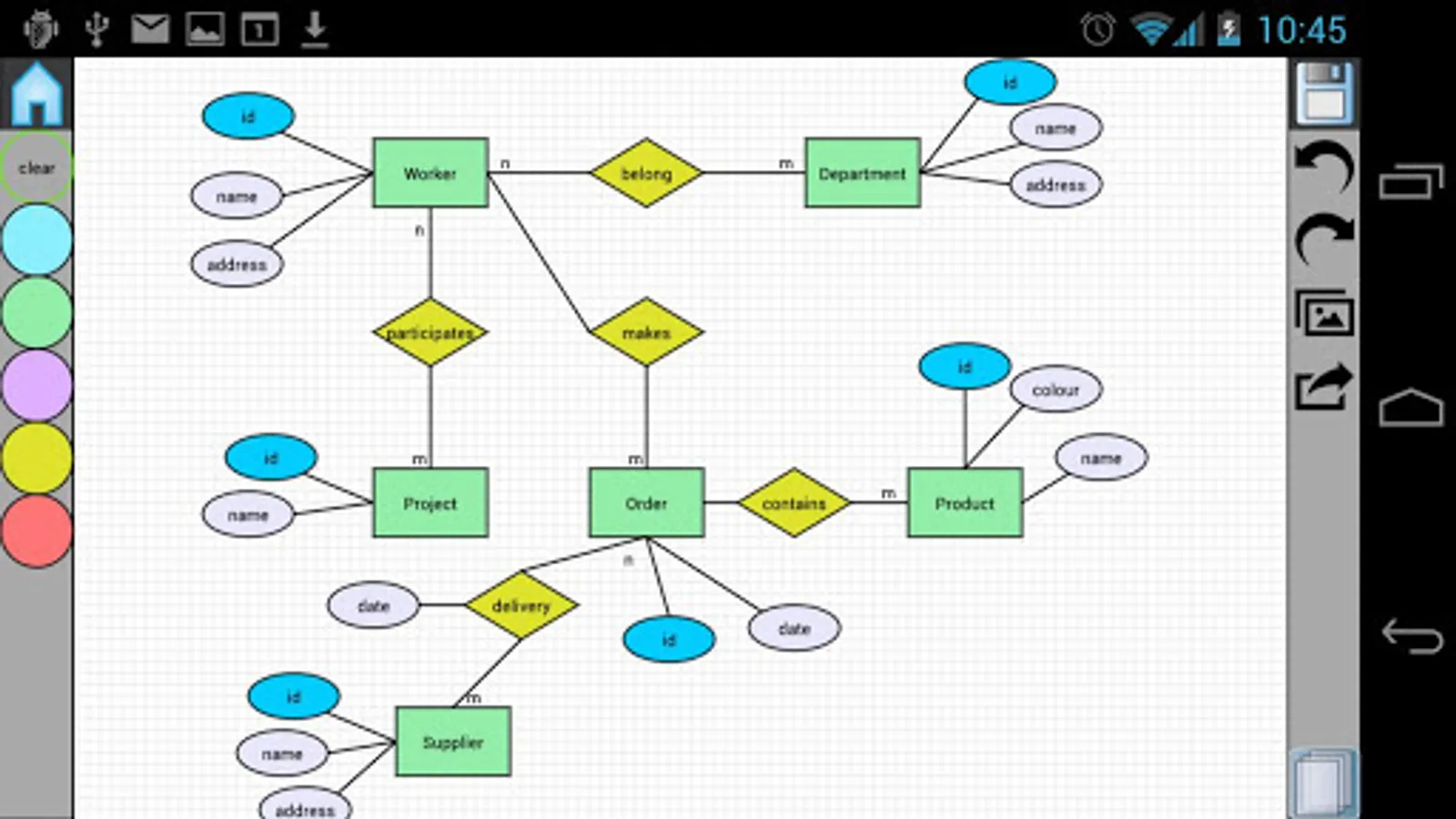
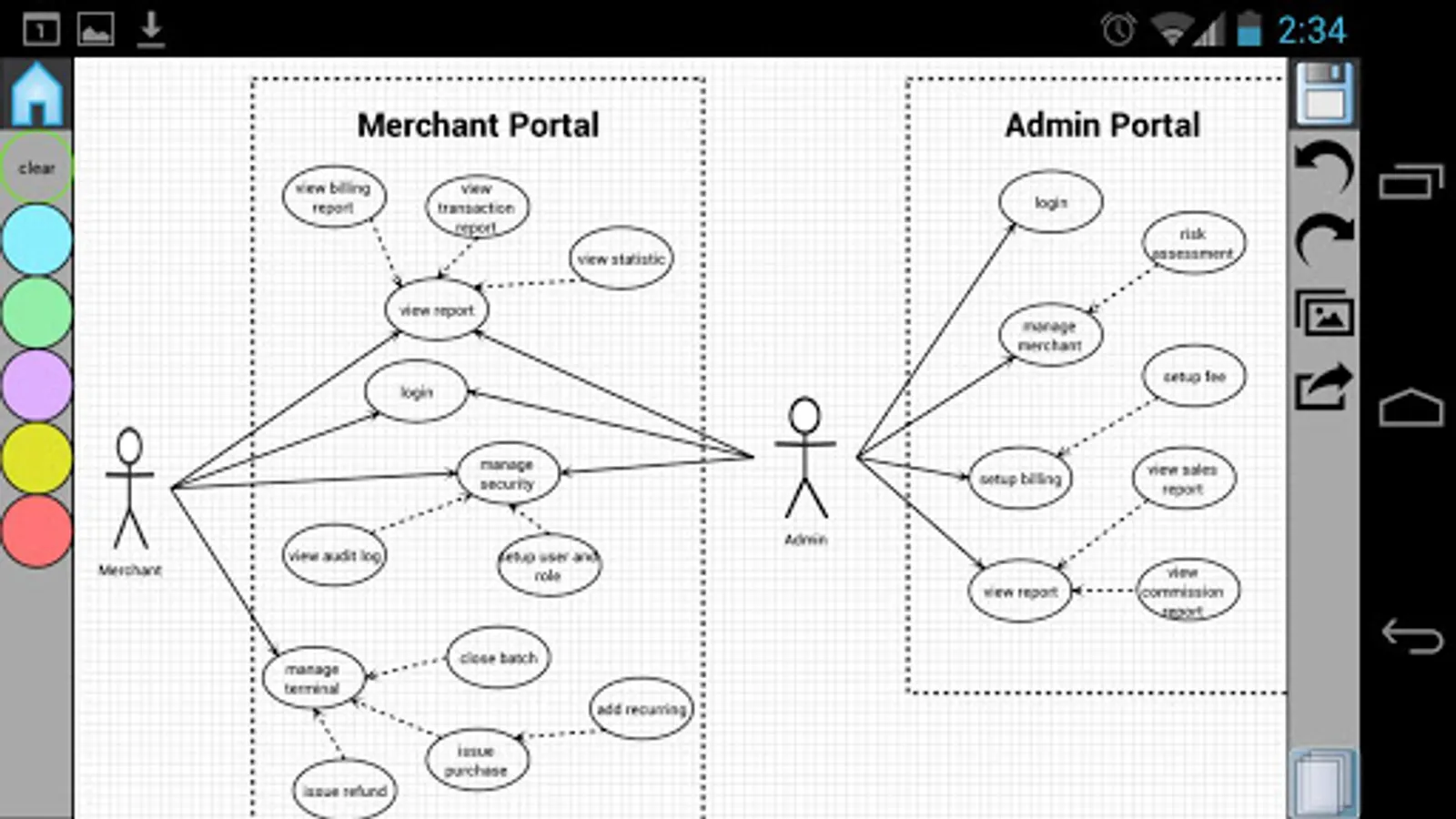
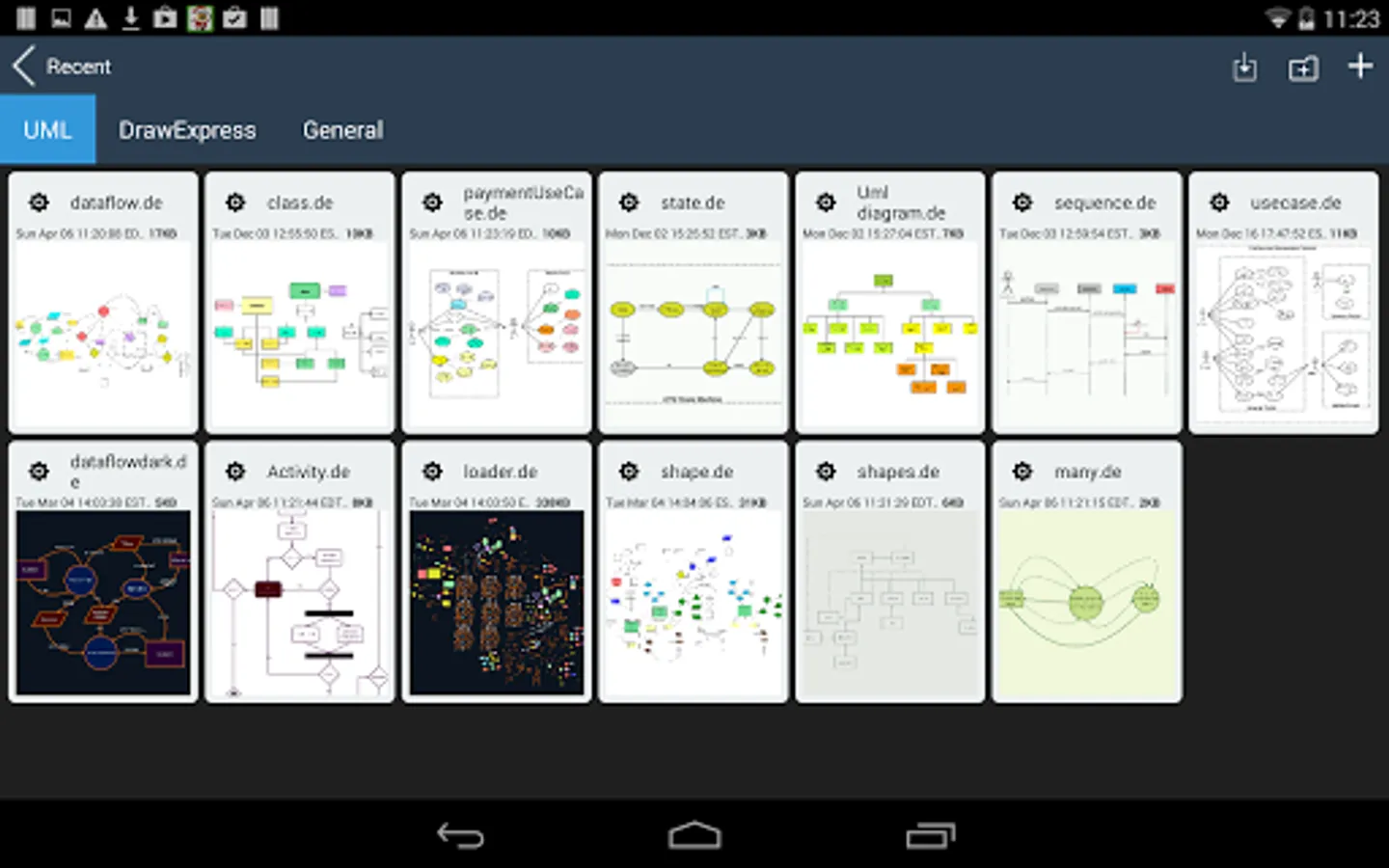
In this diagram app, you can draw flowcharts and UML diagrams using gesture recognition. Includes export options to PNG, SVG, and DE formats, and sharing via Dropbox and email.
AppRecs review analysis
AppRecs rating 3.5. Trustworthiness 0 out of 100. Review manipulation risk 0 out of 100. Based on a review sample analyzed.
★★★☆☆
3.5
AppRecs Rating
Ratings breakdown
5 star
46%
4 star
15%
3 star
7%
2 star
10%
1 star
22%
What to know
✓
Good user ratings
61% positive sampled reviews
✓
Authentic reviews
Natural distribution, no red flags
⚠
High negative review ratio
32% of sampled ratings are 1–2 stars
About DrawExpress Diagram Lite
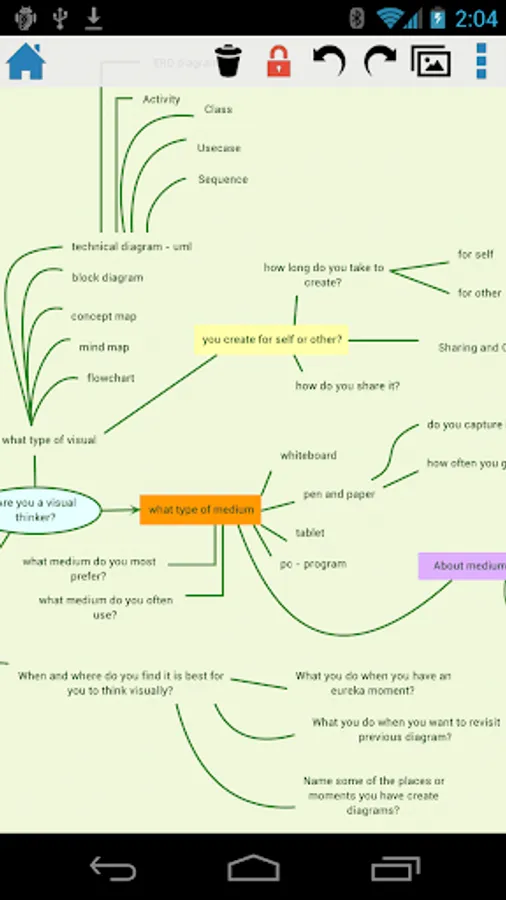
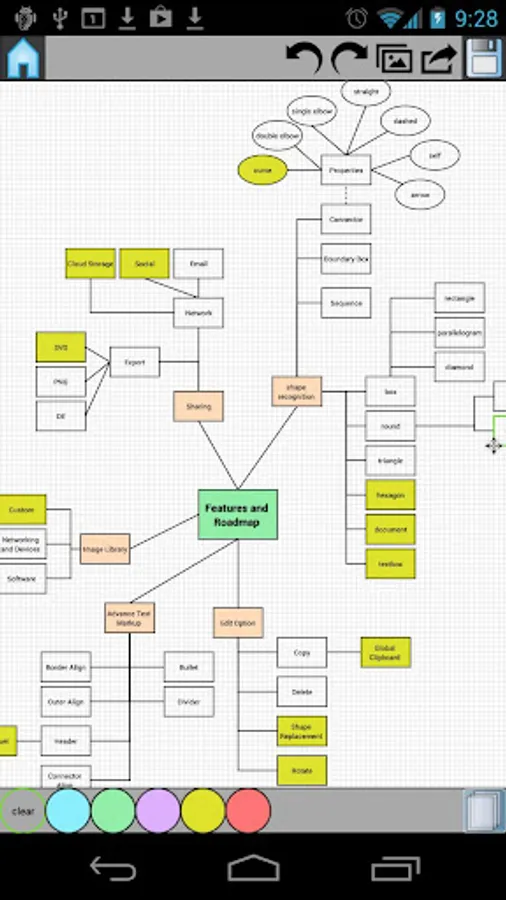
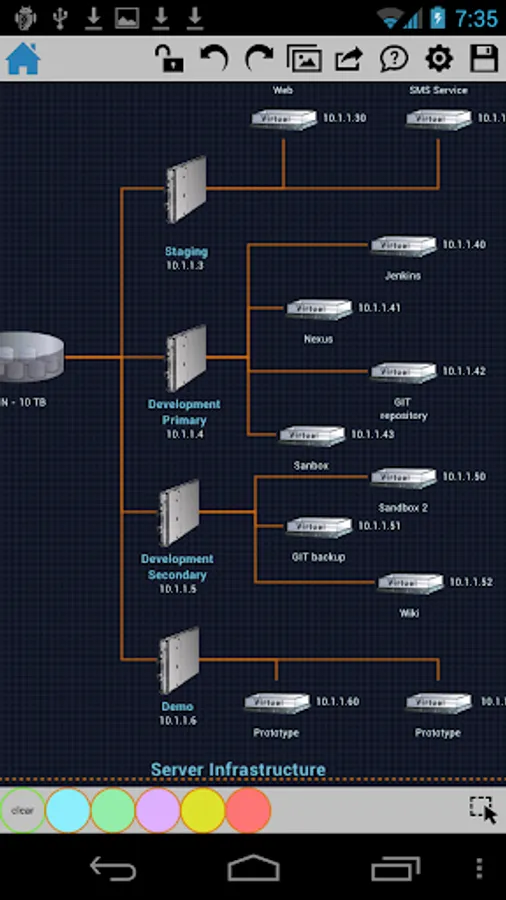
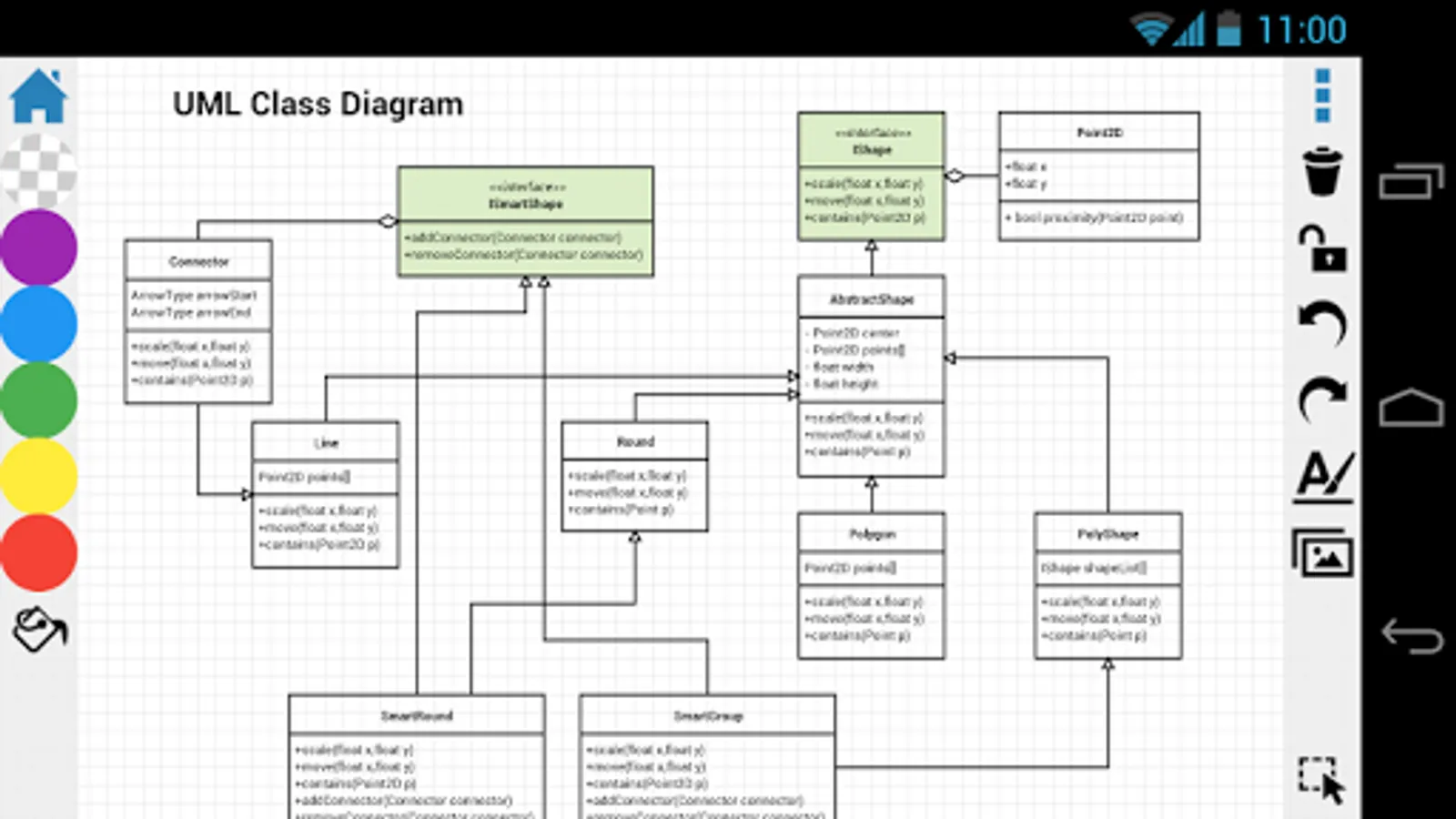
DrawExpress is a fast gesture-recognition diagram application. With DrawExpress, you can draw diagrams and flowcharts in a simple and intuitive way. It's just as easy as using a pen and paper! Whether you work in software design, finance, business, law, or need it for school, DrawExpress is the ultimate solution to your diagramming needs. Try out the free DrawExpress Lite version before your purchase to see if DrawExpress is right for you!
Visit www.drawexpress.com for more details.
What can you can draw with DrawExpress?
Software UML and Network Designs:
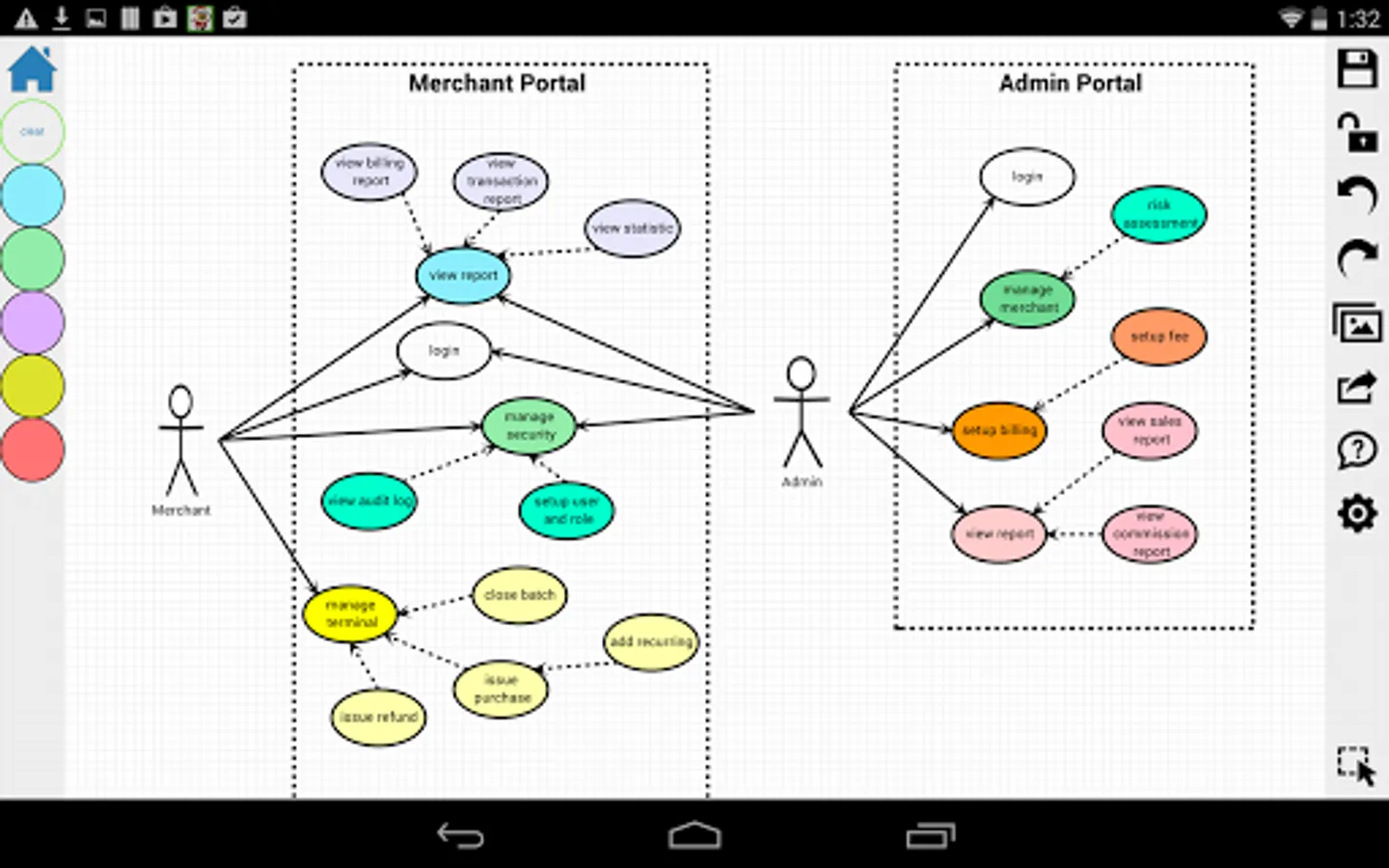
- Use case Diagram
- Sequence Diagram
- Class Diagram
- State Diagram
- ER Diagram
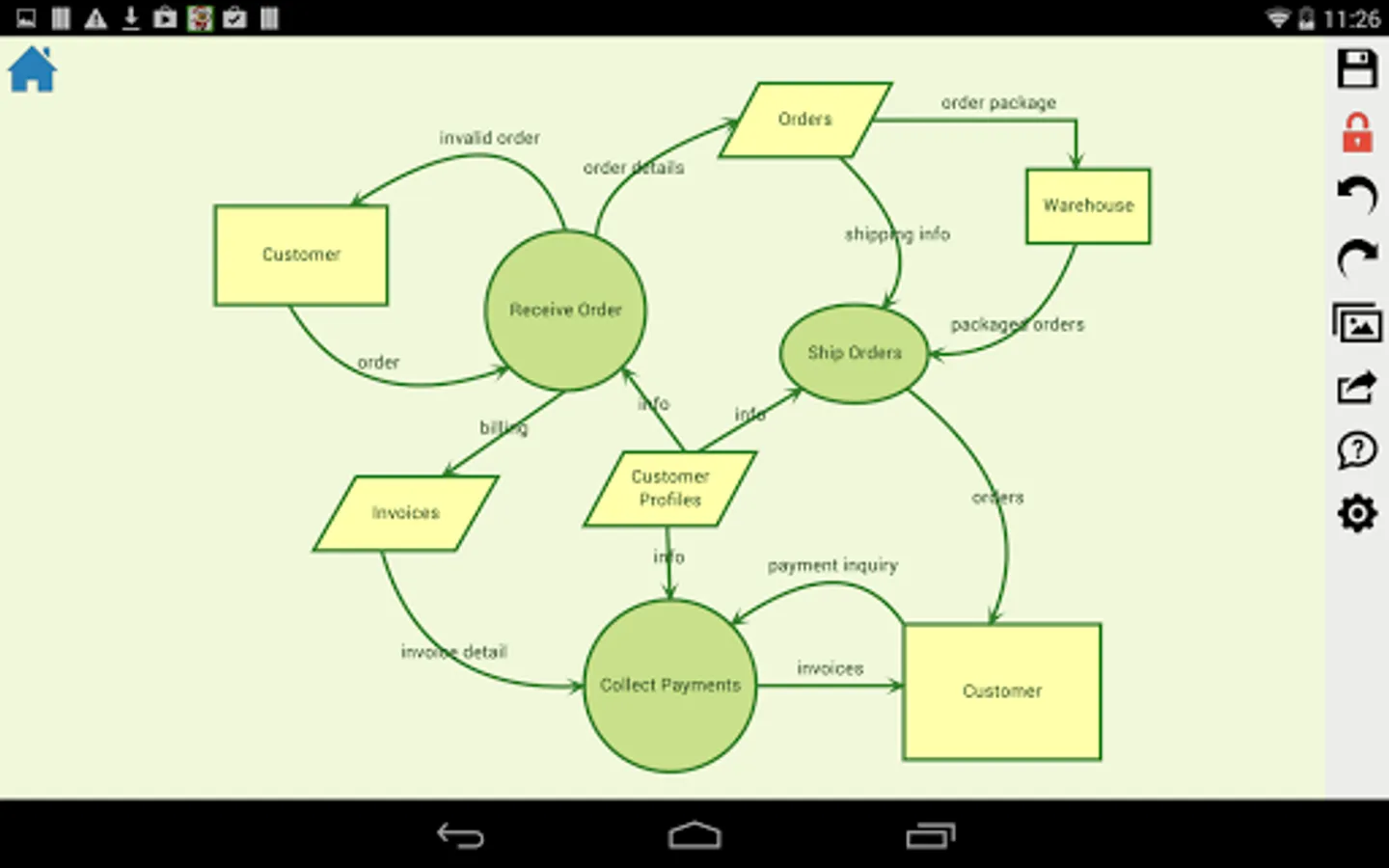
- Data Flow Diagram
- Network Diagram
- ArchiMate
Business Processes and Mind Maps:
- Flowchart
- BPMN
- Organization Chart
- Process Flow
- Mind map
- Feature List
- Decision Tree
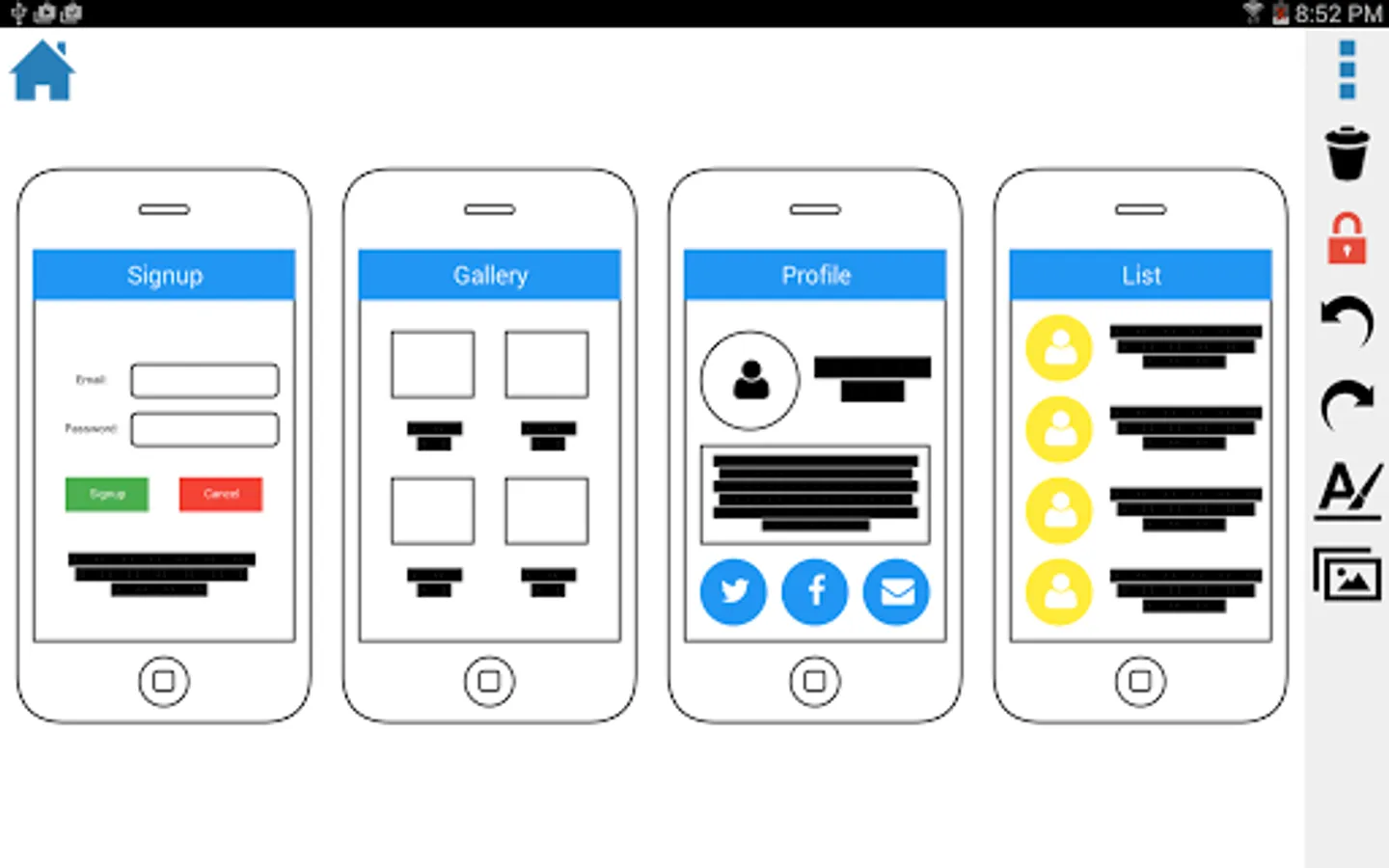
- Visual Notes
It's easier than it sounds and actions speak louder than words. Watch our tutorial video on www.drawexpress.com to see how easy it is to use our diagramming tool.
Also check out the tutorial slides on our website www.drawexpress.com.
NOTE: DrawExpress can be exported to PNG, SVG, and DE (DrawExpress) format and share with Dropbox and Email.
NOTE: DrawExpress LITE Version has a limit of 5 diagrams.
NOTE: DrawExpress LITE for Apple appstore is available at https://itunes.apple.com/us/app/drawexpress-diagram-lite/id687459234
Visit www.drawexpress.com for more details.
What can you can draw with DrawExpress?
Software UML and Network Designs:
- Use case Diagram
- Sequence Diagram
- Class Diagram
- State Diagram
- ER Diagram
- Data Flow Diagram
- Network Diagram
- ArchiMate
Business Processes and Mind Maps:
- Flowchart
- BPMN
- Organization Chart
- Process Flow
- Mind map
- Feature List
- Decision Tree
- Visual Notes
It's easier than it sounds and actions speak louder than words. Watch our tutorial video on www.drawexpress.com to see how easy it is to use our diagramming tool.
Also check out the tutorial slides on our website www.drawexpress.com.
NOTE: DrawExpress can be exported to PNG, SVG, and DE (DrawExpress) format and share with Dropbox and Email.
NOTE: DrawExpress LITE Version has a limit of 5 diagrams.
NOTE: DrawExpress LITE for Apple appstore is available at https://itunes.apple.com/us/app/drawexpress-diagram-lite/id687459234
DrawExpress Diagram Lite Screenshots

Tap to Rate: