With this file management app, you can explore, organize, and perform basic operations like copying, deleting, and renaming files and folders. Includes search, file preview for common formats, and archive extraction features.
AppRecs review analysis
AppRecs rating 4.3. Trustworthiness 45 out of 100. Review manipulation risk 47 out of 100. Based on a review sample analyzed.
★★★★☆
4.3
AppRecs Rating
Ratings breakdown
5 star
68%
4 star
10%
3 star
7%
2 star
5%
1 star
10%
What to know
✓
Authentic reviews
Natural distribution, no red flags
⚠
Questionable review patterns
47% review manipulation risk - some review patterns appear unusual
⚠
Review quality concerns
96% of sampled 5-star reviews are very short
About File Manager Light
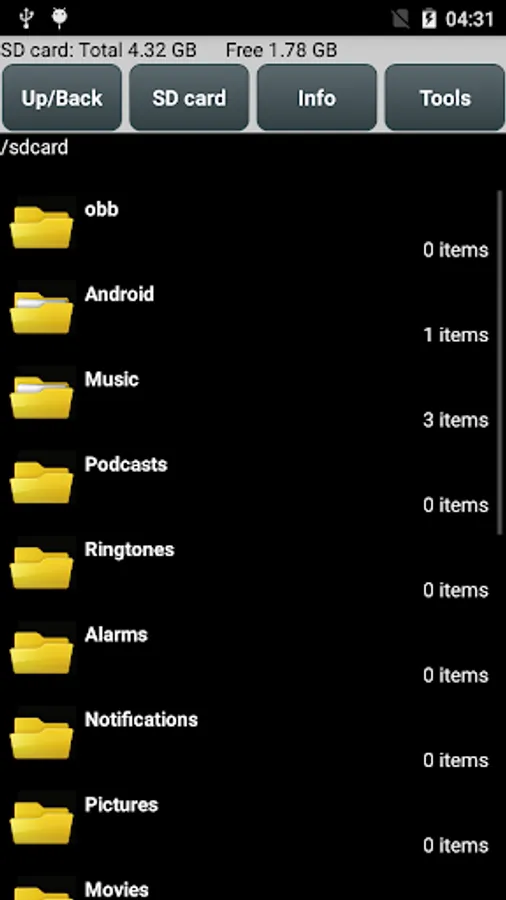
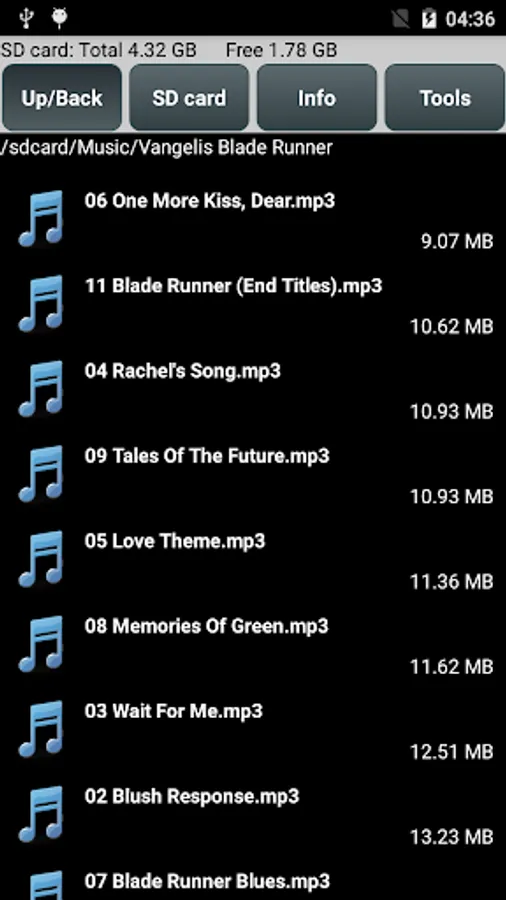
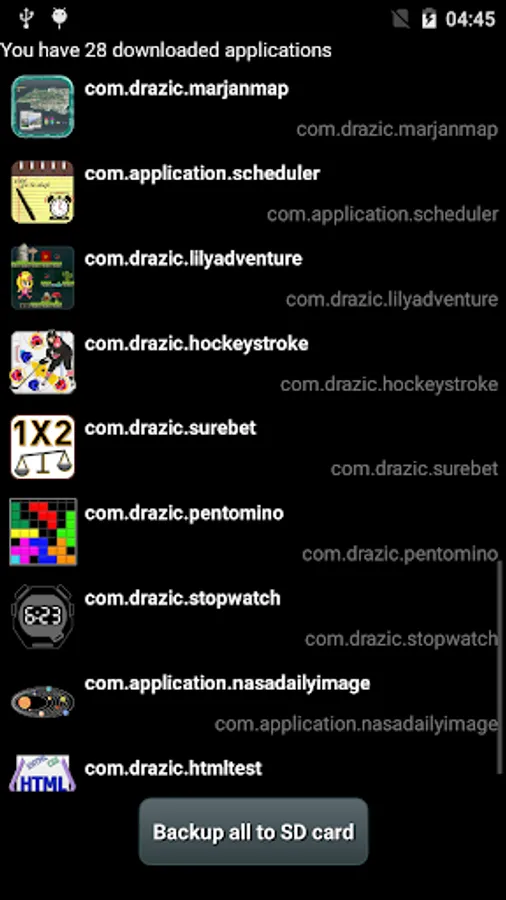
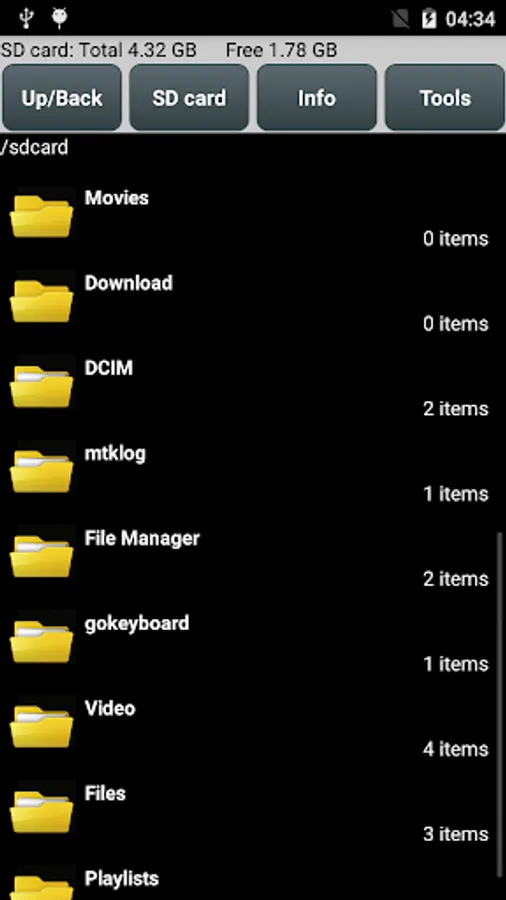
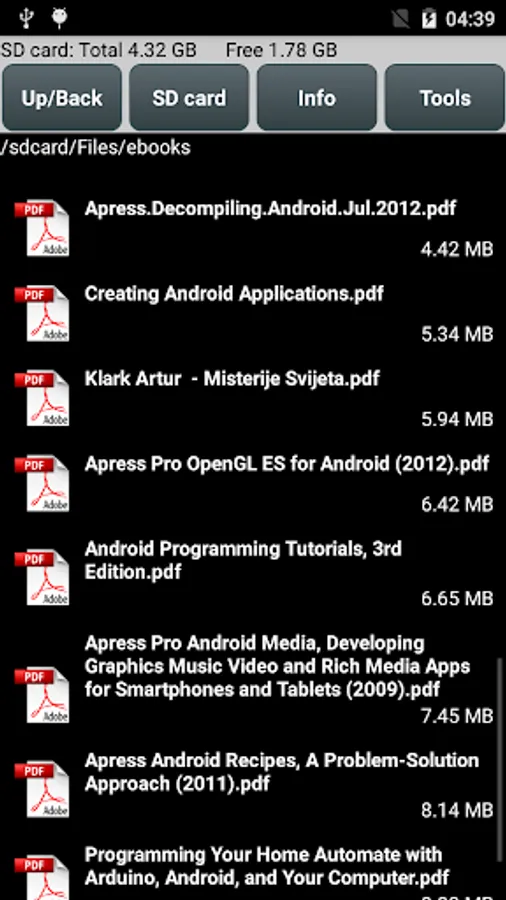
File management and organization tool, simple, small and fast. Explore, create, search, copy, paste, delete, rename, zip... your files and folders. Display info, running processes, backup your applications to SD card. Preview .pdf, .mp3, .txt, .html, word, excel... files. You can find all these magic functions in this piece of software. File Manager is designed for all android devices including phones, phablets and tablets.
*Edit 05.11.2015.
I got some negative reviews and ratings which says that copying is not possible. But it is.
Procedure: long press on file, Copy file, Holding label in red color appears, then go to destination directory (not inside), long press on it, use Paste into folder option. That's it.
Features:
- basic management operations like cut, copy, delete, rename etc. easily accessible
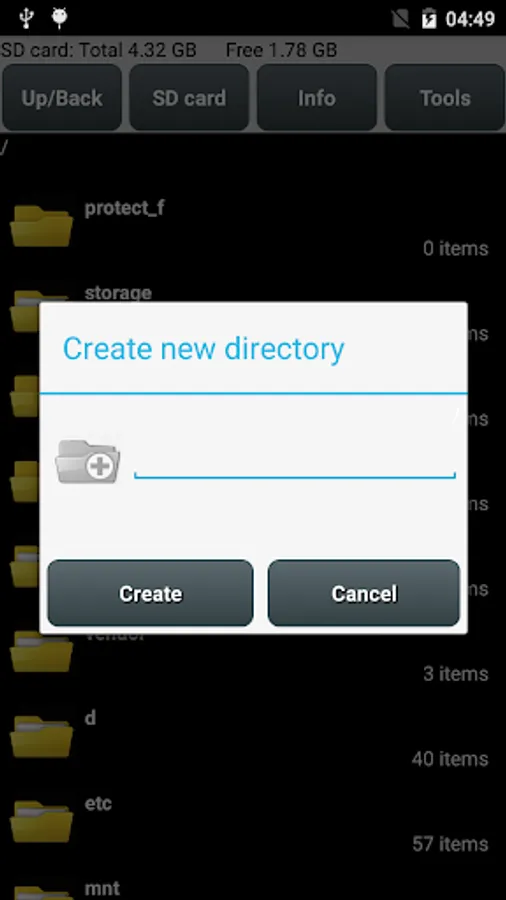
- create new file and folders in a second
- small size with 2MB only, easy to download and keep
- suitable for smartphones, tablets of 7 and 10 inch
- supported image file formats for preview: bmp, gif, jpg, png etc.
- supported audio file formats: mp3, ogg, wav, wma etc.
- supported video file formats: avi, mp4, wmv etc.
- manage all your document files, supported: doc, ppt, pdf, xls, txt etc.
- extract ZIP and RAR archives
- sort your files by name, type, size
- searching of files and directories enabled
- show hidden files and folders option
- customize appearance of application.
*Edit 05.11.2015.
I got some negative reviews and ratings which says that copying is not possible. But it is.
Procedure: long press on file, Copy file, Holding label in red color appears, then go to destination directory (not inside), long press on it, use Paste into folder option. That's it.
Features:
- basic management operations like cut, copy, delete, rename etc. easily accessible
- create new file and folders in a second
- small size with 2MB only, easy to download and keep
- suitable for smartphones, tablets of 7 and 10 inch
- supported image file formats for preview: bmp, gif, jpg, png etc.
- supported audio file formats: mp3, ogg, wav, wma etc.
- supported video file formats: avi, mp4, wmv etc.
- manage all your document files, supported: doc, ppt, pdf, xls, txt etc.
- extract ZIP and RAR archives
- sort your files by name, type, size
- searching of files and directories enabled
- show hidden files and folders option
- customize appearance of application.
File Manager Light Screenshots
Tap to Rate:
Reviews for File Manager Light
Bohdan Stepowanyj
11/19/2021
Haven't used so don't know
A Google user
11/22/2019
Hopeless. It says that the storages is empty. I tried my level best to open both the device and external storages, but in vain.