With this file manager, you can organize, search, copy, delete, and rename files and folders on your device. Includes features such as ZIP/RAR archive management, file preview, root access, and sharing options.
AppRecs review analysis
AppRecs rating 3.9. Trustworthiness 41 out of 100. Review manipulation risk 47 out of 100. Based on a review sample analyzed.
★★★☆☆
3.9
AppRecs Rating
Ratings breakdown
5 star
65%
4 star
12%
3 star
0%
2 star
0%
1 star
23%
What to know
✓
Authentic reviews
No red flags detected
⚠
Questionable review patterns
47% review manipulation risk - some review patterns appear unusual
⚠
Review quality concerns
87% of sampled 5-star reviews are very short
About File Manager
Features:
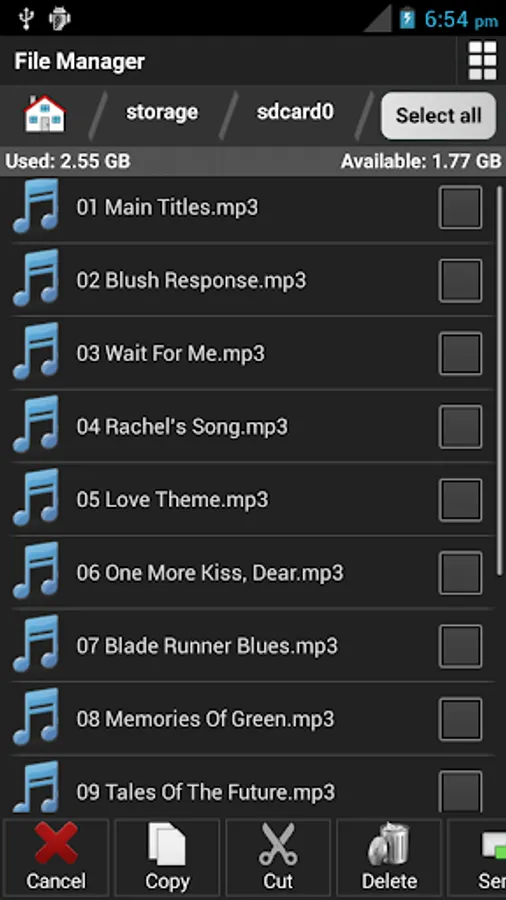
- file management and organization tool, simple, small and fast
- basic operations like cut, copy, delete, rename etc. easily accessible
- create new files and folders in a second
- gestures, properties, backup and process manager
- multi selection edit and long-click selection support
- suitable for smartphones, tablets of 7 and 10 inch
- direct acces to root, SD, music, download and camera folders
- supported image file formats for preview: bmp, gif, jpg, png etc.
- supported audio file formats: mp3, ogg, wav, wma etc.
- supported video file formats: avi, mp4, wmv etc.
- manage all your document files, supported: doc, ppt, pdf, xls, txt etc.
- extract or compress ZIP and RAR archives
- sort your files by name, type, size
- searching of files and directories enabled
- show hidden files and folders option
- customize appearance of file manager
- translation in more than 30 languages
- share and send, integration with sharing on Android. E-mails, uploading via social networks, etc.
File Manager Screenshots
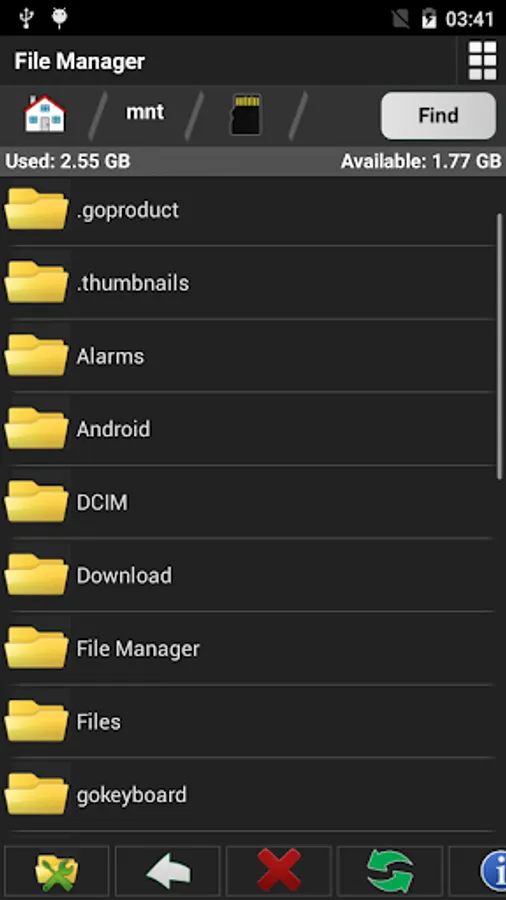
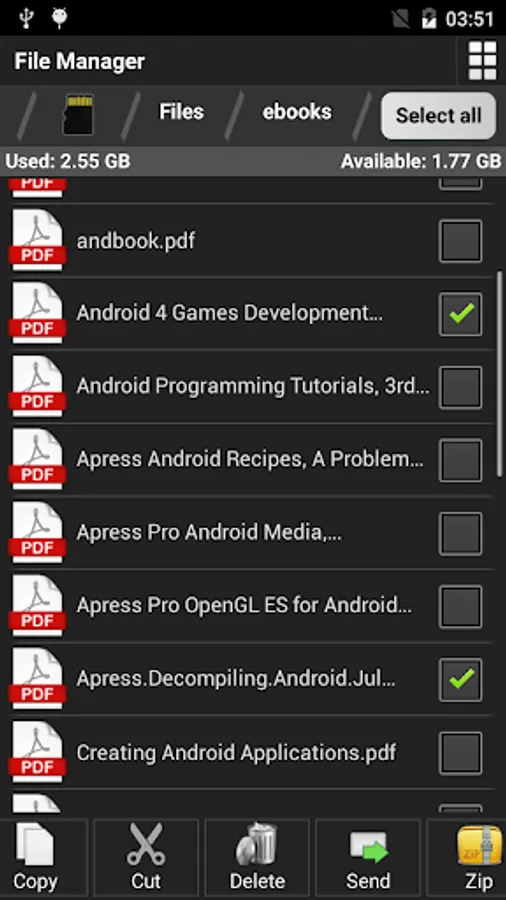
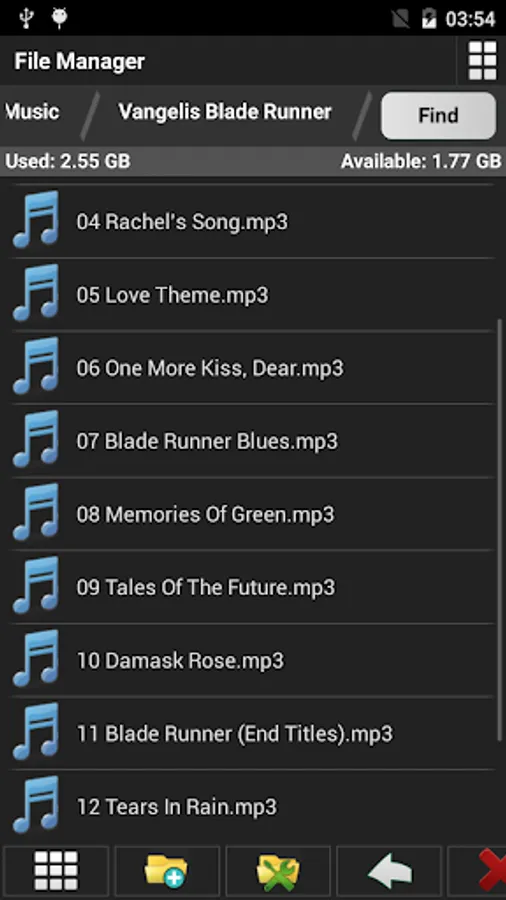
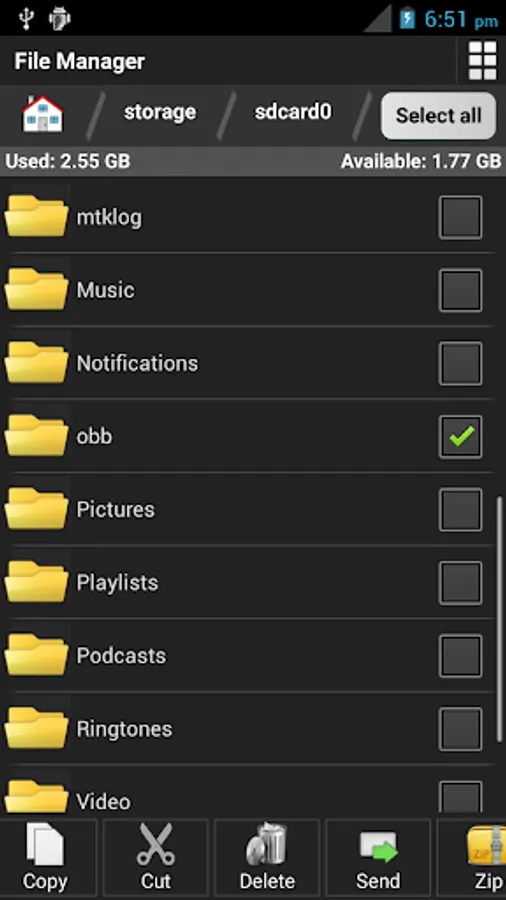
Tap to Rate:
Reviews for File Manager
Dawit
11/17/2025
Love name
David Haddix
1/20/2021
Would not work on my Android tablet OS 6.0.1. Just sez "device not rooted" and won't access SD Card or device internal memory. Edit Nov 11, 2017. Still get "not rooted" error message and won't work. Too bad - looks like it could be a great File Mgr [UPDATE 1.19.2021- Installed newest version and sorry to say it gives the same "not rooted" error message no matter what I try to open. Am using Android 7.0.1]