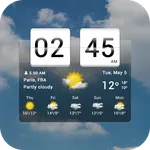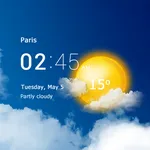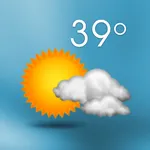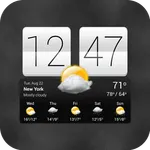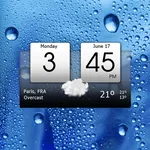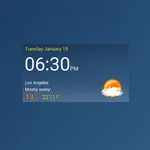
Digital clock weather theme 1
MACHAPP Software Ltd
3.8 ★
3K ratings
500,000+
downloads
Free
With this widget, you can customize the appearance of your digital clock and weather display using different themes and skins. Includes theme packs, appearance settings, and widget customization options.
AppRecs review analysis
AppRecs rating 3.8. Trustworthiness 0 out of 100. Review manipulation risk 0 out of 100. Based on a review sample analyzed.
★★★☆☆
3.8
AppRecs Rating
Ratings breakdown
5 star
55%
4 star
13%
3 star
11%
2 star
3%
1 star
18%
What to know
✓
Good user ratings
68% positive sampled reviews
✓
Authentic reviews
Natural distribution, no red flags
About Digital clock weather theme 1
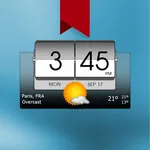
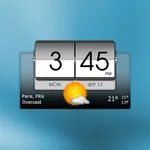
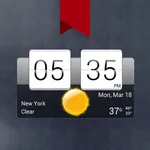
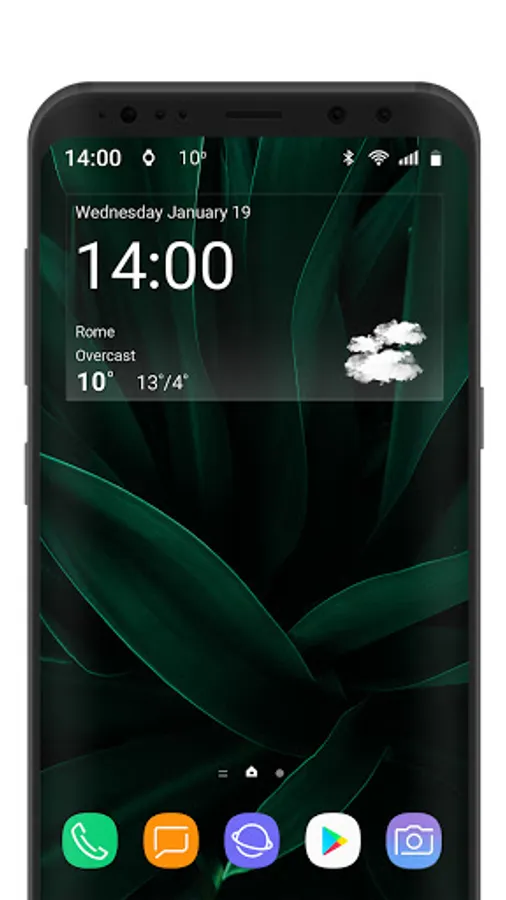
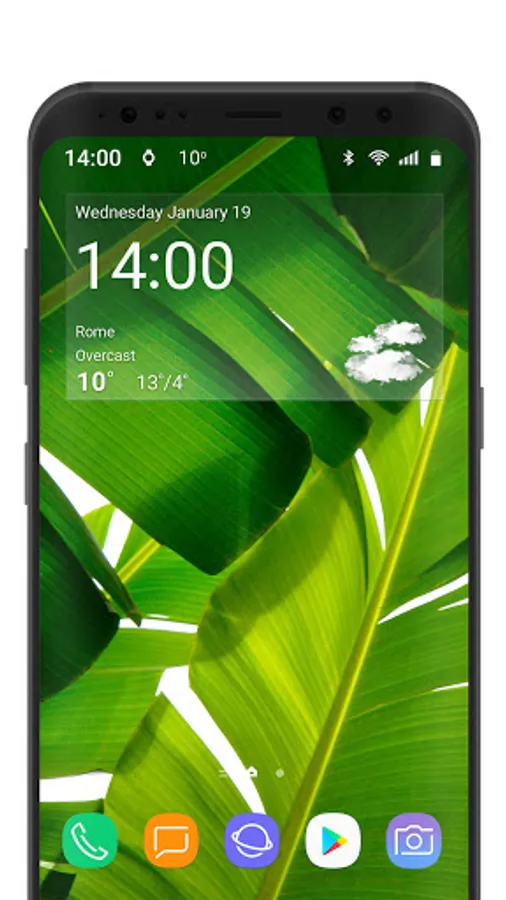
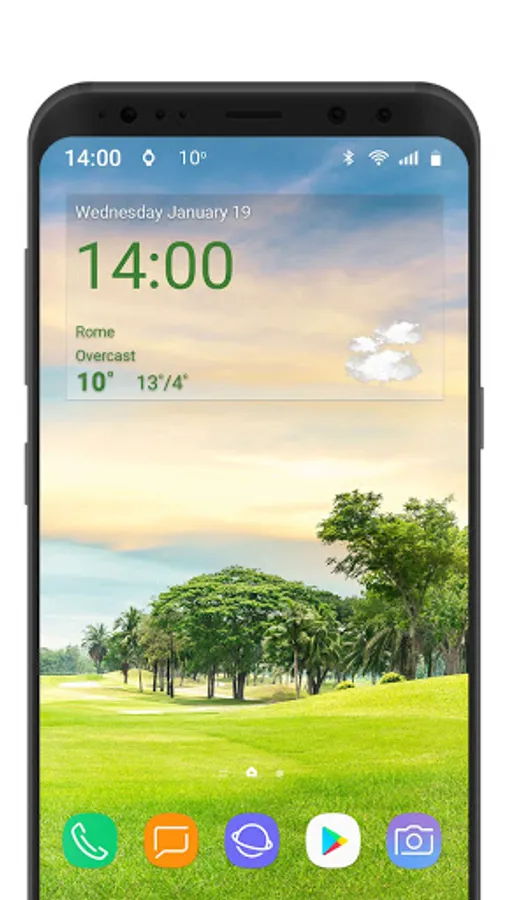
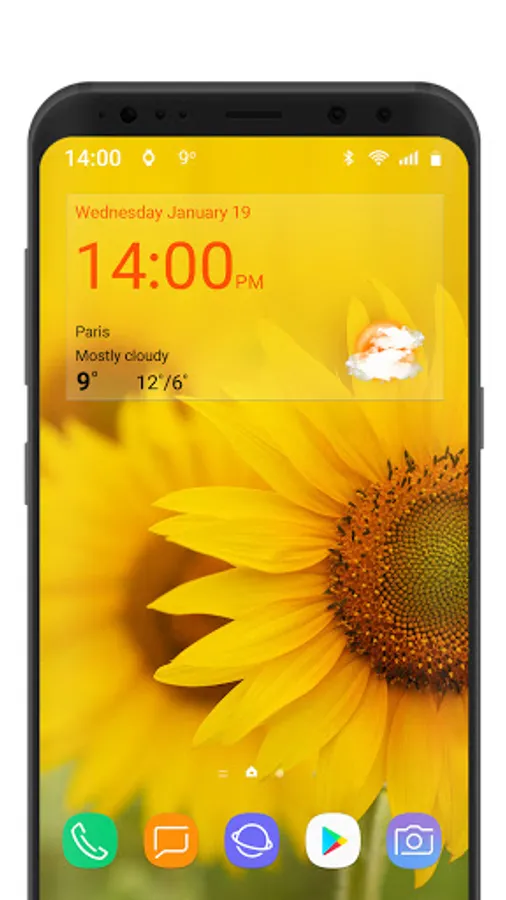
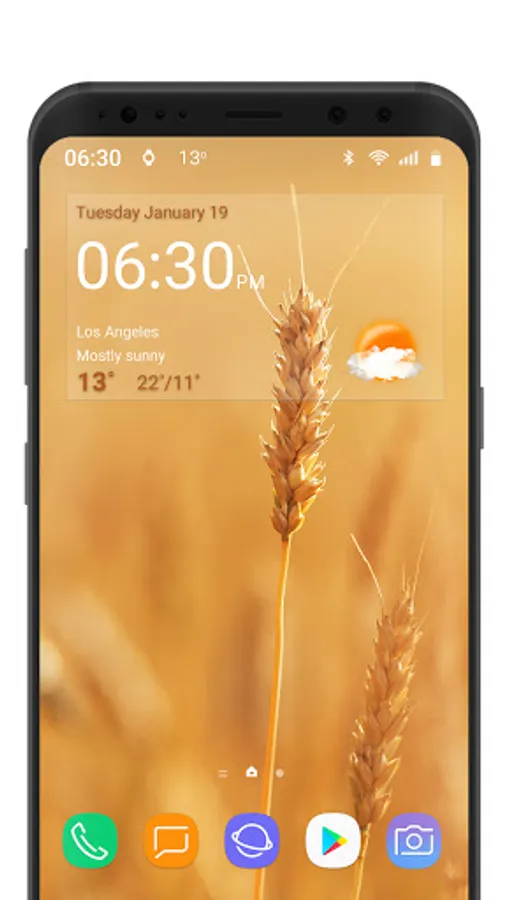
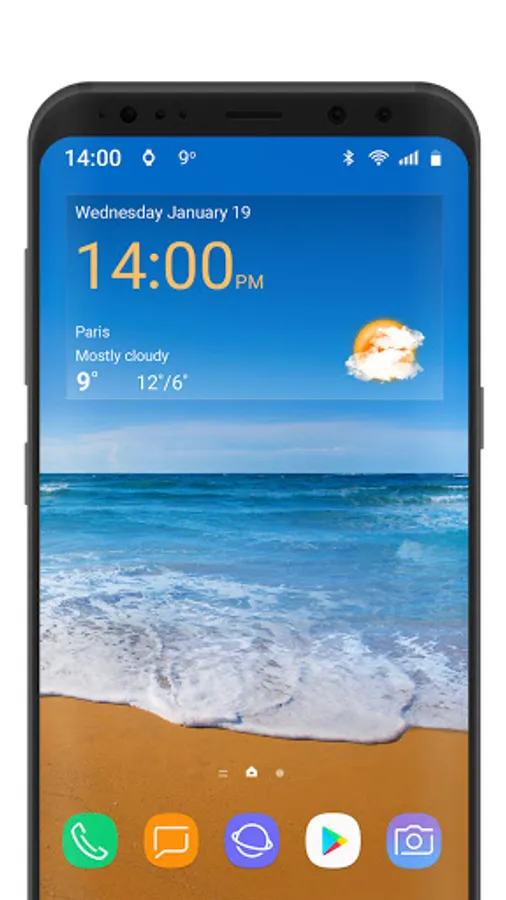
This is the transparent theme pack for the Digital Clock & World Weather widget.
Note:
This is not a standalone application.
You need the latest version of Digital Clock & World Weather widget in order to use these themes.
To download the Digital Clock & World Weather widget search the Android Market for 'digital clock weather droid27'. Once you install both applications and place the widget on your home screen, you can select one of the skins available in this package by opening the widget preferences (tap the minutes), tap Appearance settings, then tap Additional skins. Locate the theme pack in the list and tap it to select the desired skin.
Note:
This is not a standalone application.
You need the latest version of Digital Clock & World Weather widget in order to use these themes.
To download the Digital Clock & World Weather widget search the Android Market for 'digital clock weather droid27'. Once you install both applications and place the widget on your home screen, you can select one of the skins available in this package by opening the widget preferences (tap the minutes), tap Appearance settings, then tap Additional skins. Locate the theme pack in the list and tap it to select the desired skin.
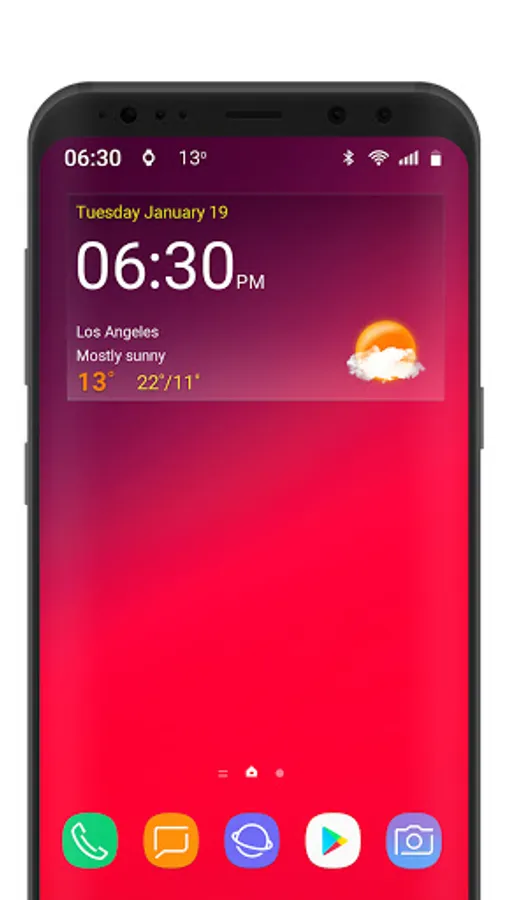
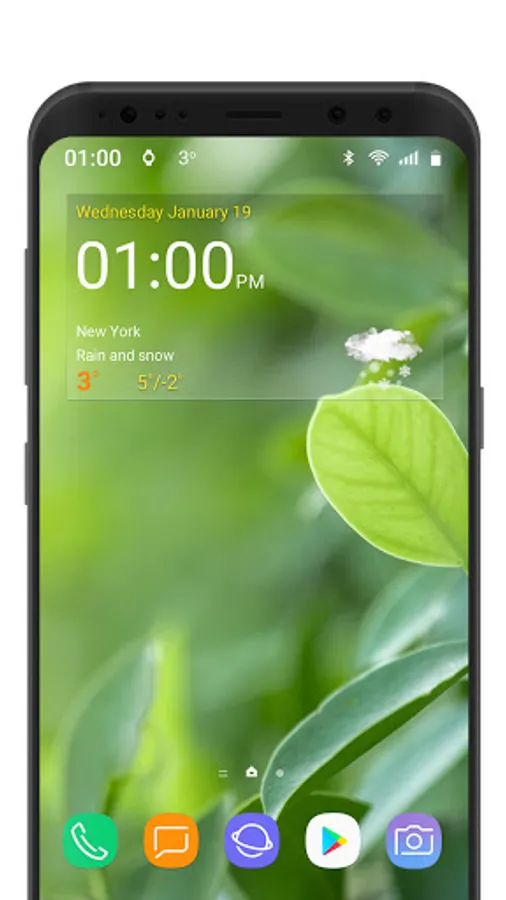
Digital clock weather theme 1 Screenshots
Tap to Rate: