
Dr.Web Mobile Control Center
Dr.Web
4.0 ★
5K ratings
500,000+
downloads
Free
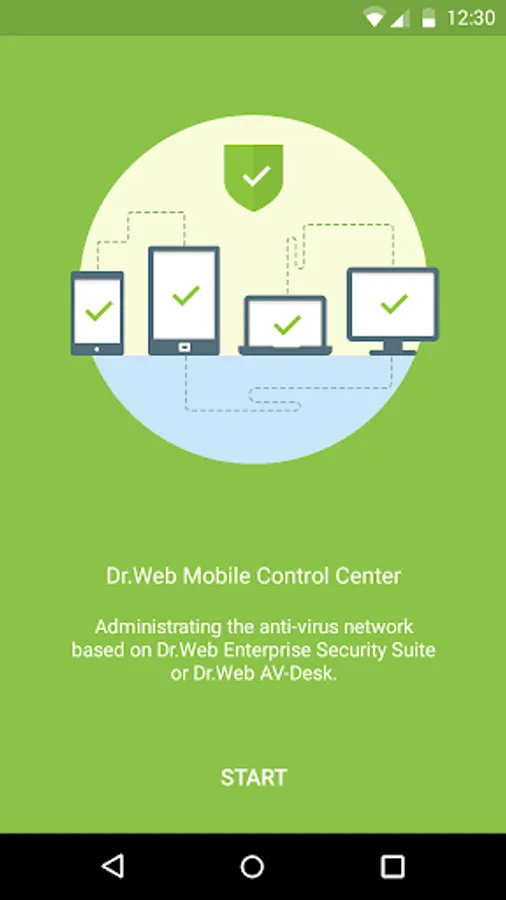
In this app, you can manage and monitor Dr.Web antivirus networks on mobile devices. It provides tools to control stations, view statistics, and perform updates. Includes station management, notification alerts, and group organization features.
AppRecs review analysis
AppRecs rating 4.1. Trustworthiness 54 out of 100. Review manipulation risk 50 out of 100. Based on a review sample analyzed.
★★★★☆
4.1
AppRecs Rating
Ratings breakdown
5 star
61%
4 star
17%
3 star
3%
2 star
3%
1 star
15%
What to know
✓
Authentic reviews
Natural distribution, no red flags
⚠
Questionable review patterns
50% review manipulation risk - some review patterns appear unusual
⚠
Review quality concerns
63% of sampled 5-star reviews are very short
About Dr.Web Mobile Control Center
Dr.Web Mobile Control Center connects to Dr.Web Server according to the anti-virus network administrator credentials including via an encrypted protocol.
General functions
1. Manage Dr.Web Server repository:
• view the products state in the repository;
• launch repository update from Dr.Web Global Update System.
2. Manage stations on which an update of anti-virus software is failed:
• display failed stations;
• update components on failed stations.
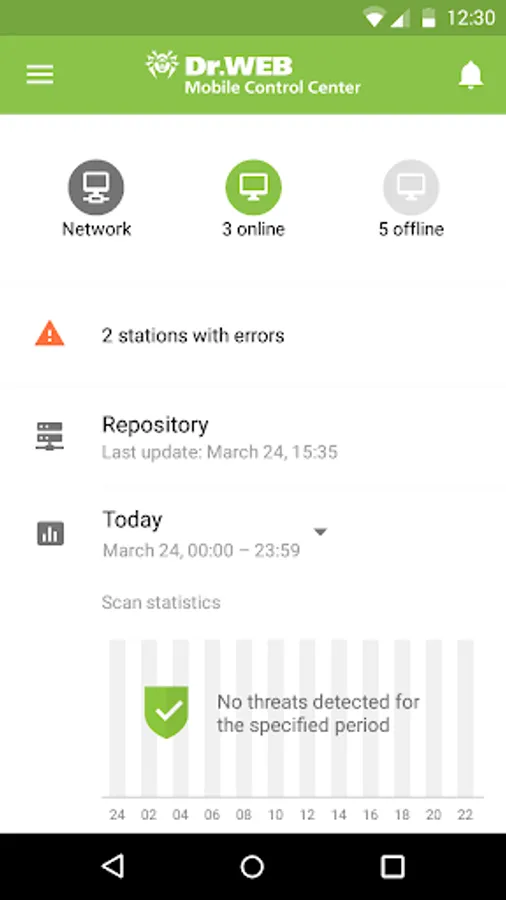
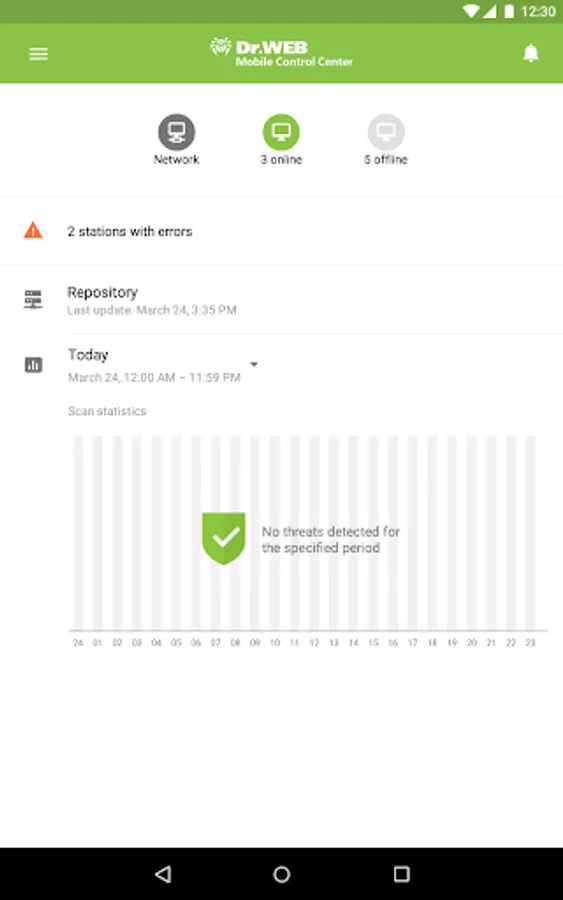
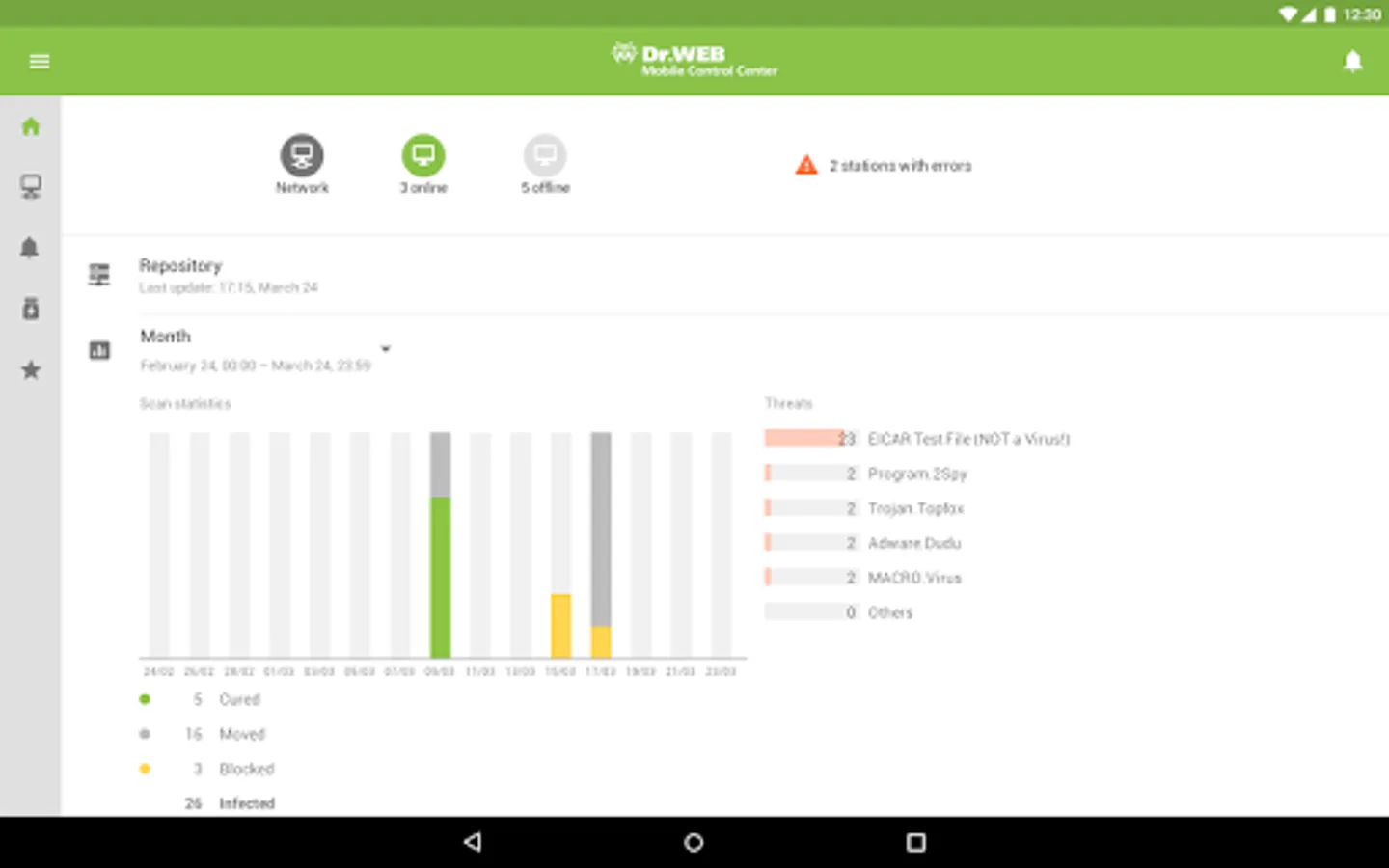
3. Display statistics information on anti-virus network state:
• number of stations registered at Dr.Web Server and their current state (online/offline);
• viral statistics for protected stations.
4. Manage new stations waiting for connection to Dr.Web Server:
• approve access;
• reject stations.
5. Manage anti-virus components installed on anti-virus network stations:
• launch the fast or full scan either for selected stations or for all stations of selected groups;
• setup Dr.Web Scanner reaction on malware detection;
• view and manage files in the Quarantine either for selected stations or for all stations in the selected group.
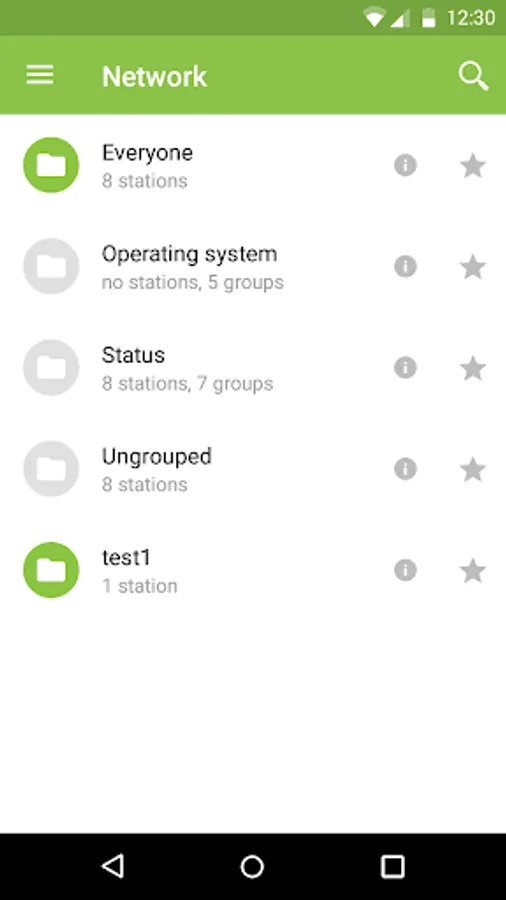
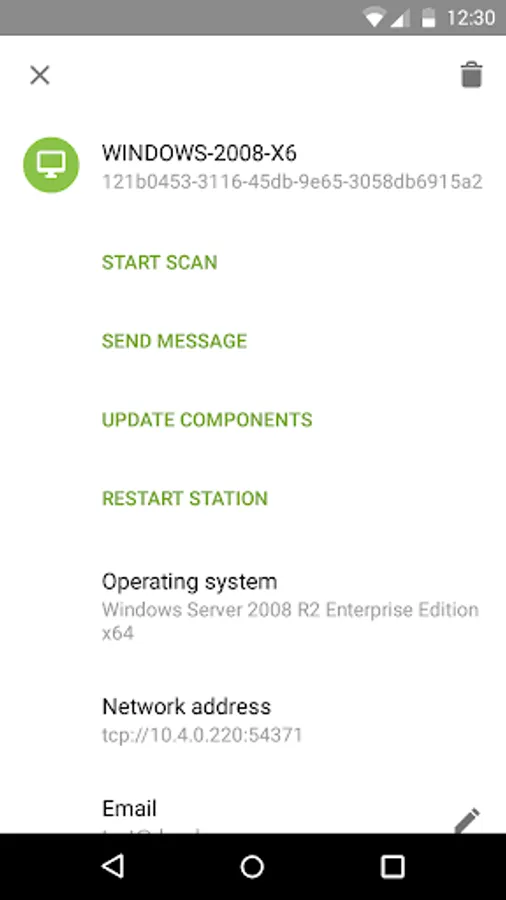
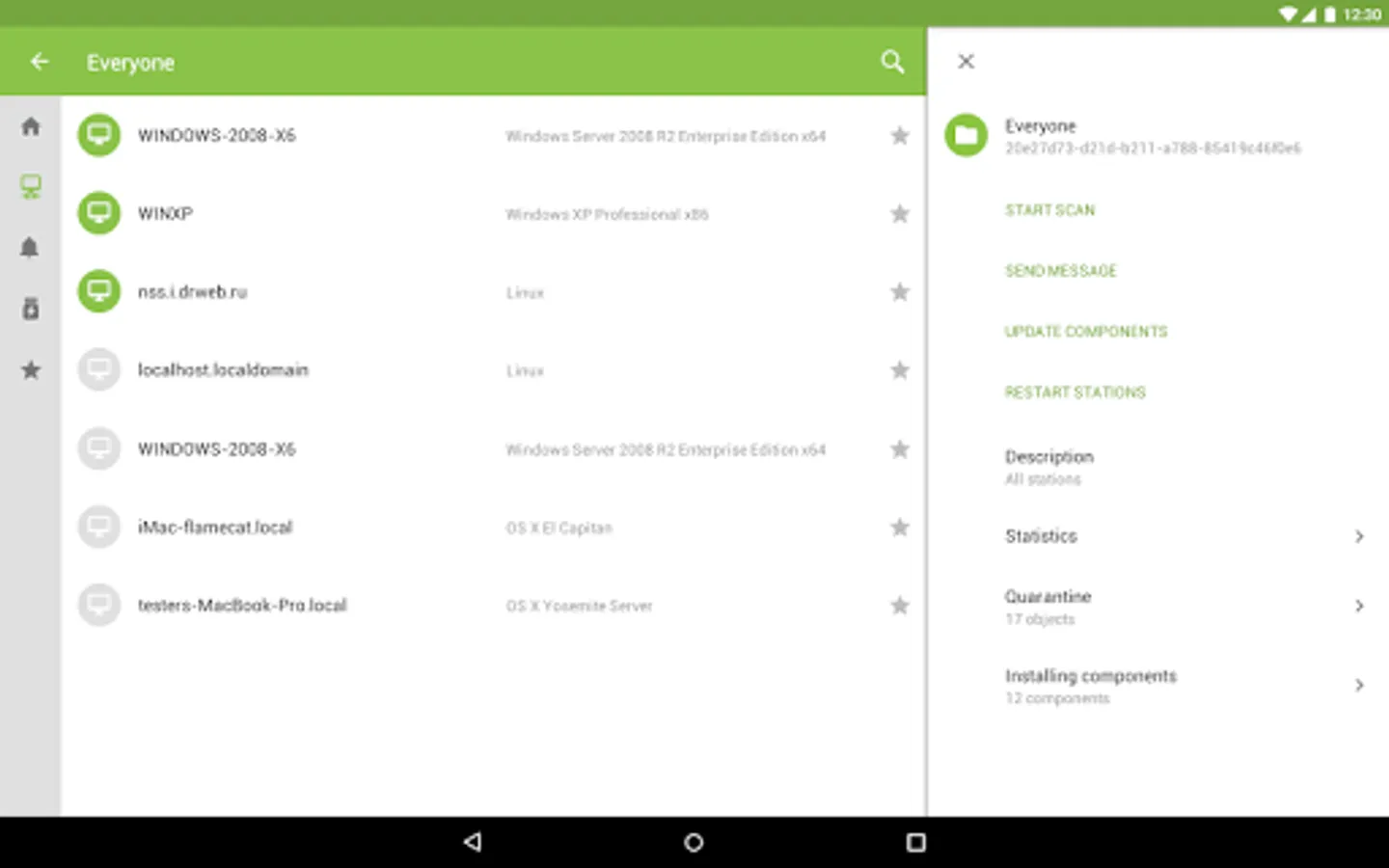
6. Manage stations and groups:
• view properties;
• view and manage components composition of anti-virus package;
• delete;
• send custom messages to stations;
• reboot stations under Windows OS;
• add to favorites list for the quick assess.
7. Search for stations and groups in an anti-virus network by different parameters: name, address, ID.
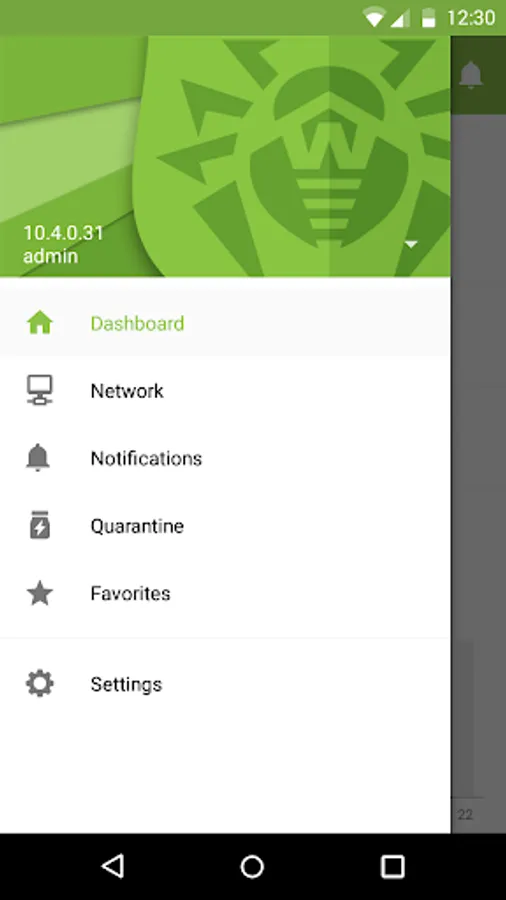
8. View and manage messages on major events in an anti-virus network via the interactive Push notifications:
• display all notifications at Dr.Web Server;
• set reactions on notification events;
• search notification by specified filter parameters;
• delete notifications;
• exclude notifications from automatic deletion.
Dr.Web Mobile Control Center Screenshots
Tap to Rate:
Reviews for Dr.Web Mobile Control Center
MD Samiul Hasan
5/23/2025
Active security system
Larry King
4/2/2025
Can't get in the Dr. Web virus app.. It acts suspicious and it definitely needs to be removed if you don't know the URL to Web virus Drweb. Please don't try to use it because you have a lot of information you have to give it. So don't give in and don't give out anything about information that might shutdown.