Bluetooth Device Lost Found
DVG Tech Apps
2.2 ★
319 ratings
100,000+
downloads
Free
+ in-app
In this app, you can locate and manage your Bluetooth devices with distance tracking and device prioritization features. Includes device scanning, auto-connection management, and battery level monitoring.
AppRecs review analysis
AppRecs rating 2.3. Trustworthiness 80 out of 100. Review manipulation risk 23 out of 100. Based on a review sample analyzed.
★★☆☆☆
2.3
AppRecs Rating
Ratings breakdown
5 star
22%
4 star
5%
3 star
7%
2 star
3%
1 star
62%
What to know
✓
Low review manipulation risk
23% review manipulation risk
⚠
Mixed user feedback
Average 2.2★ rating suggests room for improvement
⚠
High negative review ratio
66% of sampled ratings are 1–2 stars
About Bluetooth Device Lost Found
Do you misplace your Bluetooth devices ? Use this app to find & locate your Bluetooth paired devices easily.
To find lost Bluetooth device, it should be paired to your Bluetooth connection.
1) Find Lost Device:
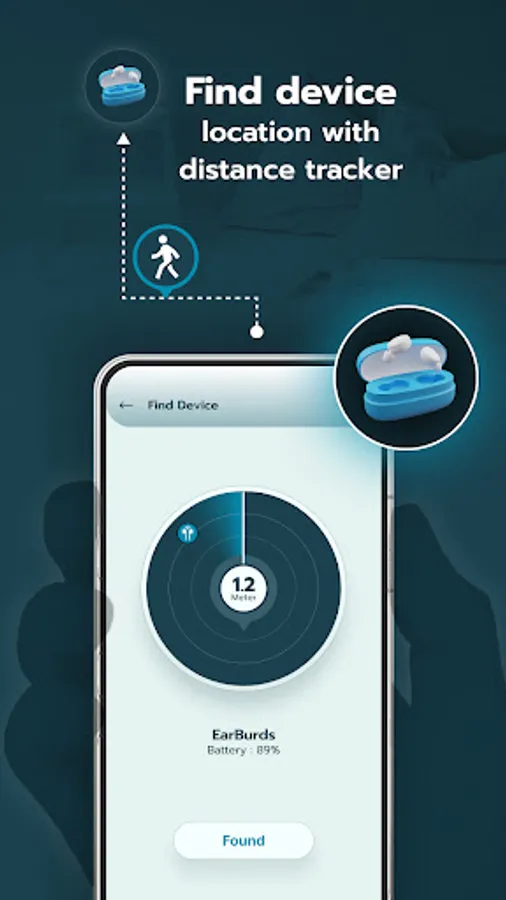
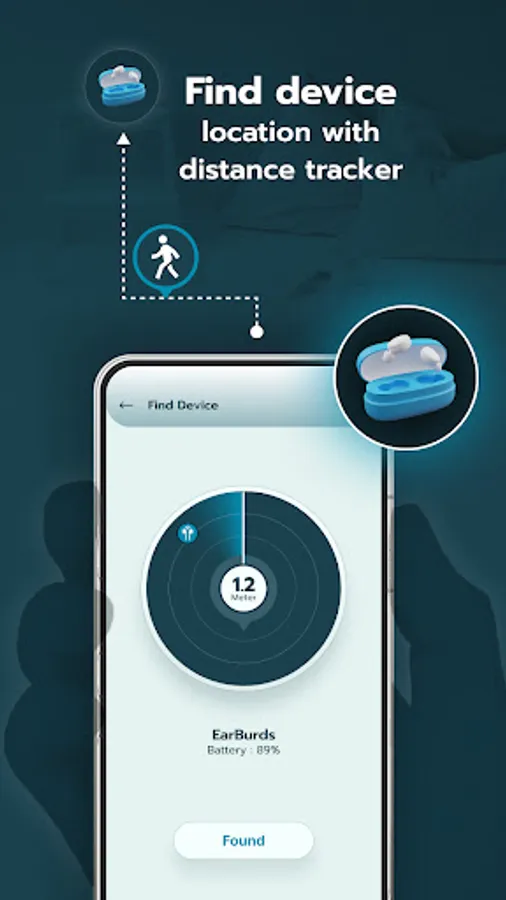
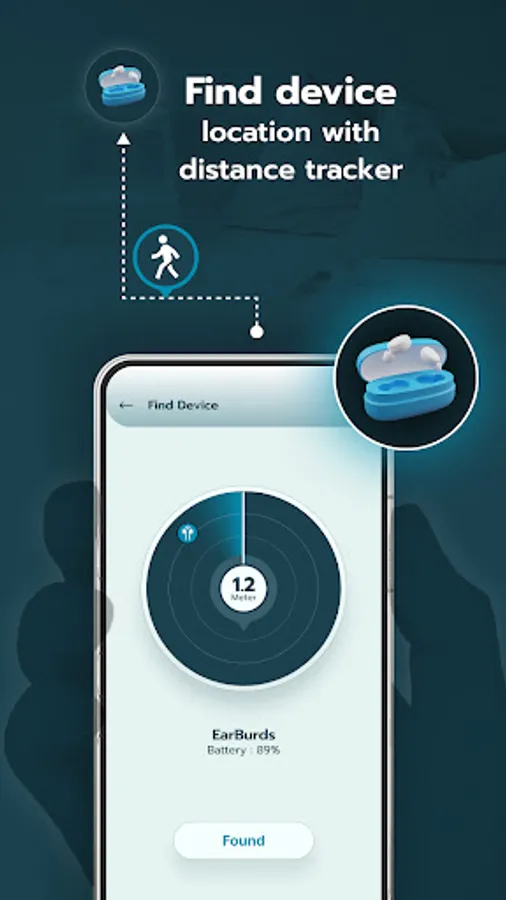
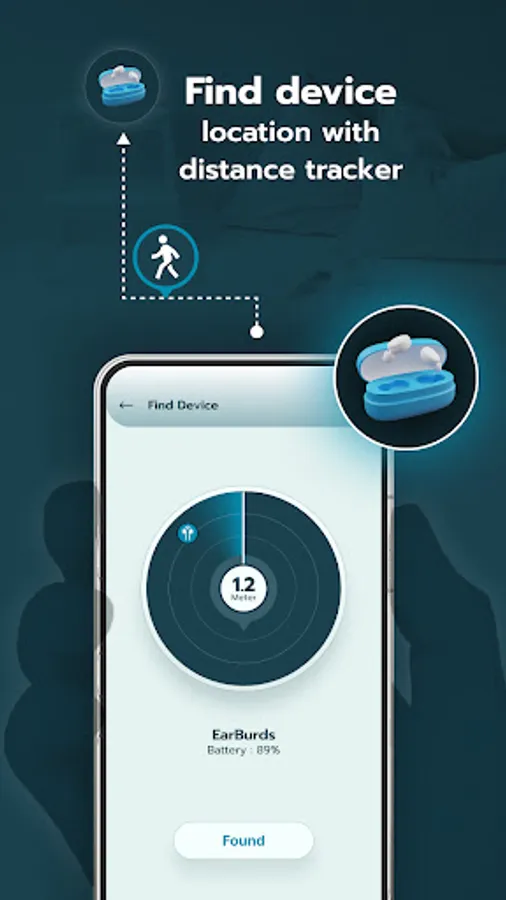
- Find the distance between your Bluetooth device and your phone.
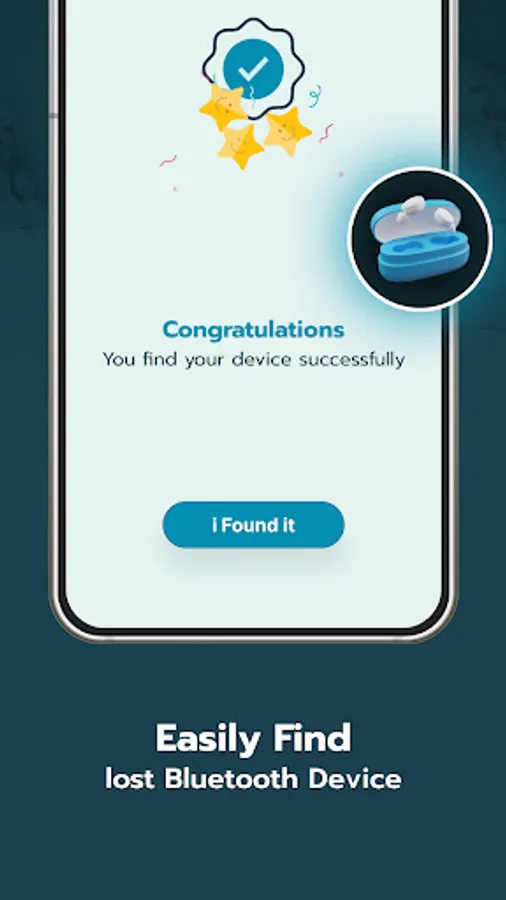
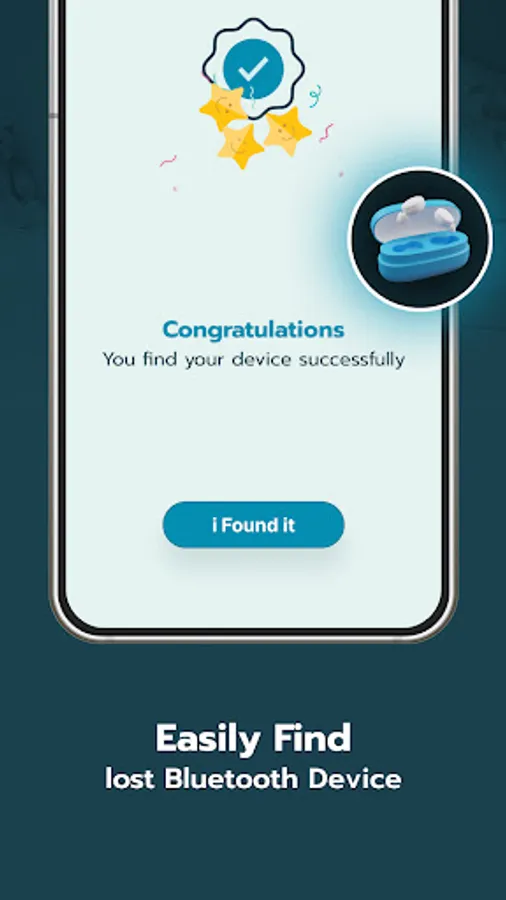
- Simply select the device you want to find and the range meter will update you on the distance.
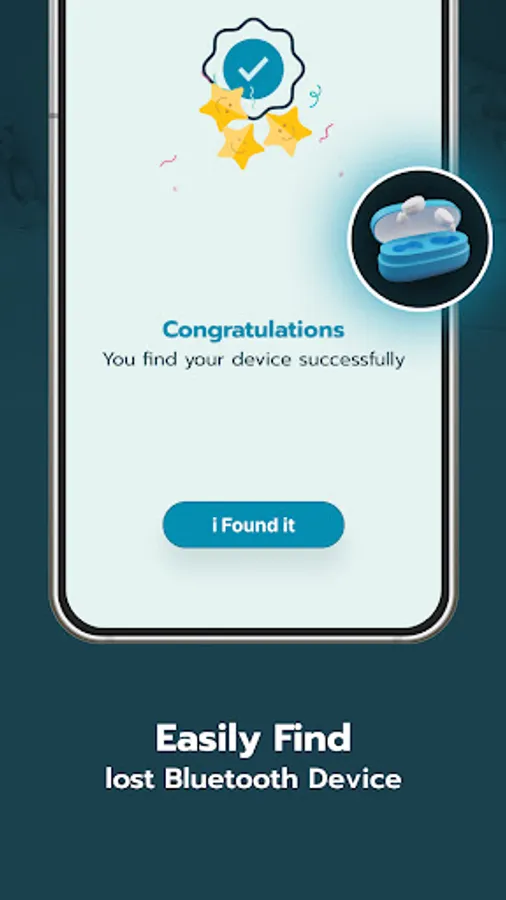
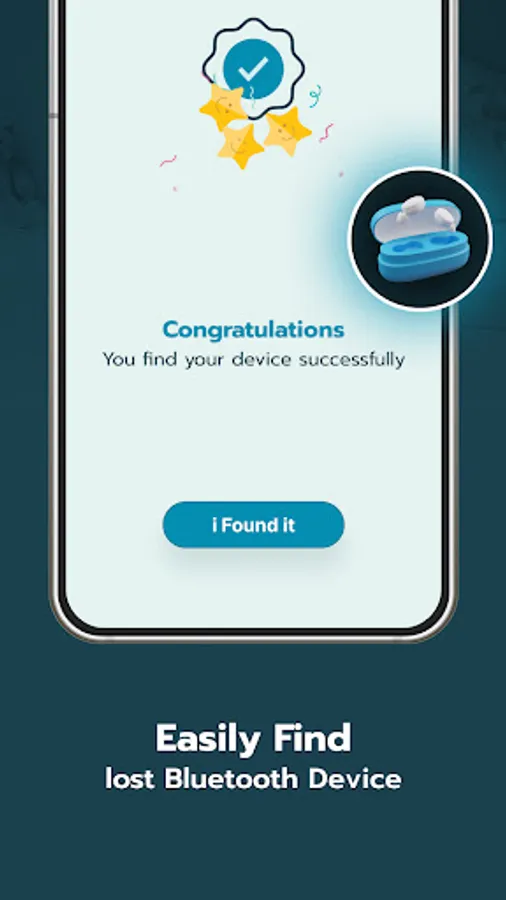
- Once you locate the device, claim it as found.
- This app helps you locate your misplaced Bluetooth paired devices.
2) Auto connect:
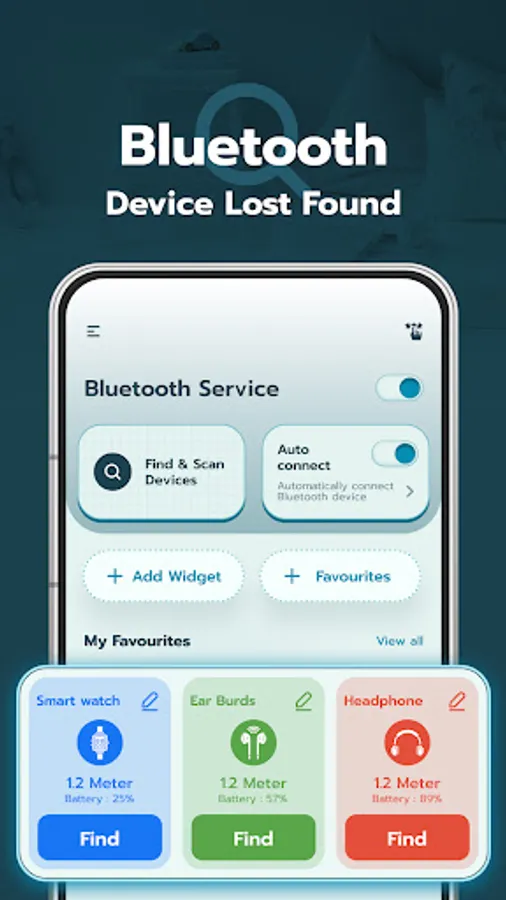
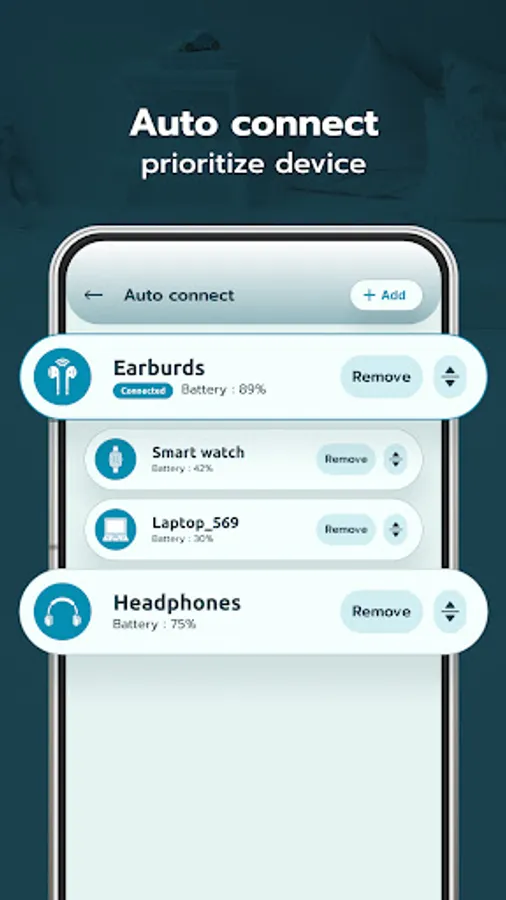
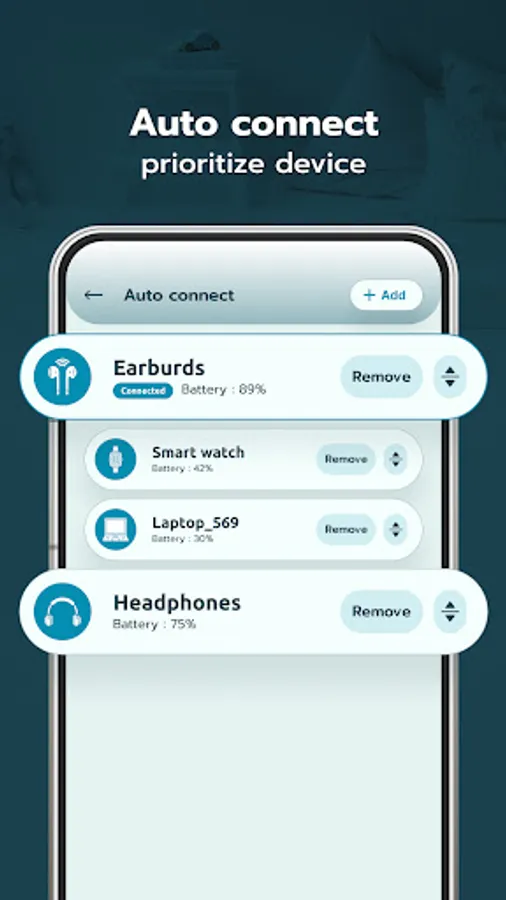
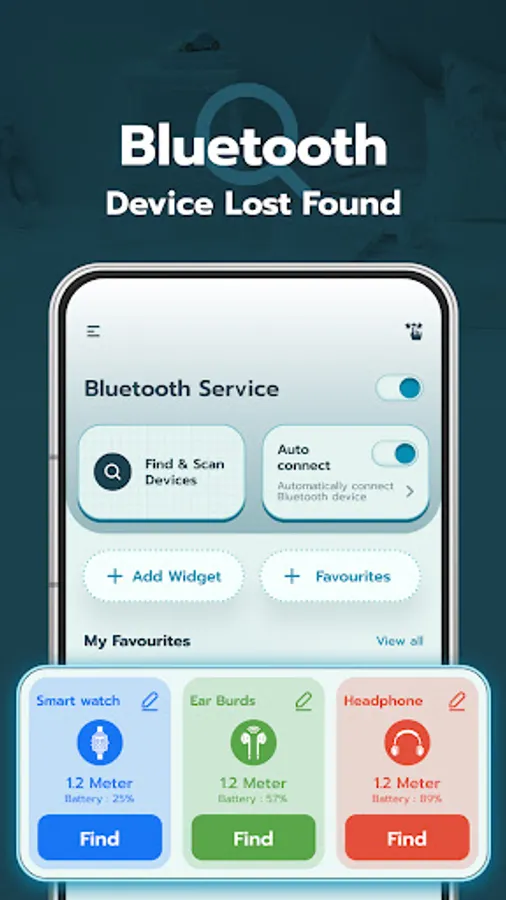
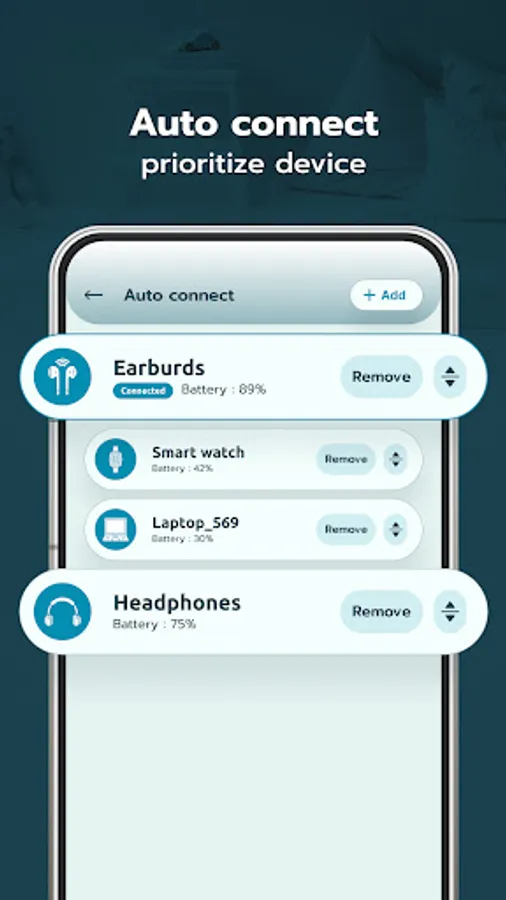
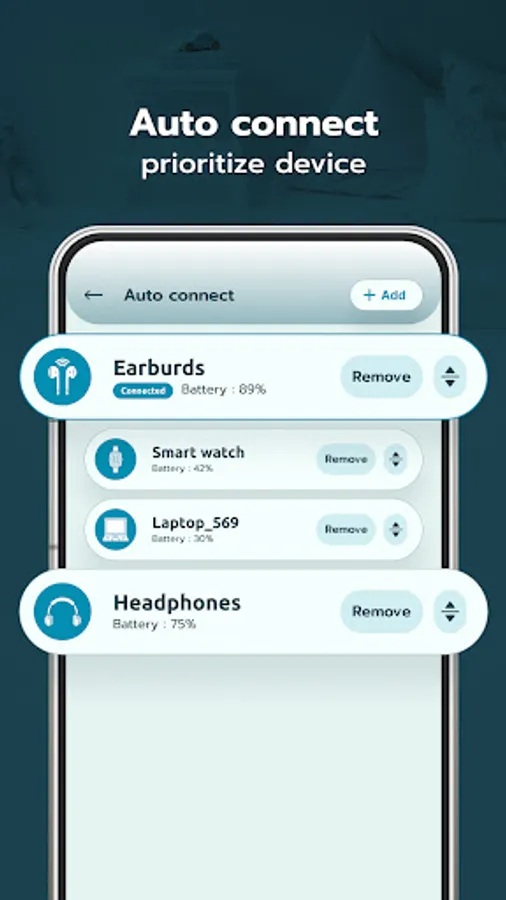
- Users can prioritize devices for auto-connecting via Bluetooth and can also turn the auto-connect feature on or off for improved usability.
3) Add Widget:
- Add a widget to your device's Home Screen to quickly access the devices you frequently use.
- Easily track the battery levels of your connected Bluetooth devices.
- Receive alerts when the battery of a connected device reaches a low level.
4) Favorites:
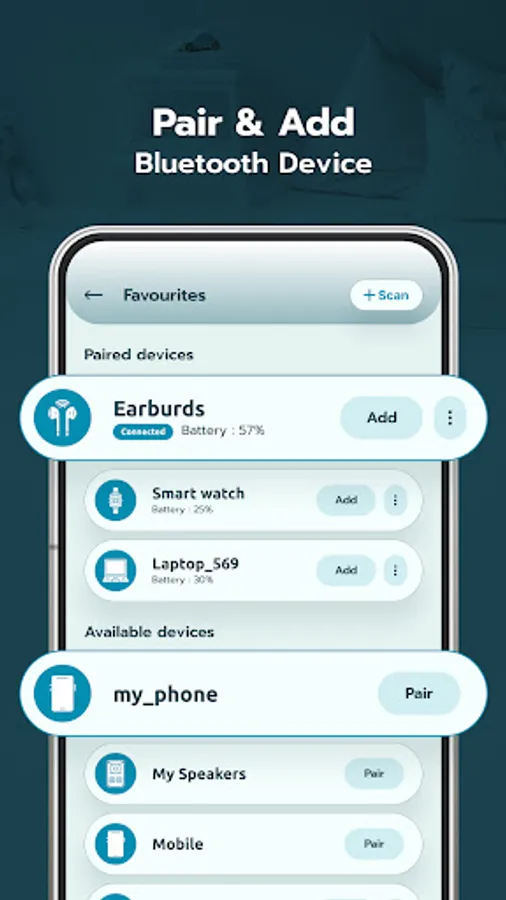
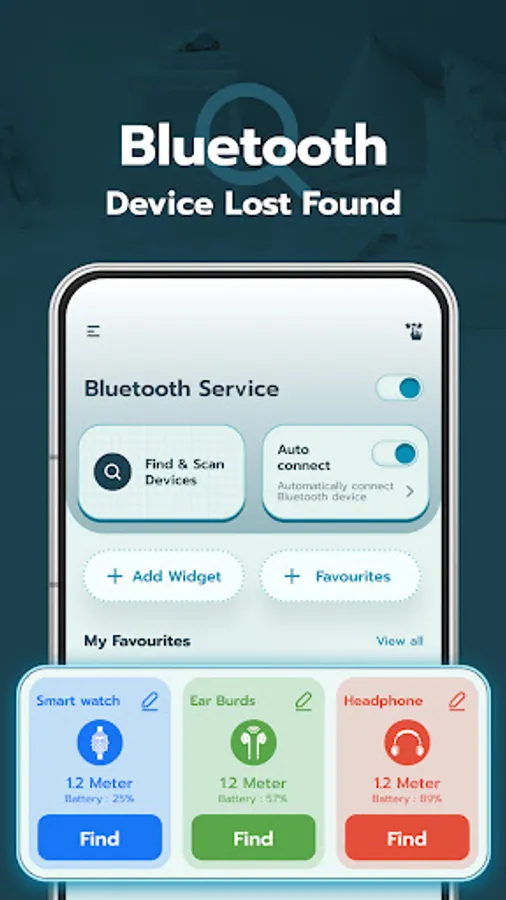
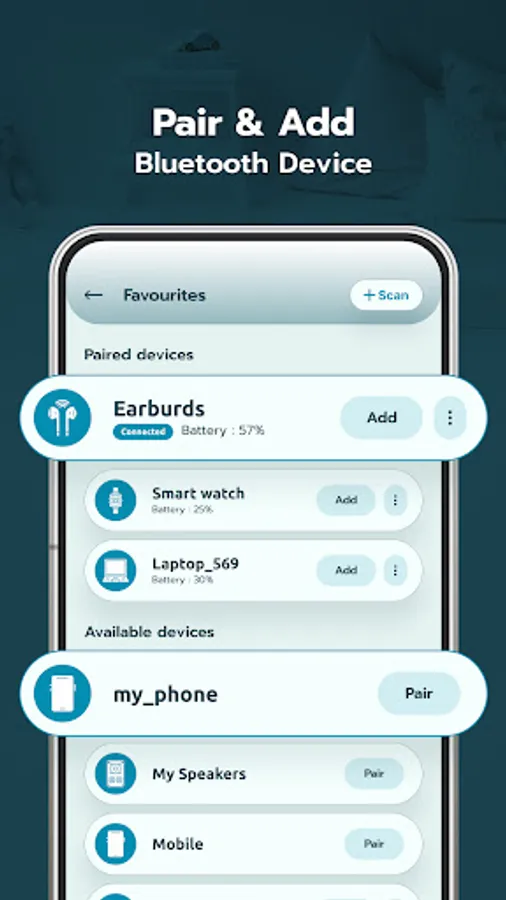
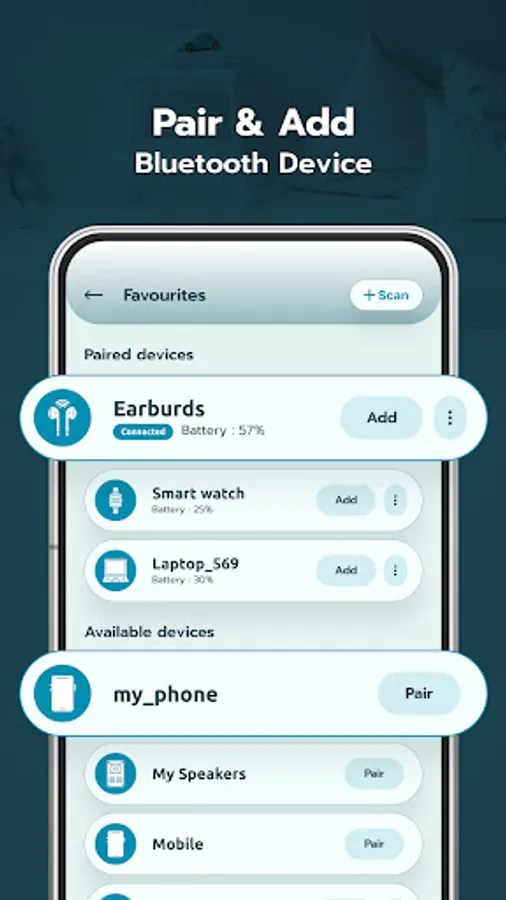
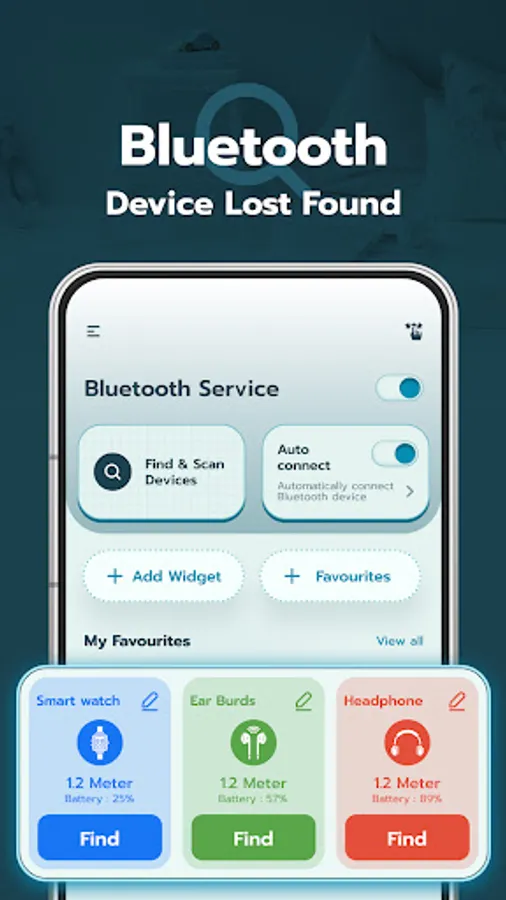
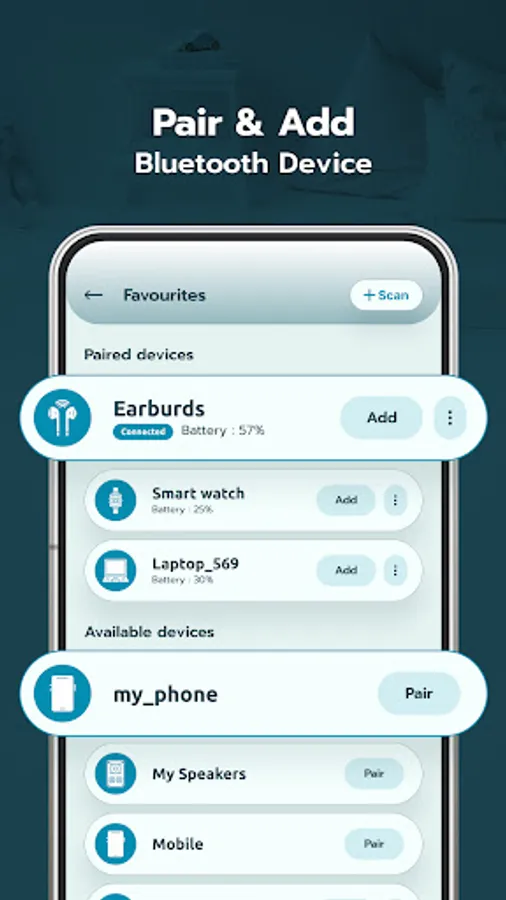
- View a list of your paired devices and add them for quick access.
- Simplify the process of connecting and managing your Bluetooth devices.
5) Scan Devices:
- Easily scan and pair with available Bluetooth devices.
- Explore the list of detected devices and easily search for specific devices by name.
- Sort the devices by signal strength in ascending or descending order for better device management.
6) My Favorites:
- Access all your Bluetooth added devices.
- Customize the home screen by adding pairing devices as cards for quick access.
- Get instant device details and access them directly from the home screen of the app.
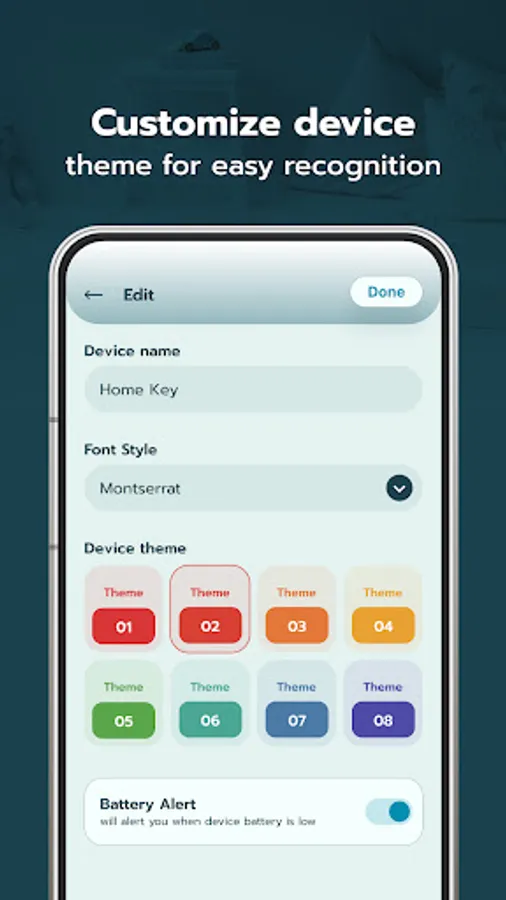
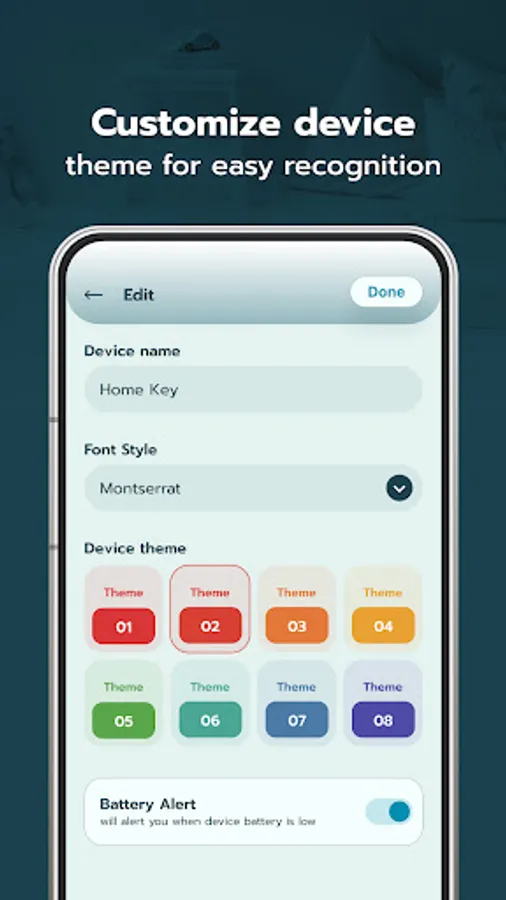
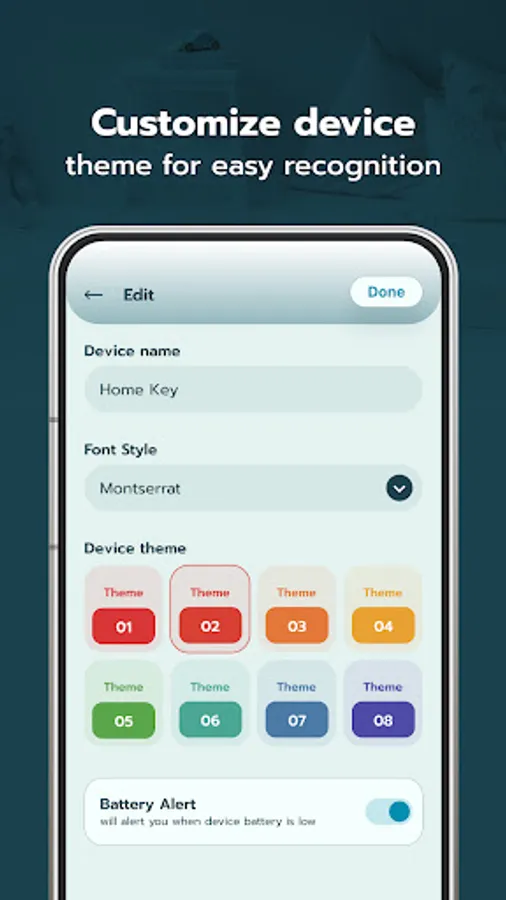
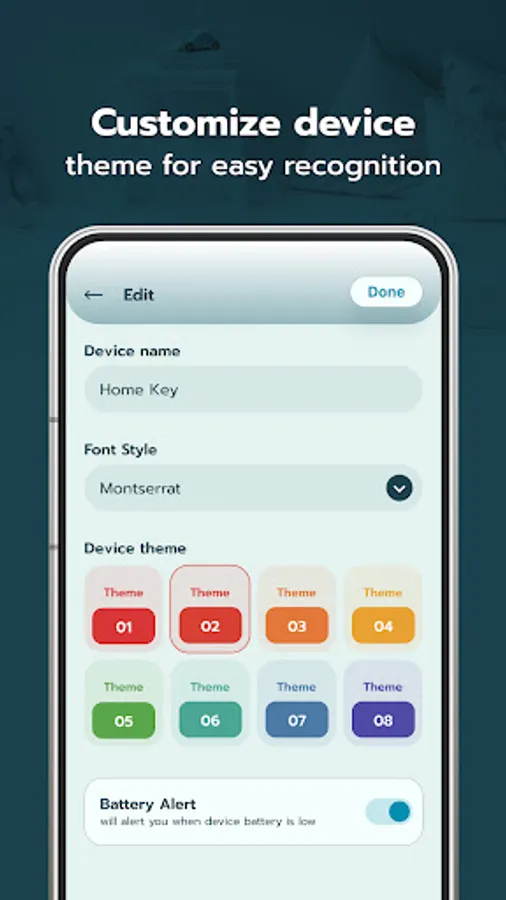
- Personalize the appearance of each device card with theme, color and text style options.
7) Add Widget:
- Add a widget to your device's Home Screen to quickly access the devices you frequently use.
- Easily track the battery levels of your connected Bluetooth devices.
- Receive alerts when the battery of a connected device reaches a low level.
Permissions:
1) Nearby Device permission : This permission is required to scan and discover nearby Bluetooth devices and to show the list of available Bluetooth devices.
2) Location permission : This permission is required to find and get the physical location of Bluetooth devices.
To find lost Bluetooth device, it should be paired to your Bluetooth connection.
1) Find Lost Device:
- Find the distance between your Bluetooth device and your phone.
- Simply select the device you want to find and the range meter will update you on the distance.
- Once you locate the device, claim it as found.
- This app helps you locate your misplaced Bluetooth paired devices.
2) Auto connect:
- Users can prioritize devices for auto-connecting via Bluetooth and can also turn the auto-connect feature on or off for improved usability.
3) Add Widget:
- Add a widget to your device's Home Screen to quickly access the devices you frequently use.
- Easily track the battery levels of your connected Bluetooth devices.
- Receive alerts when the battery of a connected device reaches a low level.
4) Favorites:
- View a list of your paired devices and add them for quick access.
- Simplify the process of connecting and managing your Bluetooth devices.
5) Scan Devices:
- Easily scan and pair with available Bluetooth devices.
- Explore the list of detected devices and easily search for specific devices by name.
- Sort the devices by signal strength in ascending or descending order for better device management.
6) My Favorites:
- Access all your Bluetooth added devices.
- Customize the home screen by adding pairing devices as cards for quick access.
- Get instant device details and access them directly from the home screen of the app.
- Personalize the appearance of each device card with theme, color and text style options.
7) Add Widget:
- Add a widget to your device's Home Screen to quickly access the devices you frequently use.
- Easily track the battery levels of your connected Bluetooth devices.
- Receive alerts when the battery of a connected device reaches a low level.
Permissions:
1) Nearby Device permission : This permission is required to scan and discover nearby Bluetooth devices and to show the list of available Bluetooth devices.
2) Location permission : This permission is required to find and get the physical location of Bluetooth devices.
Bluetooth Device Lost Found Screenshots
Tap to Rate:
Reviews for Bluetooth Device Lost Found
Lucy Johns
12/28/2025
Not able to find fitbit even when I was next to it. It at least located it.
Nicolás Retamal
9/24/2025
I found my lost earphone thanks to this app, i completely recommend this 🥹